I haven't posted much singing content yet because I don't feel that I'm *quite* yet to the point where it'd be enjoyable to listen to (and I usually sing to copyrighted stuff), but HOLY CRAP: the difference just 16 months of lessons and daily practice has made is huge.
I used to believe that singing was one of those talents that you're either born with or not (and I also believed that I was not). Taking lessons has convinced me otherwise - like most other things, it's a learn-able skill that nearly anyone can make a ton of progress in.
There are certainly people who have more natural talent and may reach a higher peak in their abilities, but we can all make big improvements. I can feel my throat doing things now that it was physically incapable of doing when I started. My range is also much wider (D2-A#5)
So if you've ever wanted to learn how to sing, go for it! Practice every day, record yourself, and get feedback from places like r/singing. And if you can afford a coach, I think it's worth the investment - I've found that it's a skill where expert feedback is VERY useful.
• • •
Missing some Tweet in this thread? You can try to
force a refresh

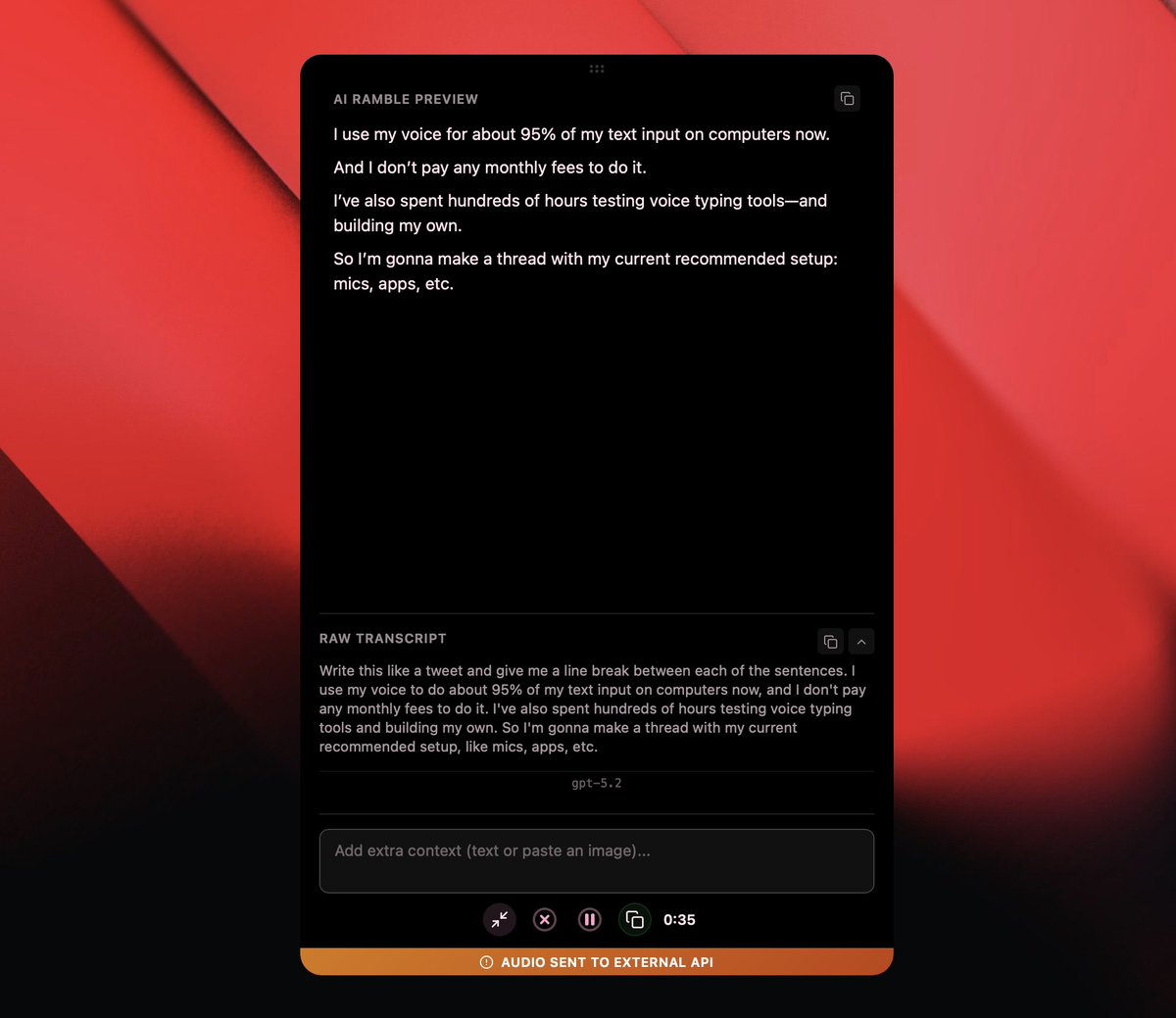
I use my voice for about 95% of my text input on computers now.
And I don’t pay any monthly fees to do it.
I’ve also spent hundreds of hours testing voice-typing tools and building my own.
So I’m gonna make a thread with my current recommended setup: mics, apps, etc.
Mic options:
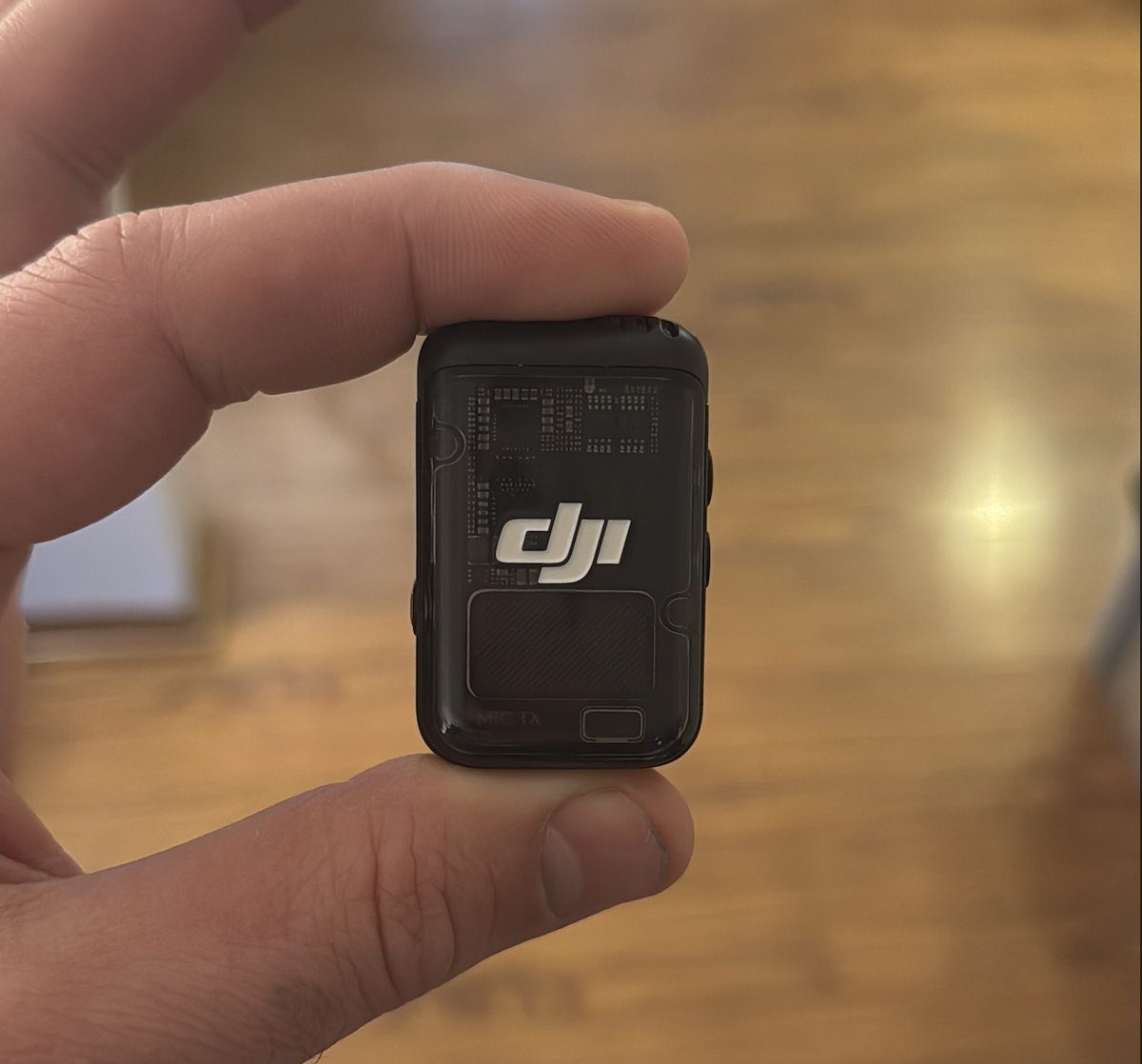
Right now, I think the DJI Mic 2 is the best option for voice typing.
I specifically like the older 2nd-gen model because it has a 3.5mm mic jack for a lav. The new 3rd-gen model removed it.
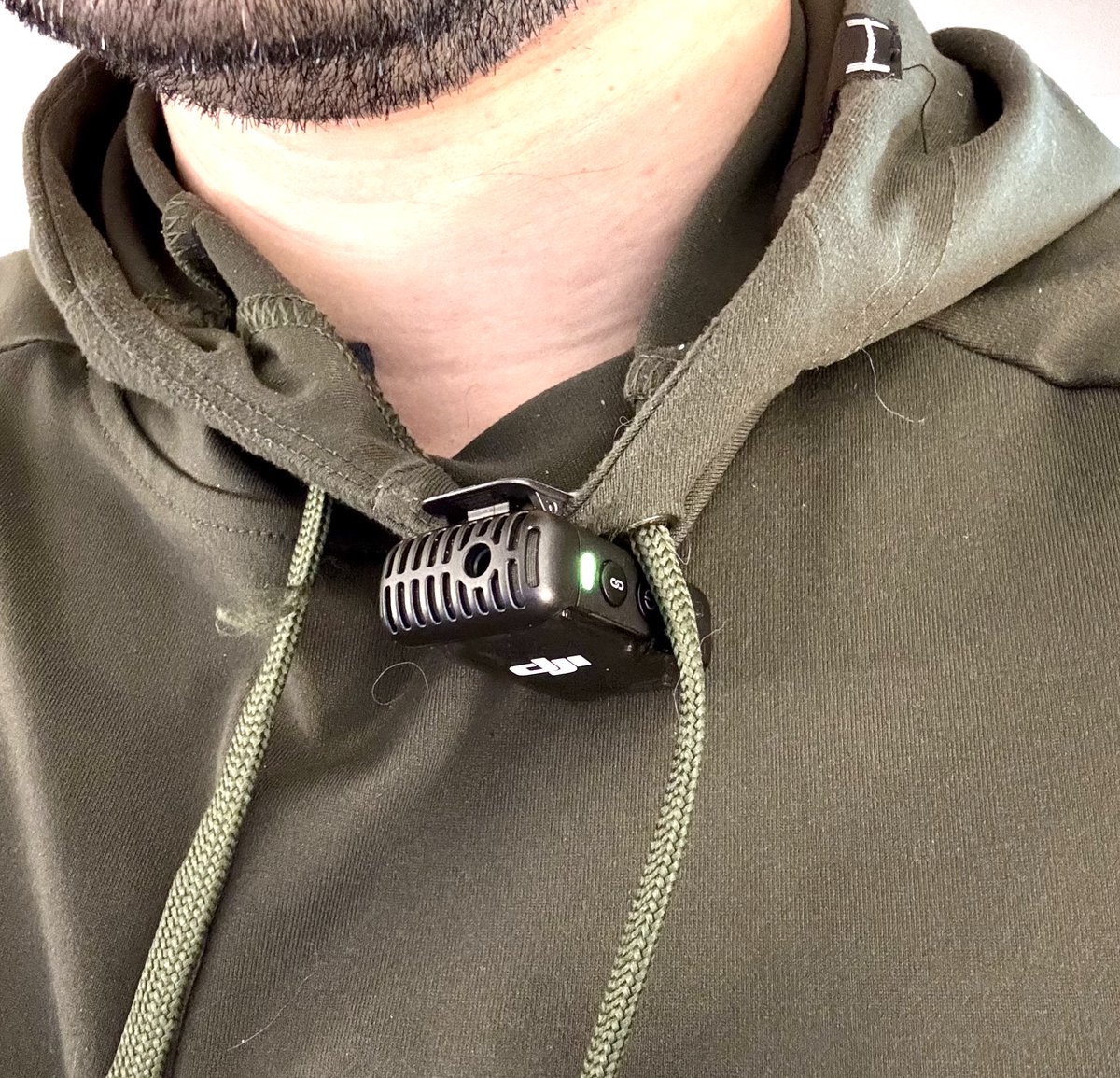
Normally I just clip it to my shirt, but the jack is a nice option (explained in next post).
I've tested other mics as well:
- Podcast mic on a boom arm
- Shotgun mics boomed above my head
- Built-in mic on my laptop
All will work. But all these options are attached to the desk.
A wireless, clip-on mic lets you pace around actively and talk while thinking. It's great.
If you're in an office or coffee shop and need to speak really quietly, you will want a head-mounted mic like the one pictured.
You can get one of these for $20, and it'll plug right into the DJI Mic 2.
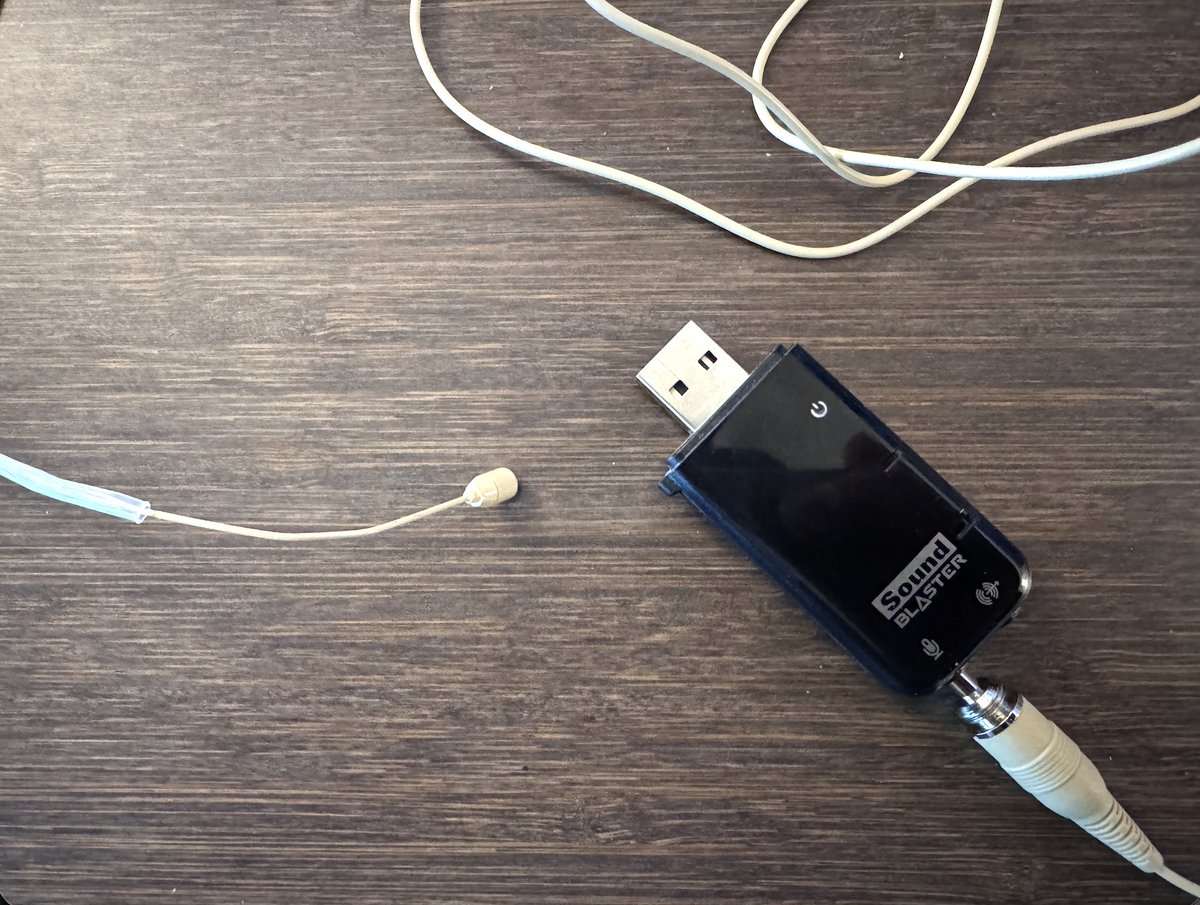
If you're on a budget, skip the DJI mic and just get a 3.5mm-to-USB mic adapter. I have an old Sound Blaster X-Fi card that lives in my backpack for this purpose.
The headset gets the mic very close to your mouth, which will actually let you whisper (seriously!) while keeping accuracy high.
I also find that I can wear over-ear headphones like this without any discomfort.
One other huge benefit of using a separate mic vs. Airpods mic: Your music won't switch over to that horrible, low-quality Bluetooth mode like it does when your output and input device are the same.
Today I'm going to share all my tricks for making thumbnails FASTER:
- How to get hundreds of high-quality poses of yourself
- How to create a consistent look
- A sprinkle of thumbnail strategy (especially in the last tweet)
Here's the main hack right up front:
I have a gallery with tons of poses I took over a single session.
Nearly any emotion or reaction I'd want to use in a thumbnail is in it.
Here's how to make your own:
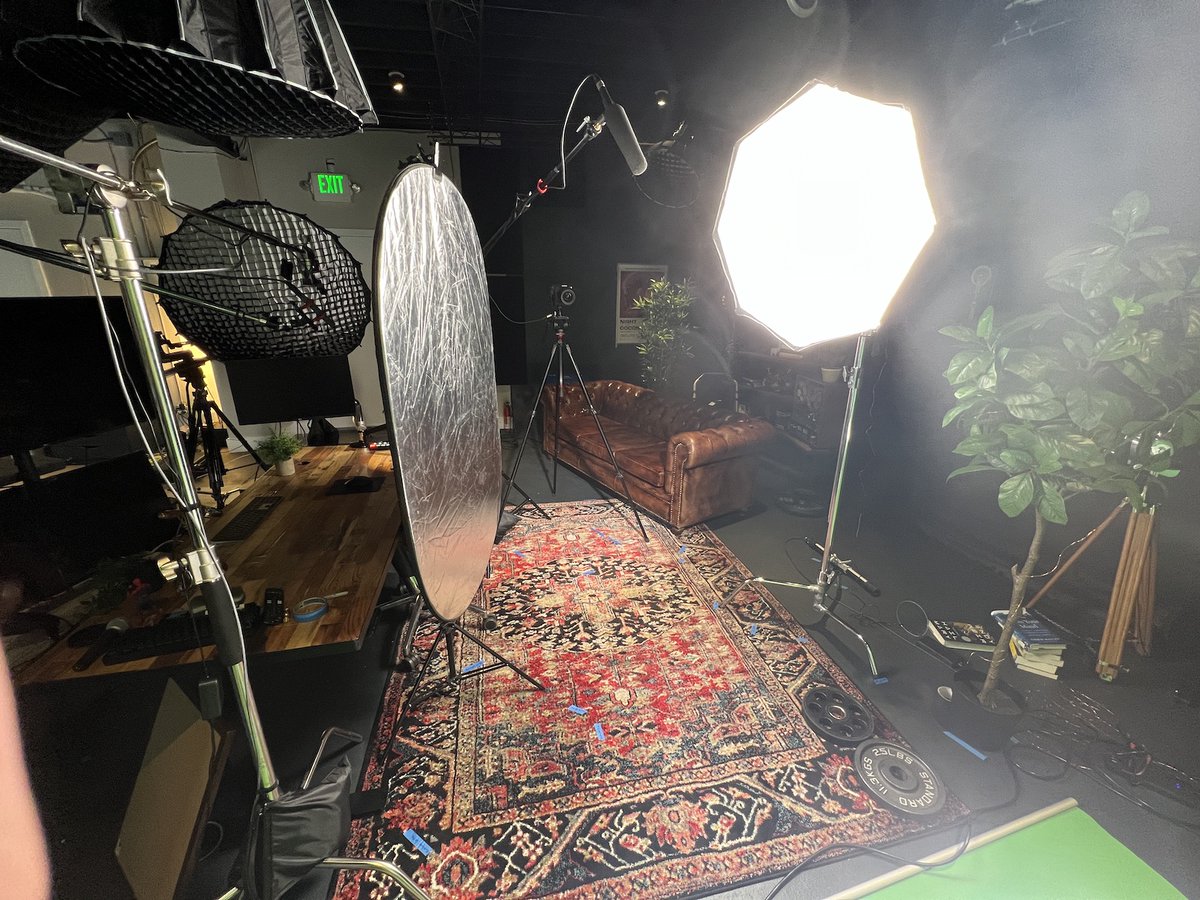
Set up a green screen if you can.
This makes cutting yourself out from the background easier.
If you can't, try to shoot against a flat background.
I started learning how to code only 10 months ago.
I am NOT a very talented coder. But with the help of:
- AI tools
- Automation platforms
- No-code tools
...I can build nearly anything I want.
Here are the exact tools I used to learn how to code (all are free):
TL;DR version:
(For context, I chose to learn JavaScript.)
- JavaScript Algorithms and Data Structures by @freeCodeCamp (start here)
- The Modern JavaScript Tutorial by @iliakan
- That Weird JavaScript Course by @fireship_dev
- The MDN Web Docs by @MozDevNet
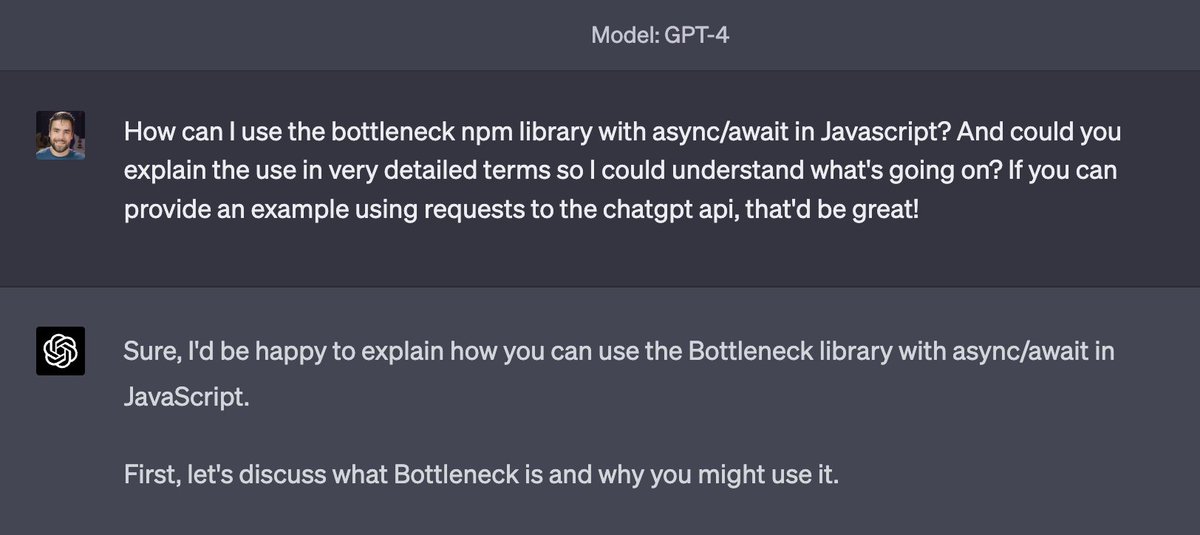
- ChatGPT 😉
Best place to start:
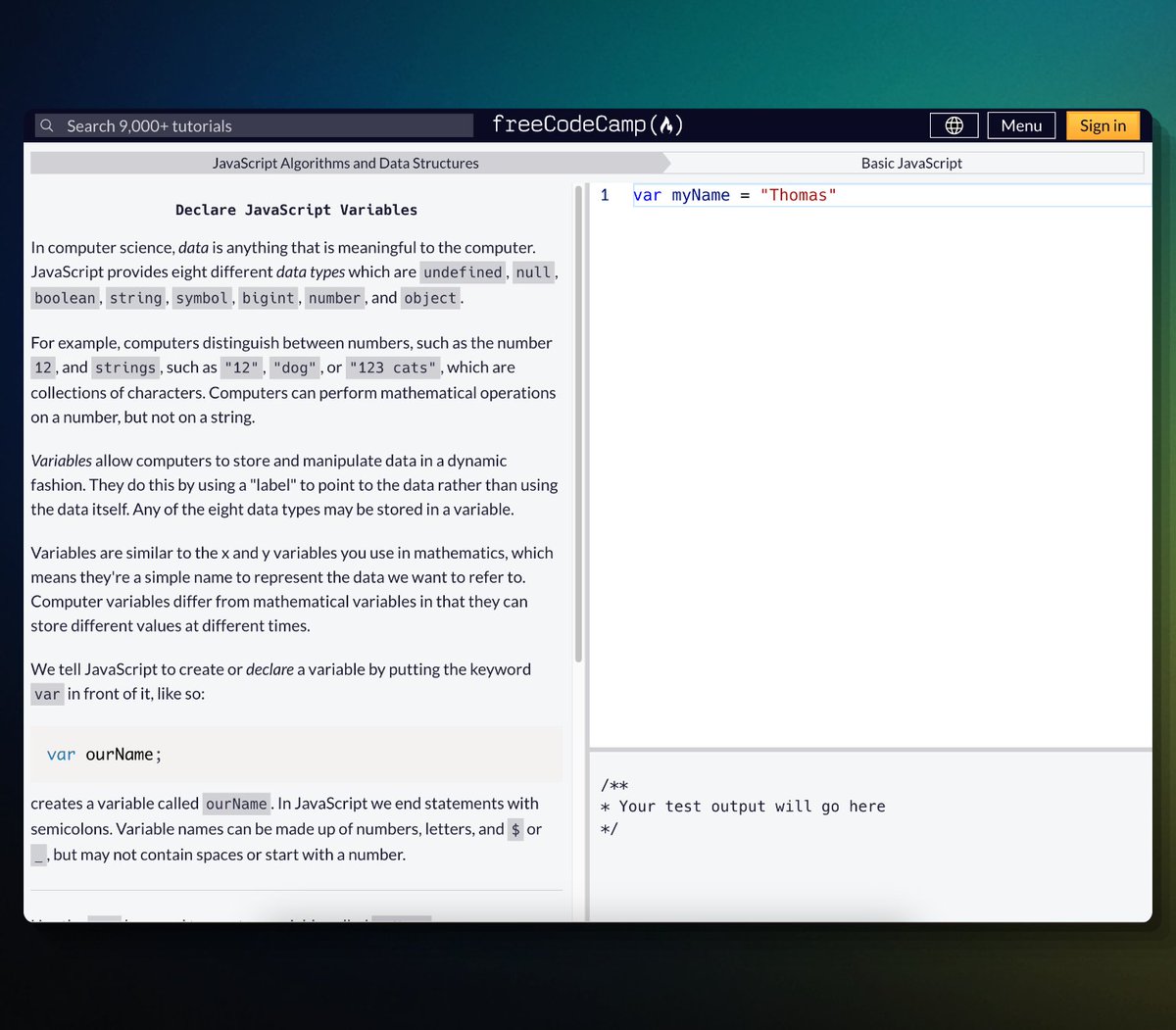
JavaScript Algorithms and Data Structures by @freeCodeCamp
I started with this course. It goes from the absolute basics all the way to very advanced problems.
Best of all, each lesson is interactive and makes you write code.