If you have a linked database with filter criteria, dragging a page into it applies that filter criteria.
Here I'm dragging from another linked DB that targets the same original DB. However, this is possible with pages from other DBs too.
This, along with the improvements they've made to how inline DBs are displayed on mobile devices, means my Evernote-styled note-taking system might be able to use a single master database now.
I'm thinking through that now; updates soon.
Example 2: Another linked database for a sub-category is hidden in a toggle. Dragging a note there will apply both the category and sub-category, and will ensure the note shows in BOTH linked DB's (category-based and sub-category-based)
Last little insight for tonight:
The same trick works with "is empty" filters, and can be used to remove a property selection.
Given this, it's possible to build a drag-and-drop note-taking system with any number of hierarchy levels. Just gotta set your filters right.
• • •
Missing some Tweet in this thread? You can try to
force a refresh

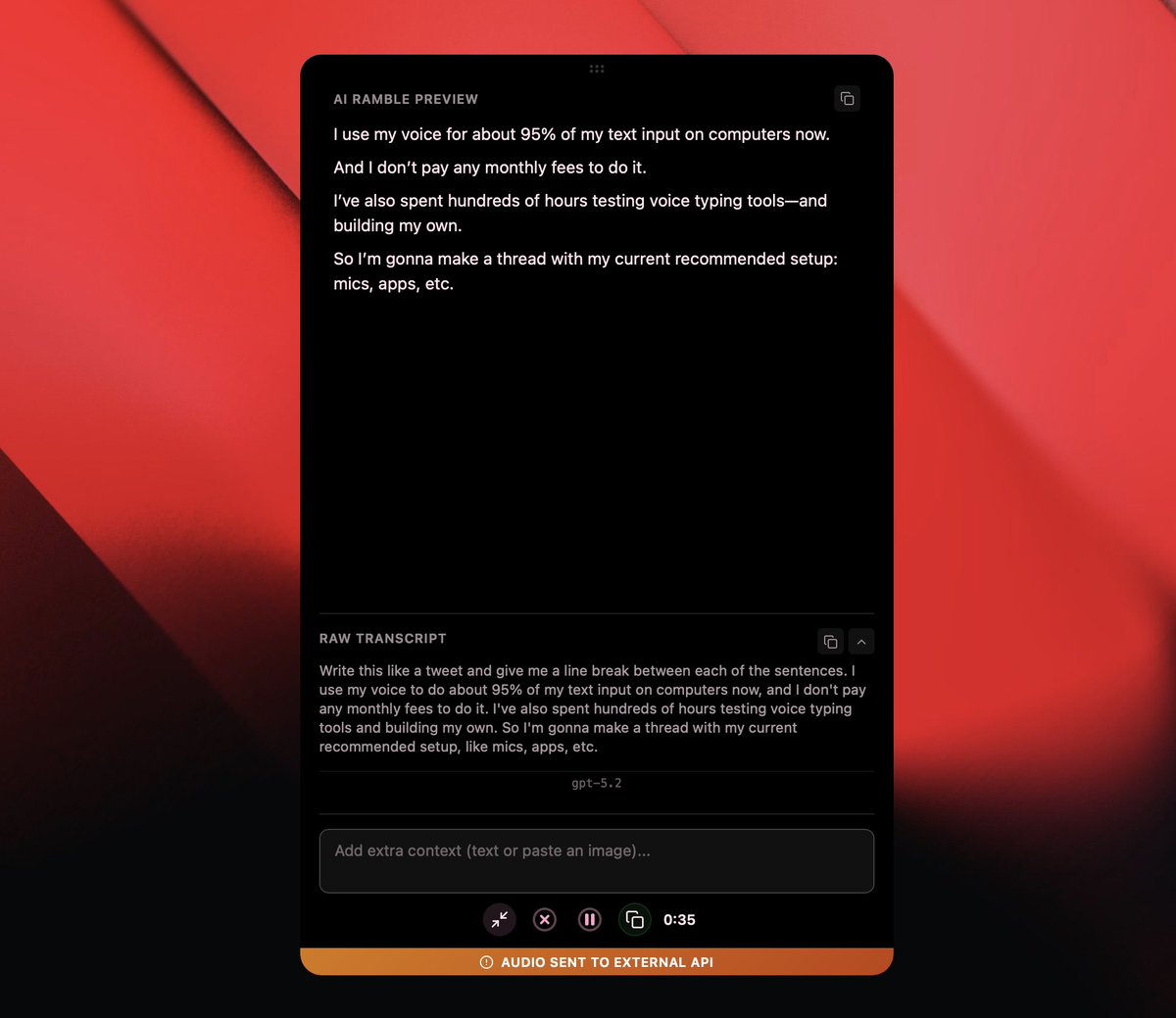
I use my voice for about 95% of my text input on computers now.
And I don’t pay any monthly fees to do it.
I’ve also spent hundreds of hours testing voice-typing tools and building my own.
So I’m gonna make a thread with my current recommended setup: mics, apps, etc.
Mic options:
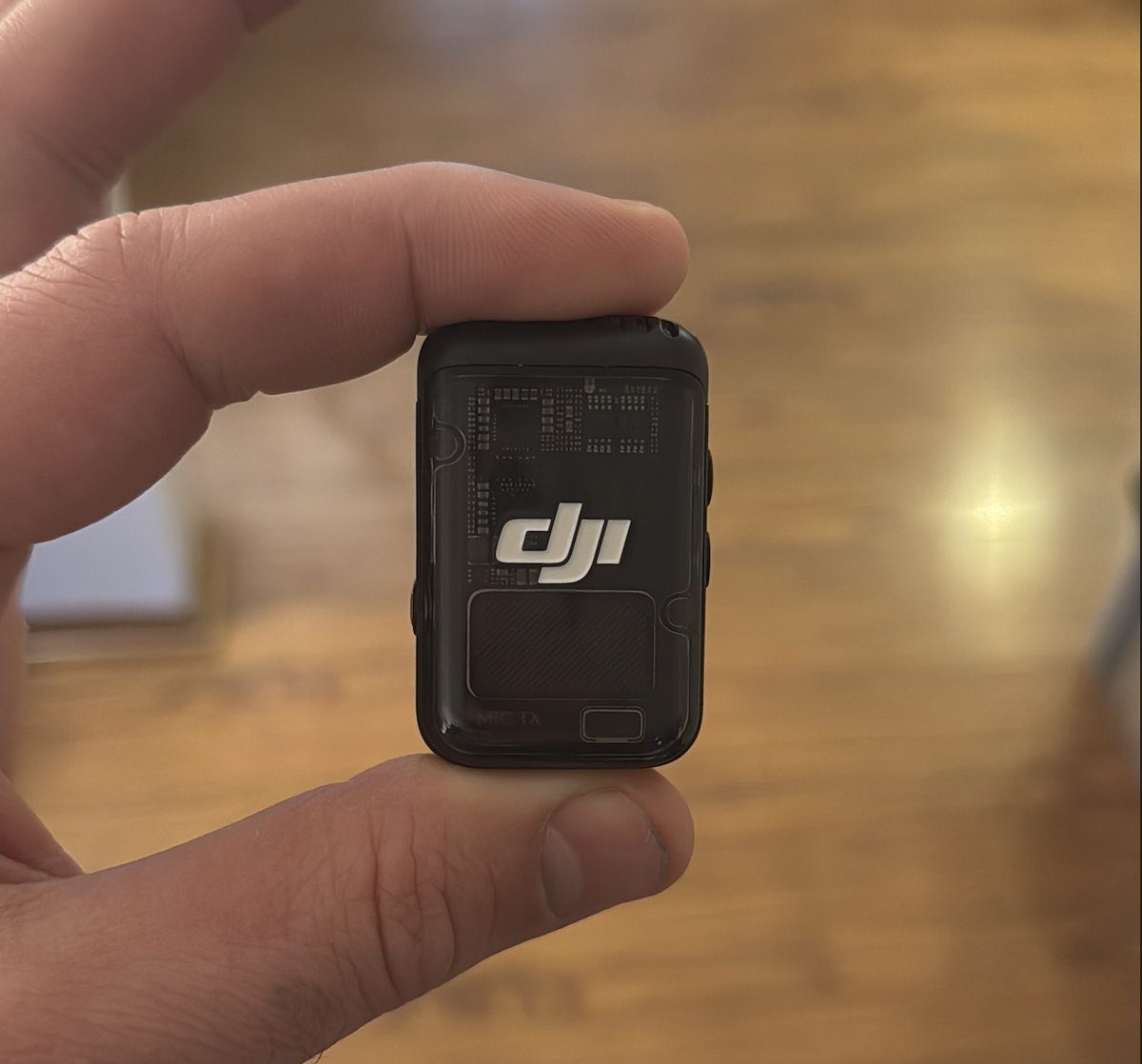
Right now, I think the DJI Mic 2 is the best option for voice typing.
I specifically like the older 2nd-gen model because it has a 3.5mm mic jack for a lav. The new 3rd-gen model removed it.
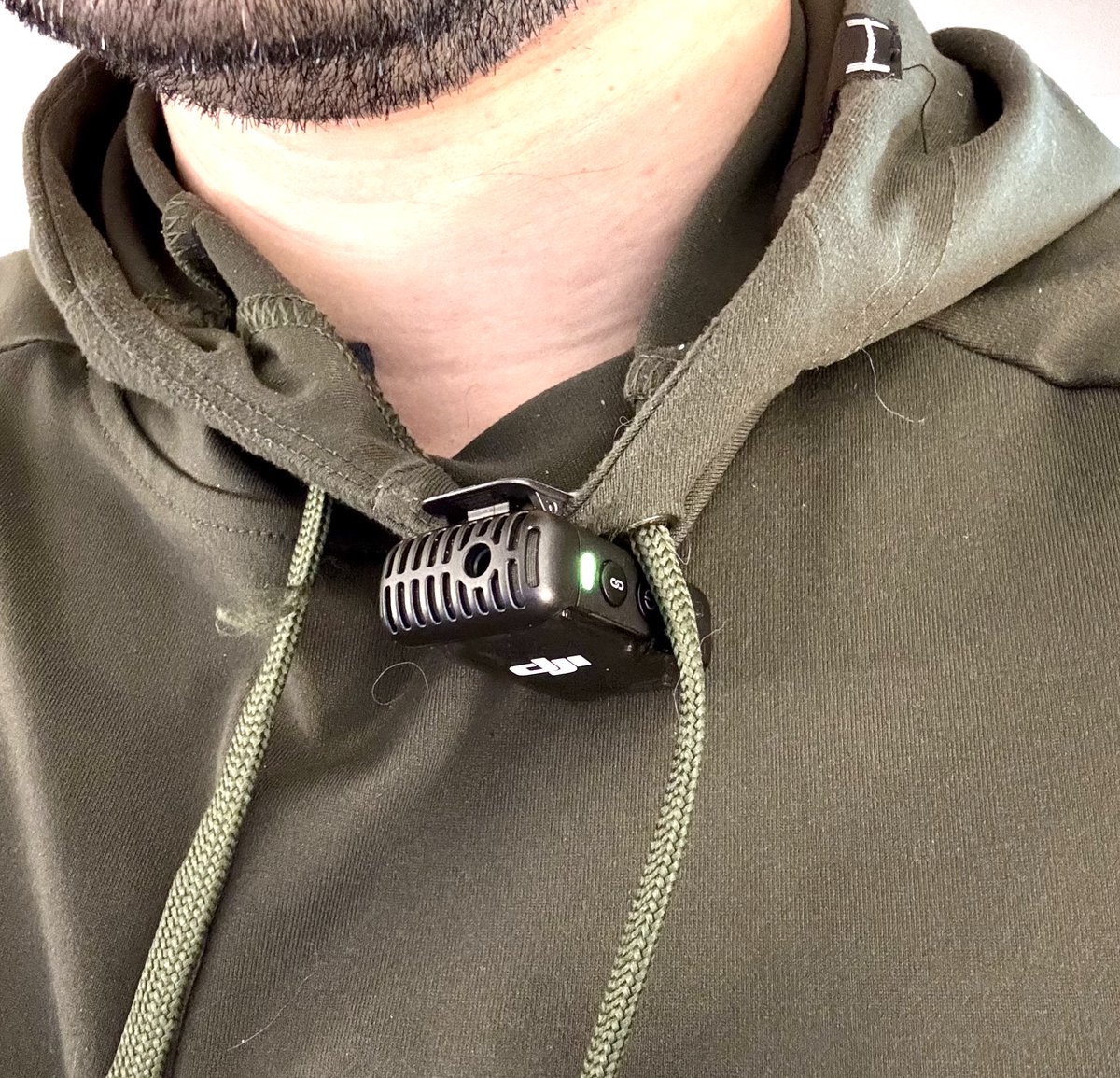
Normally I just clip it to my shirt, but the jack is a nice option (explained in next post).
I've tested other mics as well:
- Podcast mic on a boom arm
- Shotgun mics boomed above my head
- Built-in mic on my laptop
All will work. But all these options are attached to the desk.
A wireless, clip-on mic lets you pace around actively and talk while thinking. It's great.
If you're in an office or coffee shop and need to speak really quietly, you will want a head-mounted mic like the one pictured.
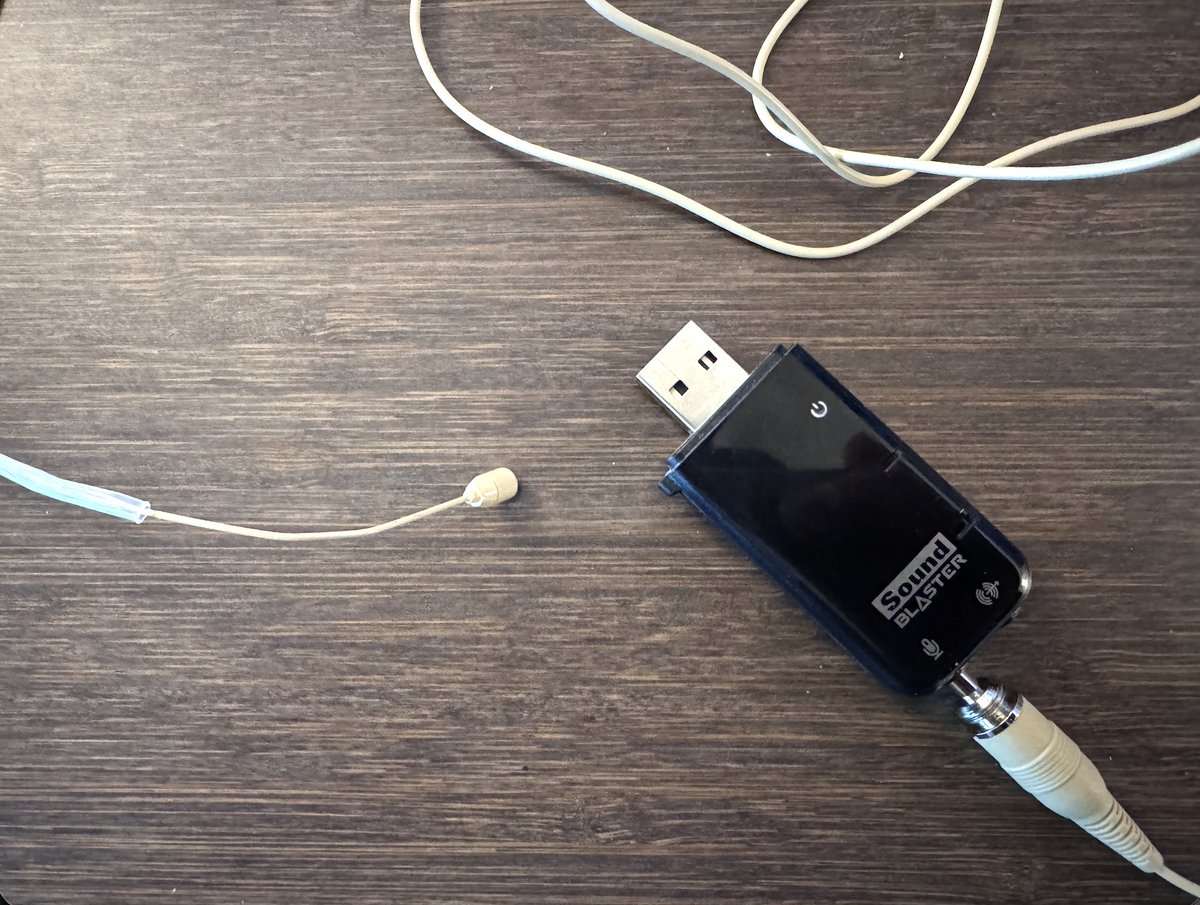
You can get one of these for $20, and it'll plug right into the DJI Mic 2.
If you're on a budget, skip the DJI mic and just get a 3.5mm-to-USB mic adapter. I have an old Sound Blaster X-Fi card that lives in my backpack for this purpose.
The headset gets the mic very close to your mouth, which will actually let you whisper (seriously!) while keeping accuracy high.
I also find that I can wear over-ear headphones like this without any discomfort.
One other huge benefit of using a separate mic vs. Airpods mic: Your music won't switch over to that horrible, low-quality Bluetooth mode like it does when your output and input device are the same.
Today I'm going to share all my tricks for making thumbnails FASTER:
- How to get hundreds of high-quality poses of yourself
- How to create a consistent look
- A sprinkle of thumbnail strategy (especially in the last tweet)
Here's the main hack right up front:
I have a gallery with tons of poses I took over a single session.
Nearly any emotion or reaction I'd want to use in a thumbnail is in it.
Here's how to make your own:
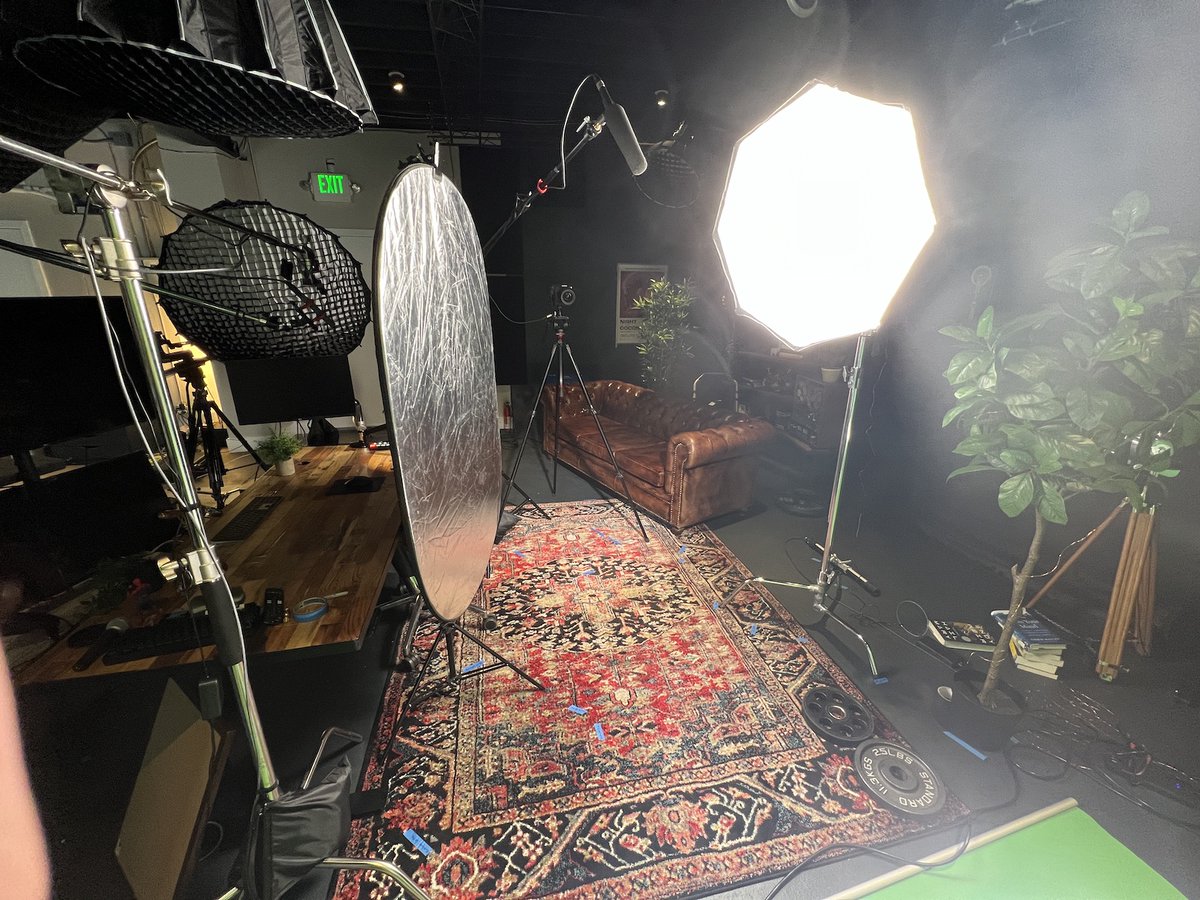
Set up a green screen if you can.
This makes cutting yourself out from the background easier.
If you can't, try to shoot against a flat background.
I started learning how to code only 10 months ago.
I am NOT a very talented coder. But with the help of:
- AI tools
- Automation platforms
- No-code tools
...I can build nearly anything I want.
Here are the exact tools I used to learn how to code (all are free):
TL;DR version:
(For context, I chose to learn JavaScript.)
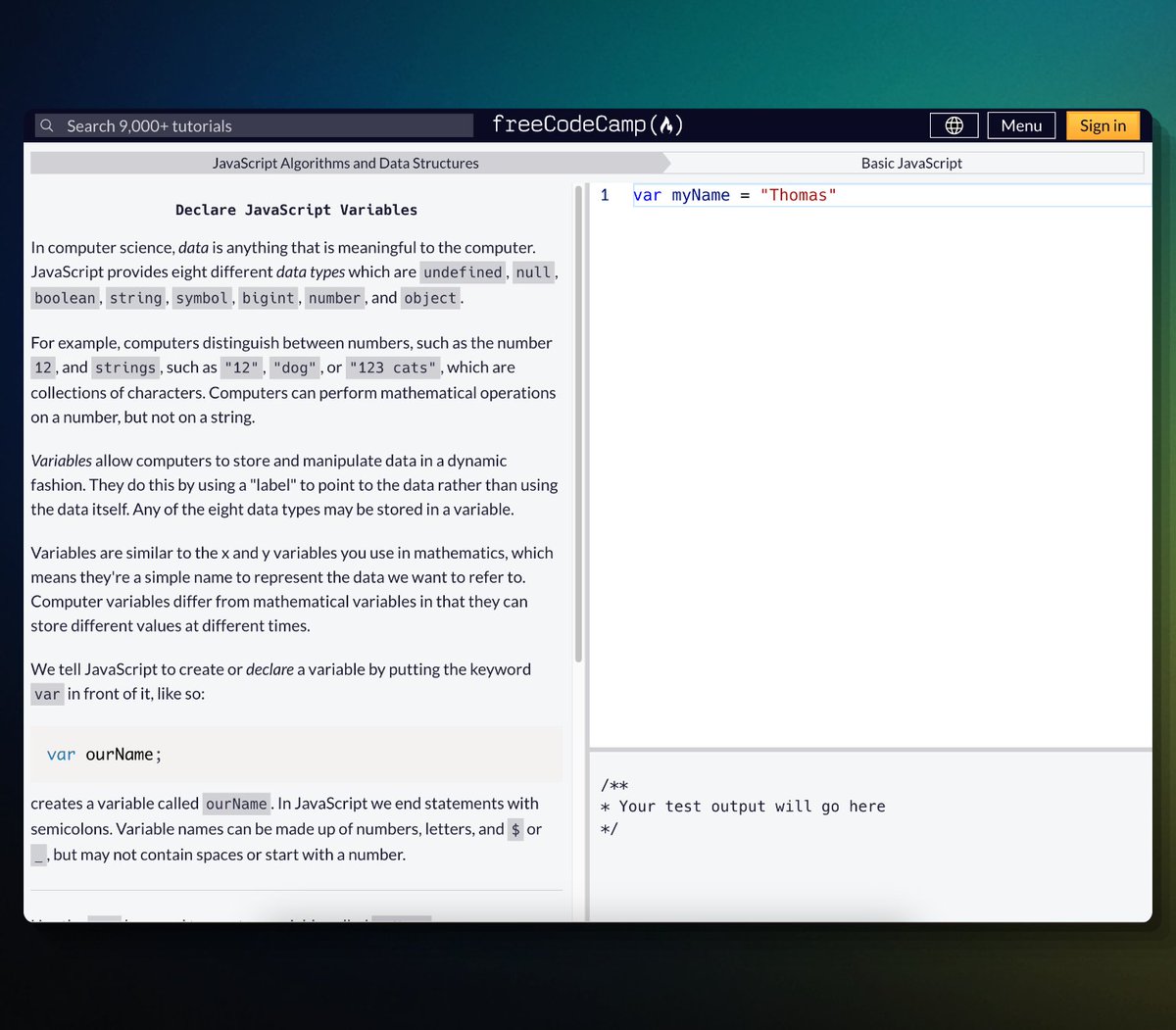
- JavaScript Algorithms and Data Structures by @freeCodeCamp (start here)
- The Modern JavaScript Tutorial by @iliakan
- That Weird JavaScript Course by @fireship_dev
- The MDN Web Docs by @MozDevNet
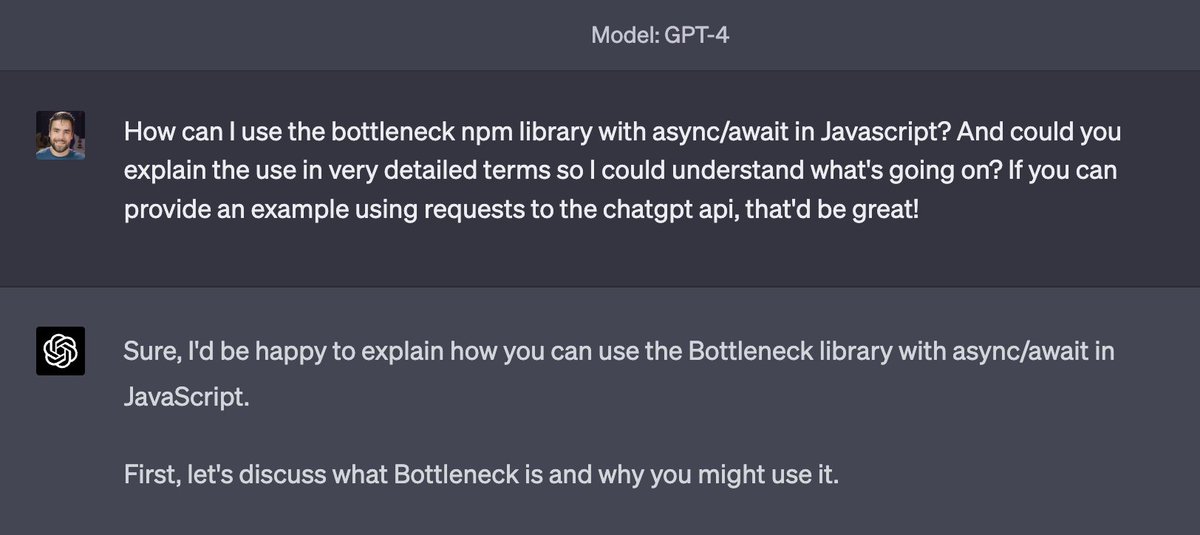
- ChatGPT 😉
Best place to start:
JavaScript Algorithms and Data Structures by @freeCodeCamp
I started with this course. It goes from the absolute basics all the way to very advanced problems.
Best of all, each lesson is interactive and makes you write code.