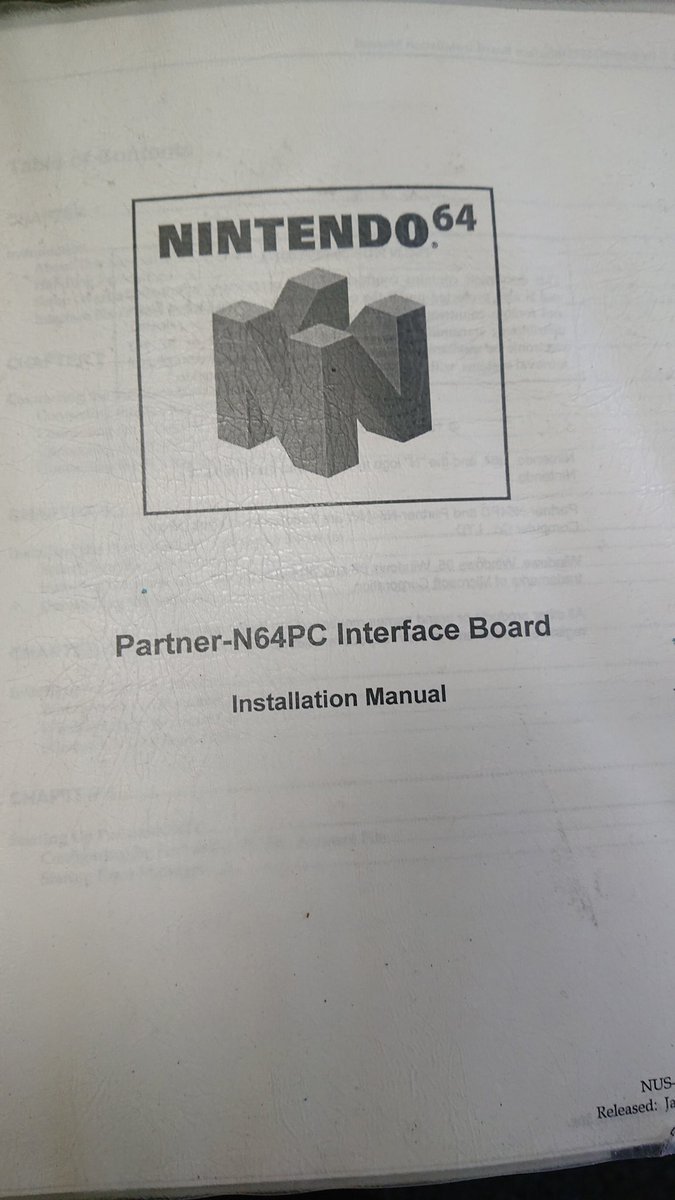
Let's write a game for the original PlayStation, a thread: 
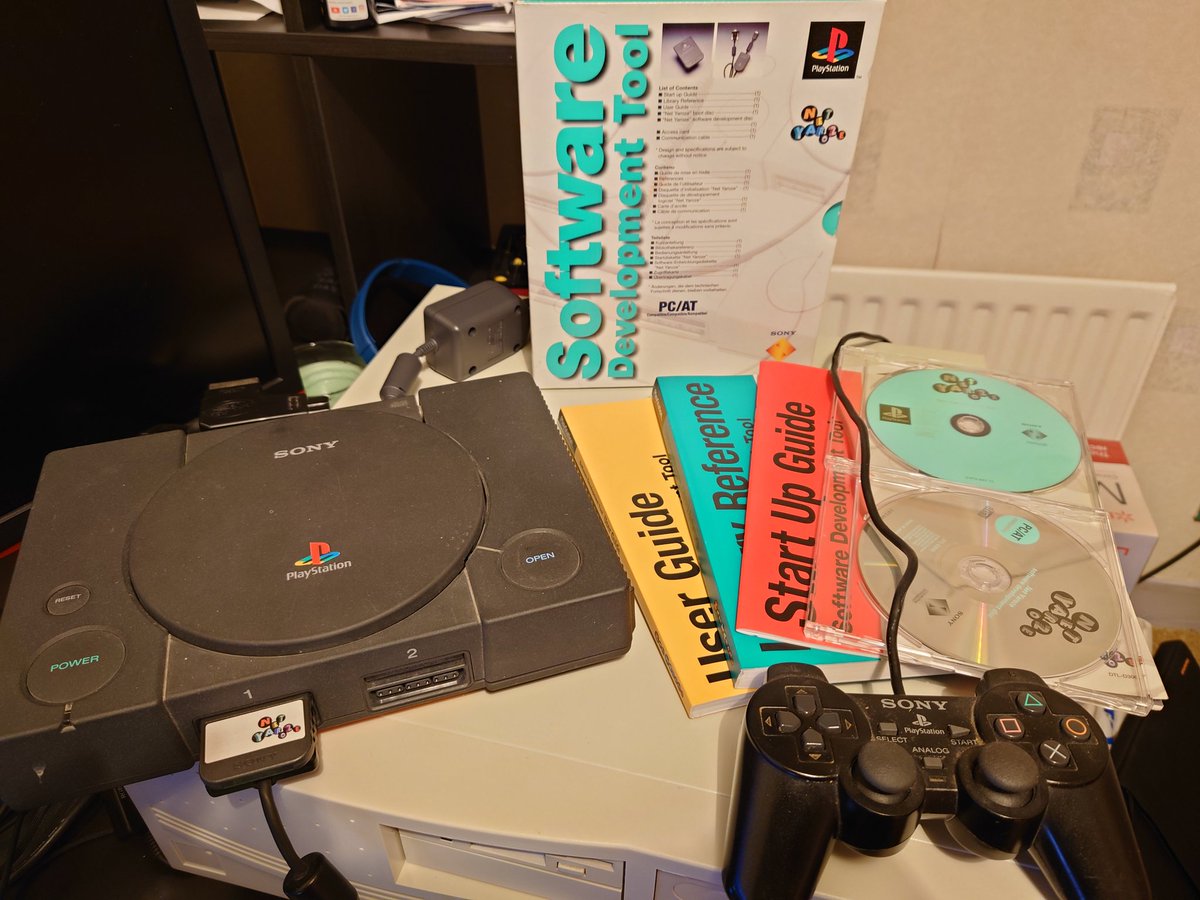
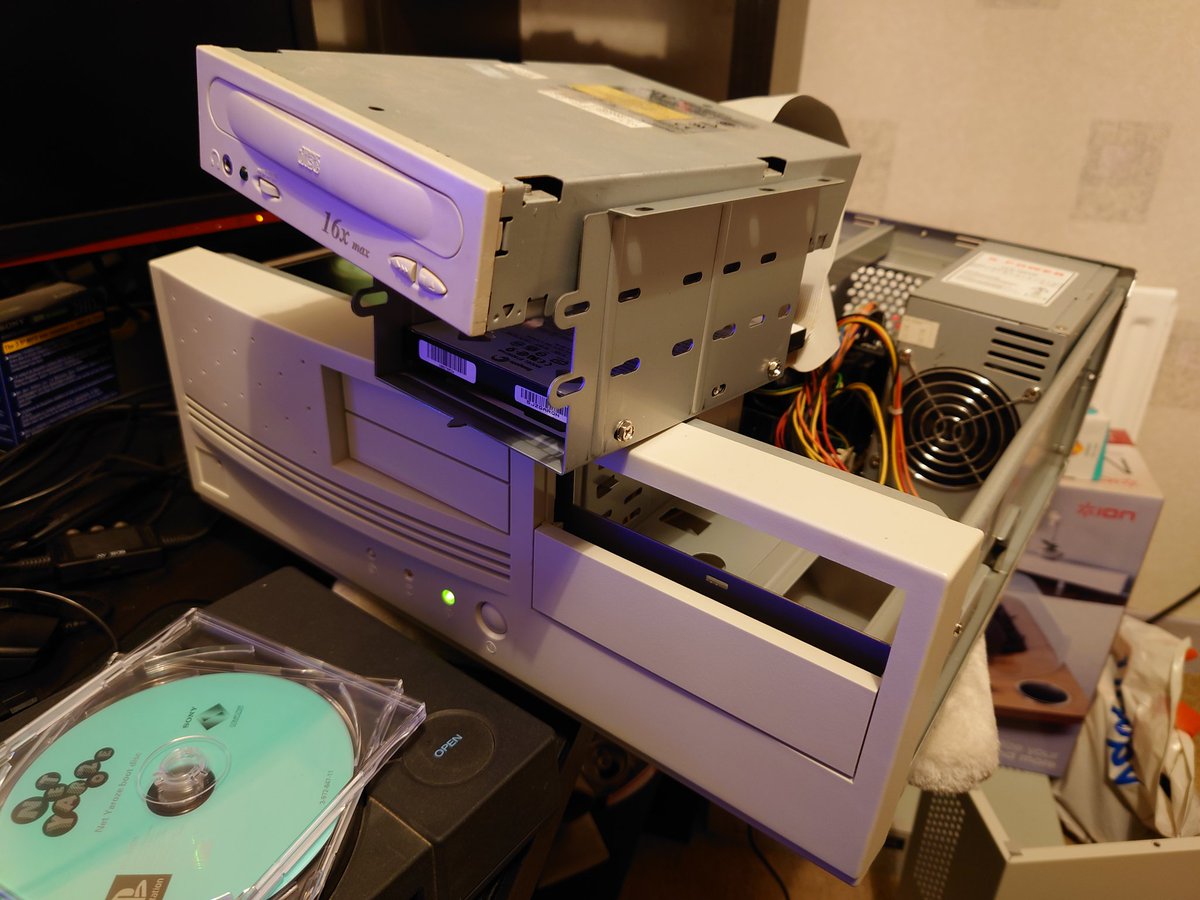
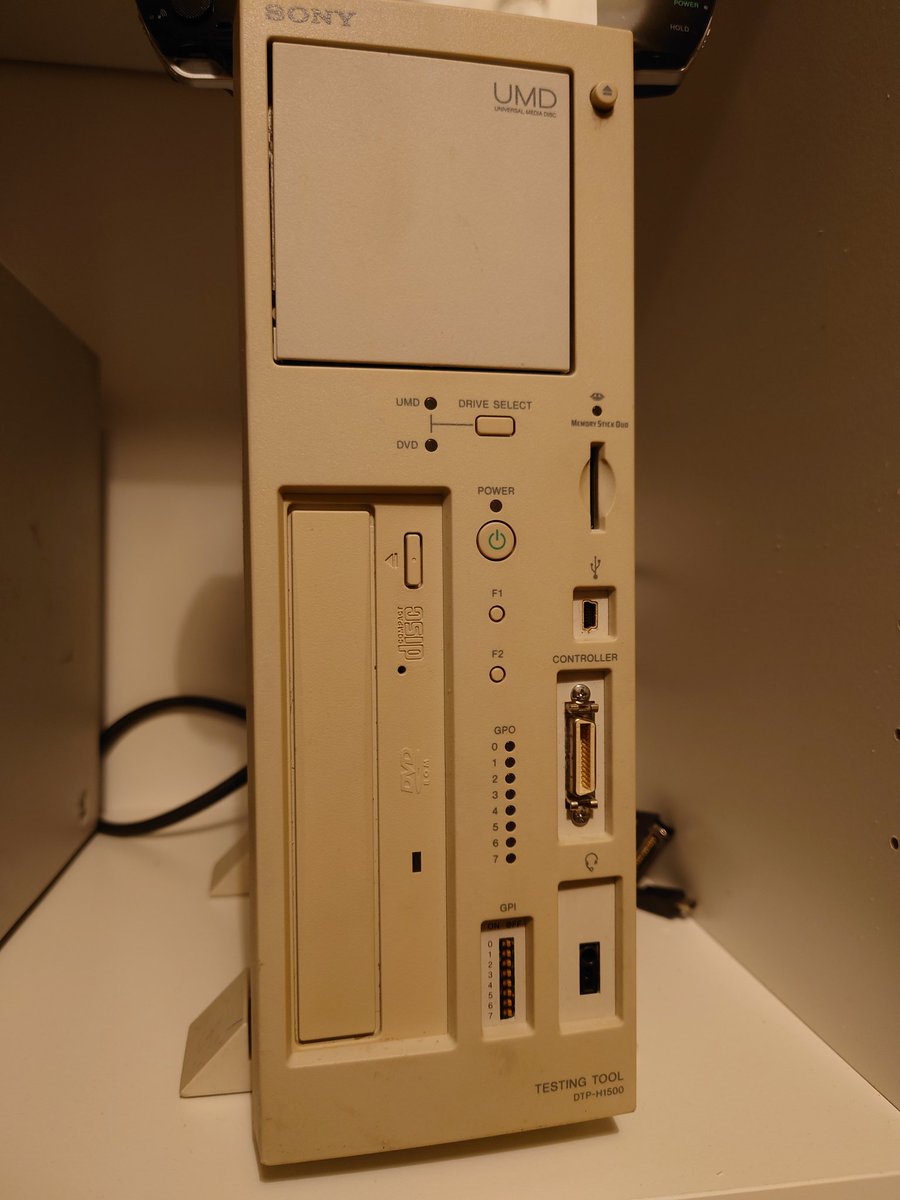
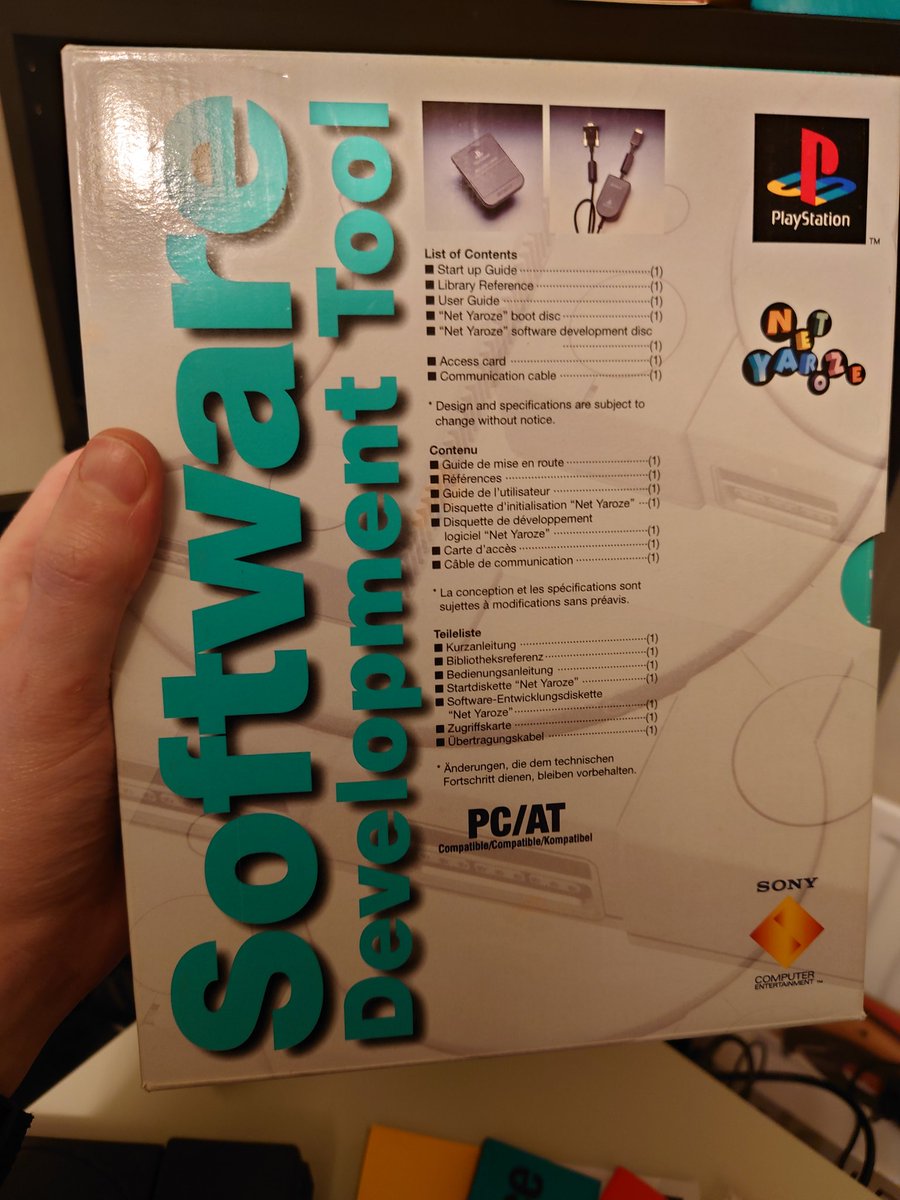
This is a Net Yaroze. It was a COMMERCIALLY AVAILABLE (!) PlayStation development kit for schools and hobbyists, released in 1997, for around $750 American dollars, or £550 in real money.
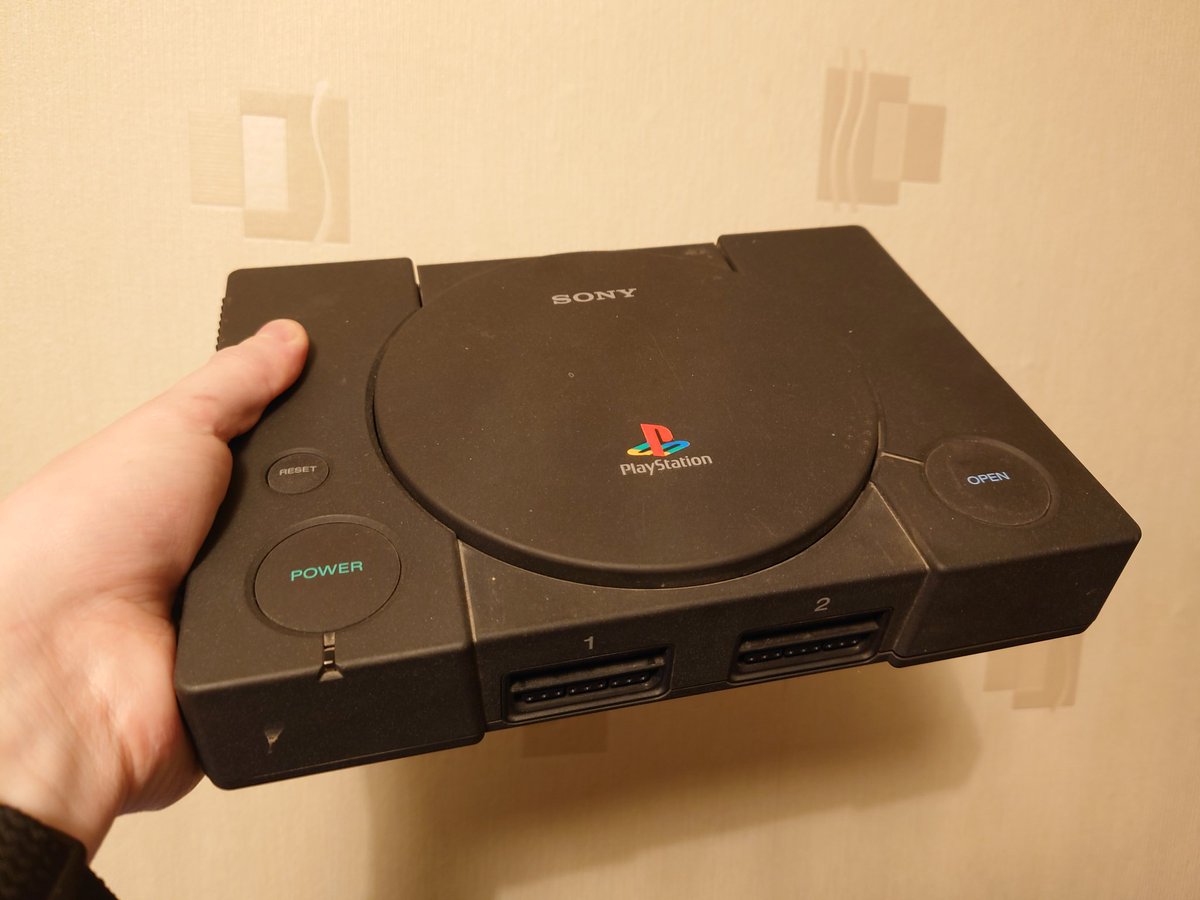
The box contained a special black PS1 dev console, a Net Yaroze access card (required to put it into dev mode), a boot disc for the console, a compiler and samples disc for your PC, the serial cable to hook the two together, and three user manuals.
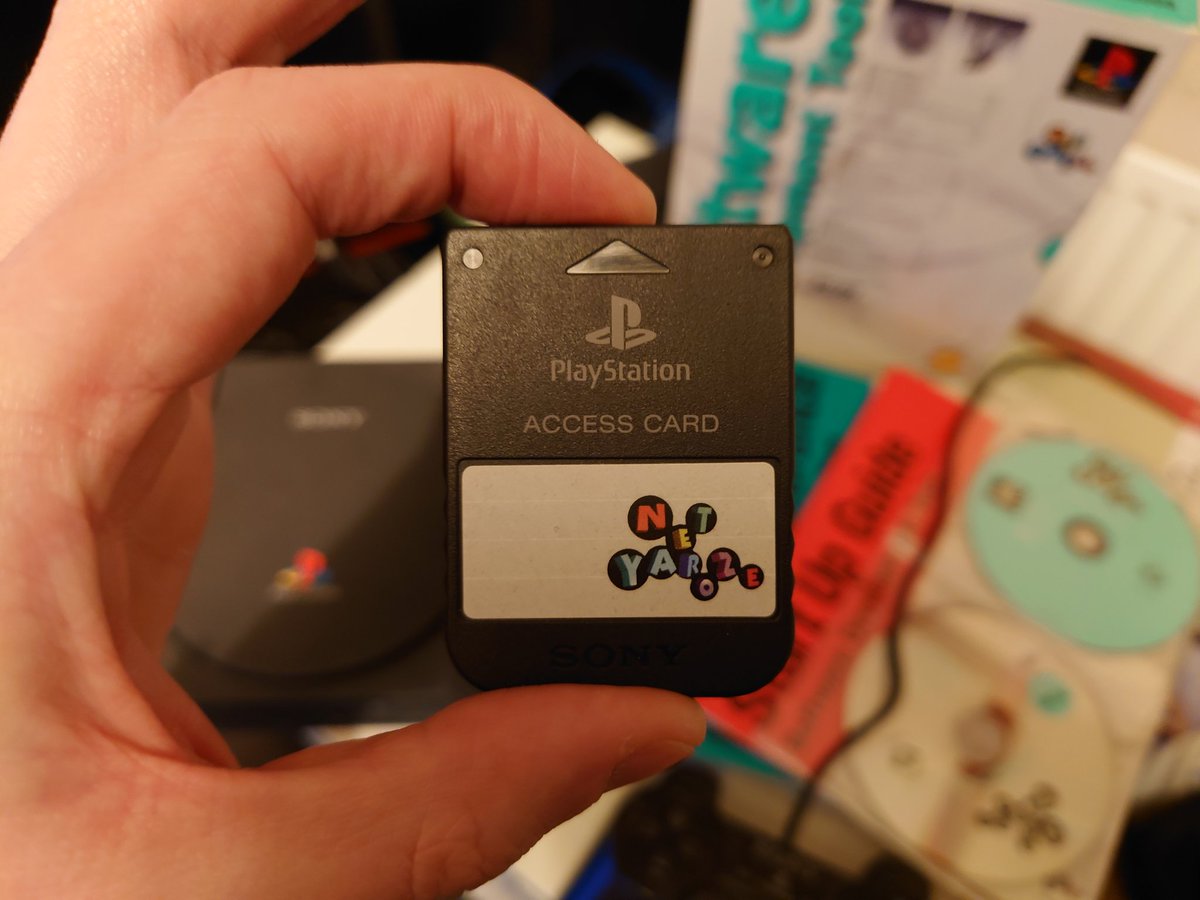

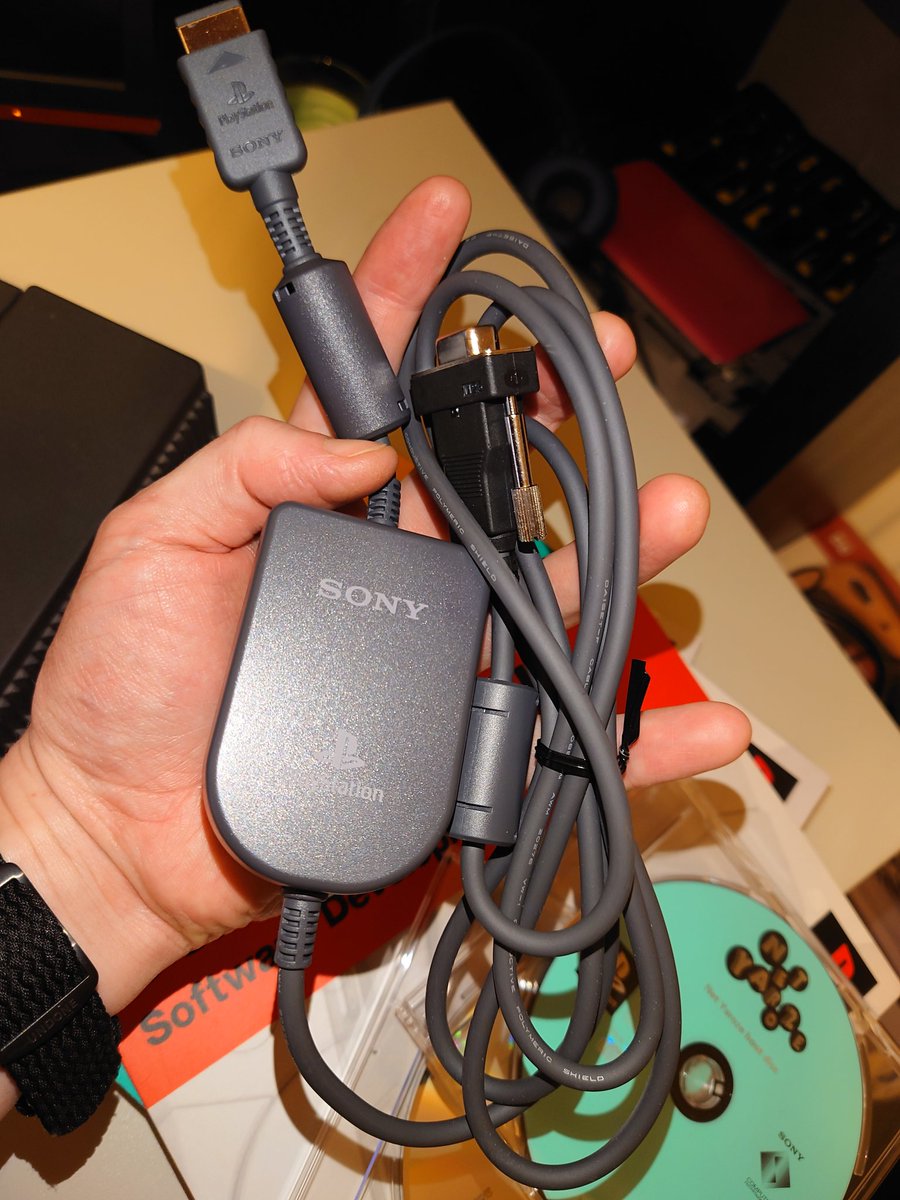
Missing from my kit is the official Net Yaroze gamepad, here's an eBay photo. Like other PS1's, you can use any original or Dual Shock pad, including PS2 pads, so I'm not so bothered.

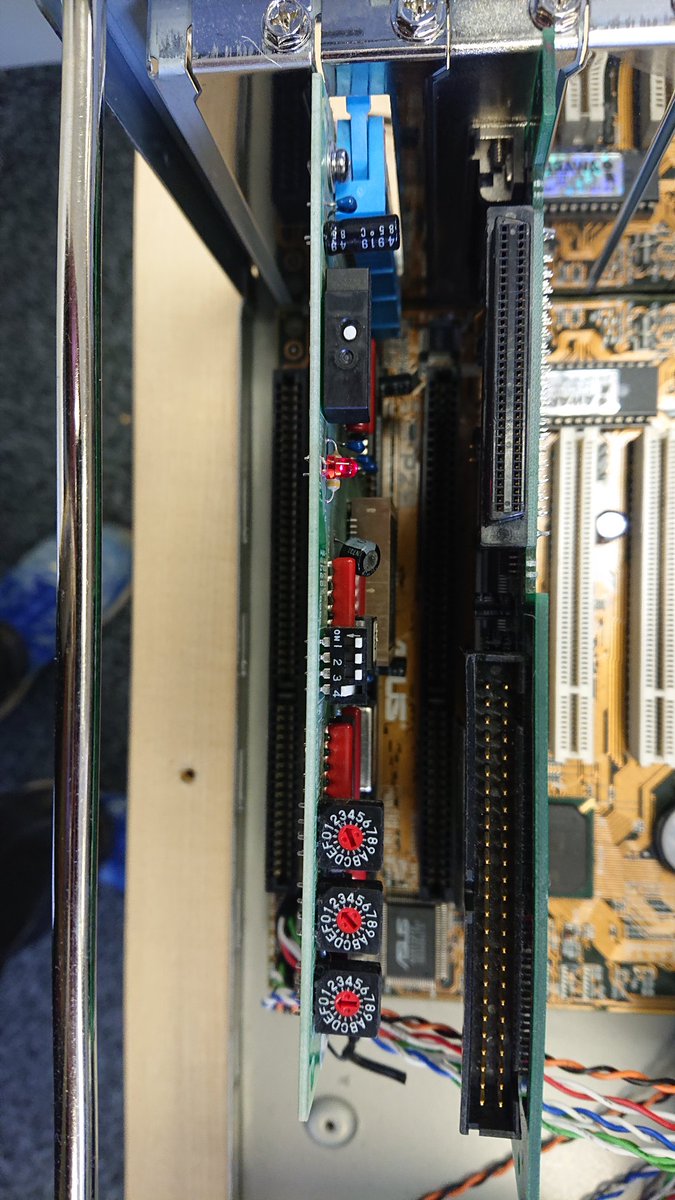
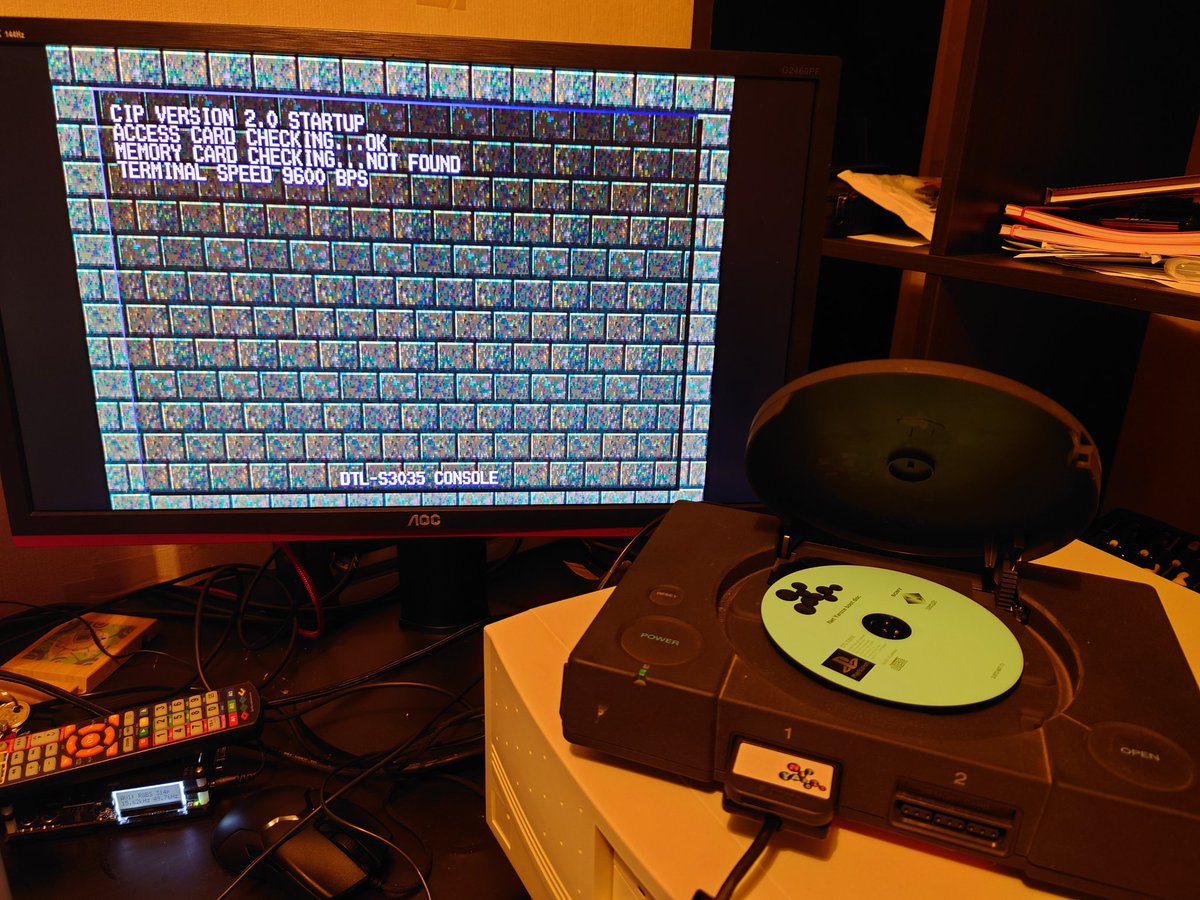
Setting up the console side is easy - pop the access card into the memory card slot, the boot disc into the CD drive, the data cable into the serial port, and fire it up. I'm using an OSSC here to make those pixels look extra sexy on my PC monitor.
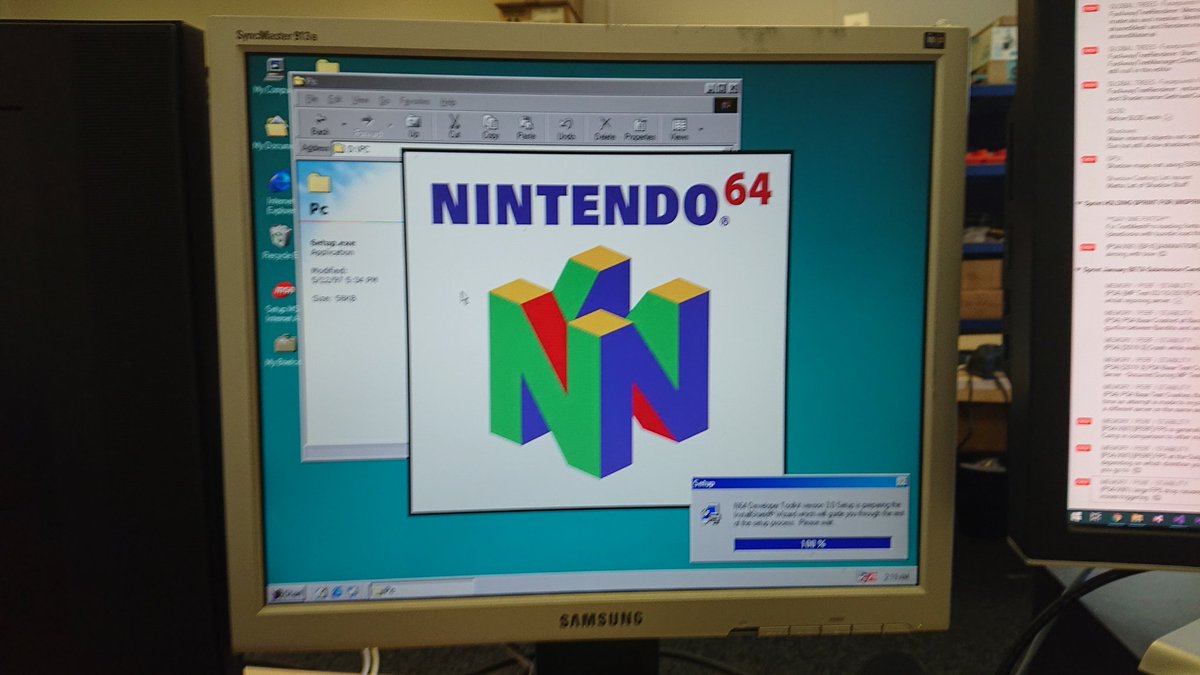
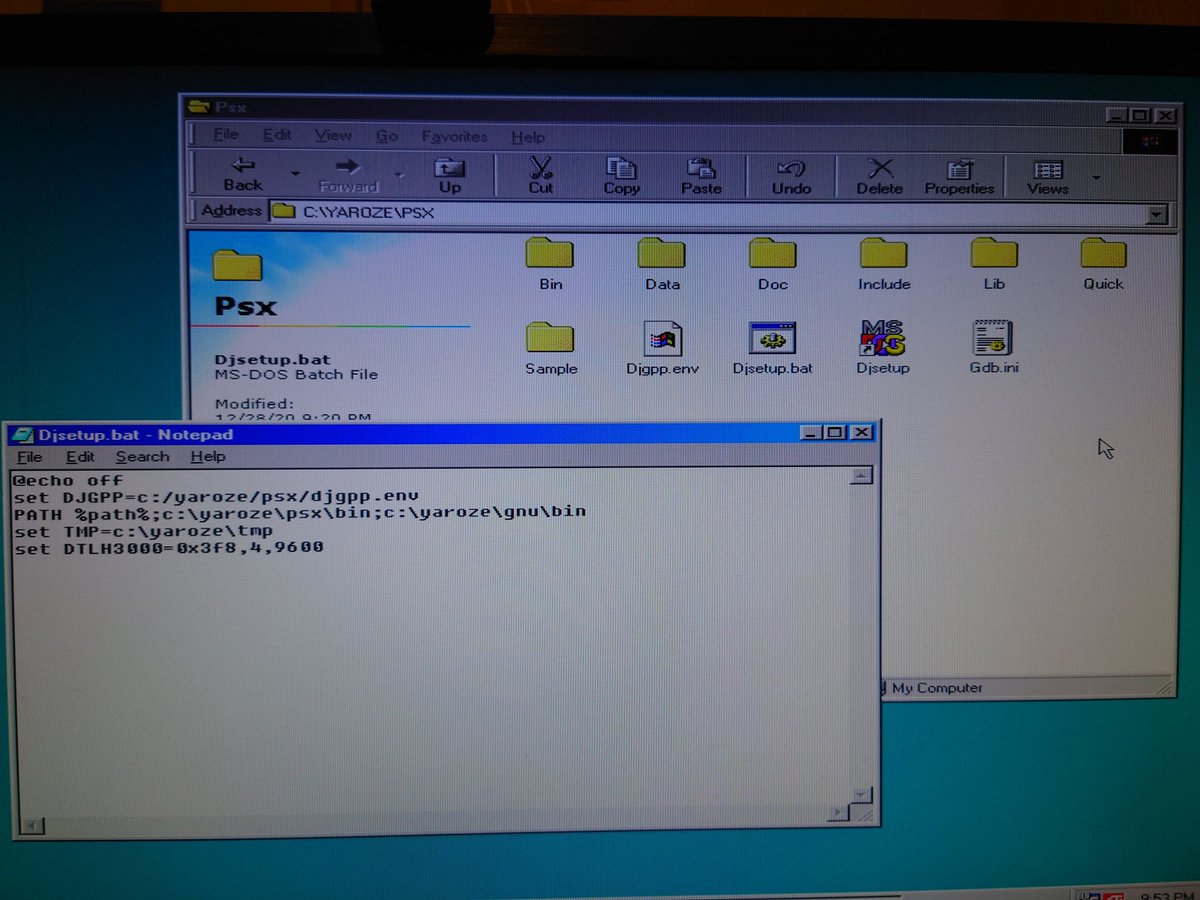
For the dev PC, I'm using a Pentium II running Windows 98 SE. Installation is as simple (...see previous thread, ahah...) as copying the contents of the dev CD to your hard disk, and editing a batch file to point to its location.
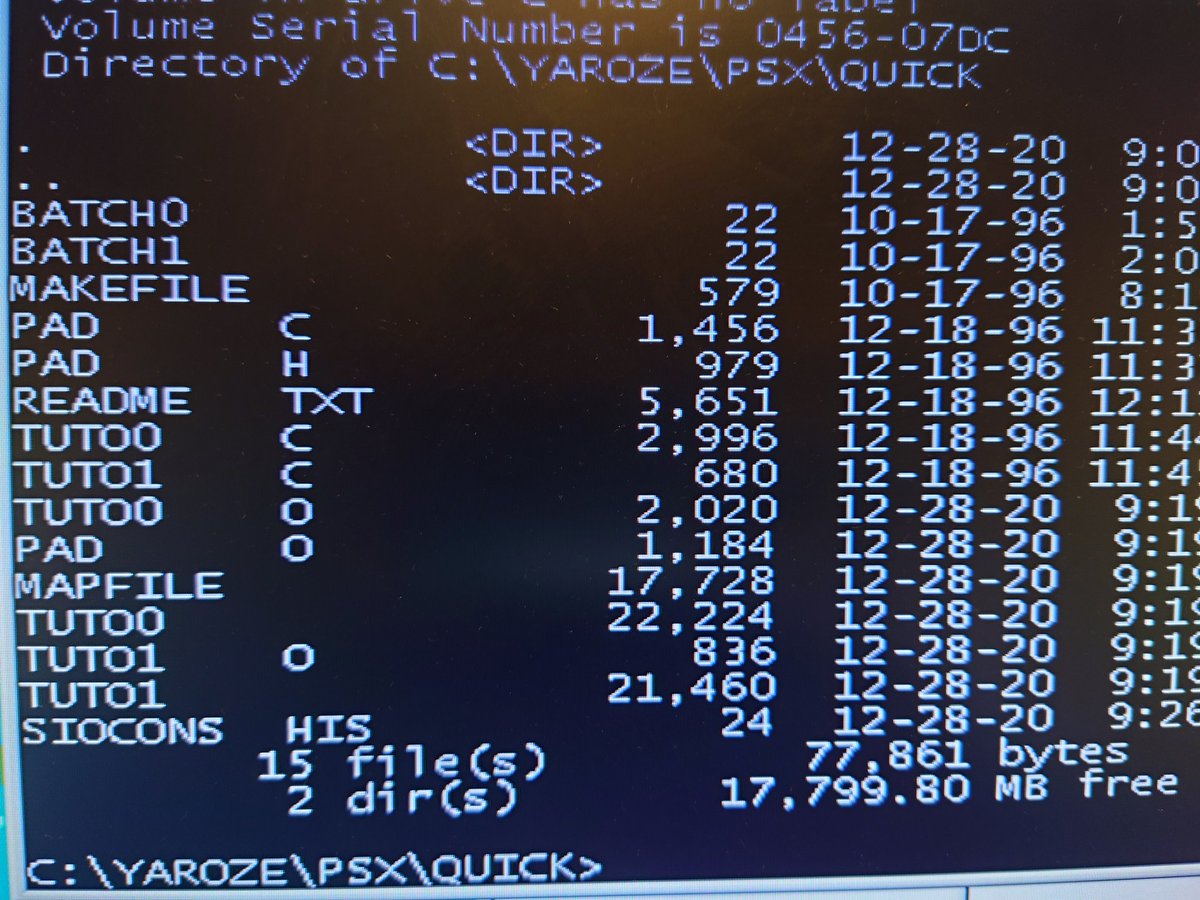
The CD comes with the most basic of samples - Hello World, and a bouncing ball demo. To compile these, you just run the batch file to set up the environment, then type 'make'. This environment uses the DJGPP compiler. Retro!
That gives us tuto0 and tuto1 compiled binaries.
That gives us tuto0 and tuto1 compiled binaries.
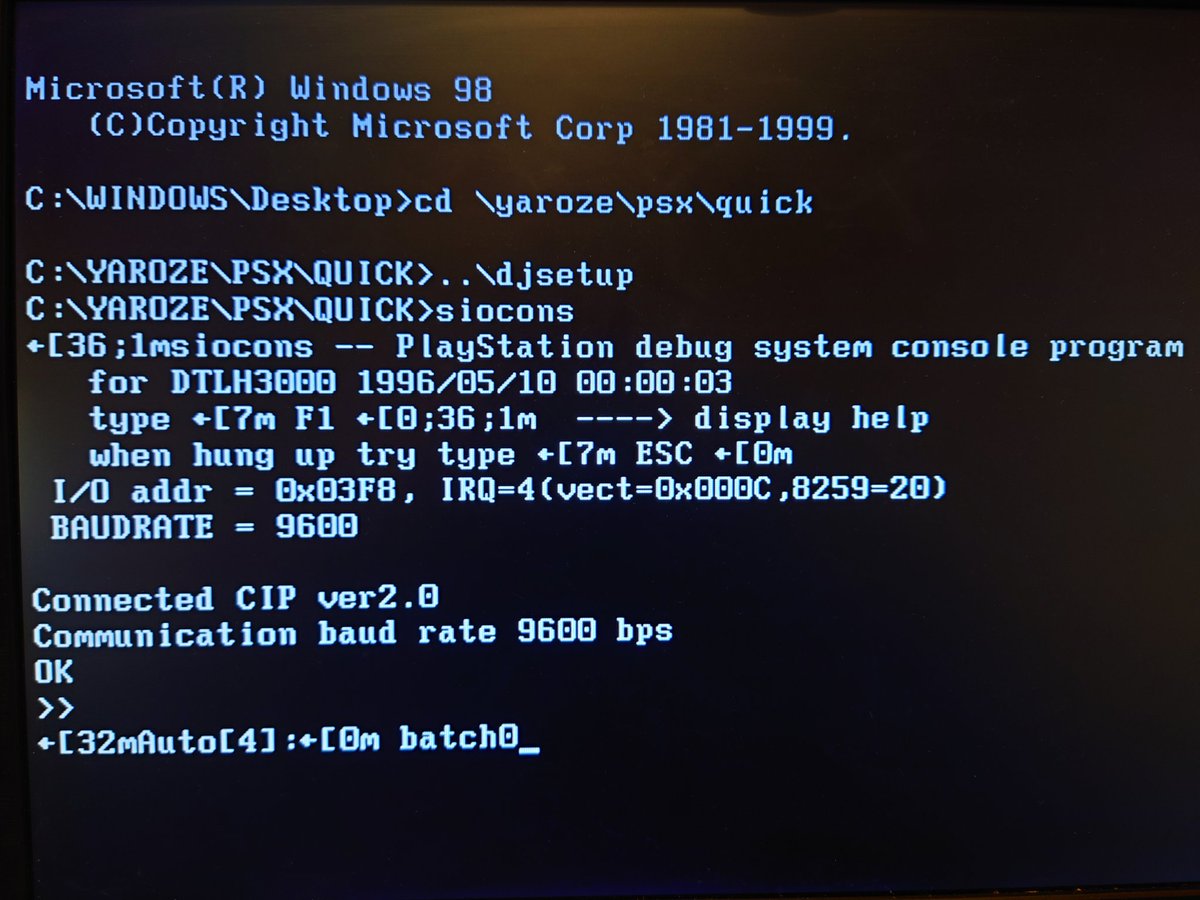
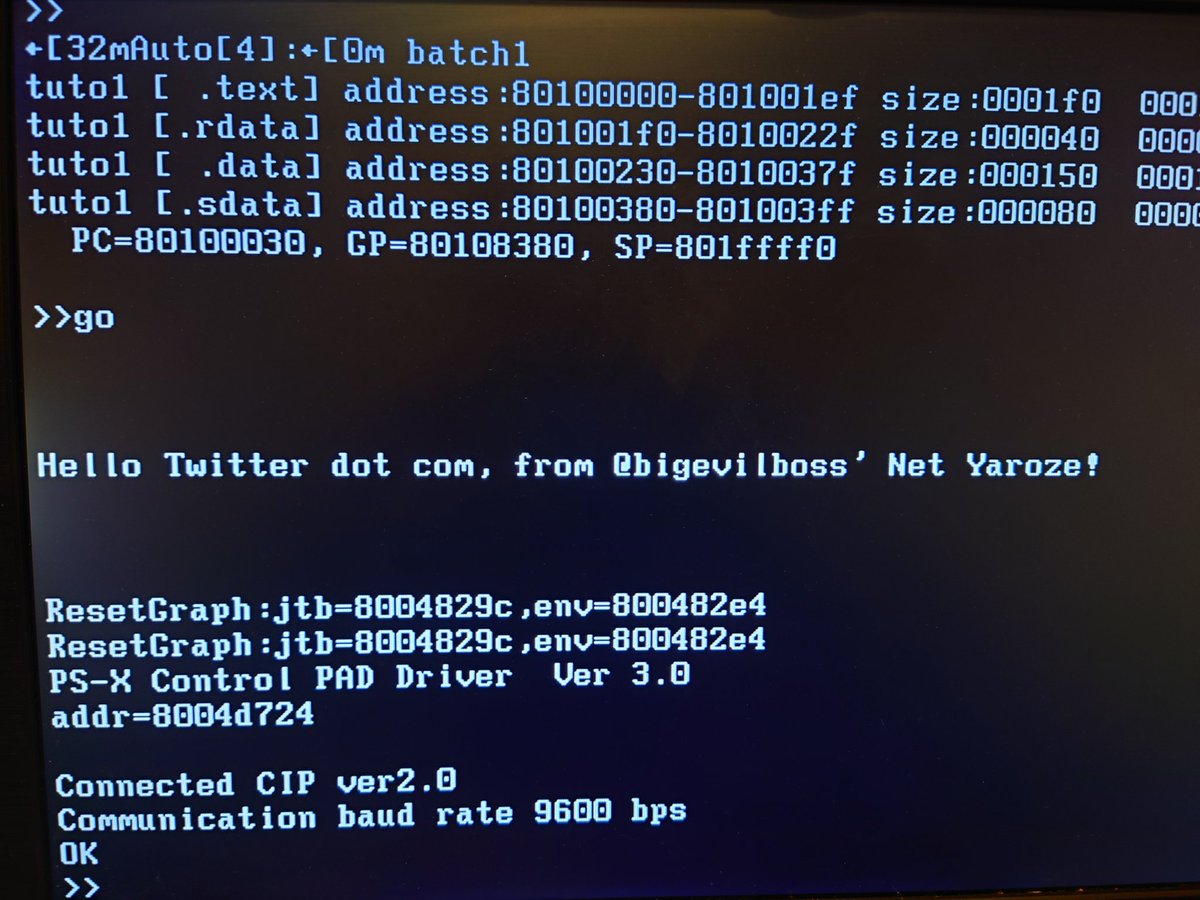
To run the demo, fire up the SIOCONS tool, which connects to the Net Yaroze via serial. F3 to open a command prompt, then 'batch0' - the name of a SIOCONS batch file that uploads the tuto0 binary to the console and runs it.
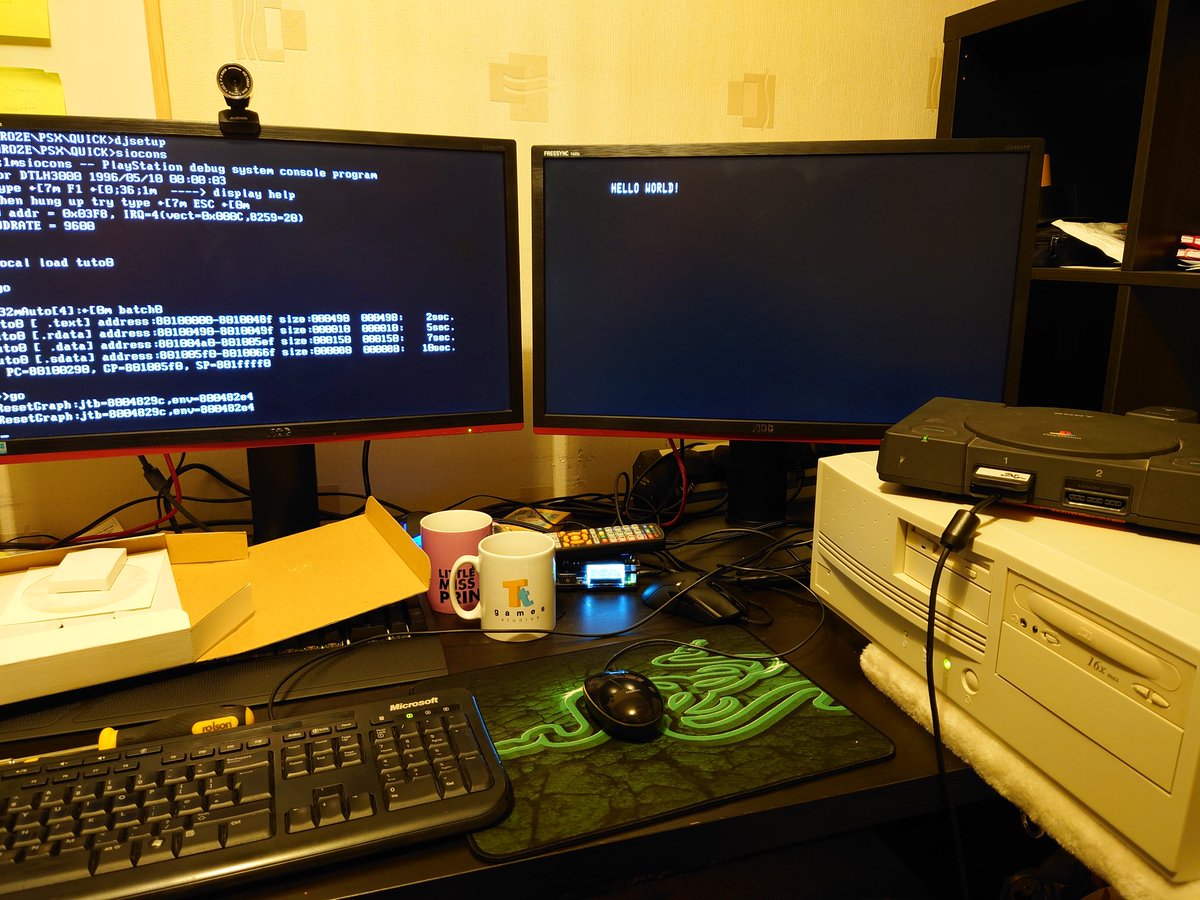
Voilà! Hello World on the PlayStation.
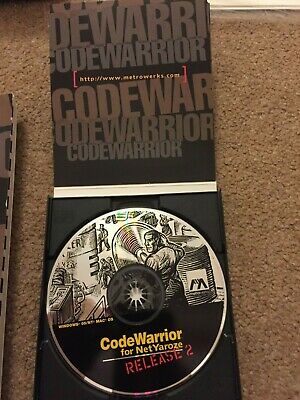
You could supercharge your dev environment for an extra 90 bucks, by purchasing the Codewarrior IDE and debugger (image not mine). These days that luxury costs approximately 100 billion pounds so I'm going to improvise instead with Notepad++ and good ol' printf() debugging.
The SDK is set up to route printf() back down the serial cable to SIOCONS, which is super handy.
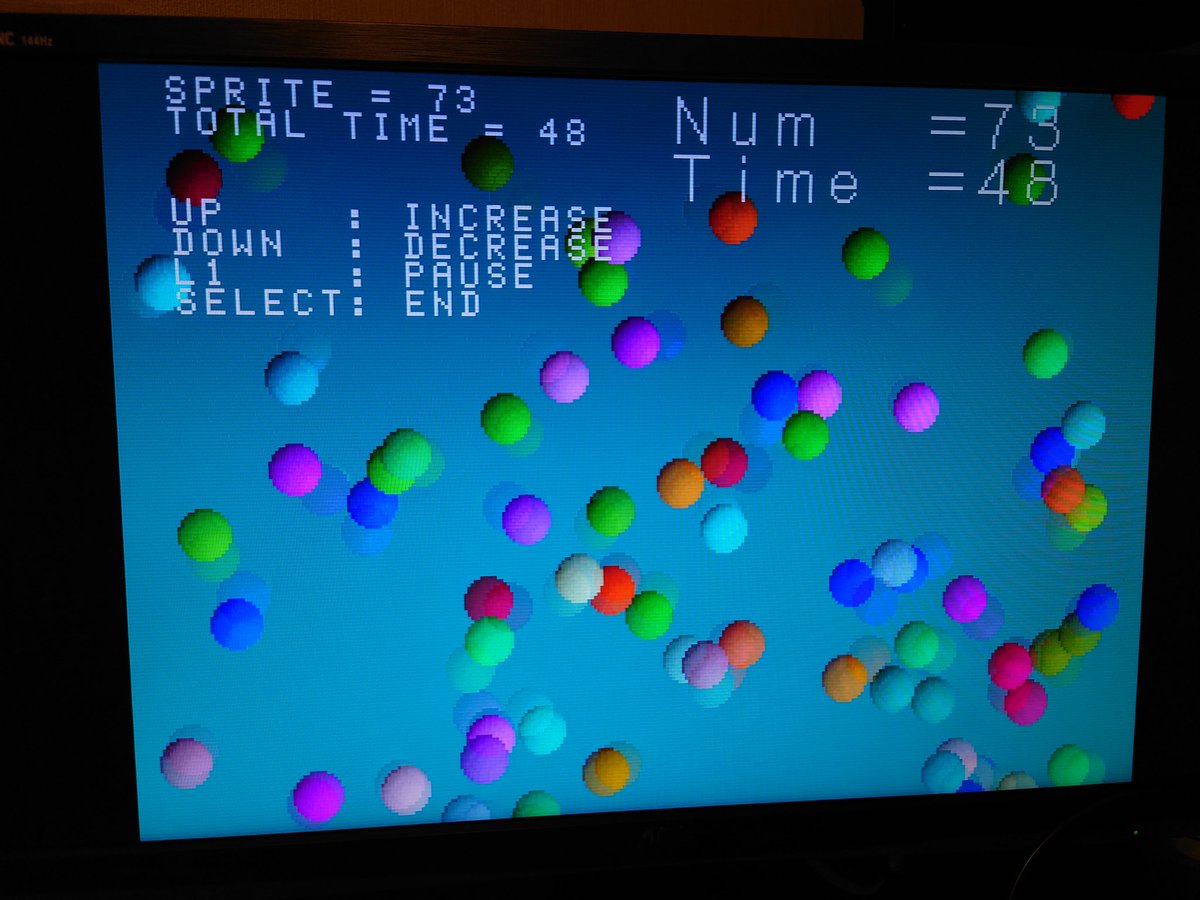
And here's that bouncing ball demo, which also shows off gamepad input, image loading, sprite drawing, and CD audio. Great!
So what shall we make? Contrary to popular belief, nothing on the Net Yaroze is "locked off" in any way. It can use all of the PS1 RAM (plus an extra 1.5mb for program binary), the full 3D capabilities, audio features and save functions.
The only limitations here are around the dev environment itself. We don't have Sony's top tools - Lightwave 3D exporter plugins, ProDG debugger, the fully featured PlayStation SDK, and other useful bells and whistles afforded to top studios. We're on our own with the toolchain!
We're also locked into the Net Yaroze ecosystem itself. Only other Net Yaroze owners could run your game, unless Sony loved it so much as to pop it onto a cover disc. Net Yaroze binaries are incompatible with retail PS1 consoles, without Sony's secret tools.
So, I'm probably going to write a cross-platform framework along with this. An "engine", if you will, that allows my game to compile and run on PC. Then Saturn. Then N64. Probably.
But let's learn to walk before we run. Let's get a triangle on screen!
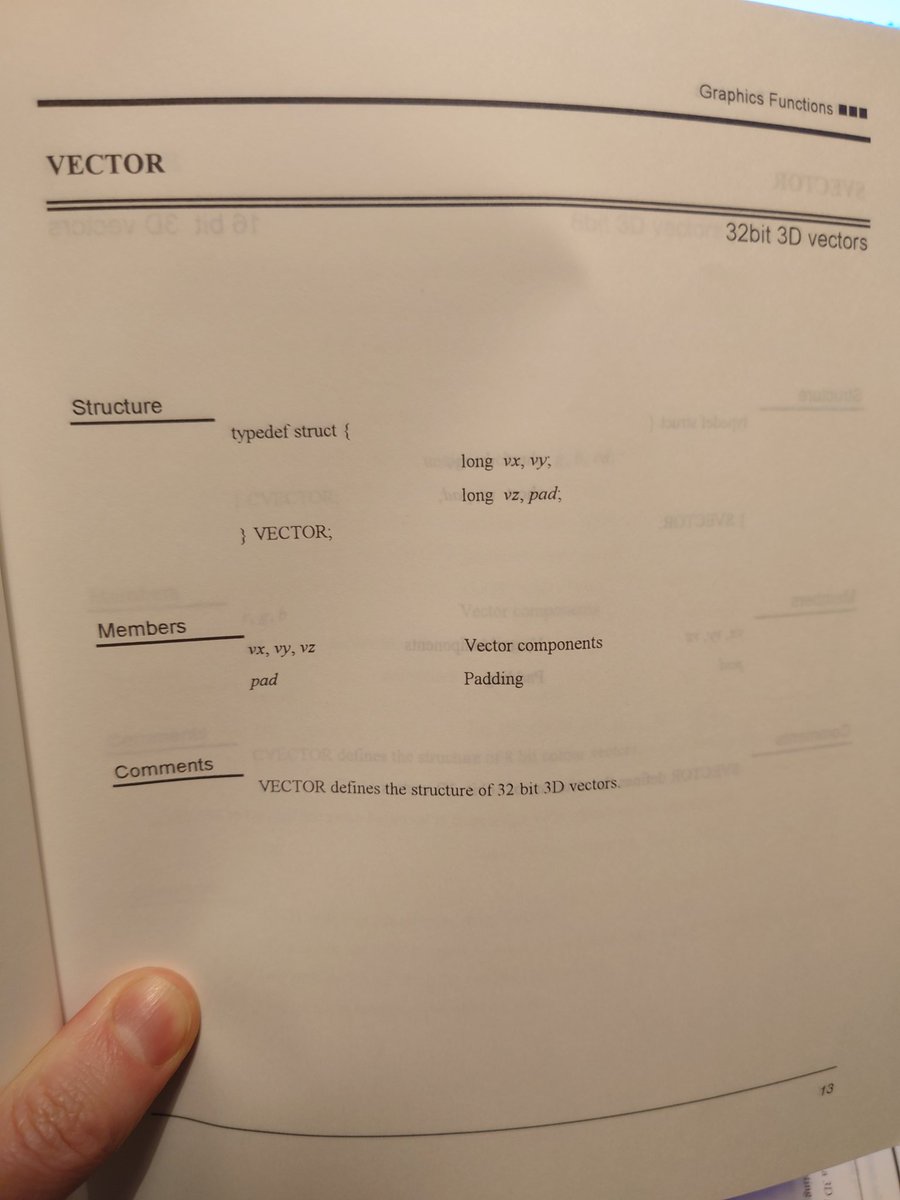
The included reference manual is nice and detailed. There are a lot of maths helper structs and utils, like vectors, matrices, transforms. All integer based, of course!
Like other machines of the late 90's/early 2000's, the PS1 used command buffers to draw graphics. Remember OpenGL's state setup, and immediate mode glBegin,glEnd? That, except the commands need building beforehand into a block of binary data to send to the graphics processor.
On PS1, we allocate a block of memory (per backbuffer) to store this command data, then call some utility functions to populate it. If we're drawing polys and sprites, we also need to supply an ordering table - culling is done on the CPU, we need to tell the GPU what to ignore.
The meat of this work is done by GsSortObject4(), which computes the drawing, lighting, and sorting data for one "object" (polygon) and populates the command buffer with packets, and the order table with tags, ready to call GsDraw() on the whole lot.
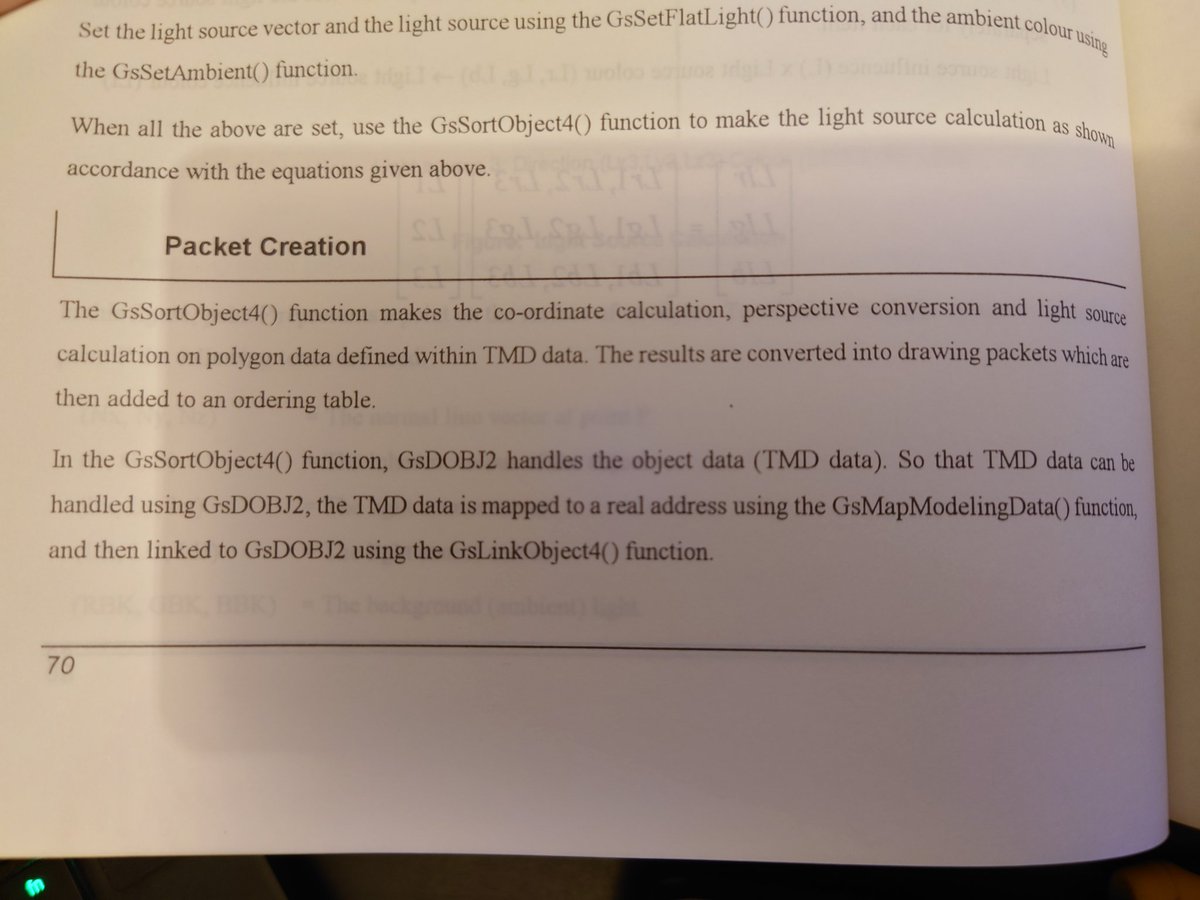
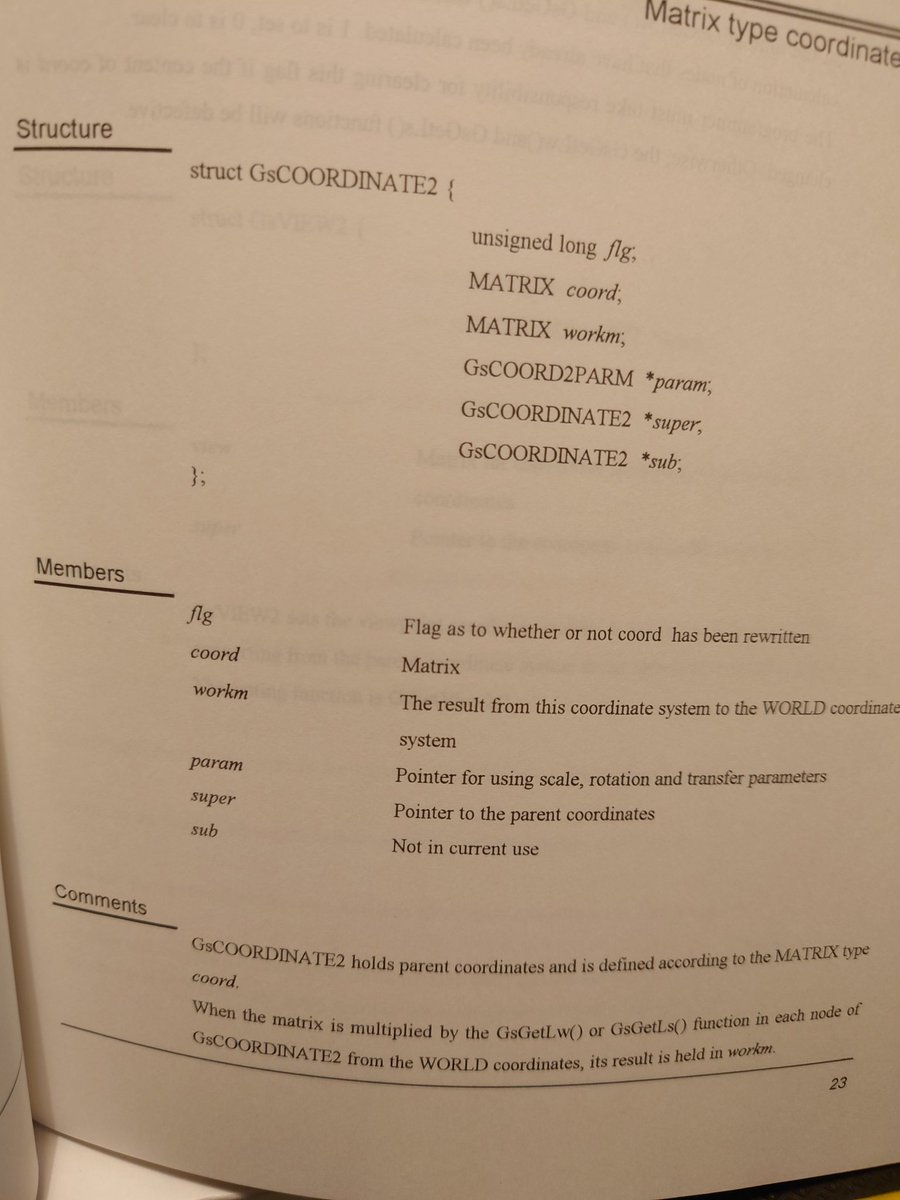
One really neat feature of this pre-sorting stuff in the SDK is that the matrix of one object describes its entire coordinate system - parent objects and all. The sorting functions compute the world transform for you, whilst sorting its polys into the order list.
Ok, we need some poly data to shove into GsSortObject4(). The SDK provides dxf2rsd.exe and some sample models. Let's convert one.
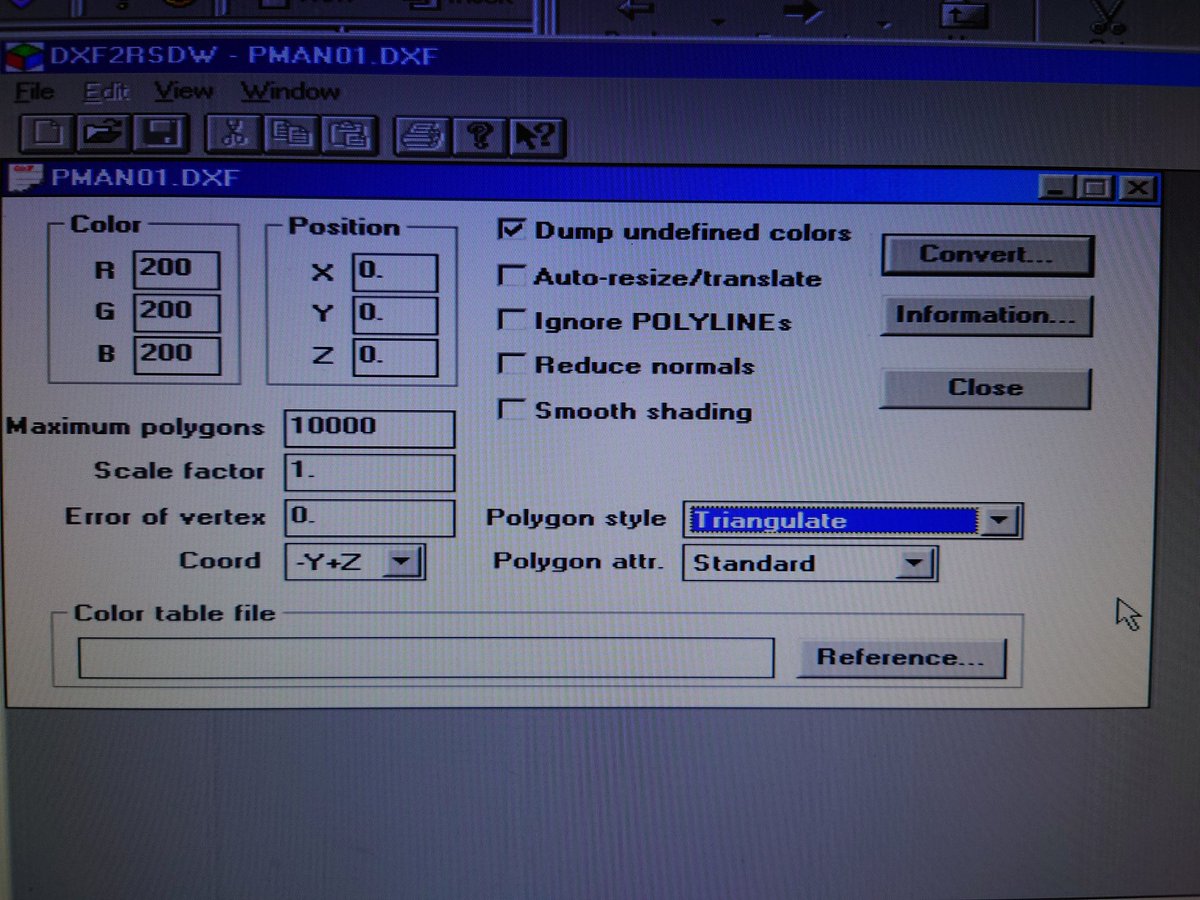
The RSD file contains poly, material, and relationship data. We just want the poly data in TMD format, so we use rsdlink.exe to create it. Now we've got poly data in a format for GsSortObject4.
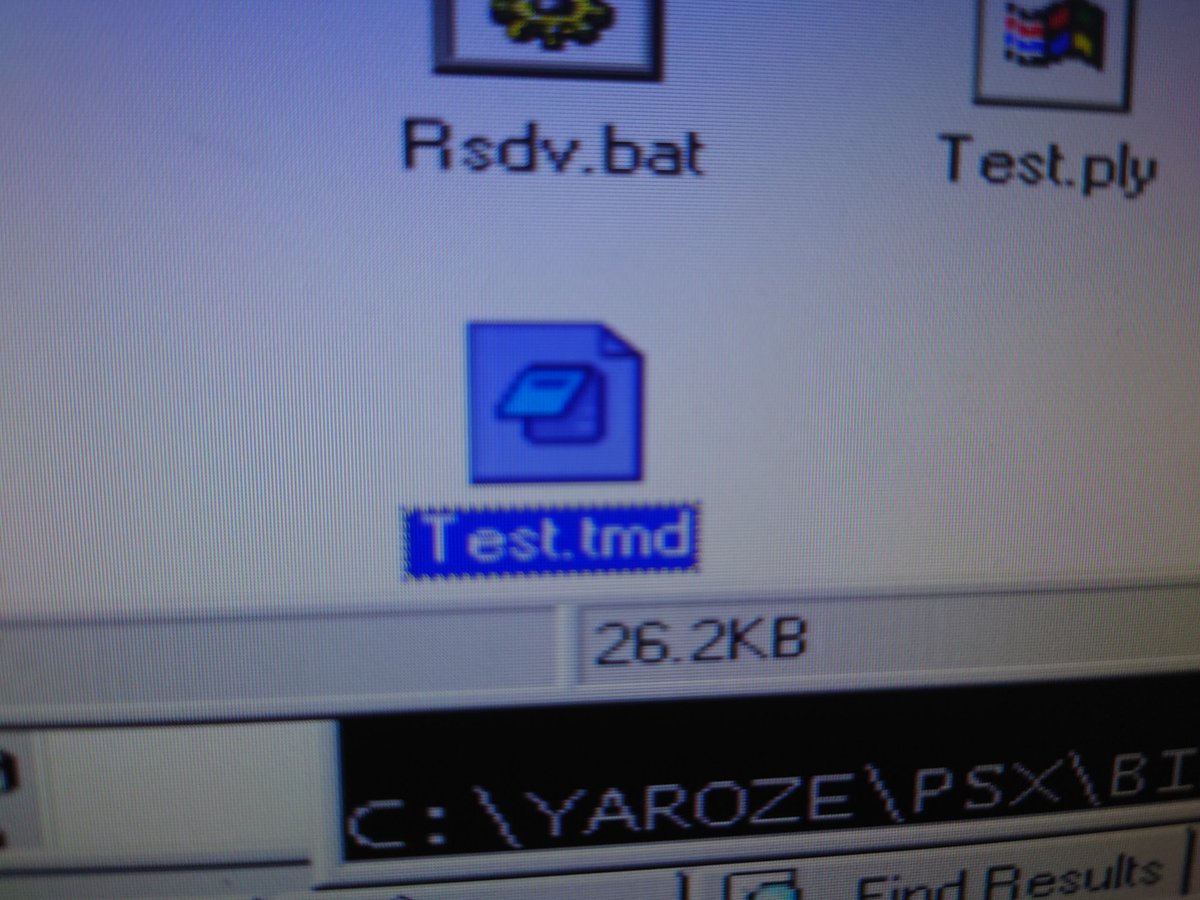
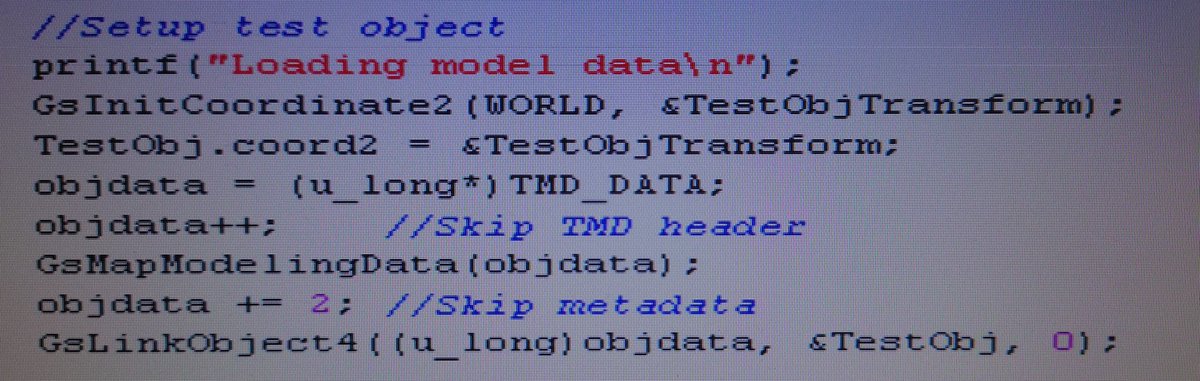
It's a bit convoluted since we don't have any data loading routines yet (or any blank CDs to burn data...) so I'm shoving the model data directly into memory using a utility provided by SIOCON to put arbitrary data in arbitrary memory over serial. We then just map the model data:
So with some world coords and lighting set up, and our model data loaded, our main loop looks a bit like this:
(yes I'm transferring screenshots via floppy, what of it)
(yes I'm transferring screenshots via floppy, what of it)
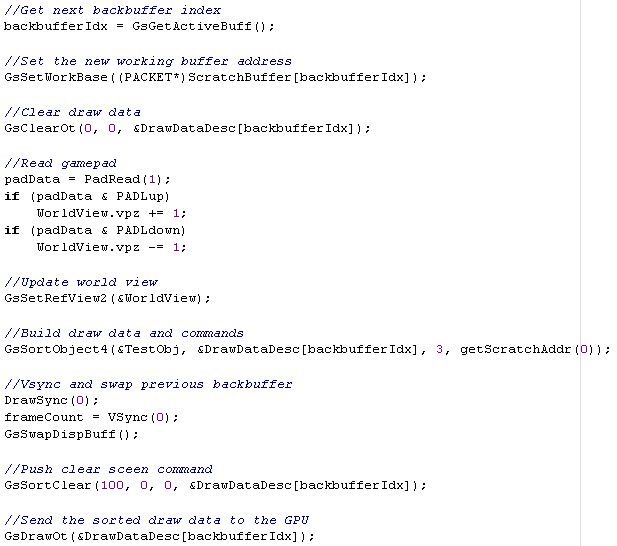
Alright kids, where's my OpenGL triangle?
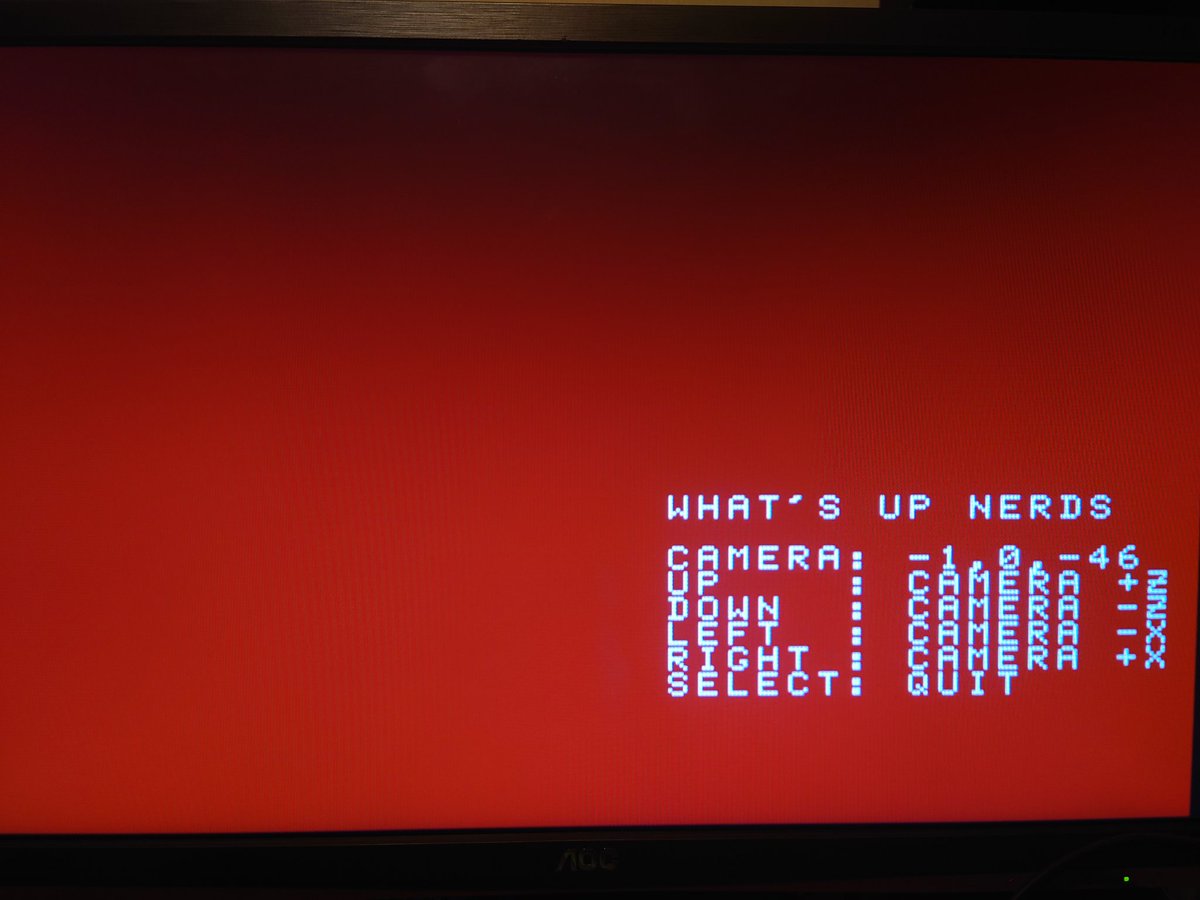
And there's the money shot, whatever it is! A person? Need to figure out filtering and calm that lighting down.
Anyway, we got everything we need for a simple game: graphics, and gamepad input. Going to make something basic with it tomorrow!
Anyway, we got everything we need for a simple game: graphics, and gamepad input. Going to make something basic with it tomorrow!
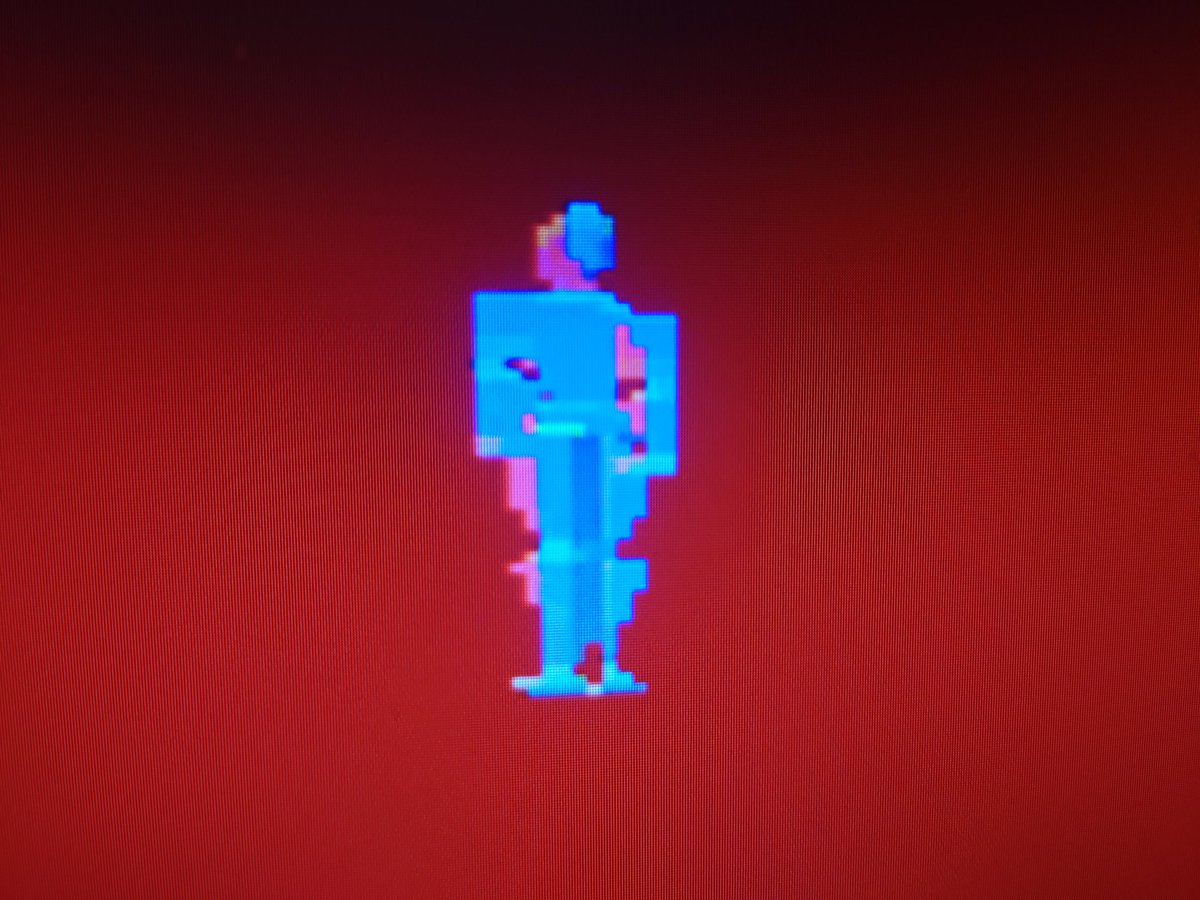
Bit of maintenance before I continue :( Also adding a network card, floppies are not fun.
Right let's figure out the TMD format and manually make a poly. It's detailed here, looks straightforward enough: psx.arthus.net/sdk/Psy-Q/DOCS…
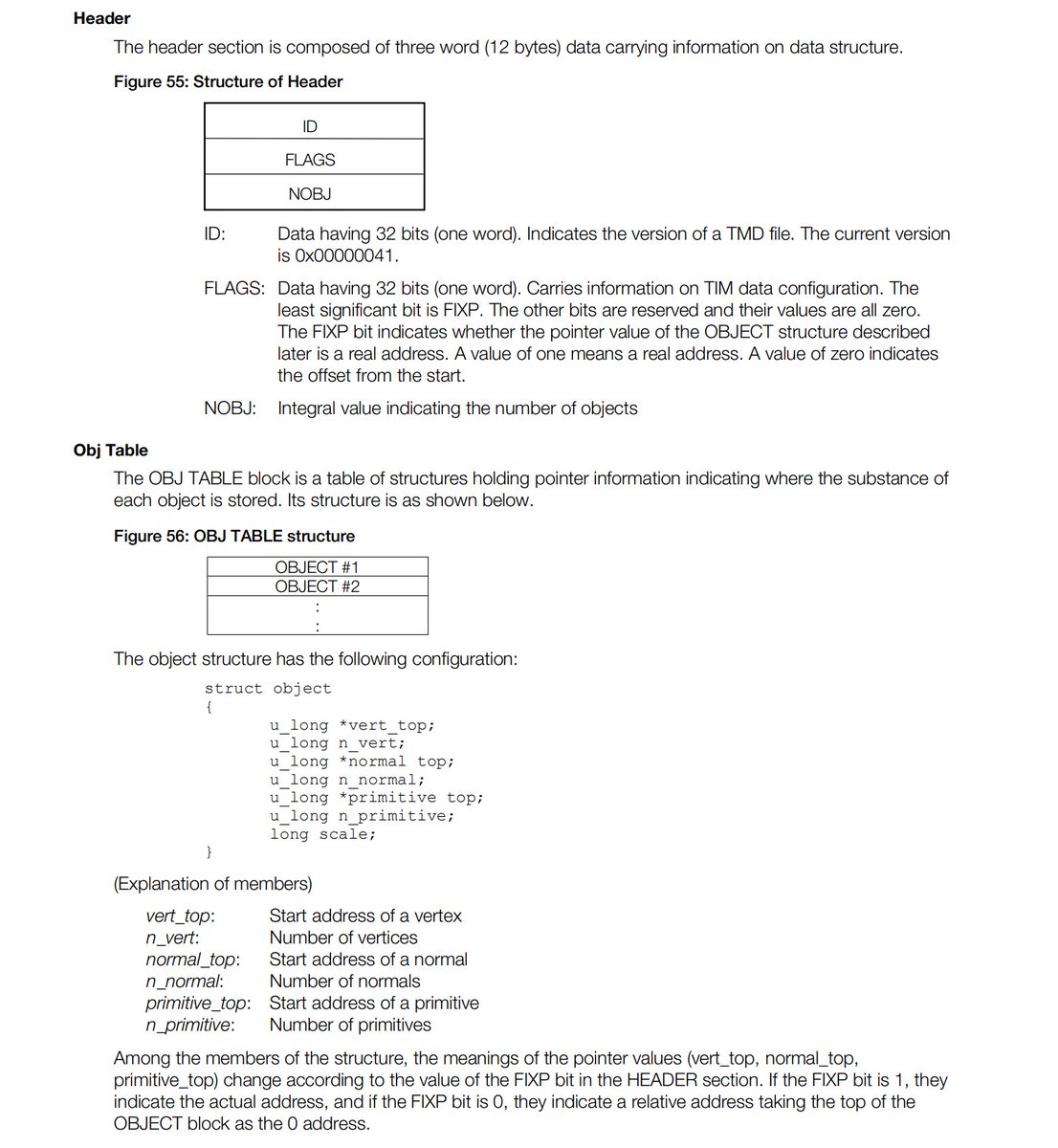
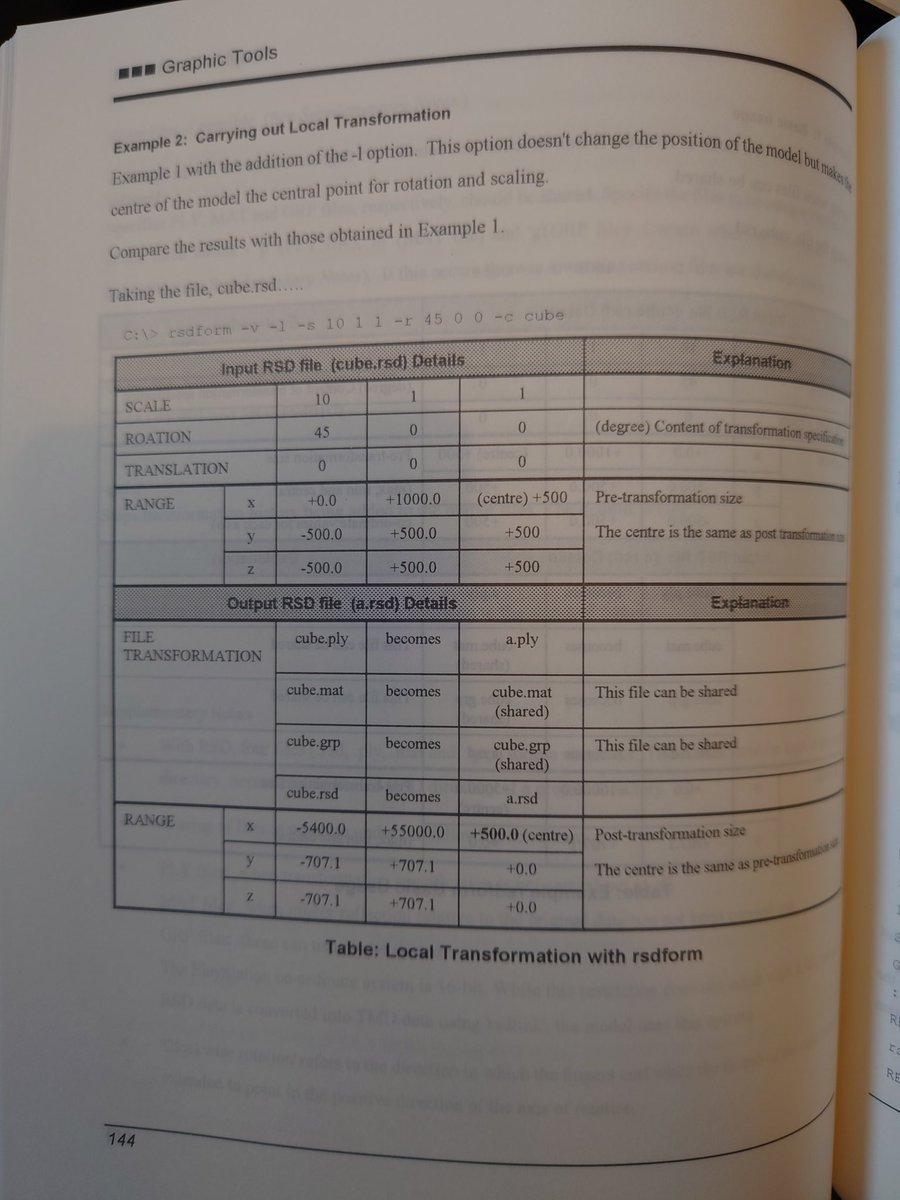
Oooh the manual has chapters for these TMD tools, handy!
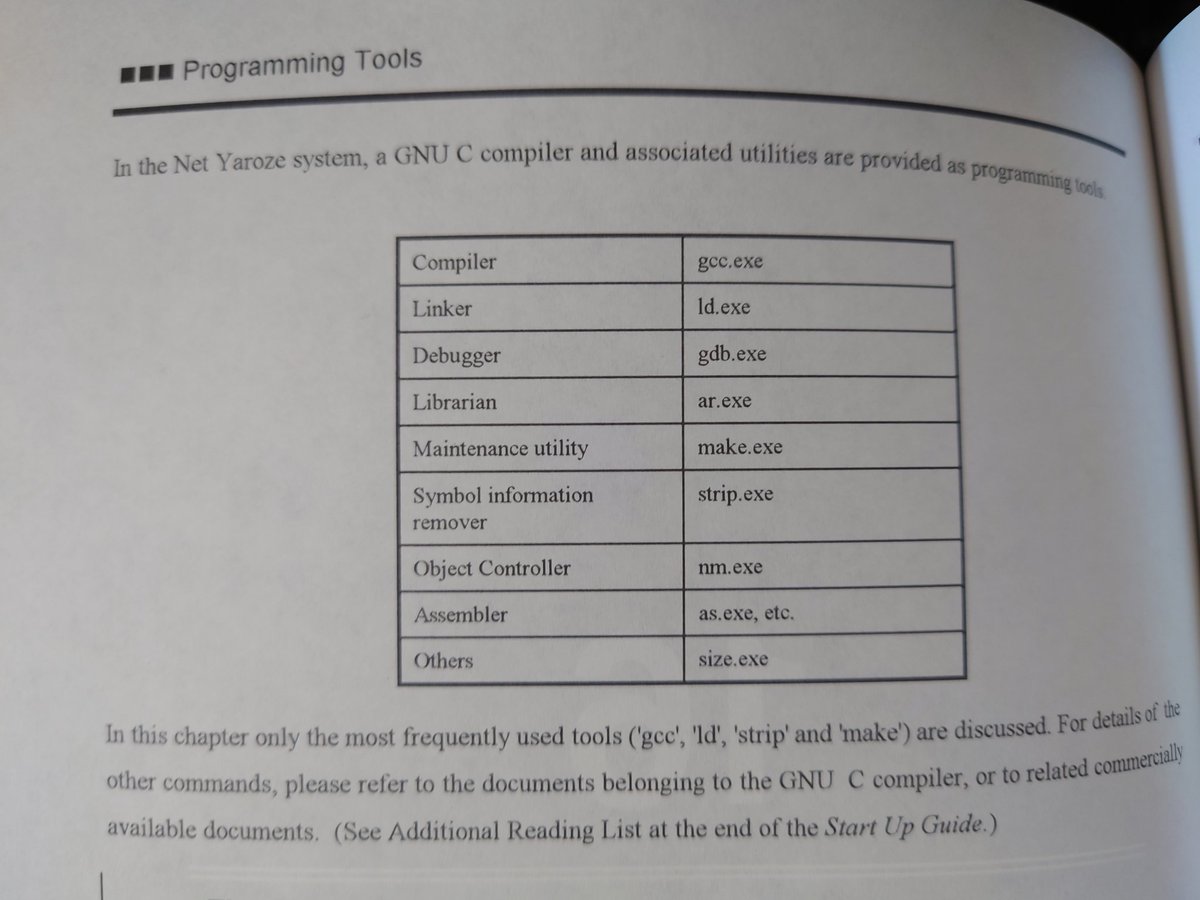
And we have gdb, too! I'll find a nice frontend for it later.
Figured out the baud rate faff, cheers @ModernVintageG!
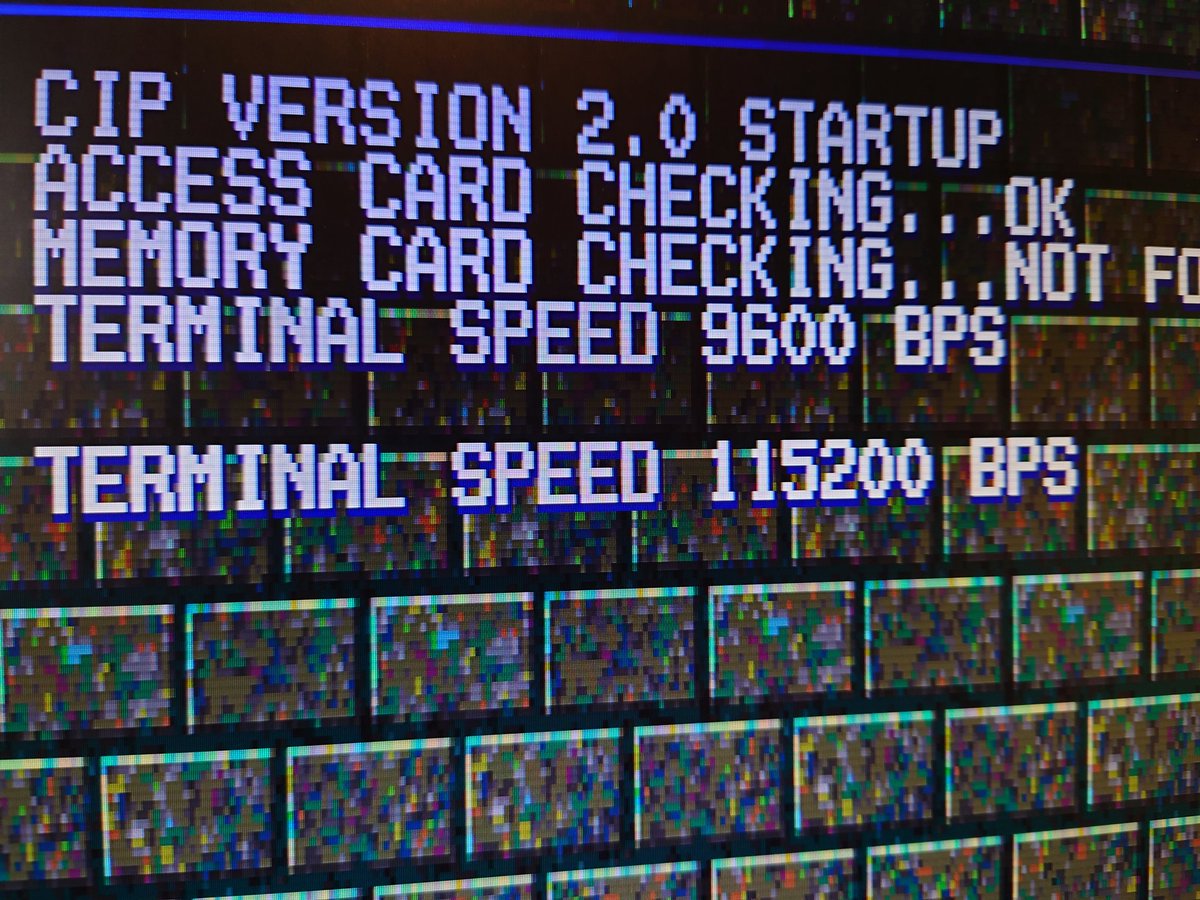
Woo! It's on the network. Right let's get on with it now...
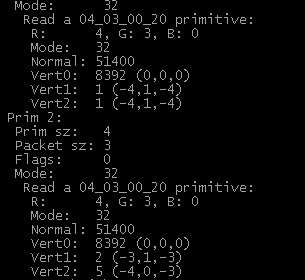
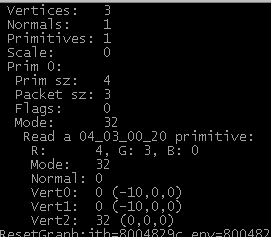
Ok figured out the basics of this TMD format. Depending on the primitive type, you parse it in completely different ways, so I'm sticking with the 3-point flat shaded poly version for now. Here's some sample data from my parser:
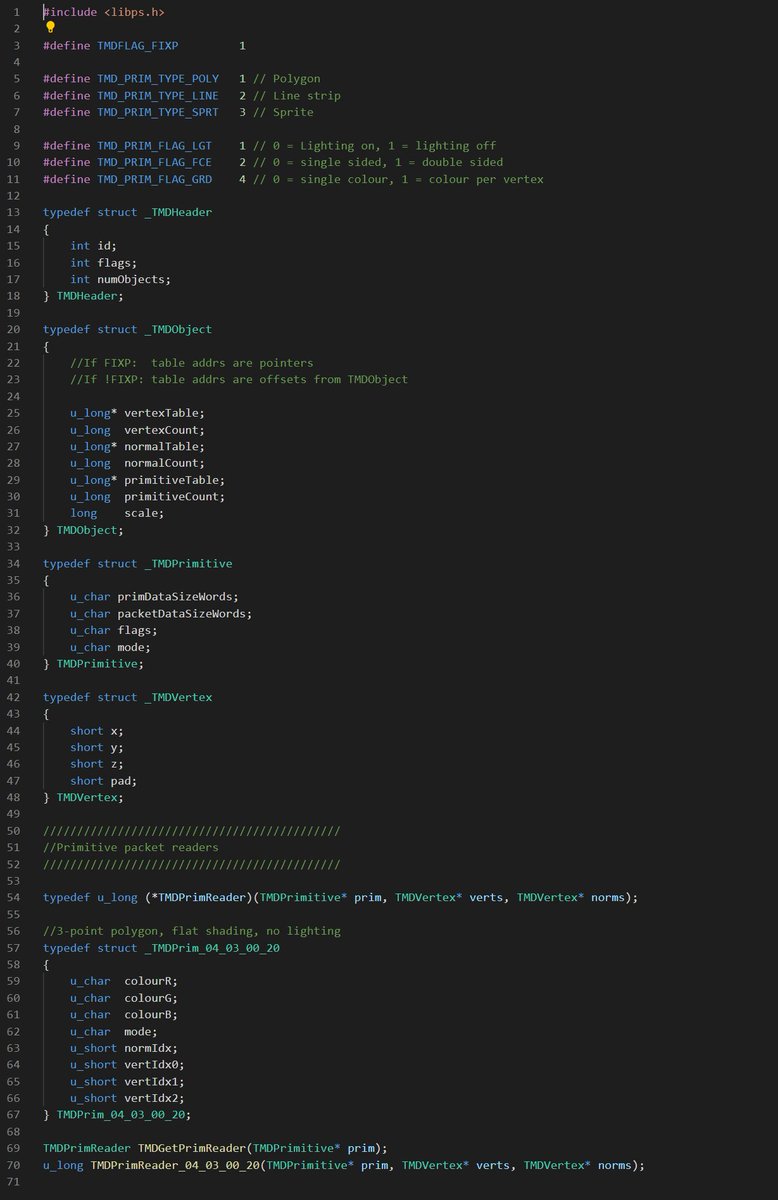
The simplest way to structure it:
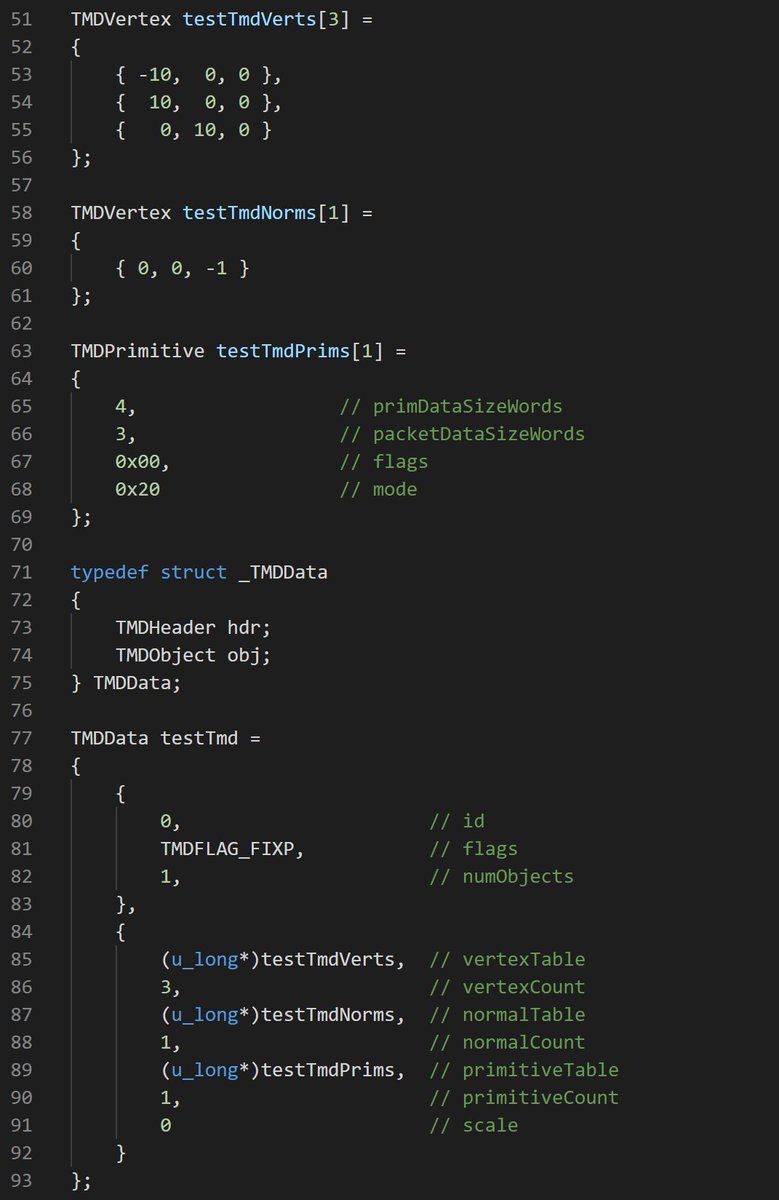
Great, we've successfully written - and read back - our own primitive data!
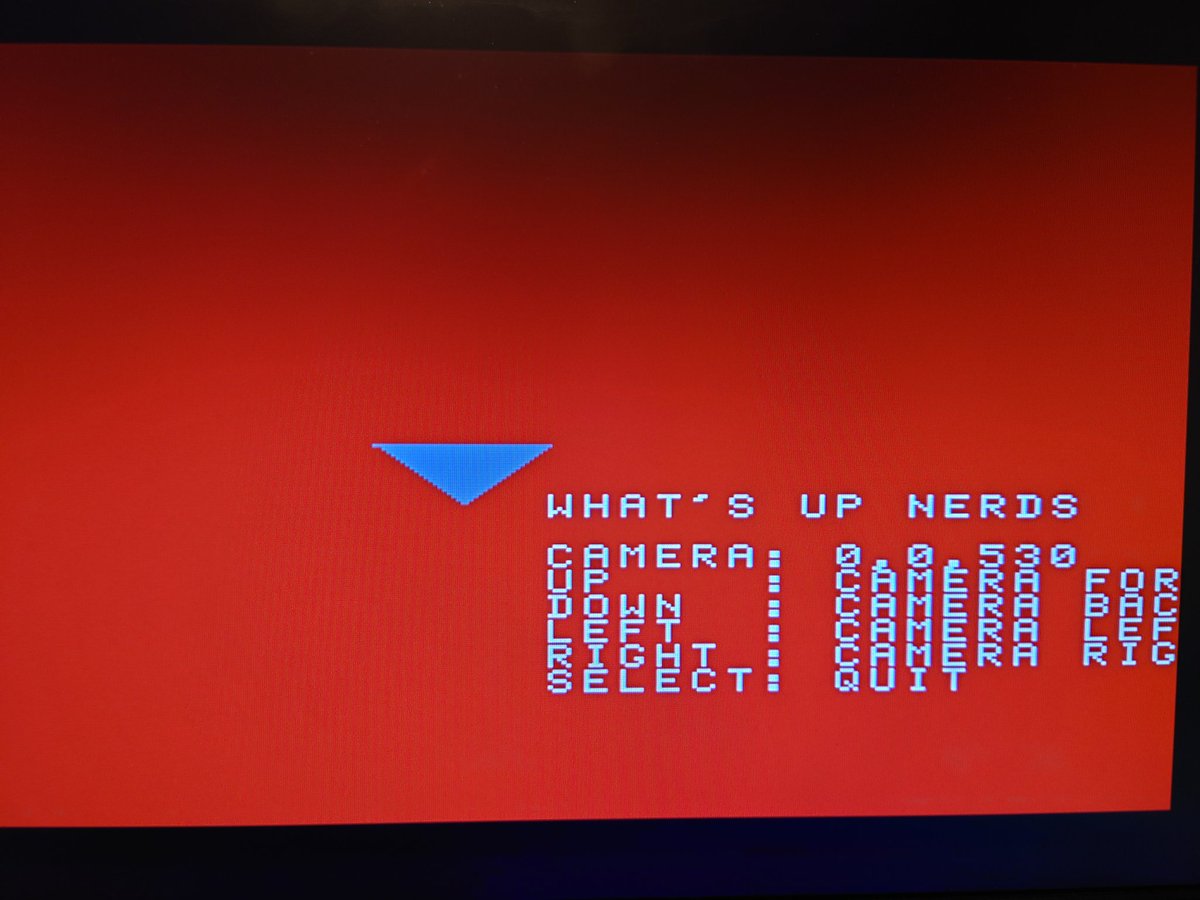
aaand let's fire it up! Yay, it's a triangle!
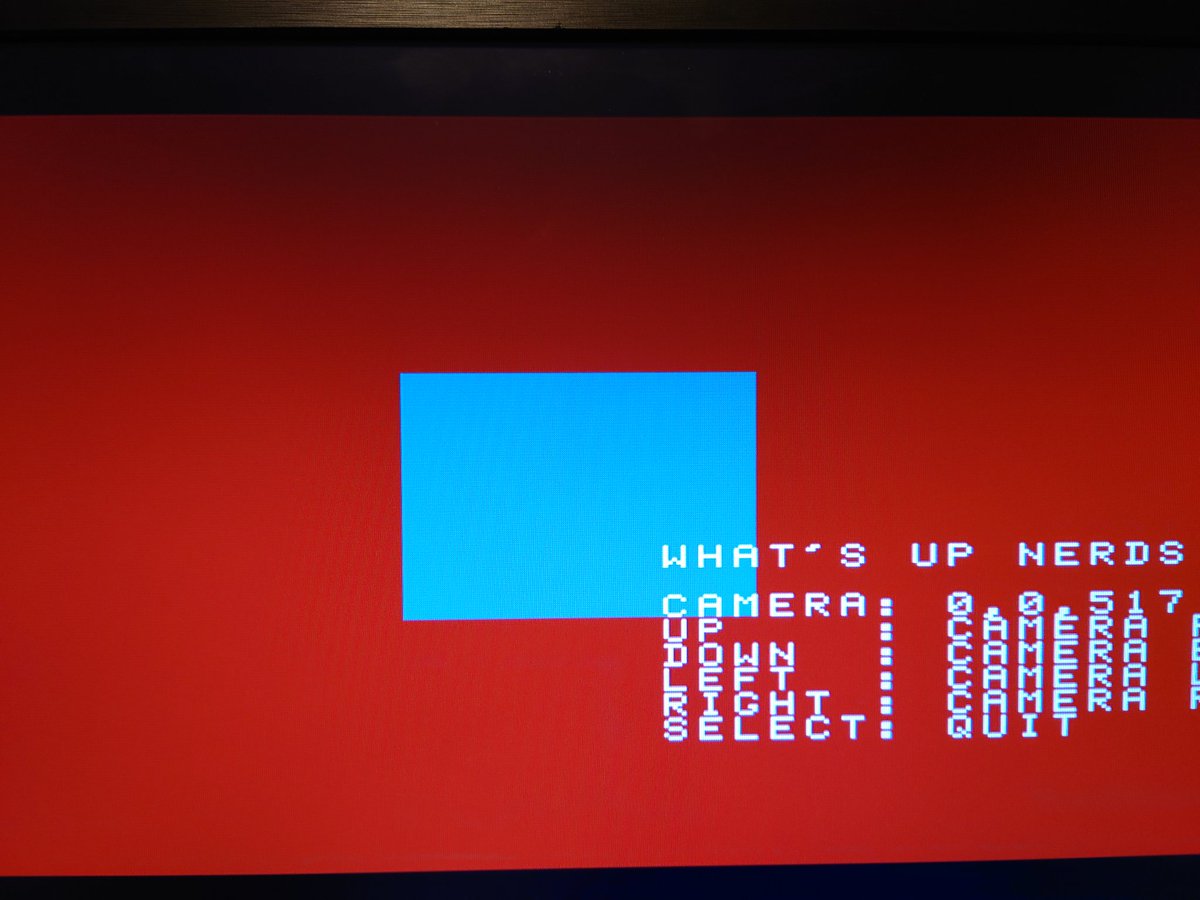
And two triangles makes a quad! Let's keep going...
Behold, one cube! Took a while to get the normals and the vertex winding right, but pretty pleased with this so far.
And that's lunch! Continuing this later.
And that's lunch! Continuing this later.
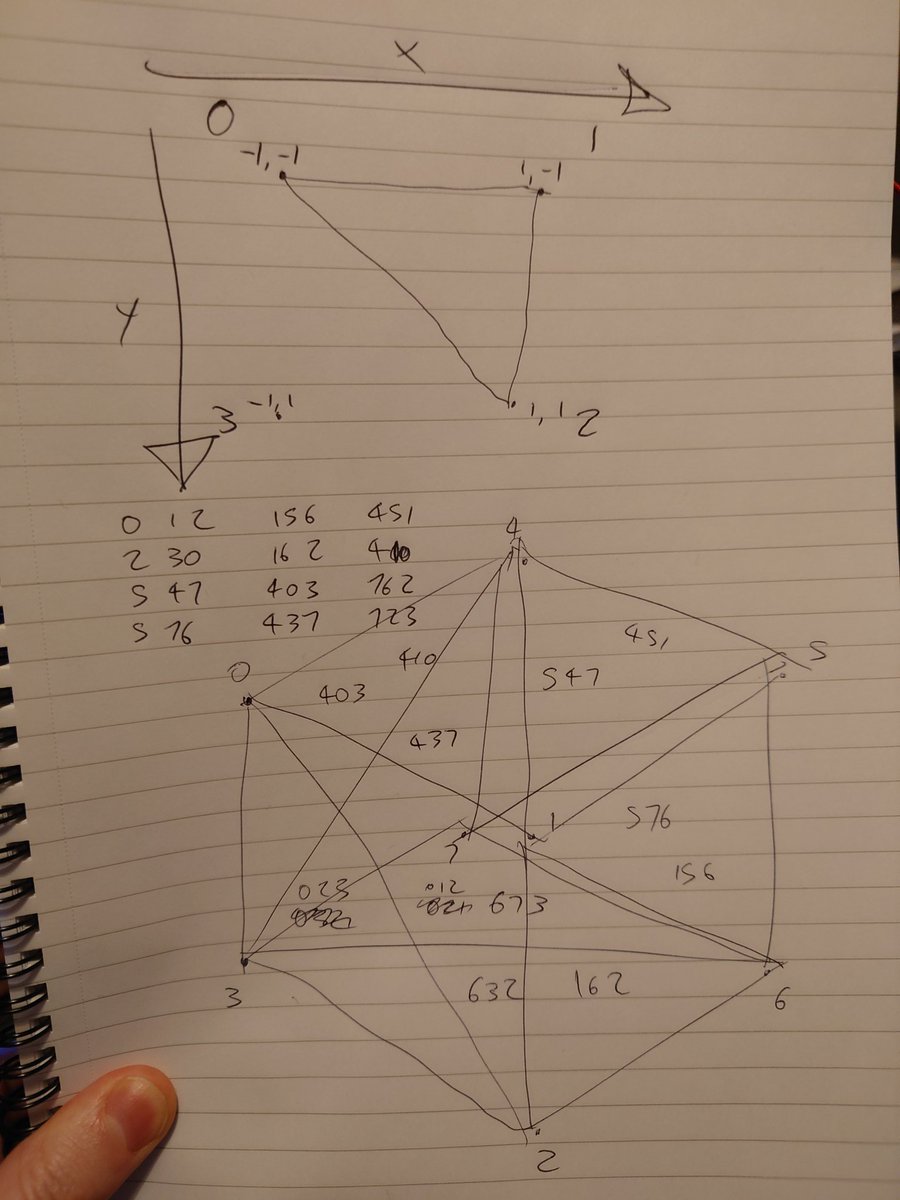
Ahah I have not missed plotting triangles! My brain struggles to visualise data like this, need to write it down.
Some hero seems to have written a tool to convert Net Yaroze to native PlayStation EXE format. I'll have a play with that later:
github.com/gwald/Yarexe
github.com/gwald/Yarexe
Yeah that works great, good to know :)
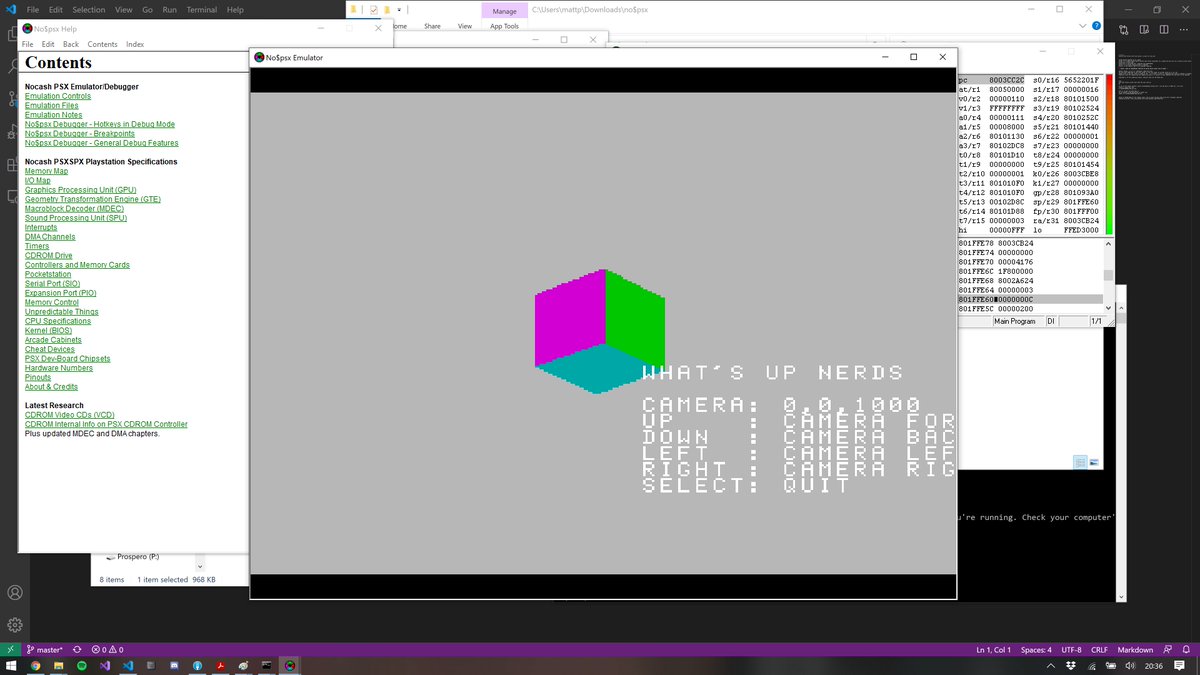
Tidied up the code a bit and made the TMD loader reusable
Next up, sprites! These are pretty easy. Imagine the PS1 has one giant texture atlas - you just blit your textures into a blank space in it somewhere, then ask it for the page number back. You then pass that page number (+UV offset) to the sprite.
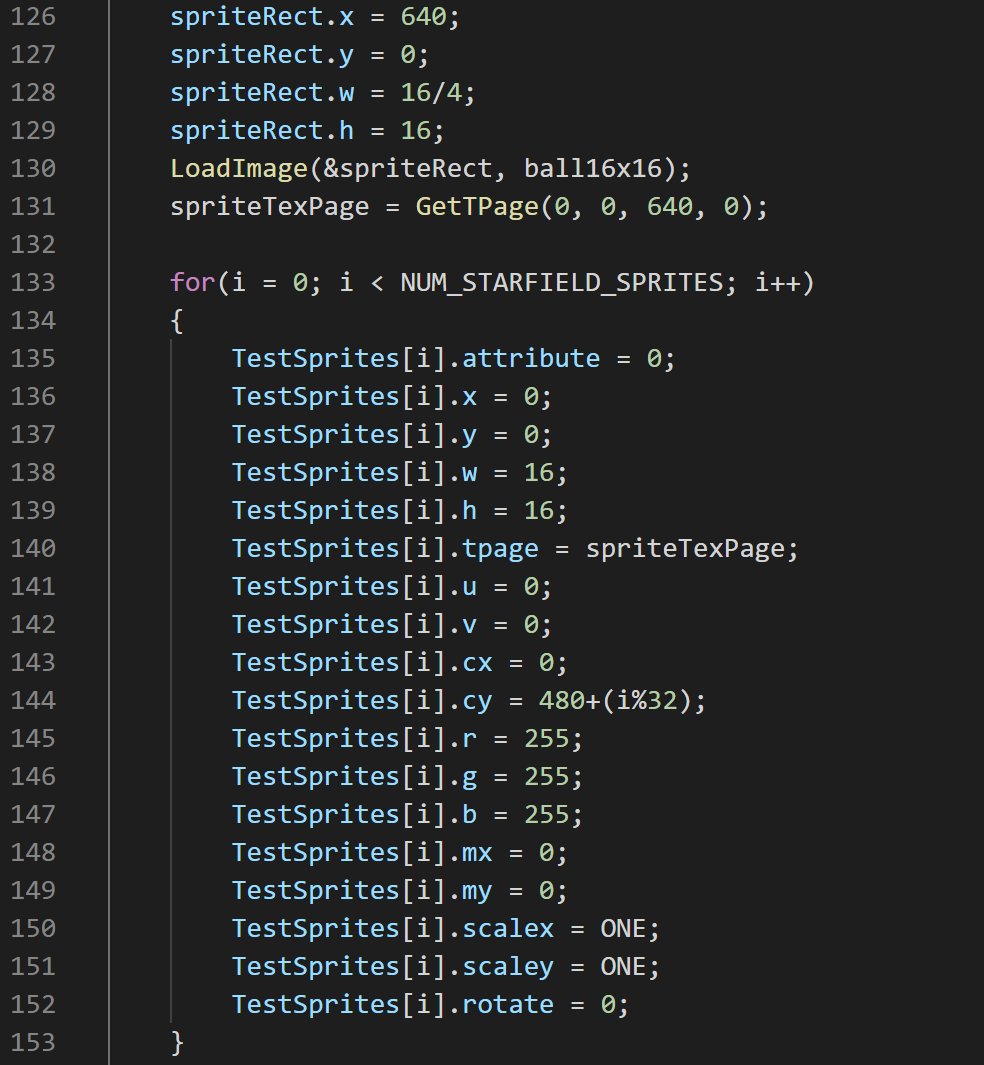
Then you just call GsSortFastSprite() to push it to the command list, and there it is:
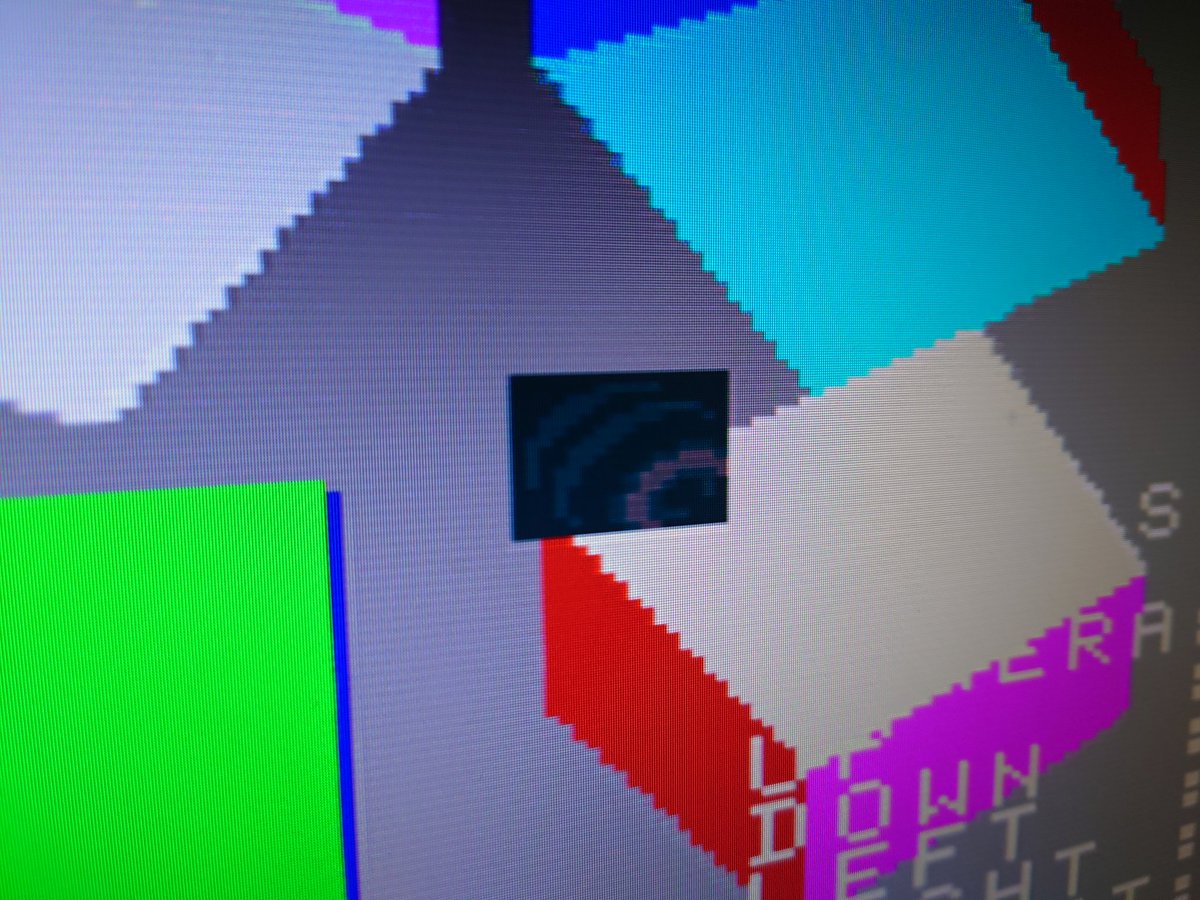
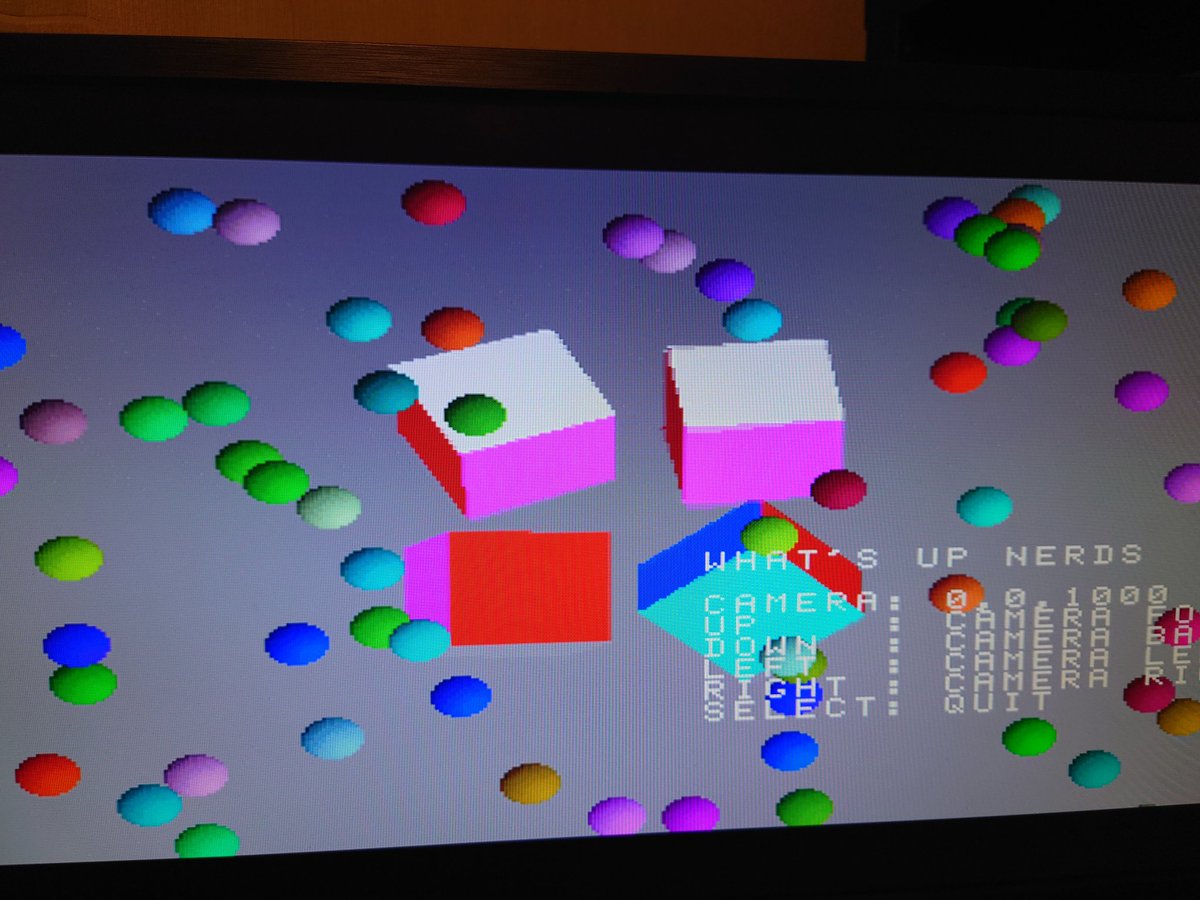
It supports 4-bit palettised textures, too. You just load the palette into its own texture page, then set the CX and CY properties of the sprite to locate it. Here's a load of balls!
Figured out the 4-bit image format after some confusion with the endianness, and made a stupid little star with a 15-bit palette:
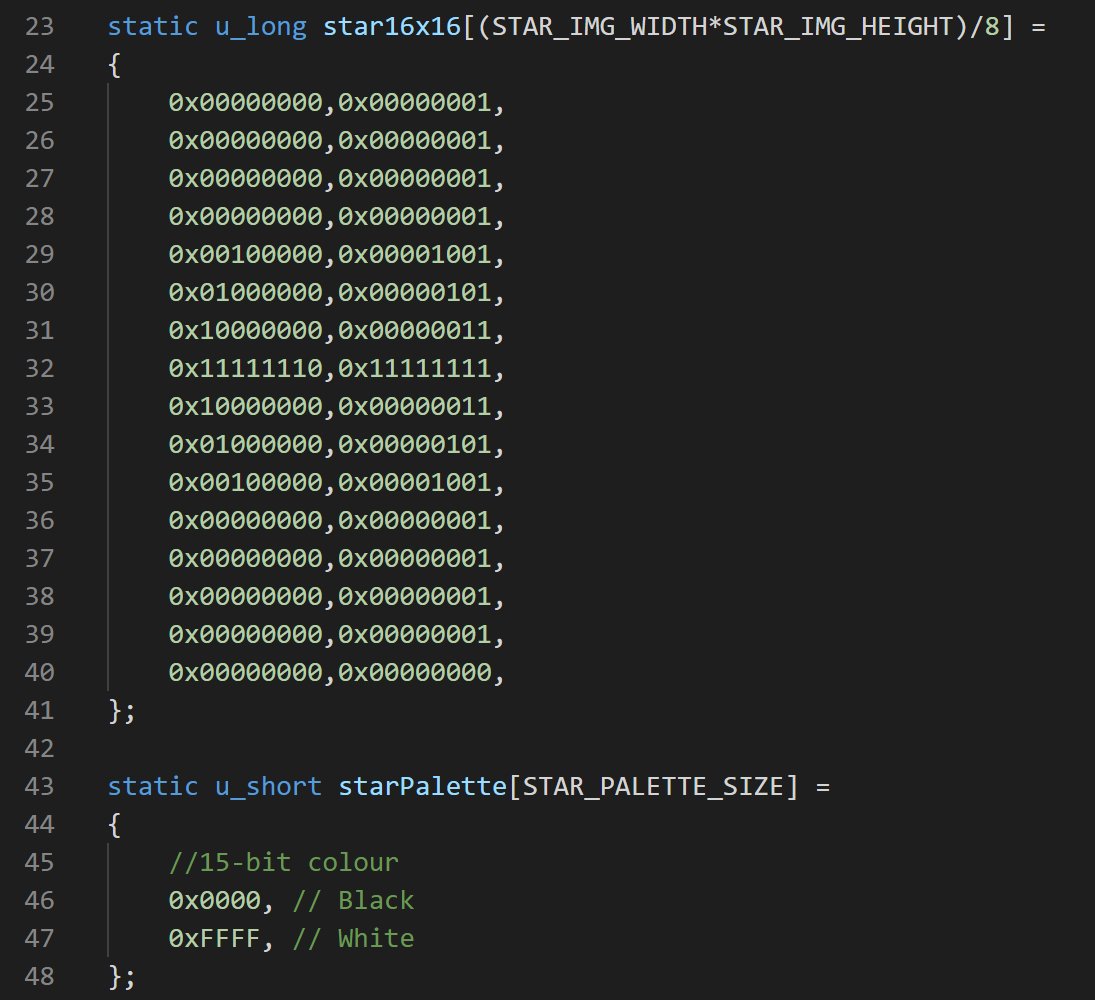
Yay, a really bad star field! There's no texture filtering, so scaled sprites just look like you've scaled pixel art in MS Paint. I'll stick with several variations of fixed textures instead, I think.
Next, need to figure out how to get sprites to draw behind 3D objects.
Next, need to figure out how to get sprites to draw behind 3D objects.
Getting there. Lots of confusion around uploading stuff to VRAM, the SDK only provides LoadImage() (which allows access to the 1mb framebuffer), but nowhere does it specify the unit of the size parameter. Byte? Short? Word? No idea, need to debug the uploaded data.
Anyway, here's the code so far. Heading to bed to dream about VRAM corruption to the tune of the PS1 startup sound, over and over again!
github.com/BigEvilCorpora…
github.com/BigEvilCorpora…
Couldn't sleep last night, so I went hunting for low poly models. Found this GORGEOUS Wipeout/Dodonpachi-style ship by @KyraTech_13. So today's job is figuring out the 3D toolchain! Let's get this thing rendering.
opengameart.org/content/overto…
opengameart.org/content/overto…
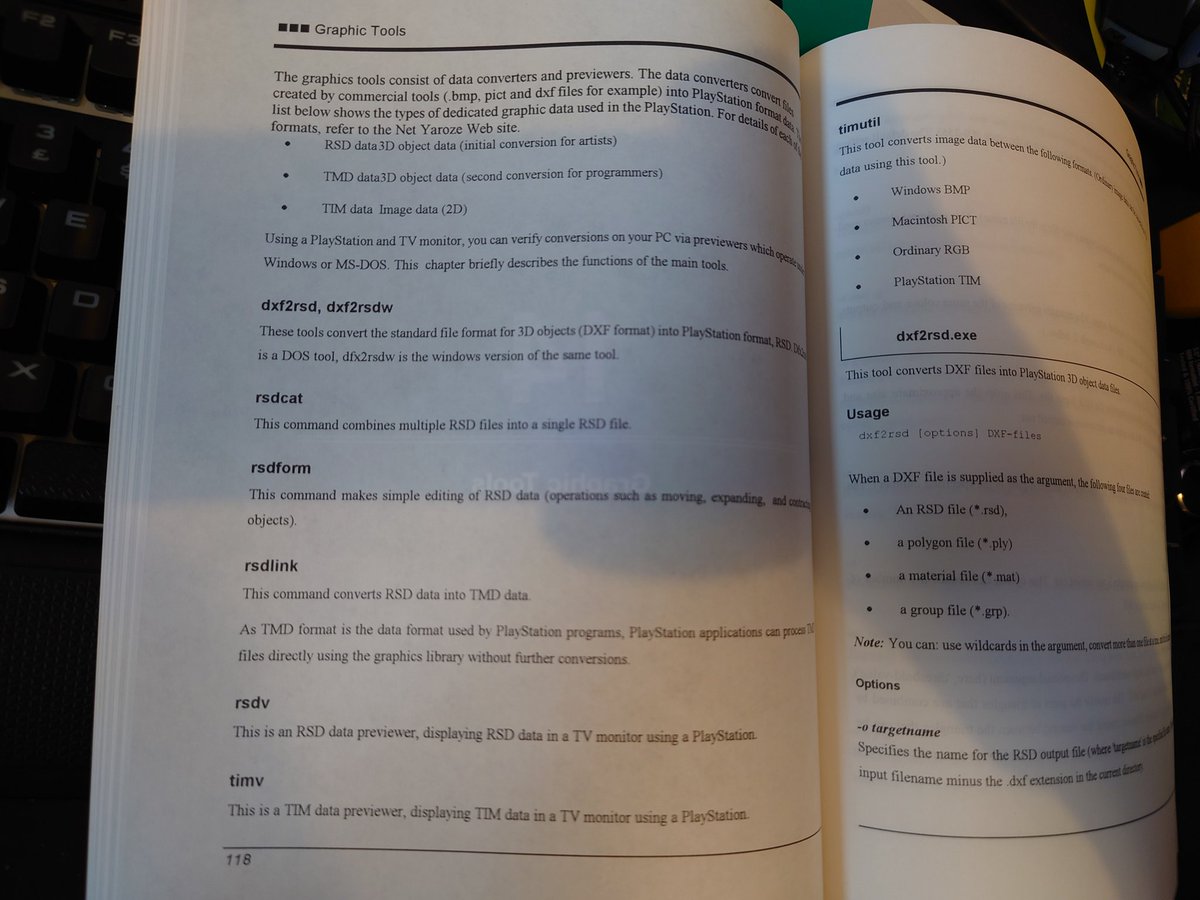
Ok there's a THICK chapter on graphics tools which I clearly missed last time I read the manual. We're in good company! Looks like I need to re-export this thing as DXF in Blender for it to be usable.
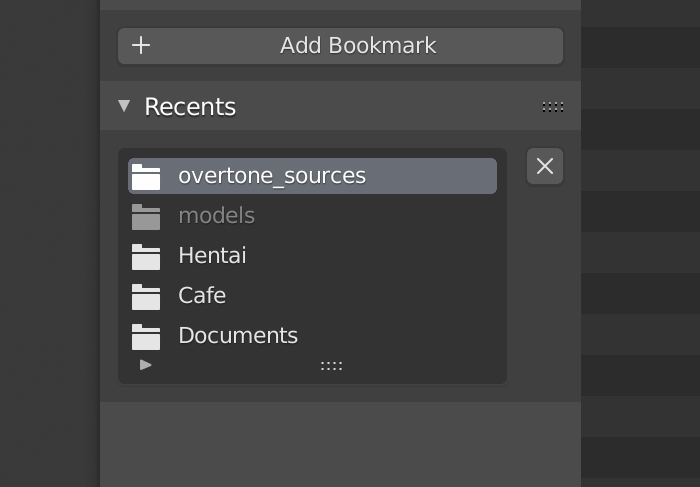
Looks like .blend files store recently exported paths ahahah! Check your files before distributing, kids ;)
The resulting file is only 213 bytes? Doesn't seem right, unless it's really really low poly. Let's see...
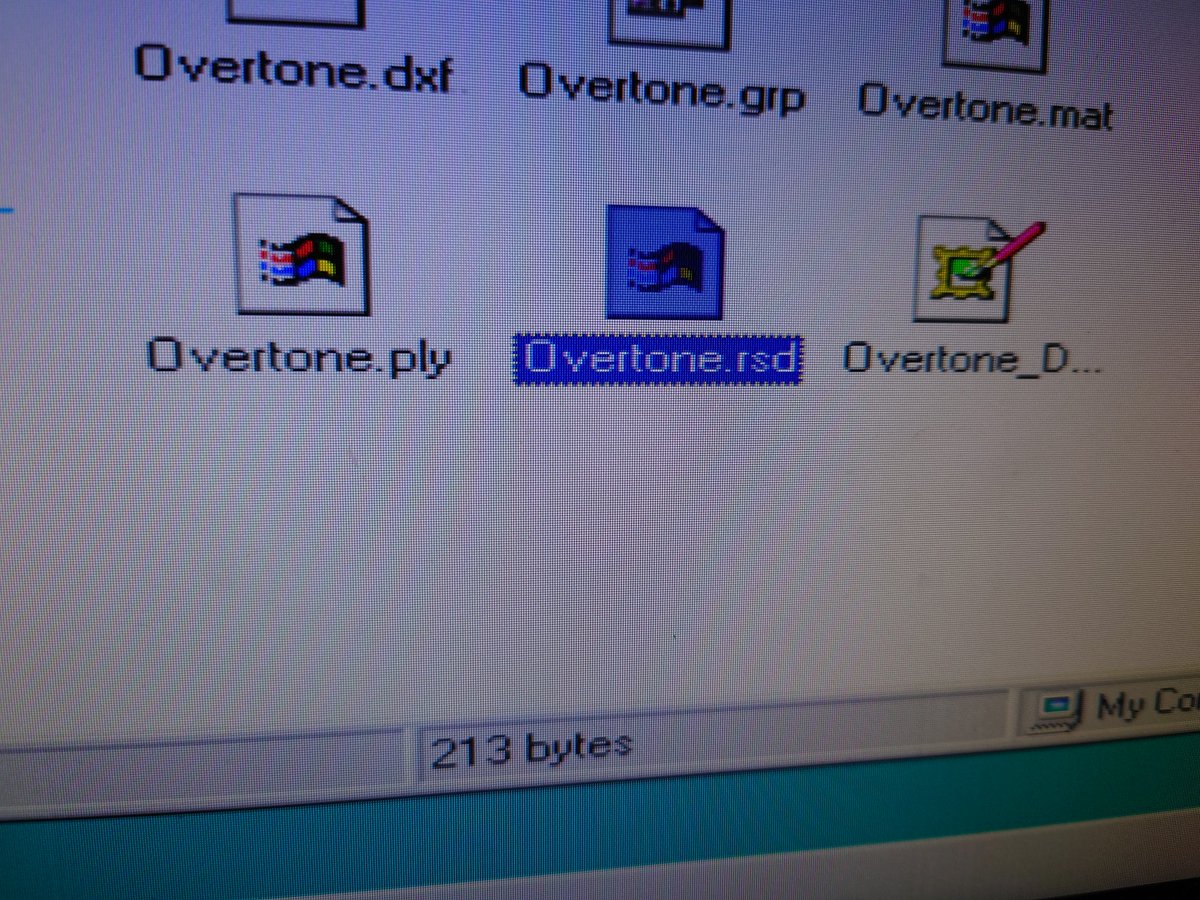
Ah the RSD must be compressed, the TMD is a bit more sensible
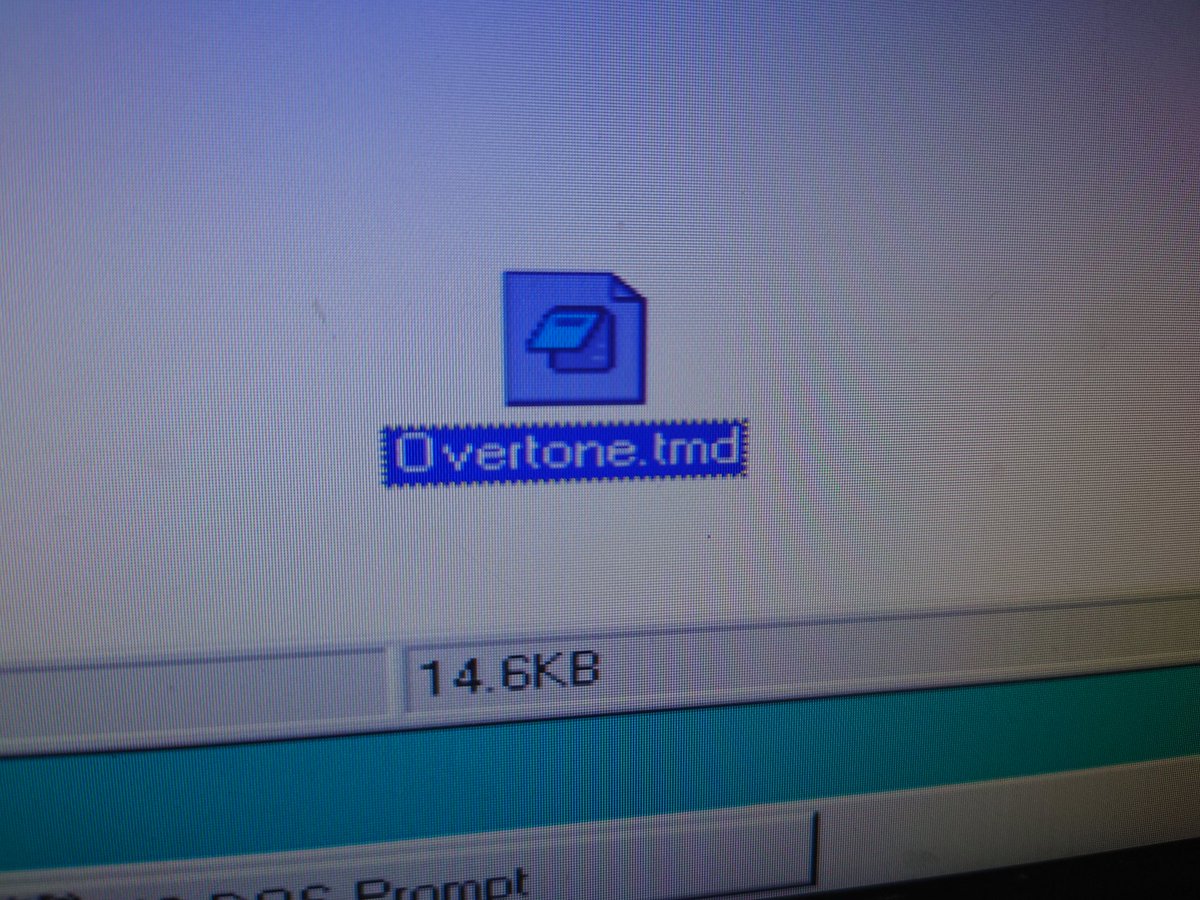
We got... something, and a GPU hang
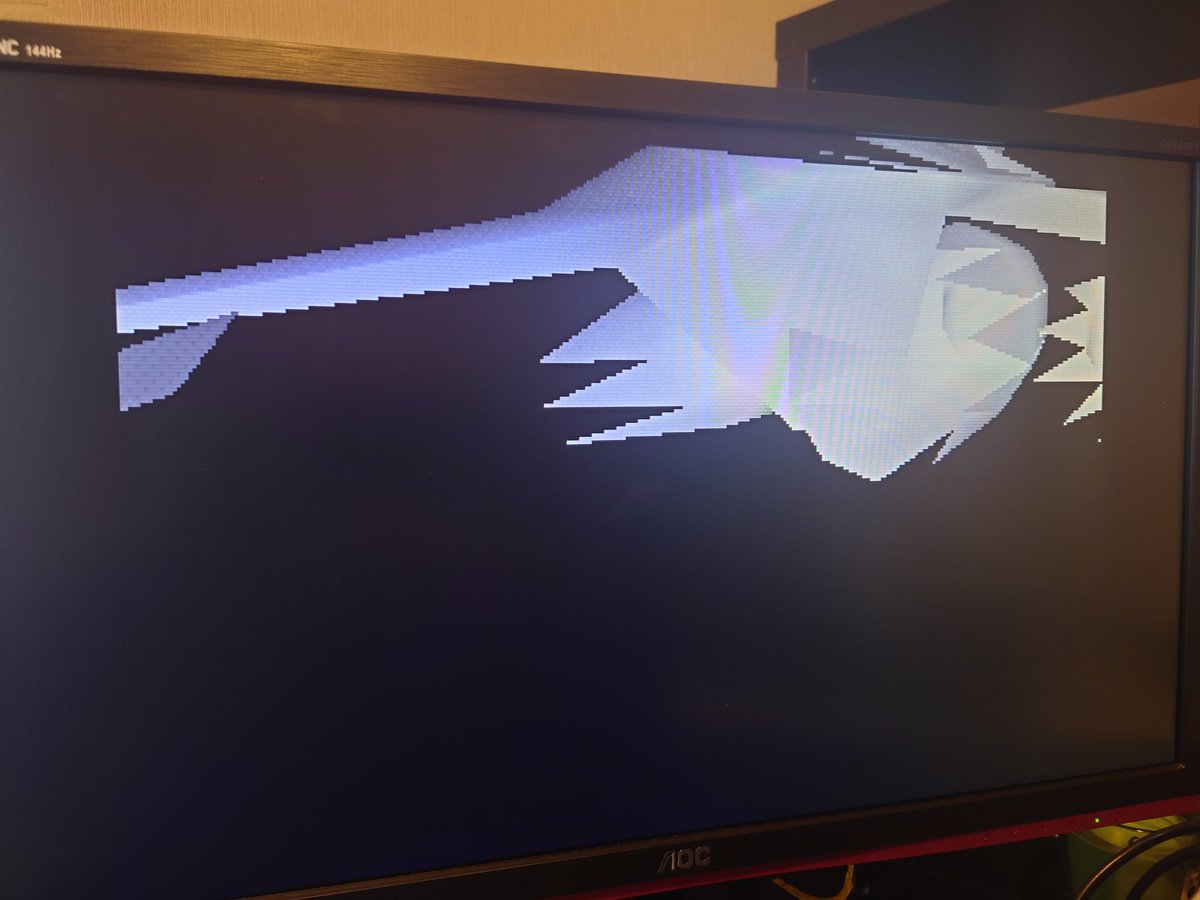
Ah there we go, increased draw queue size. Still freezing up every few seconds though, it's unhappy about something. Looking into it...
Ok so Blender doesn't support exporting DXF with materials. Looks like Autodesk provide a, FXB to DXF converter with their FBX SDK, so downloading now.
Yeah that's a lost cause - nothing has exported DXF with materials since around 1862. BUT... some hero has created a Blender 7.9 plugin that exports directly to RSD format, so here we go!
github.com/Lameguy64/Blen…
github.com/Lameguy64/Blen…
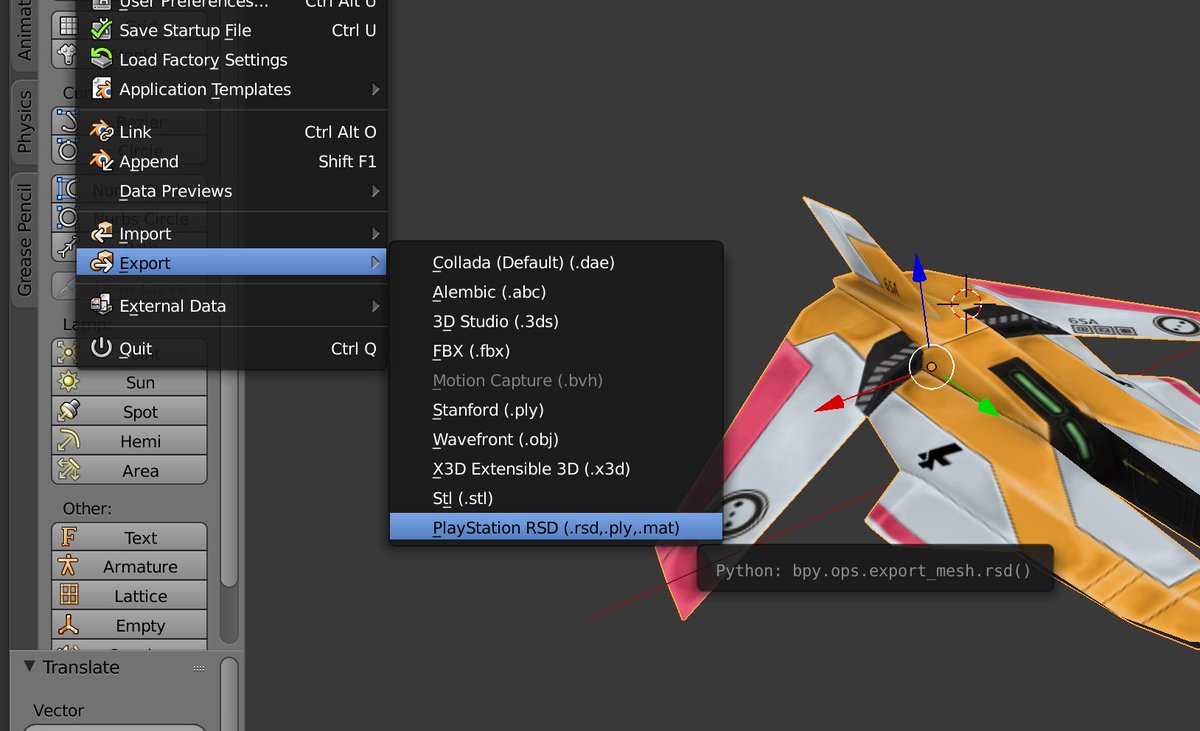
Okay FINALLY we have texture data in the RSD file. Blender is just awful :(
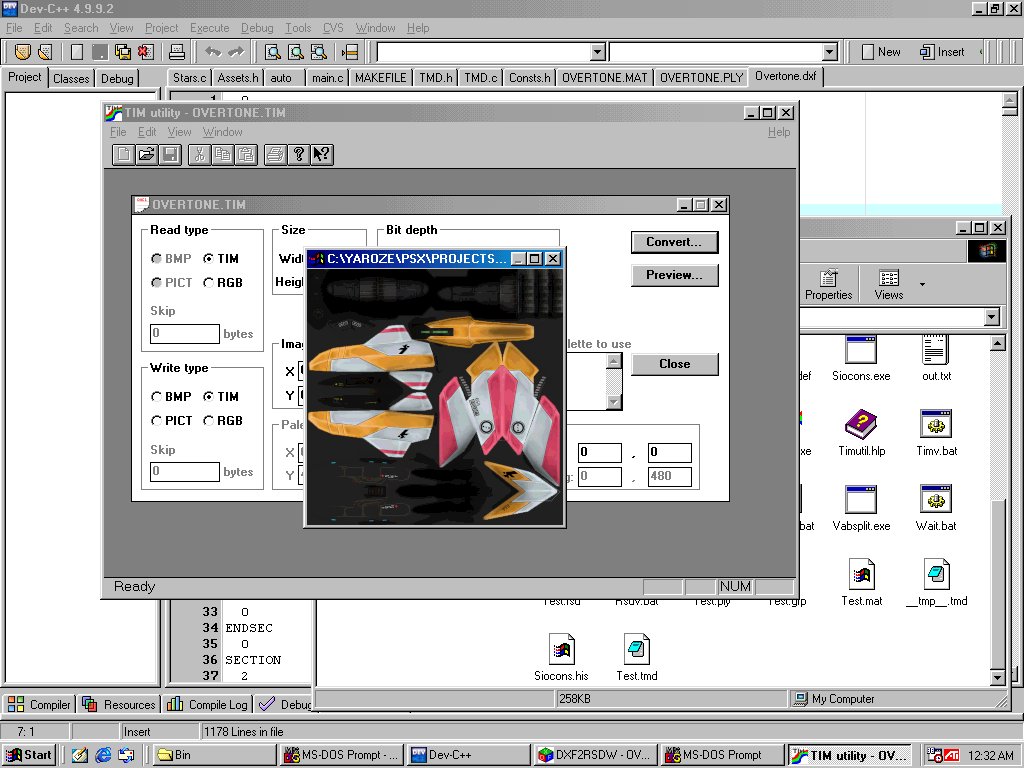
Taking a while to get this texture working, bear with me. The model alone renders, the texture alone renders, put them both together and we get a garbled mess! UVs are correct, texture is loaded to the correct address, unsure what's going on.
Meanwhile, I want to satisfy a curiosity - CD reading. Lots of conversations happening around this in my replies, so let's try and get the facts.
The manuals have a lot of info on reading CD data, and there's a sample in the SDK, so let's start there.
The manuals have a lot of info on reading CD data, and there's a sample in the SDK, so let's start there.
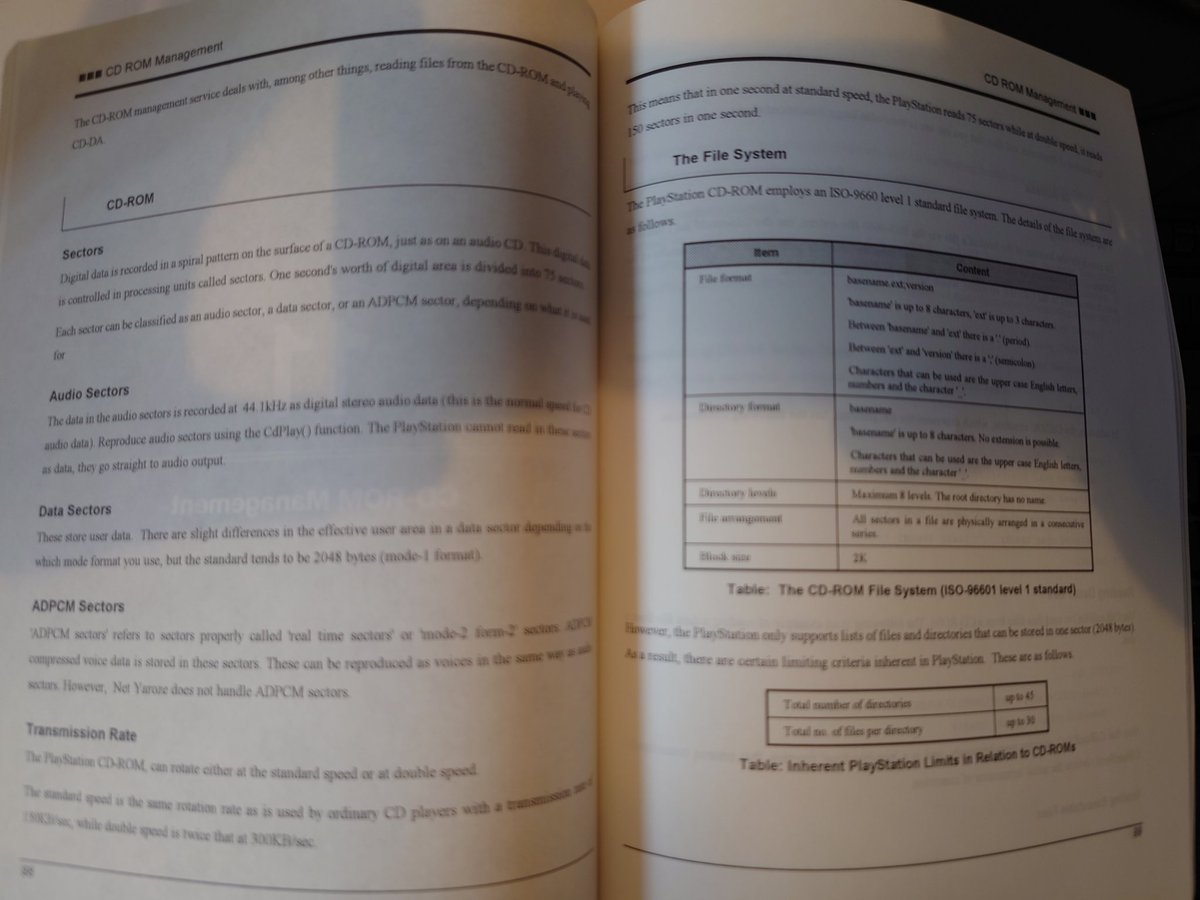
So far, so good - we can read some data from the samples on the Net Yaroze disc (needed to boot the SIOCONS tool), but I guess we already knew we could do this. How about another PlayStation disc, then...
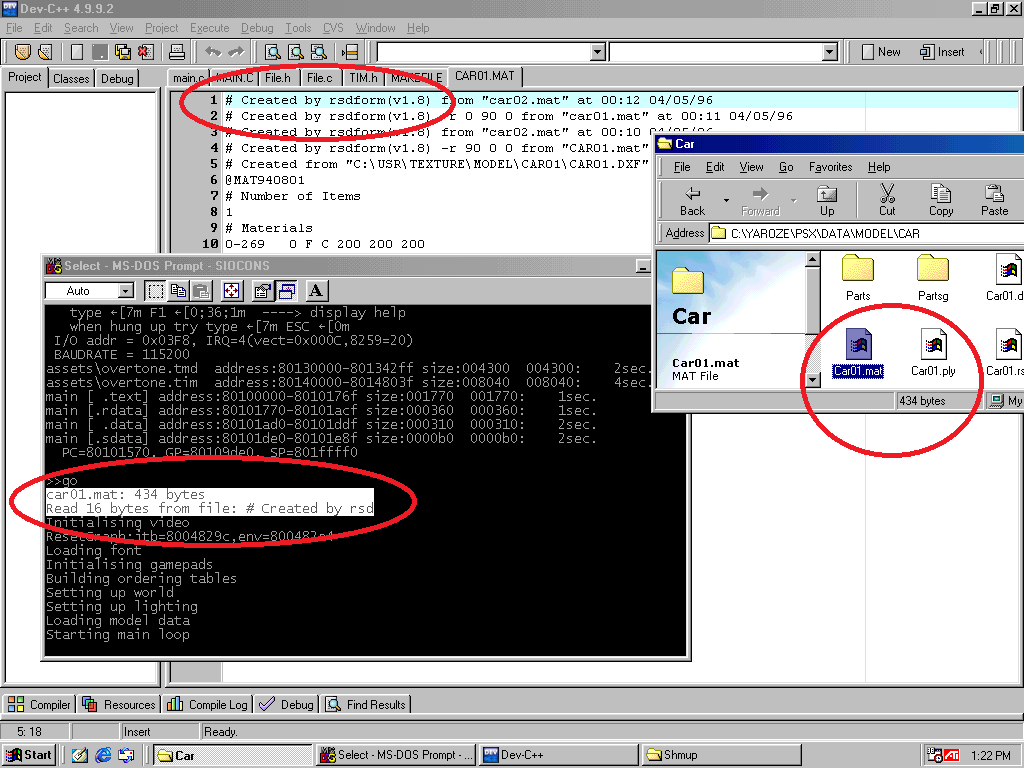
All good, here's SYSTEM.CNF from the Skullmonkeys disc. So, how about our own CD-R?
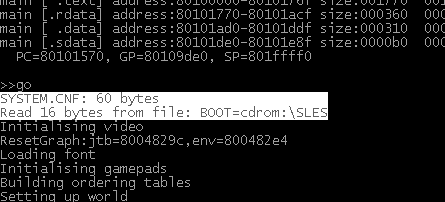
I don't have a burner or any blanks to hand, so here's a random selection! That college disc is 18 years old... Christ.
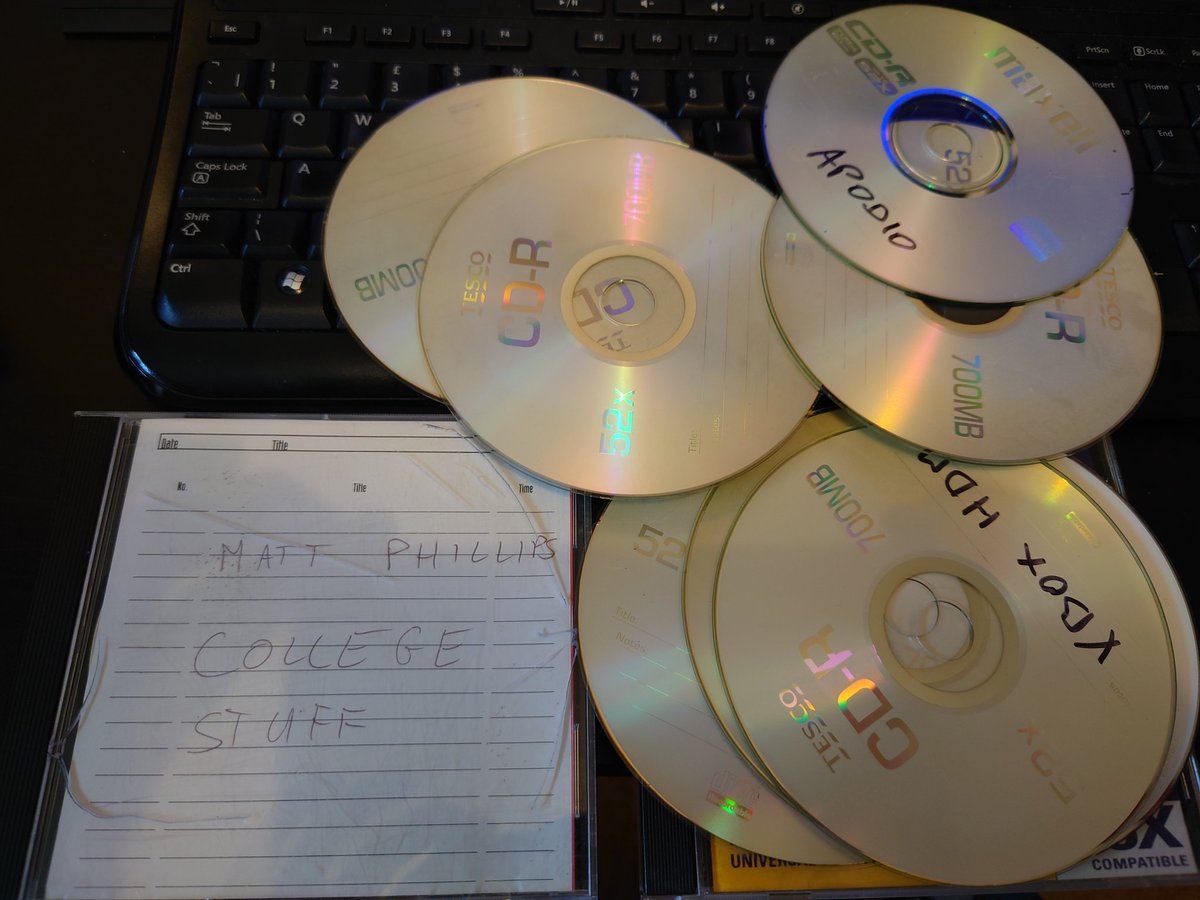
Yeah it's struggling to read any of these. There's some small print about the particular format it needs, and elsewhere on The Internet suggests I need a Unirom and/or Multisession disc. So I'm gonna need a burner and some blanks to continue. To PC World!
Boom! KFC time then back home.
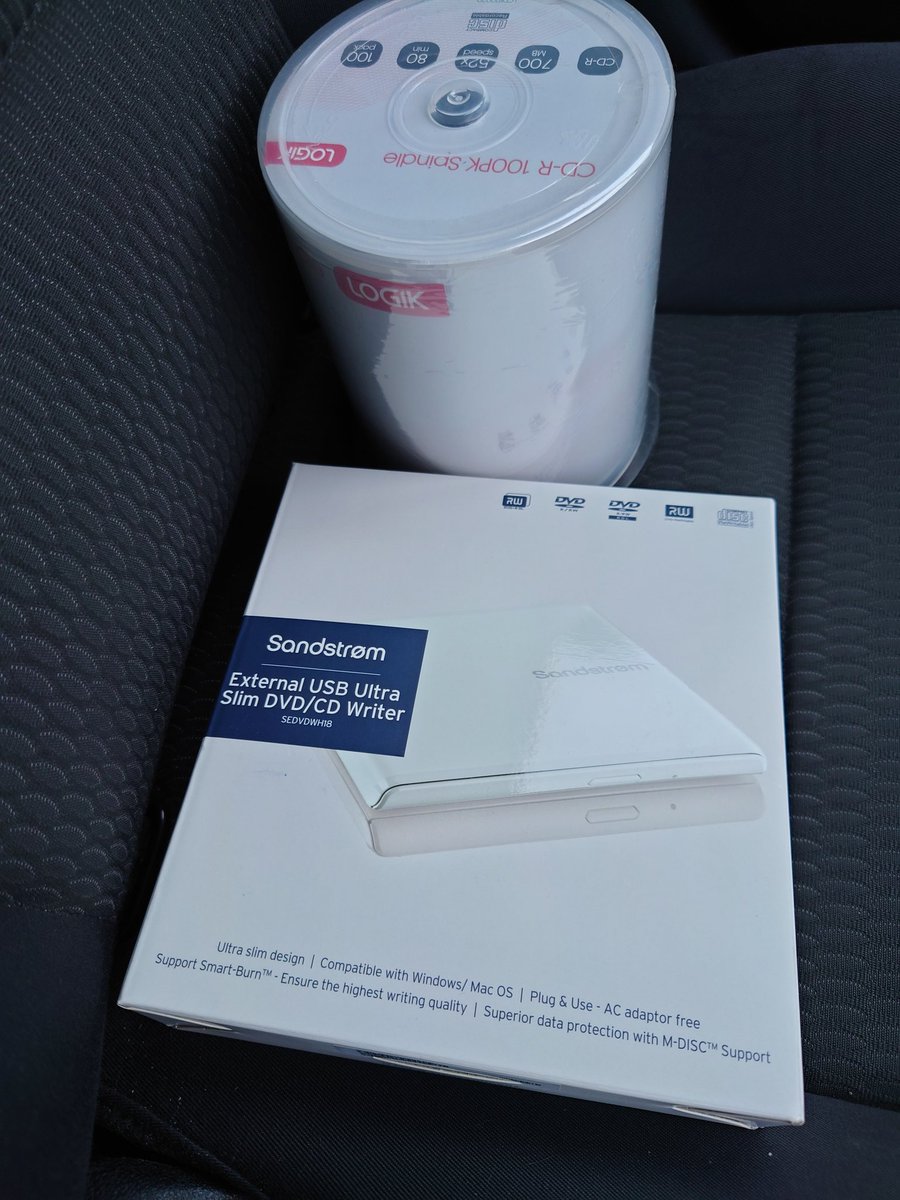
N O S T A L G I A
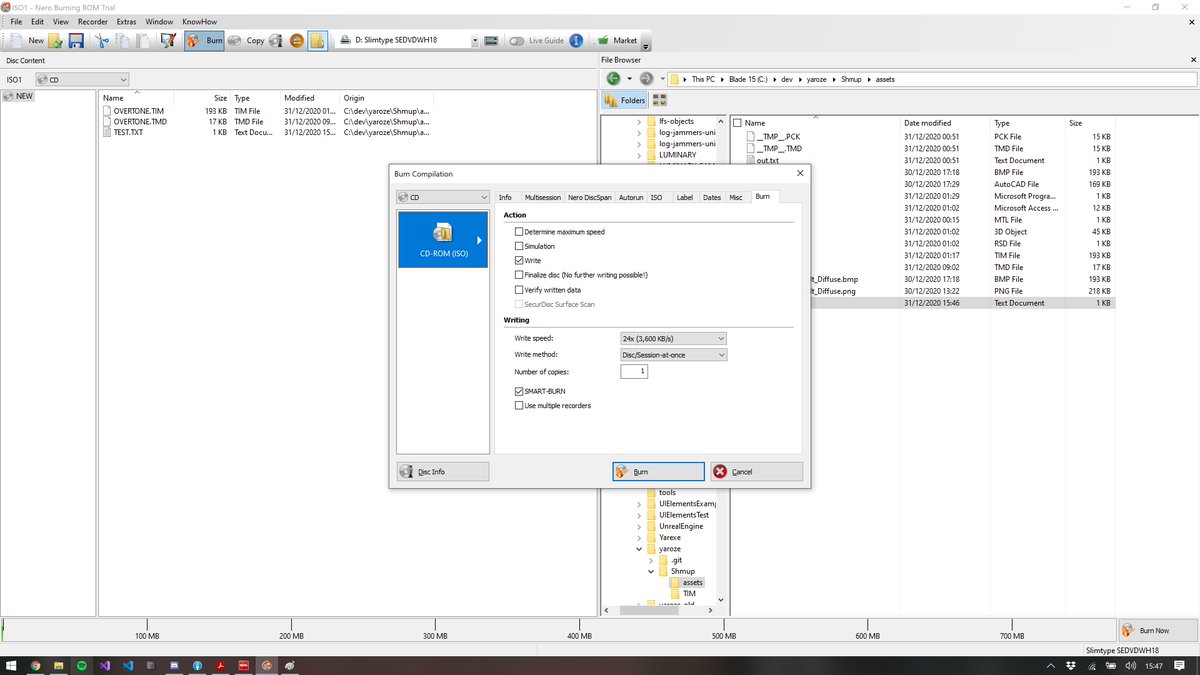
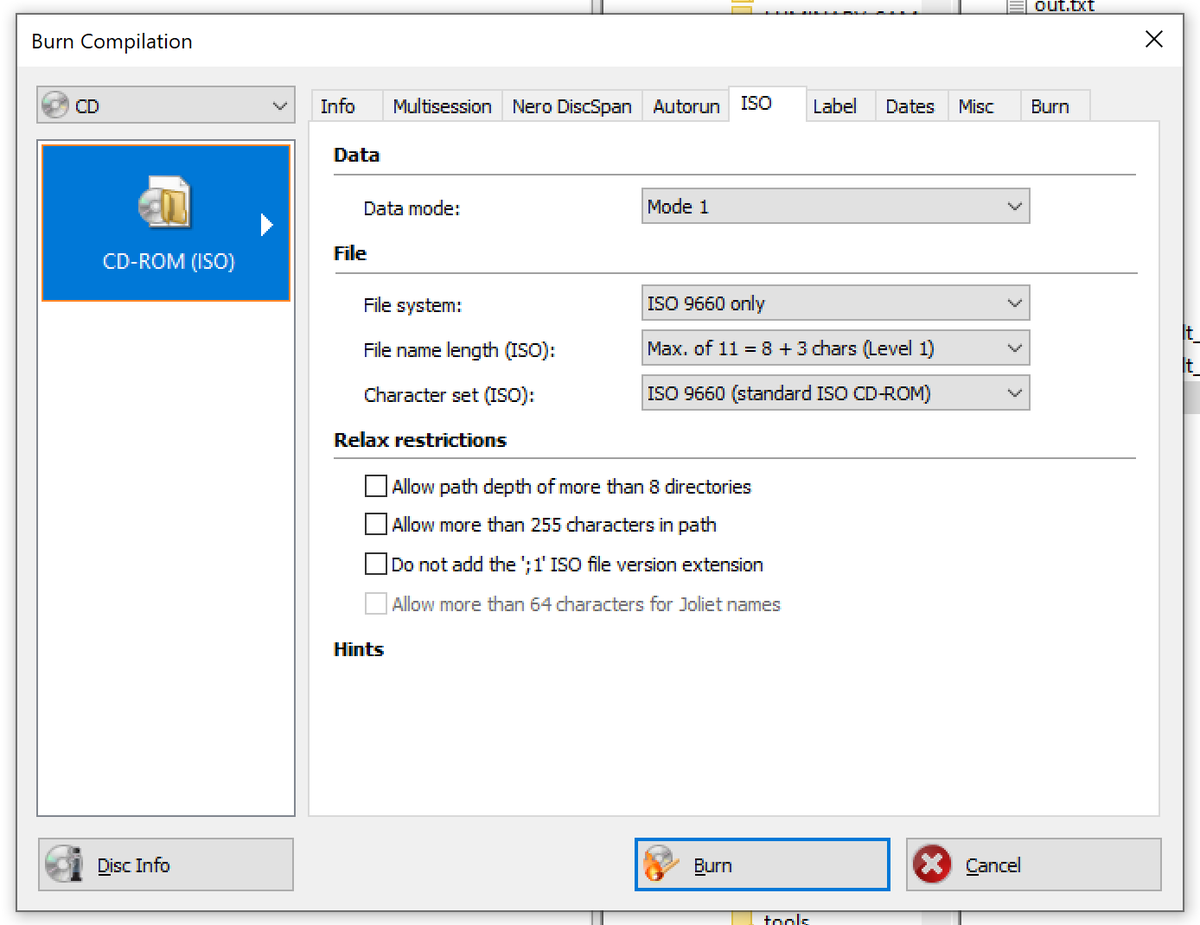
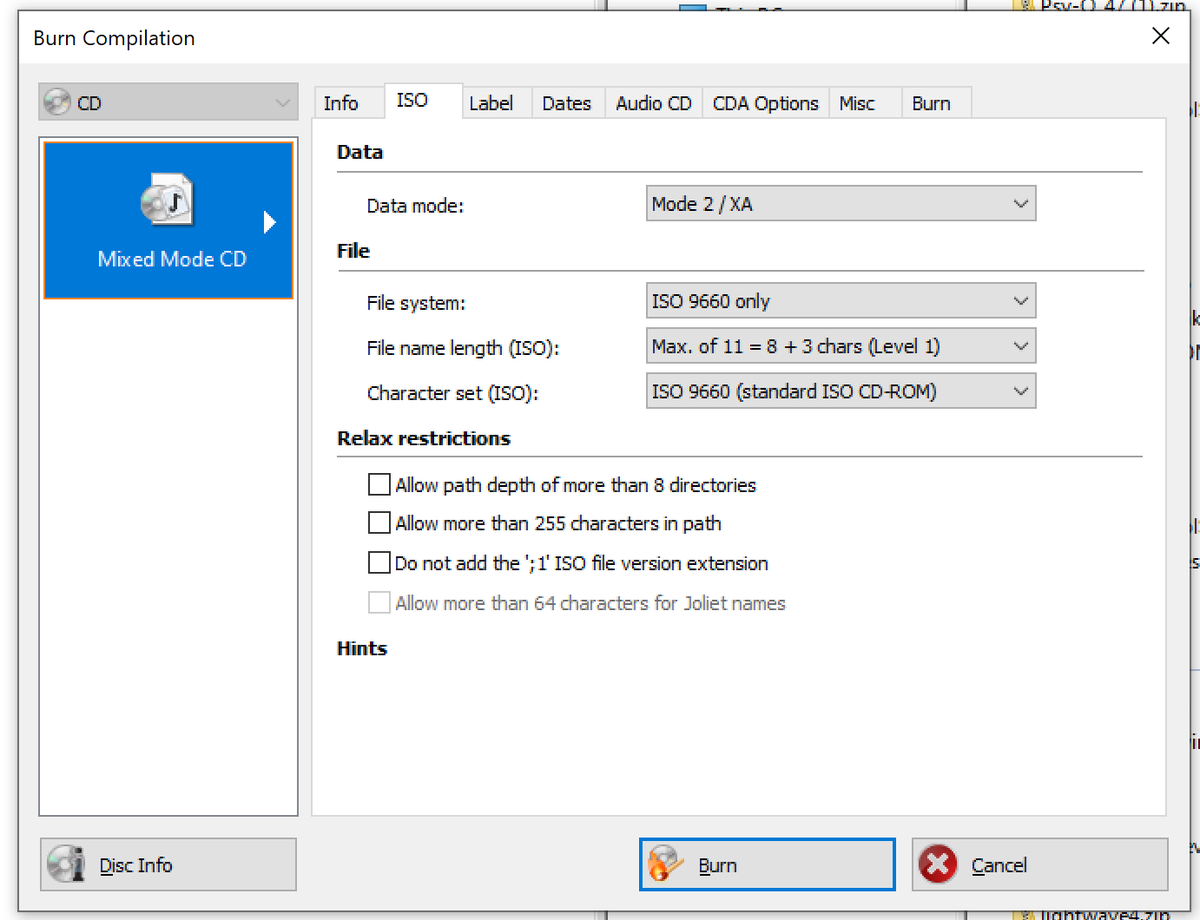
Ok let's try the mode the manual suggests - ISO9660:1, with that ";1" option like the sample code uses, and all other features turned off
Mixed results and a lot of questions unanswered! The Yaroze libraries won't read files from, or play CD audio from, burned CDs, yet the built-in CD player can. So, the drive is clearly capable of reading these discs, and something somewhere is able to put it into a mode to do so.
I think it's all down to the Yaroze library not allowing it. Supposedly the studio SDK has a CdInit() function that re-scans the drive, which might be what we're missing here.
Right - burned CDs are a no go. Real shame, and probably the biggest limitation of this kit. I've tried recreating the same syscalls that the CD player uses to initialise new discs, but it's having none of it. I might come back to this.
Anyway, on with textures!
Anyway, on with textures!
Actually no, NO, I'm not giving up. Vib Ribbon let you play your own discs, and Music 2000 let you RIP SAMPLES FROM IT. There must be a way. There must be.
Right, one step closer. Here's my Net Yaroze singing Periphery's MAKETOTALDESTROY from a burned CD. Still digging...
😎😎😎
Kinda. It needs a disc swap trick - shove Blu Tac on the CD lid button, boot from Yaroze disc (which is required anyway), call CdPlay(0) to stop the drive, swap discs.
Kinda. It needs a disc swap trick - shove Blu Tac on the CD lid button, boot from Yaroze disc (which is required anyway), call CdPlay(0) to stop the drive, swap discs.
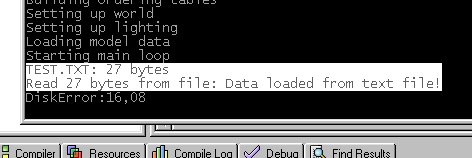
Not the most elegant solution, but at least I can properly author my game with CD support now, and claim all of the RAM back. Besides, I plan burn this thing and play on a modded PS1 when I'm done.
So, @ModernVintageG was half right. You can't read DATA from CD-Rs from a Net Yaroze out of the box. You can play audio tracks as standard (although the volume defaults to zero for... reasons) and you can read data with this trick.
Burn settings for reference:
Burn settings for reference:
Anyway, I've learned how to do syscalls, and found a list of all BIOS functions, so there's LOADS more I can do with this thing now.
Hat tip to this resource: hitmen.c02.at/files/docs/psx…
Hat tip to this resource: hitmen.c02.at/files/docs/psx…
Yet more maintenence ahah this thing is OOOLLLLLLD
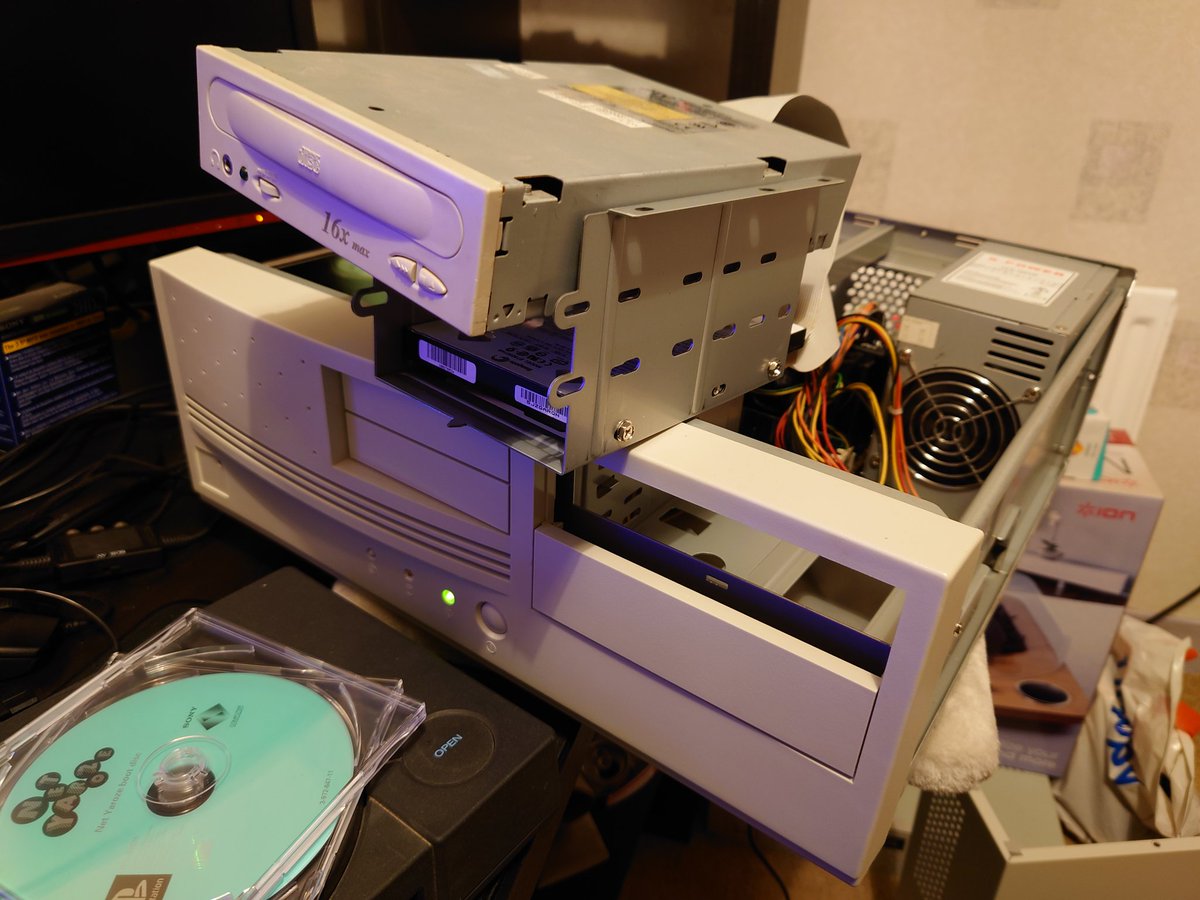
Okay we got TEXTURES (with bad UV's)! Damn that was an uphill struggle, lots going on, let's explain:
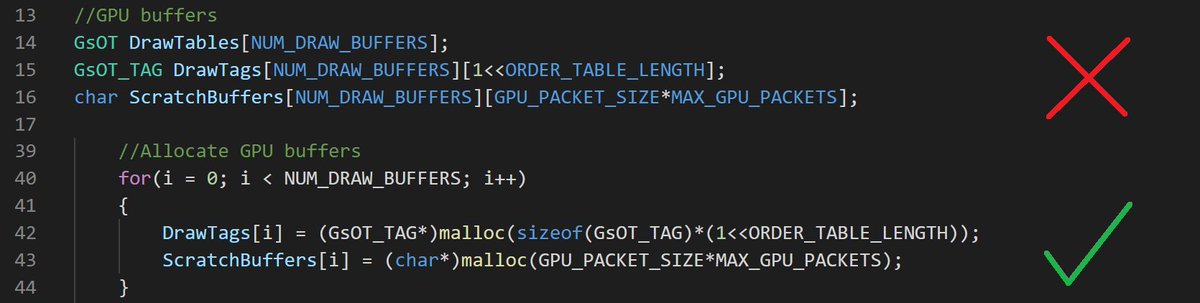
It's taken a few days to get this far because of a bug I was tracking down. Some models would render, some wouldn't, and it seemed random. I tried different exporters, different lighting modes, different ways of subdividing the meshes, nothing made proper sense.
Some sample code from elsewhere might render a model, might not, no consistency. The problem was the model data I was uploading was overlapping ROM address spaces (namely the command buffer I had statically allocated), but due to the sporadic symptoms that was hard to track down.
And now I feel really stupid, because it's stupidly obvious. Schoolboy errors still happen after 15 years experience, folks :(
All fixed with a malloc():
All fixed with a malloc():
Anyway, textures! The PS1 has 1mb of VRAM which is used for GPU-side draw stuff: framebuffers, textures, and palettes. Weirdly, VRAM is referenced by coordinates, not address! So you upload a texture and a palette to an X/Y coordinate, not 0x00004000...
which is confusing at first, but it means you can visualise the VRAM as a map more easily, which you will need to do - it's your job to geographically arrange the textures and palettes to fit in VRAM alongside framebuffers, and all aligned at proper texture pages.
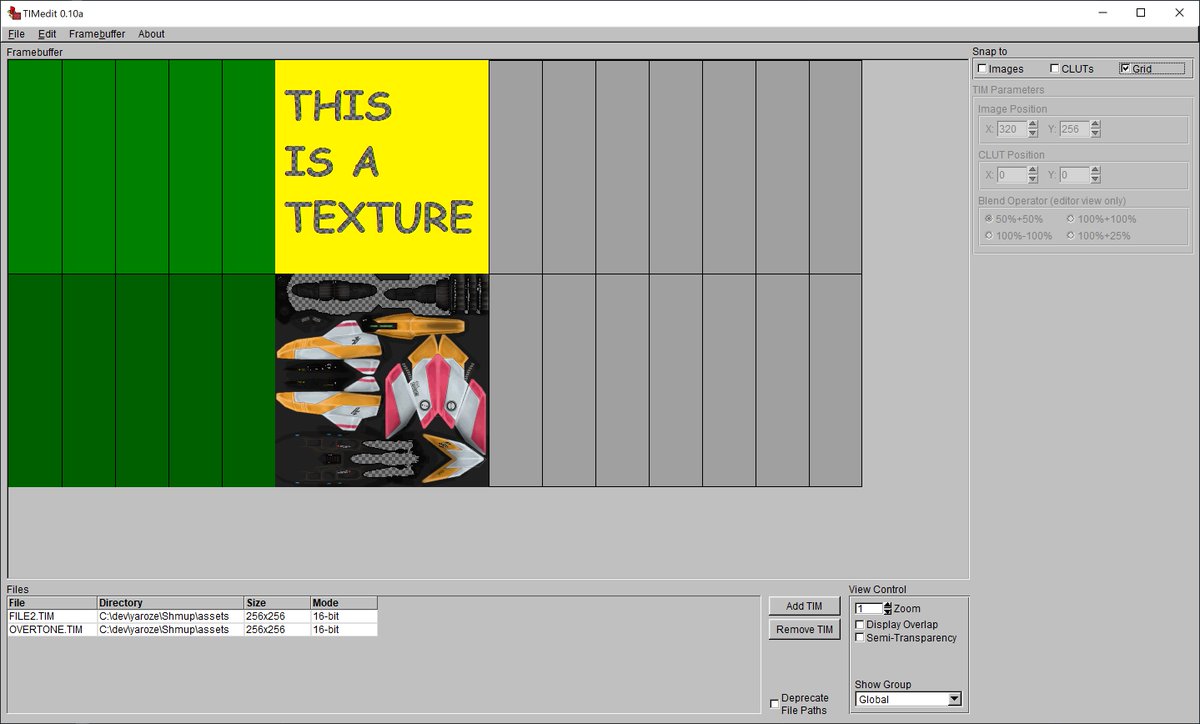
Here's a screenshot from the texture tool (with textures superimposed). There's two framebuffers (one per backbuffer), our ship texture, and the palette (very tiny). The grid represents TPAGEs, to which textures must be aligned, because that's how the mesh data references them.
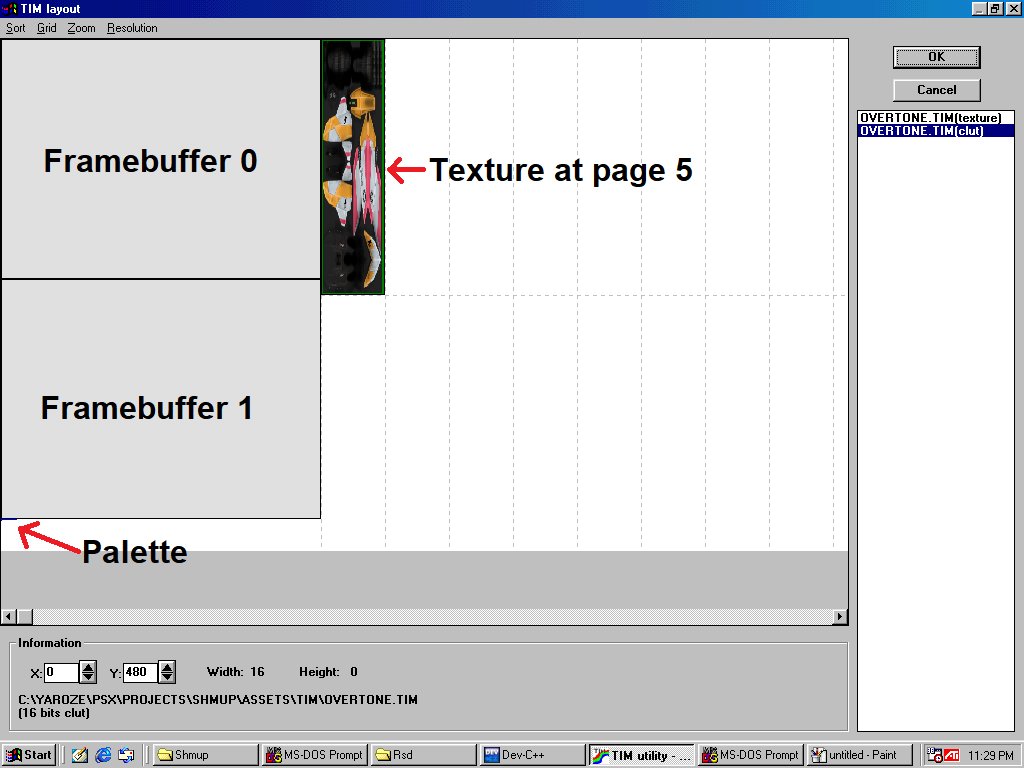
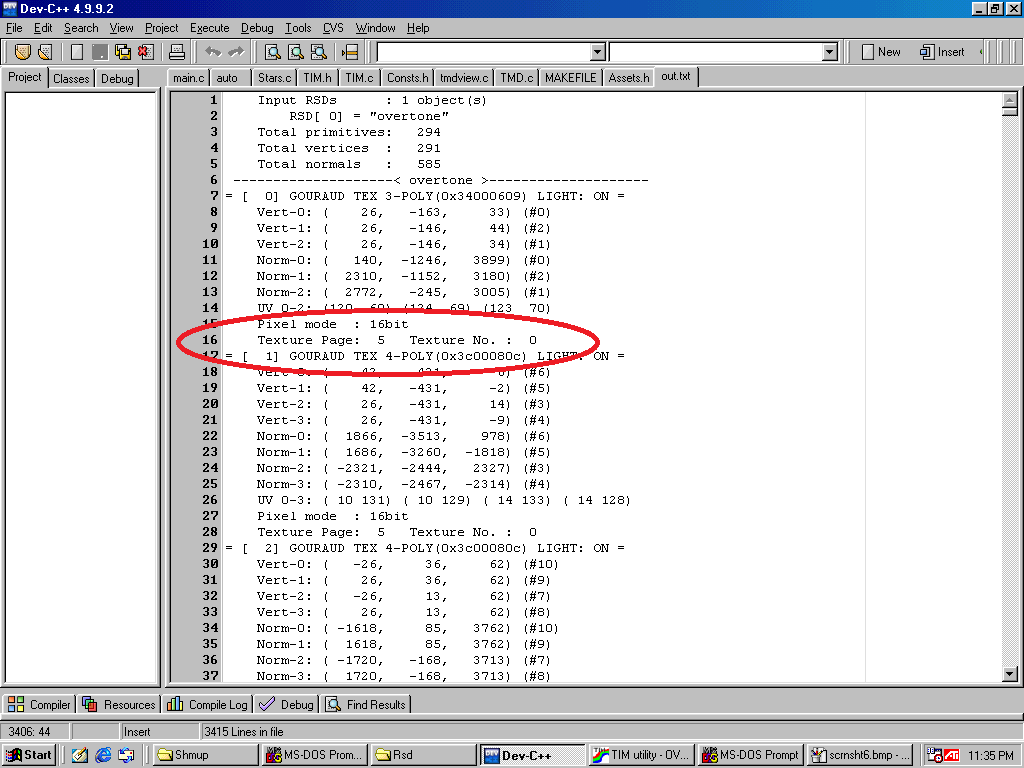
UV coords within the mesh are offset by the texture page. Pages are 64x512 pixels, so page 5 = 64*5 = coordinate 320,0.
There are manual offset params somewhere that allow you to cram multiple textures into one page, but one step at a time.
There are manual offset params somewhere that allow you to cram multiple textures into one page, but one step at a time.
TPAGEs were a real big pain, and I think there's a massive oversight in the tools here. The texture tool allows you to rearrange the textures, but it does not apply the new page IDs back to the model data, and none of the model tools allow you to manually change the page.
So it was all trial and error to try and make my VRAM map match the arbitrary coords the mesh tool had assigned to my models. I can't seem to find how and where those are decided. I'll need better tools, I think I'll write one if I do anything serious with this stuff.
So the next steps are to fix that UV mess (it's probably just because I'm terrible at Blender) and then get this thing into a world of some kind. A simple terrain, some basic hover physics and controls, and a proper camera.
Oh quick mention to the fabulous open source TIMEdit by lameguy64. Alas, it suffers the same problem: it doesn't map tpages back to the RSD data, but it was a big help in figuring out what was wrong.
github.com/Lameguy64/TIMe…
github.com/Lameguy64/TIMe…
Okay this stupid project is stepping up a gear
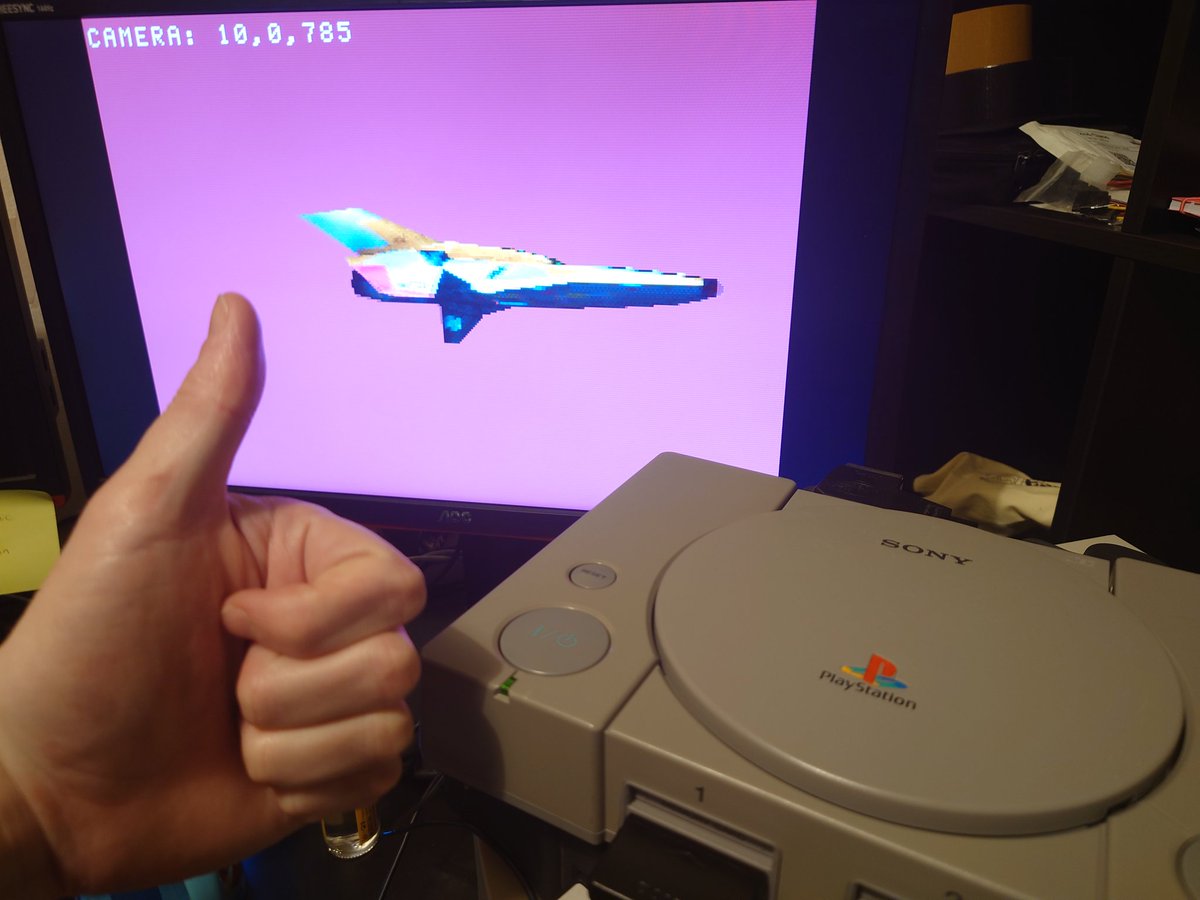
Who's got the smoothest UV coordinates in all the land?
And there's the finished ship. Onwards, to gameplay!
Won't be able to sleep until I try out my new toy. All working! Created a few coasters in the process, I'll head to the office over the weekend and grab an older, slower burner. Might work out better.
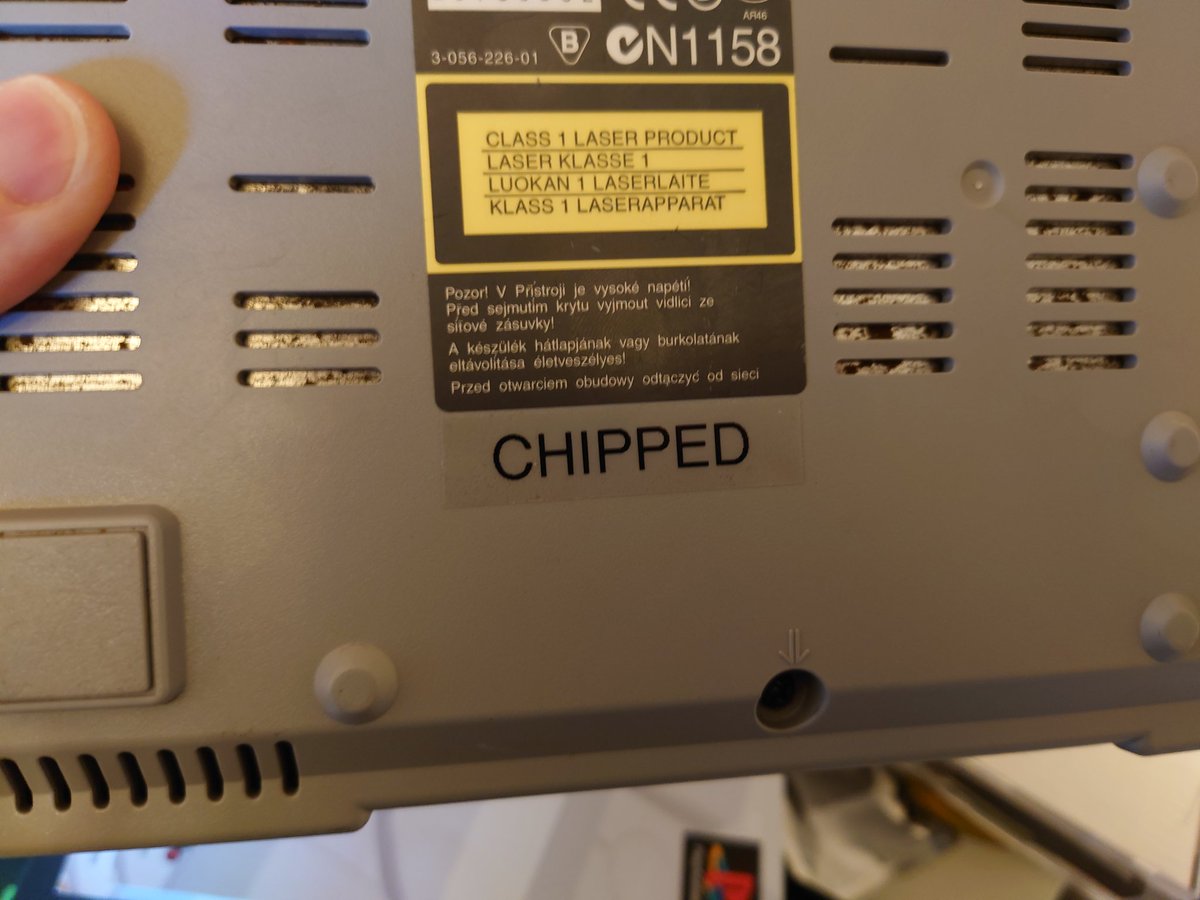
Oh and the chipped PS1 came with a test disc, on a black CD-R! So I've absolutely just ordered 100 of these bad boys from Amazon.
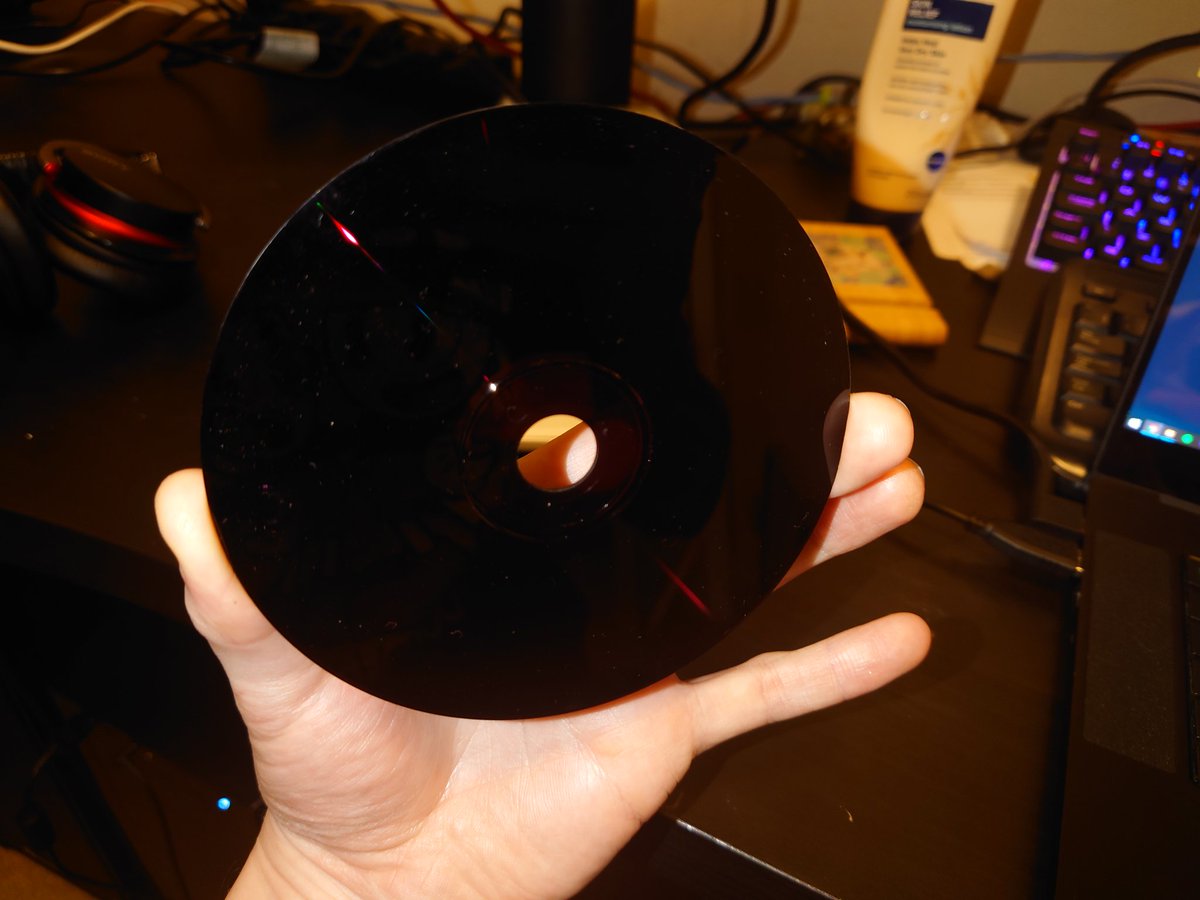
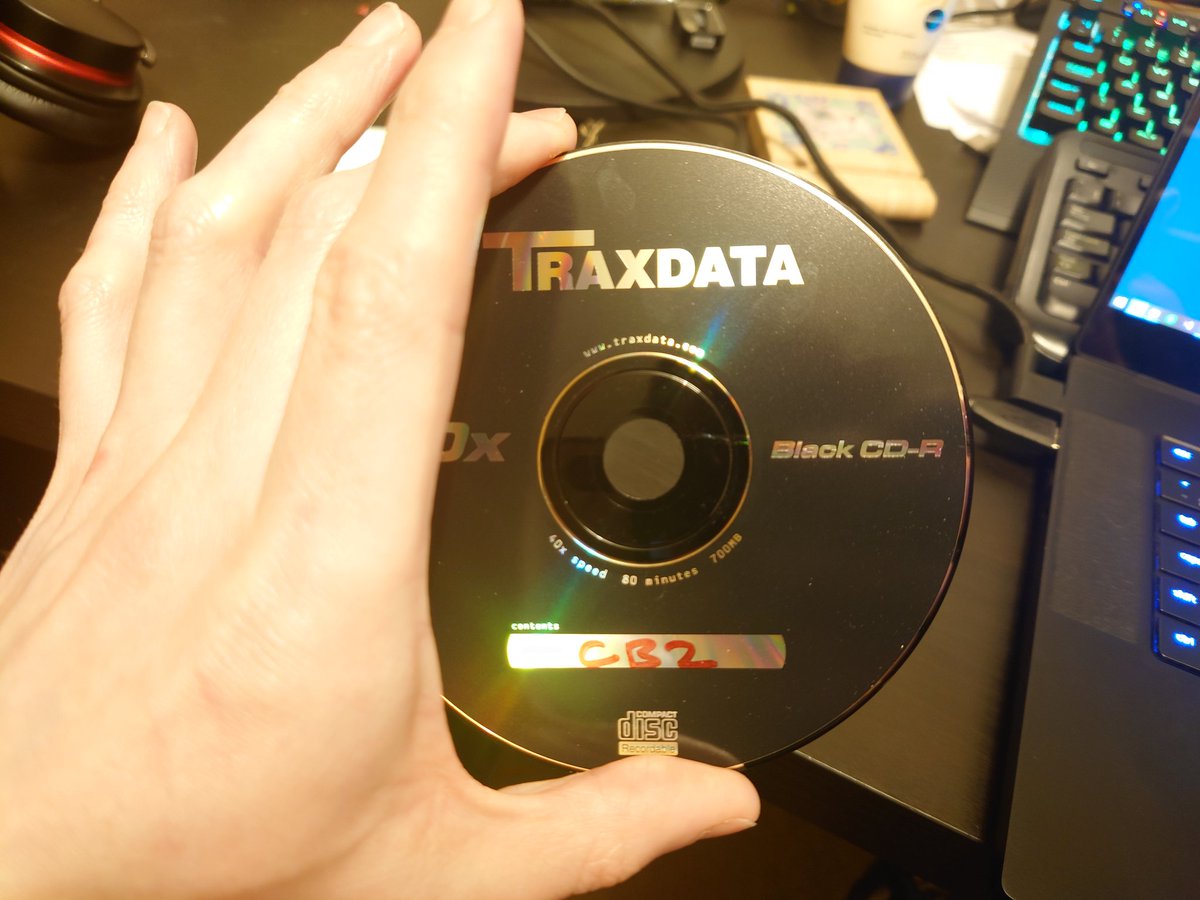
The UV coord problem: it turns out the TIM tool does actually write back to the mesh data! But that meant I was arbitrarily changing a load of texture settings unknowingly whilst testing and I ruined the original mesh. A re-export of everything and a fresh VRAM layout worked.
This is a nice revelation, and means I can now script the whole content pipeline instead of manually faffing around with coords every time I change an asset.
It wouldn't be retro dev without buggy compilers! It's been a frustrating evening.
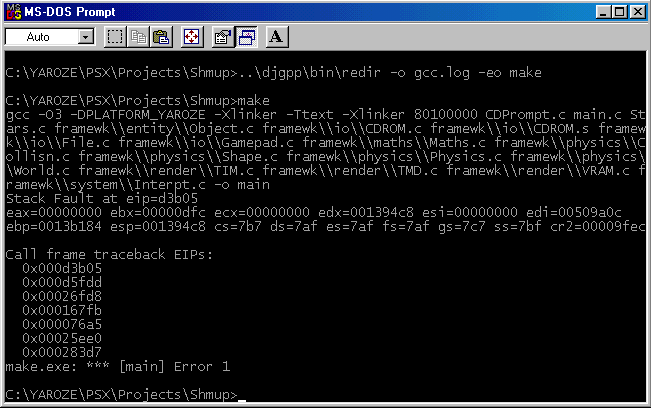
Not wanting to reinvent the wheel, I went hunting for a physics system to drive the ship. The requirements: small and lightweight, written in C99, fixed point maths, 3D support. Of course it doesn't exist, but this is the closest I could find:
github.com/8bitslime/Visc…
github.com/8bitslime/Visc…
It's incomplete and uses float/double, but it's small enough that I understand it and can modify it for my needs. I trialed it with a small OpenGL wrapper and it works great!
It's also not quite C99 so I've had to fight to get it to compile.
It's also not quite C99 so I've had to fight to get it to compile.
But... now I'm facing this compiler crash, so I'll be back when that's fixed :)
Ok got to the bottom of it - this physics lib is quite liberal in its use of inline, some inlined functions were pretty large (and nested...) so it would have been producing functions larger than this poor MD-DOS tool can handle. Compiling now :)
It's just a little hop, but that means we have physics 😎
Needs a lot of tidying up, some optimisation, and converting to fixed point 16.16, but it's a good start.
Also needs a terrain implementation. Better brush up on my maths!
Needs a lot of tidying up, some optimisation, and converting to fixed point 16.16, but it's a good start.
Also needs a terrain implementation. Better brush up on my maths!
• • •
Missing some Tweet in this thread? You can try to
force a refresh