
1️⃣ @framer motion is a production ready @reactjs animation library. Created by @mattgperry
Simple syntax with smart defaults that will make your animations look good.
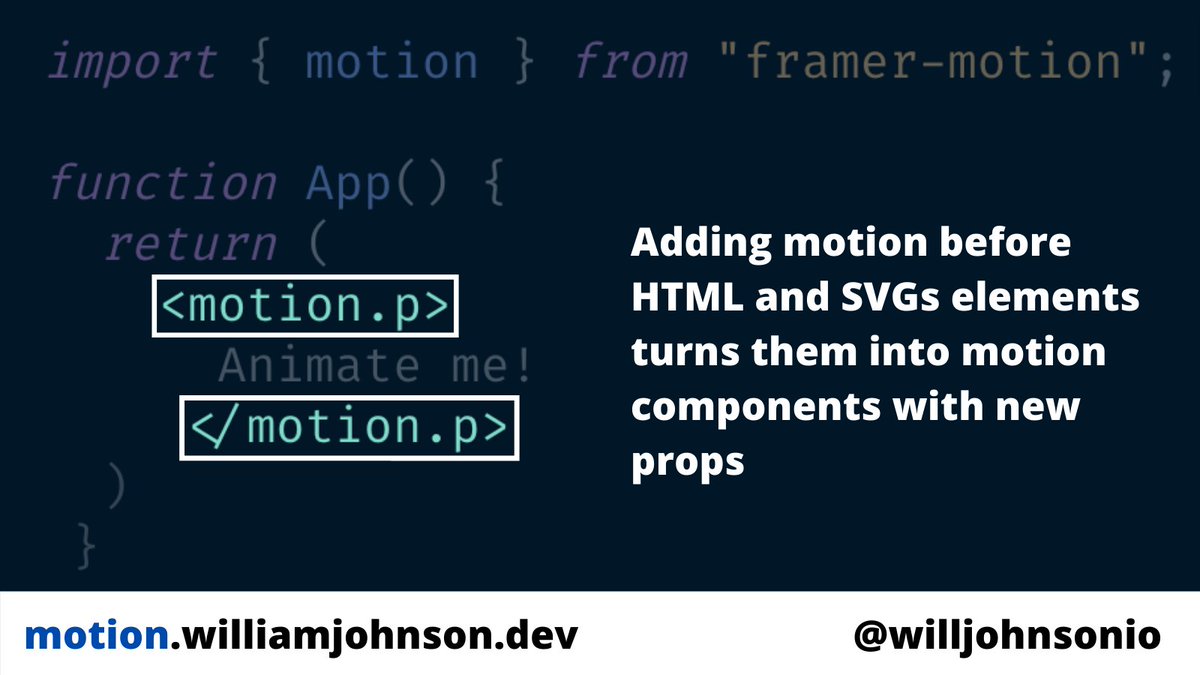
To get started import motion and add 'motion.' before any HTML or SVG element.
This gives you new props
Simple syntax with smart defaults that will make your animations look good.
To get started import motion and add 'motion.' before any HTML or SVG element.
This gives you new props
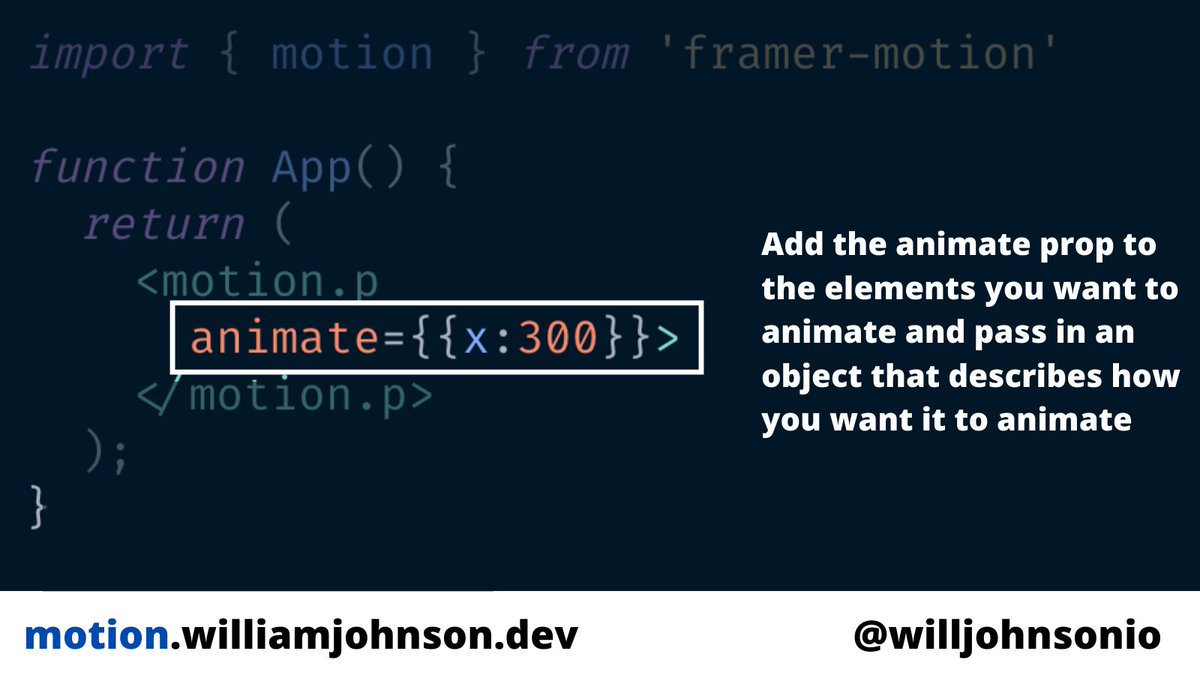
2️⃣ The animate prop lets you pass in an object with the details of the animation.
You can change the position, scale, opacity, and many others
Once set Framer will take care of animating the element. You can customize the animation with the transition prop covered later.
You can change the position, scale, opacity, and many others
Once set Framer will take care of animating the element. You can customize the animation with the transition prop covered later.
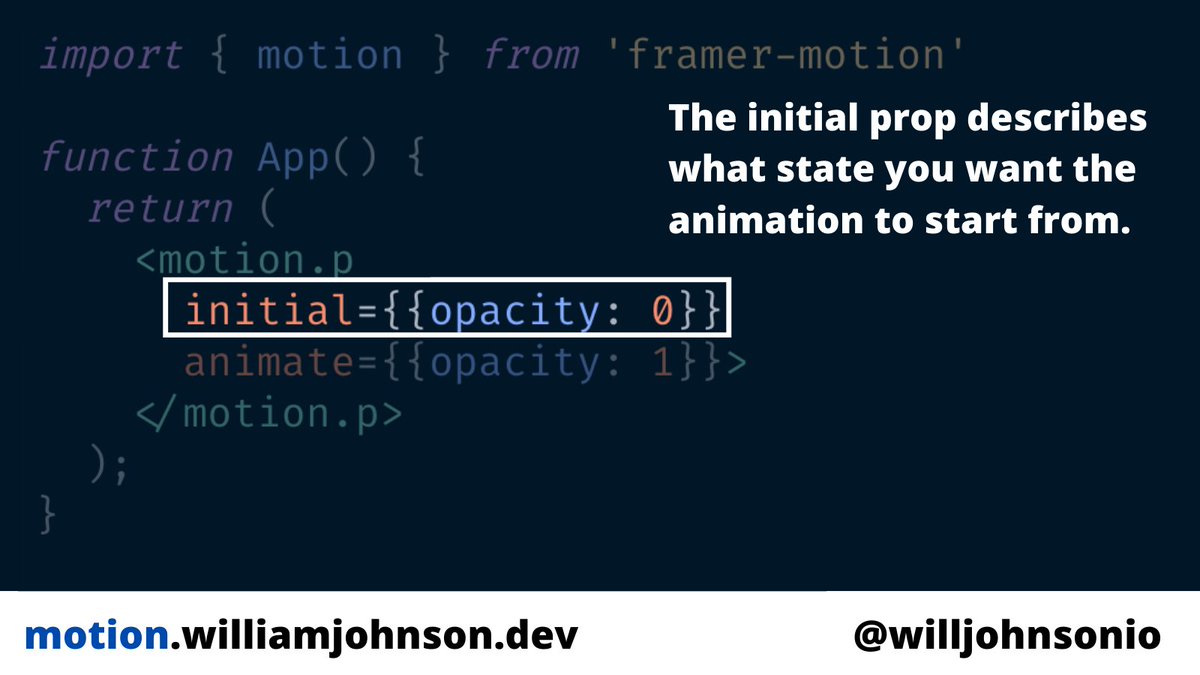
3️⃣ Use the initial prop to tell framer what state you want to element to be in before the animation starts.
You can have the elements start out invisible then gradually appear with the animation
You can have the elements start out invisible then gradually appear with the animation
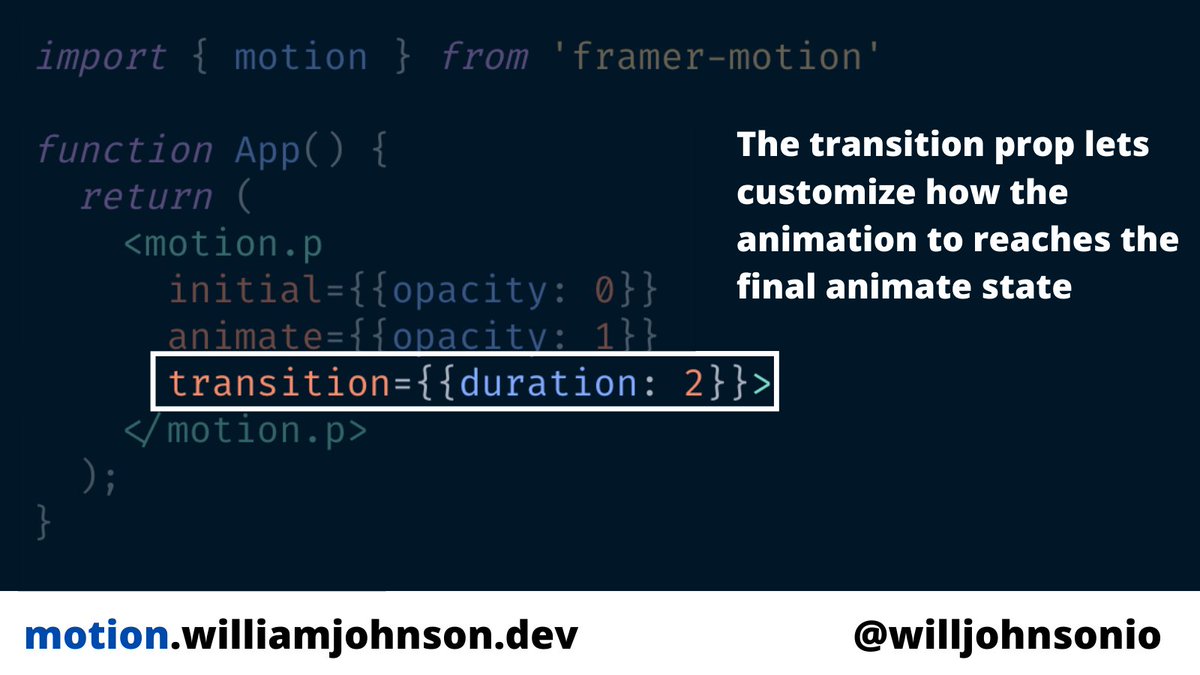
4️⃣ Use the transition prop you customize how the element will animate from initial to animate.
You can change the duration, animation type, delay, how many times it runs, and more.
You can change the duration, animation type, delay, how many times it runs, and more.
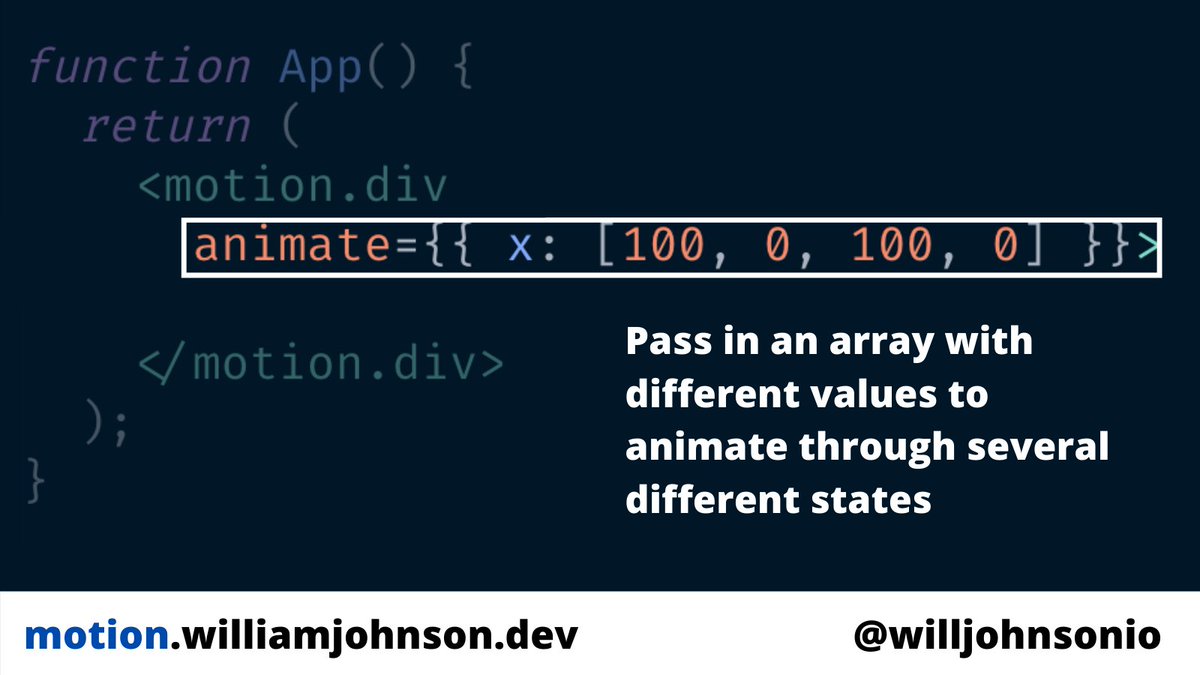
5️⃣ Keyframes are arrays you can pass in to the animate prop with different values.
Framer will animate through each once starting with the first value in the array
Framer will animate through each once starting with the first value in the array
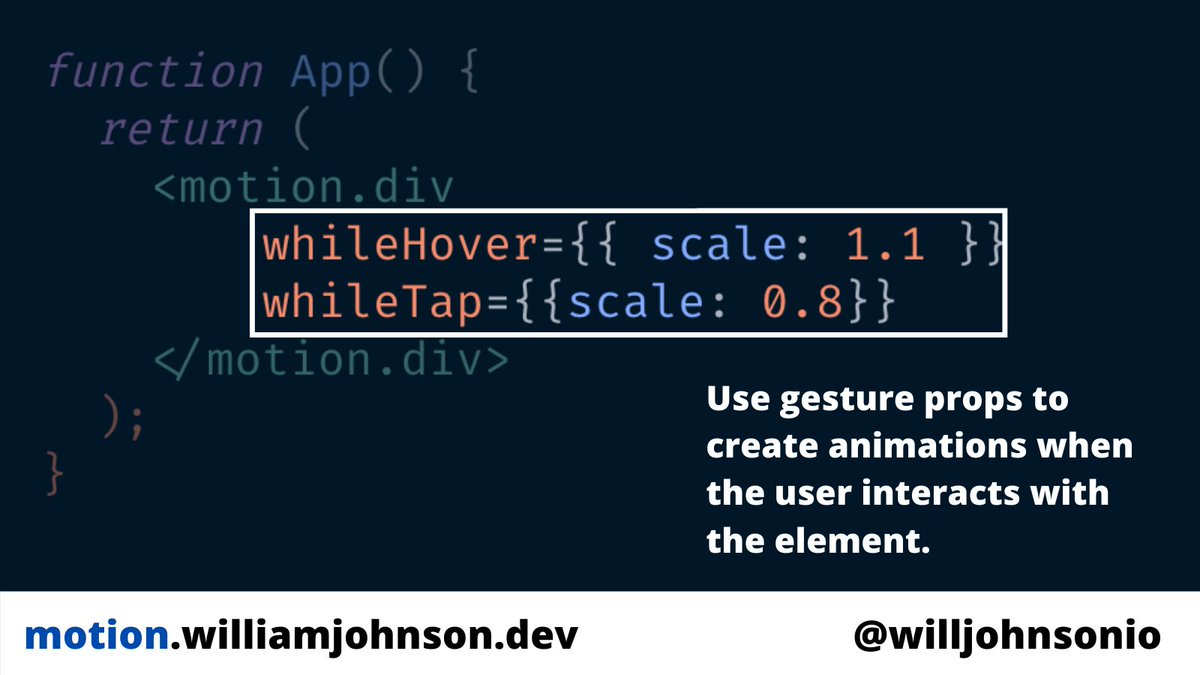
6️⃣ Animation are even better when users can interact with them motions components get helper props that animate on action like hovers and clicks
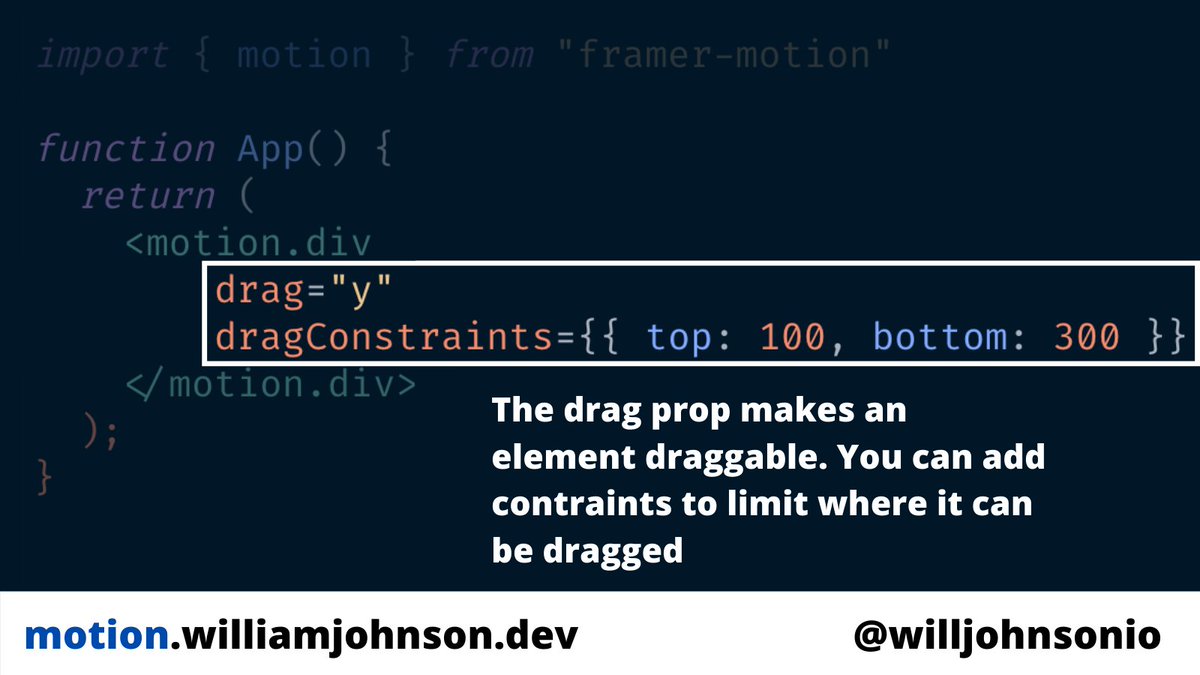
7️⃣ Another gesture is drag. Adding this props make the component draggable.
You can set it to "x" or "y" to keep the dragging to only the x or y axis.
You can add dragConstraints to set boundaries of where the element can be dragged
You can set it to "x" or "y" to keep the dragging to only the x or y axis.
You can add dragConstraints to set boundaries of where the element can be dragged
8️⃣ Variants let you extract a lot of animation code out of the component.
Create a variants object and place in the key/value pairs a name and and object with the properties you want to animate.
Pass the object to the variants props and access the animation values with strings
Create a variants object and place in the key/value pairs a name and and object with the properties you want to animate.
Pass the object to the variants props and access the animation values with strings

9️⃣ Variants also let you add animations to children components.
staggerChildren will animate each child element with a time delay that you can set before the next animation runs.
staggerChildren will animate each child element with a time delay that you can set before the next animation runs.

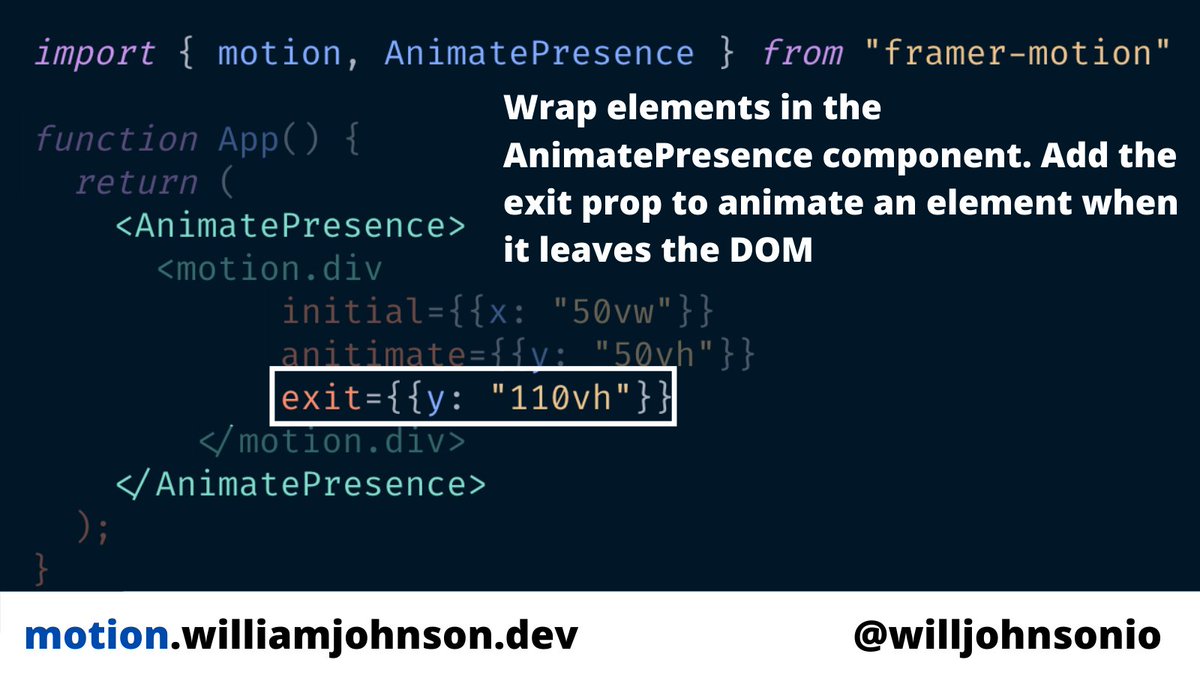
🔟 AnimatePresence lets you animate components when they're removed from the React tree.
Wrap motion components with AnimatePresence and add the exit prop to the component you want to be animated when it's removed.
Wrap motion components with AnimatePresence and add the exit prop to the component you want to be animated when it's removed.
You'll learn how to add all these features in a real app with my new @eggheadio course coming soon!
Sign up at motion.williamjohnson.dev to get a free 5 min video lesson!
Sign up at motion.williamjohnson.dev to get a free 5 min video lesson!
Thank you for the RT Matt!
Heres a link to the beginning of the thread
https://twitter.com/willjohnsonio/status/1396857844973064202?s=20
• • •
Missing some Tweet in this thread? You can try to
force a refresh






