
Listen, I can't promise anything, but I'm going to make it my personal mission to fix this
https://twitter.com/noukon/status/1428469278068539394
Step one: I ACTUALLY BOUGHT THE GAMERPIC PACK. It was $2.38 and not a dollar so I already have gone above and beyond, give me my bonus already 

Wow, this is... a journey.
First of all, this is going to be a multi-step journey and I can't promise there'll be steady progress. But if I were to ask you how many ways we display gamerpics on the console and your answer wasn't something like "all of them," then you'd be off the mark.
Before we even think about what looks good, we need to look at the inconsistency in the profile page/editor that started this thread. 360 gamerpics look fundamentally different here depending on whether you're looking at your own profile (broken) or someone else's (intended).
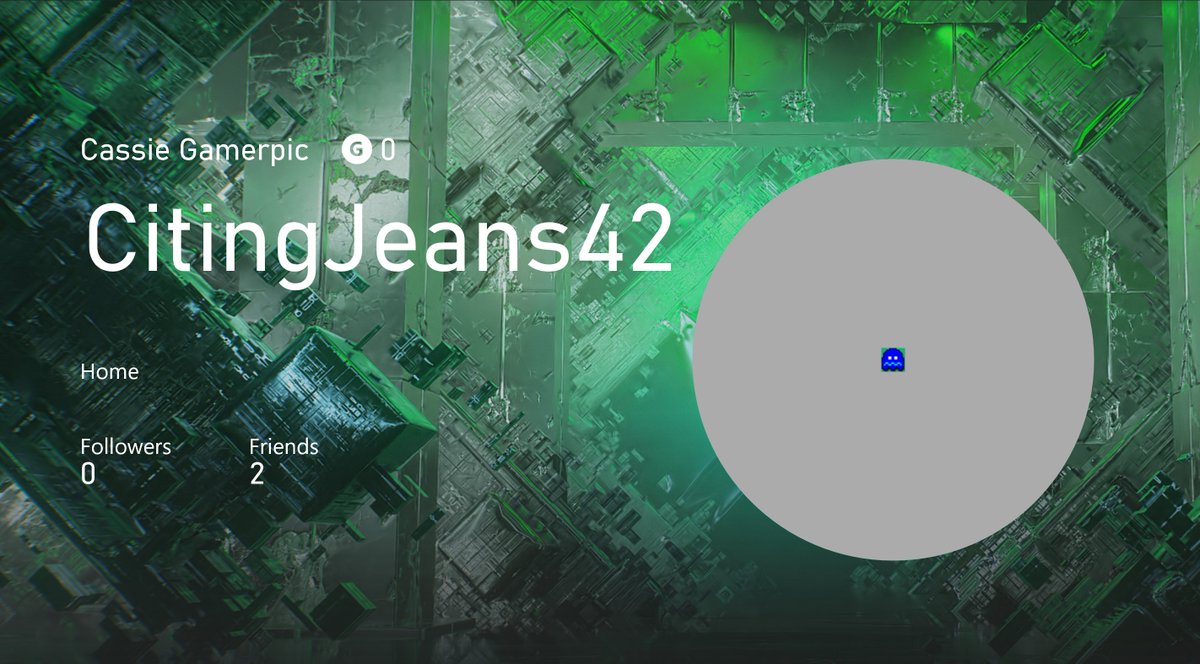
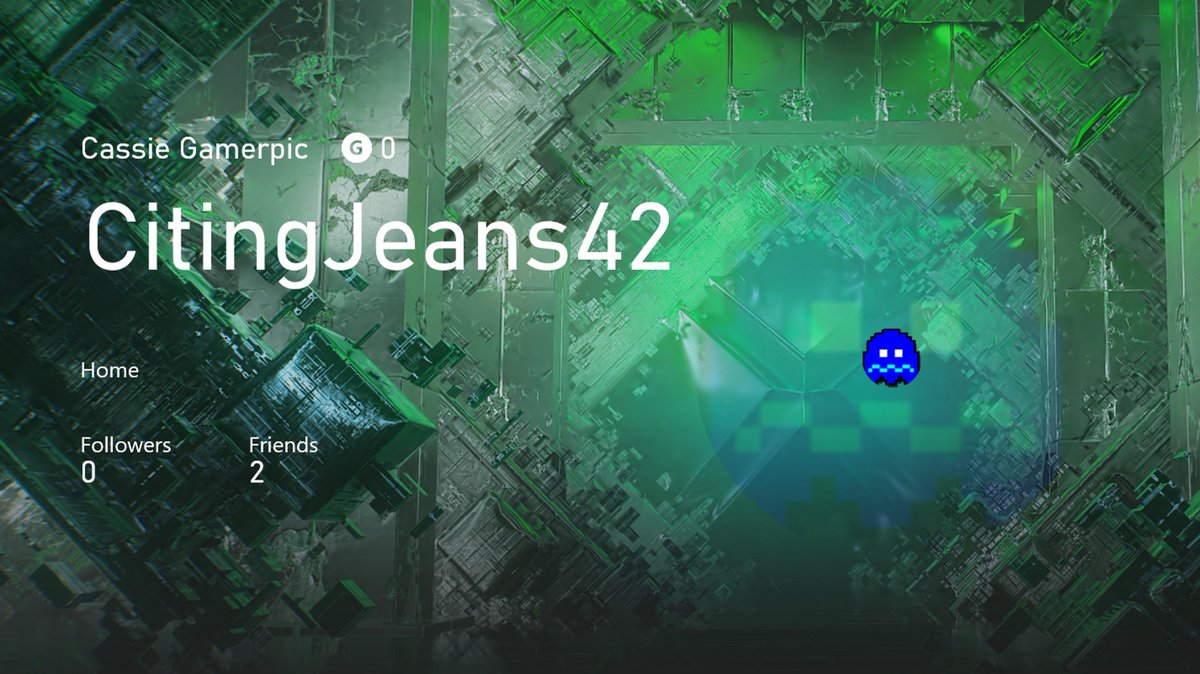
Something changed a while ago and some plumbing got broken as a result. So this page at least was an easy fix. Sorry, Tiny Fez, you're the first casualty of this thread!
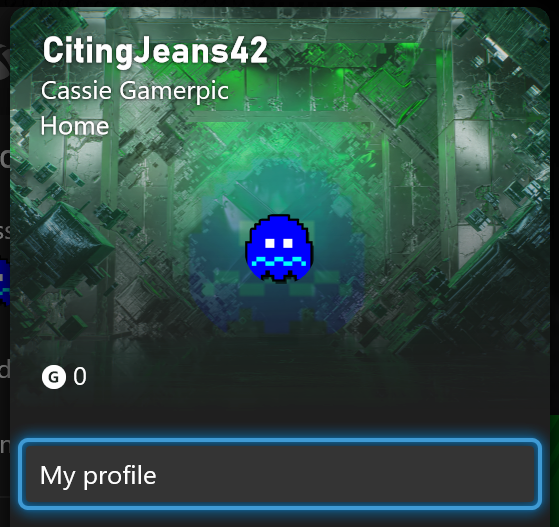
The pop-up profile card had the same issue and wasn't even plumbed, another straightforward fix.

Needed a square gamerpic to test with, remembering that time I bought Far Cry 2 at full price just so I could unlock this one

Okay, next up, we're gonna attack this guy:

Let's talk about making these look better now. A long time ago someone decided that no matter how big a gamerpic we wanted to display, the 360 gamerpic would never get bigger than 72 x 72 pixels. The rest of the background is filled in with a blown up, faded version of itself.
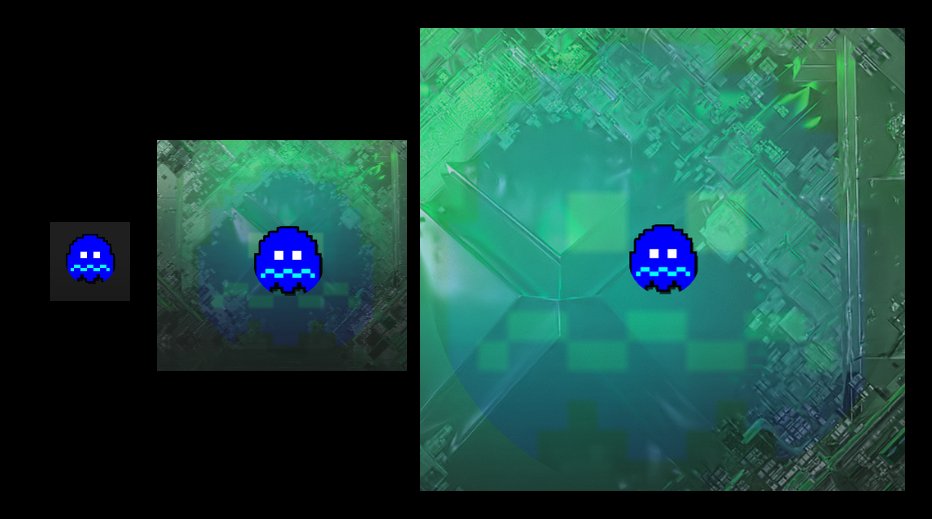
Also, most 360 gamerpics were designed to be shown as a square and don't deal well with getting clipped to a circle, like Mr. Ghosty here. Many of them have square border adornments that look especially bad when the corners are cut off.
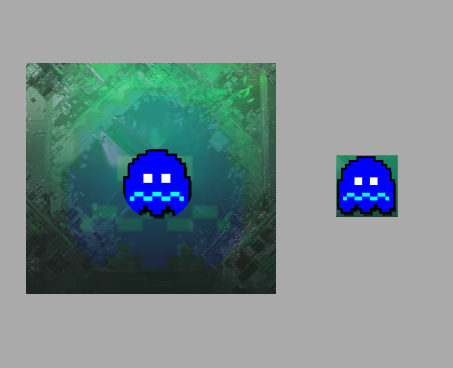
So fun fact: Did you know that if you upload a PNG with transparency as a custom gamerpic, the Dashboard and Guide will respect that transparency in most places? Some of the built in gamerpics have transparency built in. Maybe we can take advantage of that here.

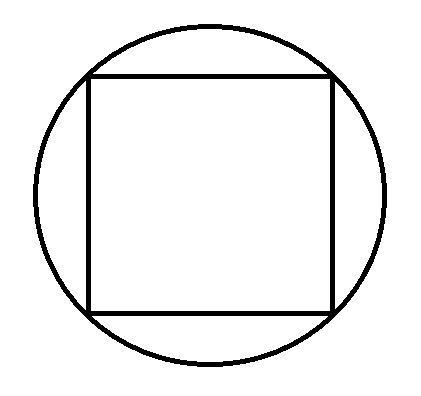
Let's see what we can accomplish by treating the 360 gamerpic as a square within the larger gamerpic circle, with the rest transparent. A 72 x 72 image is never going to look great blown up but this way we're blowing it up a little less, and we're not clipping the corners.
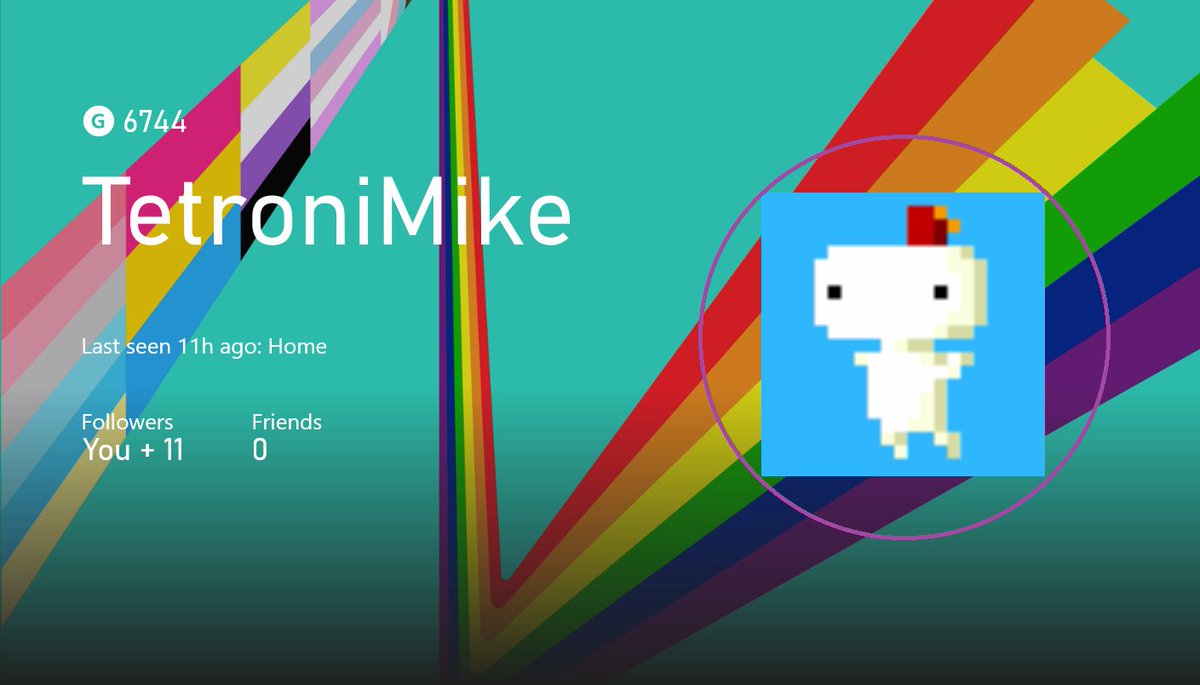
Revisiting Tiny Fez (rip, thanks @TetroniMike), this actually doesn't look bad (I added the pink circle as a reference). It would've looked better using nearest neighbor interpolation, but that's a puzzle for another day, UWP XAML seems intent on not making that easy.

As an aside, on the Experiences team we have something called Exploration Time, which lets us use half a day each week on any random thing that tickles our fancy in the product! I love that we do it, and this week I absolutely chose to use it to rescue ghosts.
It's a lot of fun, and sometimes, you even learn something new, like... apparently 360 gamerpics supported transparency all along?
SURPRISE
Anyway, what do you think, @noukon? Feel better about that dollar?
SURPRISE
Anyway, what do you think, @noukon? Feel better about that dollar?

PS, since there have been questions, this will need to roll out with other console updates, Insiders first, and this will change how all 360 gamerpics show up on console, not just certain ones. I’ll let you know when, since I don’t think this is exactly release notes material!
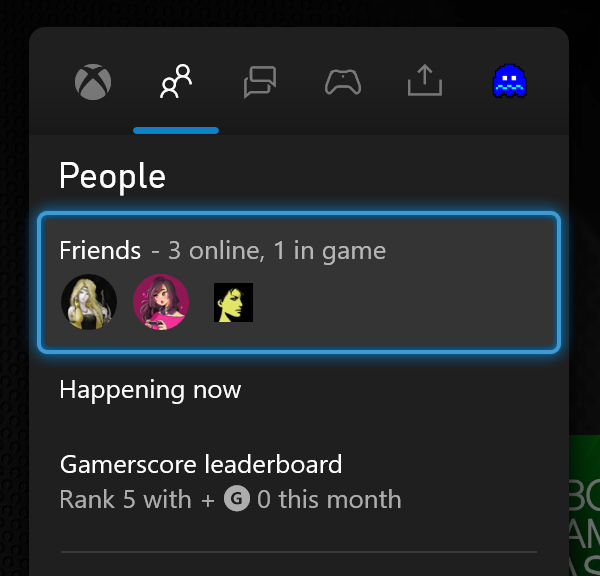
PPS, I know that looking at yourself in the gamerscore leaderboard is still broken in this release, but I fixed it for the next build.
Gamerpic fix is in Alpha ring now.
The 360 gamerpic fix should be in Alpha Skip Ahead, Alpha, and Beta rings now!
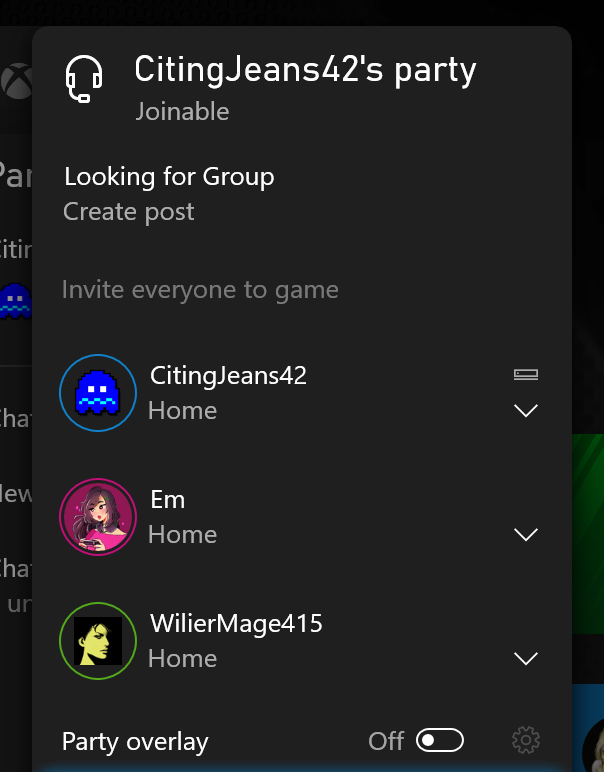
Not yet out to audiences, but fixed in more recent builds: friends, sign in, and party views in the Guide and party roster (I wasn't kidding when I said we did this all the ways)
Not yet out to audiences, but fixed in more recent builds: friends, sign in, and party views in the Guide and party roster (I wasn't kidding when I said we did this all the ways)
• • •
Missing some Tweet in this thread? You can try to
force a refresh




