VSCode Shortcuts ⚡
7 Essential VSCode Shortcuts that you should learn by heart.
Save time and become super-efficient while coding.
🧵👇
7 Essential VSCode Shortcuts that you should learn by heart.
Save time and become super-efficient while coding.
🧵👇
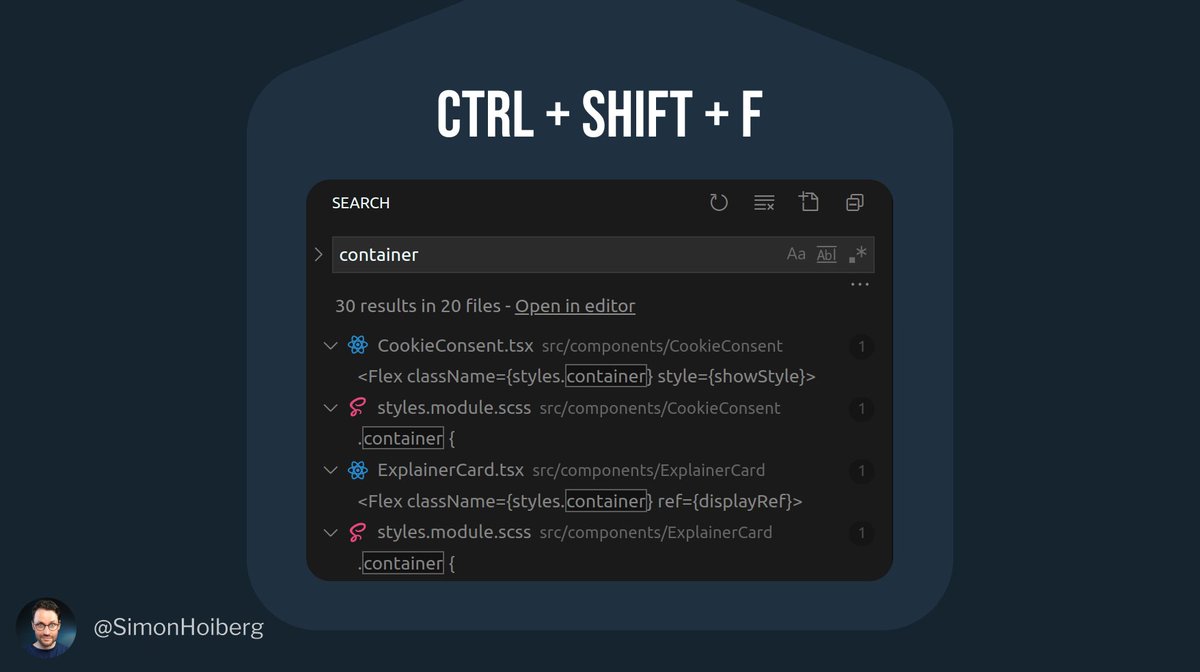
Search text through all files.
By hitting ctrl + shift + F, we can quickly open the sidebar and search through all files.
By hitting ctrl + shift + F, we can quickly open the sidebar and search through all files.
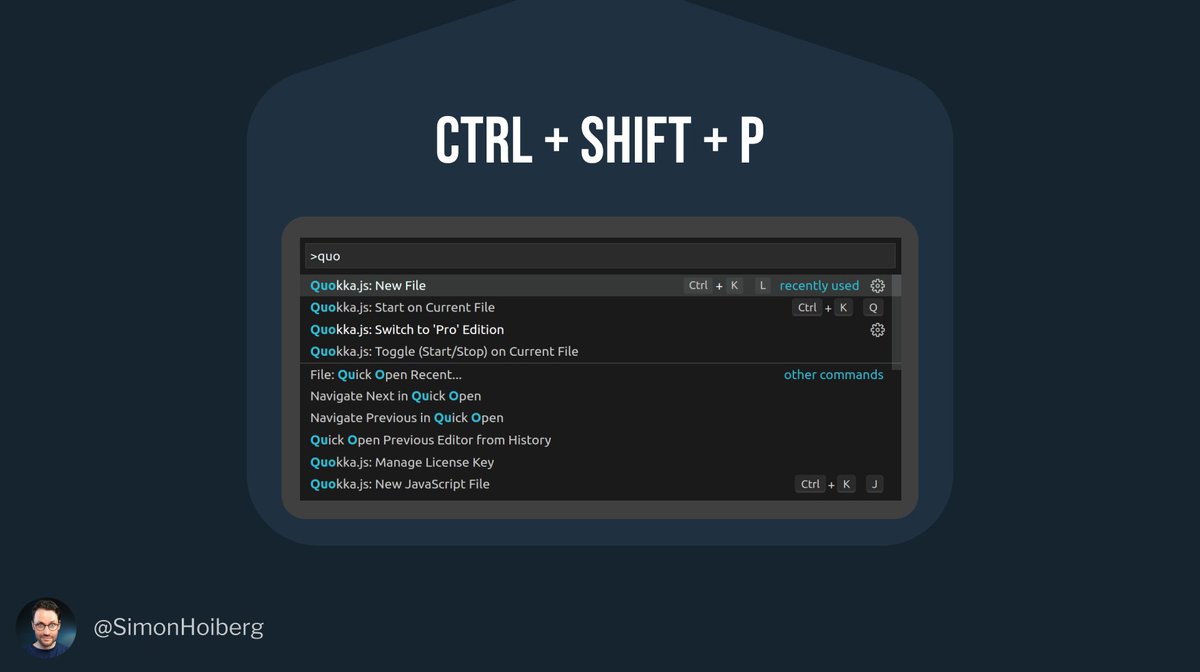
Open the command palette.
Instead of clicking around, spending time looking for something somewhere in the menu, simply use ctrl + shift + P to open the command palette.
Now invoke the desired functionality by using a command instead.
Instead of clicking around, spending time looking for something somewhere in the menu, simply use ctrl + shift + P to open the command palette.
Now invoke the desired functionality by using a command instead.
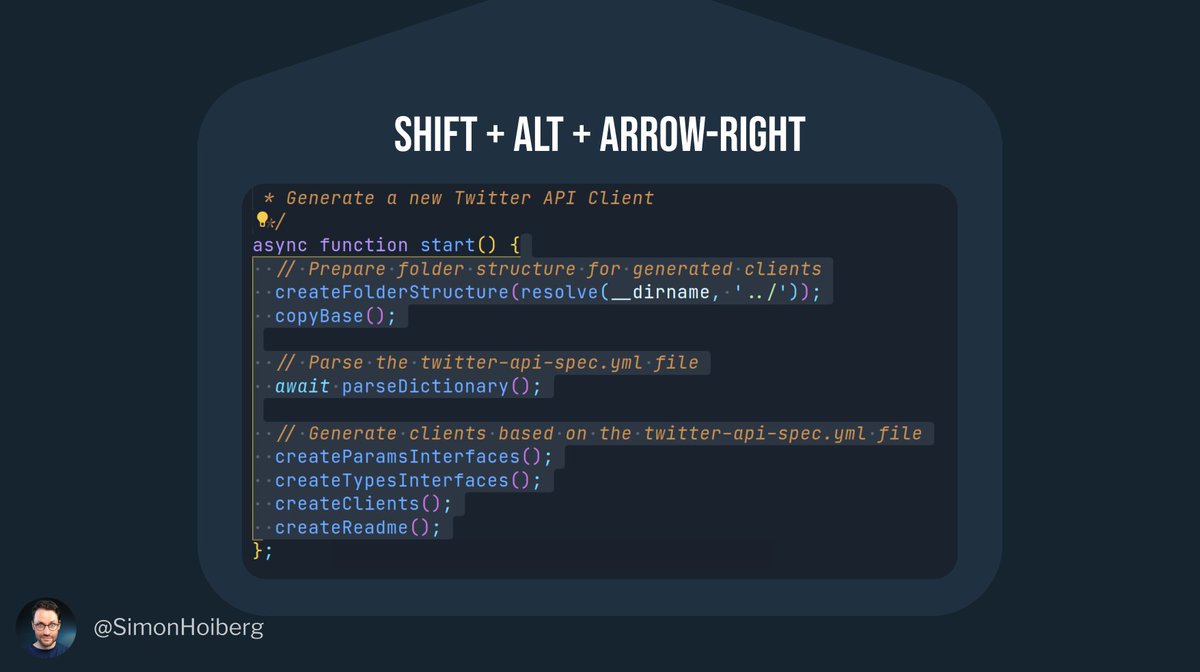
Smart Select -> Grow
If you place the cursor inside a scope and press shift + alt + right-arrow, VSCode will select the entire scope for you.
It also works with if-statements, while, etc.
Anything with brackets.
If you place the cursor inside a scope and press shift + alt + right-arrow, VSCode will select the entire scope for you.
It also works with if-statements, while, etc.
Anything with brackets.
Multiple Cursors
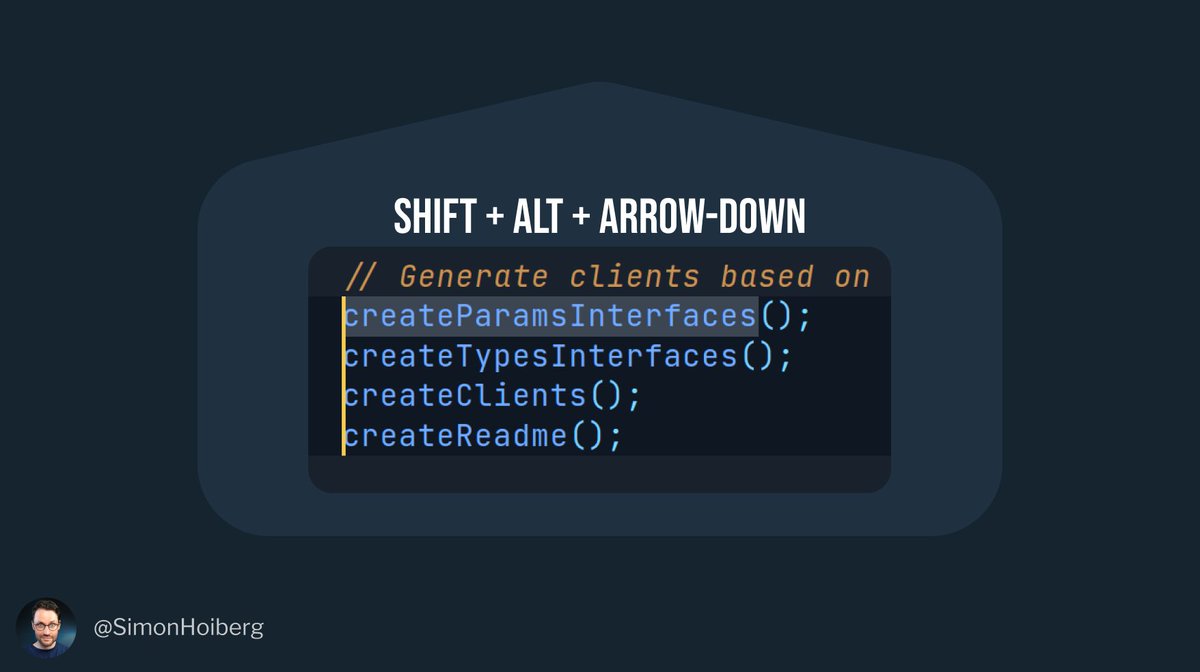
If you put the cursor at a desired place, and then press shift + alt + arrow-down, you will get multiple cursors.
When you start typing, the text will be produced at each cursor.
You can also add multiple cursors with alt + mouse click.
If you put the cursor at a desired place, and then press shift + alt + arrow-down, you will get multiple cursors.
When you start typing, the text will be produced at each cursor.
You can also add multiple cursors with alt + mouse click.
Multiple Selections
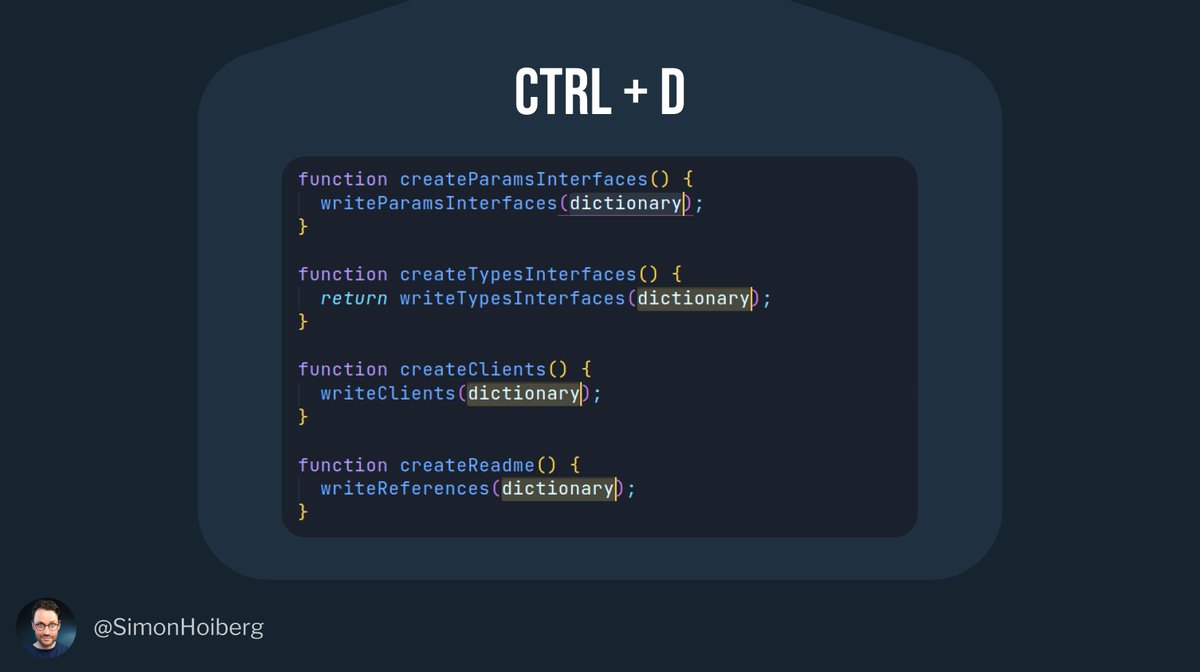
If you highlight a word and then press ctrl + D, VSCode will search and highlight matching words.
Press ctrl + D multiple times to make multiple selections.
Each matching will result in multiple cursors, just like in the example above.
If you highlight a word and then press ctrl + D, VSCode will search and highlight matching words.
Press ctrl + D multiple times to make multiple selections.
Each matching will result in multiple cursors, just like in the example above.
Move a line (up and down).
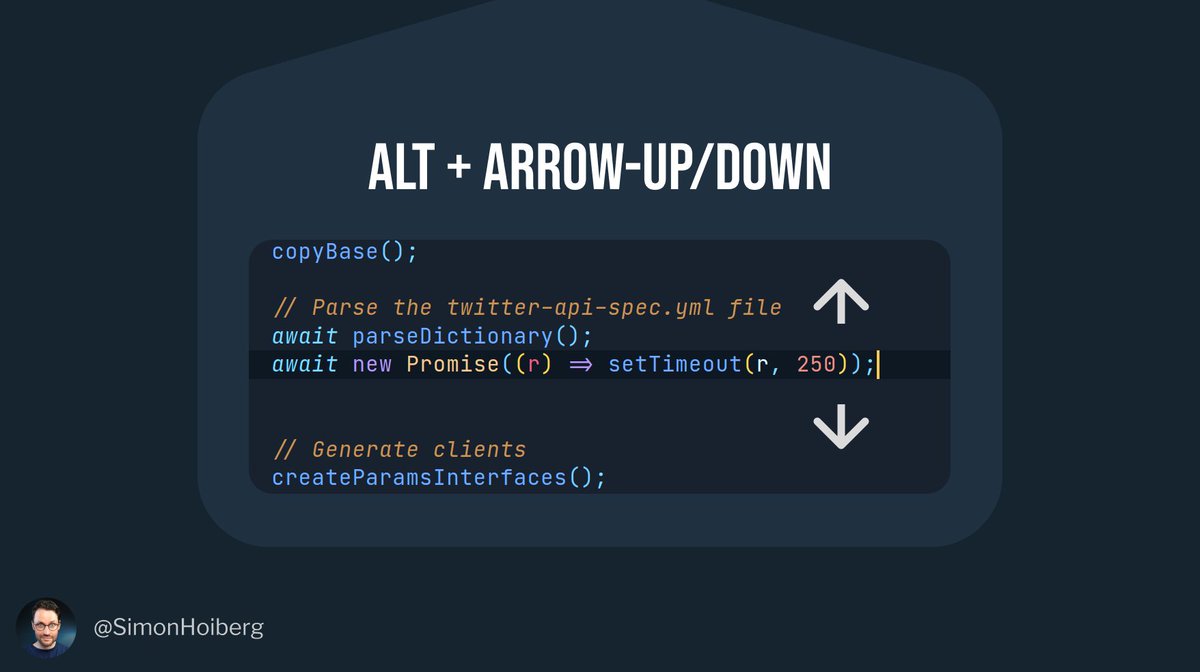
If you place your cursor at a desired line and press alt + arrow-up/down, you will move this line up and down.
Any line that you are passing on the way, will be swapped.
If you place your cursor at a desired line and press alt + arrow-up/down, you will move this line up and down.
Any line that you are passing on the way, will be swapped.
Fold (and unfold) code
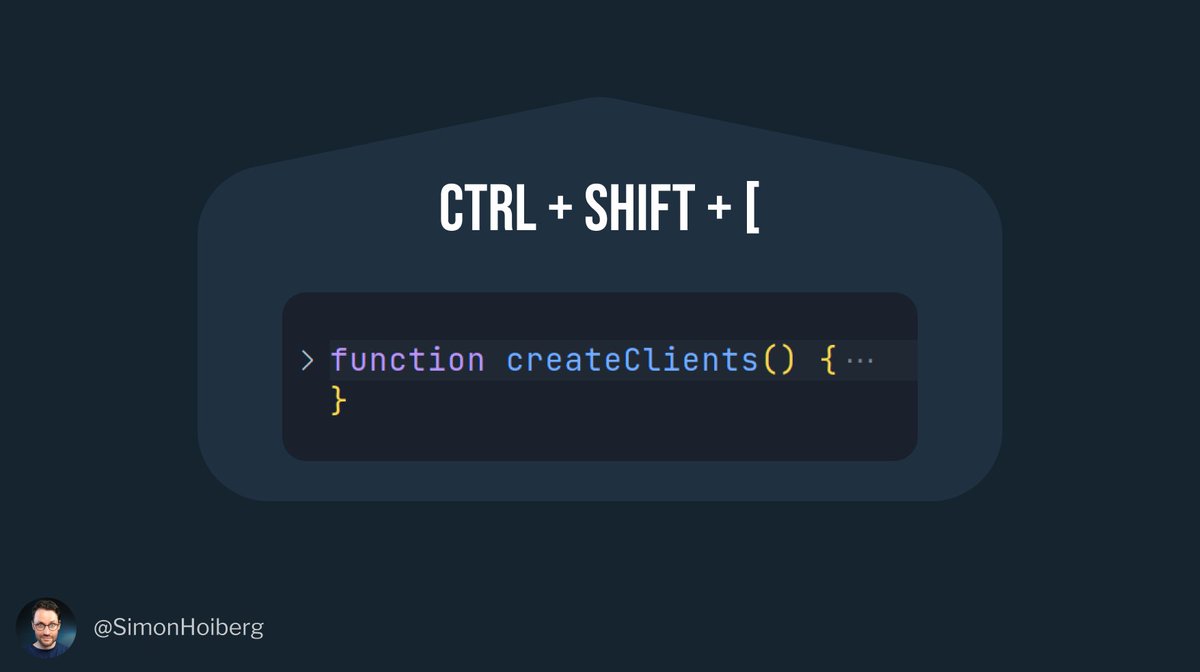
Place your cursor inside a function, scope, between HTML brackets, etc.
Now hit ctrl + shift + [ to fold the code.
Hit ctrl + shit + ] to unfold.
Place your cursor inside a function, scope, between HTML brackets, etc.
Now hit ctrl + shift + [ to fold the code.
Hit ctrl + shit + ] to unfold.
Learn these 7 keyboard shortcuts by heart, and not only will you save a ton of time - you will also leave your keyboard less thus putting less strain on your shoulder.
Do you know any cool shortcuts that should get added to this list?
Please share below 🙏
Do you know any cool shortcuts that should get added to this list?
Please share below 🙏
I hope you enjoyed reading!
Take a second to like and retweet this thread.
In that way, people from your own network get to enjoy as well.
Thank you 🙏
Take a second to like and retweet this thread.
In that way, people from your own network get to enjoy as well.
Thank you 🙏
• • •
Missing some Tweet in this thread? You can try to
force a refresh