I just spent a few minutes trying to figure out if I could use WebAuthn on my iPhone and came to the conclusion that... I can't figure out the answer to that question after a few of minutes of research! This seems bad
This article suggests that support was added in Safari 14 - I'm on Safari 15 now (I think? Figuring out your version of Mobile Safari is surprising non-obvious) theverge.com/2020/6/24/2130…
The top search results on Google for "iOS webauthn" are all implementation guides, not "here is how to use this on your phone" tutorials
OK, I admit defeat: I have absolutely no idea how to use my iPhone to sign into something that supports WebAuthn - like bestbuy.com/identity/signin - or if it's even possible to do so without an extra Yubikey or similar. Can anyone help?
(If I do need a Yubikey for this... why? What's it doing that the hardware on my phone couldn't do instead?)
Thanks to a tip in this thread I have now successfully used WebAuthn on my iPhone via the webauthn.io demo site!
Surprising that WebAuthn works in Mobile Safari on my iPhone using just Face ID, but in Safari 15.1 on macOS it asks for a security key rather than using Touch ID
OK, upgraded to Safari 15.2 but I'm still not getting the Touch ID option on webauthn.io - I'm on macOS Catalina, anyone know if this needs Big Sur or Monterey?
Looks like the guy who lost ~$2m of ape NFTs was hit by classic phishing
If you're going to hold a sizable portion of your net worth on anything relating to a blockchain you really do need deep personal information security knowledge
Think about the depth of knowledge needed to spot the trick in this URL
You need to understand that URLs go https:// then hostname then / then path - so you also need to understand what URLs are, and what they do, and how they can mislead
This is professional web engineer stuff
Another example of why my second biggest criticism of this proposed golden blockchain future - after the horrific environmental impact - is that it's just completely unsafe for regular people to use for anything valuable at all
Built my first Web Component and released it to npm! It lets you embed a basic Datasette table on any page:
<datasette table url="..."></datasette-table>
It's super early, mainly an exercise to learn how to write Web Components and release npm packages: github.com/simonw/dataset…
I learned a whole bunch while putting this together - first Web Component, first time using Vite, first time publishing to npm - here's my TIL write-up til.simonwillison.net/npm/publish-we…
The feature I most want from iOS is a search bar in the photo selection dialog that comes up when an app prompts me to pick one of my photos to share
My process for sharing a specific non-recent photo in a reply to a tweet right now is to go to the Photos app, find it with search, add it to an album called "Tweet", then navigate to that album from the "pick photo" dialog. It's really annoying!
Apparently this feature does exist for some people! Normally I'd suspect an A/B test but I thought Apple had more respect for us than that
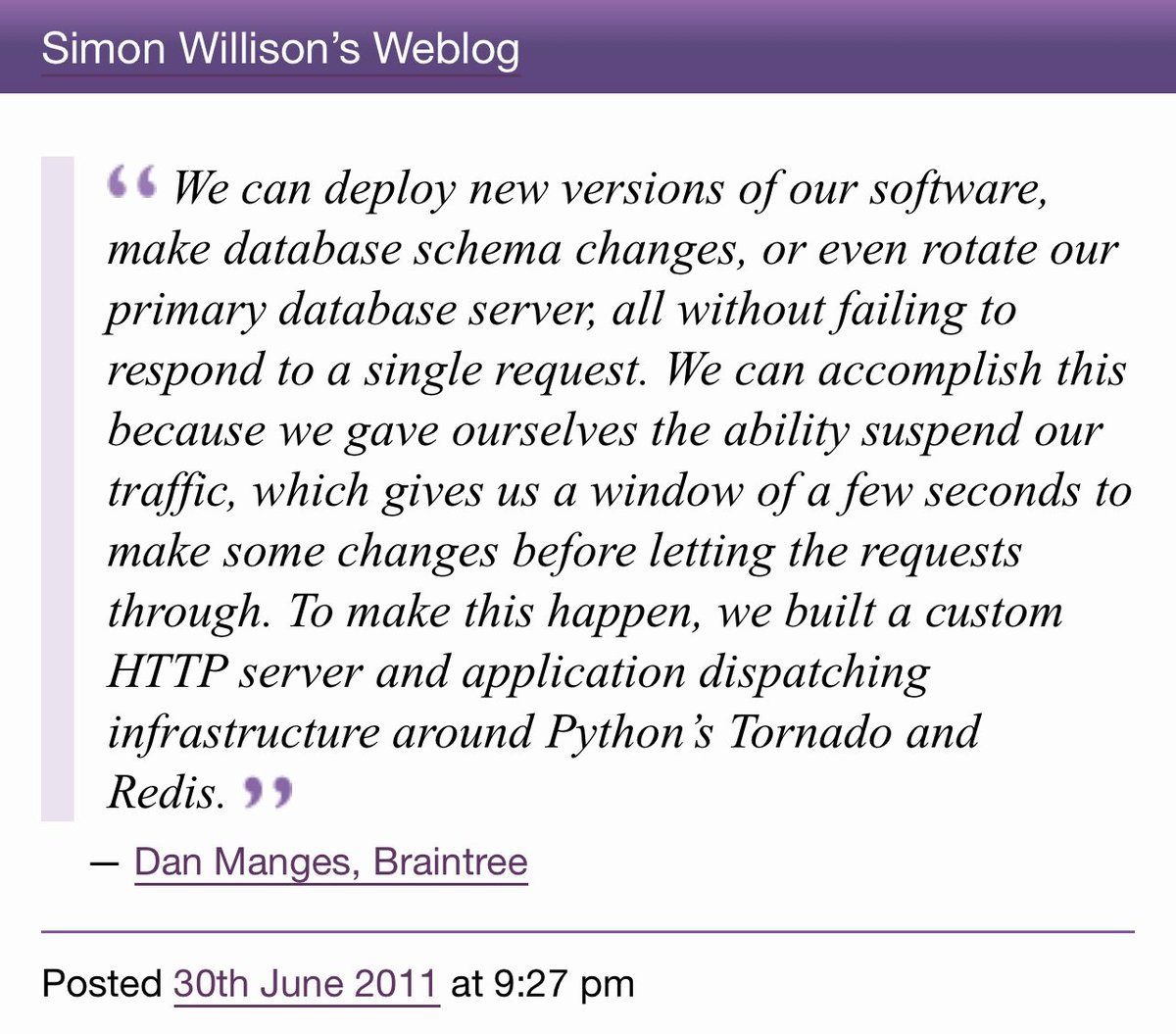
I want the ability to "pause" HTTP traffic at a load balancer - so if you send a request it will look like it took a few extra seconds to respond, but actually the load balancer is holding it until the backend has been swapped out for a new version (for example) - what can I use?
Here's Braintree describing how they did that back in 2011 (original link is broken now but I have a quote on my blog) simonwillison.net/2011/Jun/30/br…
Presumably this is possible today using HAProxy or Traefik or some kind of nginx module... is there terminology for this that I should be searching for? "Pause traffic" doesn't appear to be a commonly used term
Trying to run two processes in a single Docker container on Cloud Run (Apache 2 and Datasette, to explore some reported bugs with mod_proxy) - urgh, this is so hard!
Found several recipes that work on my laptop but fail when I deploy them to Cloud Run github.com/simonw/dataset…
I'd love to figure this out because running two processes in the same container feels like a really useful trick to have in my pocket, but I may have to give up and run two separate containers instead - annoying when I'm just trying to provide a tiny interactive demo
I did get a new TIL out of this exercise - I figured out how to use the equivalent of "docker build --build-arg" with Google Cloud Build (you have to generate a cloudbuild.yml file and pass it to "gcloud builds submit --config") til.simonwillison.net/cloudrun/using…