#Python strings have TWELVE methods for testing string contents:
🐍 isalnum()
🐍 isalpha()
🐍 isascii()
🐍 isdecimal()
🐍 isdigit()
🐍 isidentifier()
🐍 islower()
🐍 isnumeric()
🐍 isprintable()
🐍 isspace()
🐍 istitle()
🐍 isupper()
🧵👇
🐍 isalnum()
🐍 isalpha()
🐍 isascii()
🐍 isdecimal()
🐍 isdigit()
🐍 isidentifier()
🐍 islower()
🐍 isnumeric()
🐍 isprintable()
🐍 isspace()
🐍 istitle()
🐍 isupper()
🧵👇
Let's get started learning about these methods by looking at ` isalnum()`, which returns True if all characters in the string are alphanumeric and there is at least one character, 

The `isalpha()` string method will return True if all characters in the string are alphabetic and there is at least one character

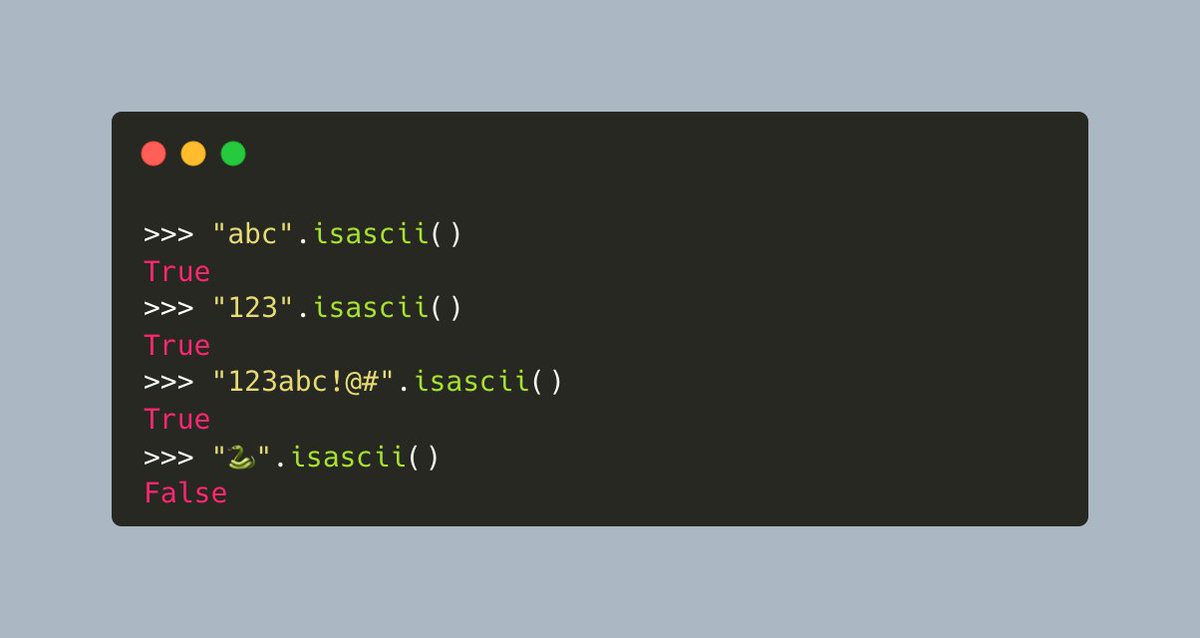
The `isascii()` string method will return True if the string is empty or all characters in the string are ASCII.
Here's an example that shows what happens with ASCII and Unicode (emoji)
Here's an example that shows what happens with ASCII and Unicode (emoji)
The `isdecimal()` will return True if all characters in the string are decimal characters and there is at least one character,
Here's an example:
Here's an example:

The `isdigit()` string method in #Python will return True if all characters in the string are digits and there is at least one character, False otherwise.
Digits include decimal characters and digits that need special handling
Digits include decimal characters and digits that need special handling

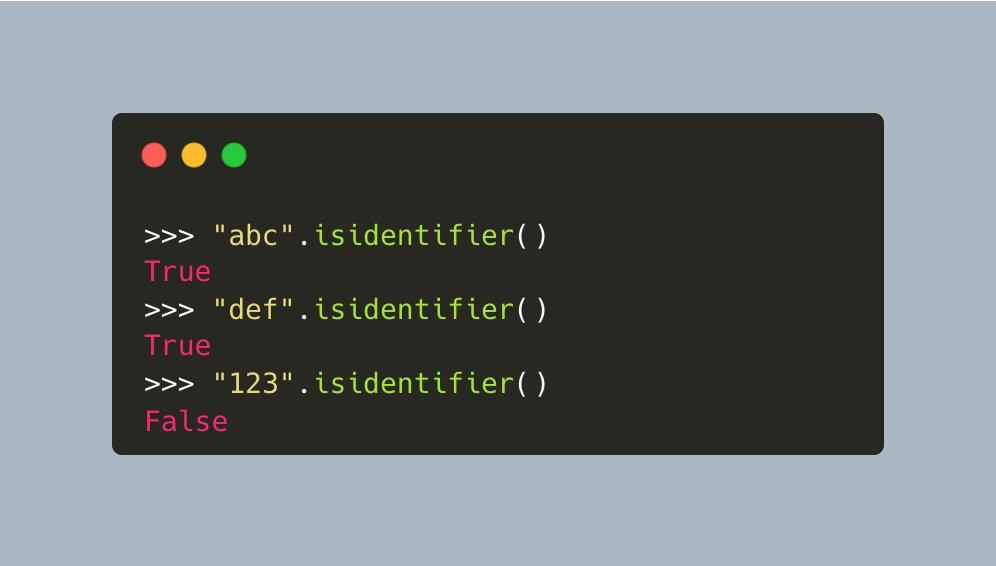
You can test a string to see if it can be an identifier using `isidentifier()`
Basically, you are testing if the string could be used as a variable or function name.
For full details on what an identifier is in #Python, see the docs:
docs.python.org/3/reference/le…
Basically, you are testing if the string could be used as a variable or function name.
For full details on what an identifier is in #Python, see the docs:
docs.python.org/3/reference/le…
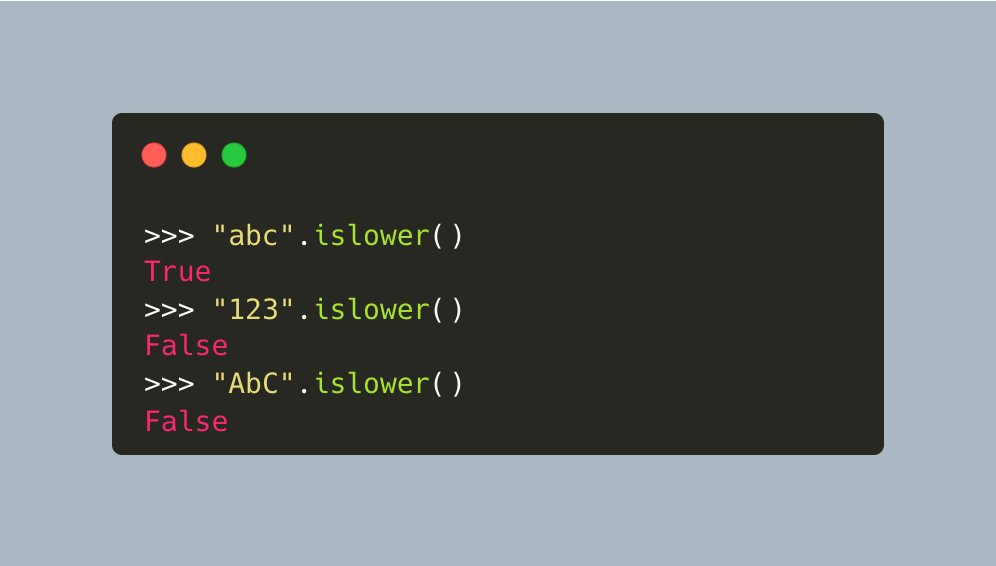
As you might expect, `islower()` tests to see if all the characters in a string are lowercase
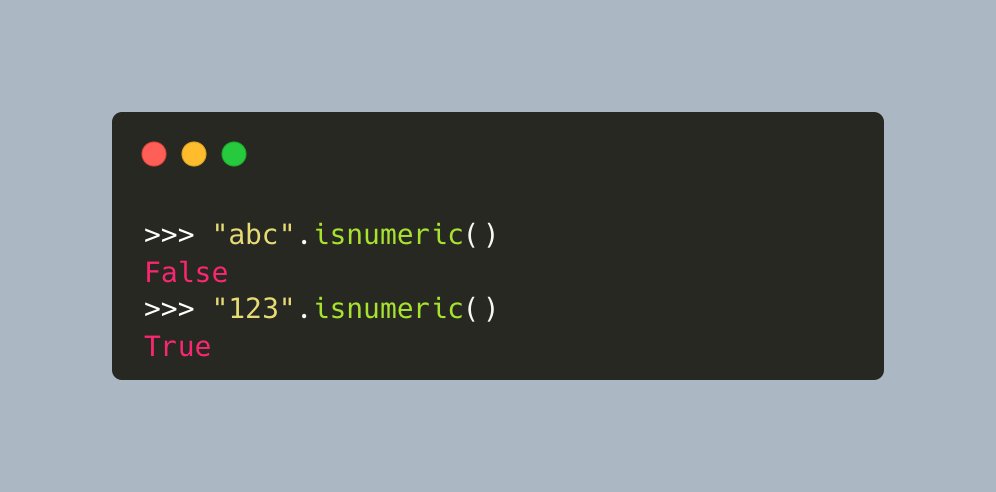
The `isnumeric()` string method will return True if all characters in the string are numeric characters, and there is at least one character
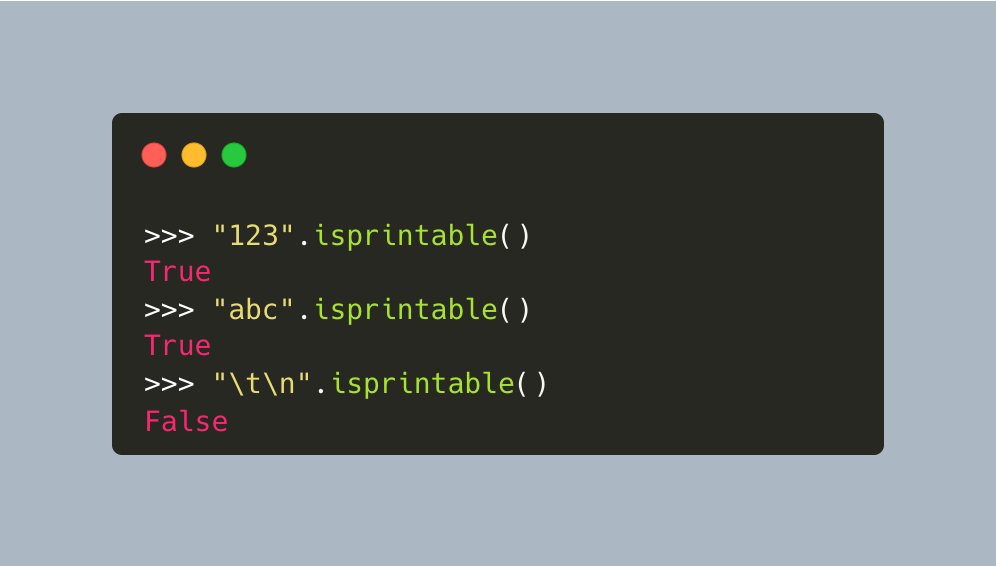
The `isprintable()` string method in #Python is used to check if all the characters in a string are printable or not
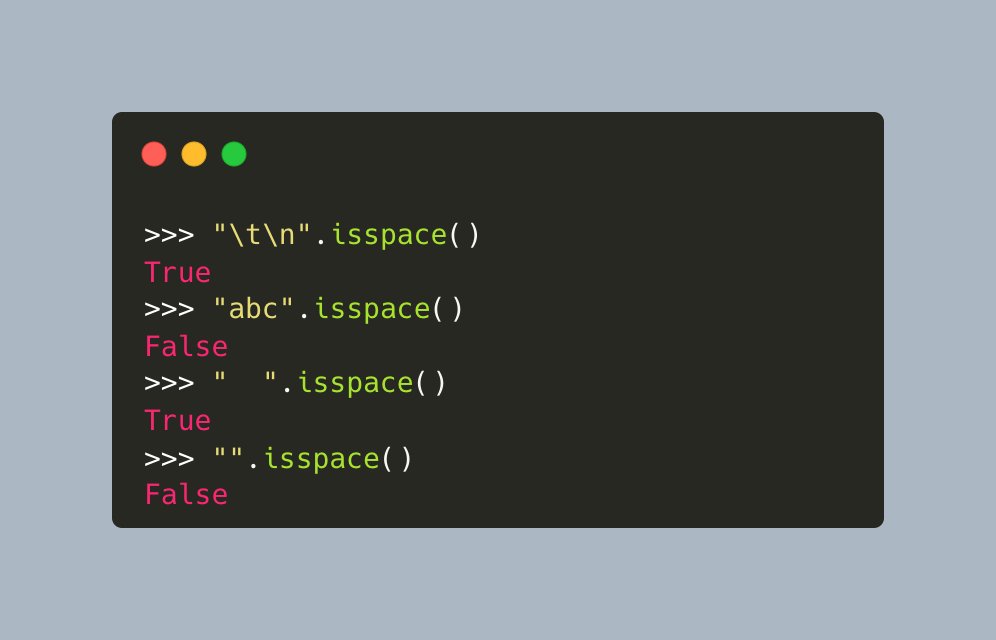
The `isspace()` string method in #Python will return True if there are only whitespace characters in the string and there is at least one character
Here are a few examples:
Here are a few examples:
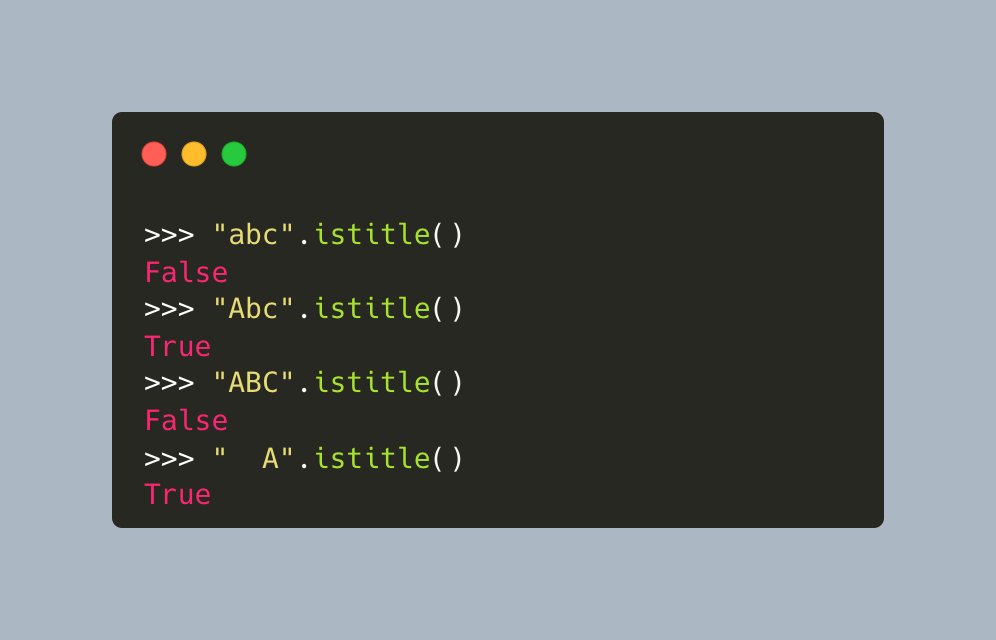
The `istitle()` string method will "return True if the string is a titlecased string and there is at least one character, for example, uppercase characters may only follow uncased characters and lowercase characters only cased ones"
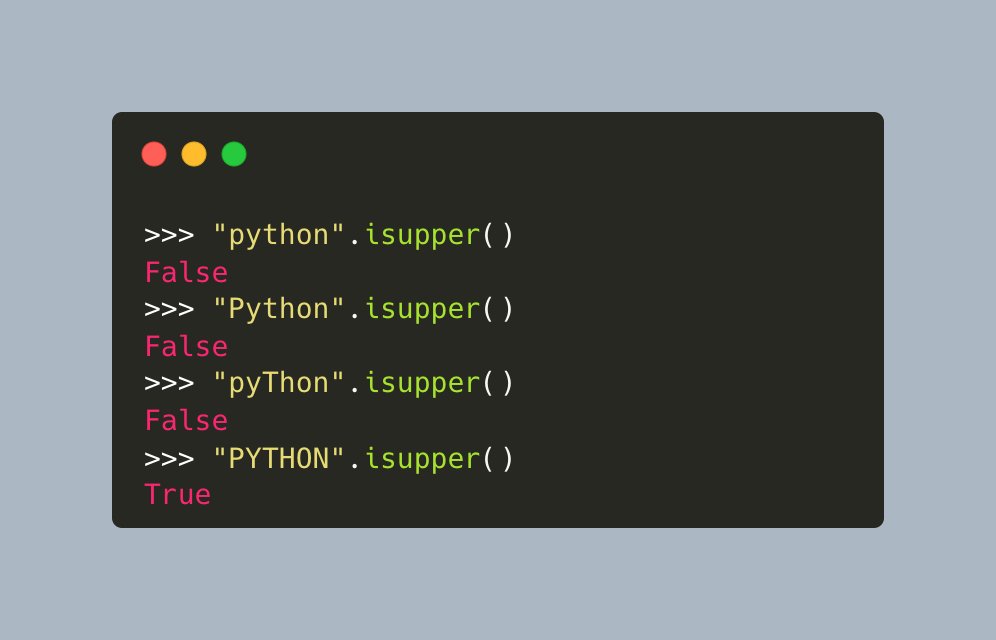
The `isupper()` string method in #Python will return Return True if all cased characters in the string are uppercase and there is at least one cased character
• • •
Missing some Tweet in this thread? You can try to
force a refresh