
Here is a simple machine learning model. One of the classics.
If you are new, let's go together line by line and understand what's happening here:
1 of 20
If you are new, let's go together line by line and understand what's happening here:
1 of 20

First, we load the MNIST dataset, containing 70,000 28x28 images showing handwritten digits.
You can load this dataset using Keras with a single line of code.
The function returns the dataset split into train and test sets.
2 of 20
You can load this dataset using Keras with a single line of code.
The function returns the dataset split into train and test sets.
2 of 20
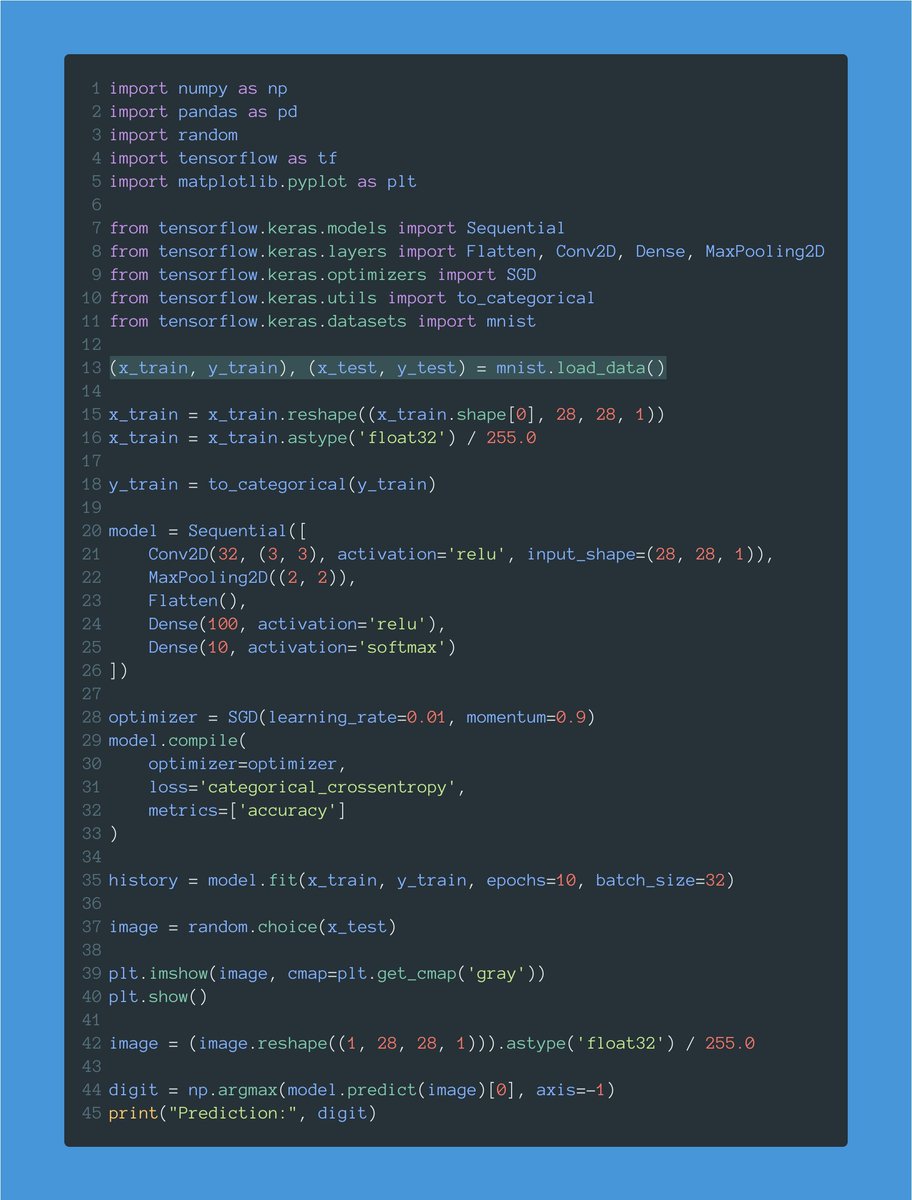
x_train and x_test contain our train and test images.
y_train and y_test contain the target values: a number between 0 and 9 indicating the digit shown in the corresponding image.
We have 60,000 images to train the model and 10,000 to test it.
3 of 20
y_train and y_test contain the target values: a number between 0 and 9 indicating the digit shown in the corresponding image.
We have 60,000 images to train the model and 10,000 to test it.
3 of 20

When dealing with images, we need a tensor with 4 dimensions: batch size, width, height, and color channels.
x_train is (60000, 28, 28). We need to reshape it to add the missing dimension ("1" because these images are grayscale.)
4 of 20
x_train is (60000, 28, 28). We need to reshape it to add the missing dimension ("1" because these images are grayscale.)
4 of 20

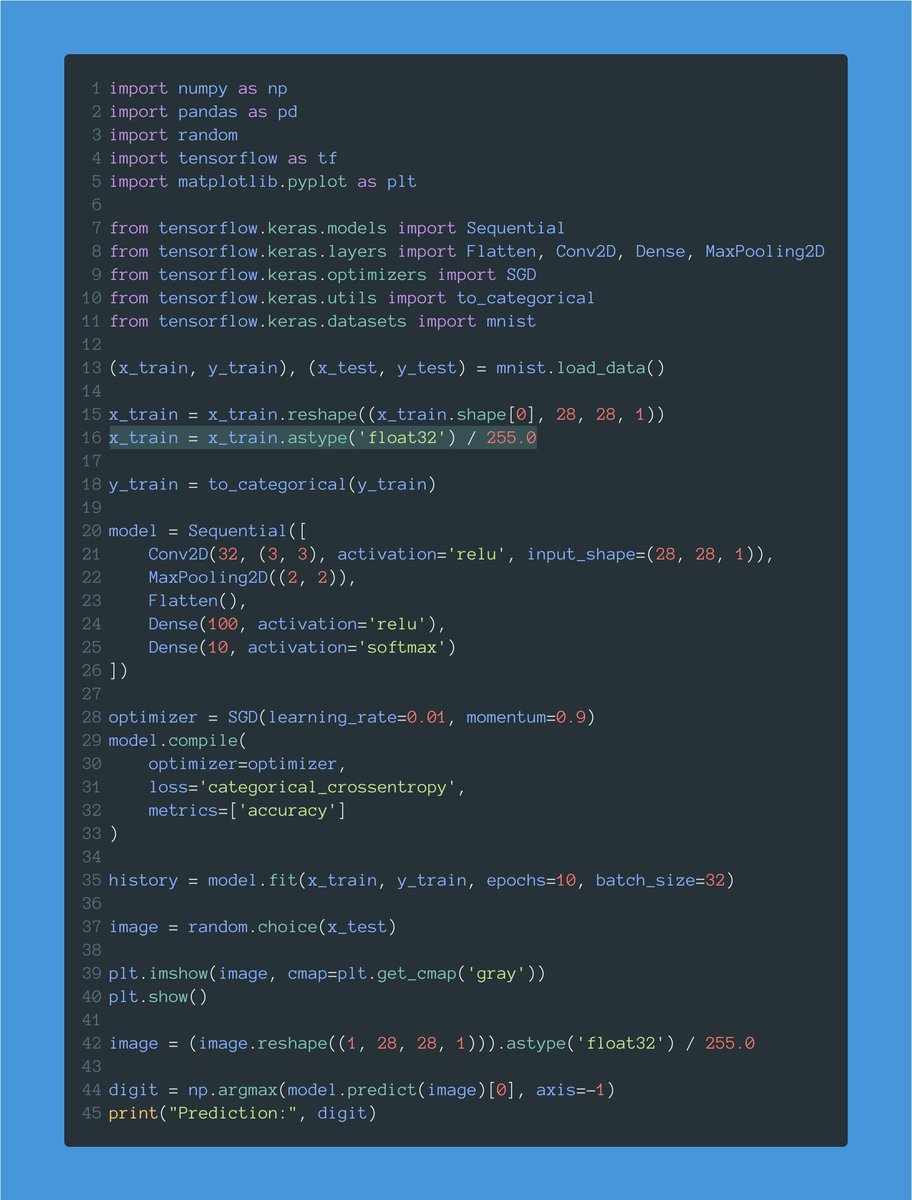
Each pixel goes from 0 to 255. Neural networks work much better with smaller values.
Here we normalize pixels by dividing them by 255. That way, each pixel will go from 0 to 1.
5 of 20
Here we normalize pixels by dividing them by 255. That way, each pixel will go from 0 to 1.
5 of 20
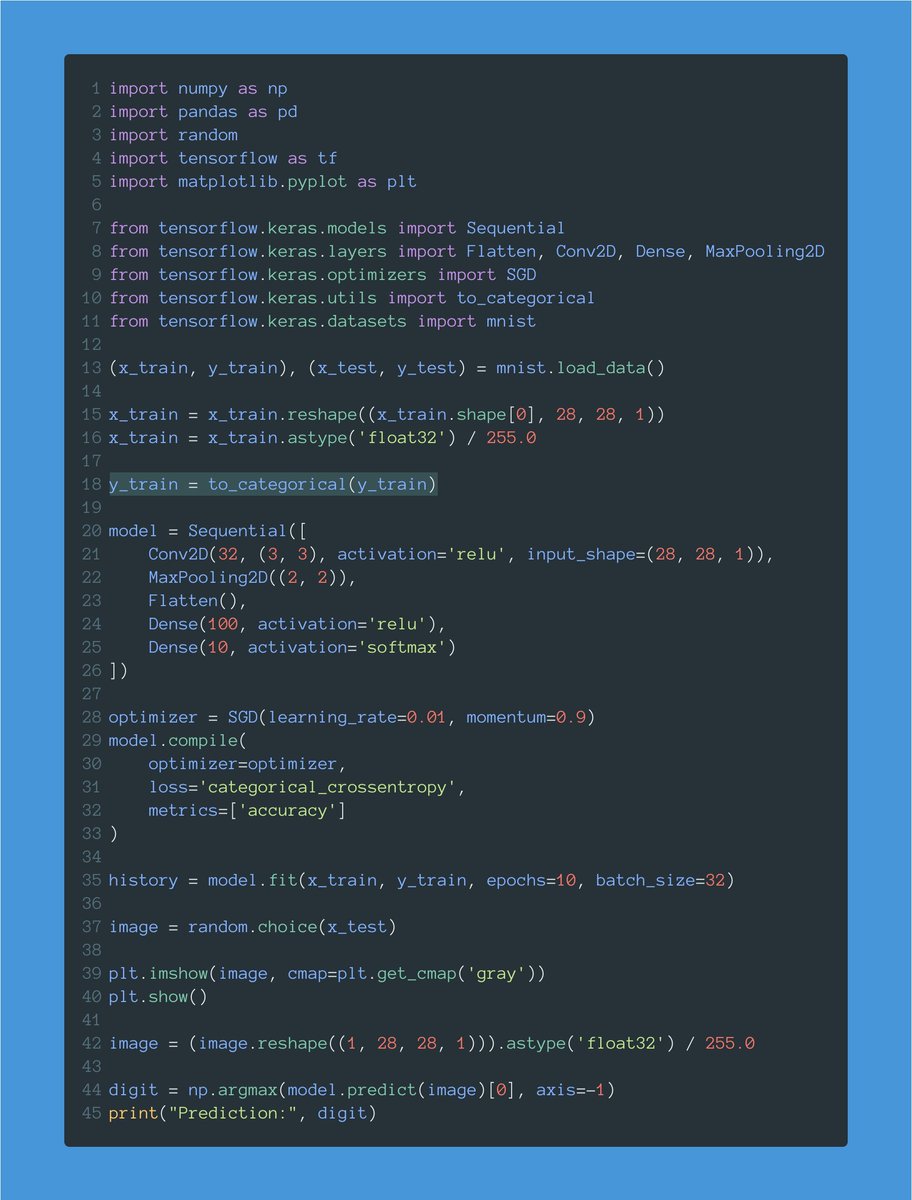
Target values go from 0 to 9 (the value of each digit.)
This line one-hot encodes these values.
For example, this will transform a value like 5, in an array of zeros with a single 1 corresponding to the fifth position:
[0, 0, 0, 0, 0, 1, 0, 0, 0, 0]
6 of 20
This line one-hot encodes these values.
For example, this will transform a value like 5, in an array of zeros with a single 1 corresponding to the fifth position:
[0, 0, 0, 0, 0, 1, 0, 0, 0, 0]
6 of 20
Let's now define our model.
There are several ways to create a model in Keras. This one is called the "Sequential API."
Our model will be a sequence of layers that we will define one by one.
7 of 20
There are several ways to create a model in Keras. This one is called the "Sequential API."
Our model will be a sequence of layers that we will define one by one.
7 of 20

A lot is going on with this first line.
First, we define our model's input shape: a 28x28x1 tensor (width, height, channels.)
This is exactly the shape we have in our train dataset.
8 of 20
First, we define our model's input shape: a 28x28x1 tensor (width, height, channels.)
This is exactly the shape we have in our train dataset.
8 of 20

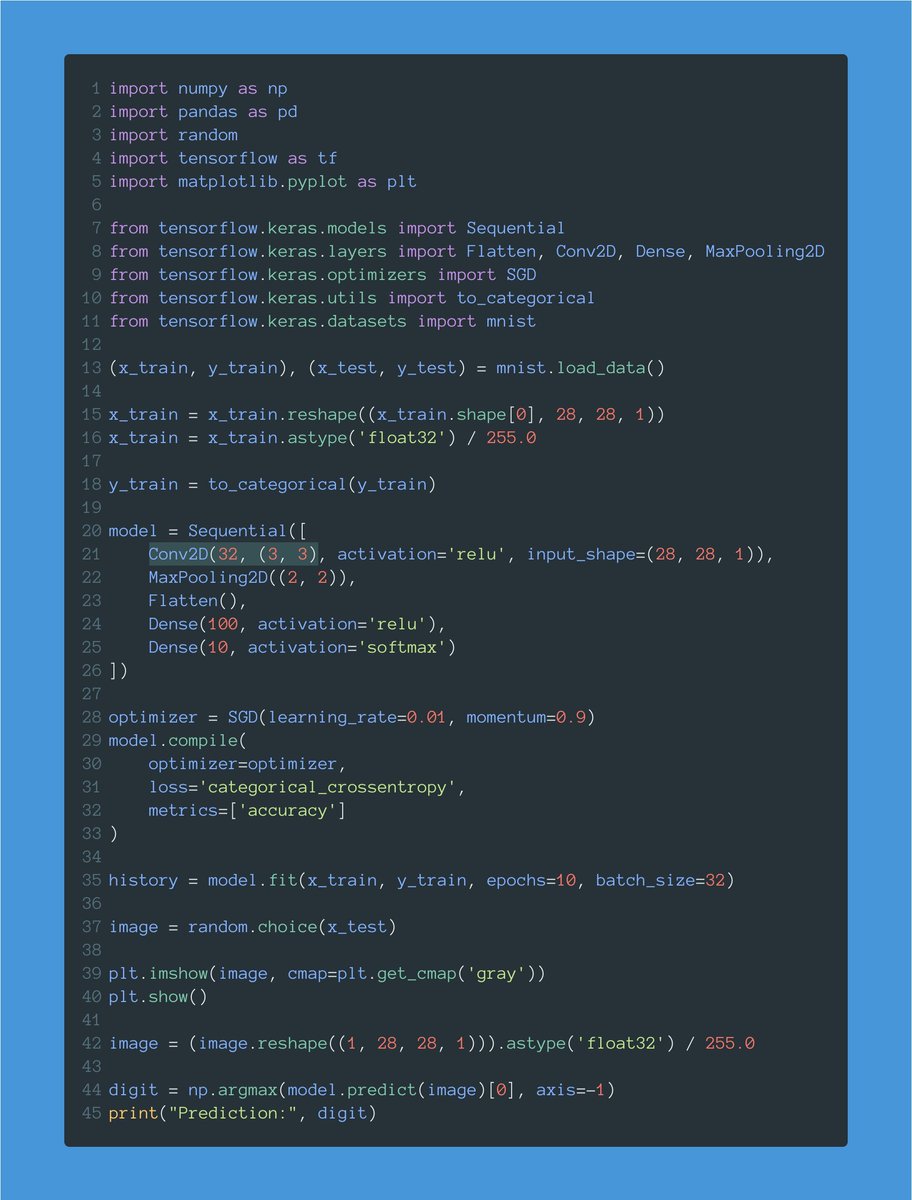
Then we define our first layer: a Conv2D layer with 32 filters and a 3x3 kernel.
This layer will generate 32 different representations using the training images.
9 of 20
This layer will generate 32 different representations using the training images.
9 of 20
We also need to define the activation function used for this layer: ReLU.
You'll see ReLU everywhere. It's a popular activation function.
It will allow us to solve non-linear problems, like recognizing handwritten digits.
10 of 20
You'll see ReLU everywhere. It's a popular activation function.
It will allow us to solve non-linear problems, like recognizing handwritten digits.
10 of 20

After our Conv2D layer, we have a max pooling operation.
The goal of this layer is to downsample the amount of information collected by the convolutional layer.
We want to throw away unimportant details and retain what truly matters.
11 of 20
The goal of this layer is to downsample the amount of information collected by the convolutional layer.
We want to throw away unimportant details and retain what truly matters.
11 of 20

We are now going to flatten the output. We want everything in a continuous list of values.
That's what the Flatten layer does. It will give us a flat tensor.
12 of 20
That's what the Flatten layer does. It will give us a flat tensor.
12 of 20
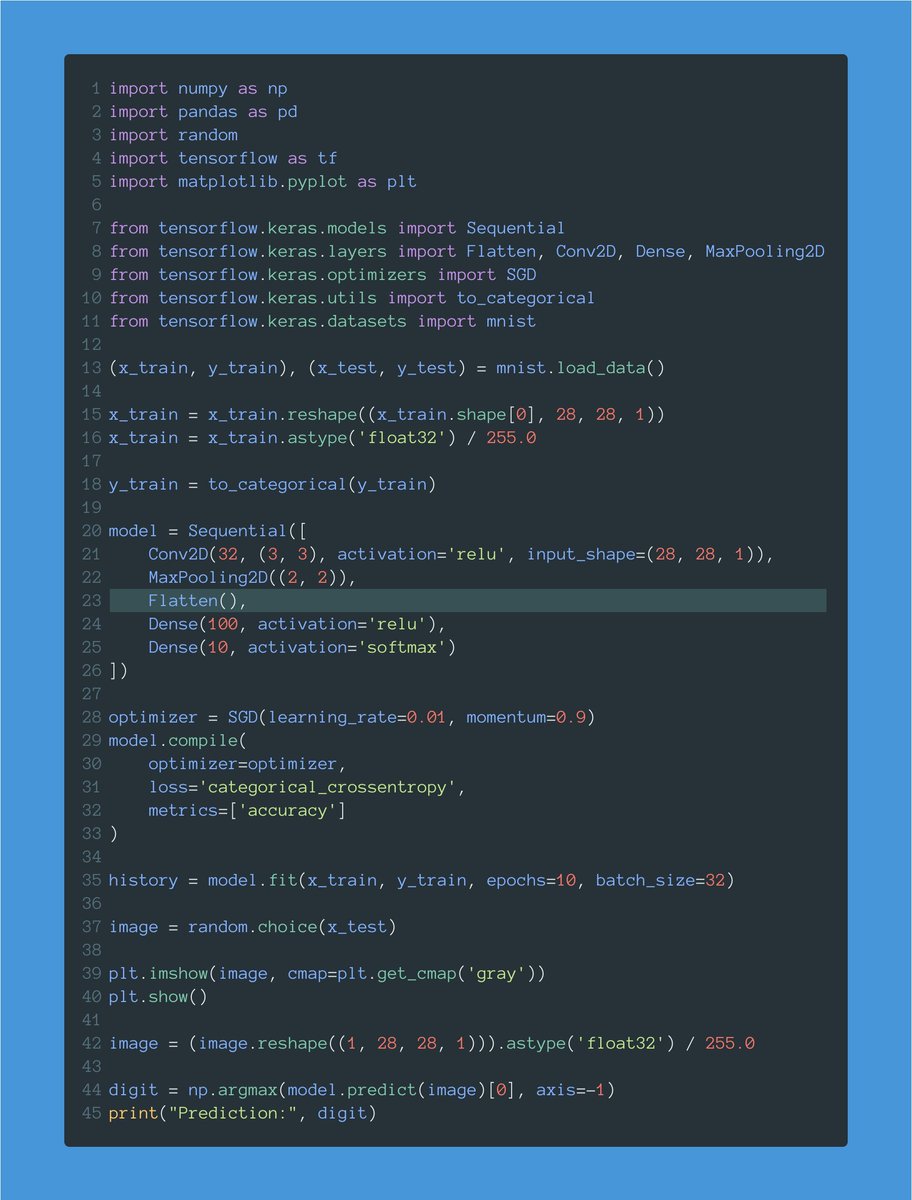
Finally, we have a couple of Dense layers.
Notice how the output layer has a size of 10, one for each of our possible digit values, and a softmax activation.
The softmax ensures we get a probability distribution indicating the most likely digit in the image.
13 of 20
Notice how the output layer has a size of 10, one for each of our possible digit values, and a softmax activation.
The softmax ensures we get a probability distribution indicating the most likely digit in the image.
13 of 20

After creating our model, we compile it.
I'm using Stochastic Gradient Descent (SGD) as the optimizer.
The loss is categorical cross-entropy: this is a multi-class classification problem.
We want to record the accuracy as the model trains.
14 of 20
I'm using Stochastic Gradient Descent (SGD) as the optimizer.
The loss is categorical cross-entropy: this is a multi-class classification problem.
We want to record the accuracy as the model trains.
14 of 20

Finally, we fit the model. This starts training it.
A couple of notes:
• I'm using a batch size of 32 images.
• I'm running 10 total epochs.
When fit() is done, we have a fully trained model!
15 of 20
A couple of notes:
• I'm using a batch size of 32 images.
• I'm running 10 total epochs.
When fit() is done, we have a fully trained model!
15 of 20

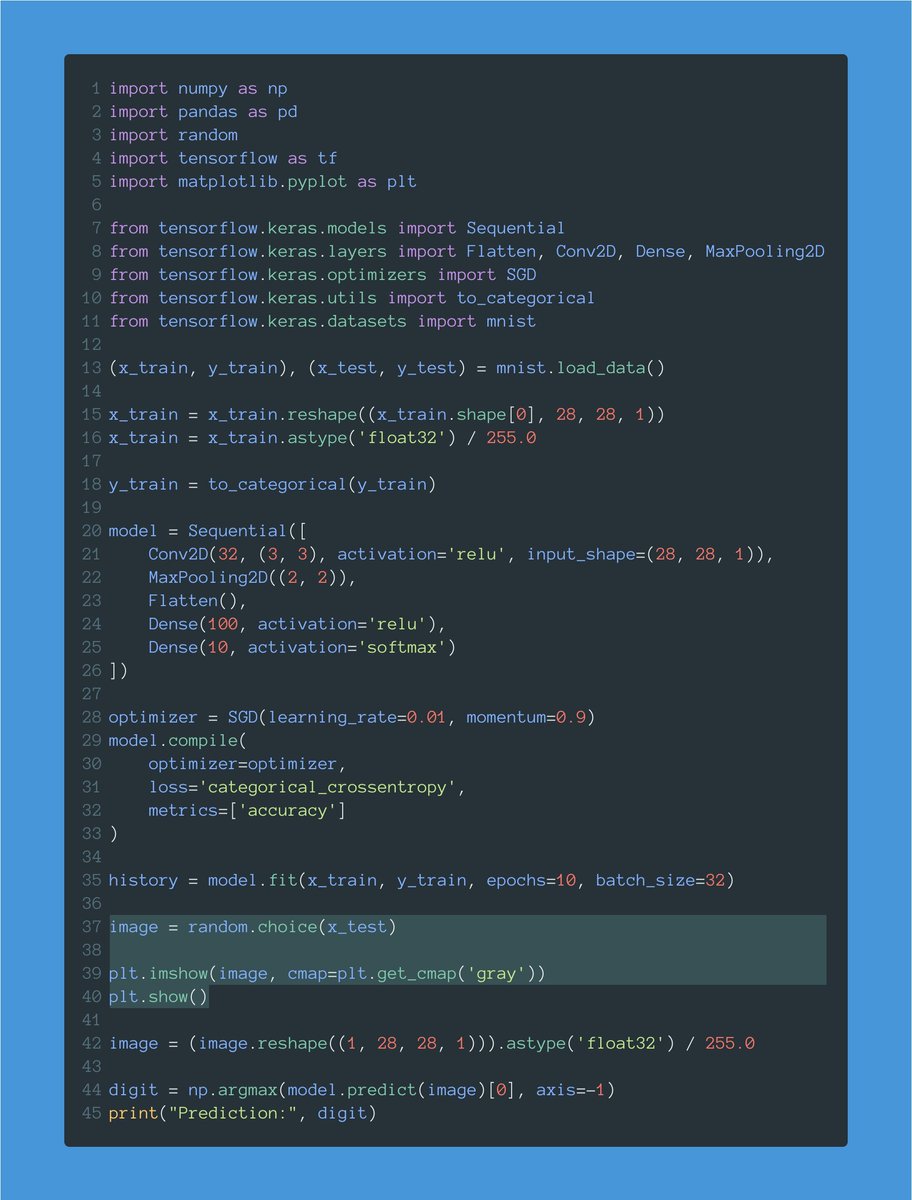
Let's now test the model.
This gets a random image from the test set and displays it.
Notice that we want the image to come from the test set, containing data the model didn't see during training.
16 of 20
This gets a random image from the test set and displays it.
Notice that we want the image to come from the test set, containing data the model didn't see during training.
16 of 20
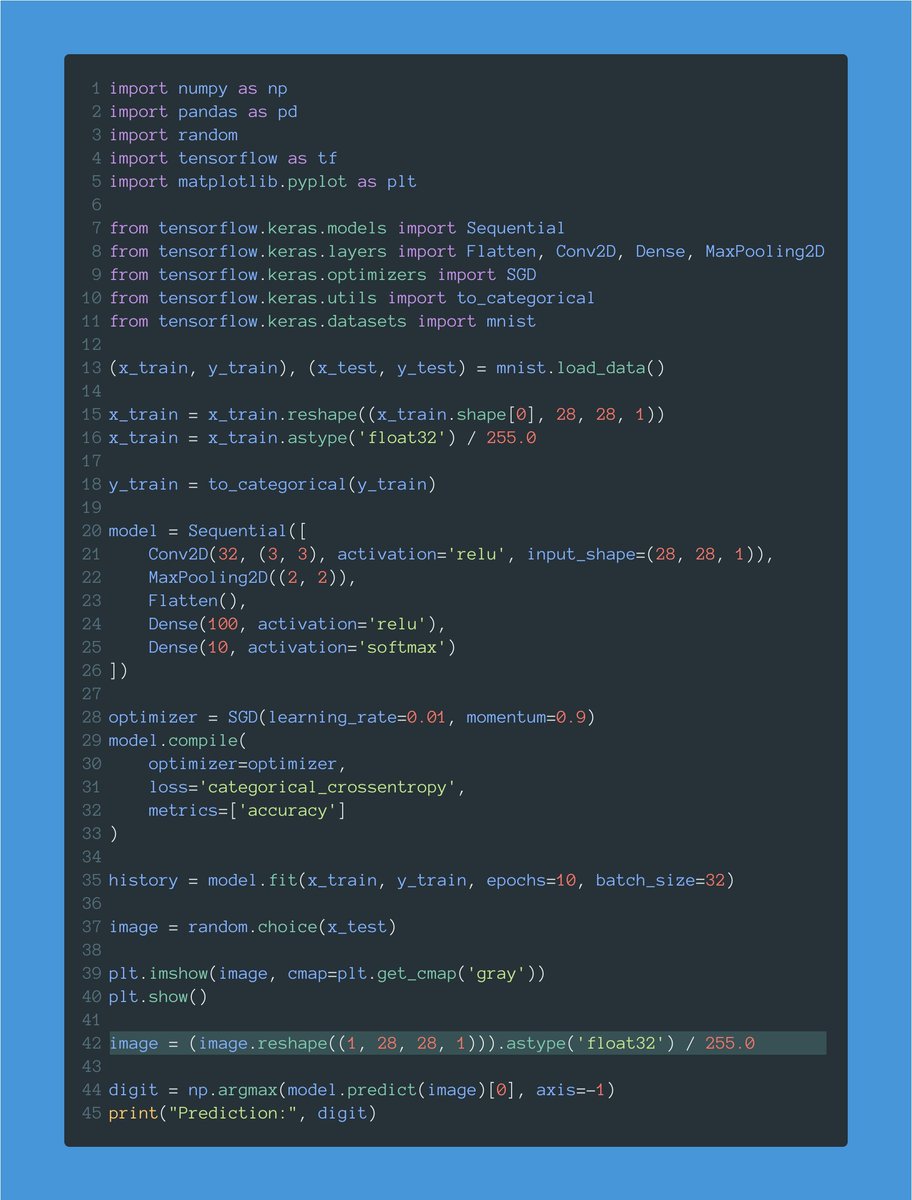
We can't forget to reshape and normalize the image as we did before with the entire train set.
I'm doing it this time for the image I use to test the model.
17 of 20
I'm doing it this time for the image I use to test the model.
17 of 20
Finally, I predict the value of the image.
Remember that the result is a one-hot-encoded vector. That's why I take the argmax value (the position with the highest probability) and that's the result.
18 of 20
Remember that the result is a one-hot-encoded vector. That's why I take the argmax value (the position with the highest probability) and that's the result.
18 of 20

Here is the source code:
Have at it, go nuts, and build something cool.
gist.github.com/svpino/3cb8367…
19 of 20
Have at it, go nuts, and build something cool.
gist.github.com/svpino/3cb8367…
19 of 20
Every week, I break down machine learning concepts to give you ideas on applying them in real-life situations.
Follow me @svpino to ensure you don't miss what's coming next.
20 of 20
Follow me @svpino to ensure you don't miss what's coming next.
20 of 20
• • •
Missing some Tweet in this thread? You can try to
force a refresh






