Hasan Toor Profile picture
Nov 27, 2022 12 tweets 6 min read Read on X
Freelancing is the fastest way to make money online.

If you're just starting out as a freelancer.

Here are 10 freelance websites that will help you find work in 2023:
1. Fiverr

The largest employment portal in the world.

On the website, you can discover freelance employment in a variety of fields, including social media, digital marketing, web development, etc.

Check here 👇

fiverr.com
2. Upwork

Check here 👇

upwork.com
3. Guru

Check here 👇

guru.com
4. Toptal

Check here 👇

toptal.com
5. Flexjobs

The #1 job site to find remote, work from home, and flexible job opportunities since 2007.

Check here 👇

flexjobs.com
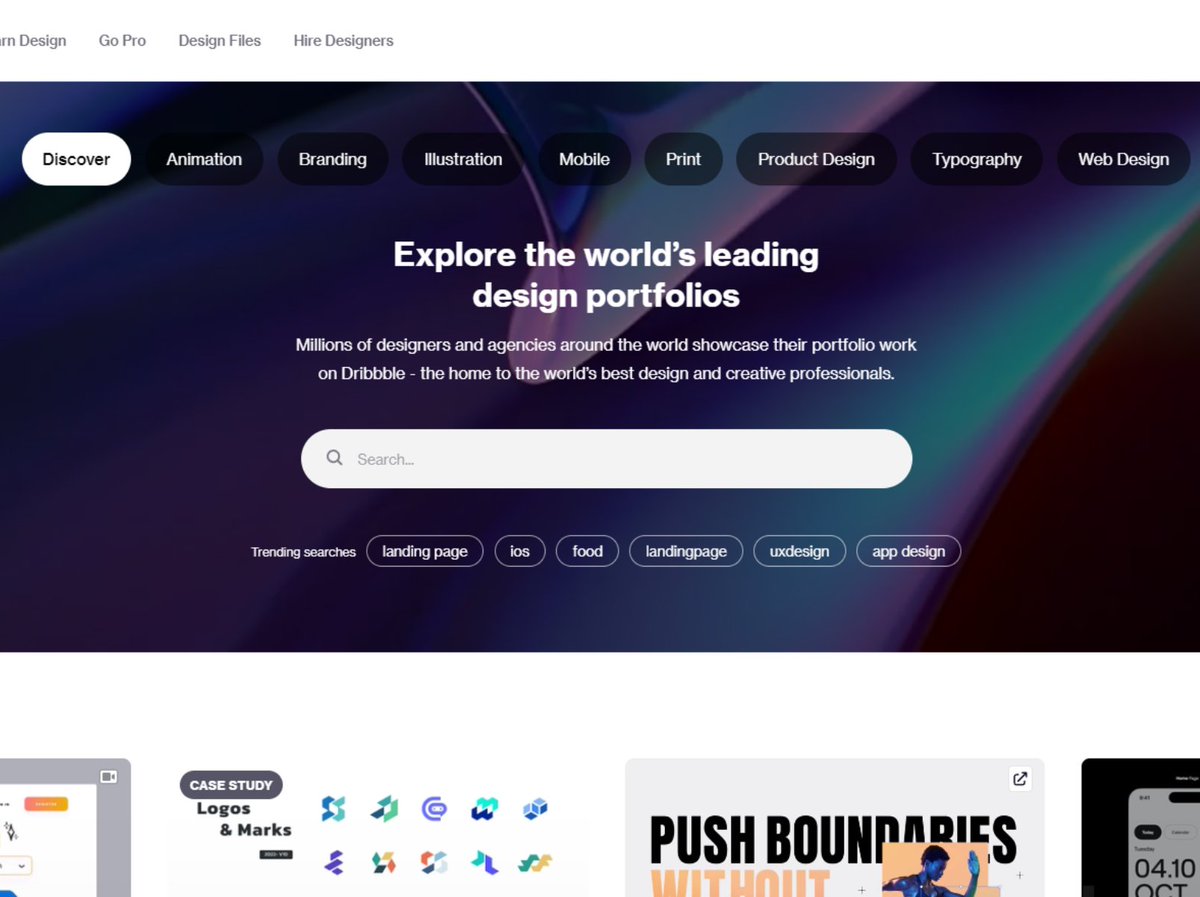
6. Dribbble

Dribbble is the world’s leading community for creatives to share, grow, and get hired.

Check here 👇

dribbble.com
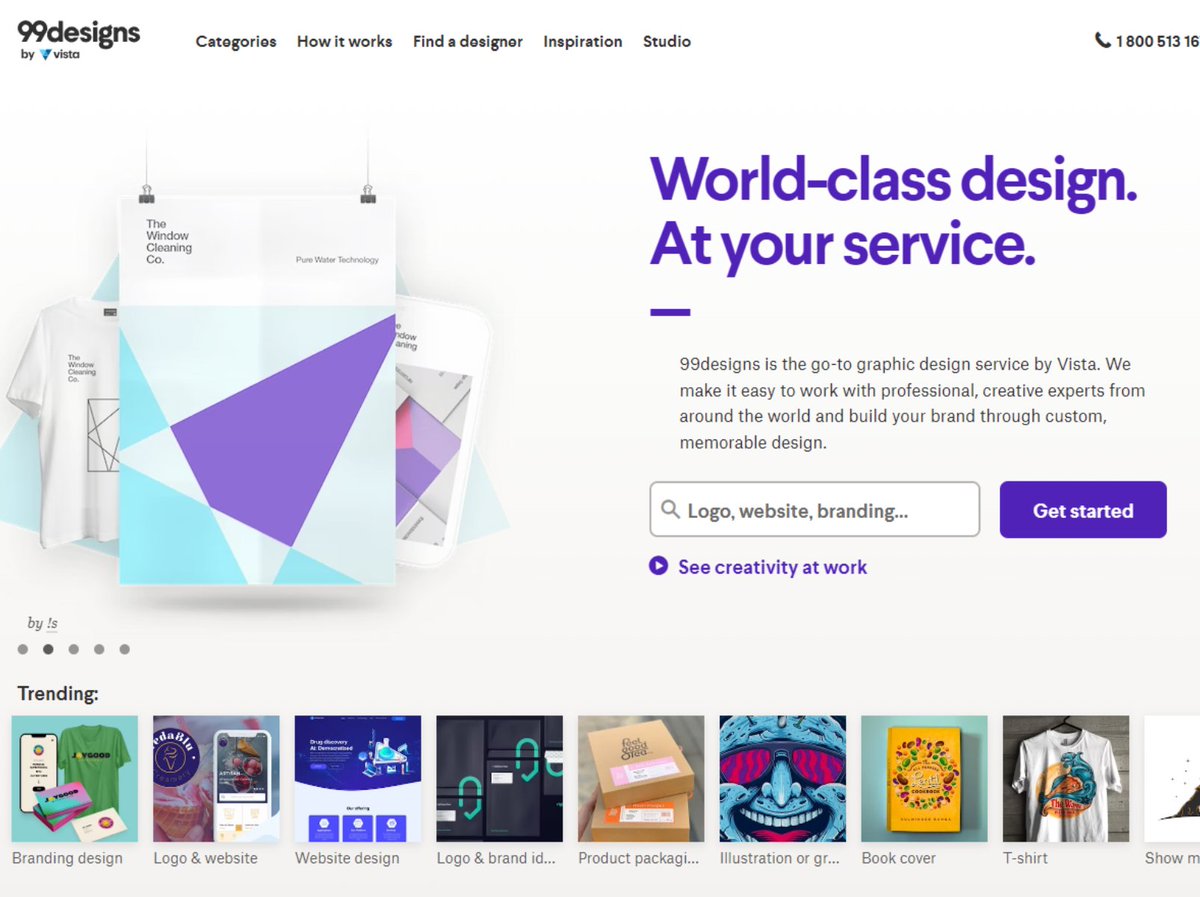
7. 99designs

Check here 👇

99designs.com
8. Servicescape

Check here 👇

servicescape.com
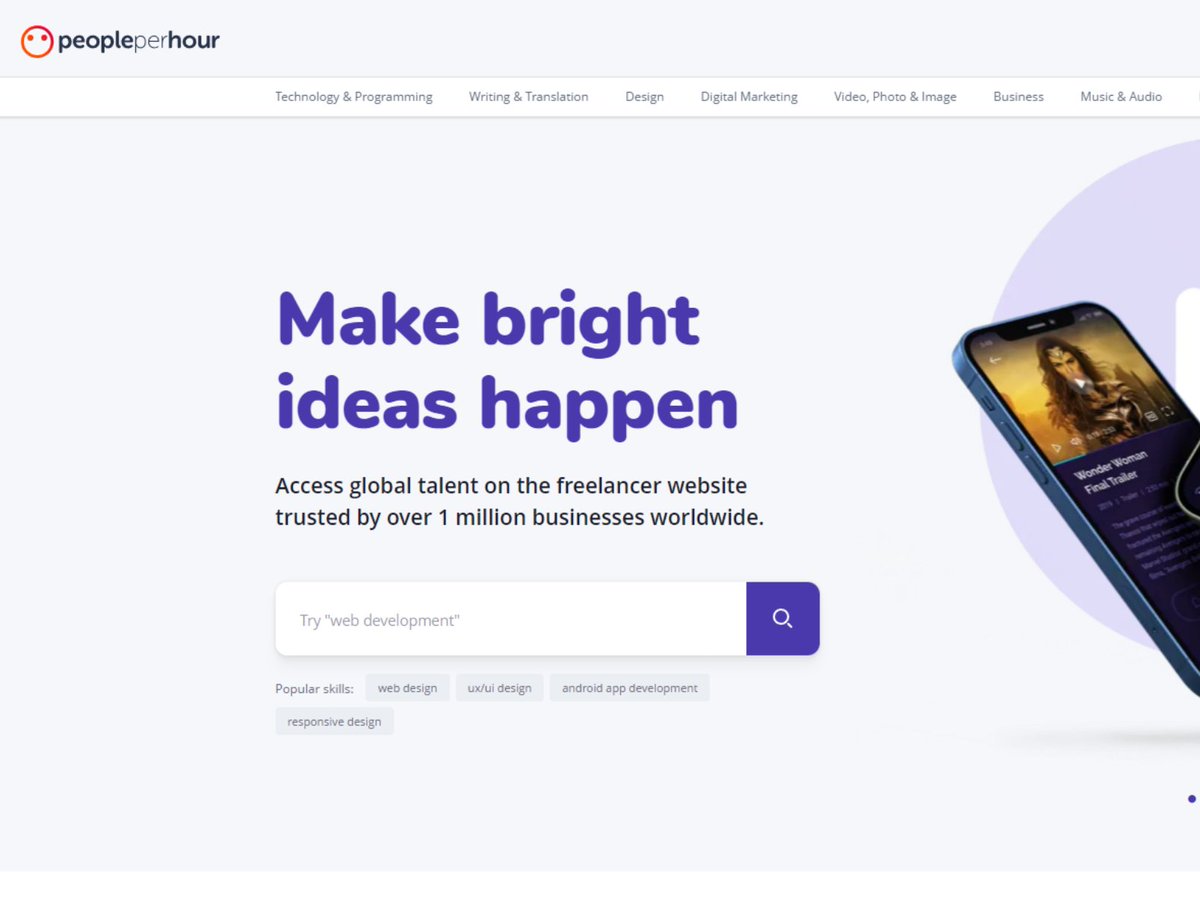
9. People Per Hour

Check here 👇

peopleperhour.com
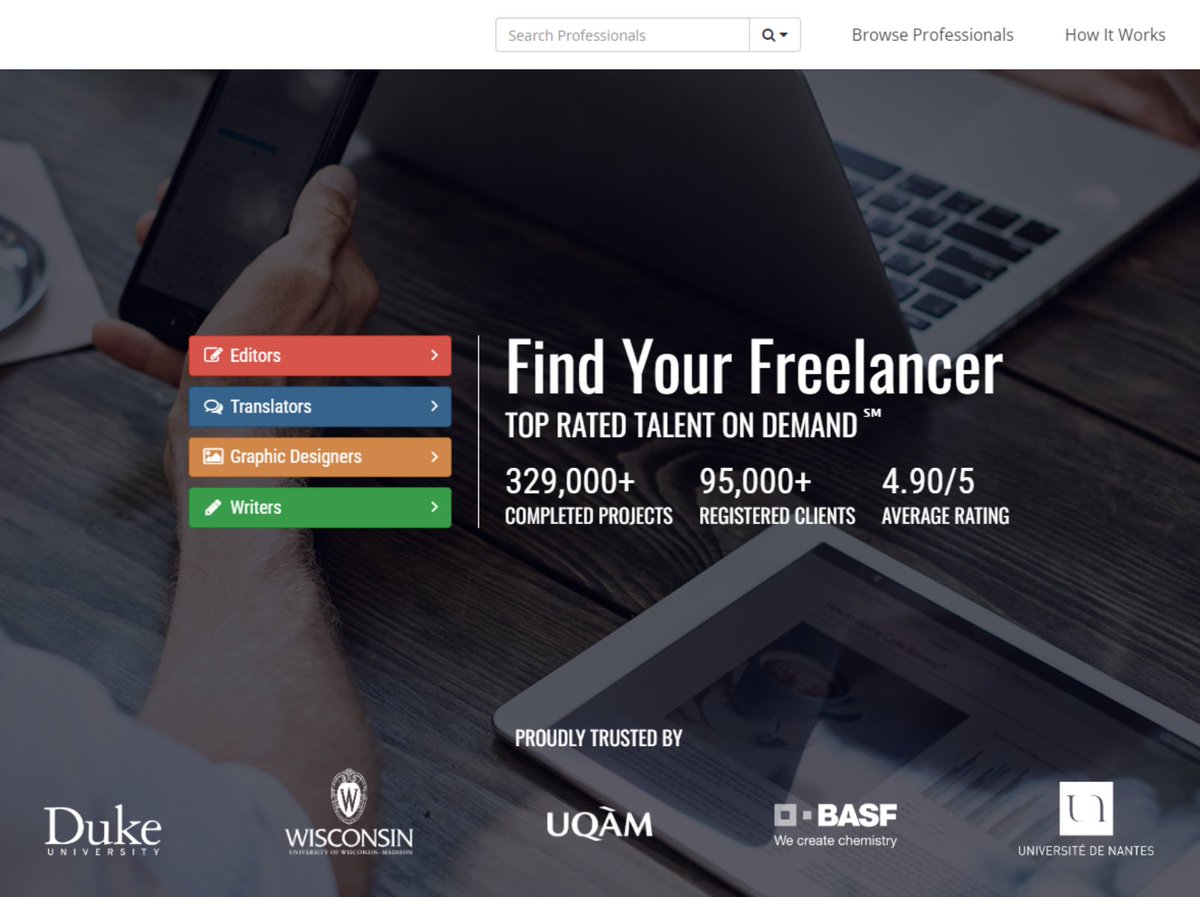
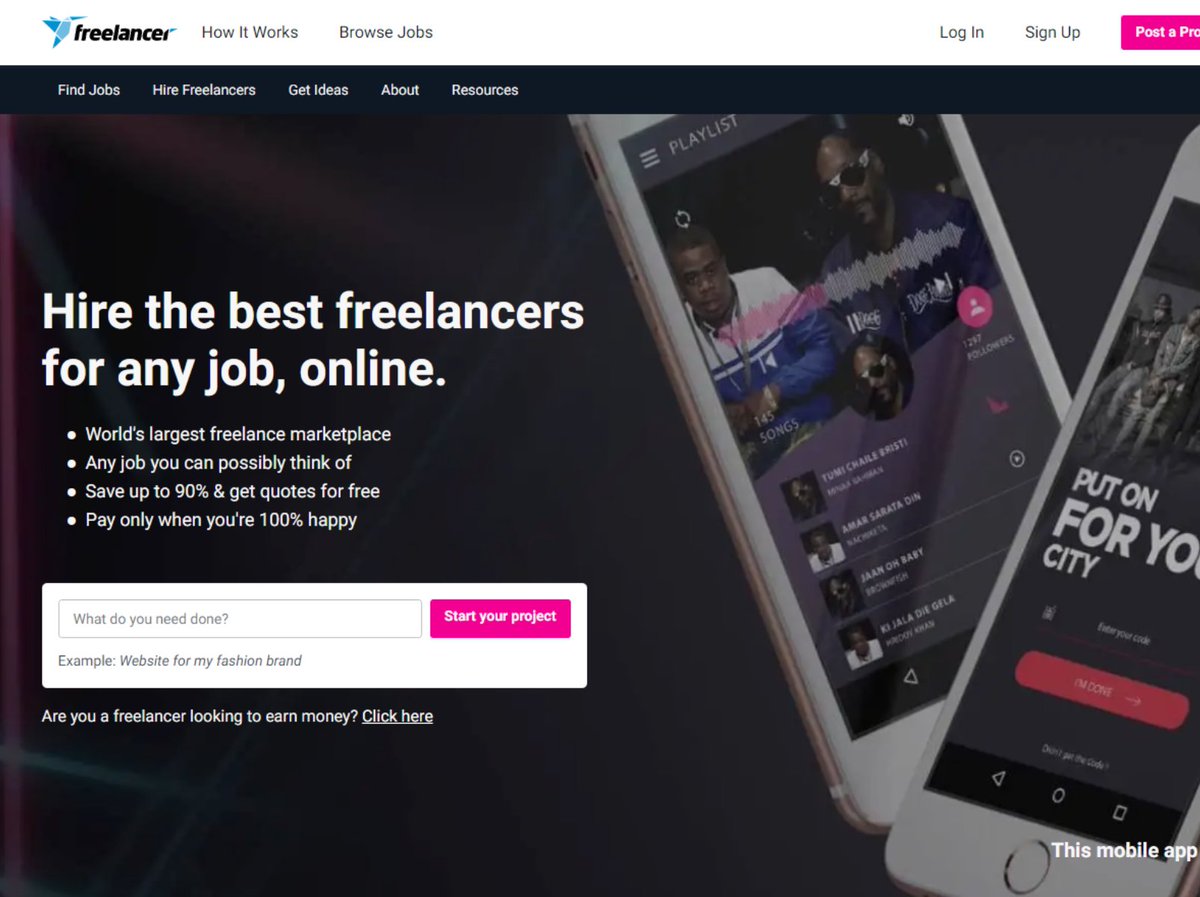
10. Freelancer

Find work in over 1800 different categories.

- World's largest freelance marketplace
- Any job you can possibly think of

To get more job, enhance your profile and market your work.

Check here 👇

freelancer.in
That's a wrap!

If you enjoyed this thread:

1. Follow me @hasantoxr for more of these
2. RT the tweet below to share this thread with your audience

• • •

Missing some Tweet in this thread? You can try to force a refresh

 

Keep Current with Hasan Toor

Hasan Toor Profile picture

Stay in touch and get notified when new unrolls are available from this author!

Read all threads

This Thread may be Removed Anytime!

PDF

Twitter may remove this content at anytime! Save it as PDF for later use!

Try unrolling a thread yourself!

how to unroll video
  1. Follow @ThreadReaderApp to mention us!

  2. From a Twitter thread mention us with a keyword "unroll"
@threadreaderapp unroll

Practice here first or read more on our help page!

More from @hasantoxr

Jan 8
BREAKING: AI can now build you a business in 24 hours.

Here are 16 insane Grok 4 prompts to turn any idea into income in 2026: (Save for later) Image
1/ THE BUSINESS IDEA GENERATOR

"I have $500 and 10 hours per week. Analyze current market gaps, my skills in [your skills], and generate 5 business ideas I could launch this month. Include startup costs, timeline, and first revenue projections."

This prompt is stupid powerful.
2/ THE COMPETITOR DESTROYER

"Act as a market analyst. Research [competitor name] and identify 3 weaknesses in their offering. Then create a differentiation strategy I could execute with limited budget to capture their customers."

Watch them panic.
Read 19 tweets
Jan 7
Most people are using AI like a search engine.

I spent 3 months studying Google, OpenAI, and Stanford's internal prompting frameworks.

The difference between basic and expert-level prompting is like the difference between hiring an intern vs a Stanford PhD.

Here are 8 prompting strategies that separate beginners from masters:Image
1/ Meta-Prompting: Let AI Design Your Prompts

Instead of guessing, ask the AI to create the perfect prompt for you.

Google calls this "power-up strategies."

Example: "You're a prompt engineering expert. Design the optimal prompt to [your goal], including role, context, and output format."

The AI becomes your prompt architect.Image
2/ Chain-of-Thought: Force Step-by-Step Reasoning

Don't just ask for answers. Demand the thinking process.

Add: "Let's think step by step" or "Show your reasoning"

Research shows accuracy jumps from 18% → 57% on complex problems.

The model doesn't just answer—it actually reasons.Image
Read 11 tweets
Jan 6
🚨 BREAKING: Claude now lets you build, host, and share interactive apps, all inside the chat.

No code. No subscription. Just your idea.

Here is how it works 👇 Image
How to enable it

1. Go to Claude by Anthropic and sign in
Link:
2. Click Artifacts
3. Enable the feature
4. Hit Create new artifact
5. Pick a category and start building claude.ai
1. Interactive Content Calendar Generator

Prompt:
“Build a drag-and-drop content calendar for social media managers. It should allow users to select content types (video, carousel, thread), assign platform tags (Instagram, LinkedIn, TikTok), and write brief captions. Include tooltips for post ideas based on the day of the week and a weekly summary view.”

Use case:
Helps teams plan campaigns visually before scheduling.
Read 9 tweets
Jan 6
🚨 OpenAI spent $100M training GPT-4.

Then ran it in 2-bit precision for inference.

They're charging you for 16-bit compute while serving 2-bit models.

This paper exposes the entire scam and why every AI lab is hiding their real inference costs: Image
Here's how the scam works:

Training: FP16/BF16 precision, $100M+ on thousands of GPUs
Inference: INT4/INT2 quantized models, 10-15x cheaper per token

They amortize training costs over billions of API calls while secretly running ultra-cheap quantized inference.

You're subsidizing their 1,400% margins.Image
The evidence is hiding in plain sight:

Research papers show 2-bit models maintain 95%+ accuracy.
GPU utilization metrics don't match claimed precision.
Latency numbers are impossible at 16-bit speeds.

They're not lying about capabilities. They're lying about costs. Image
Read 14 tweets
Jan 4
BREAKING: Google Gemini just launched a new feature called Guided Learning.

You can now use it to learn literally anything, step by step, like a personal tutor.

Here’s how to access it 👇 Image
How to access Guided Learning

→ Open Google Gemini (web)
→ Start a new conversation
→ Select “Guided learning” from the mode list
→ Ask a question or upload a document to study

That’s it. No setup. No plugins.
What makes Guided Learning different

Gemini walks you through concepts step by step, making sure you actually understand before moving on.
Read 6 tweets
Jan 3
BREAKING: Google launched a vibe coding platform that just wiped out most paid app builders.

You can build AI-powered web apps and use them instantly.

No subscriptions, no fee, no paywall.

Here is how it works 👇 Image
Step 1: Create the app

→ Go to Google AI Studio
→ Open the Web App templates
→ Or paste your own custom prompt
Step 2: Run it instantly

Once generation finishes:

→ Run the app inside the studio
→ Test uploads, inputs, outputs
→ Verify the model behavior

Example I tested:
"Create, visualize, and rebuild sculptures using the same set of blocks."
Read 6 tweets

Did Thread Reader help you today?

Support us! We are indie developers!


This site is made by just two indie developers on a laptop doing marketing, support and development! Read more about the story.

Become a Premium Member ($3/month or $30/year) and get exclusive features!

Become Premium

Don't want to be a Premium member but still want to support us?

Make a small donation by buying us coffee ($5) or help with server cost ($10)

Donate via Paypal

Or Donate anonymously using crypto!

Ethereum

0xfe58350B80634f60Fa6Dc149a72b4DFbc17D341E copy

Bitcoin

3ATGMxNzCUFzxpMCHL5sWSt4DVtS8UqXpi copy

Thank you for your support!

Follow Us!

:(