Pradeep Pandey Profile picture
Jan 9, 2023 12 tweets 6 min read Read on X
You don't need to spend a penny to learn web development.

Here are the 10 Best YouTube Channels to learn Web Development for FREE:
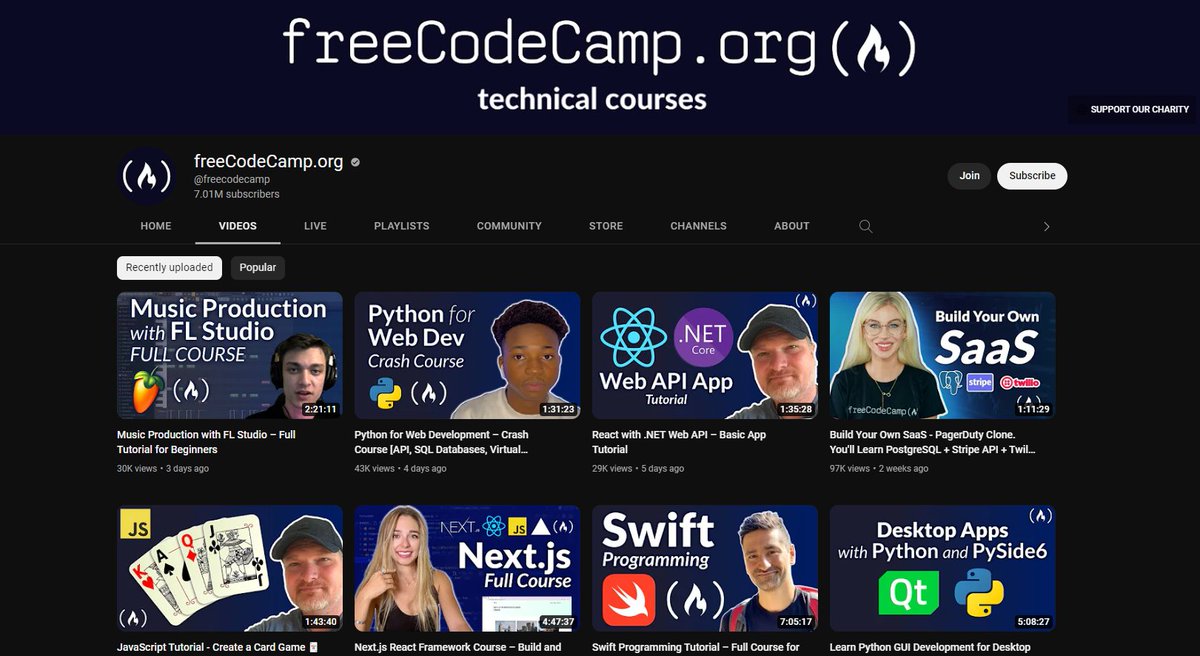
1. FreeCodeCamp

FreeCodeCamp is the best platform for learning any programming language. Their JavaScript videos range from teaching concepts to building projects.

👉 youtube.com/@freecodecamp/…
2. Traversy Media

Brad Traversy goes all-in on his videos to give a lot of value during his crash courses on Traversy Media. His explanations are in-depth and explicit for beginners.

👉 youtube.com/@TraversyMedia…
3. Programming with Mosh

Mosh Hamedani is an amazing teacher. His videos always break down every part of a concept, explaining it explicitly for easy understanding.

👉 youtube.com/@programmingwi…
4. Net Ninja

The Net Ninja is an awesome resource for improving your web development skills. Over 1000 free programming tutorials are available on this channel.

👉 youtube.com/@NetNinja
5. Dev Ed

Dev Ed teaches web development fundamentals in a very friendly way. His videos always have something to enjoy.

👉 youtube.com/@developedbyed
6. Web Dev Simplified

Web Dev Simplified is all about teaching web development skills and techniques in an efficient and practical manner.

👉 youtube.com/@WebDevSimplif…
7. Kevin Powell

Kevin can be referred to as the king of CSS. He exposes different aspects of CSS, breaking it down for easy understanding alongside creating magic.

👉 youtube.com/@KevinPowell
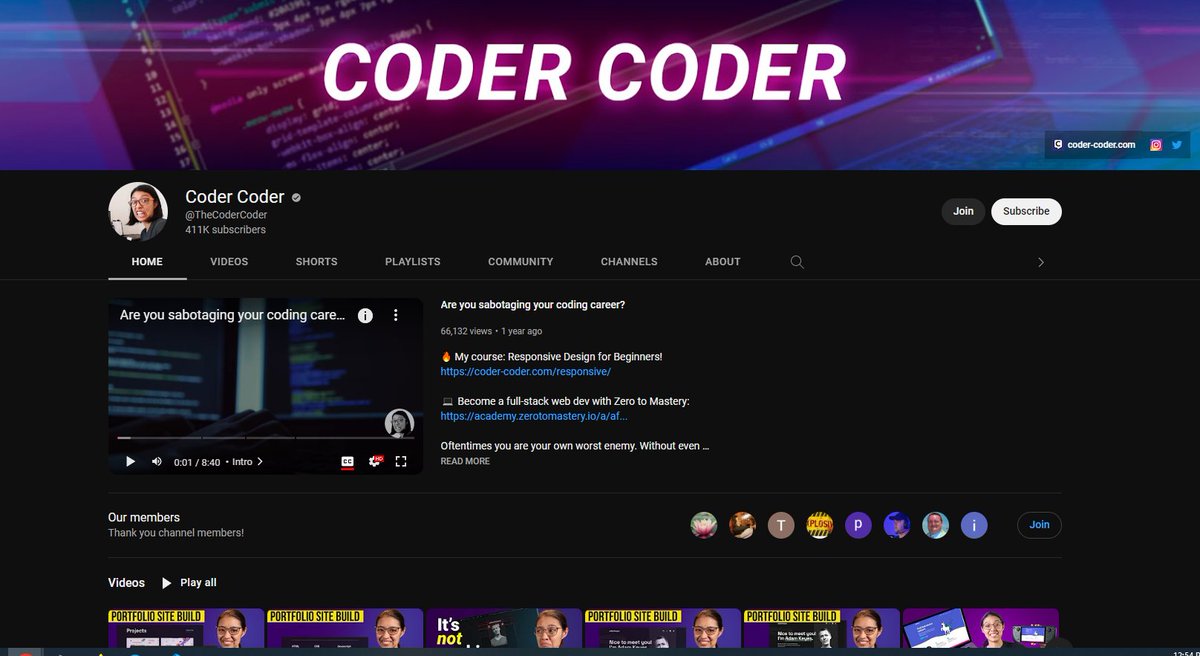
8. Coder Coder

Coder Coder is a fantastic youtube creating high-quality tutorials. She focuses on the important concepts of HTML, CSS, and JavaScript.

👉 youtube.com/@TheCoderCoder…
9. CodeSTACKr

codeSTACKr creates useful content on web development including HTML, CSS, and JavaScript.

👉 youtube.com/@codeSTACKr
10. JavaScript Mastery

JavaScript Mastery focused on building crash courses. This is the best channel when it comes to learning using real-world projects.

👉 youtube.com/@javascriptmas…
That's a wrap!

If You liked this thread.

1. Follow @Div_pradeep for more such content around web development, resources, tips, and cheatsheet.

2. RT the first tweet to share it with other people.

I appreciate it!

Thanks for reading.

• • •

Missing some Tweet in this thread? You can try to force a refresh

 

Keep Current with Pradeep Pandey

Pradeep Pandey Profile picture

Stay in touch and get notified when new unrolls are available from this author!

Read all threads

This Thread may be Removed Anytime!

PDF

Twitter may remove this content at anytime! Save it as PDF for later use!

Try unrolling a thread yourself!

how to unroll video
  1. Follow @ThreadReaderApp to mention us!

  2. From a Twitter thread mention us with a keyword "unroll"
@threadreaderapp unroll

Practice here first or read more on our help page!

More from @Div_pradeep

Jun 30
Apple doesn’t advertise this iPhone setting.

Turn it on and your iCloud backups, photos, notes, messages, and files become completely private — Apple no longer holds the keys.

Most people miss it.

Here’s how to activate it tonight.
2/ The Setting

It's called Advanced Data Protection.

Go to: Settings → tap your name → iCloud → scroll down → Advanced Data Protection → turn on.
When this is on, your iCloud backups, photos, notes, messages, and files are fully end-to-end encrypted. Apple no longer holds the keys.

Nobody can access your data without your device. Not Apple. Not law enforcement. Not hackers who breach Apple's servers.
3/ What It Protects

Without it, Apple holds the encryption keys to most of your iCloud data. With a warrant, they hand everything over.

With it on, 23 data categories become end-to-end encrypted including iCloud Backup, Photos, Notes, Voice Memos, Reminders, Safari Bookmarks, and iCloud Drive.

Apple keeps the keys to only 3 things: Mail, Contacts, and Calendar.
Read 6 tweets
Jun 28
PERPLEXITY can now tutor you like a $100/hr private tutor from top universities. For free.

Here are 7 prompts that replace hours of paid tutoring most people still pay for:

(Save this before it gets saturated) Image
1/ Explain It Simply

Prompt:
“Explain this concept in simple words.

Break it down step by step with examples.

Make sure I can easily explain it to someone else.”
2/ Practice Question Builder

Prompt:
“Create practice questions on this topic.

Start with easy, then medium, then hard.

Also give answers and explain them clearly.
Read 8 tweets
Jun 27
BREAKING: AI can now analyze stocks like Wall Street analysts (for free).

Here are 8 insane Claude prompts that replace $5,000/month Bloomberg terminals (Save for later) Image
Image
1. The Goldman Sachs Fundamental Analysis Screener

"You are a senior equity research analyst at Goldman Sachs with 20 years of experience evaluating companies for the firm's $2T+ asset management division.

I need a complete fundamental analysis of a stock as if you're writing a research report for institutional investors.

Analyze:

- Business model breakdown: how the company makes money explained simply
- Revenue streams: each segment with percentage contribution and growth trajectory
- Profitability analysis: gross margin, operating margin, net margin trends over 5 years
- Balance sheet health: debt-to-equity, current ratio, cash position vs total debt
- Free cash flow analysis: FCF yield, FCF growth rate, and capital allocation priorities
- Competitive advantages: pricing power, brand strength, switching costs, network effects rated 1-10
- Management quality: capital allocation track record, insider ownership, and compensation alignment
- Valuation snapshot: current P/E, P/S, EV/EBITDA vs 5-year average and sector peers
- Bull case and bear case with 12-month price targets for each
- One-paragraph verdict: buy, hold, or avoid with conviction level

Format as a Goldman Sachs-style equity research note with a summary rating box at the top.

The stock: [ENTER TICKER SYMBOL AND ANY SPECIFIC CONCERNS OR QUESTIONS YOU HAVE]"
2. The Morgan Stanley Technical Analysis Dashboard

"You are a senior technical strategist at Morgan Stanley who advises the firm's largest trading desk on chart patterns, momentum signals, and optimal entry and exit points.

I need a complete technical analysis breakdown of a stock covering every major indicator.

Chart:

- Trend analysis: primary trend direction on daily, weekly, and monthly timeframes
- Support and resistance: exact price levels where the stock is likely to bounce or stall
- Moving averages: 20-day, 50-day, 100-day, 200-day positions and crossover signals
- RSI reading: current value with interpretation (overbought, oversold, or neutral)
- MACD analysis: signal line crossovers, histogram momentum, and divergence detection
- Bollinger Bands: current position within bands and squeeze or expansion status
- Volume analysis: is volume confirming or contradicting the current price move
- Fibonacci retracement: key pullback levels from the most recent significant swing
- Chart pattern identification: head and shoulders, double tops, cup and handle, or flags
- Trade setup: specific entry price, stop-loss level, and two profit targets with risk-reward ratio

Format as a Morgan Stanley-style technical analysis note with a clear trade plan summary at the top.

The stock: [ENTER TICKER SYMBOL AND YOUR CURRENT POSITION — LONG, SHORT, OR WATCHING]"
Read 10 tweets
Jun 24
Your iPhone is hiding 47GB of storage you did not know existed.

Not in photos. Not in apps.

In places Apple designed you to never check.

I found them all in 10 minutes.

Here is where:
1/ Delete message attachments (hidden storage hog)

Settings → General → iPhone Storage → Messages → Review Large Attachments

Every photo, video, and GIF from iMessage is saved.

Most people have 5–15GB here.

Delete in bulk.
2/ Empty “Recently Deleted” photos

Photos → Albums → Recently Deleted → Select All → Delete All

These still count for 30 days.

Usually 2–5GB just sitting there.
Read 8 tweets
Jun 17
Is your iPhone warm right now for no reason?

That's sign #2 of 7 that your phone has been hacked.

I ignored it for 3 months while someone in Russia had full access to everything on my phone.

Check these signs immediately:
Sign #1: Battery draining faster than usual.

Hacking apps run in the background 24/7.

They're constantly uploading your data, photos, and location.

This drains battery at 3-4x normal rate even when you're not using your phone
Go to Settings → Battery.

Check "Battery Usage by App."

See apps using power that you rarely open?
Red flag.

Especially apps with names like "System Service" or "Background Activity."
That's not Apple.

That's malware.
Read 16 tweets
Jun 16
27 million Chrome users just got a 4GB AI model installed on their computer.

No consent screen. No opt-in. No uninstall instructions.

Google added Gemini Nano silently, and most people still don't know it's sitting on their device right now.

Here's how to check if you're one of them and remove it: 🧵
1/What happened?

Recent reports found that Google Chrome has been downloading Gemini Nano, Google's on-device AI model, onto eligible devices.

The model can occupy roughly 4GB of storage and powers features such as writing assistance and other AI capabilities inside Chrome.

Critics argue users weren't clearly informed before the download occurred. (Malwarebytes)
2/ Check if Chrome downloaded it.

Windows:

%LOCALAPPDATA%\Google\Chrome\User Data

Mac:

~/Library/Application Support/Google/Chrome/

Look for a folder called:

OptGuideOnDeviceModel

If it's there, Chrome has likely downloaded Gemini Nano. (Malwarebytes)
Read 11 tweets

Did Thread Reader help you today?

Support us! We are indie developers!


This site is made by just two indie developers on a laptop doing marketing, support and development! Read more about the story.

Become a Premium Member ($3/month or $30/year) and get exclusive features!

Become Premium

Don't want to be a Premium member but still want to support us?

Make a small donation by buying us coffee ($5) or help with server cost ($10)

Donate via Paypal

Or Donate anonymously using crypto!

Ethereum

0xfe58350B80634f60Fa6Dc149a72b4DFbc17D341E copy

Bitcoin

3ATGMxNzCUFzxpMCHL5sWSt4DVtS8UqXpi copy

Thank you for your support!

Follow Us!

:(