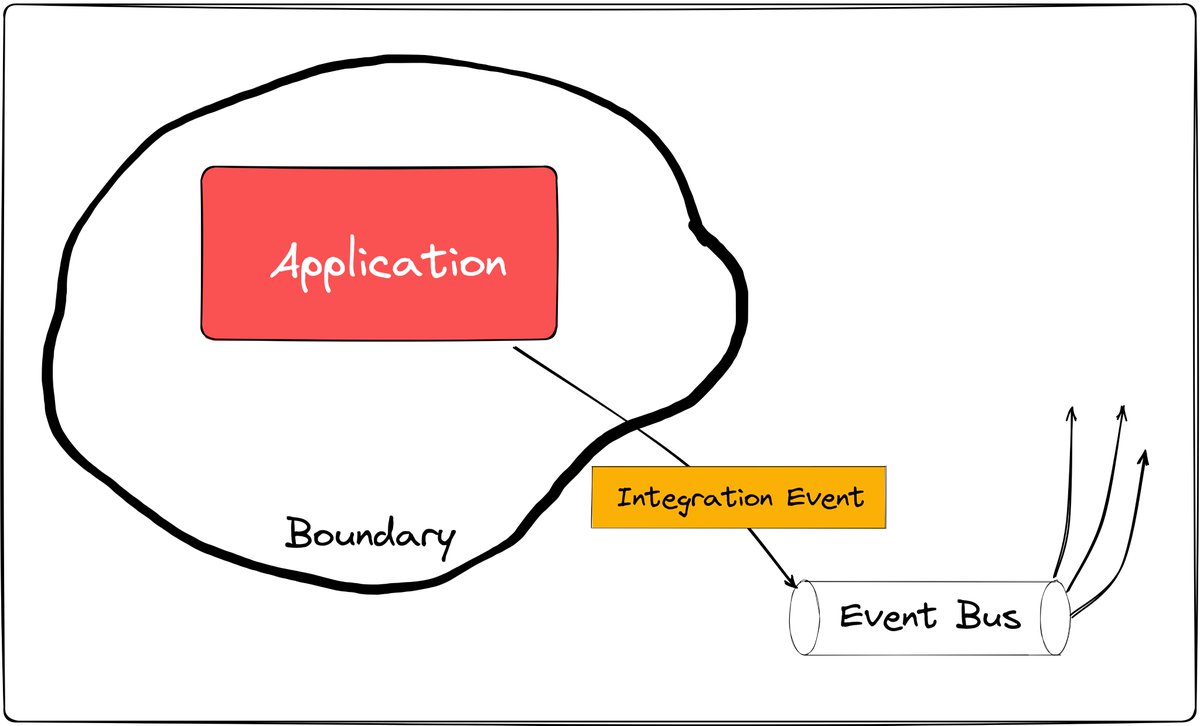
Did you have a chance to work with the Outbox pattern?
If you're working with microservices, this is definitely something to add to your toolkit.
So what is it?
The Outbox pattern is a technique for reliably publishing events in a distributed system.
If you're working with microservices, this is definitely something to add to your toolkit.
So what is it?
The Outbox pattern is a technique for reliably publishing events in a distributed system.

Instead of publishing events directly, the Outbox pattern involves storing events in a separate table in your database and then having a background process read from that table and publish the events to a message broker.
Why would you ever want to introduce this sort of complexity?
Well, if you're working with distributed systems you surely know that things break. A downstream service is down. The network isn't available.
Well, if you're working with distributed systems you surely know that things break. A downstream service is down. The network isn't available.
If you couple your application requests with the process of notifying other services, either by directly calling them or publishing a message to the queue, you are introducing a potential issue.
The Outbox pattern is used to solve the problem of ensuring that events are published in a reliable way and you don't need to resort to complicated two-phase commits.
In a distributed system, it's common to have multiple services that need to be updated when an event occurs.
In a distributed system, it's common to have multiple services that need to be updated when an event occurs.
For example, if a user updates their profile, you might need to update multiple services with that new data.
By using the Outbox pattern, you can ensure that those updates happen reliably, even if some of the services are temporarily unavailable.
By using the Outbox pattern, you can ensure that those updates happen reliably, even if some of the services are temporarily unavailable.
If you're working with a SQL database, for example, you know that your transaction is atomic.
You can reliably persist your message to the Outbox table and have a background worker process that message at a later time.
You can reliably persist your message to the Outbox table and have a background worker process that message at a later time.
One of the key benefits of the Outbox pattern is that it helps you to ensure consistency in your distributed system.
By using a separate table to store events, you can be sure that events are only published at least once, and that they are published in the correct order.
By using a separate table to store events, you can be sure that events are only published at least once, and that they are published in the correct order.
Another benefit is that the Outbox pattern is generally easy to implement and can be used with any message broker or queueing system.
Plus, it can help you to improve the performance and scalability of your system by decoupling the act of publishing events from the rest of your application logic.
You can also add retries for failed messages, and try to publish them again later.
Of course, the Outbox pattern only takes care of the publishing side of things. On the consumer, you still need to think about duplicate messages in case of retries.
Of course, the Outbox pattern only takes care of the publishing side of things. On the consumer, you still need to think about duplicate messages in case of retries.
If you enjoyed this Tweet thread, you will love my weekly .NET newsletter. I share one actionable tip every Saturday, and it's less than a 5-minute read.
Join 9900+ engineers: milanjovanovic.tech
Join 9900+ engineers: milanjovanovic.tech
Lastly, I would appreciate it if you RT this to your audience so it can reach more people.
Have an awesome Tuesday. :)
Have an awesome Tuesday. :)
https://twitter.com/mjovanovictech/status/1627938859009859588?s=20
• • •
Missing some Tweet in this thread? You can try to
force a refresh