 Read on Twitter
Here are 10 insanely useful ChatGPT prompts to finish hours of work in seconds:
(all new)
(all new)
1. Explain like I'm a beginner
Prompt: "Explain [topic] in simple terms. Explain to me as if I'm a beginner."
Prompt: "Explain [topic] in simple terms. Explain to me as if I'm a beginner."

2. Brainstorm unique content ideas
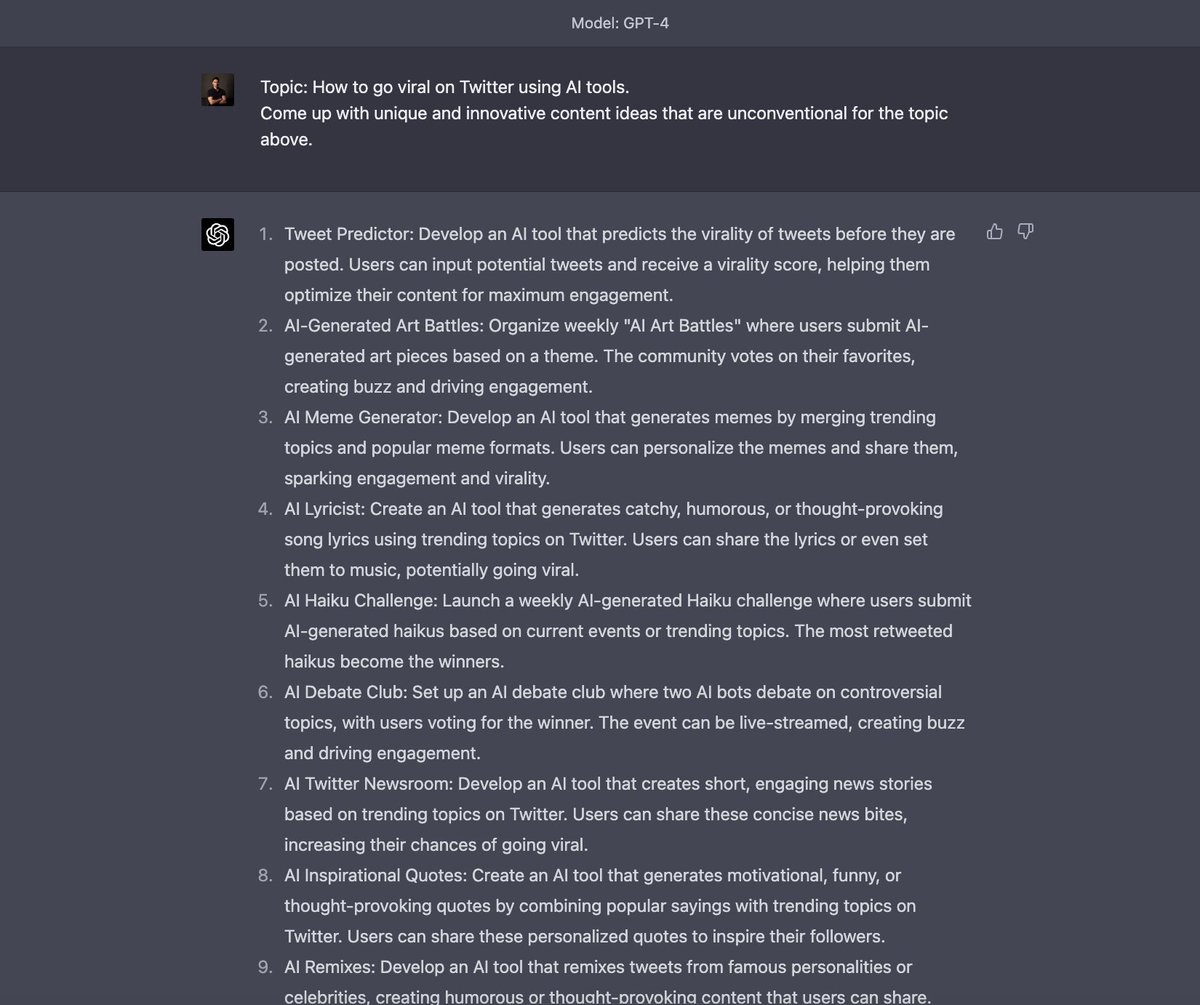
Prompt: "Topic: How to go viral on Twitter using AI tools.
Come up with unique and innovative content ideas that are unconventional for the topic above."
Prompt: "Topic: How to go viral on Twitter using AI tools.
Come up with unique and innovative content ideas that are unconventional for the topic above."
Before we move on, we created a document on the most advanced ChatGPT techniques that goes even more in-depth than this thread.
(Plus, you can copy and paste everything)
You get it instantly when you sign up for our free AI newsletter: therundown.ai/subscribe
(Plus, you can copy and paste everything)
You get it instantly when you sign up for our free AI newsletter: therundown.ai/subscribe

3. Quiz yourself
Prompt: "Give me a short quiz that teaches me [what you want to learn]"
Prompt: "Give me a short quiz that teaches me [what you want to learn]"

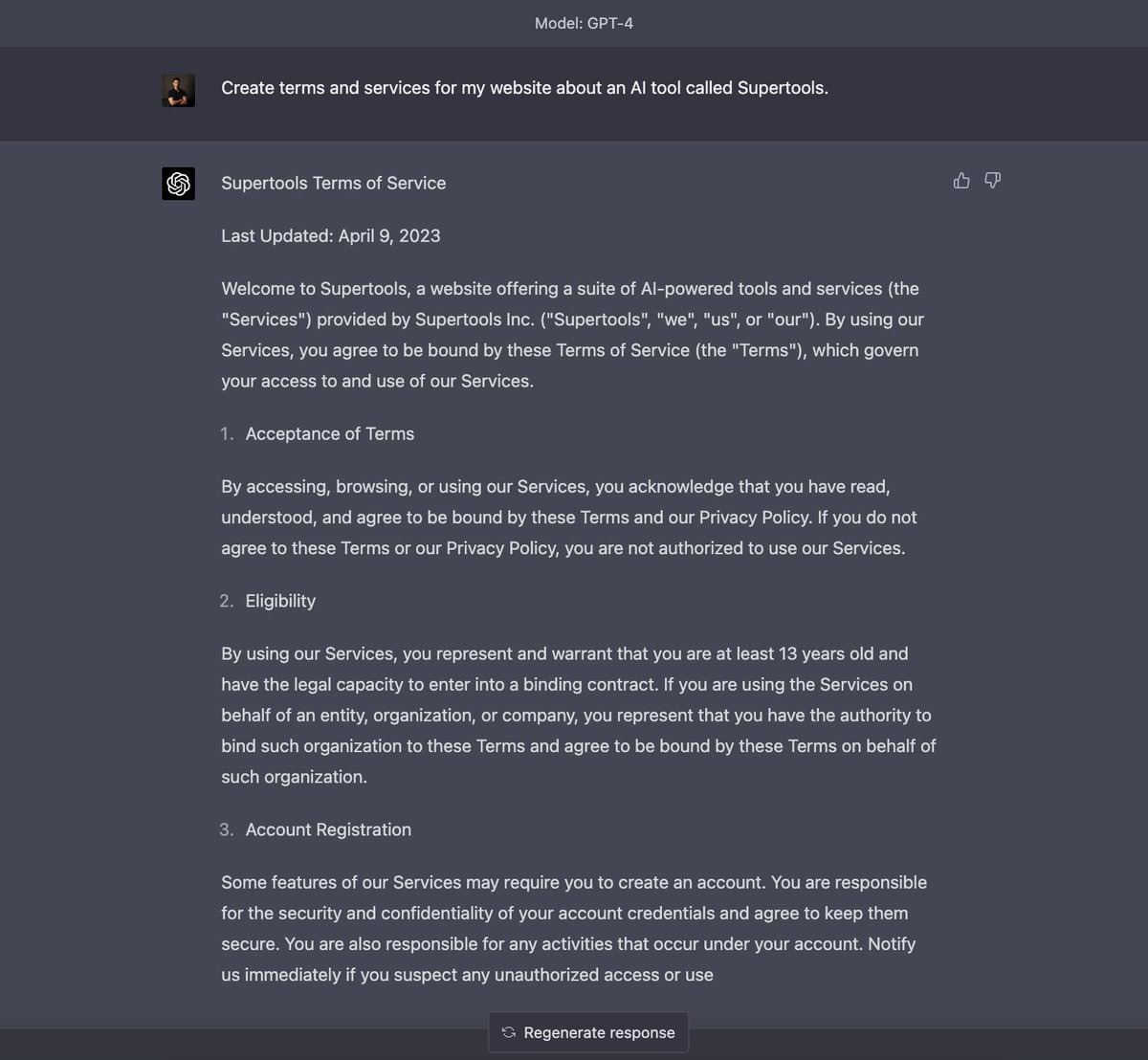
4. Write your terms and conditions
Prompt: "Create terms and services for my website about an AI tool called [name]."
Prompt: "Create terms and services for my website about an AI tool called [name]."
5. Change the writing style/tone
Prompt: "Change the writing style of the text below to [style or tone] [paste text]"
Prompt: "Change the writing style of the text below to [style or tone] [paste text]"

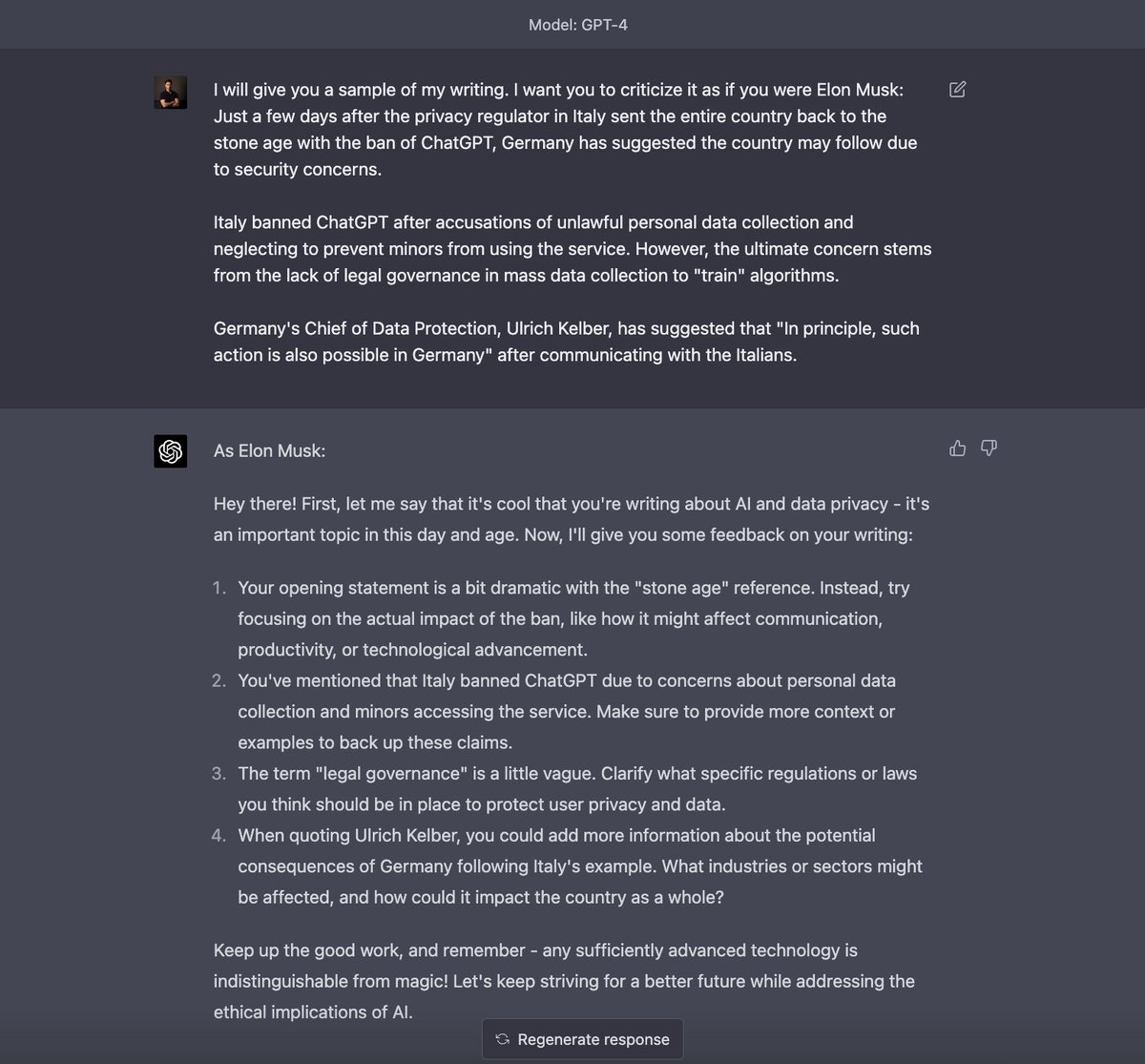
6. Consult an expert
Prompt: "I will give you a sample of my writing. I want you to criticize it as if you were [person]: [your paragraph]"
Prompt: "I will give you a sample of my writing. I want you to criticize it as if you were [person]: [your paragraph]"
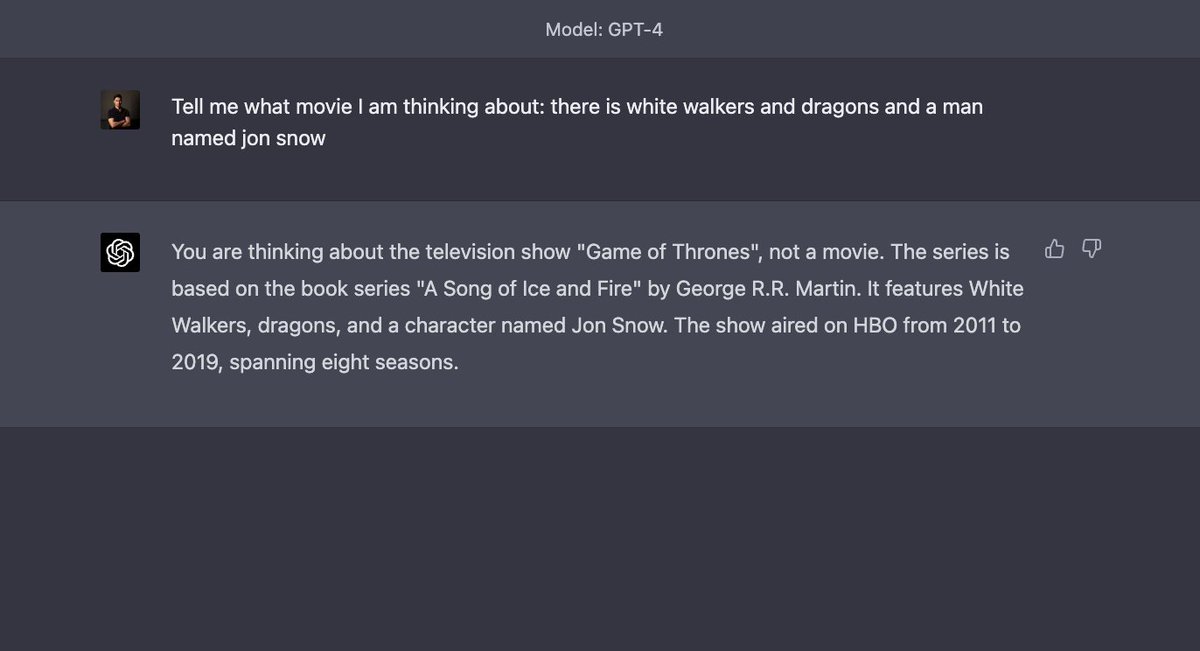
7. Find any movie or song
Prompt: "Tell me what movie I am thinking about: [anything you can remember of a movie]"
Prompt: "Tell me what movie I am thinking about: [anything you can remember of a movie]"
8. Train it to learn your writing
Prompt: "Analyze the text below for style, voice, and tone. Create a prompt to write a new paragraph in the same style, voice, and tone: [insert your text]"
Prompt: "Analyze the text below for style, voice, and tone. Create a prompt to write a new paragraph in the same style, voice, and tone: [insert your text]"

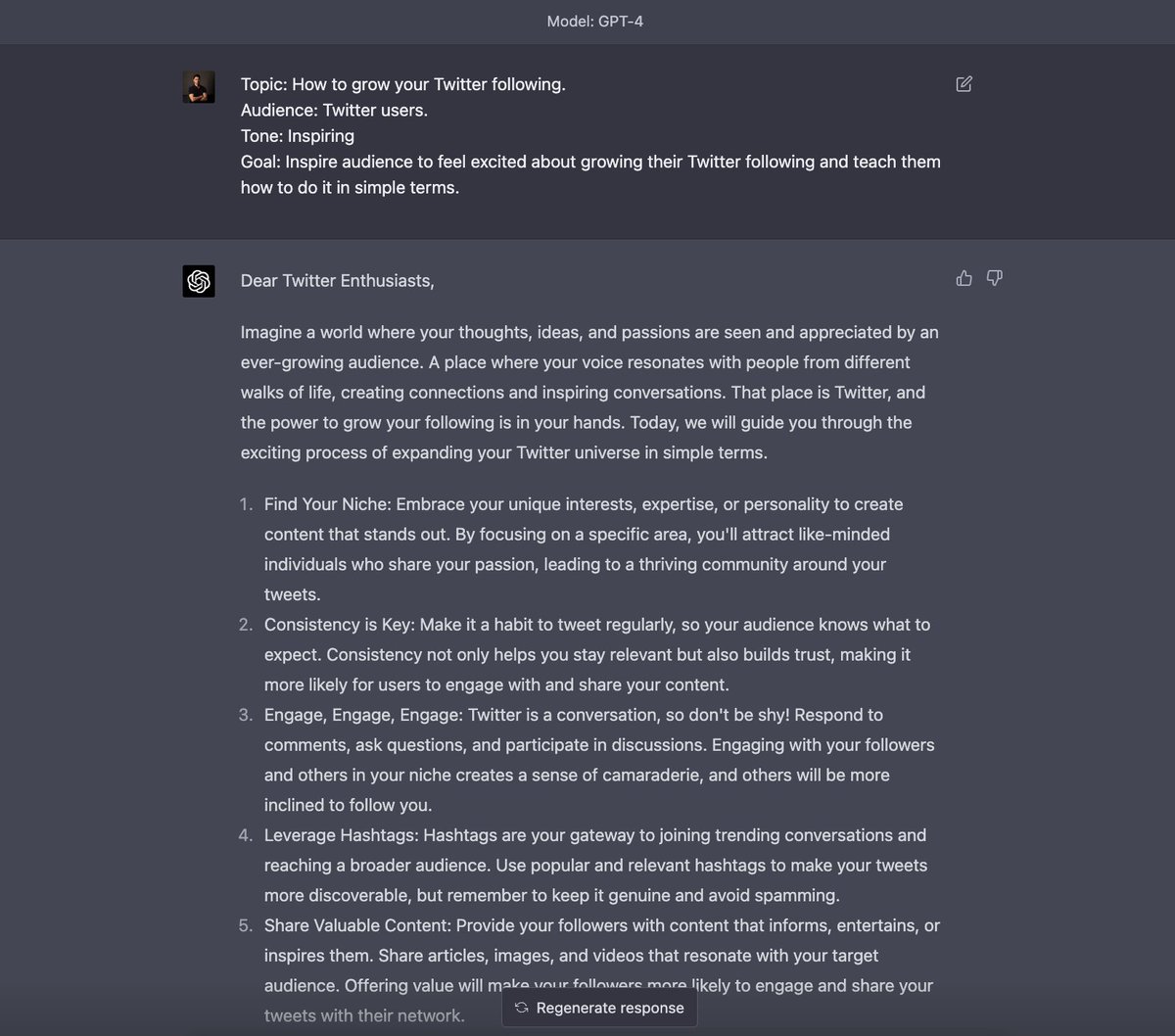
9. Specify content for more detailed responses
Prompt:
"Topic: How to grow your Twitter following.
Audience: Twitter users.
Tone: Inspiring
Goal: Inspire audience to feel excited about growing their Twitter following and teach them how to do it in simple terms."
Prompt:
"Topic: How to grow your Twitter following.
Audience: Twitter users.
Tone: Inspiring
Goal: Inspire audience to feel excited about growing their Twitter following and teach them how to do it in simple terms."
10. List long articles in bullet points
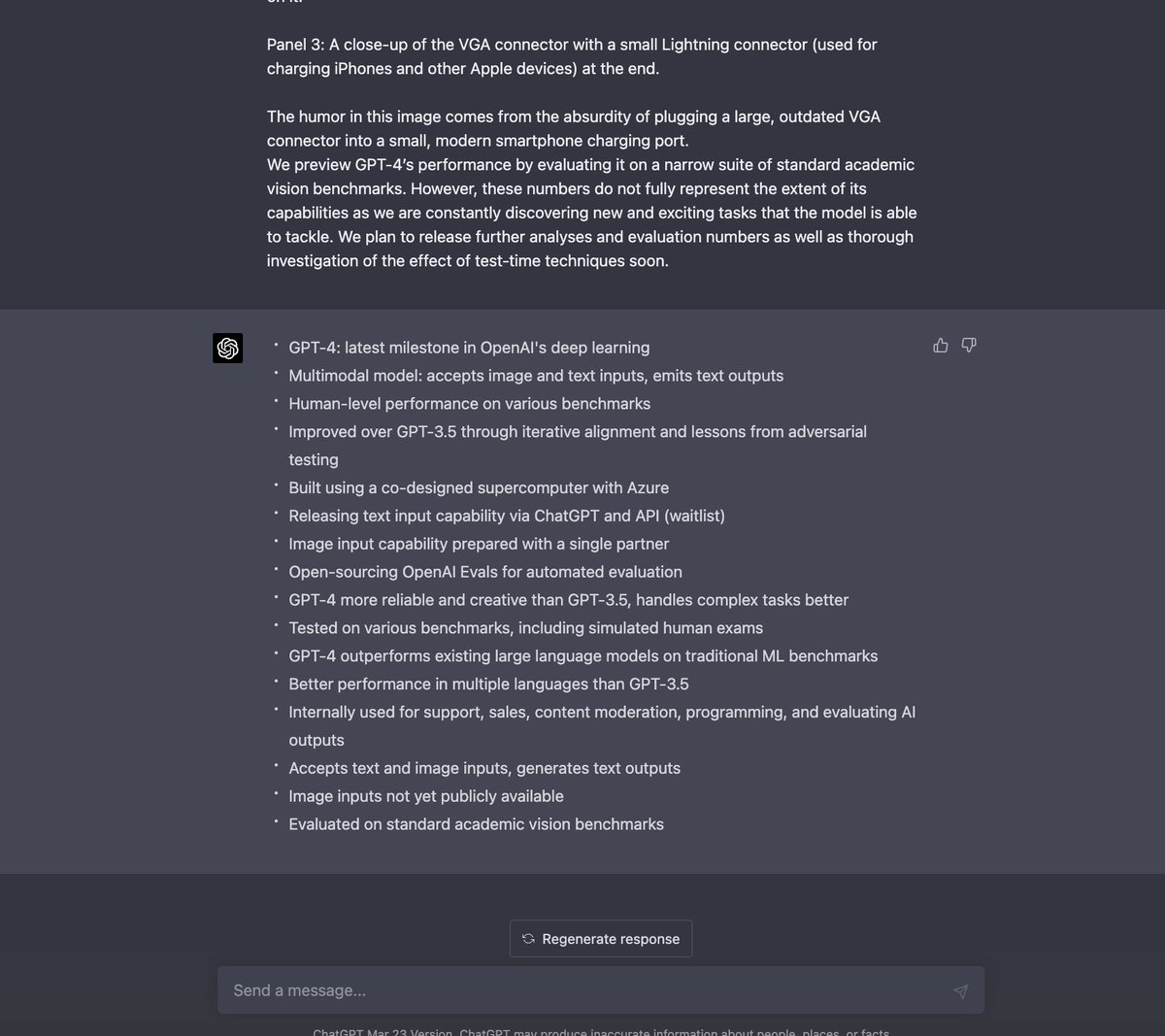
Prompt: "Summarize this paragraph into bullet points that a beginner would understand [paragraph of article]"
Prompt: "Summarize this paragraph into bullet points that a beginner would understand [paragraph of article]"
That's it for now! If you found this useful:
1. Follow us @TheRundownAI for more
2. Like + Retweet the tweet below👇
1. Follow us @TheRundownAI for more
2. Like + Retweet the tweet below👇
https://twitter.com/TheRundownAI/status/1648026296763527168
• • •
Missing some Tweet in this thread? You can try to
force a refresh