Don't waste your time on ChatGPT for writing blogs.
Introducing Hashnode AI - the most advanced AI for writing blogs.
Here's how to use it to make your writing easier and faster:
Introducing Hashnode AI - the most advanced AI for writing blogs.
Here's how to use it to make your writing easier and faster:
@hashnode is my personal favourite platform for writing blogs and technical articles.
They just introduced Hashnode AI.
A new AI feature that uses GPT-4 to provide excellent AI support for creating content and writing Blogs.
They just introduced Hashnode AI.
A new AI feature that uses GPT-4 to provide excellent AI support for creating content and writing Blogs.

I personally love this feature for many reasons:
1. I can simply write down my thoughts, and this AI will easily turn long paragraphs into easy-to-scan bullet points.
2. Another thing that I love is that we can easily access it right within the writing editor.
1. I can simply write down my thoughts, and this AI will easily turn long paragraphs into easy-to-scan bullet points.
2. Another thing that I love is that we can easily access it right within the writing editor.
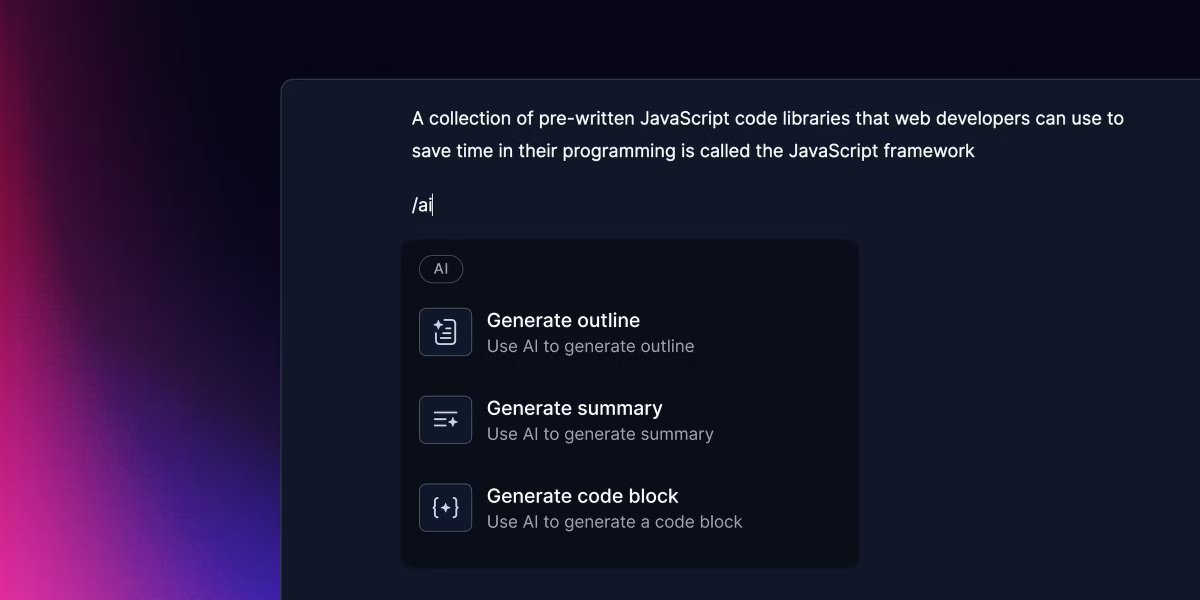
3. I also enjoy using the SEO optimisation features.
It's much easier to use the chatbot to alter my paragraphs so they are SEO optimized than to spend hours finding the right phrases and including them in my writing.
It's much easier to use the chatbot to alter my paragraphs so they are SEO optimized than to spend hours finding the right phrases and including them in my writing.
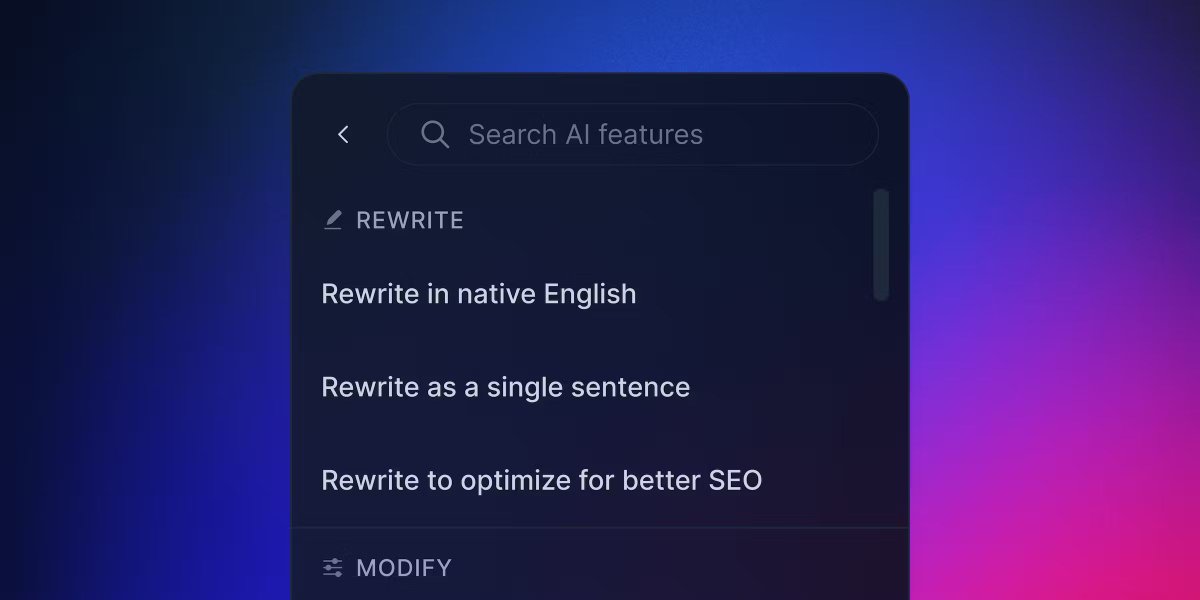
Hashnode AI can help non-native English writers improve their writing and feel more confident when publishing their work.
It can detect and correct common grammatical errors, suggest better words or phrases, and make the writing easier to read.
It can detect and correct common grammatical errors, suggest better words or phrases, and make the writing easier to read.

To use all of the great AI tools that come with Hashnode Pro!!
Simply click on the link provided below:
hashnode.com/ai?source=hasa…
Bonus:
You can also have a FREE 3-day trial and get a 40% discount using the code PRO40OFF.
Simply click on the link provided below:
hashnode.com/ai?source=hasa…
Bonus:
You can also have a FREE 3-day trial and get a 40% discount using the code PRO40OFF.
That's a wrap!
If you enjoyed this thread:
1. Follow me @hasantoxr for more of these
2. If you enjoyed this thread, don't forget to like, comment, and retweet the first tweet.
If you enjoyed this thread:
1. Follow me @hasantoxr for more of these
2. If you enjoyed this thread, don't forget to like, comment, and retweet the first tweet.
https://twitter.com/1506055005992026115/status/1651919397743730689
• • •
Missing some Tweet in this thread? You can try to
force a refresh