fofr Profile picture
May 6, 2023 7 tweets 6 min read Read on X
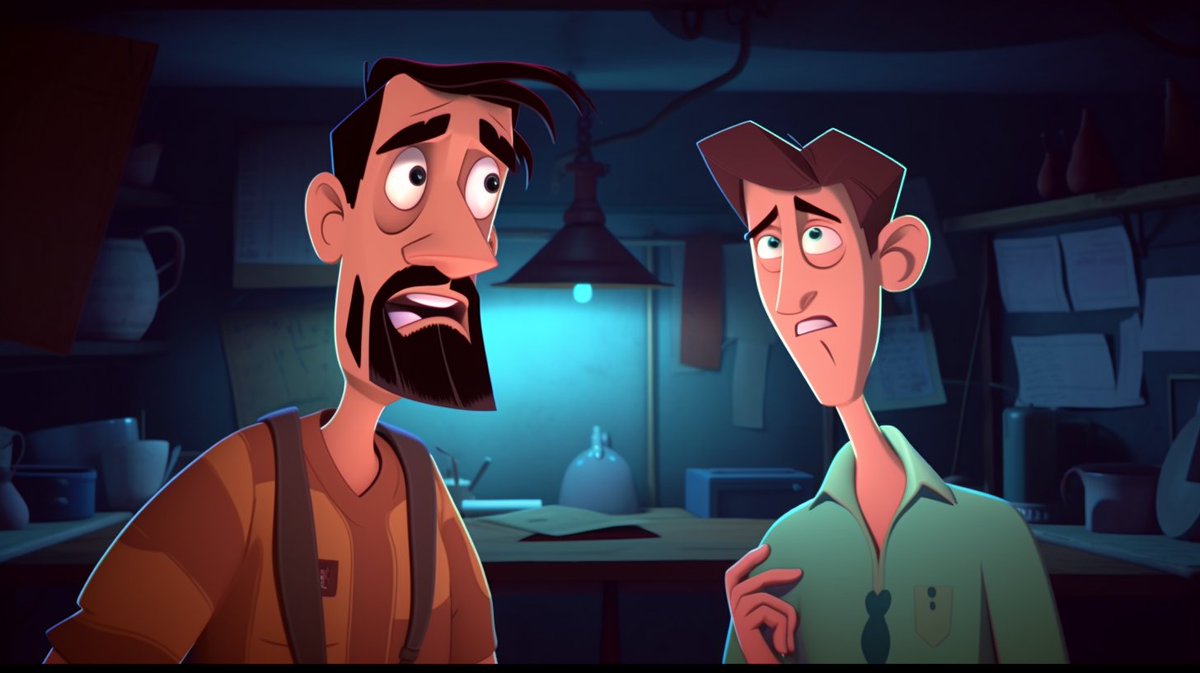
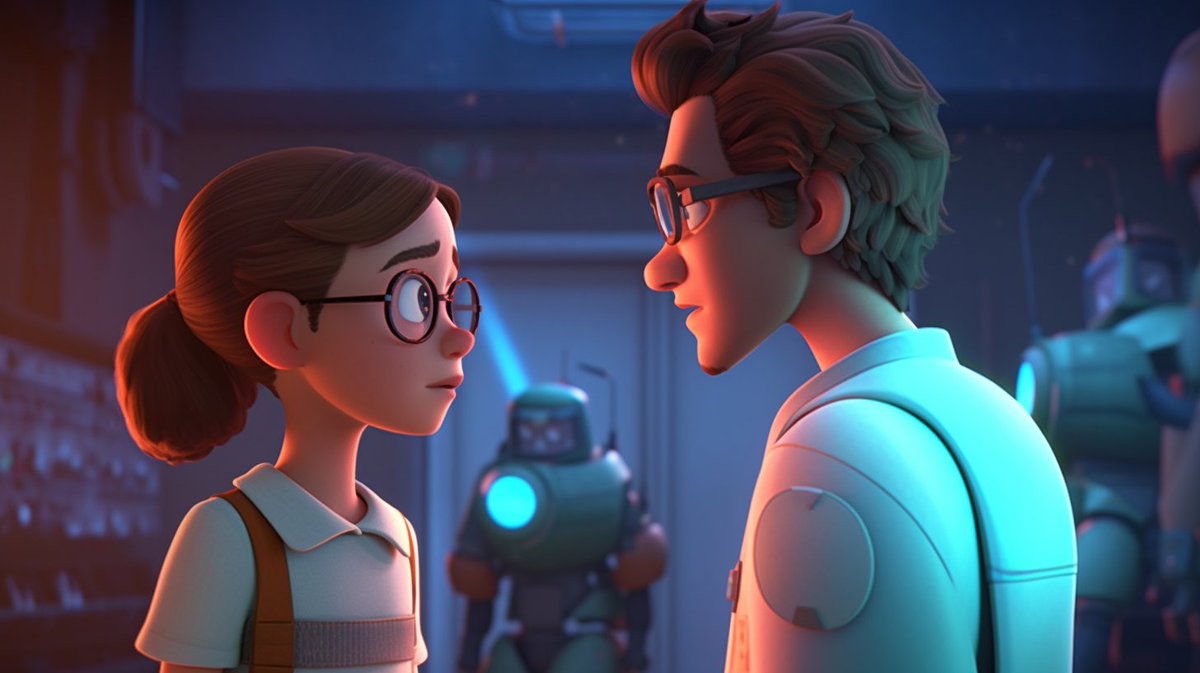
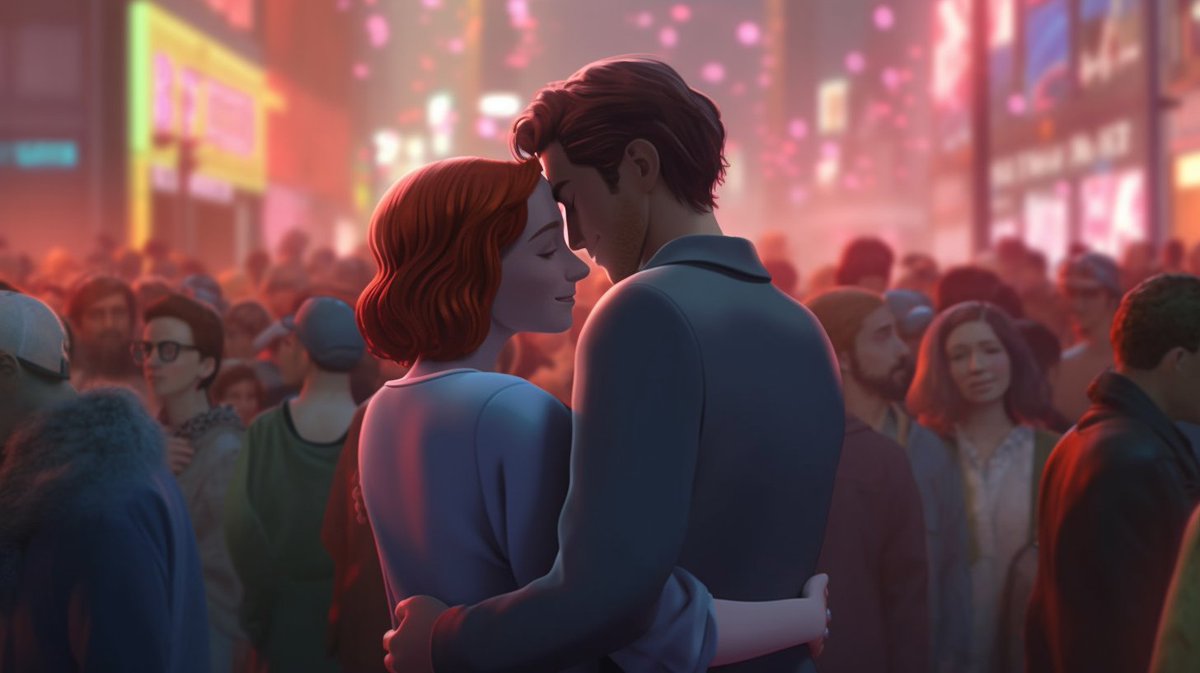
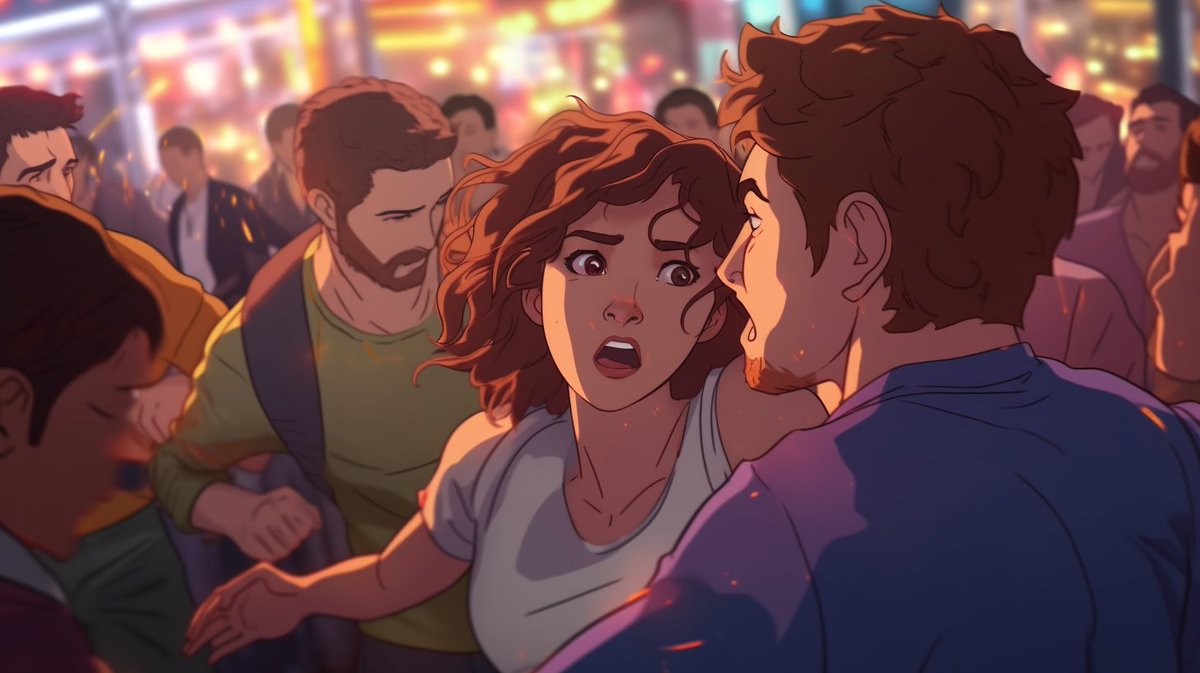
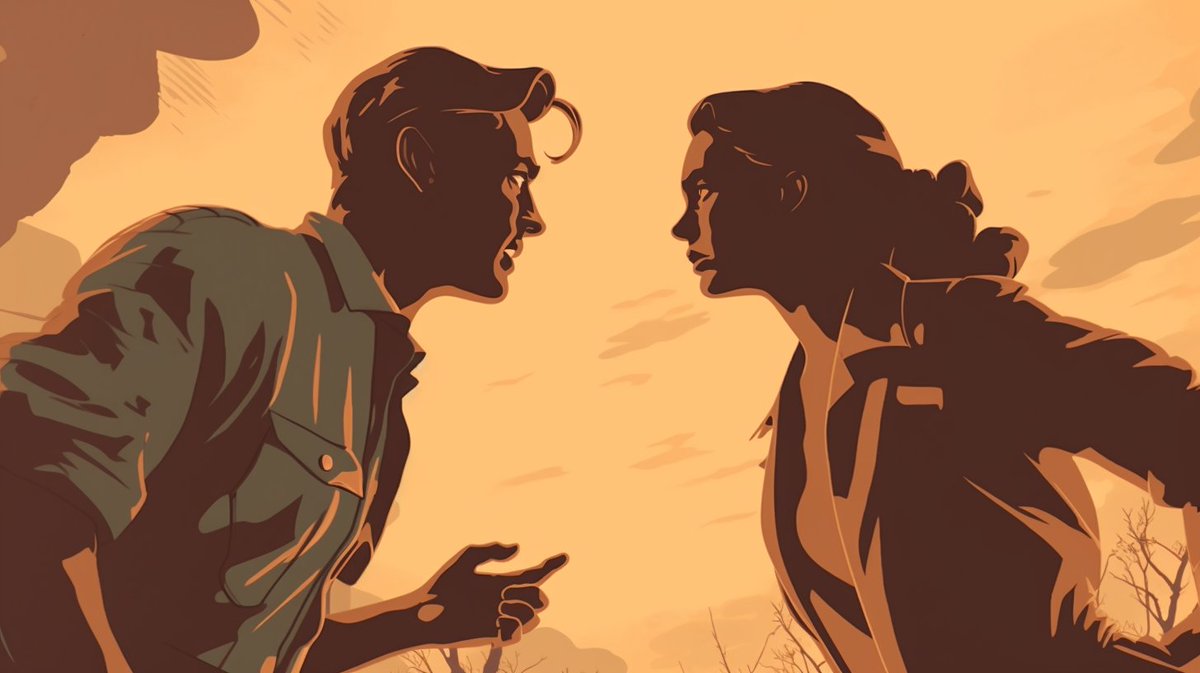
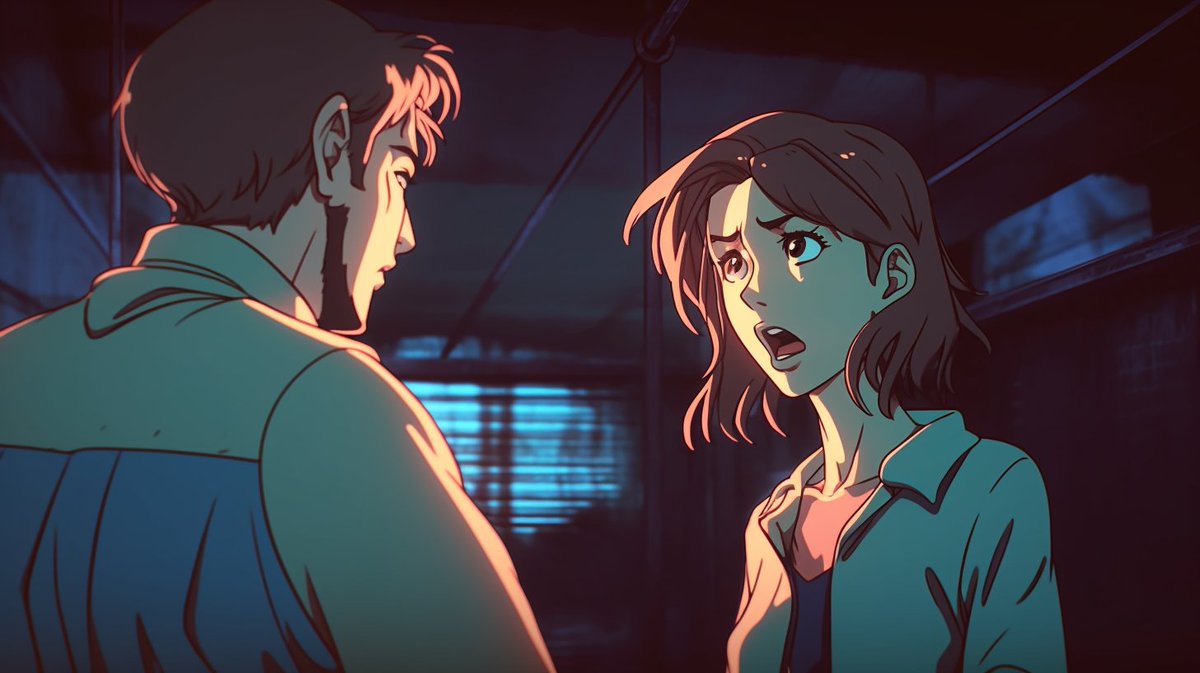
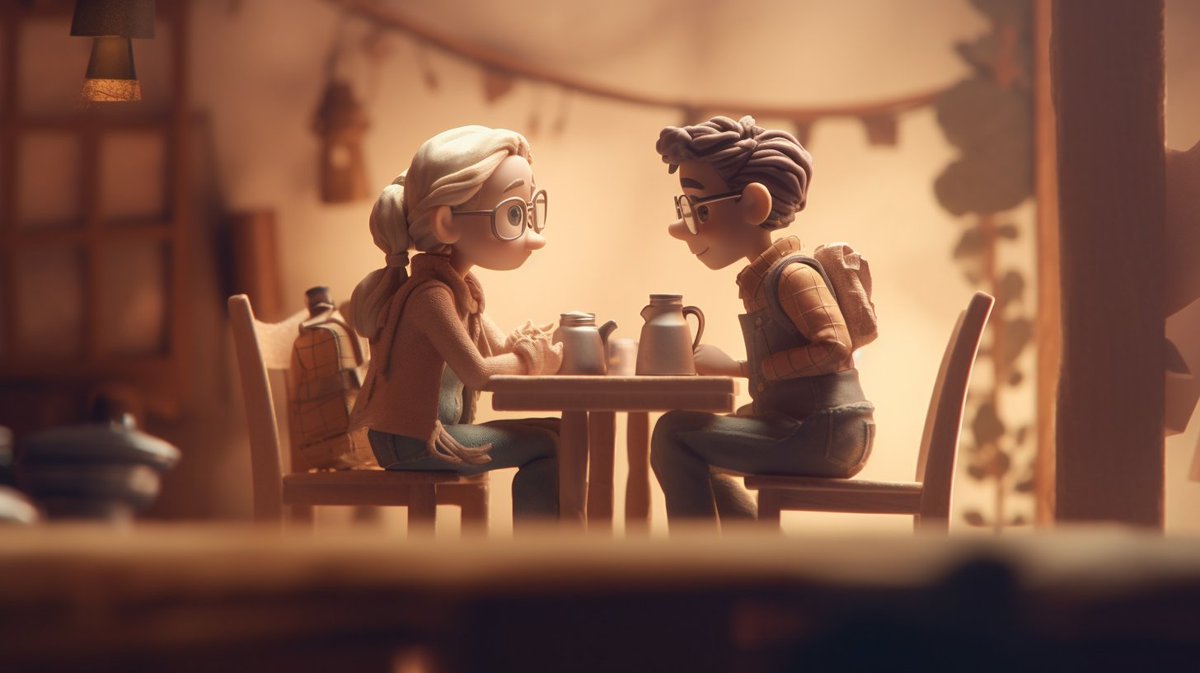
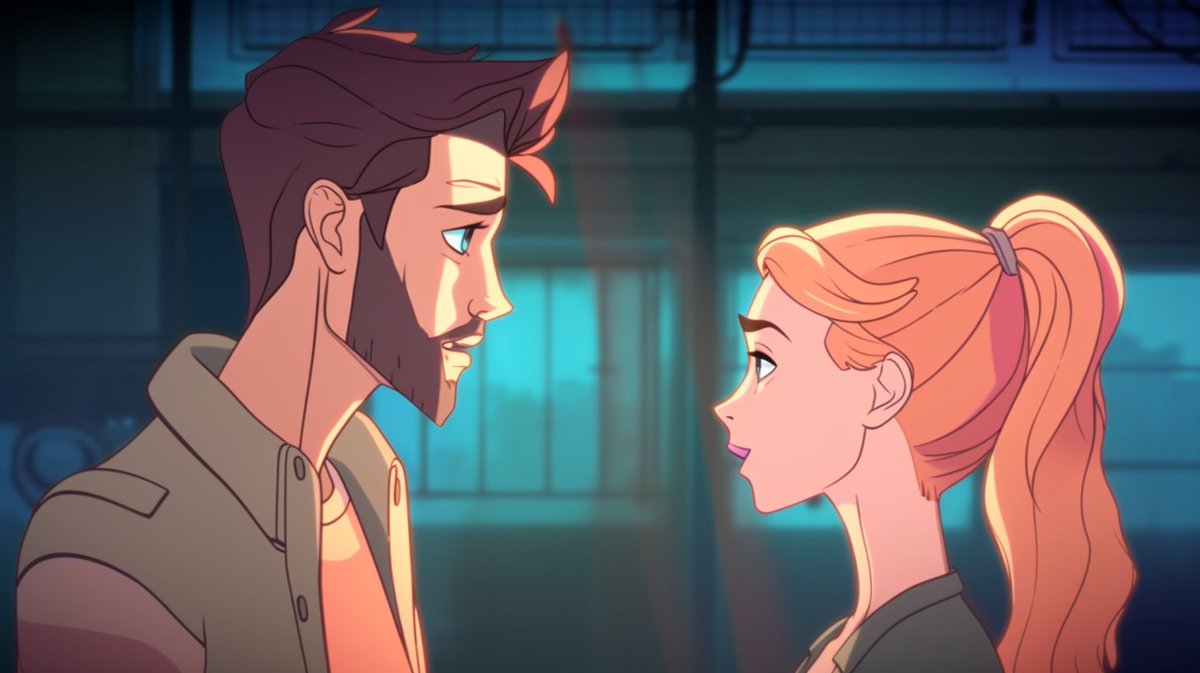
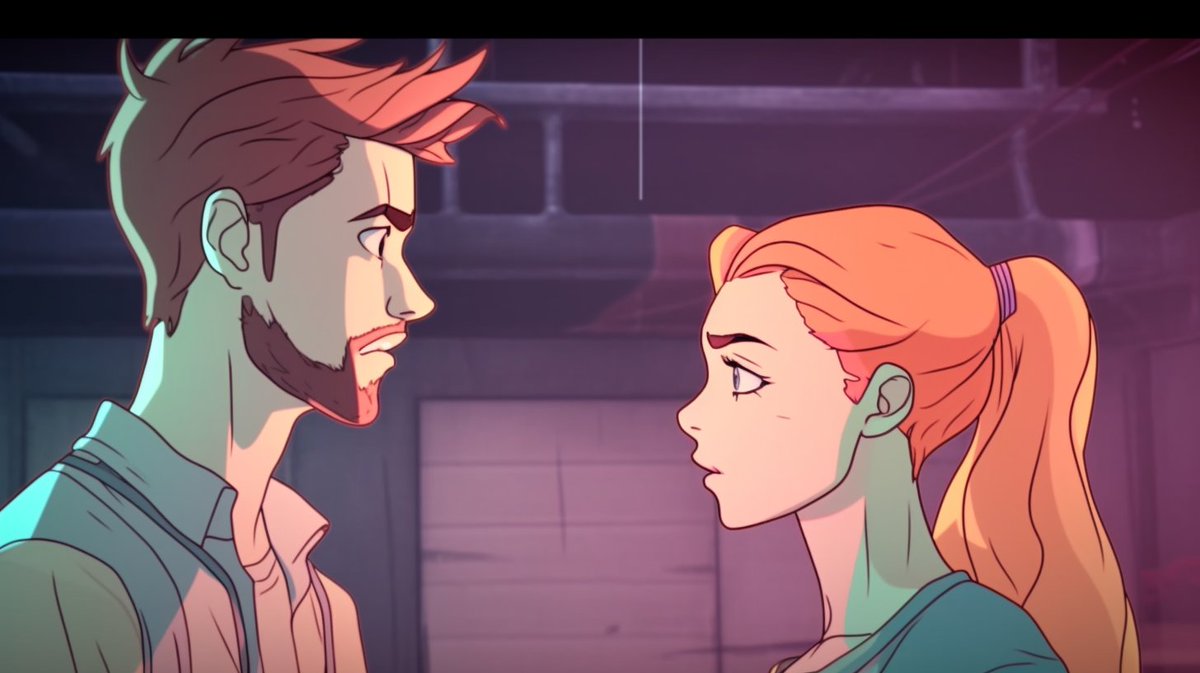
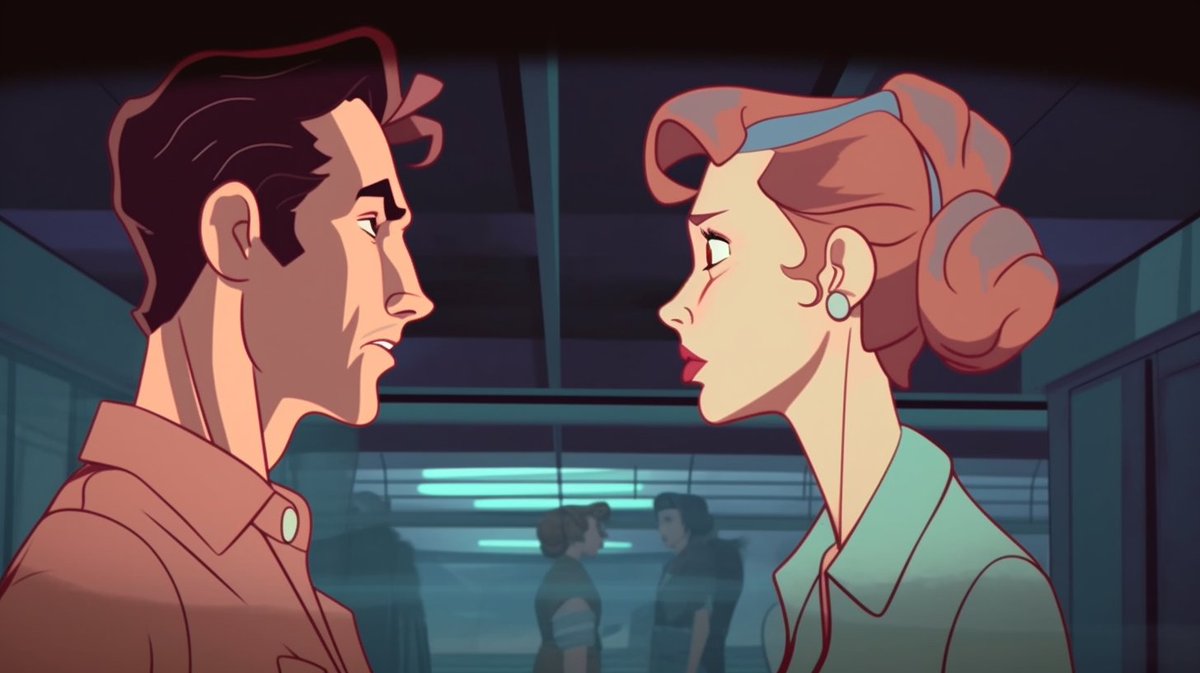
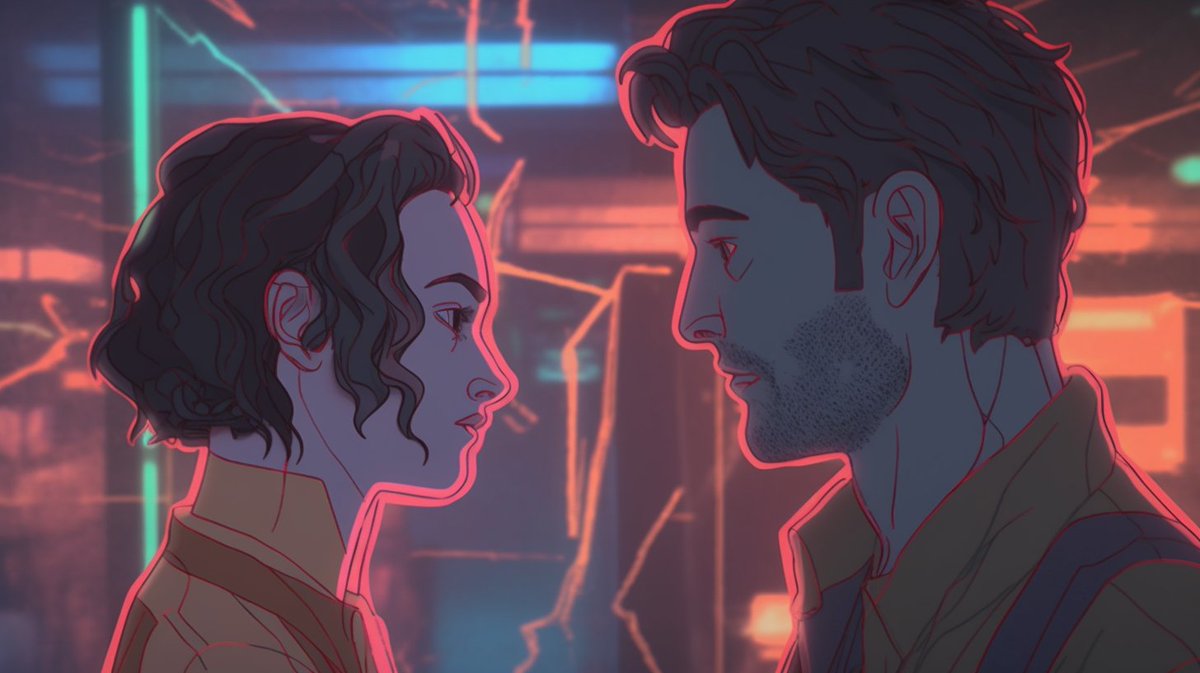
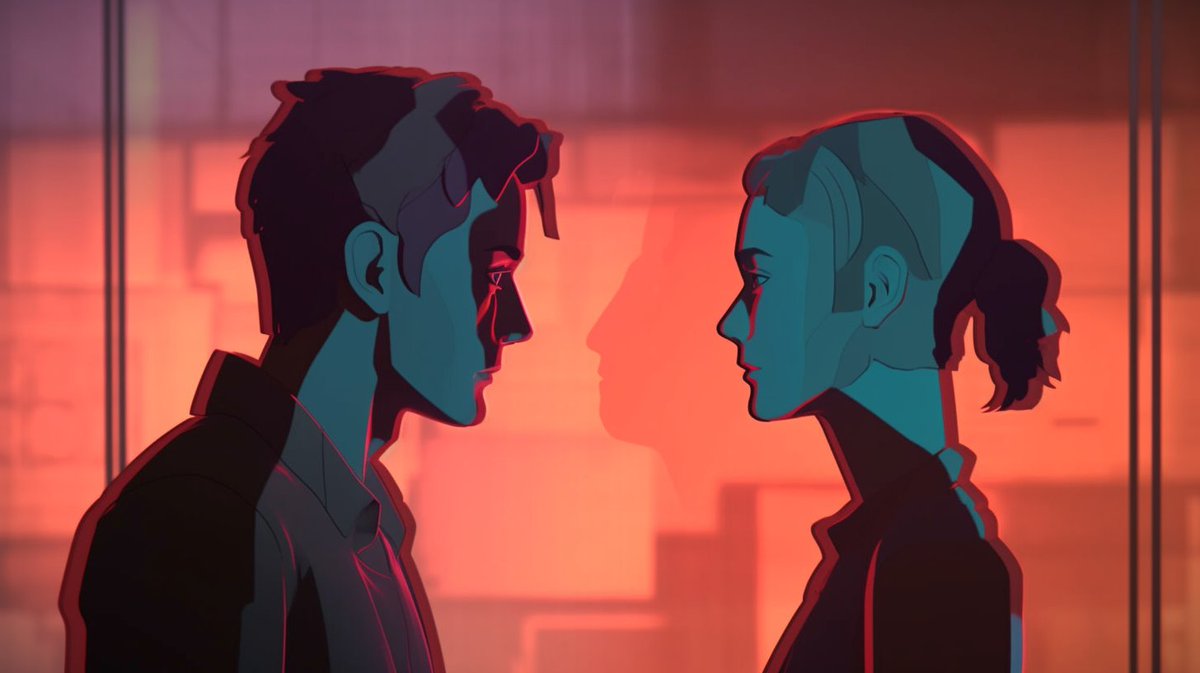
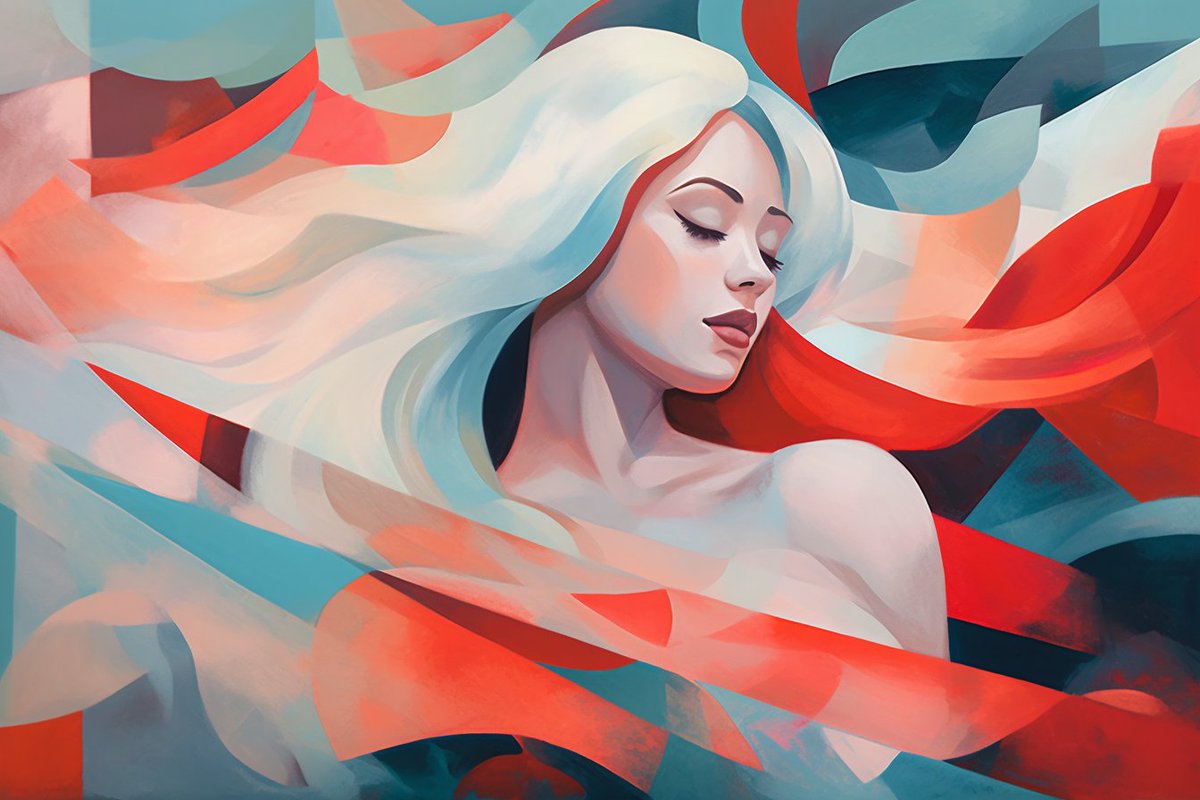
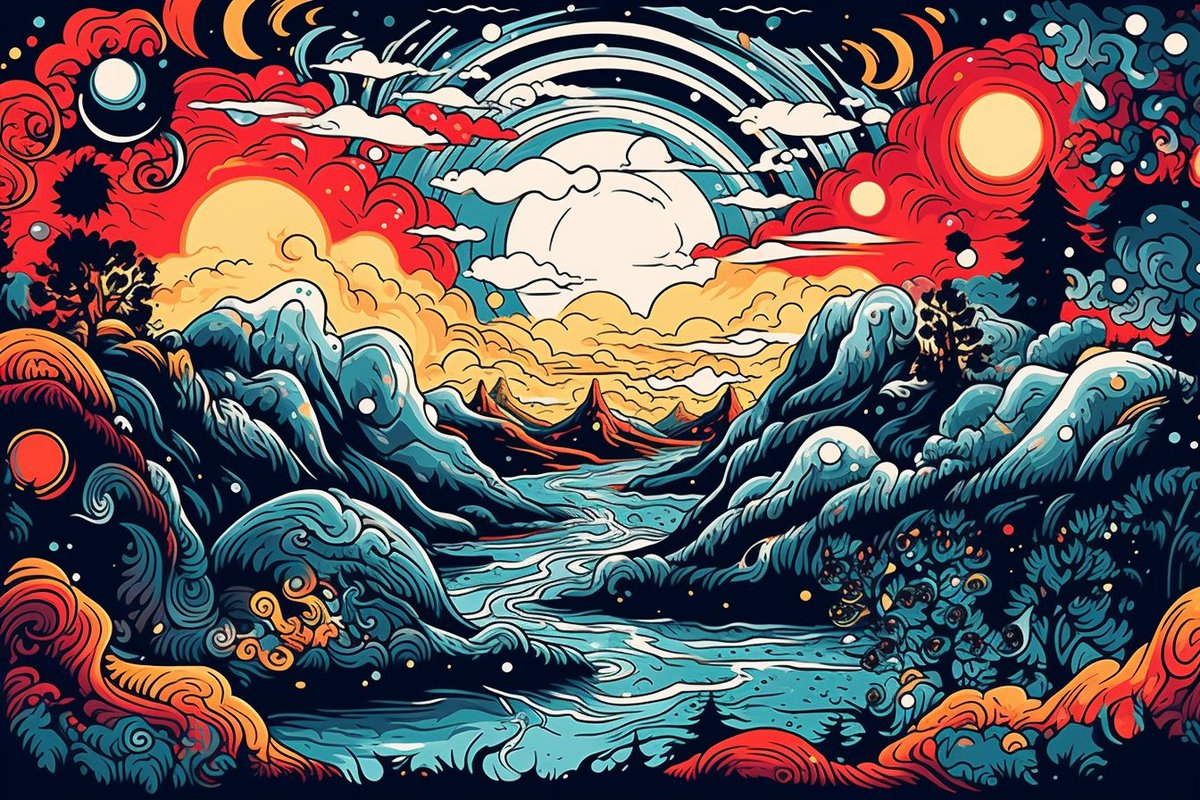
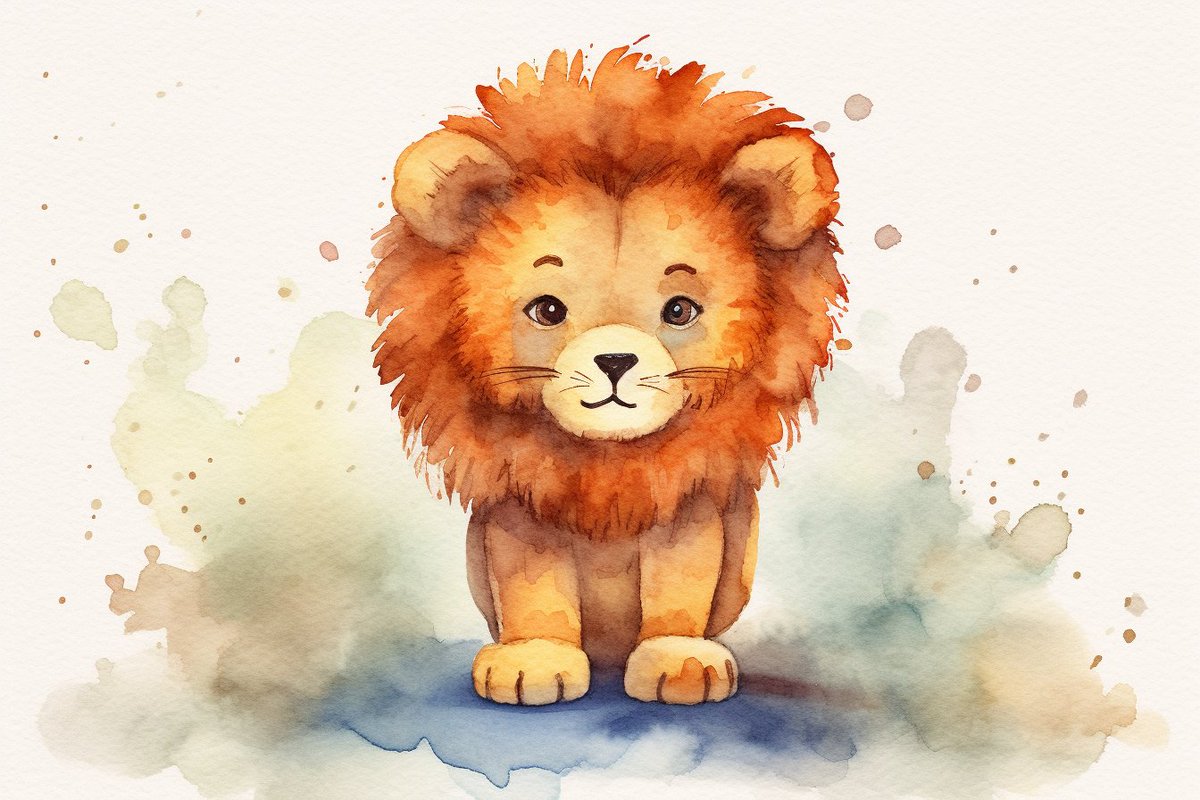
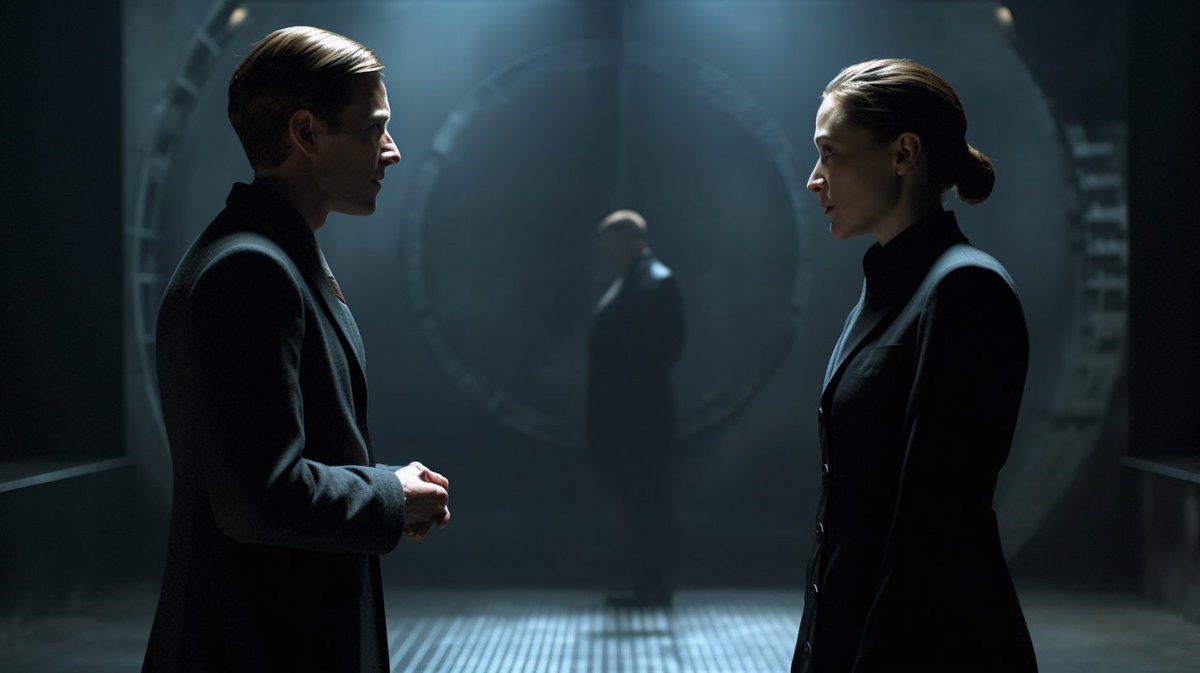
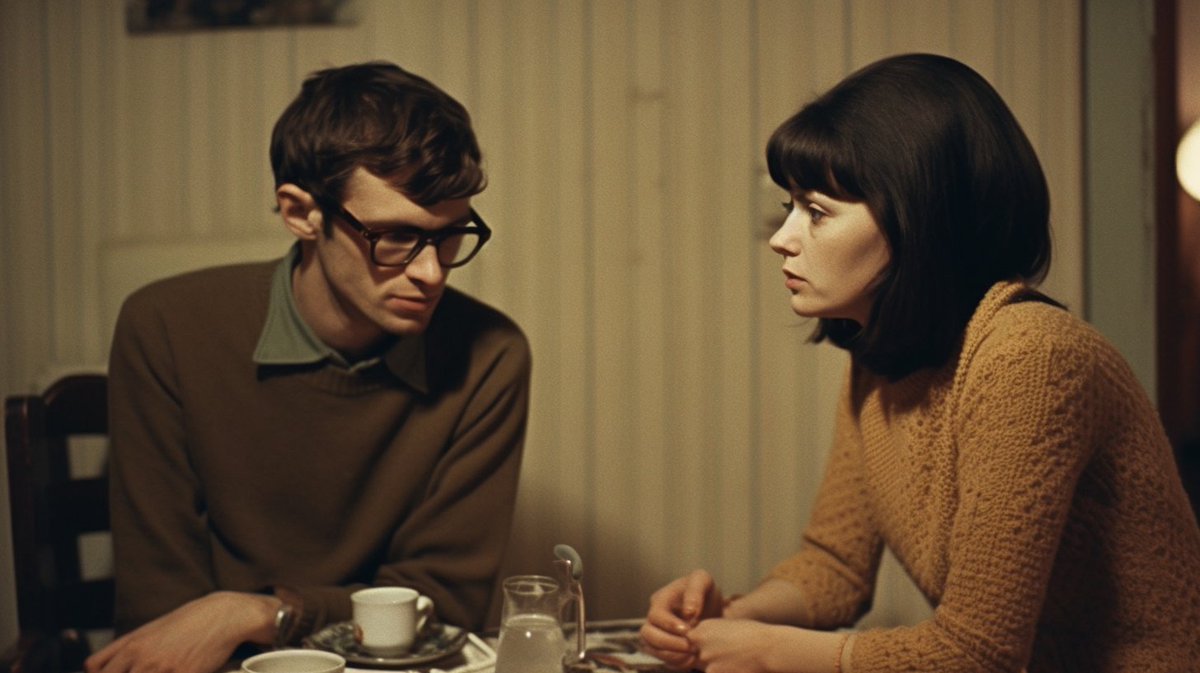
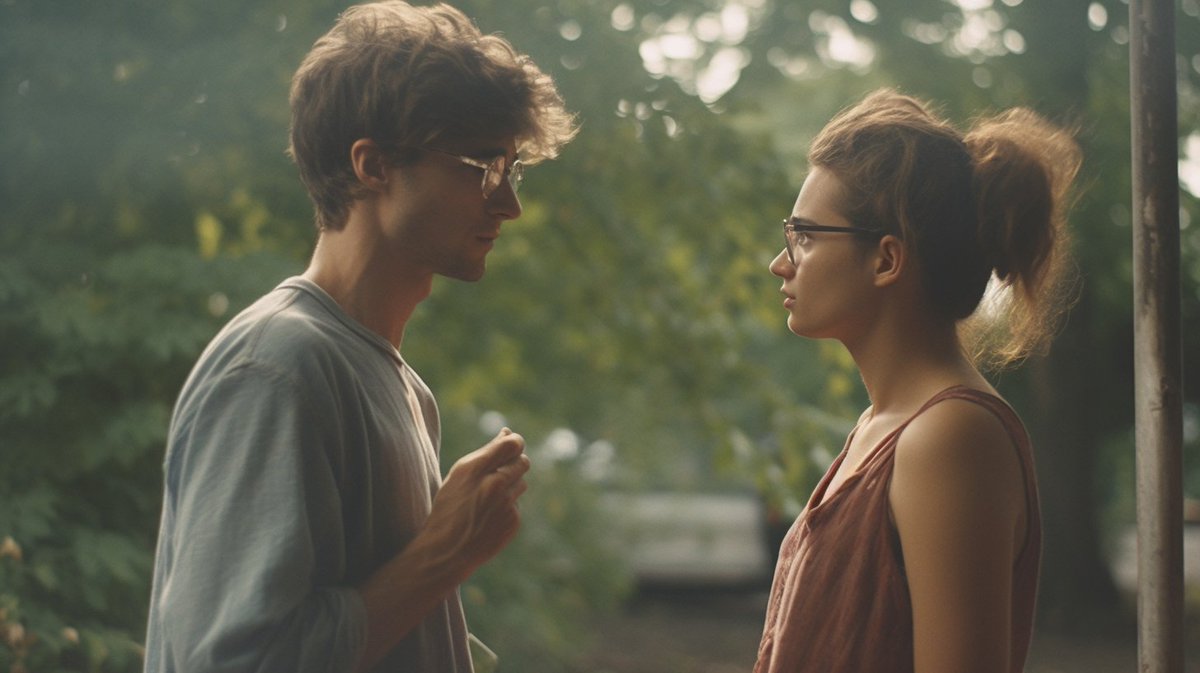
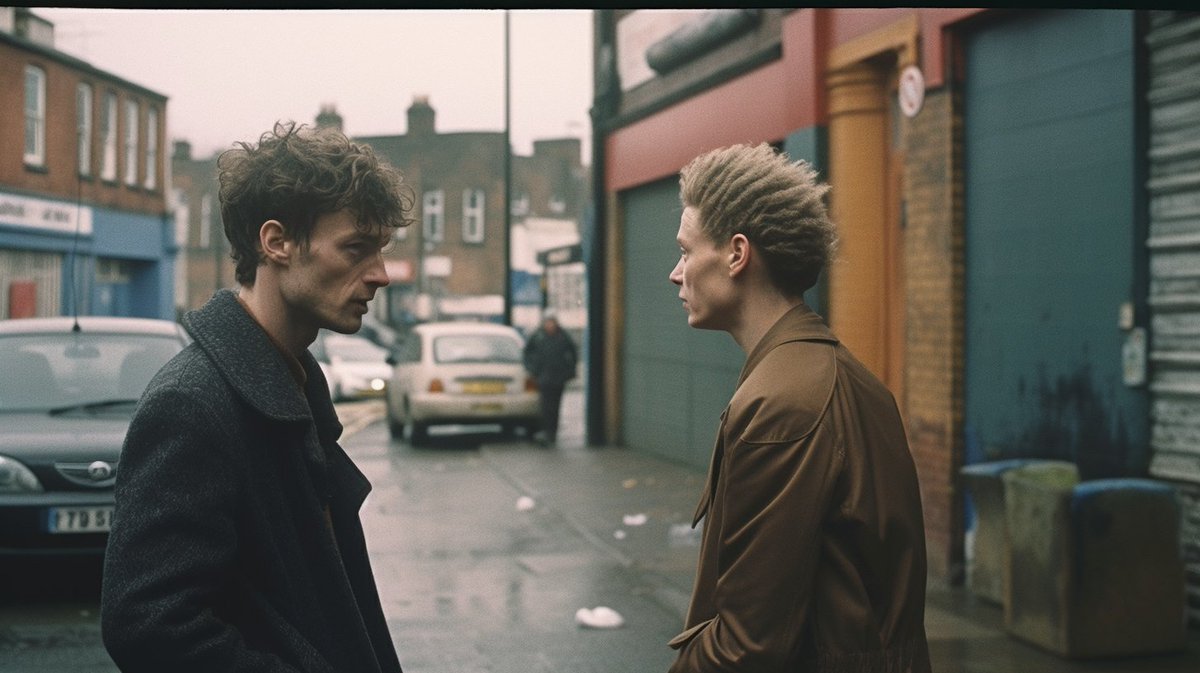
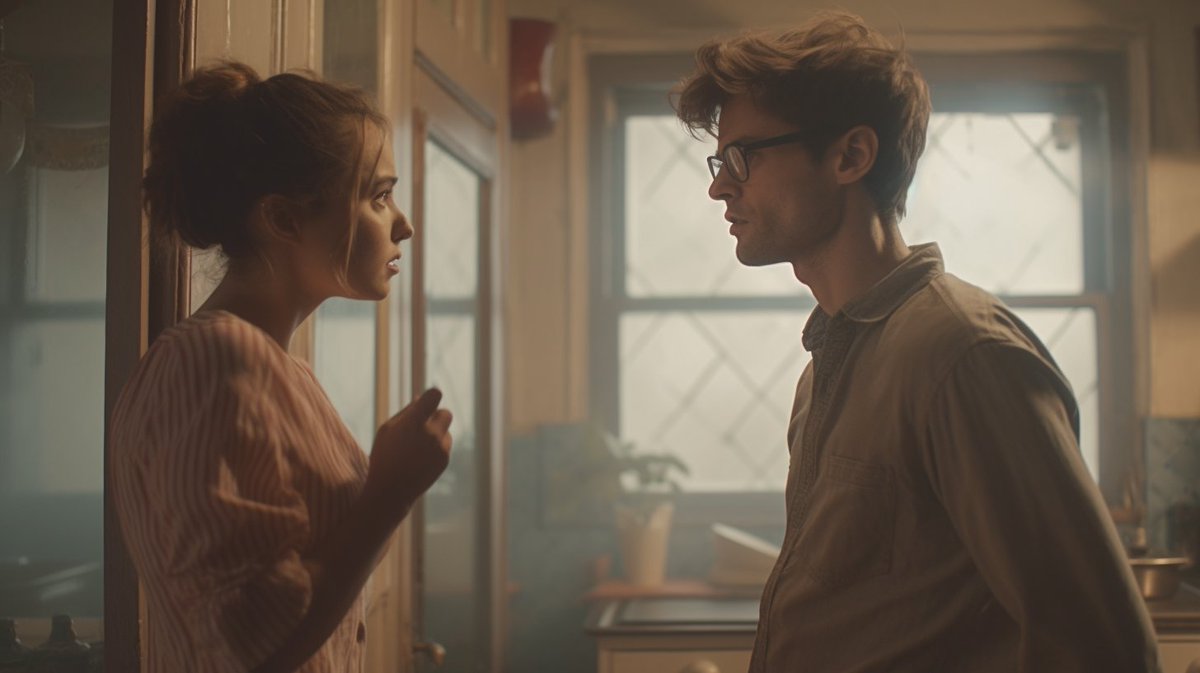
🧵A follow-up thread on how to write prompts to get good animated cinematic images. ImageImageImageImage
Taking the structure from before:

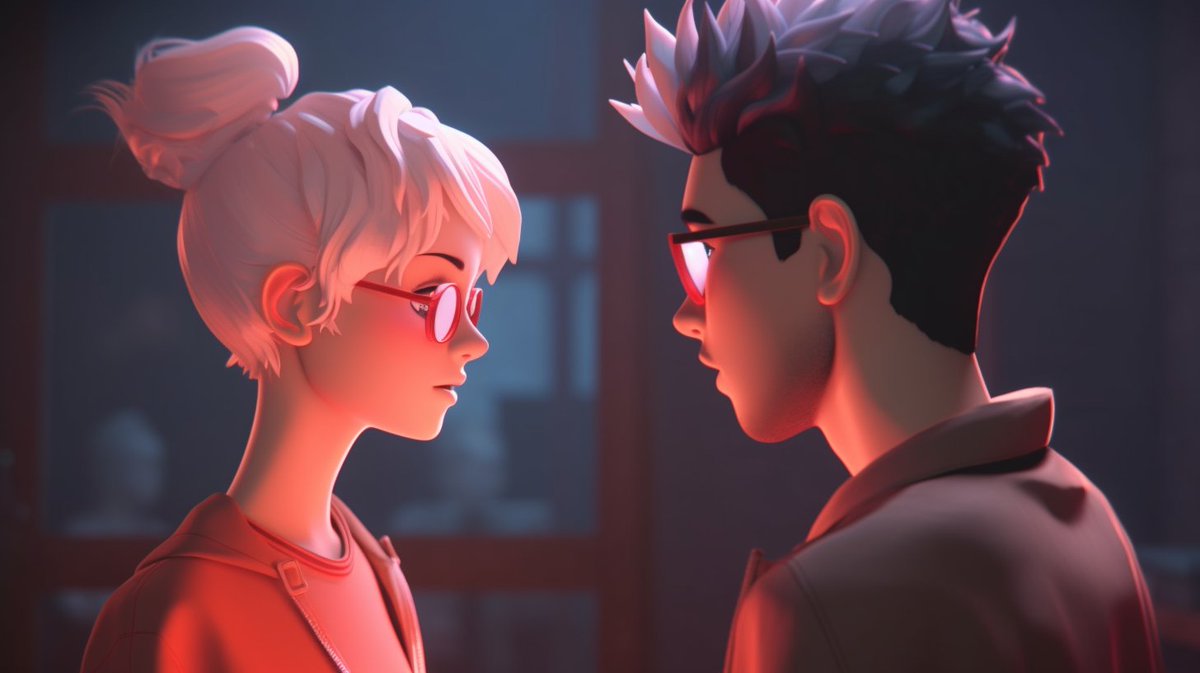
"a film still of two people having an argument, 35mm, over-the shoulder shot, duotone color grading, motion blur, adventure --ar 16:9"

Changes:
- put an animation type at the start
- use "animated film"
- remove the type of film (eg 35mm) ImageImageImageImage
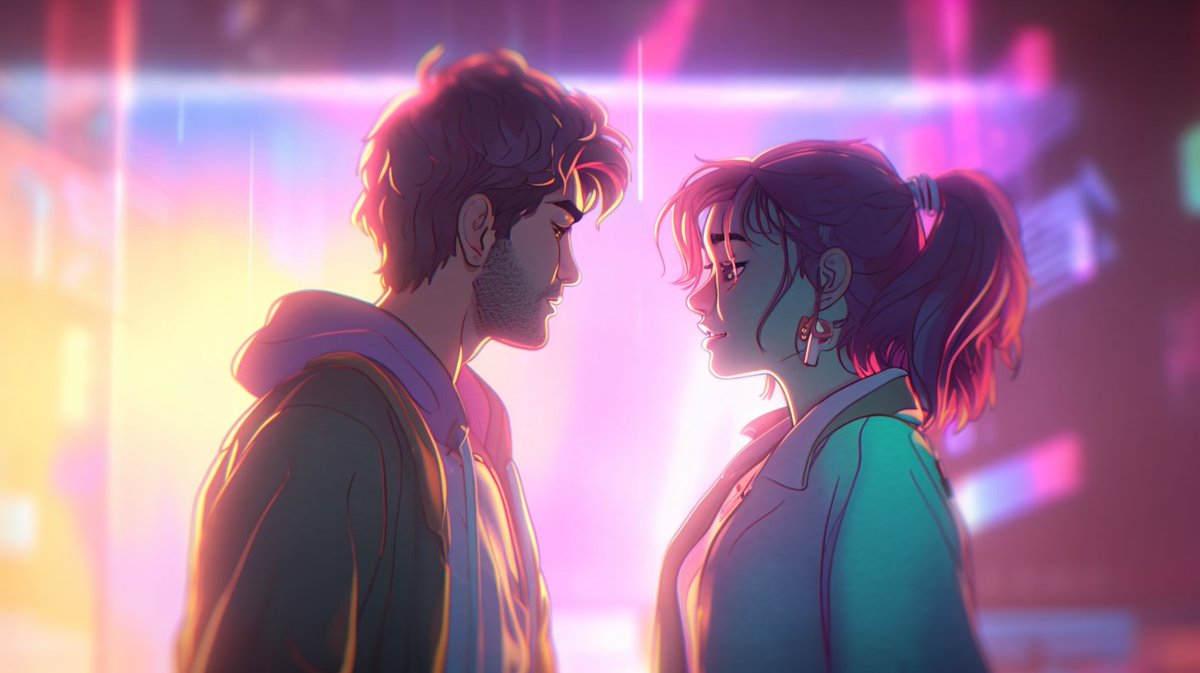
Here's an example:
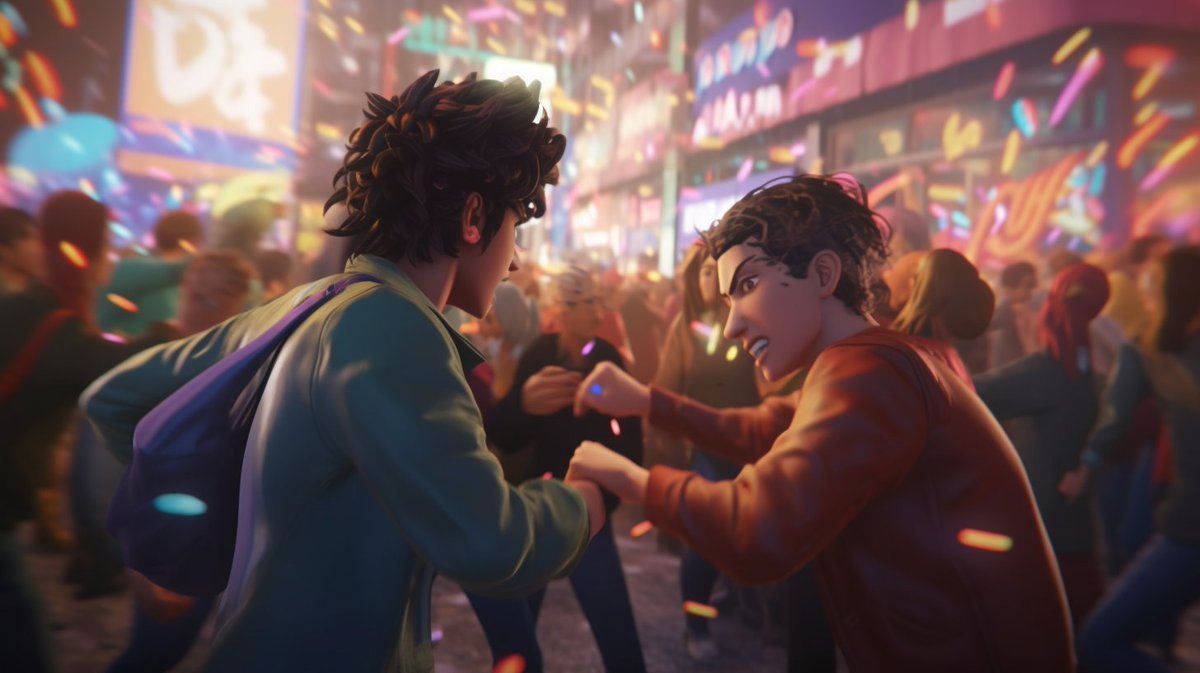
"[type of animation], an animated film still of two people having an argument, over-the-shoulder shot, low-key color grading, sci-fi --ar 16:9 --seed X"

1. Anime
2. 2D animation
3. Hand drawn
4. Cel animation ImageImageImageImage
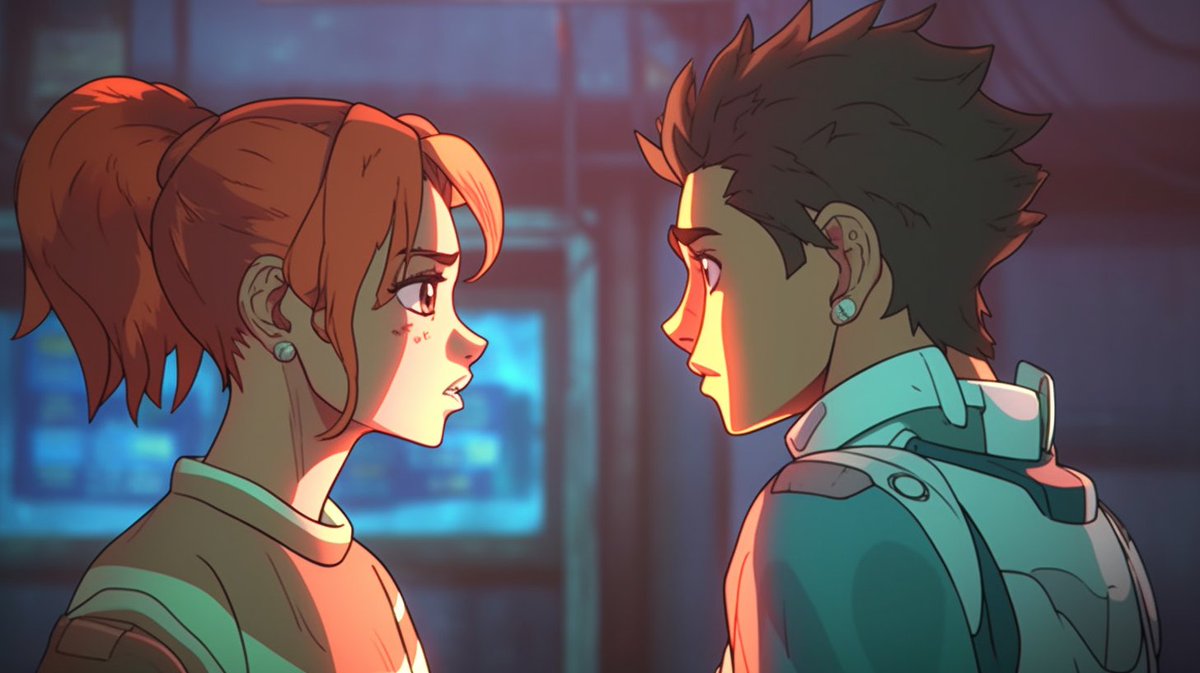
5. Computer generated
6. Rotoscoping
7. Cutout animation
8. CG animation ImageImageImageImage
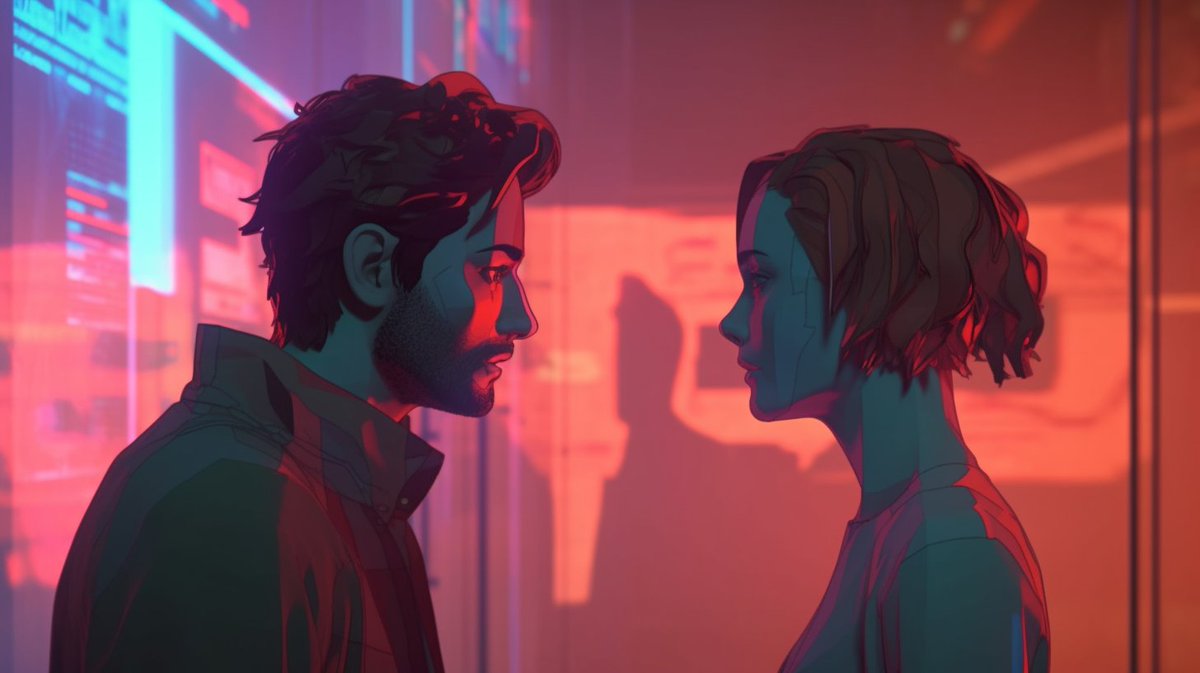
I've removed the type of film (35mm) because it can lead to the images becoming live action, and sometimes you might need to add a negative prompt, like "--no photography".

The animation type is at the start to have the strongest effect. Image
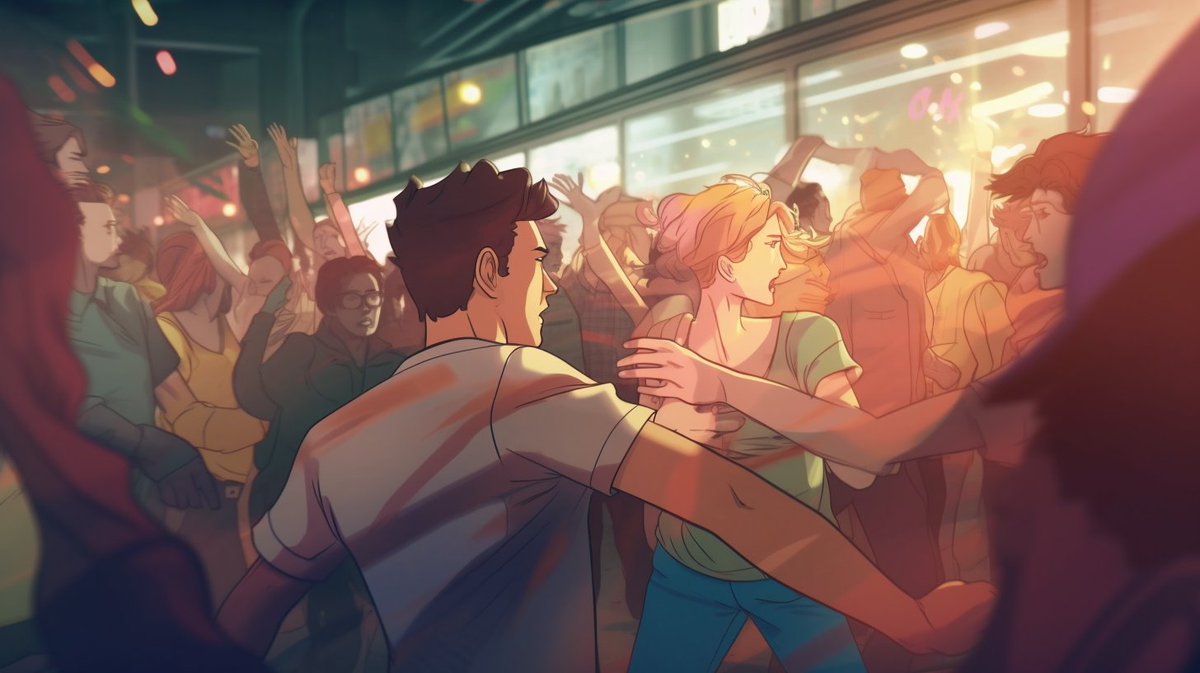
Those examples were all "2 people arguing" with the same shot and color grading. You can change all those things, and reuse the examples from the original thread.

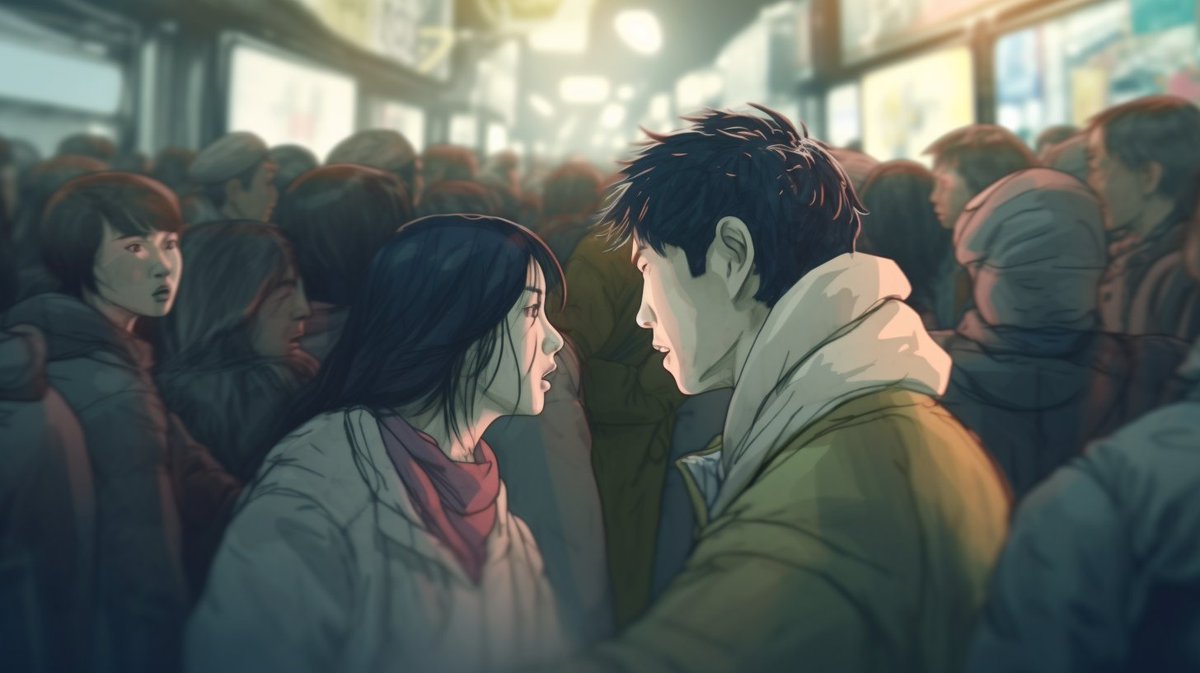
For example, here are some animated fights in a crowd shot. ImageImageImageImage
And, as before, you can add a city, region or country to the end of the prompt to really change the way the image looks. ImageImage
• • •

Missing some Tweet in this thread? You can try to force a refresh

 

Keep Current with fofr

fofr Profile picture

Stay in touch and get notified when new unrolls are available from this author!

Read all threads

This Thread may be Removed Anytime!

PDF

Twitter may remove this content at anytime! Save it as PDF for later use!

Try unrolling a thread yourself!

how to unroll video
  1. Follow @ThreadReaderApp to mention us!

  2. From a Twitter thread mention us with a keyword "unroll"
@threadreaderapp unroll

Practice here first or read more on our help page!

More from @fofrAI

Mar 17, 2024
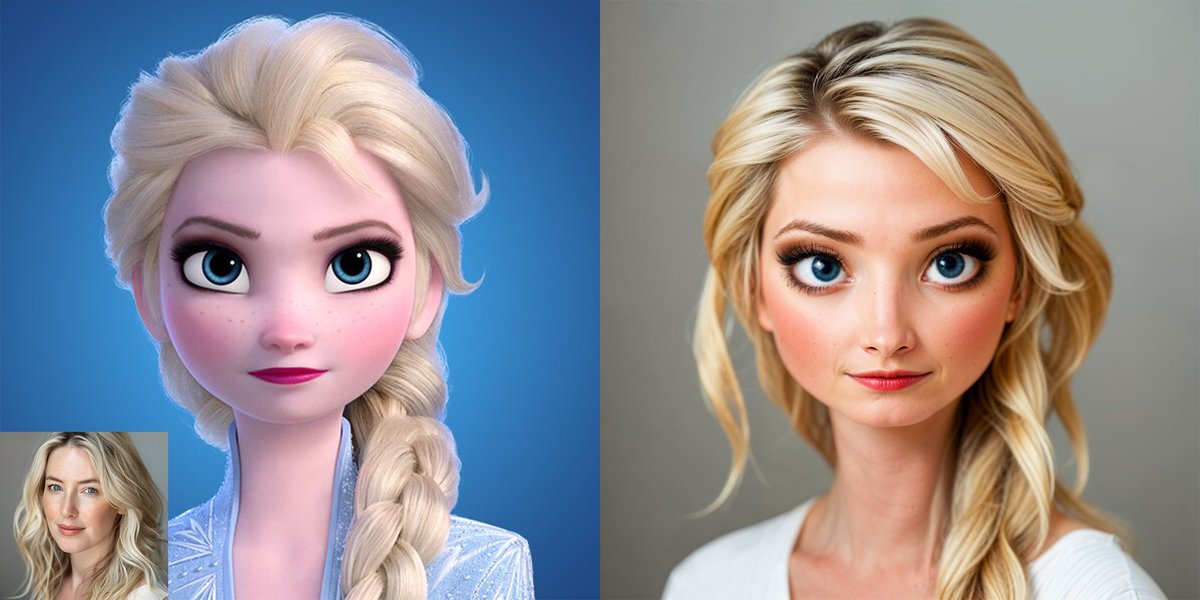
A small thread of interesting things you can do with my become-image Replicate model:

1. You can use animated inputs to reimagine them as real world people, with all of their exaggerated features Image
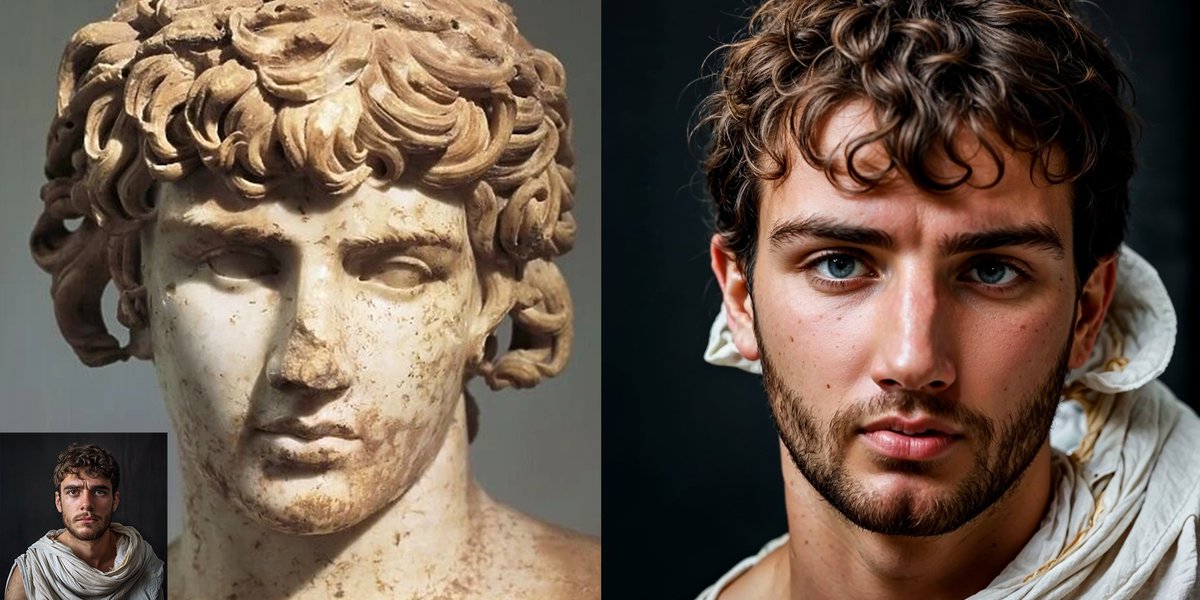
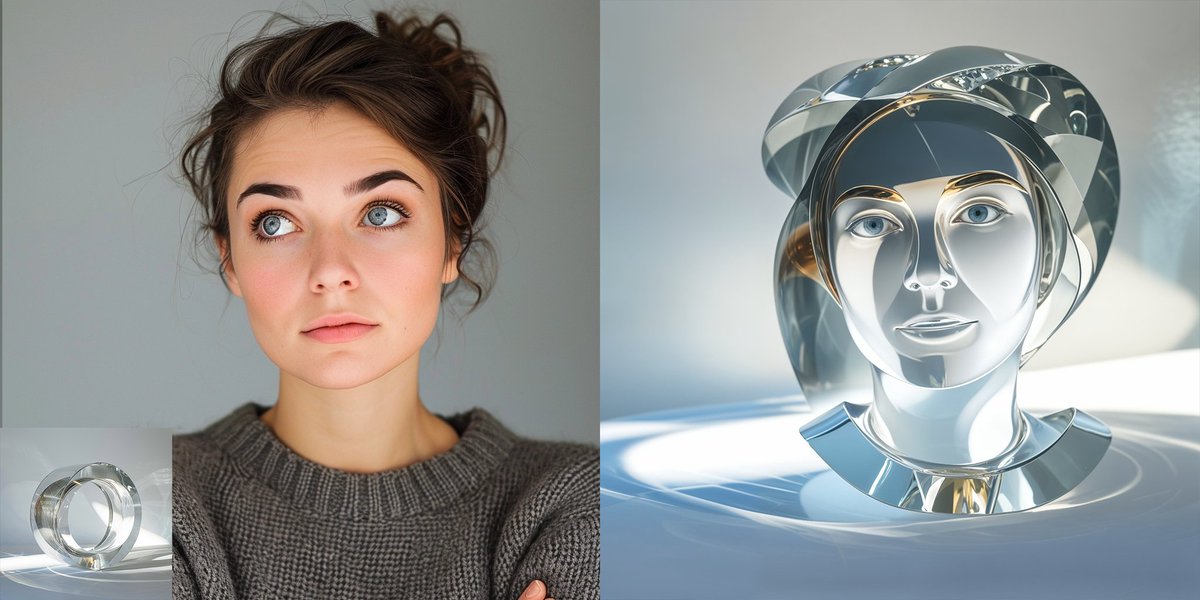
2. Bring a sculpture to life. Image
3. Turn yourself into sculpture Image
Read 4 tweets
Jul 11, 2023
I'm currently experimenting with AnimateDiff to Zeroscope workflows:

- image generated via ToonYou
- use AnimateDiff to apply motion to image
- use motion as an init video to upscale and add more motion via Zeroscope

See thread for details
Original GIF generated via AnimateDiff

AnimateDiff:


Using @camenduru’s colab:
https://t.co/sXx6aKH4Uh

Thanks for the heads up @angrypenguinPNG https://t.co/pg6teRlIrNgithub.com/guoyww/animate…
github.com/camenduru/Anim…
Zeroscope upscale to 1024x using Replicate model:


The upscale added some really nice eye movements and talking.

I also tested putting this through the early Zeroscope v3 model by @cerspense (448x resolution but 60 frames) https://t.co/JdKyEAXLlzreplicate.com/p/x574ewjb4mx4…
Read 4 tweets
Jun 7, 2023
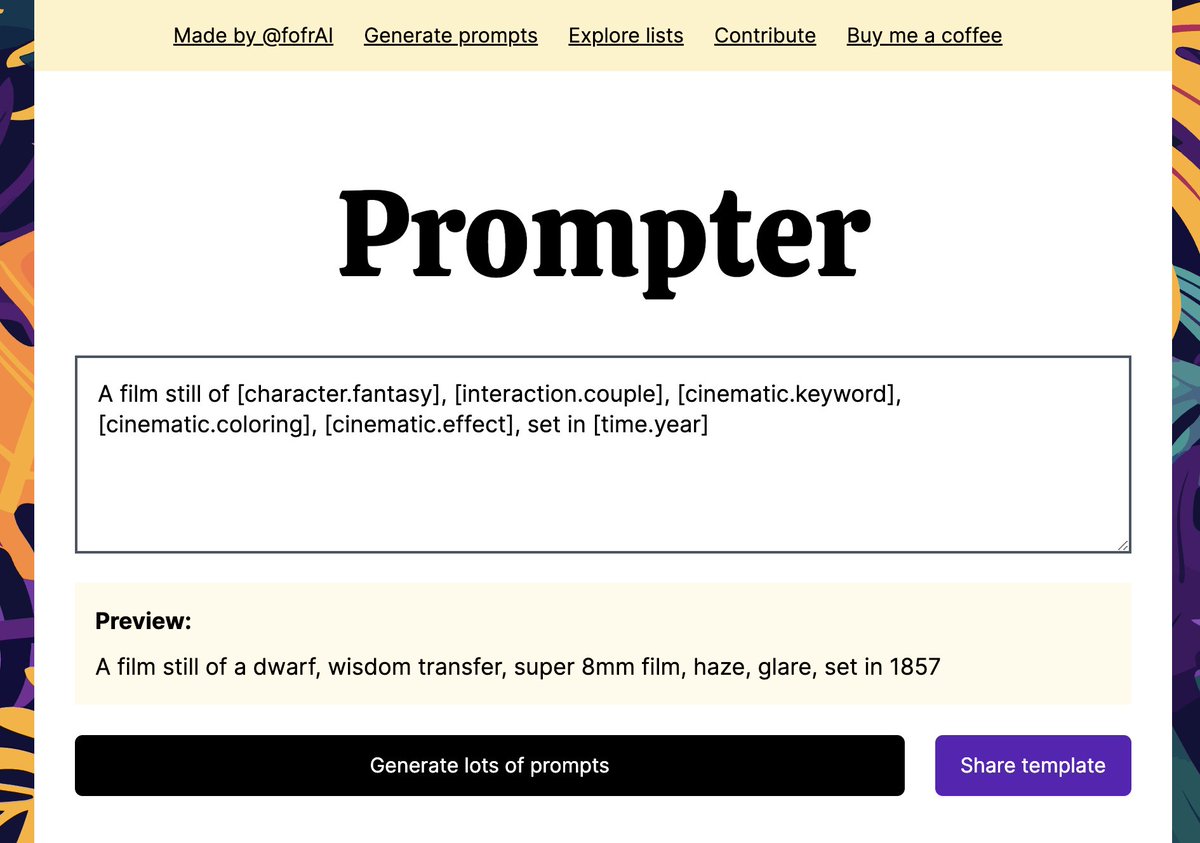
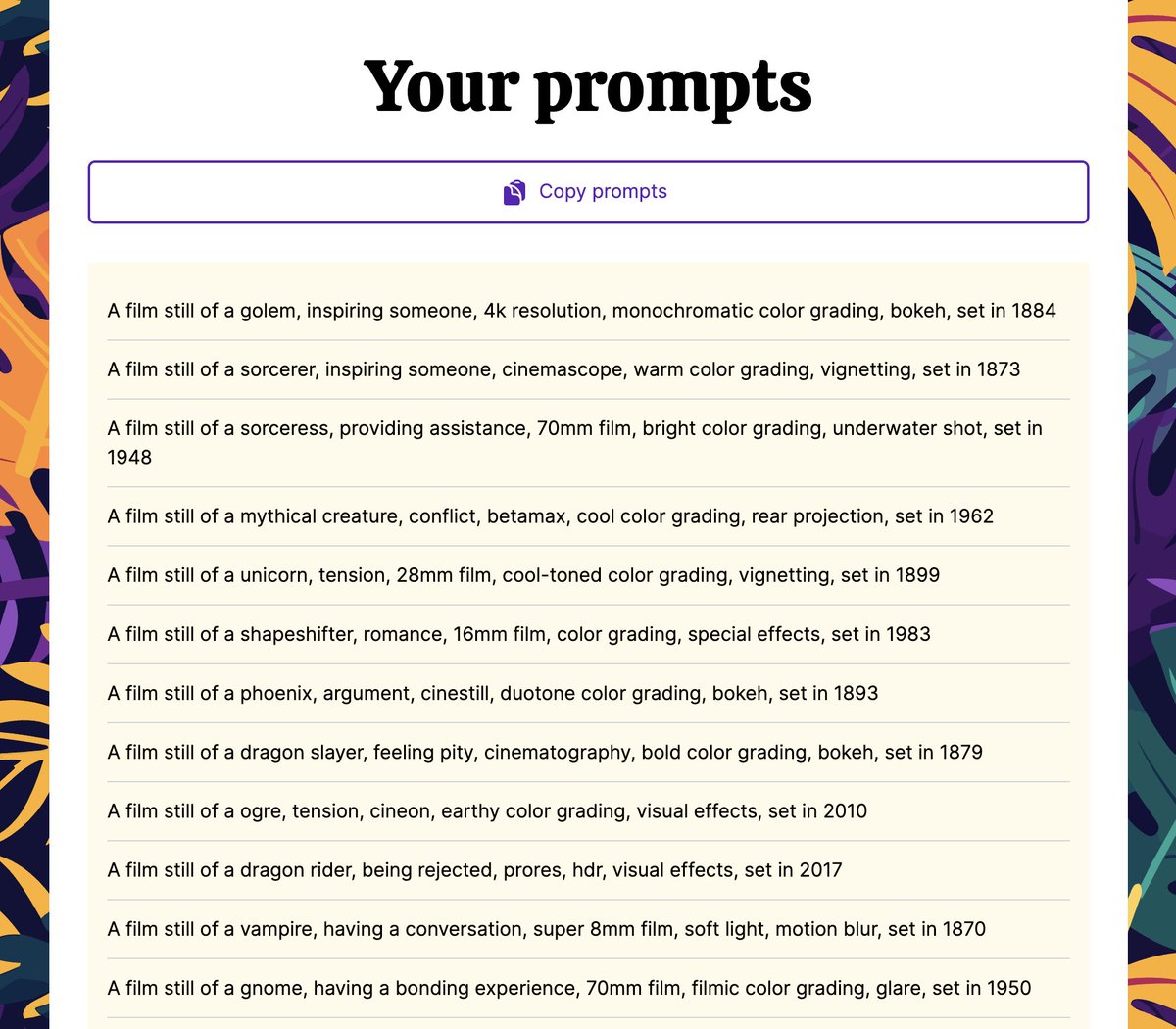
🧵 Announcing Prompter, an open-source tool (and npm package) for generating and sharing prompts:

prompter.fofr.ai

Use it with Midjourney, Stable Diffusion, Gen2, anything. It's great for quickly exploring models.

I've shared some of my fave prompts in the thread 👇 ImageImageImageImage
prompter.fofr.ai/?id=61992716-c…

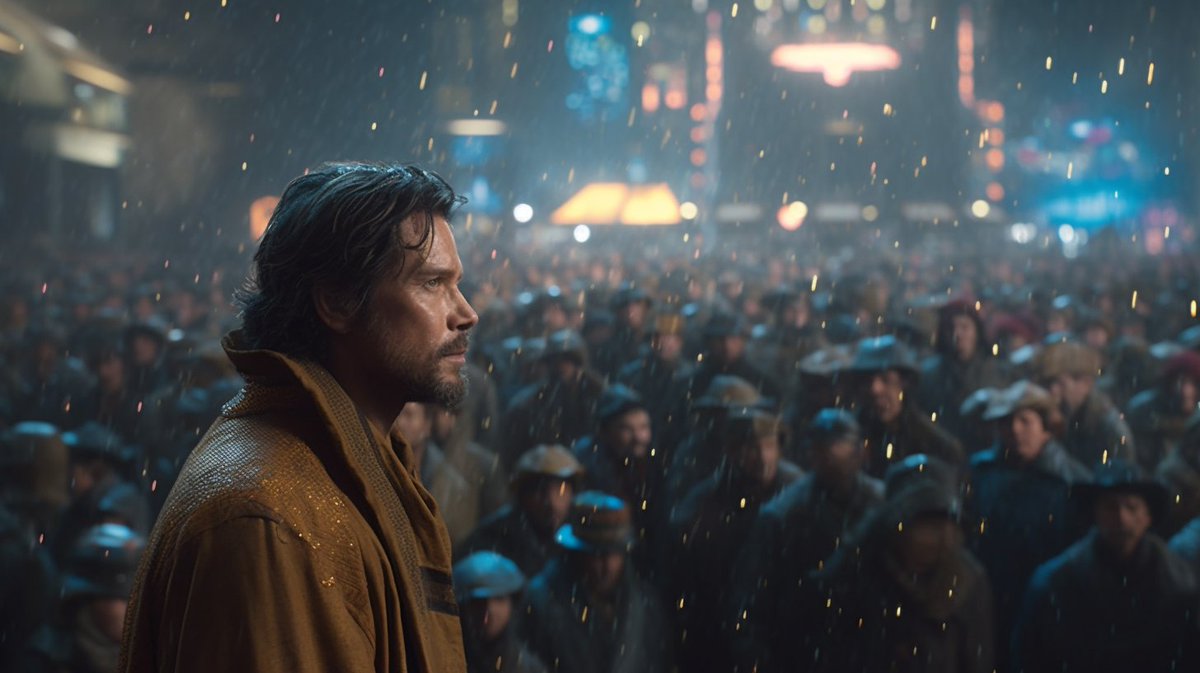
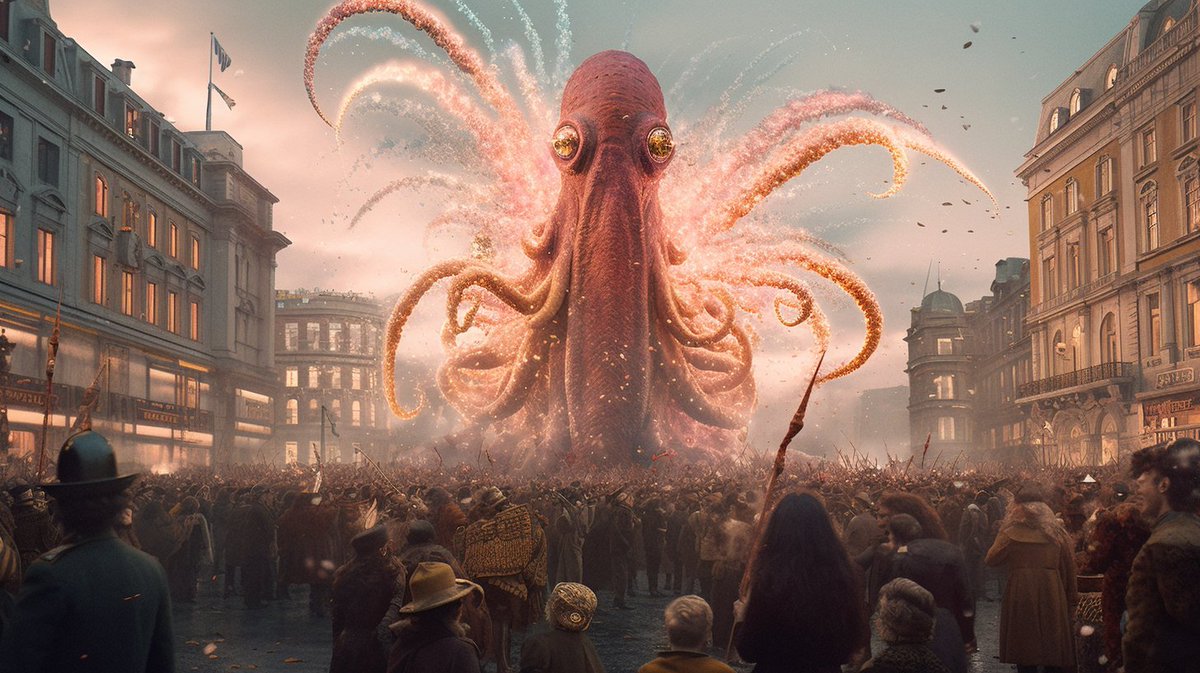
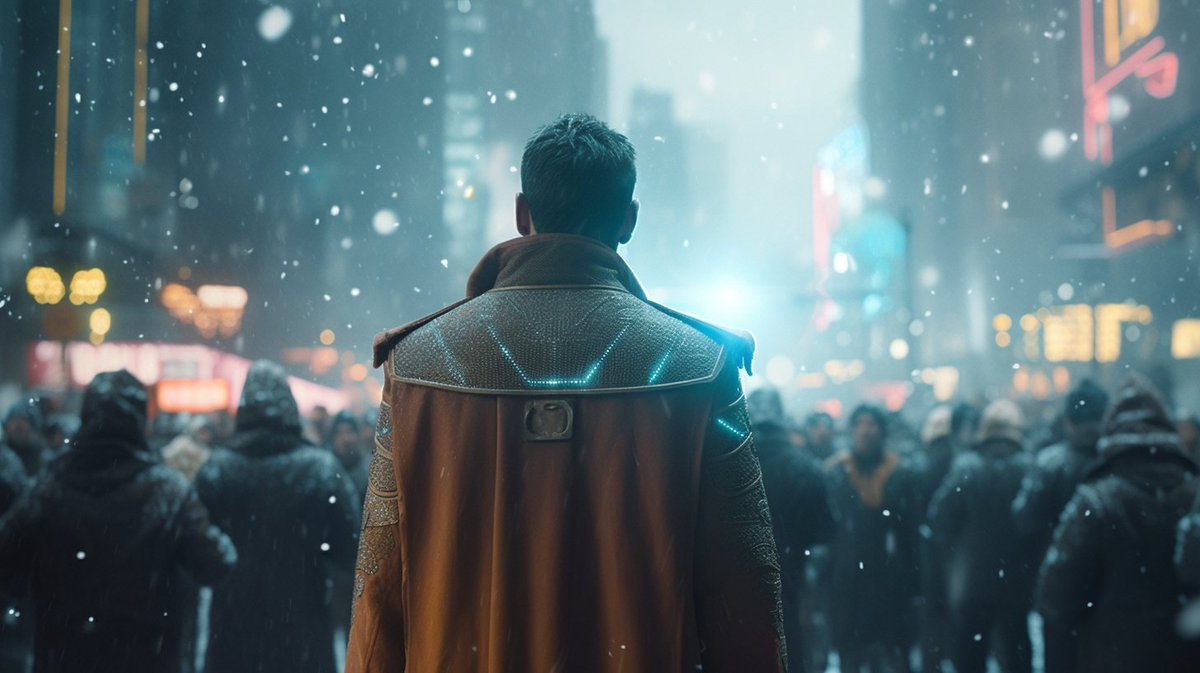
"A film still of [character.scifi], [interaction.crowd], crowd scene, [cinematic.keyword], [cinematic.coloring], [cinematic.effect], set in [time.year] --ar 16:9" ImageImageImageImage
prompter.fofr.ai/?id=c0397059-2…

Recreate the Midjourney /describe pattern, but with random styles and subjects:

"[set.describeSubject], in the style of [set.describeStyle], [set.describeStyle], [set.describeStyle] --ar 3:2" ImageImageImageImage
Read 5 tweets
May 4, 2023
🧵 A big #Midjourney thread on how to write prompts to get good cinematic images.

In this thread I’ll build up a single prompt with cinematic elements, and show their effects.

Each prompt will use a 16:9 aspect ratio, and to minimise variation I've locked in a seed. ImageImageImageImage
Let's start with:

"a film still of [characters doing something]"

I've gone with something relatively simple:

"a film still of two people having an argument --ar 16:9 --seed X"

Here's how this starts off with our seed. ImageImage
Now, let's starting adding keywords to see the effect. I'm starting with the type of film:

1. 16mm
2. 35mm
3. 70mm
4. prores

Generally things like 8/16mm will give more amateur/lower production looking films. 4k/prores, will be modern, but also might be futuristic. ImageImageImageImage
Read 17 tweets
Apr 4, 2023
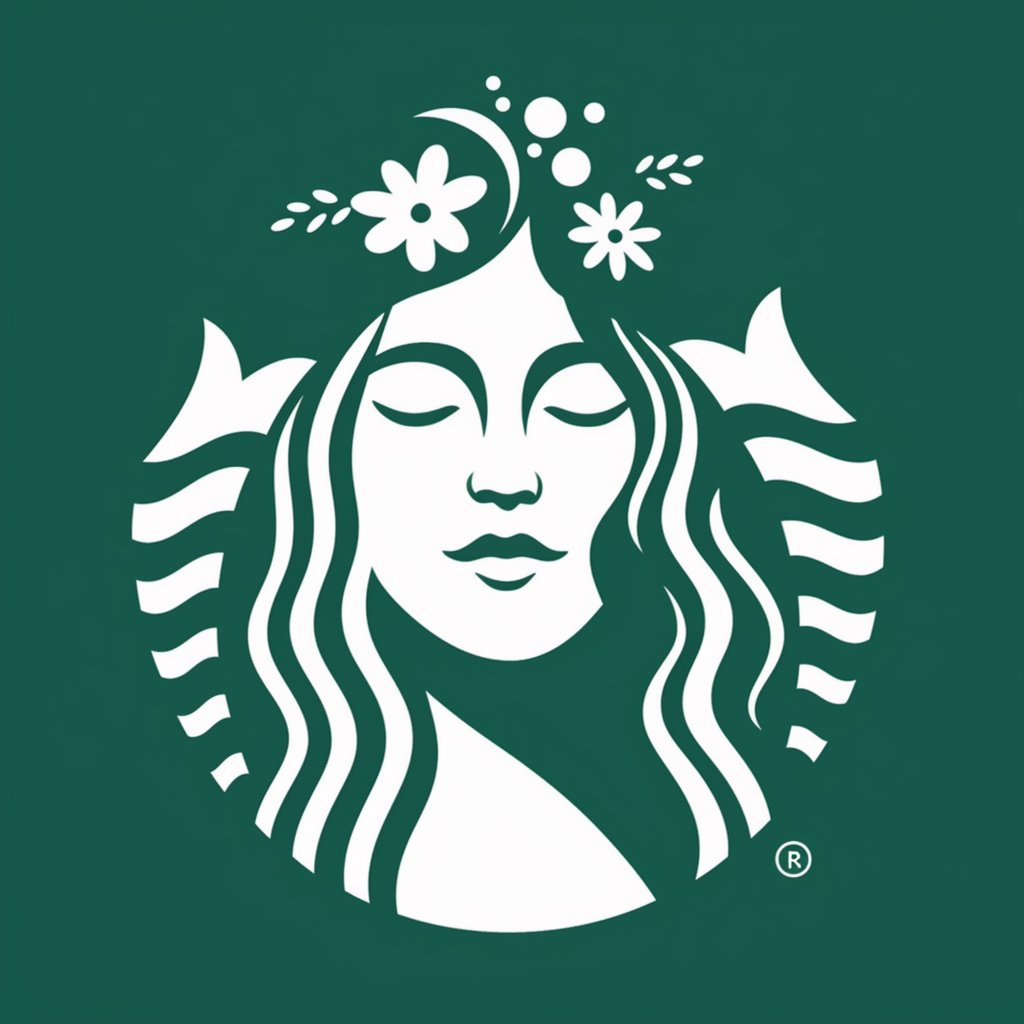
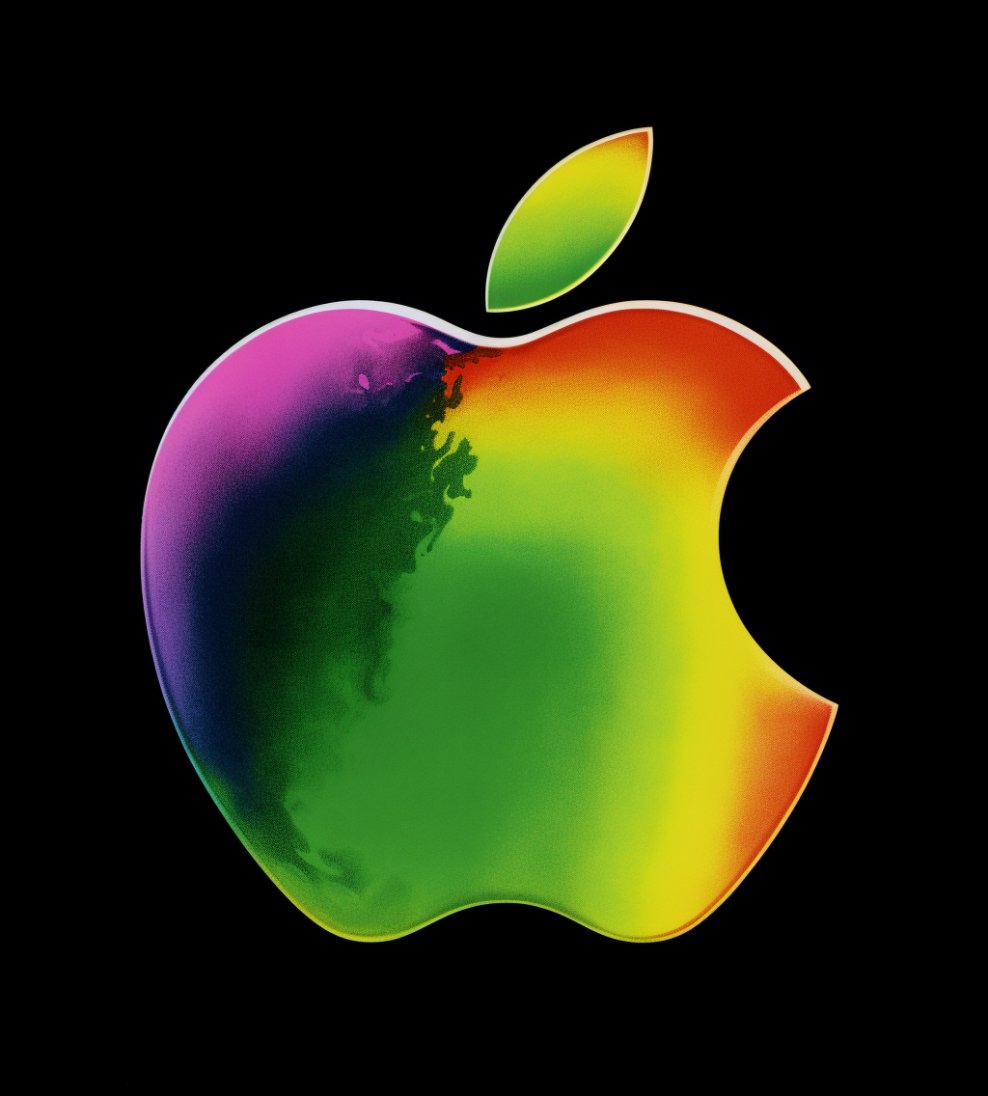
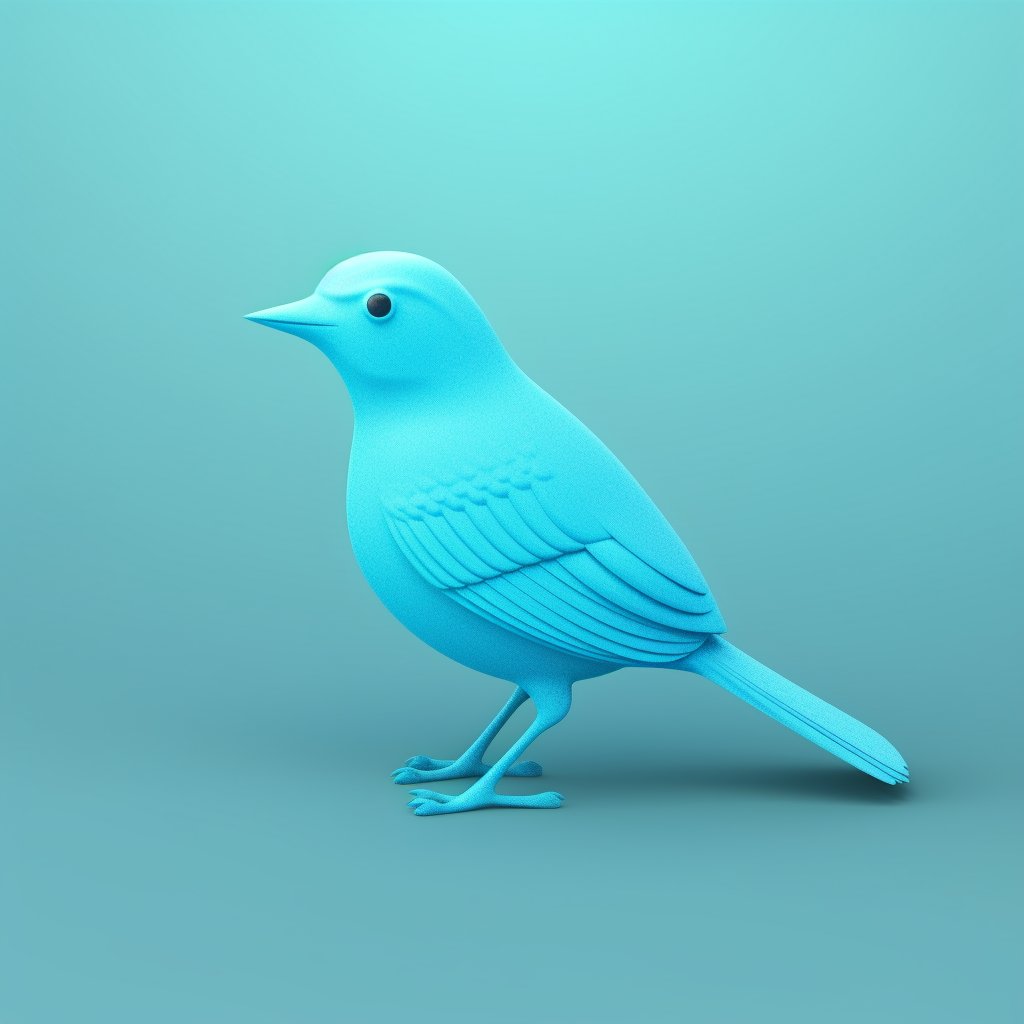
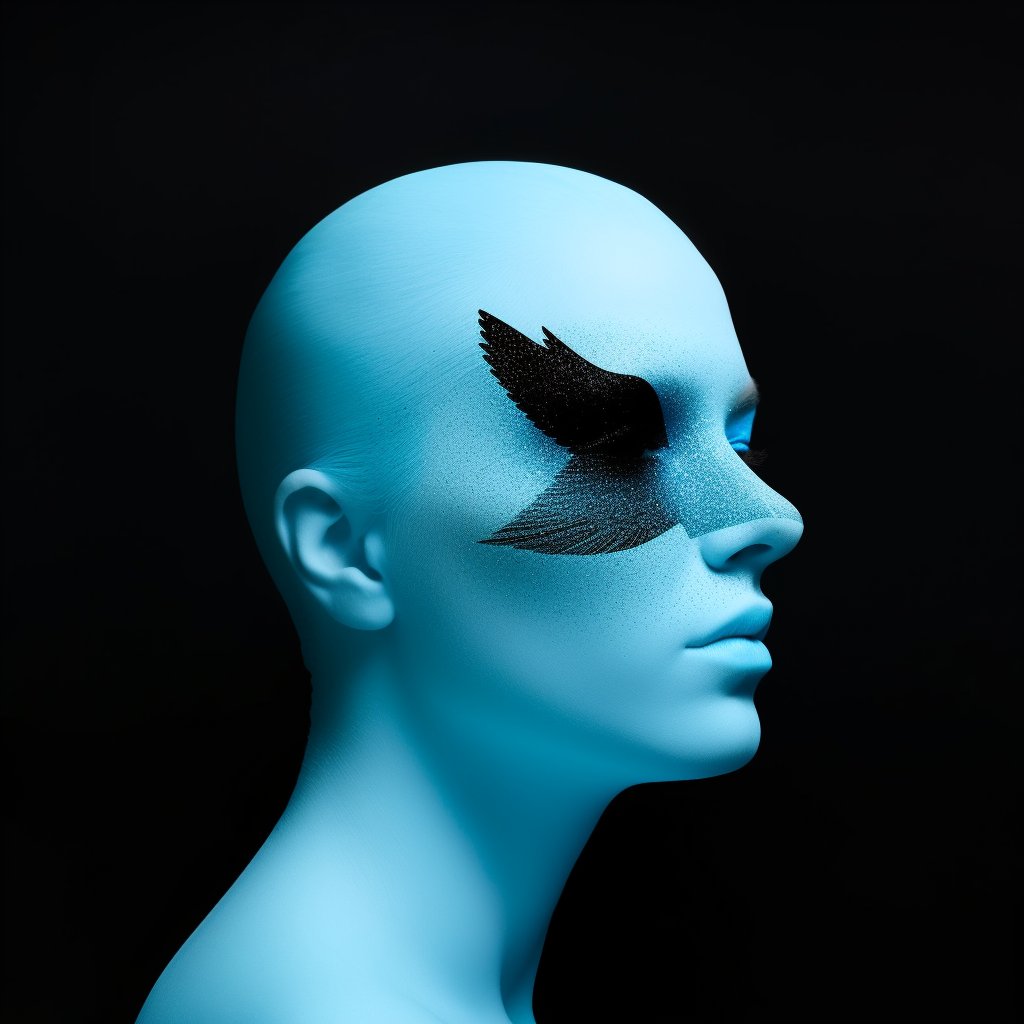
I asked Midjourney v5 to '/describe' some logos, to see how it would create prompts for them, and to see what it would create in response.

Starbucks Image
Apple ImageImageImage
Twitter ImageImageImage
Read 12 tweets
Feb 23, 2023
I put some famous logos through ControlNet. ImageImage
I had to laugh a lot at this one. ImageImage
ImageImage
Read 13 tweets

Did Thread Reader help you today?

Support us! We are indie developers!


This site is made by just two indie developers on a laptop doing marketing, support and development! Read more about the story.

Become a Premium Member ($3/month or $30/year) and get exclusive features!

Become Premium

Don't want to be a Premium member but still want to support us?

Make a small donation by buying us coffee ($5) or help with server cost ($10)

Donate via Paypal

Or Donate anonymously using crypto!

Ethereum

0xfe58350B80634f60Fa6Dc149a72b4DFbc17D341E copy

Bitcoin

3ATGMxNzCUFzxpMCHL5sWSt4DVtS8UqXpi copy

Thank you for your support!

Follow Us!

:(