
AI will revolutionize the world in the next 3 to 5 years.
But we need more builders: people willing to work and learn solid AI/ML skills.
Here is how you can start:
But we need more builders: people willing to work and learn solid AI/ML skills.
Here is how you can start:
Most people think that starting is hard. They are wrong.
These recommendations will get you through the first month.
1. Learn to use notebooks
2. Learn to deal with data
3. Learn data visualization
4. Learn basic algorithms
5. Build your first project
Here are a few resources:
These recommendations will get you through the first month.
1. Learn to use notebooks
2. Learn to deal with data
3. Learn data visualization
4. Learn basic algorithms
5. Build your first project
Here are a few resources:
But first, let me thank the sponsor for today's post:
Prompts Daily.
AI will not replace you. A person using AI will.
That's why almost 100k people read this newsletter to keep up with the latest AI insights, news, and tools.
Sign up here for free → neatprompts.com/subscribe
Prompts Daily.
AI will not replace you. A person using AI will.
That's why almost 100k people read this newsletter to keep up with the latest AI insights, news, and tools.
Sign up here for free → neatprompts.com/subscribe
For this guide to be helpful, you need to know Python.
If you are comfortable writing Python, keep going. If you aren't, I'd suggest you start there.
If you are comfortable writing Python, keep going. If you aren't, I'd suggest you start there.
1. Learn to use notebooks
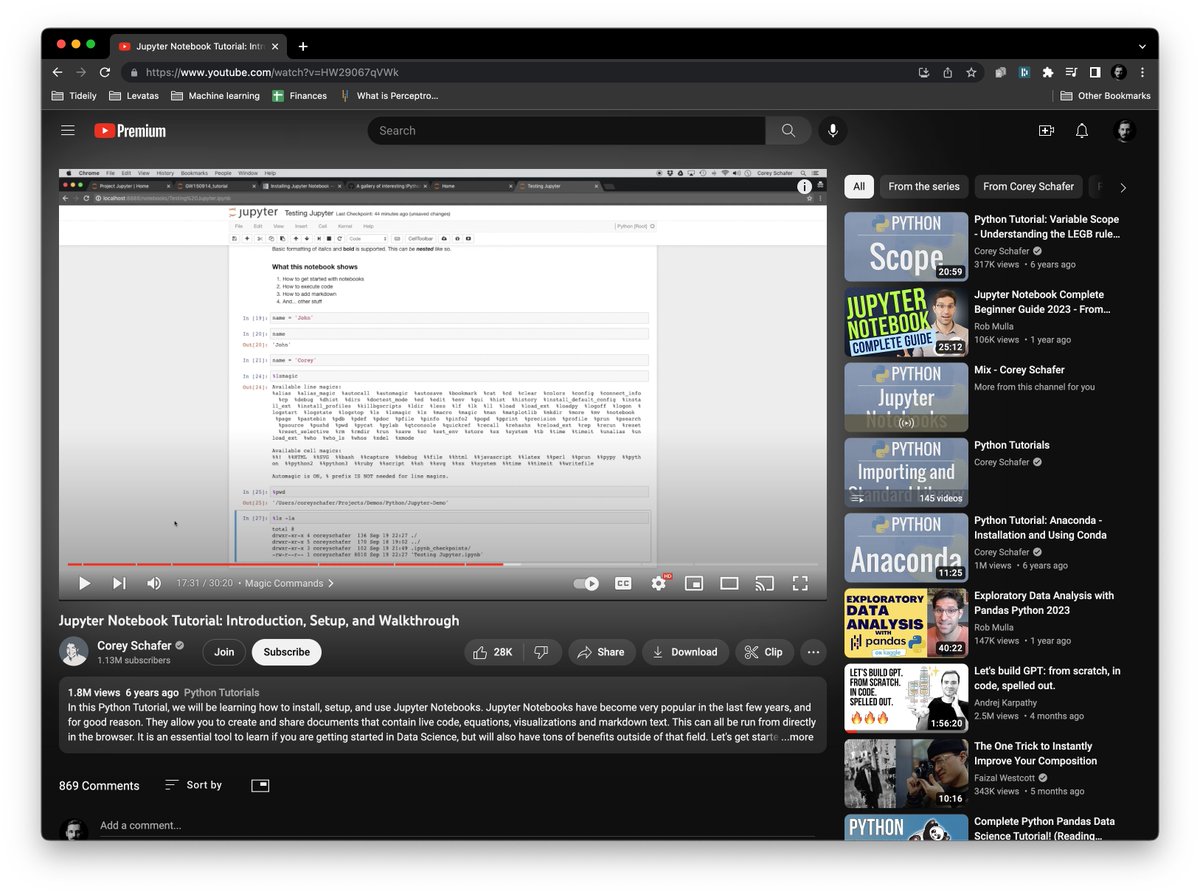
You want to learn about notebooks: Jupyter or Google Colab are your friends.
Notebooks are a fantastic way to code, experiment, and communicate your results.
Here is a 30-minute tutorial on Jupyter Notebooks:
You want to learn about notebooks: Jupyter or Google Colab are your friends.
Notebooks are a fantastic way to code, experiment, and communicate your results.
Here is a 30-minute tutorial on Jupyter Notebooks:
2. Learn to deal with data
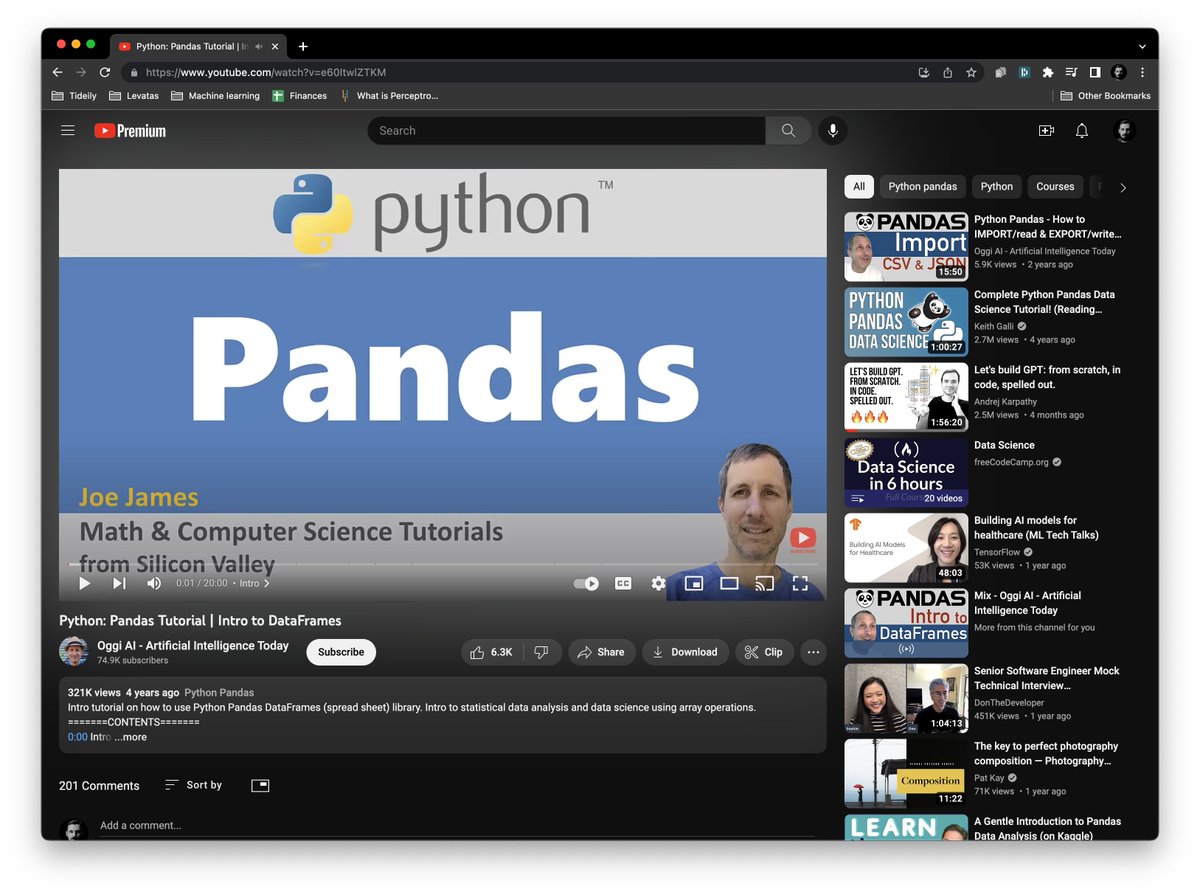
Pandas is a one-stop shop for this.
"10 minutes to pandas" is an excellent tutorial to get you started on the basics: pandas.pydata.org/pandas-docs/st….
Also, watch this video: .
Pandas is a one-stop shop for this.
"10 minutes to pandas" is an excellent tutorial to get you started on the basics: pandas.pydata.org/pandas-docs/st….
Also, watch this video: .
3. Learn data visualization
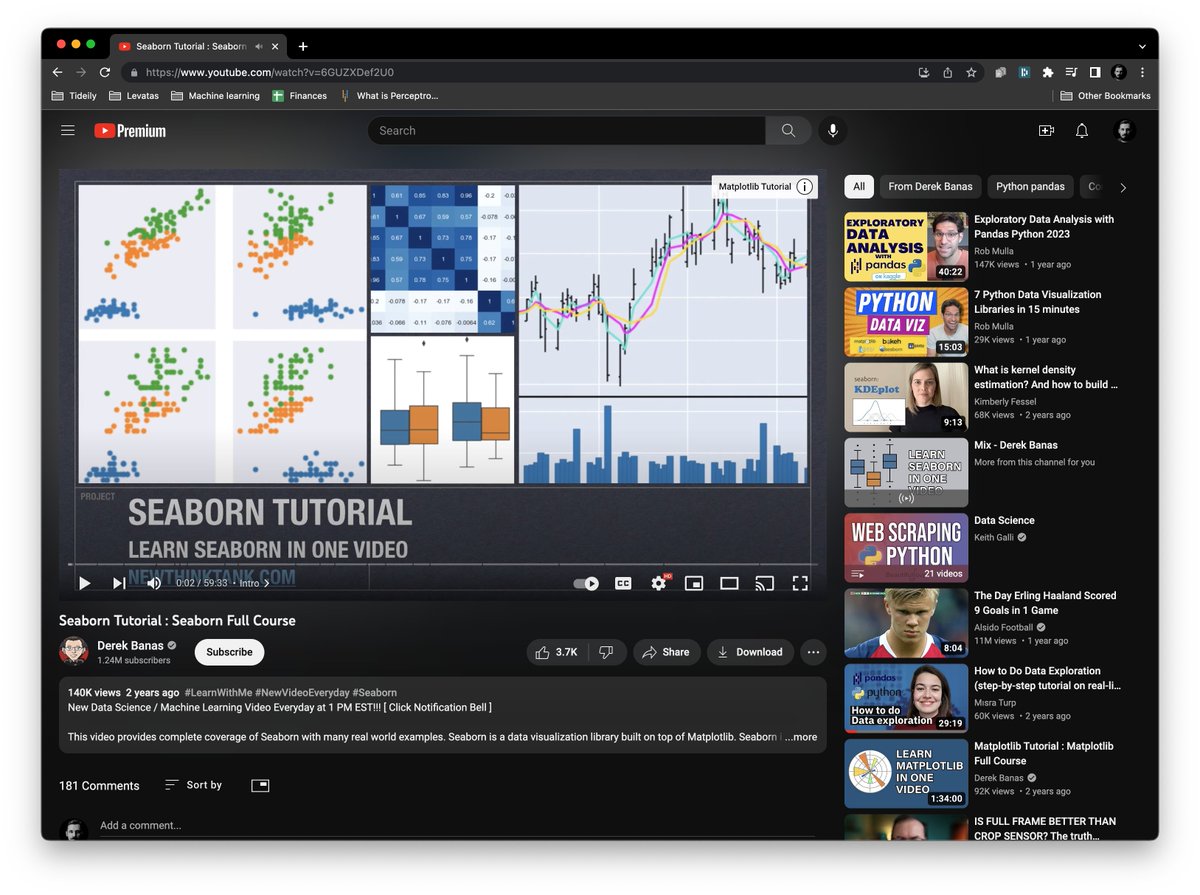
It's critical to learn data visualization and how to showcase the work you are doing.
Kaggle's tutorial is a fantastic start: kaggle.com/learn/data-vis…
Also, watch this 6-minute tutorial on Seaborn: .
It's critical to learn data visualization and how to showcase the work you are doing.
Kaggle's tutorial is a fantastic start: kaggle.com/learn/data-vis…
Also, watch this 6-minute tutorial on Seaborn: .
4. Learn basic algorithms
A few suggestions: Decision Trees, KNN, Linear Regression, and Neural Networks.
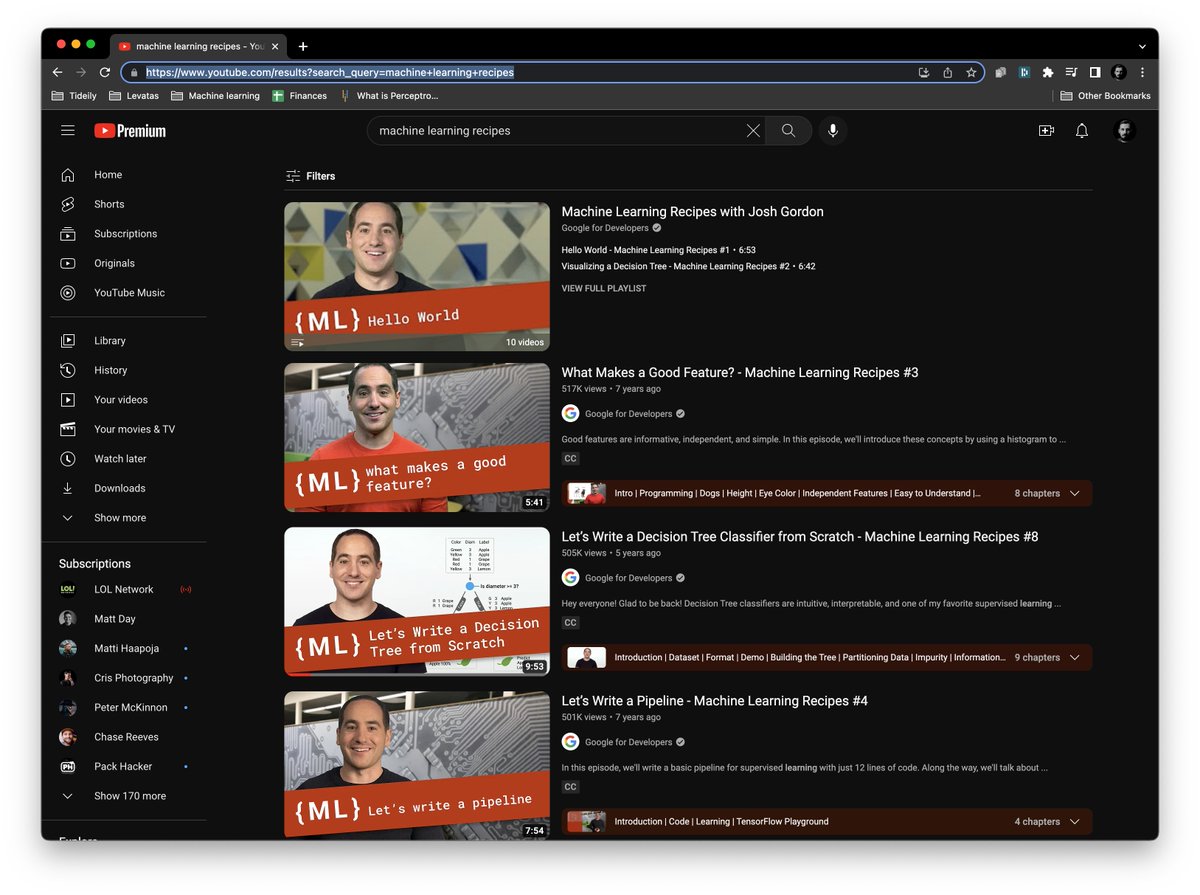
Kick it off with the Machine Learning Recipes from Google: youtube.com/results?search…
A few suggestions: Decision Trees, KNN, Linear Regression, and Neural Networks.
Kick it off with the Machine Learning Recipes from Google: youtube.com/results?search…
Before talking about your first project, it's time to go through an end-to-end tutorial that will put everything together for you.
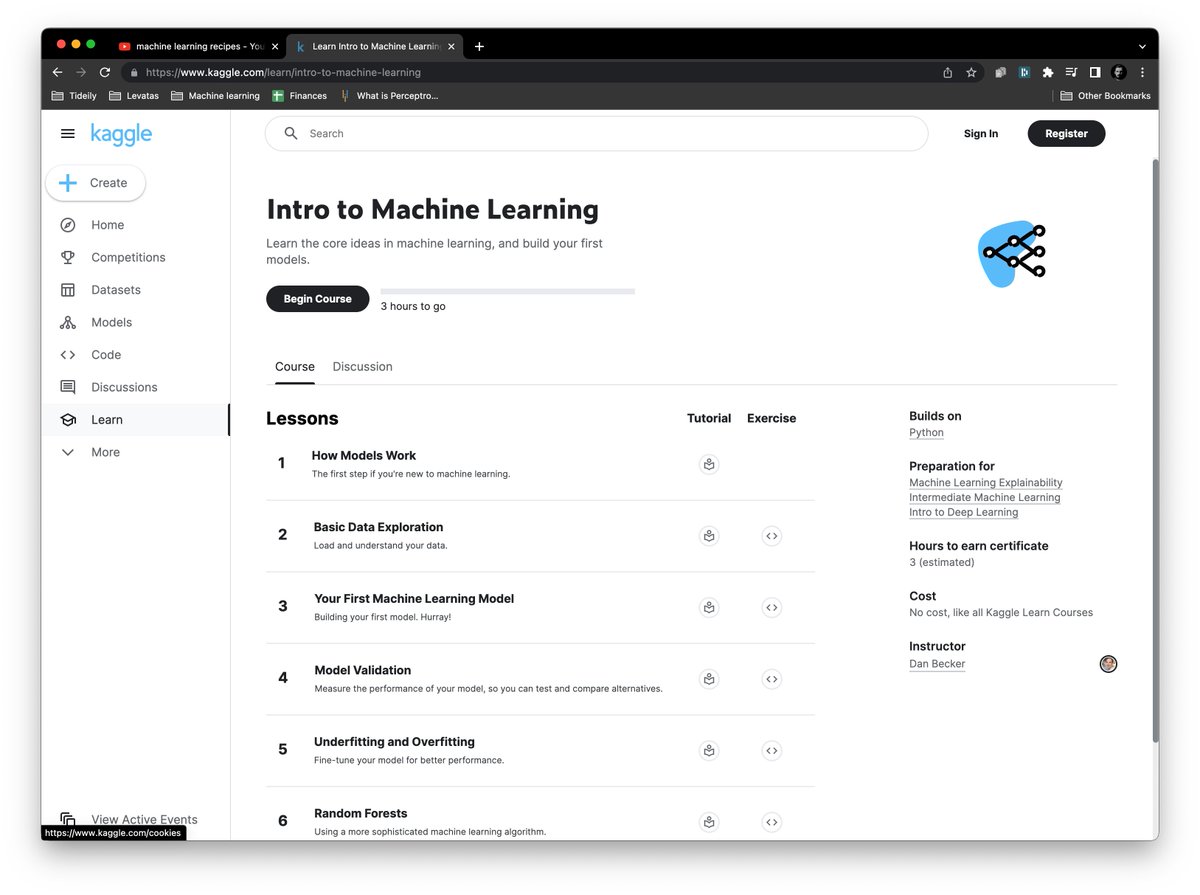
Look at the "Intro to Machine Learning" tutorial.
It's a quick tutorial that will bring together all of the pieces:
kaggle.com/learn/intro-to…
Look at the "Intro to Machine Learning" tutorial.
It's a quick tutorial that will bring together all of the pieces:
kaggle.com/learn/intro-to…
5. Build your first project
The tutorial from the previous step ends with the Titanic exercise. You can find it on Kaggle: kaggle.com/c/titanic/data.
This is everything you need to get started and finish your first Machine Learning project!
The tutorial from the previous step ends with the Titanic exercise. You can find it on Kaggle: kaggle.com/c/titanic/data.
This is everything you need to get started and finish your first Machine Learning project!

• • •
Missing some Tweet in this thread? You can try to
force a refresh






