Super easy way to add a chromatic aberration effect to any layer in your Figma project. Legggo ↓
This first part will break down the fundamentals behind the effect. This will work on simple shapes & text layers. For this example, I will use this really round rectangle
Duplicate your layer 3 times, and fill each one with RGB
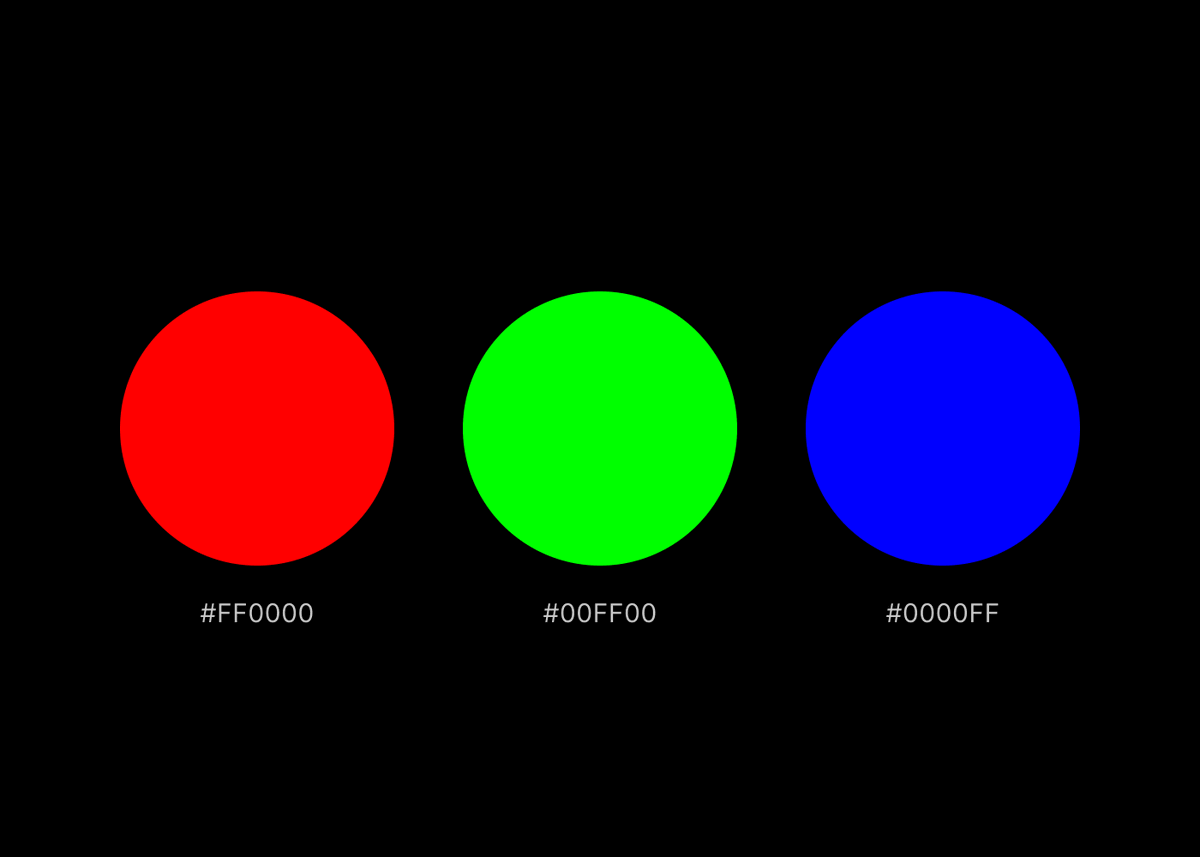
Select all layers, stack them on top of one another, and set the blend mode to "Screen"
Nudge the top and bottom layers around until you achieve an effect you're looking for. You're pretty much done, and can stop here (or not 🤨)
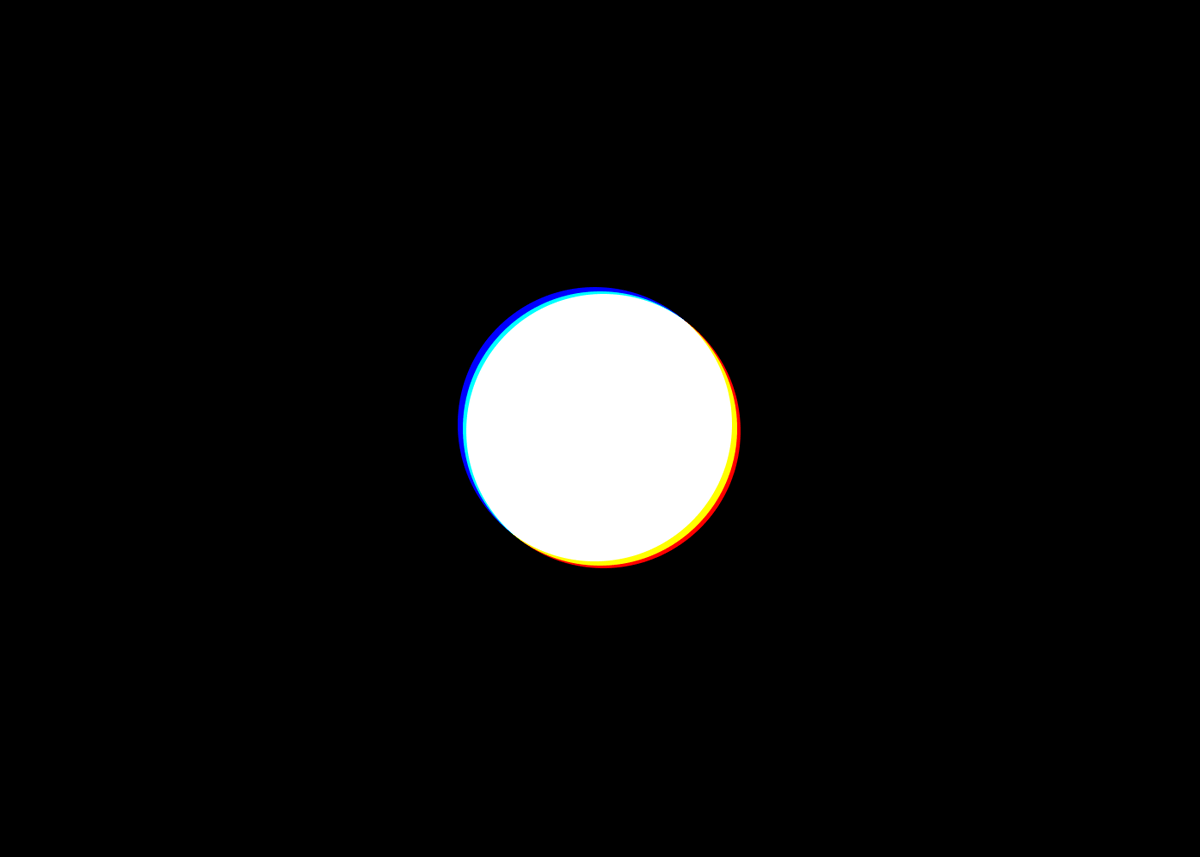
👨🏻🍳 Pro tip: If you want to create a smoother transition, you can select all layers and apply a layer blur (I'm using a value of 5 for this example)
The process of adding this effect to an image is very similar:
- select your image, add a fill (one of the RGBs) & set the fill's blend mode to "Multiply".
- duplicate the image & repeat this process for next RGB color
- stack layers, set blend to screen, displace, & add a blur
Hope this was helpful! If you need more help, you can grab the Figma file here → dub.sh/chromatic
• • •
Missing some Tweet in this thread? You can try to
force a refresh

Let's make these butter-smooth expanding cards in under 5 min
If you don't have any frames that you want to animate yet, create some ↓
Select all of the cards & create a component. Then:
• create as many new variants as you have cards
• drop the opacity of each card to something low (I used 0.45)
• then, going through each variant, resize & position one of the cards
• set its opacity to 1
• resize it to whatever you want
• set its position to "fixed,"
• center it within the viewport
Add your video source (I'm adding a URL, but you can upload your video for the same result)
• bump up the radius (or don't)
• make sure "playing" attribute is set to "no"
• then increase the height of your breakpoint (to allow for plenty of scrolling)
Let’s make this super clickable glowstick button in 5 minutes without any code ↓
👨🏻🍳 Start by creating a button, then turn it into a component.
• create a frame with a 100% relative width and height & set its position to absolute
• remove the fill & center it
• turn it into a vertical stack
• rename it to "Container"
• set "gap" to 0
Now, we'll duplicate the "container' we just created, rename it to "columns" and nest it within the container stack🪆
• change its position to "relative"
• set width and height to "fill"
• change the stack direction to horizontal
• make sure that that the gap is set to 0
Framer's "Start with AI" has been out for a couple of days now & I've seen a lot of discourse surrounding the release.
I've gotten so many DMs asking for my thoughts about it and where I think it's going, so I decided to put it all together here ↓
To preface - I want to give kudos to @jornvandijk & the whole Framer team for pulling this off. This release is a huge achievement and a major milestone for nocode website builders. That said, this is obviously just the beginning
1️⃣ I think most people will agree that watching a blank canvas transform into a website based on a few lines of text is not only impressive, but also really fun. This part is really exciting 👨🏻🍳