Read on Twitter
🚨 Midjourney Tutorial 🚨
Cinematic shots formula. Easy to use.
Follow these steps and 10x your outputs
🧵
Cinematic shots formula. Easy to use.
Follow these steps and 10x your outputs
🧵

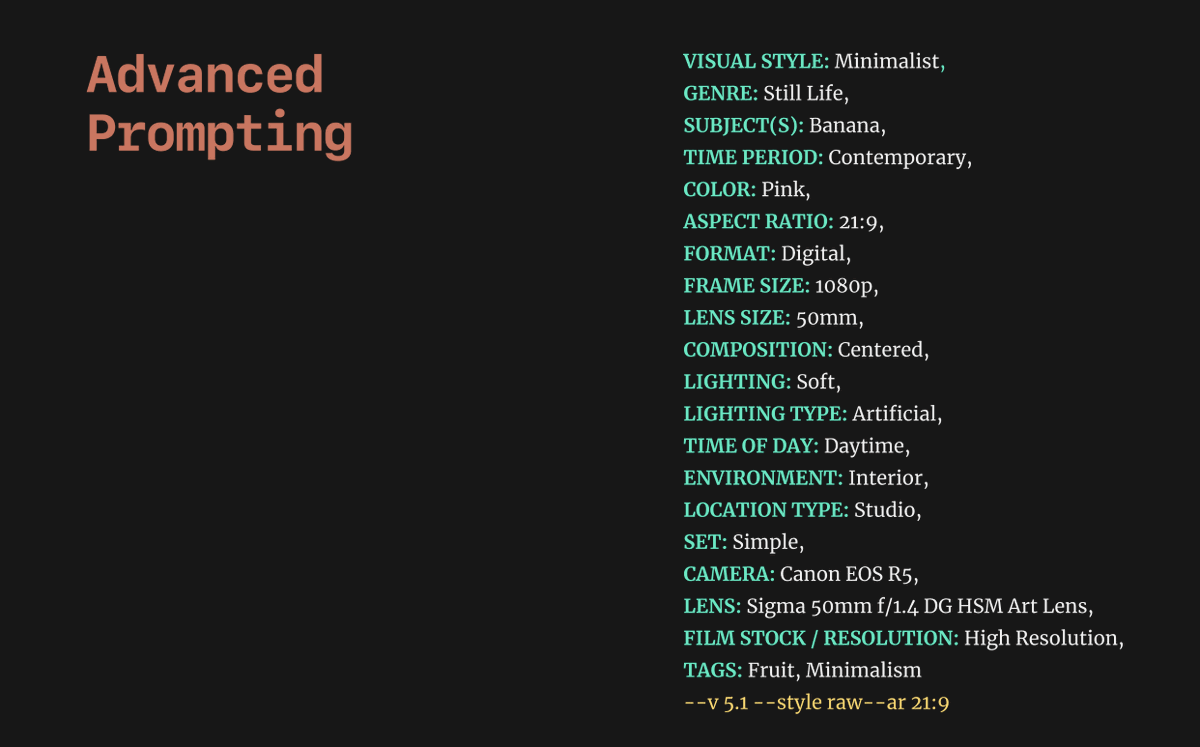
Here is our base prompt.
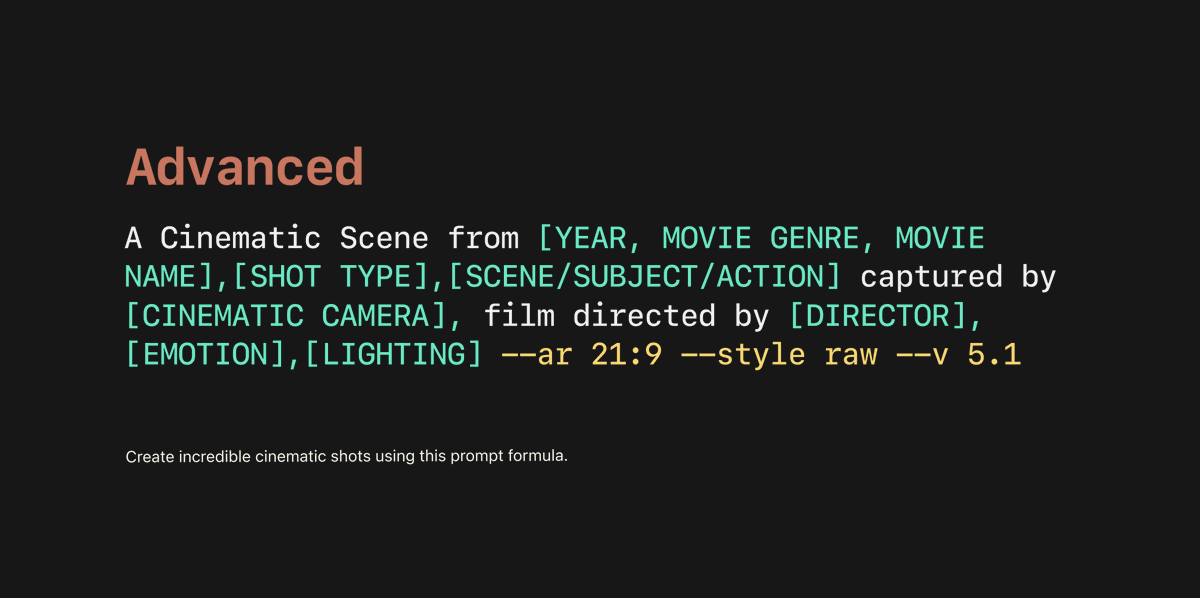
we can play around a lot with the variables, and you can tweak this to make it your own.
The movie name should be made up, the director can be used to "guide" the styling, or be your name.
The movie name should be made up, the director can be used to "guide" the styling, or be your name.
Here is my go:
"A Cinematic Scene from 2023, Drama, "Resilience", Close-up shot, A determined woman pushing against a massive stone obstacle captured by Handheld camera, film directed by Greta Gerwig, Inspiring, Natural light --ar 21:9 --style raw --v 5.1"
"A Cinematic Scene from 2023, Drama, "Resilience", Close-up shot, A determined woman pushing against a massive stone obstacle captured by Handheld camera, film directed by Greta Gerwig, Inspiring, Natural light --ar 21:9 --style raw --v 5.1"
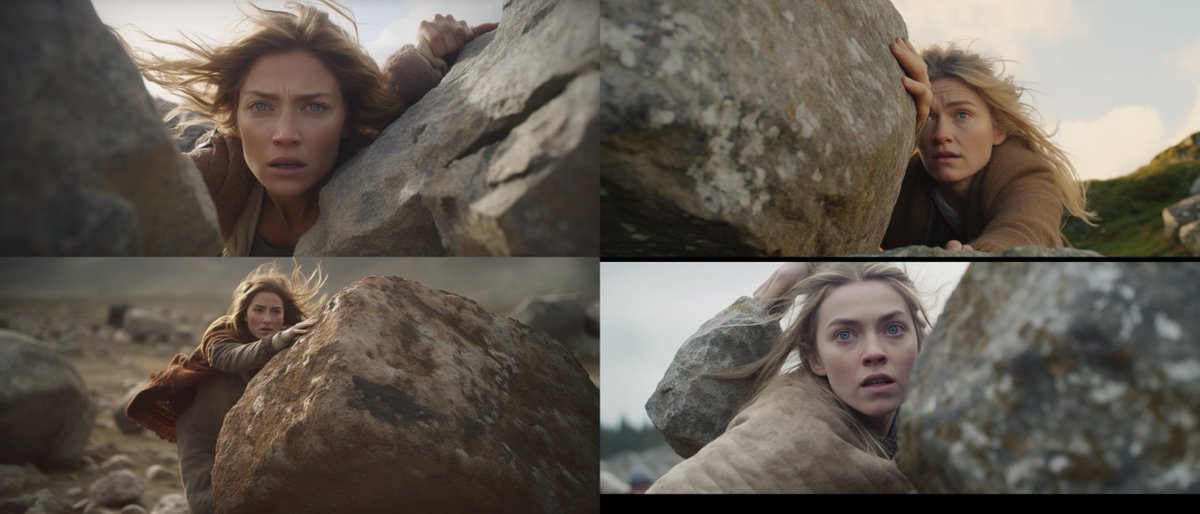
We can see we got a few odd ones out, at this point it's nice to re-roll a few times.
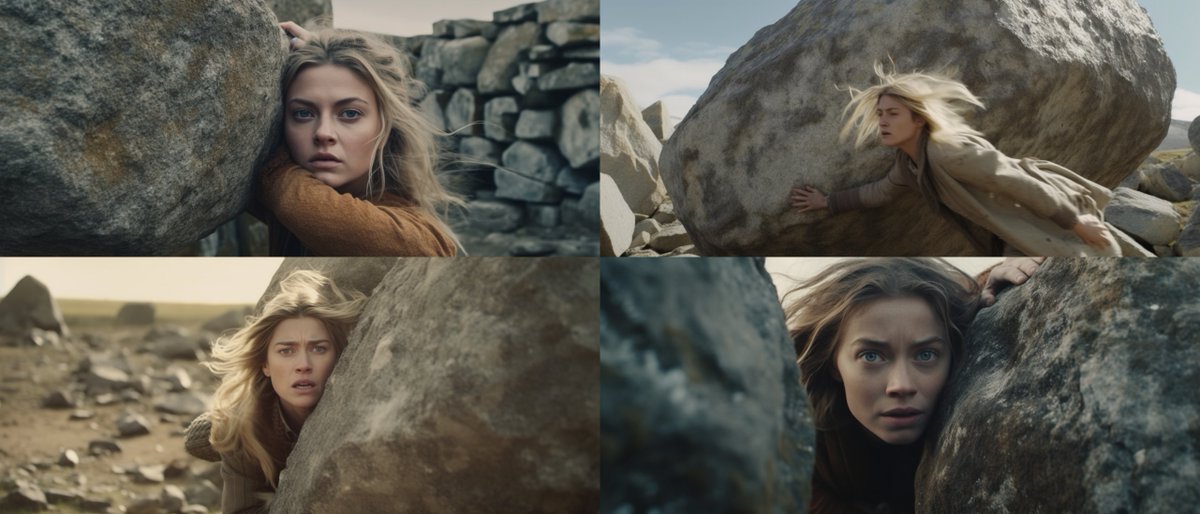
Now let's tweak the prompt so we can continue our storyboard
A Cinematic Scene from 2023, Drama, "Resilience", Close-up shot, A determined woman running across an open landscape, captured by Handheld camera, very wide angle landscape shot, film directed by Greta Gerwig, Inspiring, Natural light --ar 21:9 --style raw --v 5.1

Using this formula to generate "cinematic" looking shots in Midjourney can be very useful.
Here we have her finding an entrance to a cave
Here we have her finding an entrance to a cave
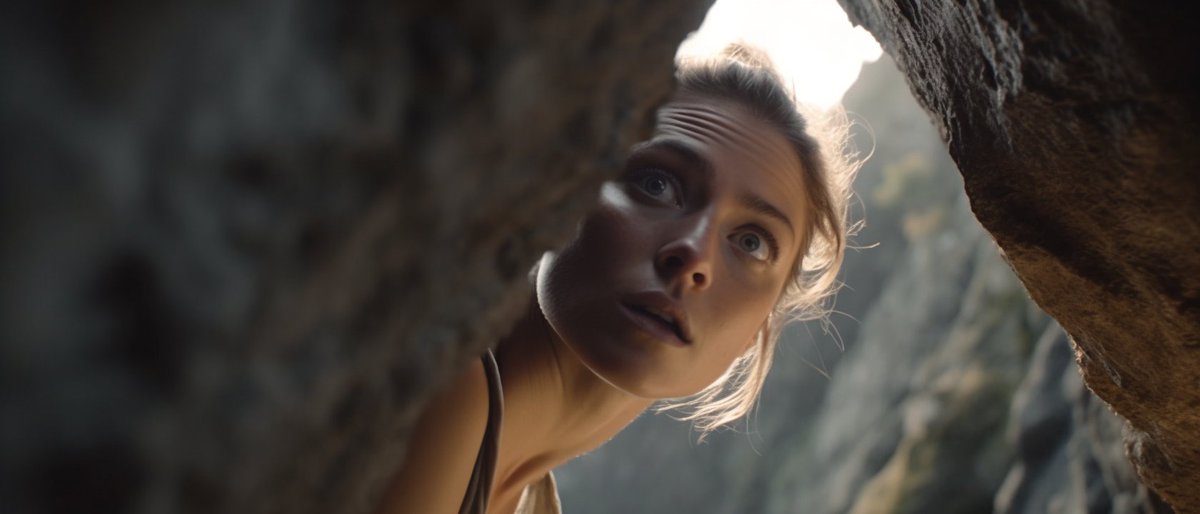
And then she is inside the cave

I would love to see what you make with this prompt. And let me know if you have other ways you found out that works well when it comes to cinematic photos in Midjourney.
If you like this and want more content like this in your feed I'd appreciate if you:
1. Follow me @LinusEkenstam
2. Like/RT the first tweet below 🙏🏻
1. Follow me @LinusEkenstam
2. Like/RT the first tweet below 🙏🏻
https://twitter.com/LinusEkenstam/status/1670928928846884865
• • •
Missing some Tweet in this thread? You can try to
force a refresh