Read on Twitter
How I use ChatGPT Code Interpreter to create incredible data visualizations
I just made this awesome animation of world temperature change from 1950-2000.
Red countries = 20% hotter vs 1950
Blue countries = 20% cooler vs 1950
How did I do it?
Steps below👇
I just made this awesome animation of world temperature change from 1950-2000.
Red countries = 20% hotter vs 1950
Blue countries = 20% cooler vs 1950
How did I do it?
Steps below👇
Step #1
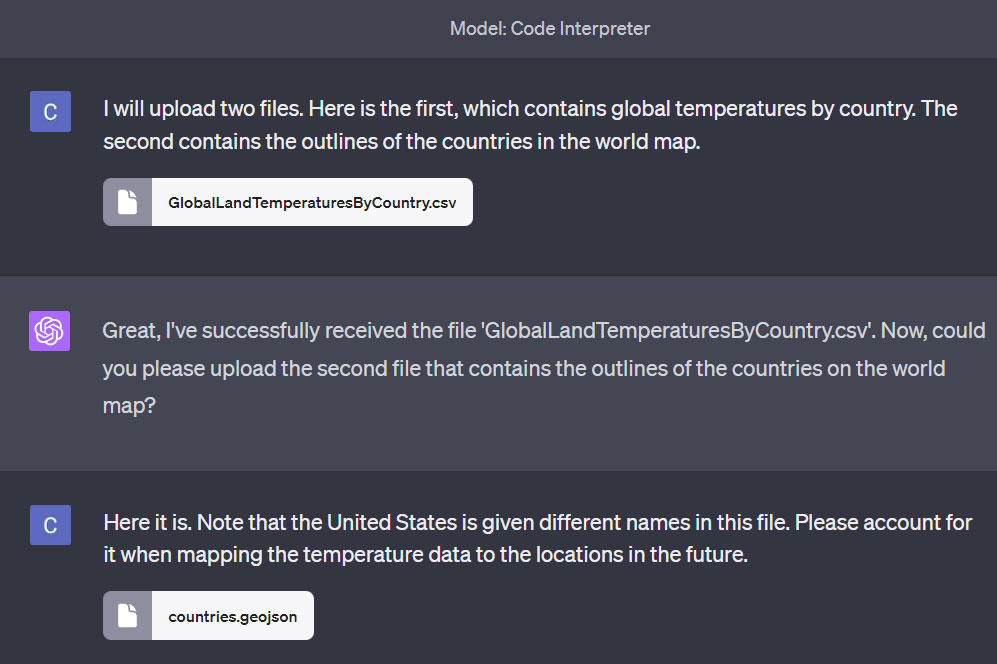
I first obtained 2 data files:
1. Global temperature data from Kaggle (.csv)
2. The outline of countries from Datahub (.geojson)
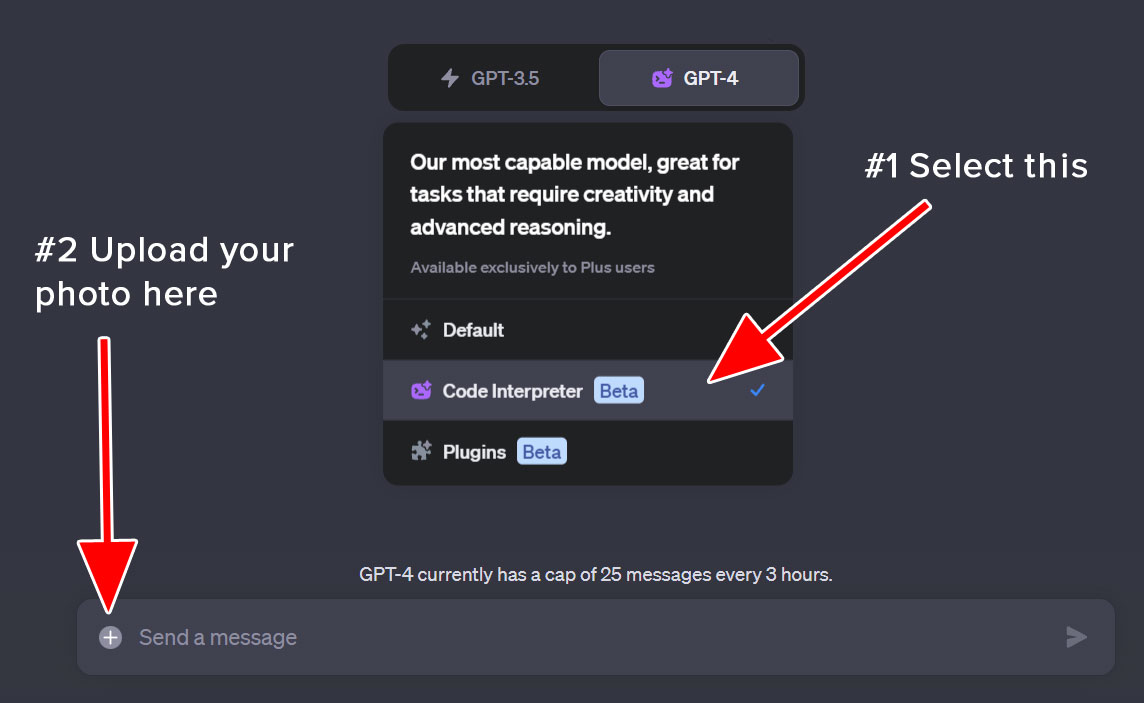
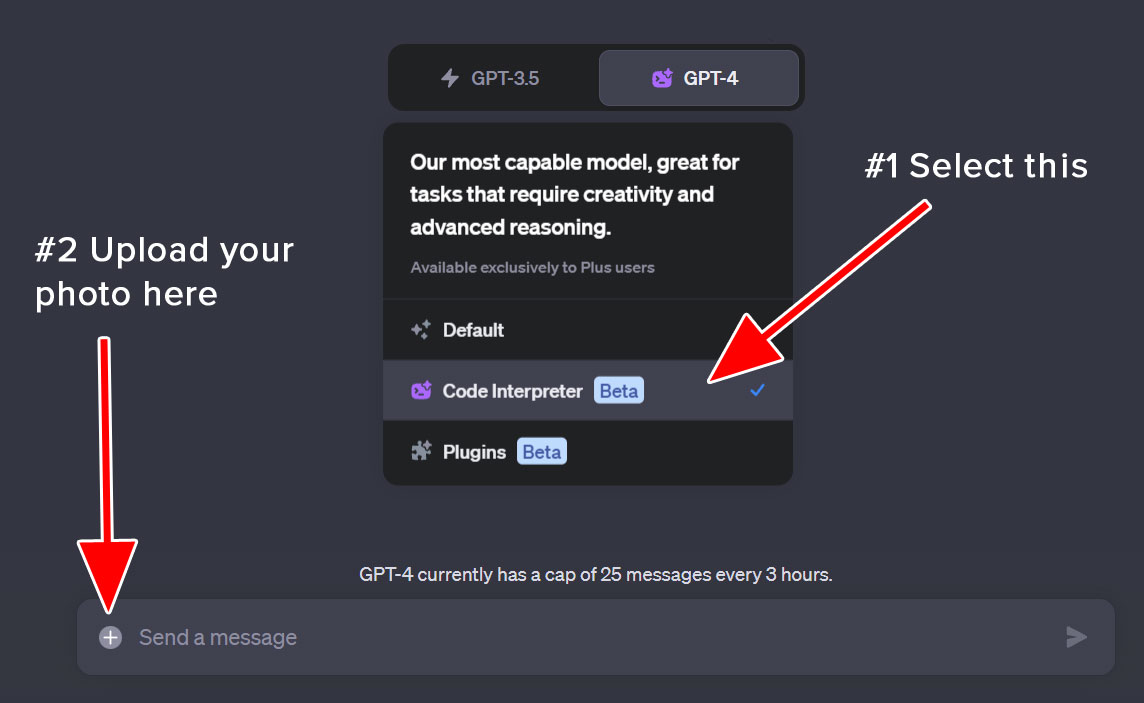
Then, I uploaded them to the ChatGPT Code Interpreter model.
I first obtained 2 data files:
1. Global temperature data from Kaggle (.csv)
2. The outline of countries from Datahub (.geojson)
Then, I uploaded them to the ChatGPT Code Interpreter model.
Step #2
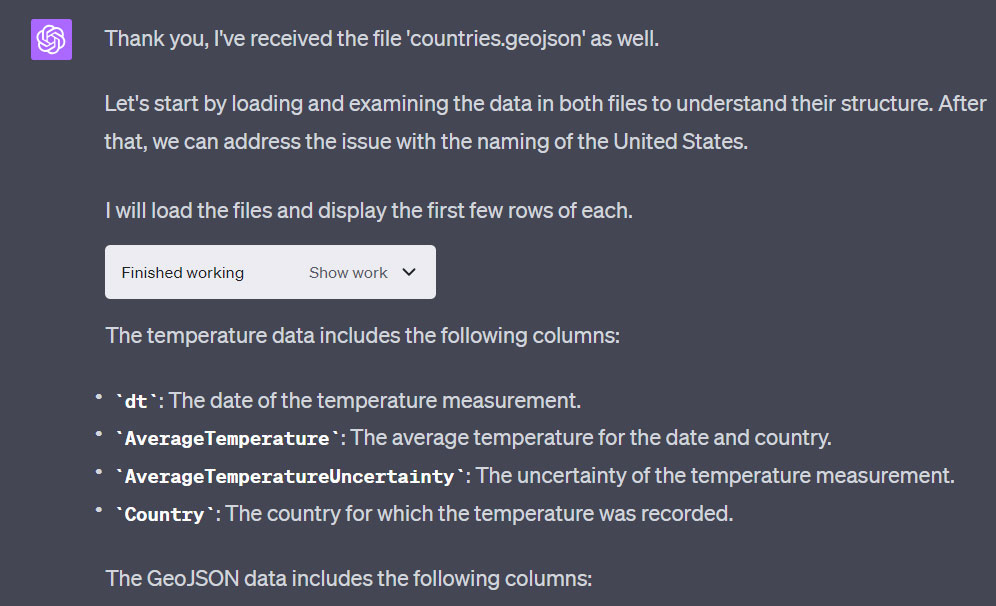
I waited for GPT to load and process the data.
There were some inconsistent country names between the two files.
So it automatically helped me to do some data cleaning.
I waited for GPT to load and process the data.
There were some inconsistent country names between the two files.
So it automatically helped me to do some data cleaning.
Step #3
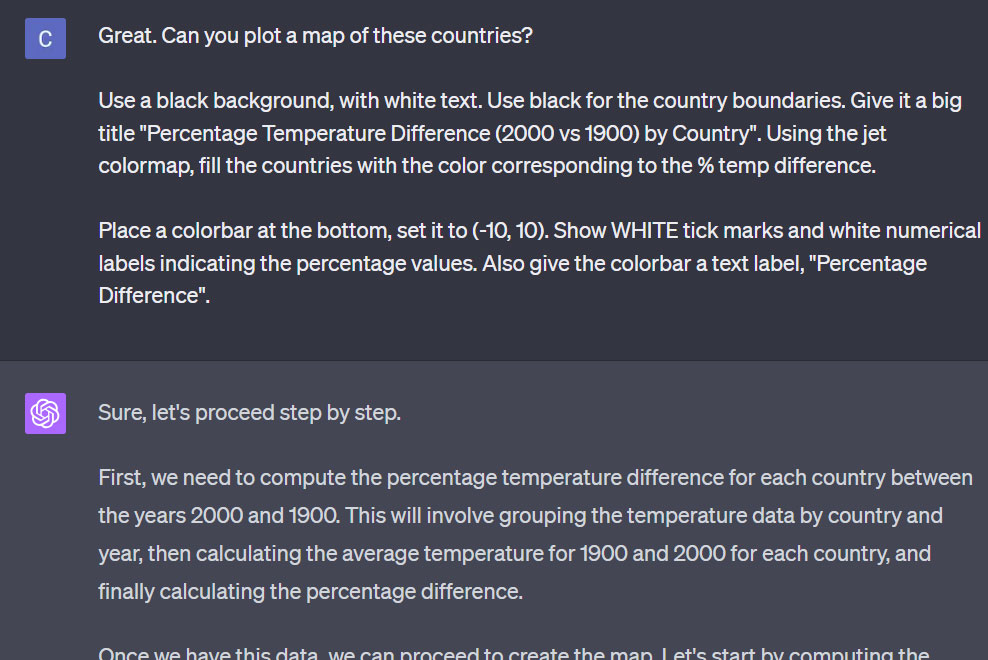
After that, I asked it to plot a map of these countries.
I asked it to color the countries based on their % temperature difference compared to the year 1900.
I also specified some extra stuff, like what color to use for the background.
After that, I asked it to plot a map of these countries.
I asked it to color the countries based on their % temperature difference compared to the year 1900.
I also specified some extra stuff, like what color to use for the background.
Step #4
After a few seconds, here are the results.
But I noticed something weird.
Why were Canada and Russia blue?
Due to global warming, they were supposed to be hotter in 2000 compared to 1900, so they should have been red.
After a few seconds, here are the results.
But I noticed something weird.
Why were Canada and Russia blue?
Due to global warming, they were supposed to be hotter in 2000 compared to 1900, so they should have been red.

Step #5
So I asked GPT to explain.
And it looks like it made a huge mistake.
The temperature in Canada in 1900 was -5°C, while the temperature was -4°C in 2000.
Which means the temperature had increased, not decreased!
So GPT was wrong.
So I asked GPT to explain.
And it looks like it made a huge mistake.
The temperature in Canada in 1900 was -5°C, while the temperature was -4°C in 2000.
Which means the temperature had increased, not decreased!
So GPT was wrong.

Step #6
I asked GPT to correct itself.
Then, I asked it to make a new plot.
I asked GPT to correct itself.
Then, I asked it to make a new plot.

Step #7
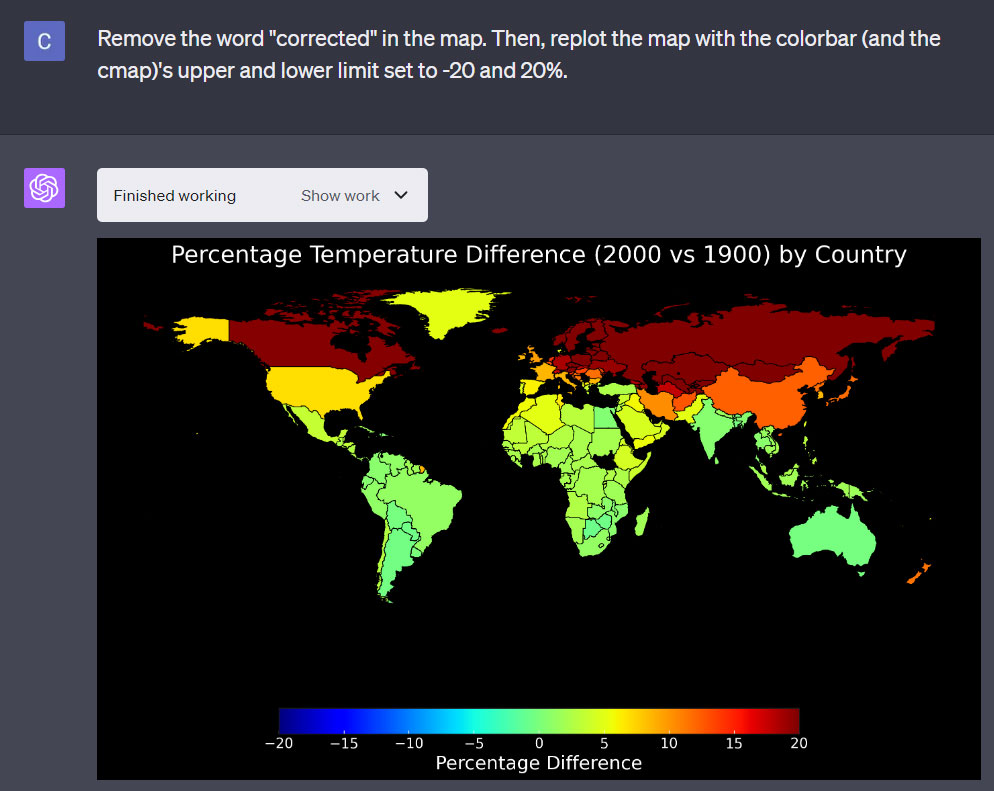
Finally, I asked GPT to adjust the title, as well as the color of the plot.
This was the result.
Finally, I asked GPT to adjust the title, as well as the color of the plot.
This was the result.
Step #8
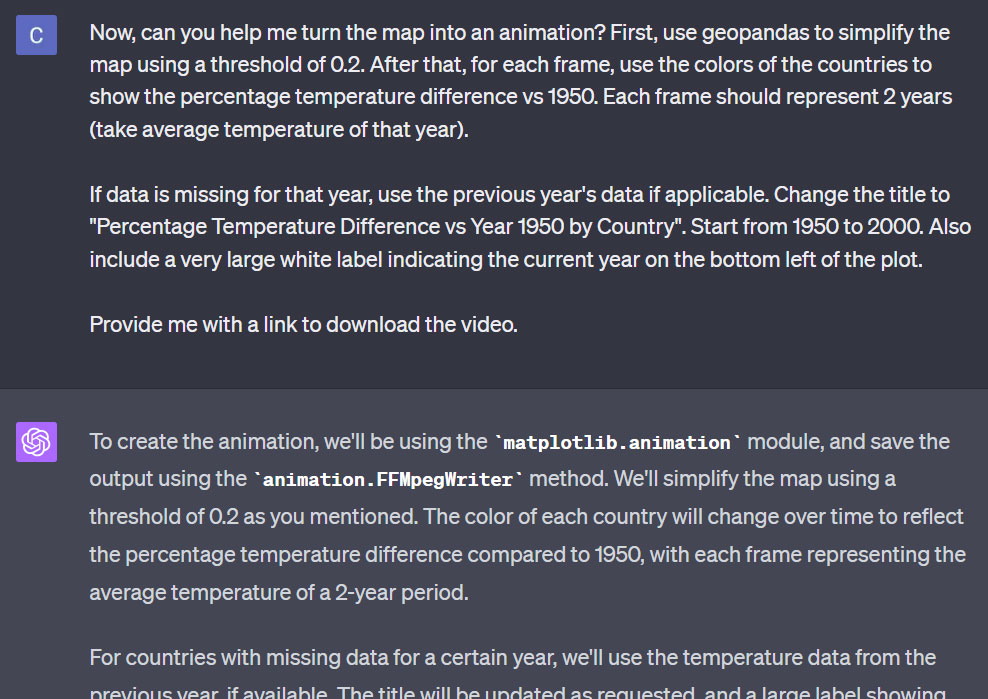
Next, I wanted to make an animation!
I asked it to:
1. Simplify the map (to speed up processing)
2. Animate the map at 2 years per frame
3. Handle missing data
4. Provide me with a link to download the video
Next, I wanted to make an animation!
I asked it to:
1. Simplify the map (to speed up processing)
2. Animate the map at 2 years per frame
3. Handle missing data
4. Provide me with a link to download the video
Step #9
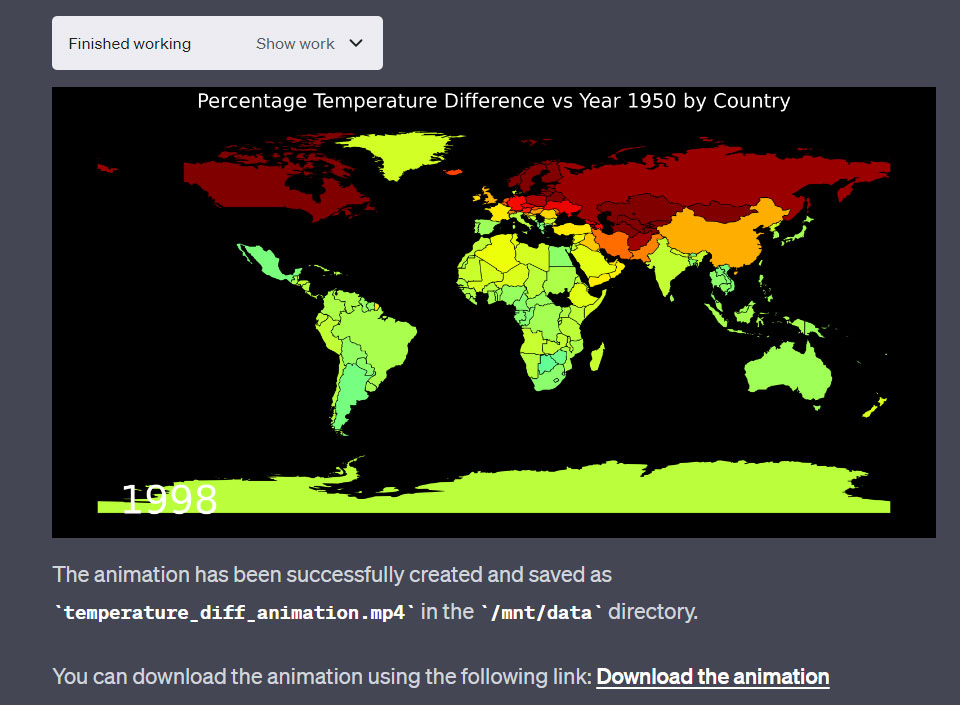
Here's the result.
The video worked, but there were 3 problems:
1. The data for the US had disappeared
2. The label for the year was in the wrong place
3. The color bar was missing
Dealing with this took me a while.
Here's the result.
The video worked, but there were 3 problems:
1. The data for the US had disappeared
2. The label for the year was in the wrong place
3. The color bar was missing
Dealing with this took me a while.
Step #10
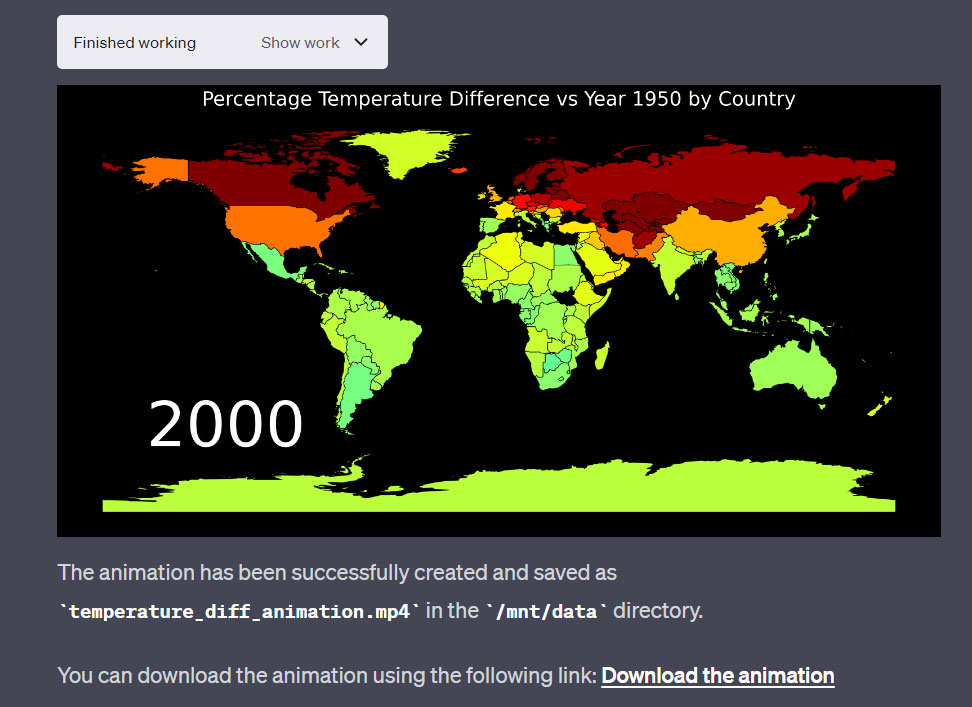
I asked it to double check the US temperature data and move the label for the year.
Eventually, it managed to fix all the problems, except the color bar.
I just couldn't get it to appear properly in the plot.
Other than that, I'm quite happy with the result.
I asked it to double check the US temperature data and move the label for the year.
Eventually, it managed to fix all the problems, except the color bar.
I just couldn't get it to appear properly in the plot.
Other than that, I'm quite happy with the result.
Step #11
I downloaded the video, and here is the result:
I downloaded the video, and here is the result:
Here's what I've learnt from this experiment:
1. GPT is a powerful tool for visualizing data
2. It can write complex code quickly
3. It sometimes repeats its mistakes
4. It currently has limited memory and processing power
1. GPT is a powerful tool for visualizing data
2. It can write complex code quickly
3. It sometimes repeats its mistakes
4. It currently has limited memory and processing power
Some suggestions if you are running this:
1. When an error occurs, ask GPT to troubleshoot for you
2. To avoid running out of memory, ask it to optimize the code first
3. When something works, ask it for the code. Copy & paste this working code into a future version of GPT
1. When an error occurs, ask GPT to troubleshoot for you
2. To avoid running out of memory, ask it to optimize the code first
3. When something works, ask it for the code. Copy & paste this working code into a future version of GPT
Overall, GPT Code Interpreter is an extremely useful tool. But it still has its limitations at this moment.
Want to see more real GPT experiments?
1. Follow me @chaseleantj for more high quality AI content.
2. Like and retweet the first tweet below to share it with others!… twitter.com/i/web/status/1…
Want to see more real GPT experiments?
1. Follow me @chaseleantj for more high quality AI content.
2. Like and retweet the first tweet below to share it with others!… twitter.com/i/web/status/1…
• • •
Missing some Tweet in this thread? You can try to
force a refresh