UI Adrian Profile picture
Aug 1 9 tweets 3 min read Twitter logo Read on Twitter
The complete cheatsheet for UI design resources👇 Image
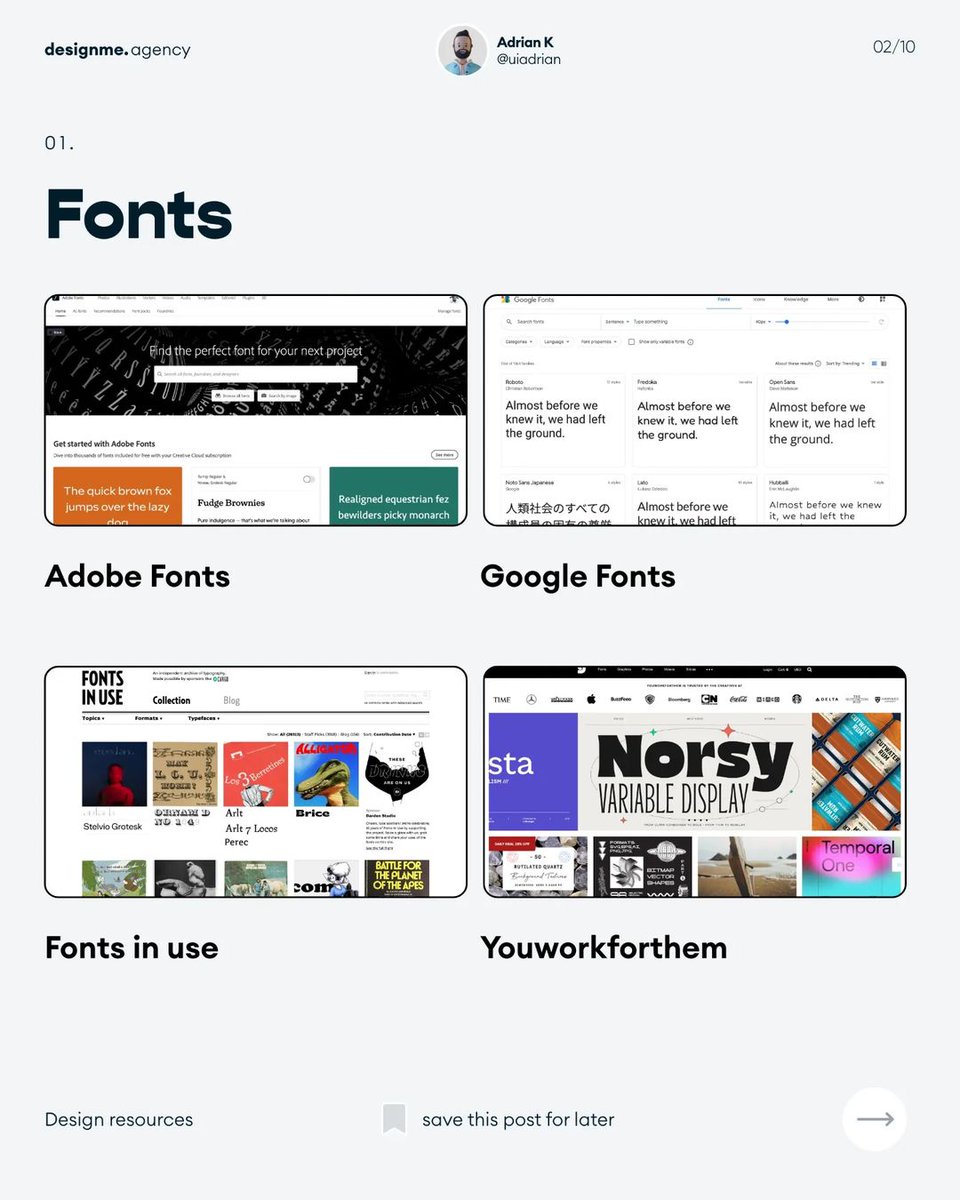
1. Fonts Image
2. Illustrations Image
3. Photos Image
4. Icons Image
5. Education Image
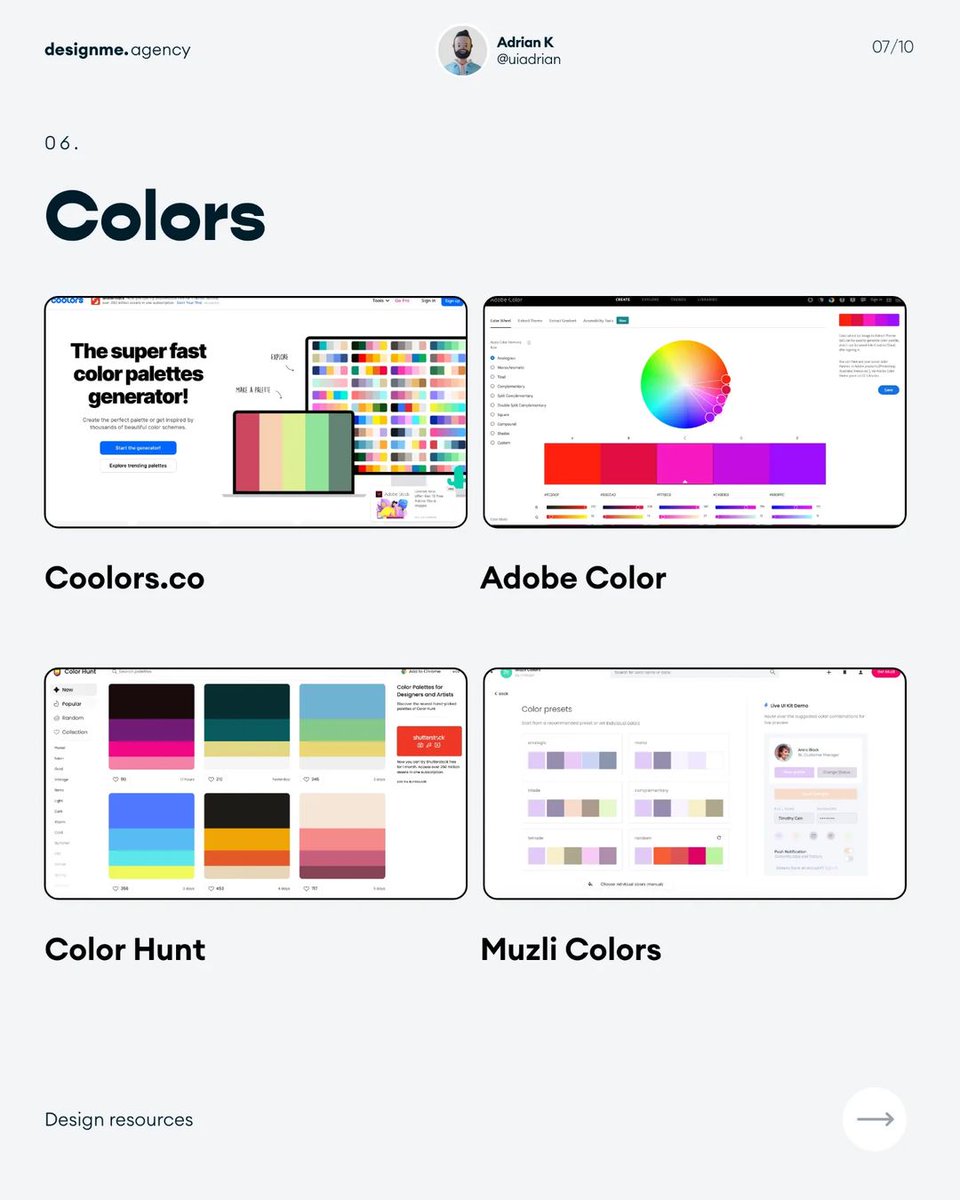
6. Colors Image
7. Inspiration Image
Hope these are helpful! 🙌

If you enjoyed this thread, consider to:

1. Follow me @uiuxadrian for more design-related threads and videos

2. RT the tweet below to share this thread with your audience 💜

• • •

Missing some Tweet in this thread? You can try to force a refresh

 

Keep Current with UI Adrian

UI Adrian Profile picture

Stay in touch and get notified when new unrolls are available from this author!

Read all threads

This Thread may be Removed Anytime!

PDF

Twitter may remove this content at anytime! Save it as PDF for later use!

Try unrolling a thread yourself!

how to unroll video
  1. Follow @ThreadReaderApp to mention us!

  2. From a Twitter thread mention us with a keyword "unroll"
@threadreaderapp unroll

Practice here first or read more on our help page!

More from @uiuxadrian

Aug 1
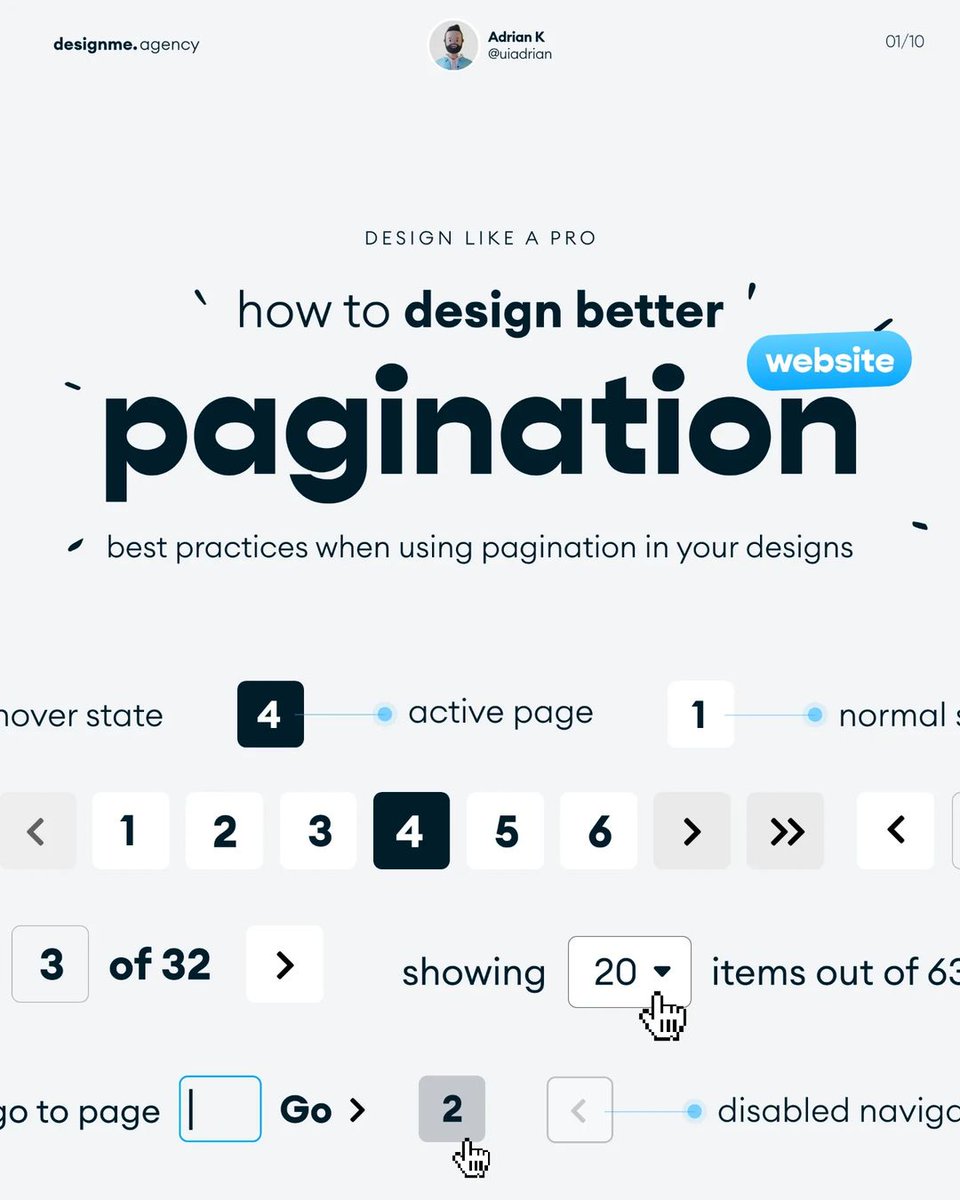
How to design better pagination ✨ Image
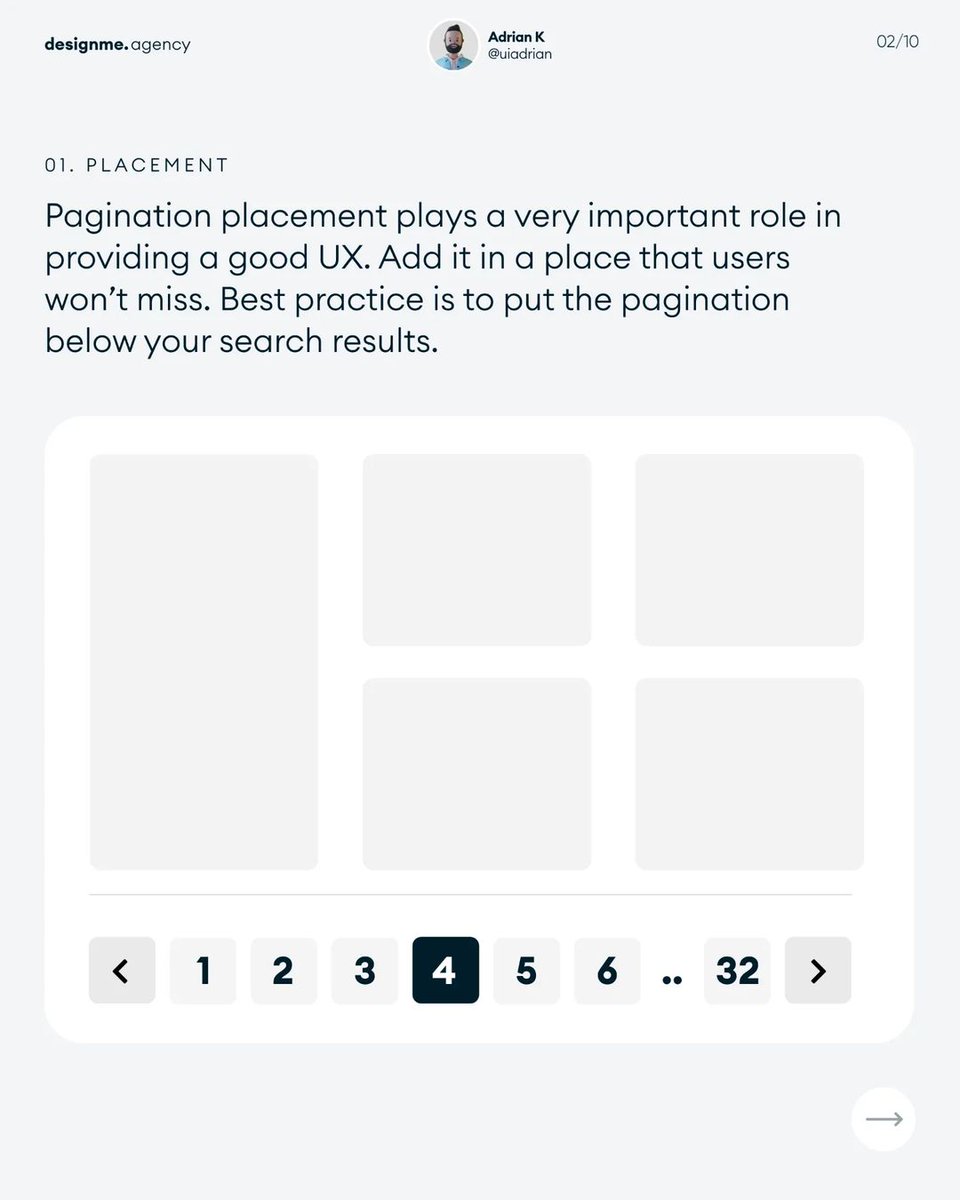
1. Placement Image
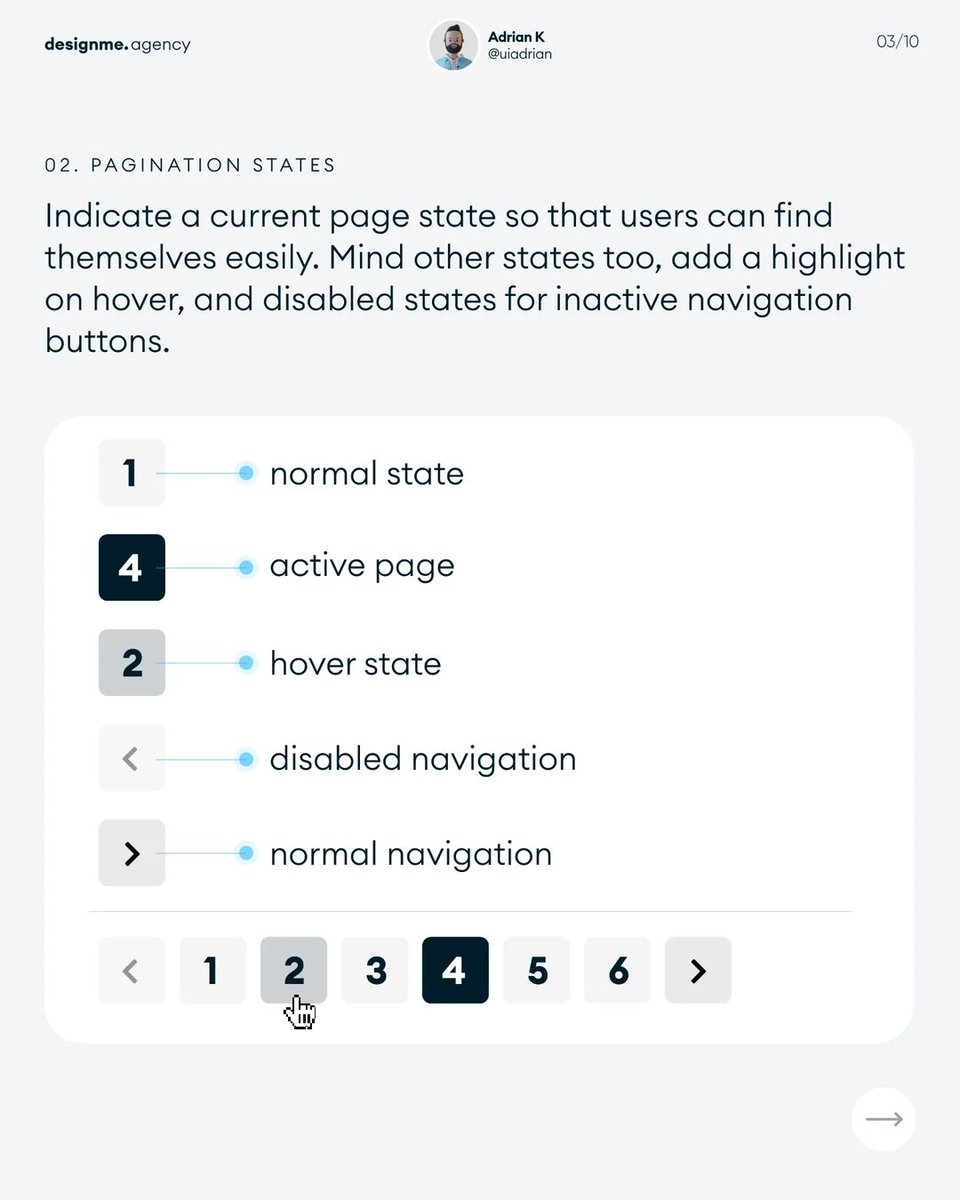
2. States Image
Read 10 tweets
Jul 21
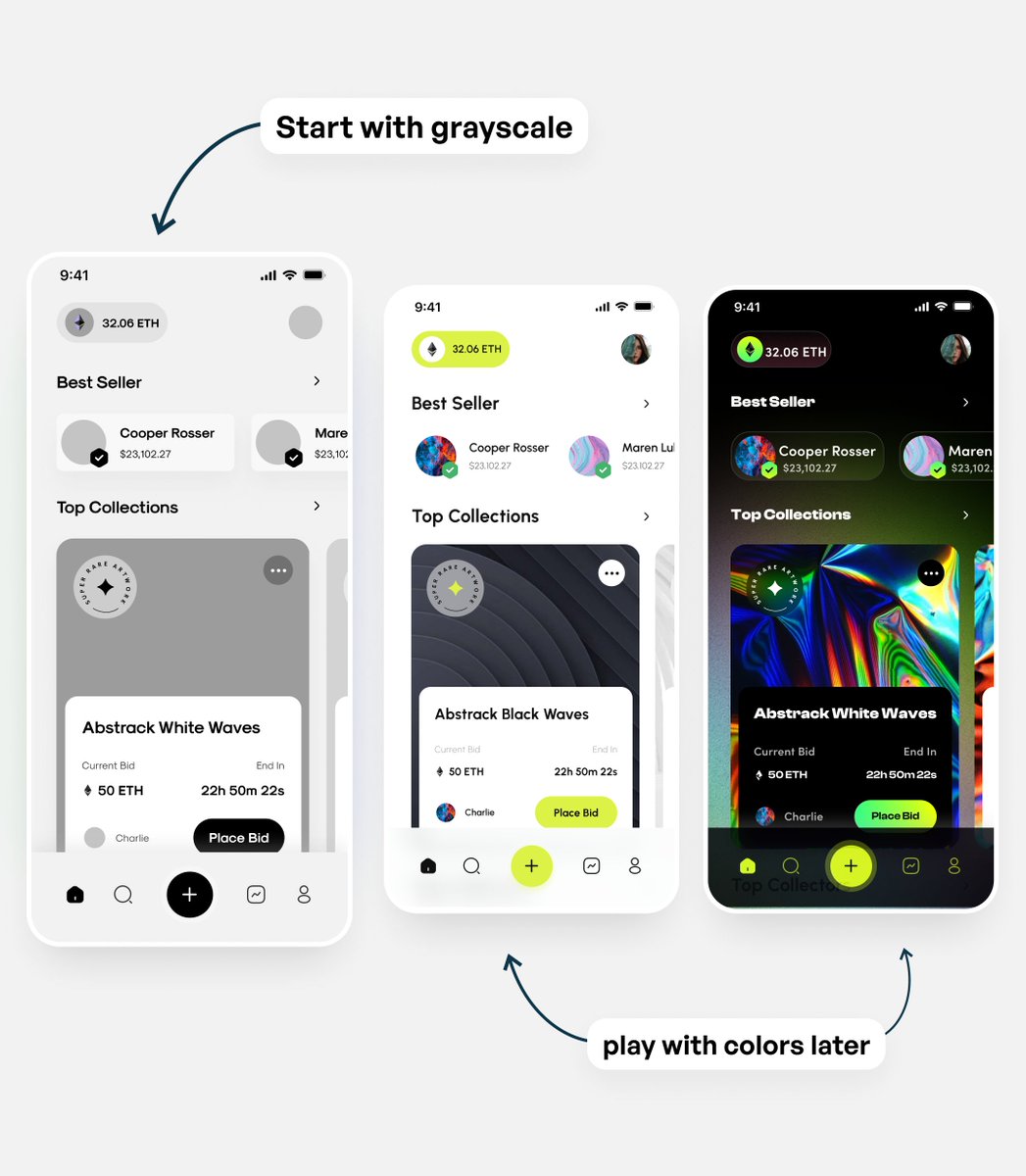
Can't decide on UI colors? Start designing in grayscale 🔲 ⬛️

Here's why it might be beneficial👇 Image
1. Focus on layout and structure

When designing in grayscale, the main focus is on the app or website's overall layout, structure, and functionality.

This helps ensure a solid foundation before adding visual elements like color, which can be distracting and time-consuming Image
2. Enhanced usability and accessibility

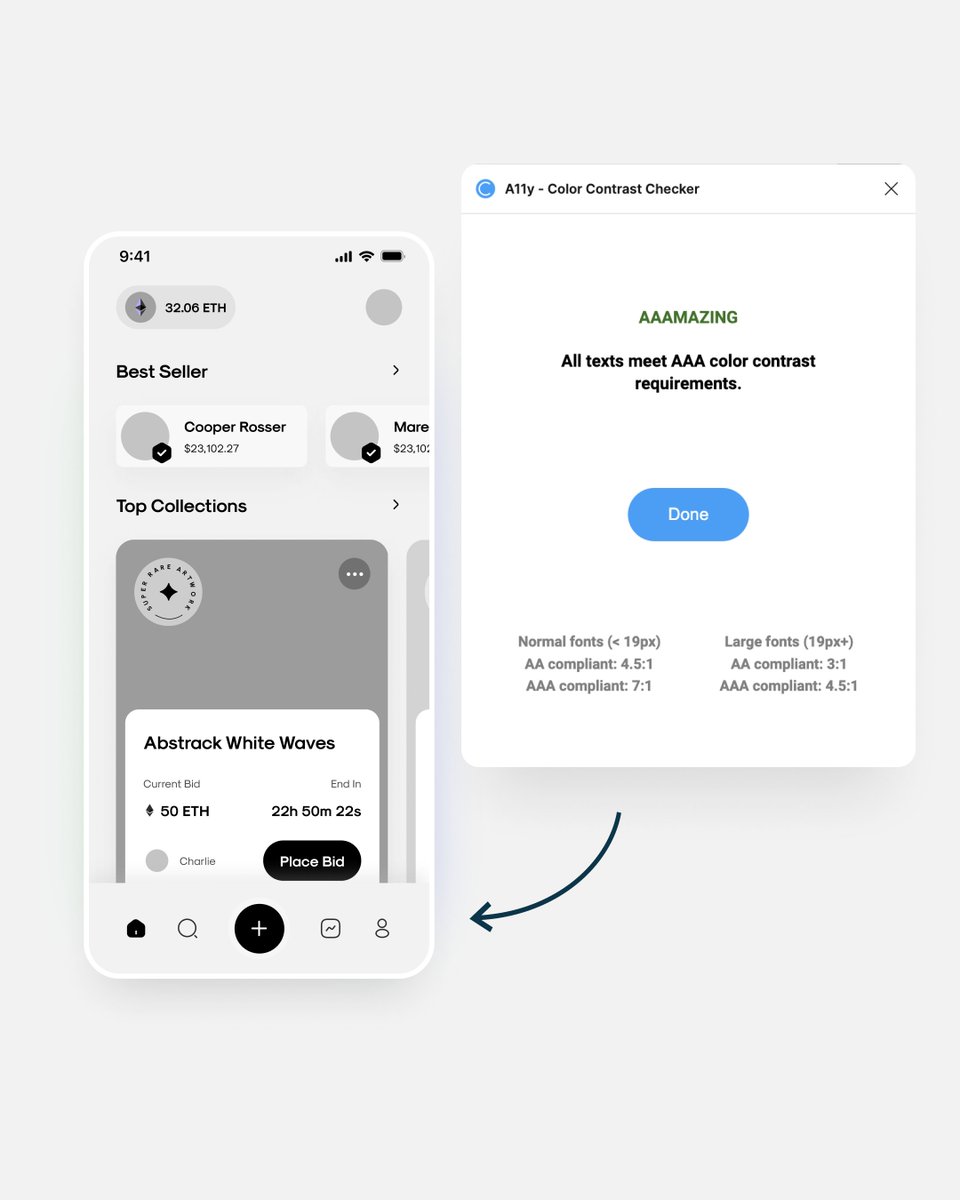
Grayscale design can help identify potential usability and accessibility issues.

By working in grayscale, you can concentrate on the visual hierarchy, contrast, and legibility of text and interface elements. Image
Read 8 tweets
Jul 18
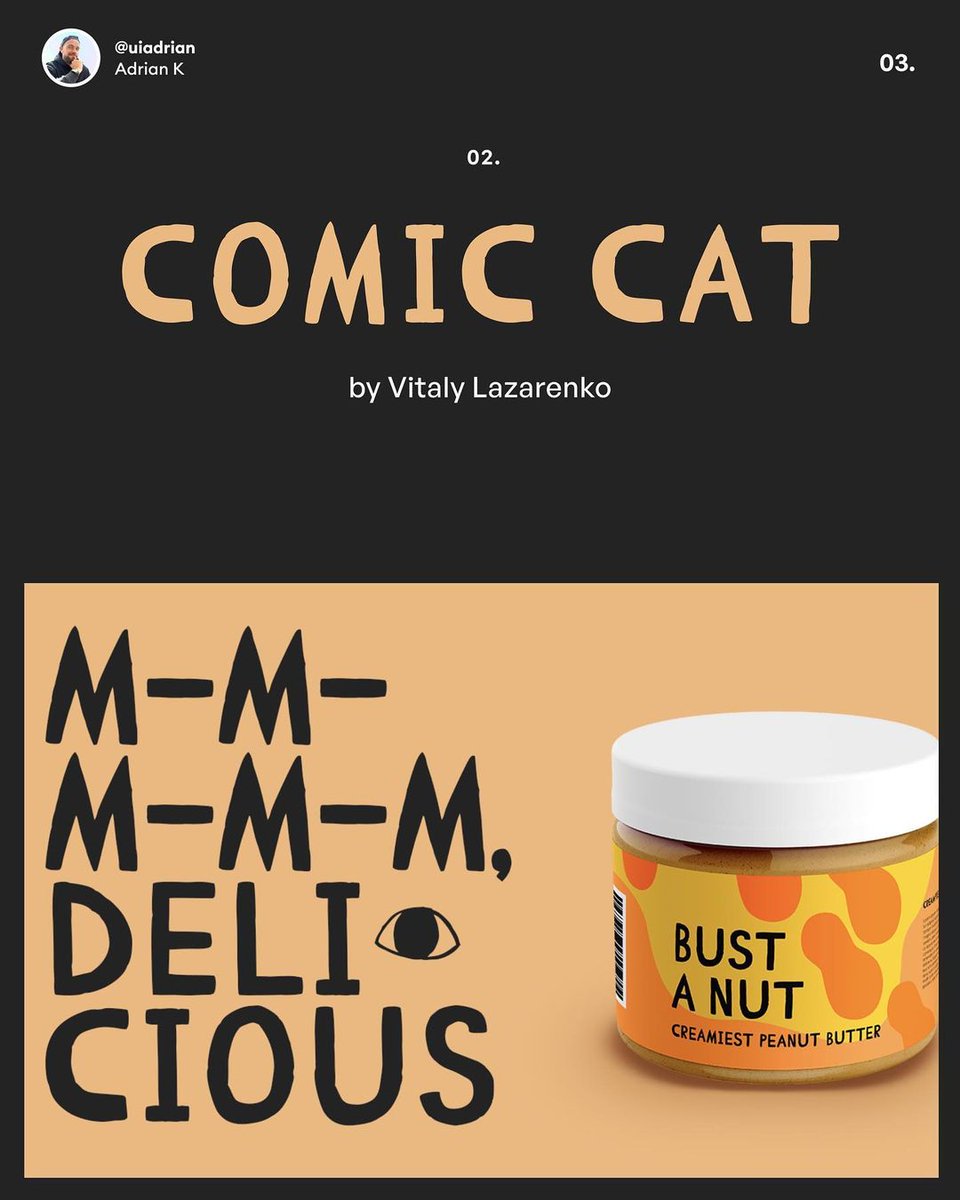
Here are 8 beautiful free fonts you can use for your (personal) UI designs Image
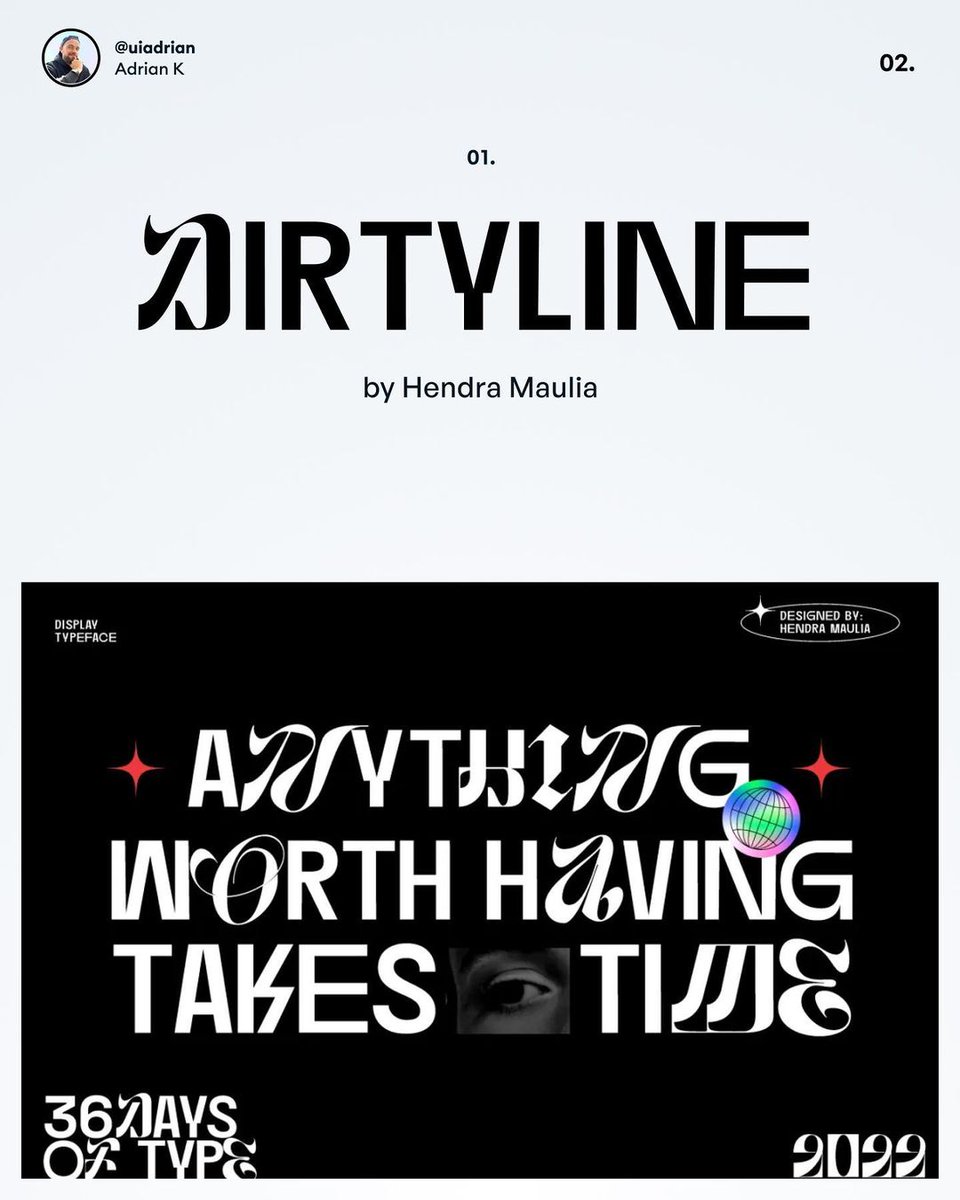
1. Dirtyline Image
2. Comic Cat Image
Read 10 tweets
Jul 15
Now this is awkward.

I've reached full capacity before launching the agency on Monday.

An update below 👇
We're currently at 2 confirmed retainers (I declined 2 more because of a poor fit) and one $10k project.

There’s one $5k spot reserved, meaning we'll end July with $20,000 (with a one-off project, I'll only charge a 50% deposit this month).
To not lose potential leads, I'll add links to book 15-30 minute discovery calls with an option to reserve a spot in August.

But before that happens, we’ll have to hire a pretty good designer and increase the retainer price to $6500.
Read 6 tweets
Jul 12
Here's my plan to scale the agency 🔥

I decided to cap first subscriptions at 4.

Each subscription client should receive 2-2.5 hours of my time per day.

More below👇
At $20k MRR I should be able to hire our first designer.

After first 4 retainers I will also increase the subscription price to $6500.

At the same time I will increase the time engagement to about 70 hours per client per month divided between the two of us.
This way we'll be able to scale the active retainers to 6 and maintain the MRR at about $35k/m.

I'm not counting the LP packages and custom-price projects here but they might bring in some extra revenue.

At $35k/m I will hire a second designer and a part-time PM.
Read 5 tweets
Jul 7
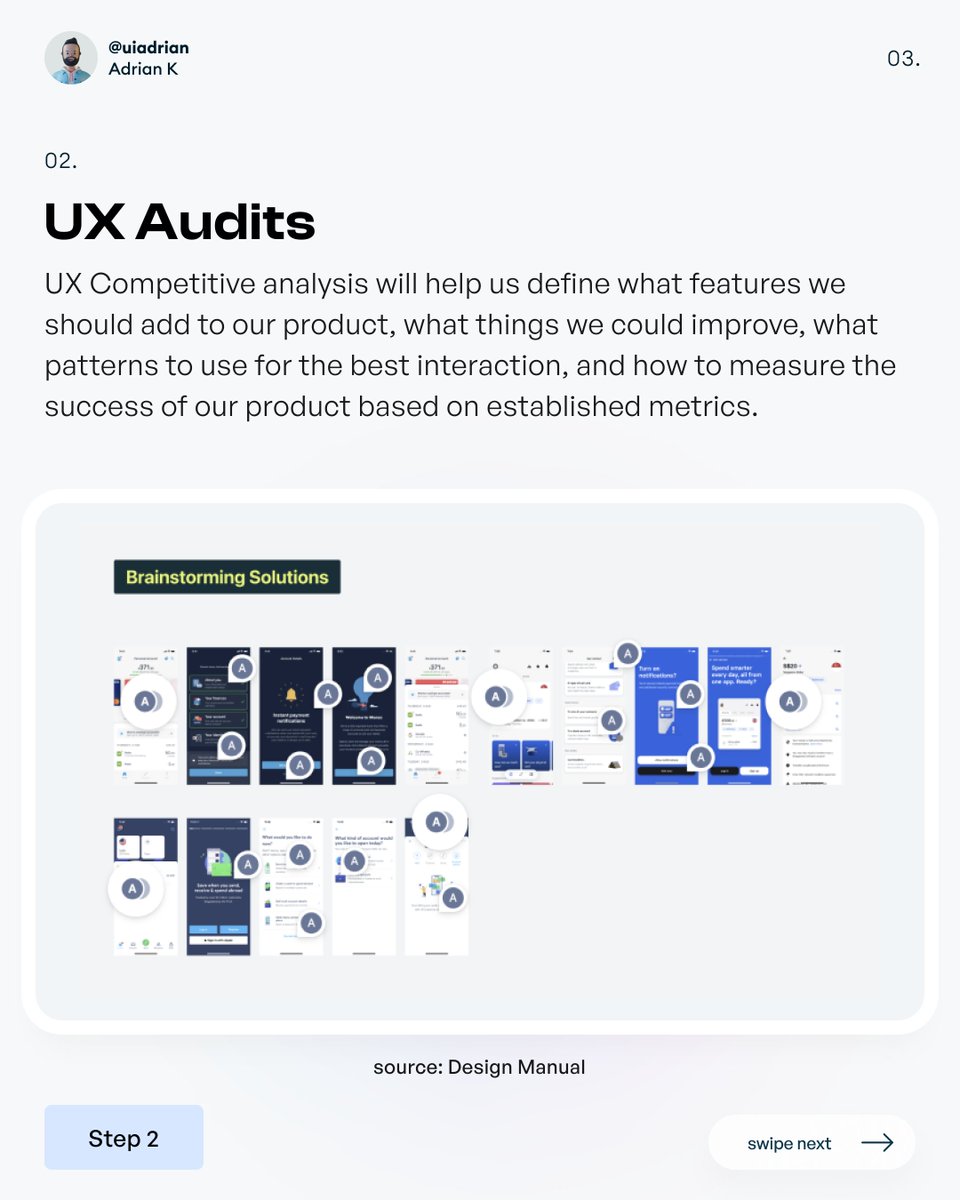
Here's the UX behind my design process (the process I use for client work) 📝
1. UX Research
2. UX Audits
Read 11 tweets

Did Thread Reader help you today?

Support us! We are indie developers!


This site is made by just two indie developers on a laptop doing marketing, support and development! Read more about the story.

Become a Premium Member ($3/month or $30/year) and get exclusive features!

Become Premium

Don't want to be a Premium member but still want to support us?

Make a small donation by buying us coffee ($5) or help with server cost ($10)

Donate via Paypal

Or Donate anonymously using crypto!

Ethereum

0xfe58350B80634f60Fa6Dc149a72b4DFbc17D341E copy

Bitcoin

3ATGMxNzCUFzxpMCHL5sWSt4DVtS8UqXpi copy

Thank you for your support!

Follow Us on Twitter!

:(