The CFO Tech Stack
After working with 100+ companies in my career...
I've tried just about every tool out there.
These tools will help you do your job:
→ with more accuracy
→ with more efficiency
→ with less resources
Let's do a walk through each category🧵
After working with 100+ companies in my career...
I've tried just about every tool out there.
These tools will help you do your job:
→ with more accuracy
→ with more efficiency
→ with less resources
Let's do a walk through each category🧵
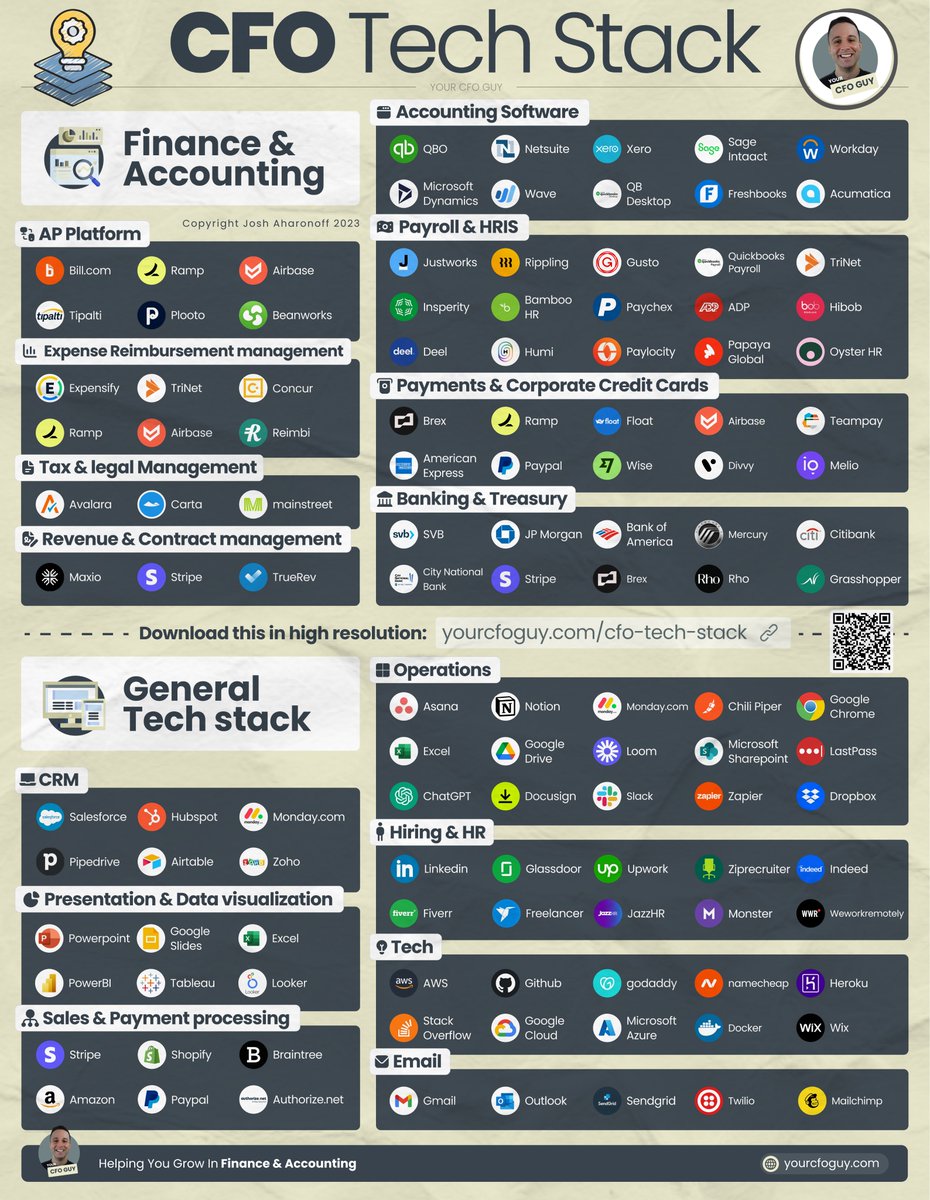
Accounting & ERP
Let's start with the most relevant software - your Accounting Software / ERP
I see a lot of companies start off with QBO...
and I'm generally a big fan
Once you get sophisticated enough, you can move to Netsuite
These 2 dominate this space https://t.co/LPcsRa2d7Itwitter.com/i/web/status/1…
Let's start with the most relevant software - your Accounting Software / ERP
I see a lot of companies start off with QBO...
and I'm generally a big fan
Once you get sophisticated enough, you can move to Netsuite
These 2 dominate this space https://t.co/LPcsRa2d7Itwitter.com/i/web/status/1…
Payroll & HRIS
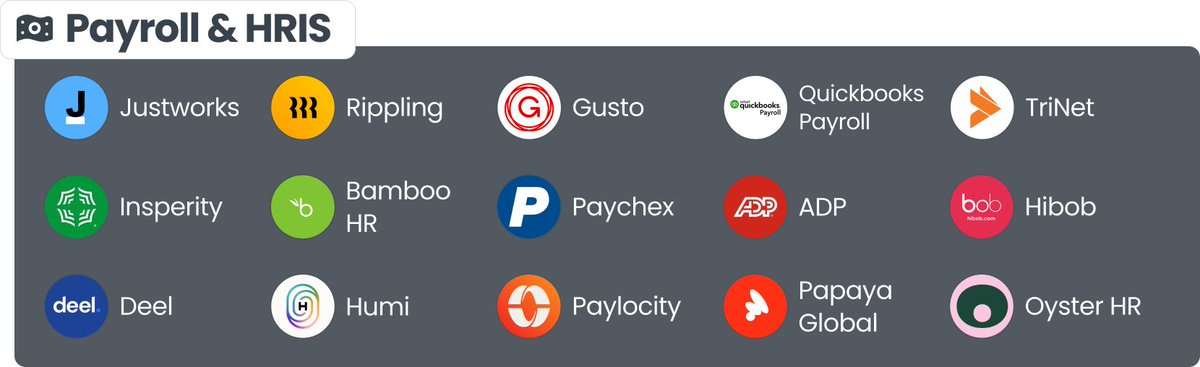
Next must have tool is your payroll & HRIS platform
No one processes payroll by hand these days
My favorite is Justworks & Rippling, as they both are a PEO, saving you tons of headache
Gusto is a good option if you want cost savings, but not an ERP https://t.co/4KX97I7aPbtwitter.com/i/web/status/1…
Next must have tool is your payroll & HRIS platform
No one processes payroll by hand these days
My favorite is Justworks & Rippling, as they both are a PEO, saving you tons of headache
Gusto is a good option if you want cost savings, but not an ERP https://t.co/4KX97I7aPbtwitter.com/i/web/status/1…
Accounts Payable
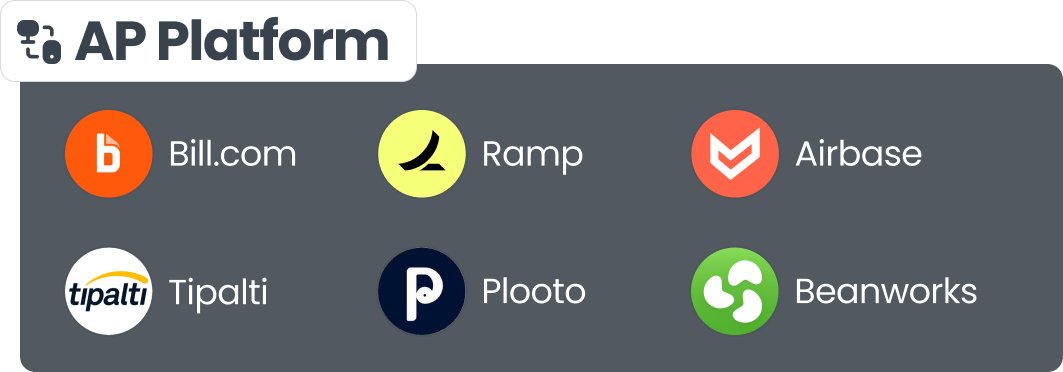
Pretty much every company has AP
And some are still processing from their bank...
or worse...a check 🤮
With an AP platform you can:
→ Upload bills from your inbox
→ Sync to your Accounting software
→ collect approvals
→ process payments seamlessly https://t.co/q0jQ4gxB41twitter.com/i/web/status/1…
Pretty much every company has AP
And some are still processing from their bank...
or worse...a check 🤮
With an AP platform you can:
→ Upload bills from your inbox
→ Sync to your Accounting software
→ collect approvals
→ process payments seamlessly https://t.co/q0jQ4gxB41twitter.com/i/web/status/1…
Expense Reimbursements
Companies love paying for things on their personal cards...
so everyone can get CC points.
The key with a software like this is you need to be able to:
→ upload receipts
→ create expense reports
→ approve
→ reimburse https://t.co/sv0cCArI1Utwitter.com/i/web/status/1…
Companies love paying for things on their personal cards...
so everyone can get CC points.
The key with a software like this is you need to be able to:
→ upload receipts
→ create expense reports
→ approve
→ reimburse https://t.co/sv0cCArI1Utwitter.com/i/web/status/1…

Virtual Credit Cards
This is my favorite tool...
Instead of expense reimbursements, give your employees a virtual CC
Here you can:
→ Create new cards
→ Set Limits
→ Destroy Cards
All in a matter of seconds... https://t.co/7iFfl4mEz7twitter.com/i/web/status/1…
This is my favorite tool...
Instead of expense reimbursements, give your employees a virtual CC
Here you can:
→ Create new cards
→ Set Limits
→ Destroy Cards
All in a matter of seconds... https://t.co/7iFfl4mEz7twitter.com/i/web/status/1…

Tax and Legal
The govt loves making it complicated and a pain in the @$$ to pay your taxes
But these companies make it easier for you...
especially with sales tax
I lumped in Carta into this category, as they are a key piece in your legal stack...& are the cap table leaders https://t.co/ptf1UHGwD4twitter.com/i/web/status/1…
The govt loves making it complicated and a pain in the @$$ to pay your taxes
But these companies make it easier for you...
especially with sales tax
I lumped in Carta into this category, as they are a key piece in your legal stack...& are the cap table leaders https://t.co/ptf1UHGwD4twitter.com/i/web/status/1…

Banking & Treasury
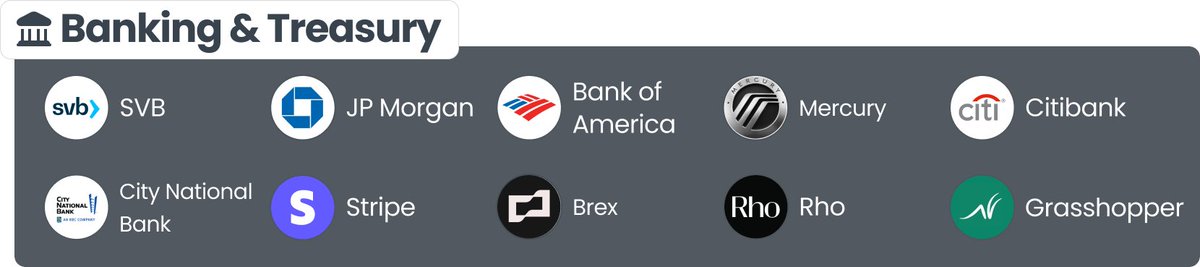
OK...we all remember what happened to SVB 🫣
But surprisingly, many startups are still using them...without any issue
There are a bunch of big players (like JP Morgan)...
And tech enabled solutions (like Stripe, Rho, and Mercury) https://t.co/N2RJ2LblZntwitter.com/i/web/status/1…
OK...we all remember what happened to SVB 🫣
But surprisingly, many startups are still using them...without any issue
There are a bunch of big players (like JP Morgan)...
And tech enabled solutions (like Stripe, Rho, and Mercury) https://t.co/N2RJ2LblZntwitter.com/i/web/status/1…
Revenue & Contract Management
Got more than 40 contracts?
Don't make the mistake of managing all of that in Excel
With these tools, you can recognize your saas metrics, along with your revenue / deferred revenue with ease. https://t.co/wdbmUqTLv4twitter.com/i/web/status/1…
Got more than 40 contracts?
Don't make the mistake of managing all of that in Excel
With these tools, you can recognize your saas metrics, along with your revenue / deferred revenue with ease. https://t.co/wdbmUqTLv4twitter.com/i/web/status/1…

General Tech Stack
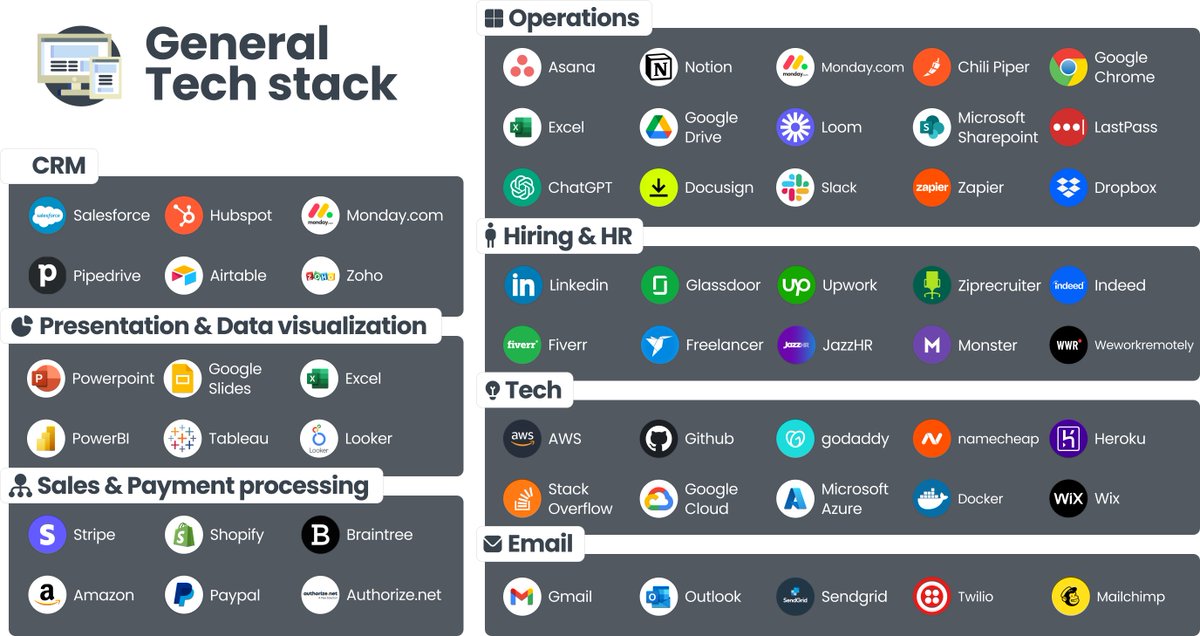
Then there are countless tools that are vital in any org...
and a good CFO has a good handle on each of these tools, and the cost savings associated https://t.co/jU1HxccWu7twitter.com/i/web/status/1…
Then there are countless tools that are vital in any org...
and a good CFO has a good handle on each of these tools, and the cost savings associated https://t.co/jU1HxccWu7twitter.com/i/web/status/1…
What are my favorite tools?
Well, I work with early stage startups...and what I recommend is:
• Accounting Software - QBO
• Payroll - Justworks
• CC / AP / Expense Reimbursement - Ramp (it's also free)
• Banking - Chase
• Sales tax mgmt - Avalara
• Revenue mgmt - Maxio
Well, I work with early stage startups...and what I recommend is:
• Accounting Software - QBO
• Payroll - Justworks
• CC / AP / Expense Reimbursement - Ramp (it's also free)
• Banking - Chase
• Sales tax mgmt - Avalara
• Revenue mgmt - Maxio
And that's a wrap! To be added next time: FP&A tools
What else would you add?
If you enjoyed this, consider:
1. Following me @YourCFOGuy
2. Joining my newsletter
3. RT for others https://t.co/1s3pDeqh9Cyourcfoguy.com/newsletter
What else would you add?
If you enjoyed this, consider:
1. Following me @YourCFOGuy
2. Joining my newsletter
3. RT for others https://t.co/1s3pDeqh9Cyourcfoguy.com/newsletter
https://twitter.com/YourCFOGuy/status/1690347557824724992?s=20
• • •
Missing some Tweet in this thread? You can try to
force a refresh