Hasan Toor ✪ Profile picture
Nov 3 7 tweets 3 min read Twitter logo Read on Twitter
I'm surprised how many people don't know how to use ChatGPT on their phones properly.

Here are 5 ways to use ChatGPT on your phone to maximize productivity:
1.

ChatGPT for on-the-go.

Get web search, reminders, and image generations.

Easiest way to get answers or generate ideas while on the go. ichatwithgpt.com
2. Yatter

Introducing Yatter: First Made in India AI Assistant.

@YatterAI gives instant answers during conversations.

Think of Yatter as your super intelligent buddy who knows everything.
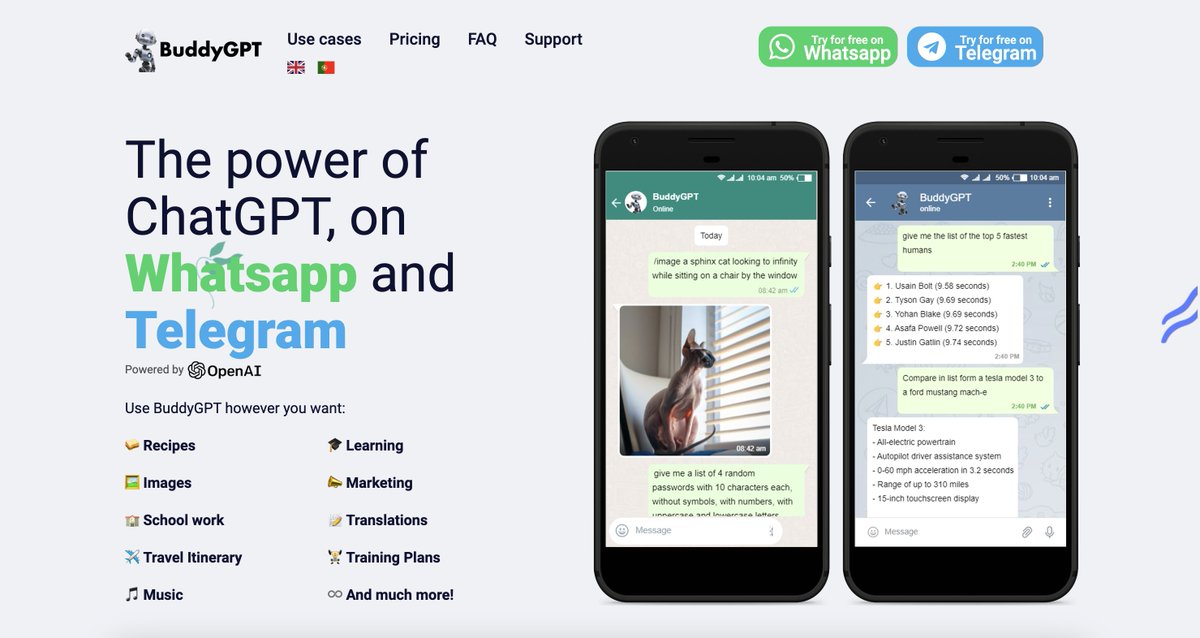
3. Use ChatGPT on Telegram using BuddyGPT.

Talk with ChatGPT directly on Telegram.

buddygpt.ai
Image
4. RioGPT

Transform your chats with AI-generated content, get instant answers, and personalized recommendations – all through messaging

Revolutionize WhatsApp Chats with AI Chatbot.

Try now:

riogpt.com
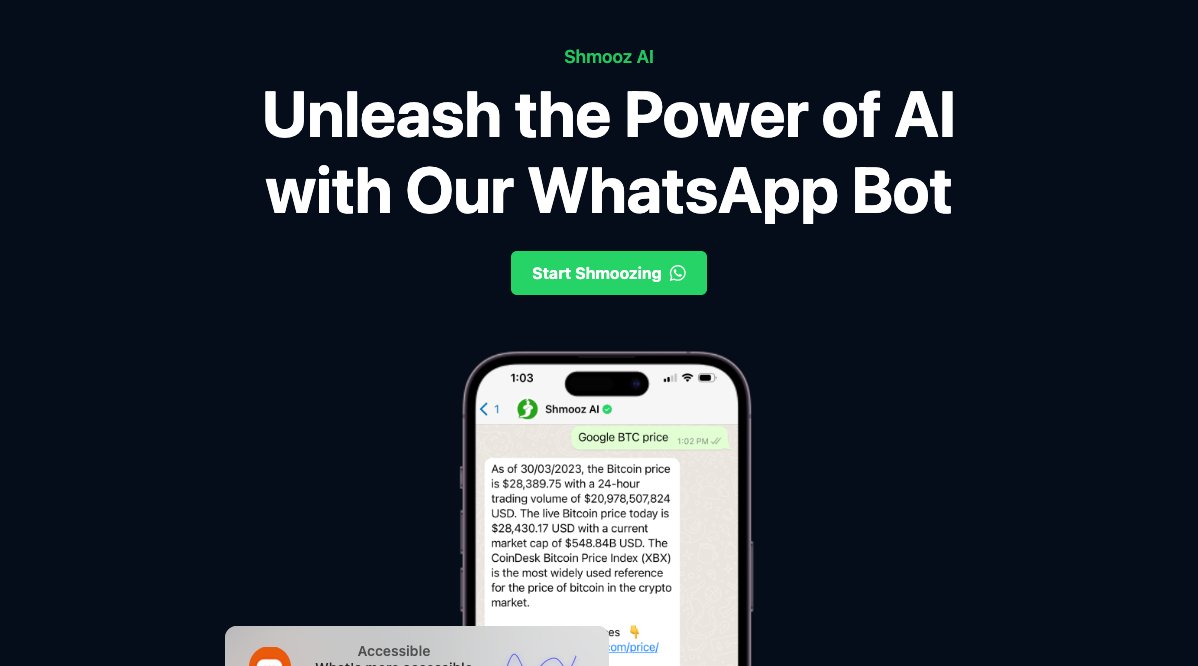
5. Use ChatGPT on WhatsApp using Shmooz AI

Talk with ChatGPT directly on WhatsApp.

shmooz.ai
Image
That's a wrap!

If you enjoyed this thread:

1. Follow me @hasantoxr for more of these
2. RT the tweet below to share this thread with your audience

• • •

Missing some Tweet in this thread? You can try to force a refresh

 

Keep Current with Hasan Toor ✪

Hasan Toor ✪ Profile picture

Stay in touch and get notified when new unrolls are available from this author!

Read all threads

This Thread may be Removed Anytime!

PDF

Twitter may remove this content at anytime! Save it as PDF for later use!

Try unrolling a thread yourself!

how to unroll video
  1. Follow @ThreadReaderApp to mention us!

  2. From a Twitter thread mention us with a keyword "unroll"
@threadreaderapp unroll

Practice here first or read more on our help page!

More from @hasantoxr

Nov 4
More than 125 million people use Canva.

But most of us still don't know its best features.

Here's 10 Canva tips that'll save you 100s of hours of your life:
1. Create a website

You can create basic websites with just Canva.

1. Create design > website
2. Choose any template and edit
3. Publish as website
4. Use free or paid domain
2. Magic Design:

Magic Design will help you to turn an image into a fully customizable templates.

Automatically selects fonts, images, graphics, and styles for the perfect design.
Read 13 tweets
Nov 4
10 websites where you can write a blog and get paid.

Most will pay you $350 to $1000 for an article:
1. Content Lab @ContentLabIO -

This writing platform offers up to $500 each blog.

Check here 👇

contentlab.io
2. Content Turbine

This writing site offers up to $150 to $200 every blog.

Check here 👇

contentturbine.com/freelance
Read 13 tweets
Nov 3
My Business gets 1,000+ leads per month.

All thanks to AI to generate leads for me!

I will walk through how you can do that today in a few steps:

[ Bookmark to use later 🧵 ] Image
1. Head to and upload a knowledge base that will be used to answer your website visitors’ questions:

✅ PDFs
✅ MP4s
✅ YouTube videos
✅ Websites
✅ Raw text droxy.ai
2. Configure and customize your chatbot to fit your business branding

1️⃣ Select knowledge base resources
2️⃣ Configure parameters
3️⃣ Customize look
Read 6 tweets
Nov 3
Cybersecurity Certifications to pursue in 2023 (For FREE):
1. Introduction to IT and Cybersecurity

The Ultimate Online Hub for Mastering Cyber Skills!

cybrary.it
2. Introduction to Cybersecurity

Learn new skills online with world‑class universities and experts.

futurelearn.com
Read 7 tweets
Nov 3
I just brought this DALL-E 3 image to life.

A brand new AI video tool generates 1080p videos up to 6 seconds from any image.

It's called Genmo, and I'll show you how to do it (It's free):
Impressed by @genmoai's Replay v0.2:

New image-to-video mode introduced.

Make up to 3 videos simultaneously, with live previews!
No need for an early access code.

Just go to

Enter a prompt or upload an image, and bring your idea to life with video generation.genmo.ai
Read 8 tweets
Nov 2
I built my Twitter following from 1k to 300k in 18 months.

My LinkedIn from 0 to 40k in 3 months.

And I only spend 2 hours/day.

Here is my secrets to building an audience fast 🧵
Introducing / @SocialChampSays

I use this tool for my Content Creation and Audience Building.

The all-in-one social media management tool for scheduling, engagement, analytics, RSS, and bulk upload.

Here are 4 reasons why you should use this: Socialchamp.io
1. Create, Edit, & Publish

Manage your content with this publish tool using premium features, such as:

- Workspace
- Integrations
- Drafts
- Queue
- Repeat
- Auto RSS
- Bulk upload
- First comments
...and more!
Read 8 tweets

Did Thread Reader help you today?

Support us! We are indie developers!


This site is made by just two indie developers on a laptop doing marketing, support and development! Read more about the story.

Become a Premium Member ($3/month or $30/year) and get exclusive features!

Become Premium

Don't want to be a Premium member but still want to support us?

Make a small donation by buying us coffee ($5) or help with server cost ($10)

Donate via Paypal

Or Donate anonymously using crypto!

Ethereum

0xfe58350B80634f60Fa6Dc149a72b4DFbc17D341E copy

Bitcoin

3ATGMxNzCUFzxpMCHL5sWSt4DVtS8UqXpi copy

Thank you for your support!

Follow Us on Twitter!

:(