
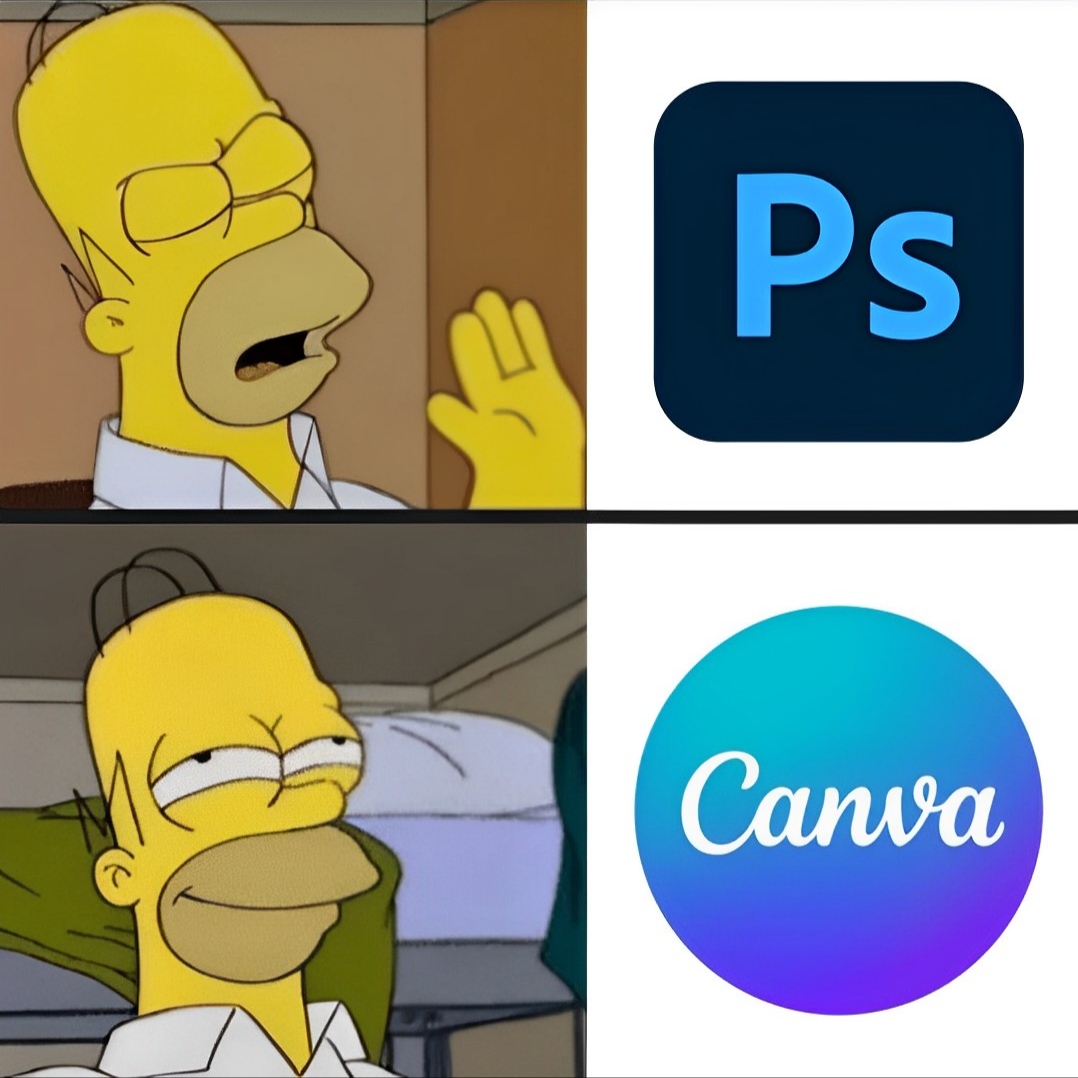
Forget Photoshop headaches.
Canva’s AI features are game-changer.
10 new canva features to boost productivity:
[ Bookmark to use later 🧵 ]
Canva’s AI features are game-changer.
10 new canva features to boost productivity:
[ Bookmark to use later 🧵 ]
1. Make a website in 4 steps
→ Pick a template and customize it
→ Click on publish as website
→ Get a free or paid domain name
→ Enjoy your awesome site!
→ Pick a template and customize it
→ Click on publish as website
→ Get a free or paid domain name
→ Enjoy your awesome site!
2. Create outline for your photos
→ Add a photo with no background
→ Shadows > glow > controls and put:
• Intensity = 100
• Blur = 0
• Size = as per your needs
→ Add a photo with no background
→ Shadows > glow > controls and put:
• Intensity = 100
• Blur = 0
• Size = as per your needs
3. Magic Eraser
Magic Eraser lets you erase anything from your pictures.
Remove people, objects, or anything else with a simple brush stroke.
Magic Eraser lets you erase anything from your pictures.
Remove people, objects, or anything else with a simple brush stroke.
4. Canva Presentations
Create, share, Inspire with Canva Presentations.
Make your Presentations stand out with stunning visuals that engage your audience and bring your ideas to life.
Create, share, Inspire with Canva Presentations.
Make your Presentations stand out with stunning visuals that engage your audience and bring your ideas to life.
5. Magic Write in Canva Docs
Write faster and easier with Magic Write in Canva Docs.
Just give it a prompt and let it generate lists, captions, ideas, and more for you in seconds.
Write faster and easier with Magic Write in Canva Docs.
Just give it a prompt and let it generate lists, captions, ideas, and more for you in seconds.
6. Better Text to Image
Turn your text into stunning images with Text to Image.
Just type a description and see how Text to Image, Canva’s AI image generator, creates amazing images for you.
Turn your text into stunning images with Text to Image.
Just type a description and see how Text to Image, Canva’s AI image generator, creates amazing images for you.
7. Magic Design
Create amazing templates from any image with Magic Design.
Magic Design selects the best fonts, images, graphics and styles to match your image and make your design look awesome.
Create amazing templates from any image with Magic Design.
Magic Design selects the best fonts, images, graphics and styles to match your image and make your design look awesome.
8. Draw: The ultimate sketching tool by @canva
Express yourself with Draw, Canva’s free and fun drawing tool.
With Draw, you can create your own drawings and graphics and add them to your designs, making them unique and original.
Express yourself with Draw, Canva’s free and fun drawing tool.
With Draw, you can create your own drawings and graphics and add them to your designs, making them unique and original.
@canva 9. Canva’s color palette generator
Visit and discover the perfect colors for your designs.
You can generate colors from photos, pick from presets, or create your own custom palettes. canva.com/colors
Visit and discover the perfect colors for your designs.
You can generate colors from photos, pick from presets, or create your own custom palettes. canva.com/colors
@canva 10. Translate by @canva
Canva’s online translator for your designs.
Communicate with global teams, customers, and audiences without any language barriers.
With Translate, you can easily convert your designs into different languages, with just a few clicks.
Canva’s online translator for your designs.
Communicate with global teams, customers, and audiences without any language barriers.
With Translate, you can easily convert your designs into different languages, with just a few clicks.
@canva That’s it, you have learned about 10 amazing features of Canva.
If you enjoyed this thread:
- Like and Retweet
- Follow <@hey_madni> for more similar content.
If you enjoyed this thread:
- Like and Retweet
- Follow <@hey_madni> for more similar content.
https://twitter.com/1581163661057748992/status/1725859358255226910
• • •
Missing some Tweet in this thread? You can try to
force a refresh






