Day 1️⃣3️⃣ of Your SOC Analyst Journey
Automatic detection of malware:
Automatic detection of malware:

In the last threads we walked through
FIM - File Integrity Monitoring,
Signature-based detection via YARA
and your first detection rules
FIM - File Integrity Monitoring,
Signature-based detection via YARA
and your first detection rules

That’s a lot of ground we covered already - now that pops the question:
How can we test each file that is added to the monitored folders for possible malware quick and easy?!
Thats where CDB come in!
How can we test each file that is added to the monitored folders for possible malware quick and easy?!
Thats where CDB come in!

A what now?
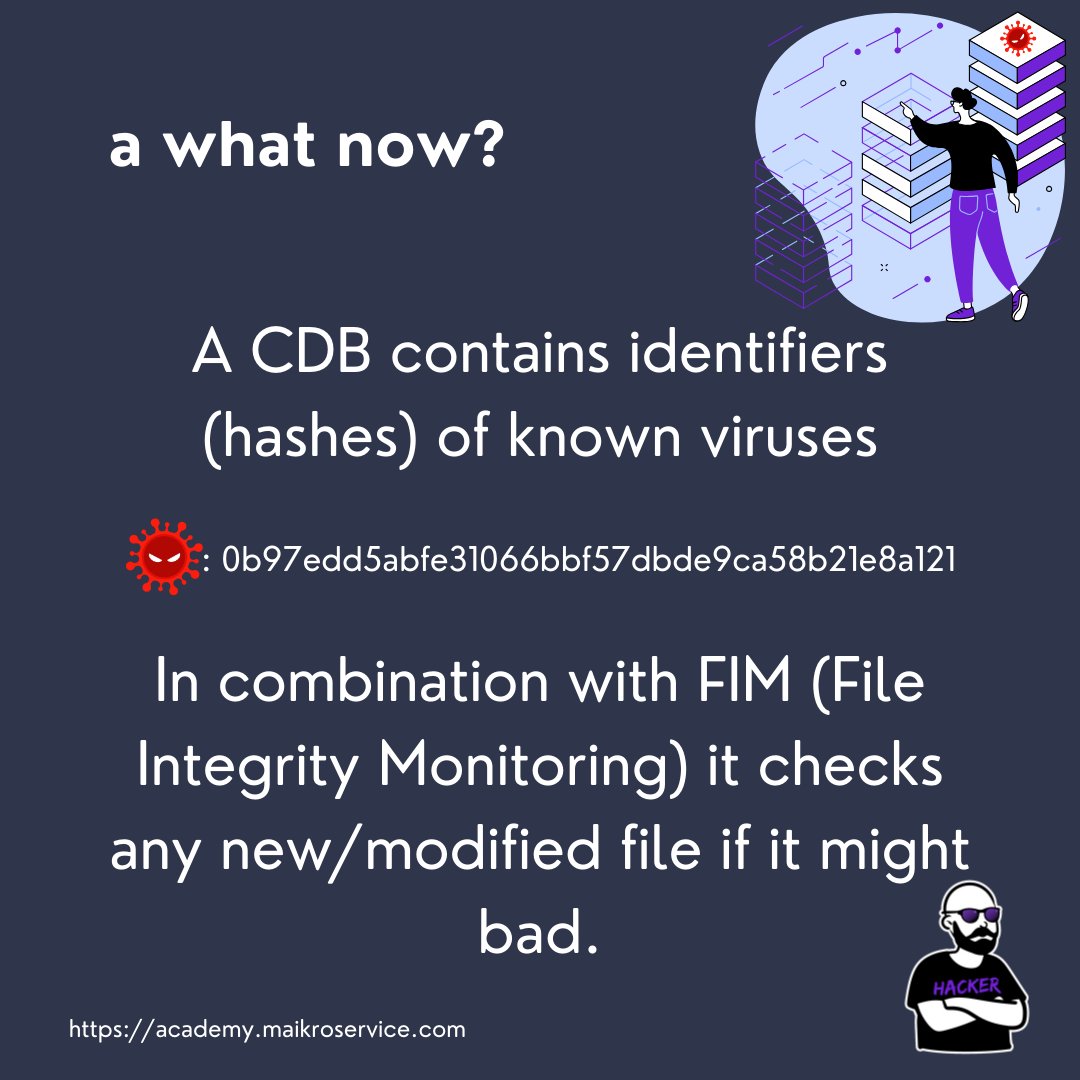
A CDB is a Content Database - as the name suggests it holds data about content - the content can be almost anything (as long as its text)
What does that means specifically - a CDB is a Key:Value Database
A CDB is a Content Database - as the name suggests it holds data about content - the content can be almost anything (as long as its text)
What does that means specifically - a CDB is a Key:Value Database

For starters we will fill the the CDB with hashes of known malware/viruses
This will be responsible to work together with FIM -
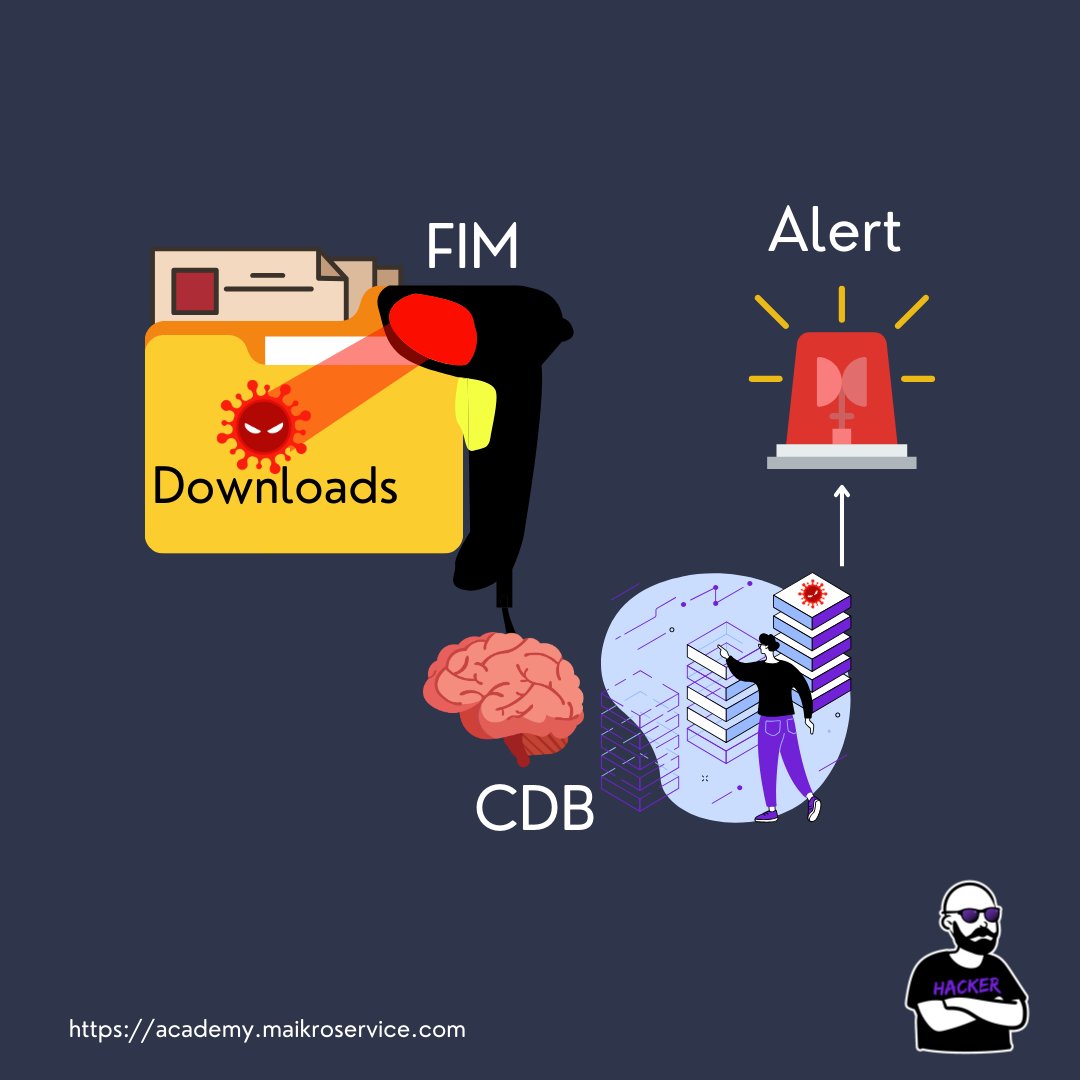
1 - FIM detects changes in the monitored folders
This will be responsible to work together with FIM -
1 - FIM detects changes in the monitored folders
2 - now that is where the CDB comes in, FIM saves the file hash in your SIEM
3 - and IF you have a rule that compares the saved hashes to the CDB it triggers a security alert if a match is found 🚨
3 - and IF you have a rule that compares the saved hashes to the CDB it triggers a security alert if a match is found 🚨
Ok great but how do I implement this in my SIEM mr maikroservice
Allow me to share
You start by creating a CDB list
Allow me to share
You start by creating a CDB list
all those are stored in the /var/ossec/etc/lists directory and we will create one called “malware” 🦠
you can use
touch /var/ossec/etc/lists/malware
to create the file
you can use
touch /var/ossec/etc/lists/malware
to create the file
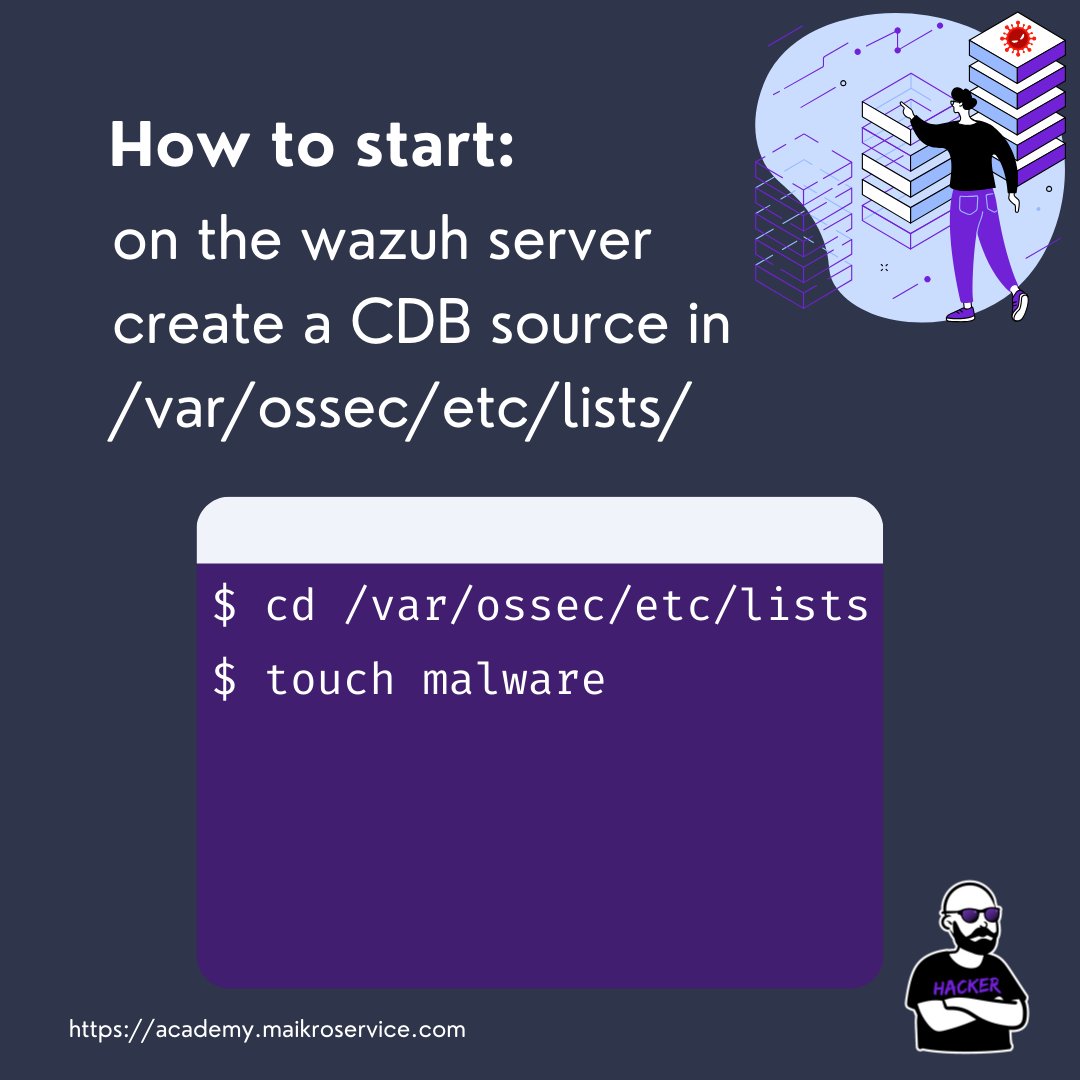
and then either manually or automatically add hashes to the file
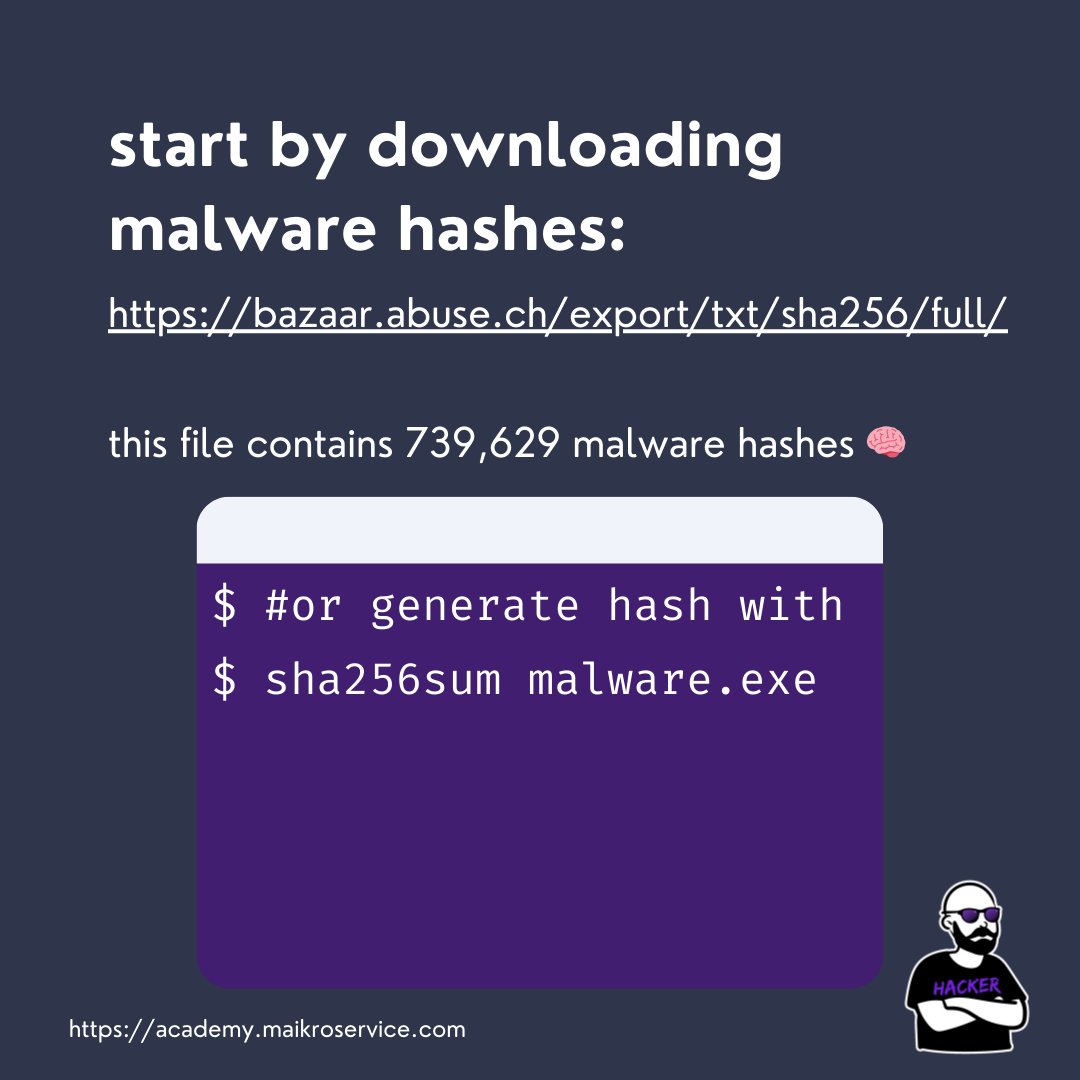
Download a list of known malware hashes e.g. from my favorite - malware bazaar
We will use sha256 hashes because they are more collision-resistant than md5/sha1 bazaar.abuse.ch/export/txt/sha…
Download a list of known malware hashes e.g. from my favorite - malware bazaar
We will use sha256 hashes because they are more collision-resistant than md5/sha1 bazaar.abuse.ch/export/txt/sha…
When you open the list you will see the following:
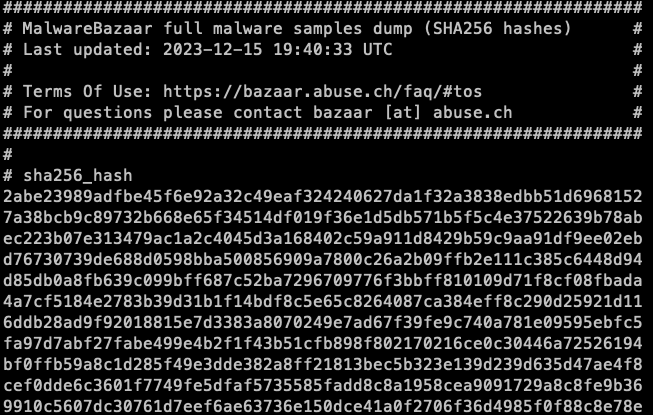
now there is a slight issue this file holds all the hashes alright
BUT
We need only hashes and a colon in the end of each of the hashes
How on earth do we get that done?!
AWK to the rescue!
BUT
We need only hashes and a colon in the end of each of the hashes
How on earth do we get that done?!
AWK to the rescue!
GAWK 🦅
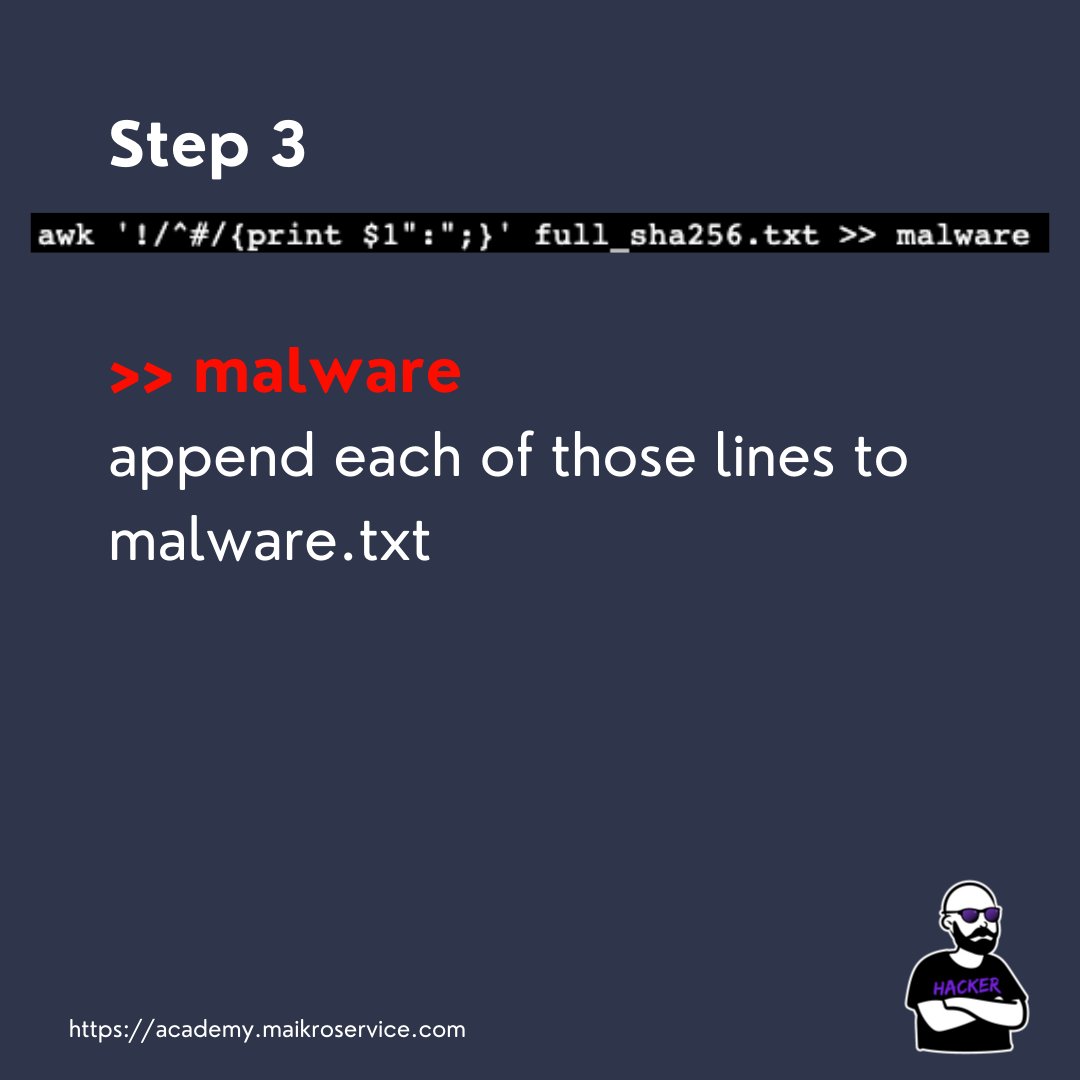
awk '!/^#/{print $1":";}' full_sha256.txt >> malware
pheeew that umm… looks complicated
awk '!/^#/{print $1":";}' full_sha256.txt >> malware
pheeew that umm… looks complicated
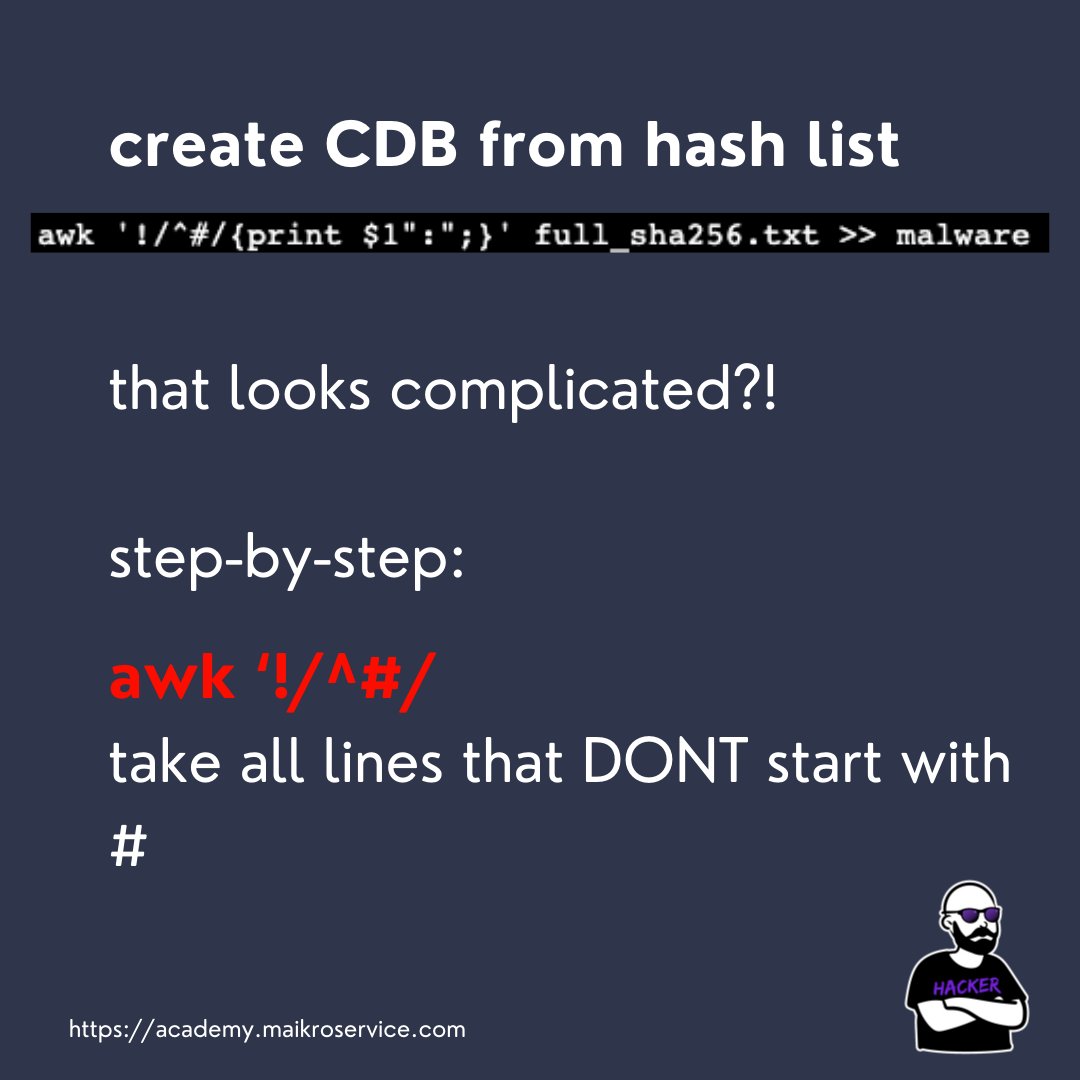
Lets walk through it step-by-step
awk ‘!/^#/
this checks if a line starts with a # and takes ALL the other lines (those are the hashes we want)
awk ‘!/^#/
this checks if a line starts with a # and takes ALL the other lines (those are the hashes we want)
{print $1”:”;} - this prints out the hashes and ADDS a colon behind the hashes
so that they look like this beauty here
2abe23989adfbe45f6e92a32c49eaf324240627da1f32a3838edbb51d6968152:
so that they look like this beauty here
2abe23989adfbe45f6e92a32c49eaf324240627da1f32a3838edbb51d6968152:
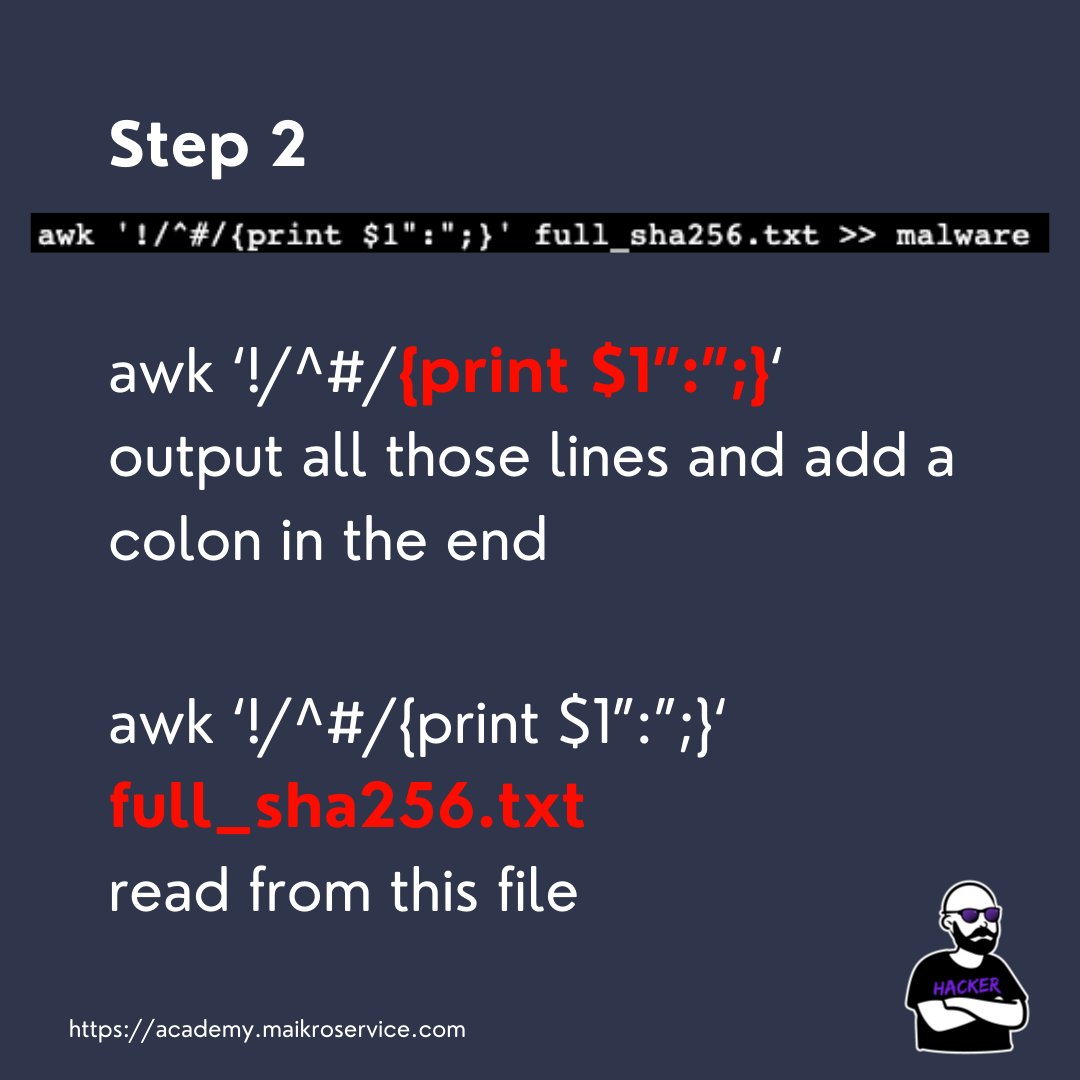
we read all of this from the downloaded full_sha256.txt and finally append all the correct hashes into the malware CDB list we created earlier
AAAAAND 🚀 MAGIC
all the hashes are now in the the wonderful malware Content Database
keep in mind that if you add hashes they need to be UNIQUE (which is why we used SHA256)
all the hashes are now in the the wonderful malware Content Database
keep in mind that if you add hashes they need to be UNIQUE (which is why we used SHA256)


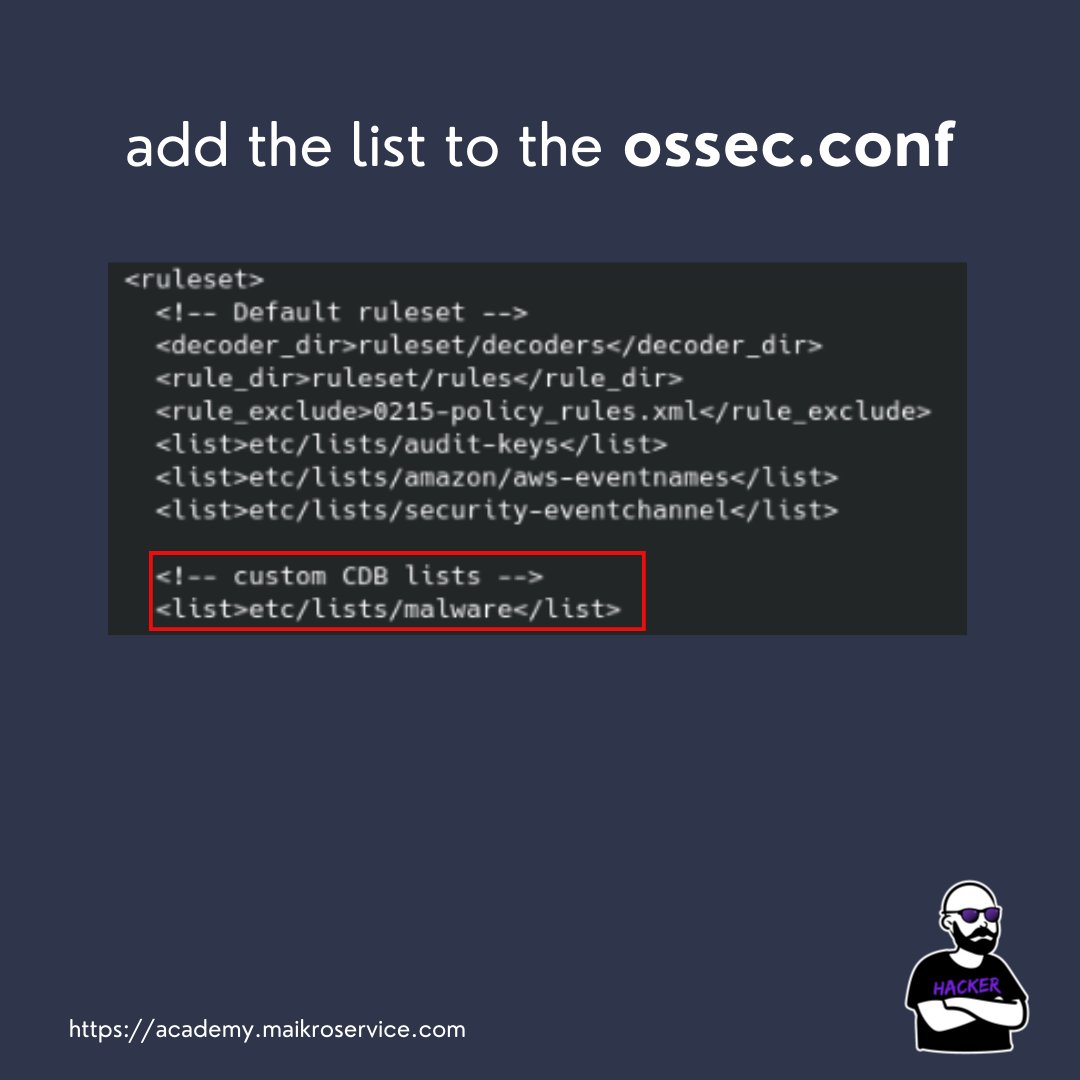
Each CDB has to be added to the ossec.conf file on the wazuh server machine
This needs to be inside the section
etc/list/malware
This needs to be inside the section
etc/list/malware
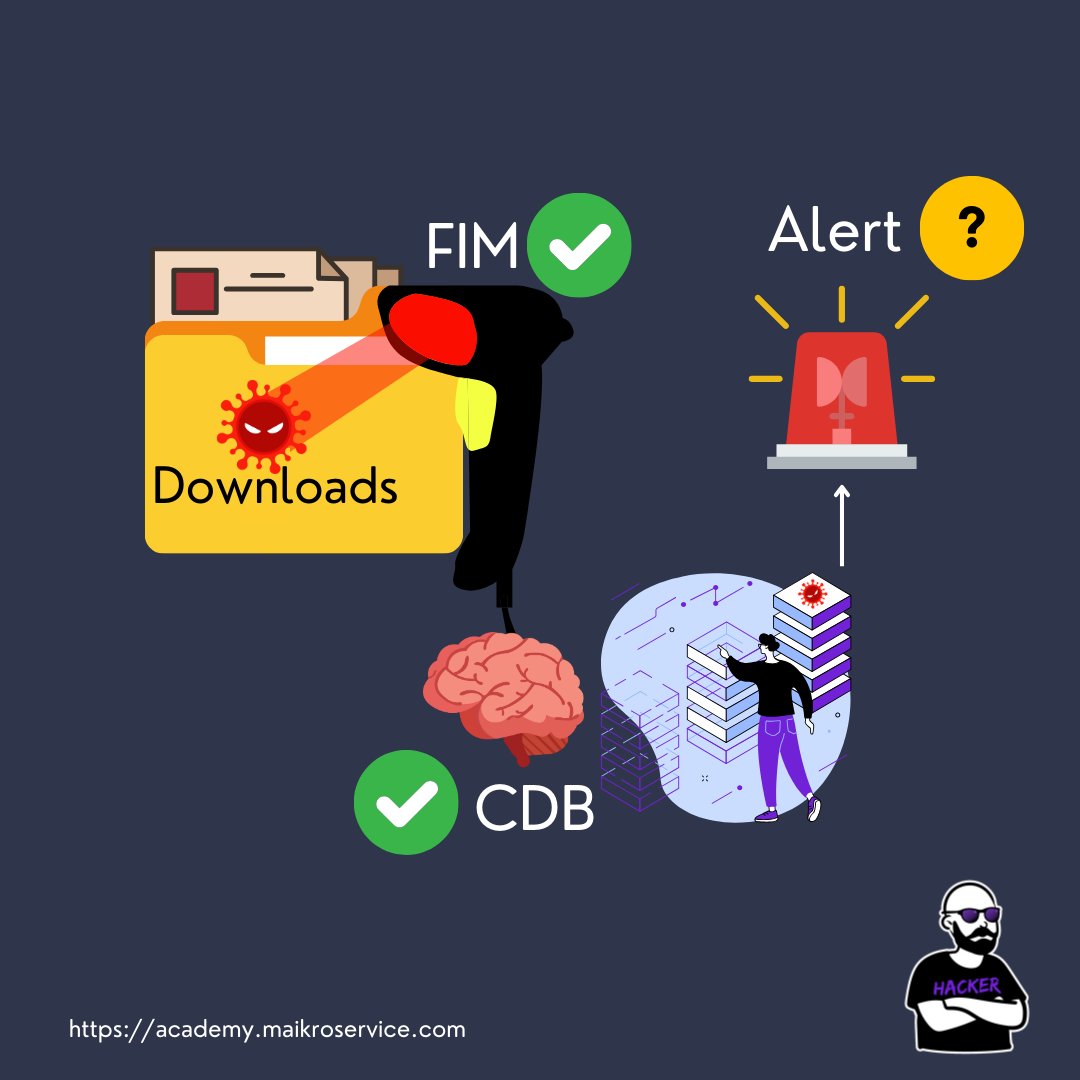
Ok great we have 2/3 covered on our road to automatic alerting
now comes the detection rule!
head to /var/ossec/etc/rules/local_rules.xml
now comes the detection rule!
head to /var/ossec/etc/rules/local_rules.xml
pheew that is also a lot going on here
again step-by-step
again step-by-step
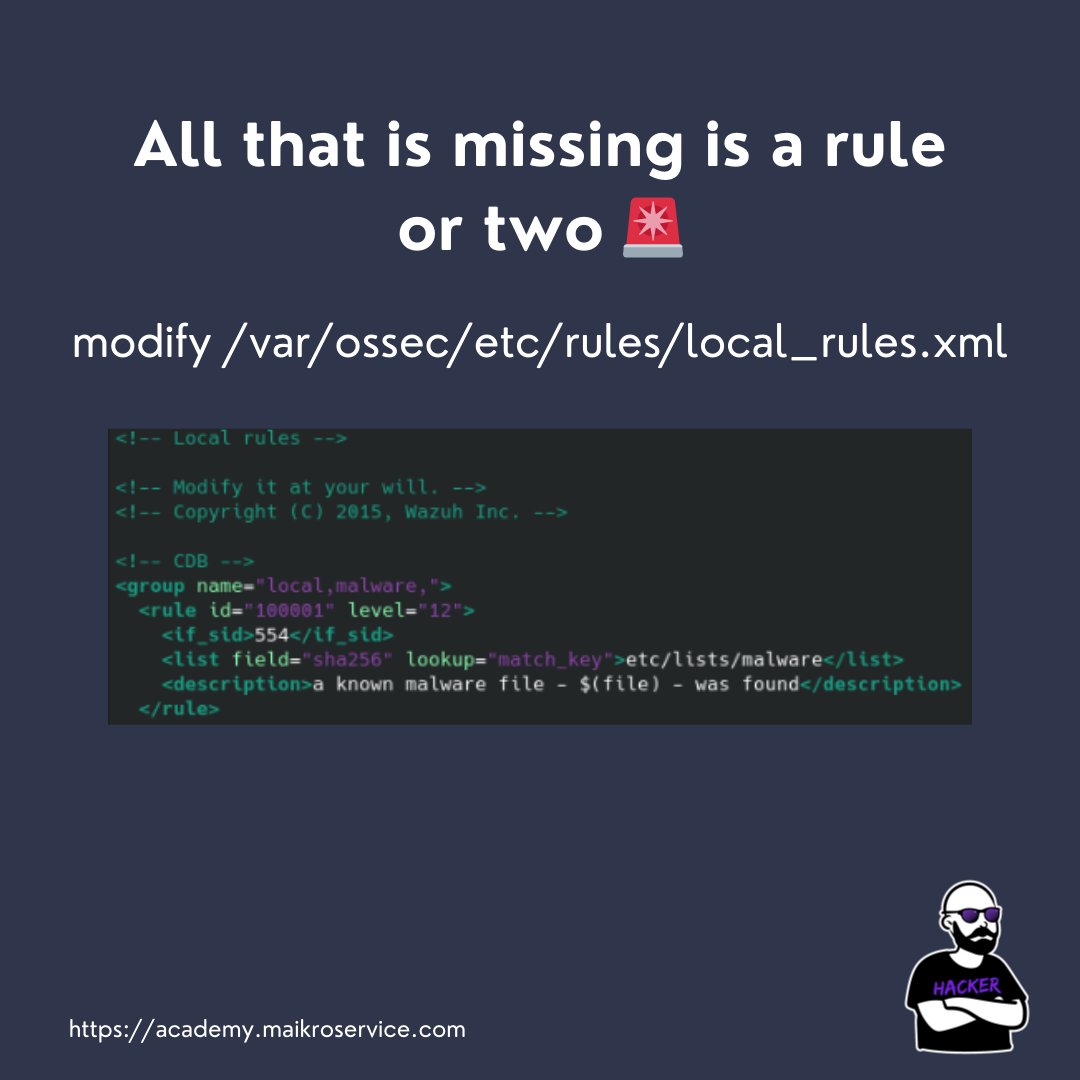
The rule runs in case a new file is created in the monitored location by FIM
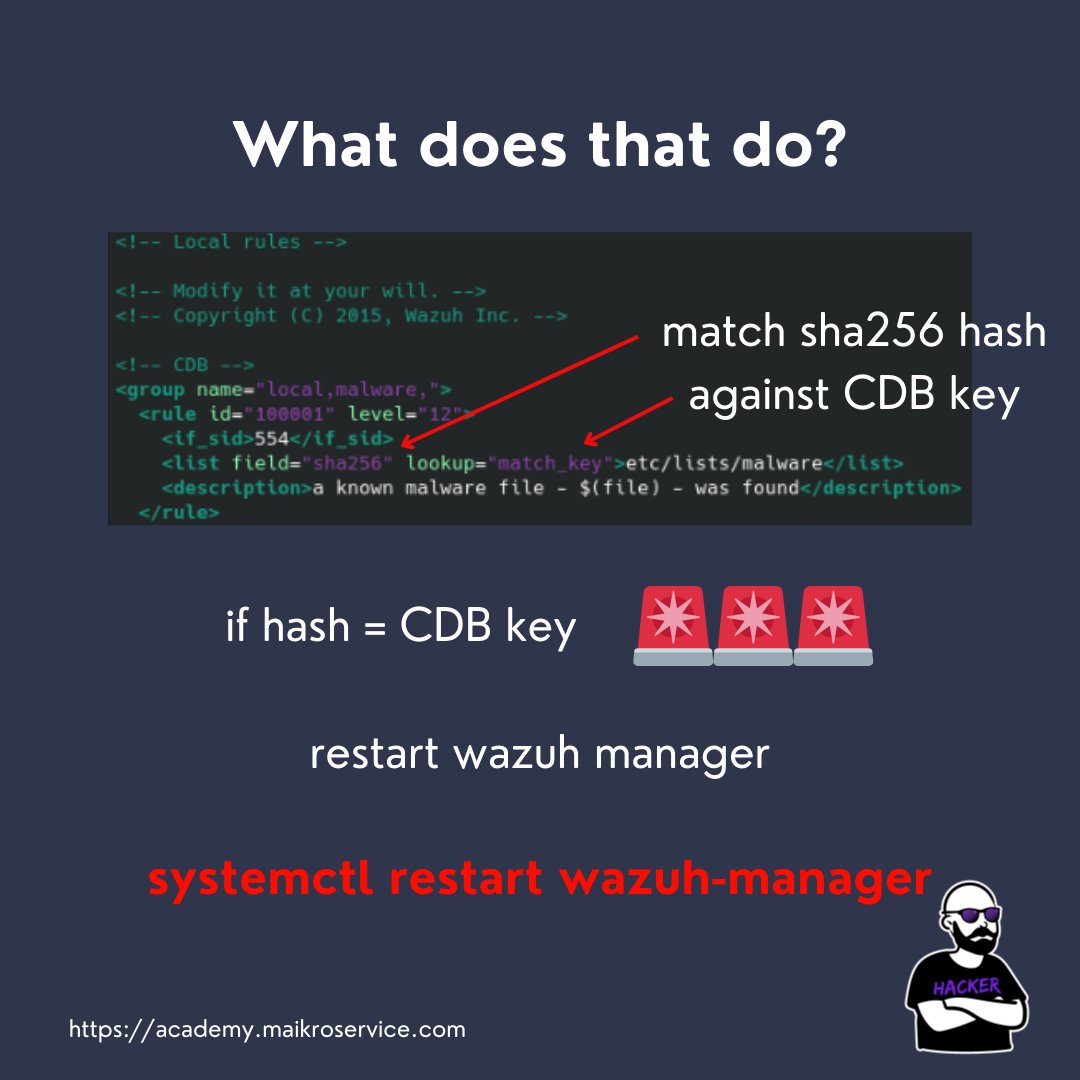
It matches the sha256 file hash of the newly created file to the CDB list key (that is the part before the colon)
It matches the sha256 file hash of the newly created file to the CDB list key (that is the part before the colon)
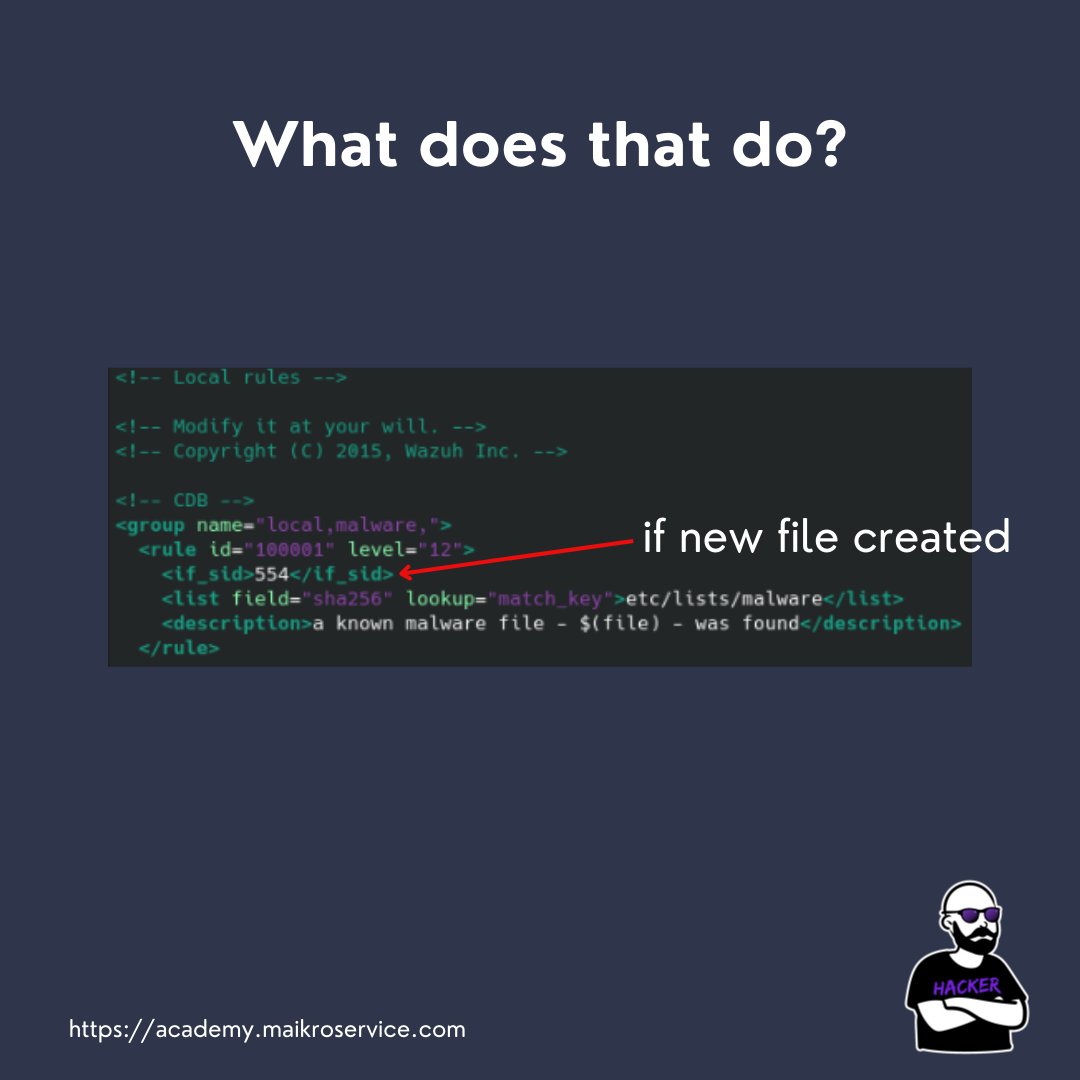

if the hashes match STUFFS ON FIRE - CALL THE POLICE 👮
the only thing you have to do to automatically run this
is restarting the wazuh manager via
systemctl restart wazuh-manager
the only thing you have to do to automatically run this
is restarting the wazuh manager via
systemctl restart wazuh-manager
OK GREAT - but does it work?!
YESSSSSSS IT DOES - works like a charm!
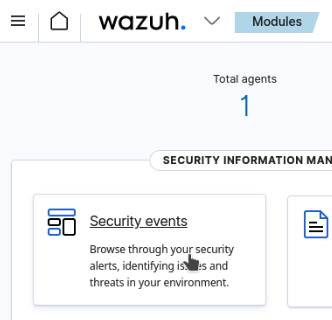
try to download malware samples from malware bazaar and watch the magic happen in the Security Events 🪄✨
YESSSSSSS IT DOES - works like a charm!
try to download malware samples from malware bazaar and watch the magic happen in the Security Events 🪄✨

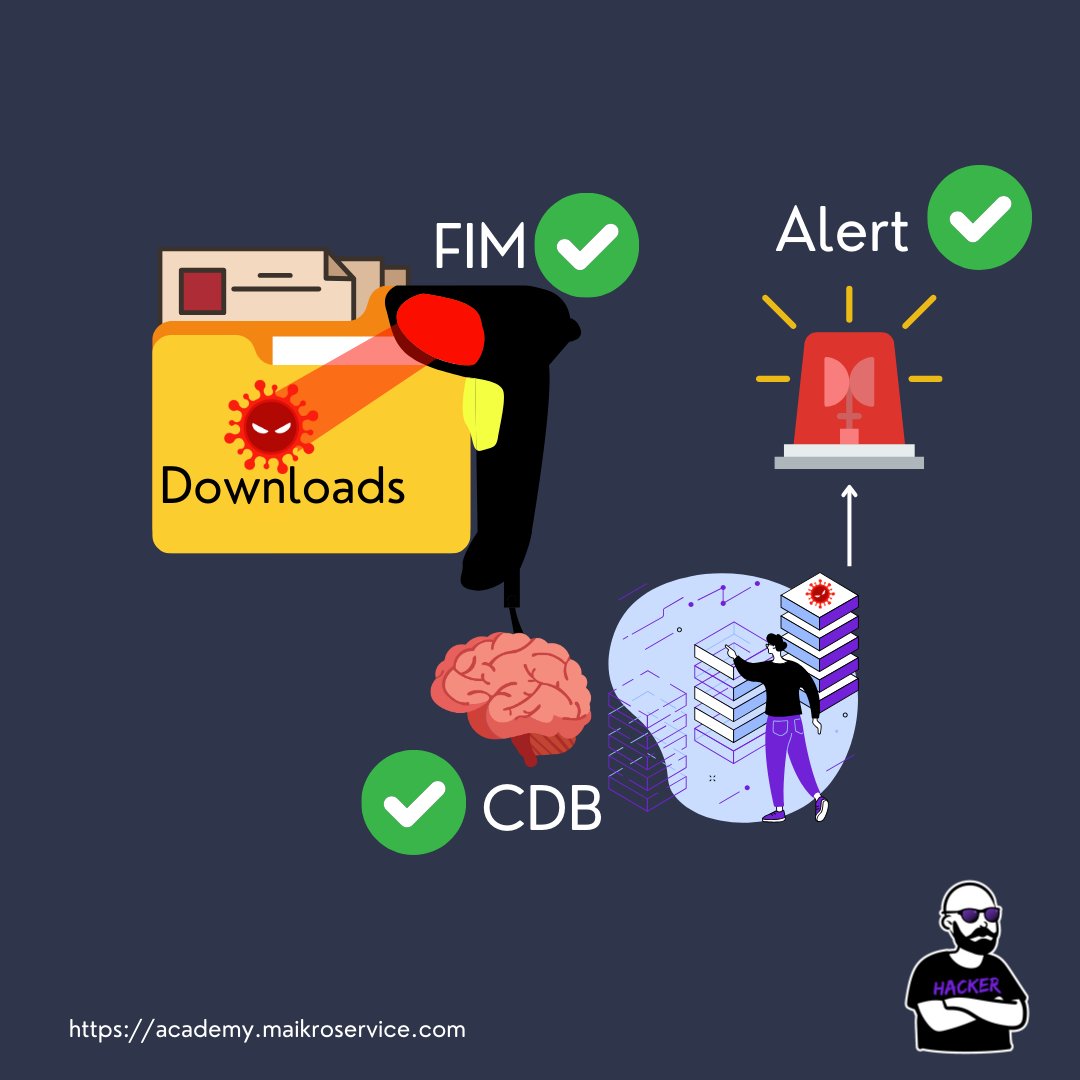
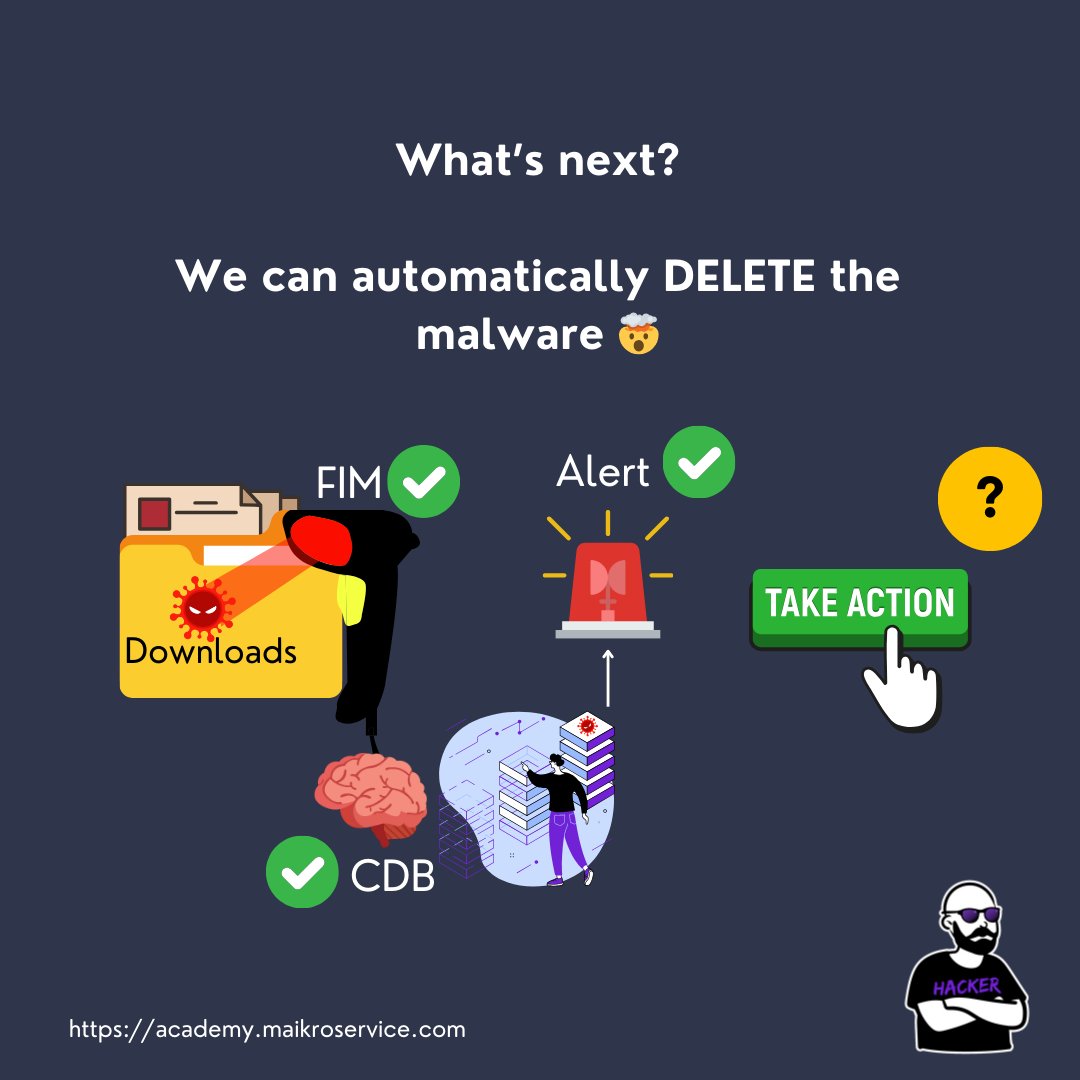
Now we have a full running pipeline - FIM → CDB → Alerting
but a final step is “missing”!
but a final step is “missing”!
There is an option to automatically take action when malware was identified
and guess what?!
We will cover that in the next thread!
and guess what?!
We will cover that in the next thread!
If you enjoyed the thread please consider following me for more content just like this!
and if you loved this post - scroll a little further
and if you loved this post - scroll a little further

You have exactly 14 days left to preorder the course that covers the steps necessary to take your Cyber career to the next level
If you want to be a Security or SOC Analyst now is the time to take action
You can buy the course for $50 now but only until 01.01.2024
If you want to be a Security or SOC Analyst now is the time to take action
You can buy the course for $50 now but only until 01.01.2024

Afterwards the course price will go up to $150
There is one more perk - anyone who buys the course now in preorder mode, will get
a FREE bootcamp spot!
What are you waiting for?
Take your careeer into your own hands NOW.
There is one more perk - anyone who buys the course now in preorder mode, will get
a FREE bootcamp spot!
What are you waiting for?
Take your careeer into your own hands NOW.
@threadreaderapp unroll
• • •
Missing some Tweet in this thread? You can try to
force a refresh