
Forget Midjourney or DALL-E!
Google can now generate high-quality AI images.
Here is how to access and use it for FREE:
Google can now generate high-quality AI images.
Here is how to access and use it for FREE:
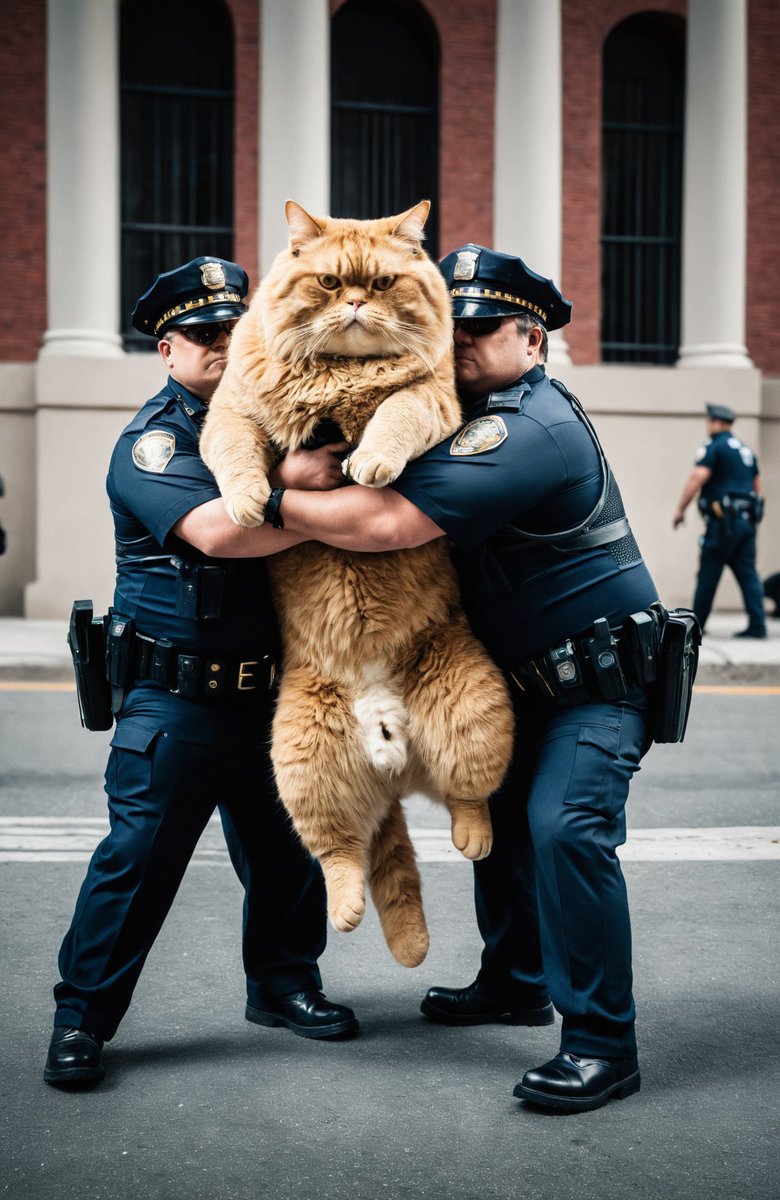
Here's how you can access it:
Step 1: Visit .
Step 2: Scroll down to the Google Search section and click on 'Get Started'.
Step 3: Enable 'SGE generative AI in Search'. labs.google
Step 1: Visit .
Step 2: Scroll down to the Google Search section and click on 'Get Started'.
Step 3: Enable 'SGE generative AI in Search'. labs.google
Now, simply go to the regular Google search.
Then, provide an image generation prompt like this:
"Create an image of..."
Then, provide an image generation prompt like this:
"Create an image of..."
There's even an 'Edit' feature available!
When you click on an image, it opens in a new window where you can iterate through different versions of the image.
When you click on an image, it opens in a new window where you can iterate through different versions of the image.
I hope you've found this thread helpful.
Follow me @auroraonx for more educational AI content.
Like/Repost the post below to share the news!
Follow me @auroraonx for more educational AI content.
Like/Repost the post below to share the news!
https://twitter.com/1031210041804607493/status/1739652303395959083
• • •
Missing some Tweet in this thread? You can try to
force a refresh




