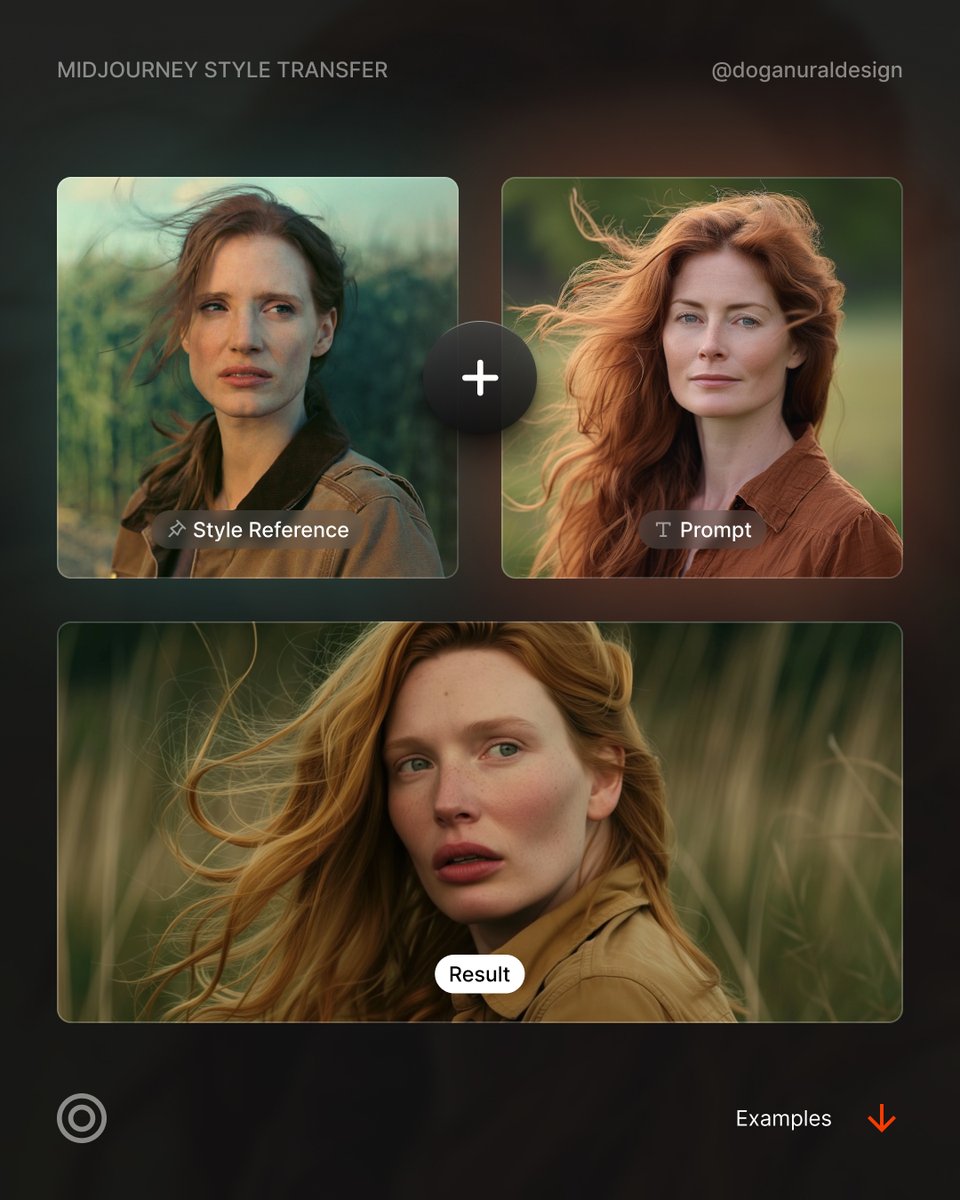
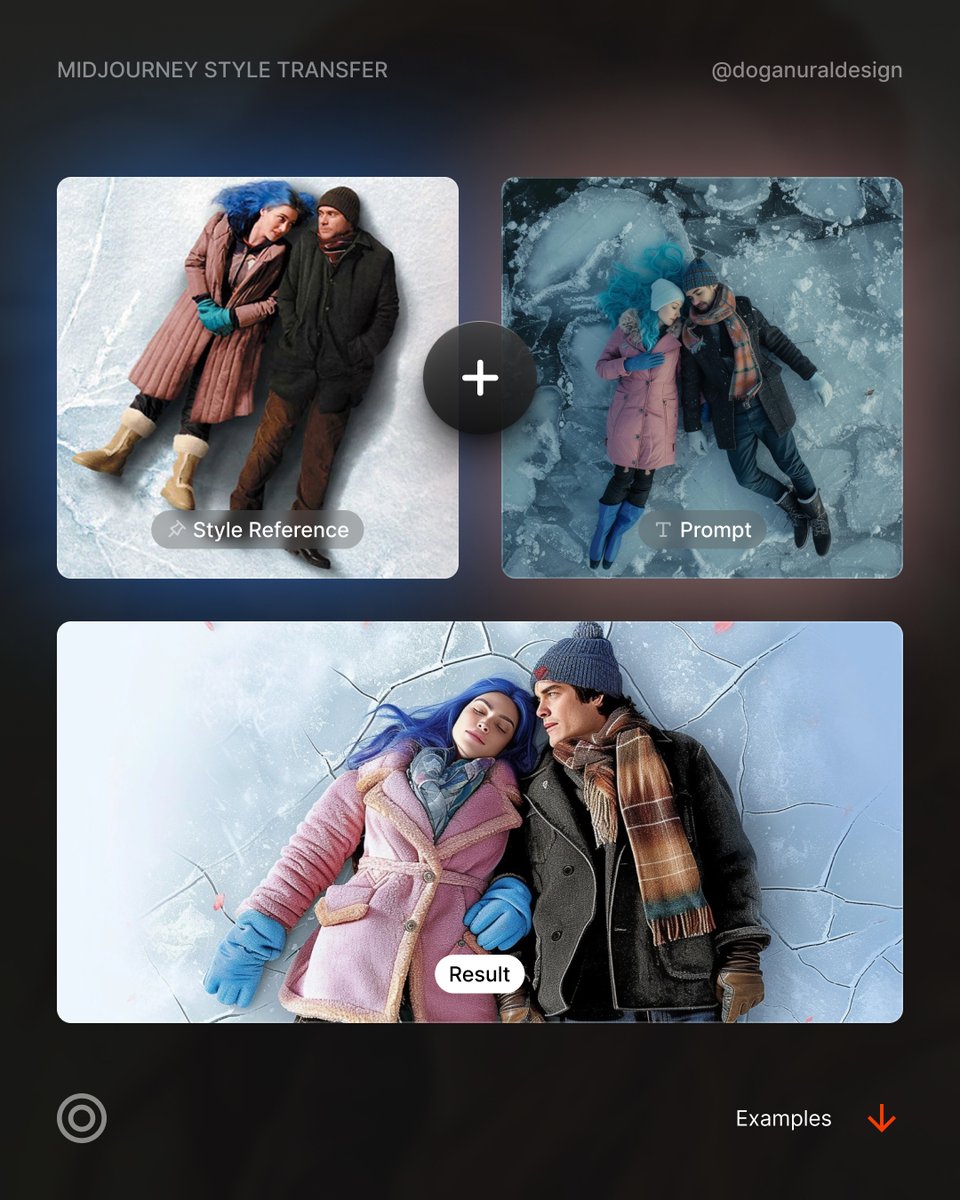
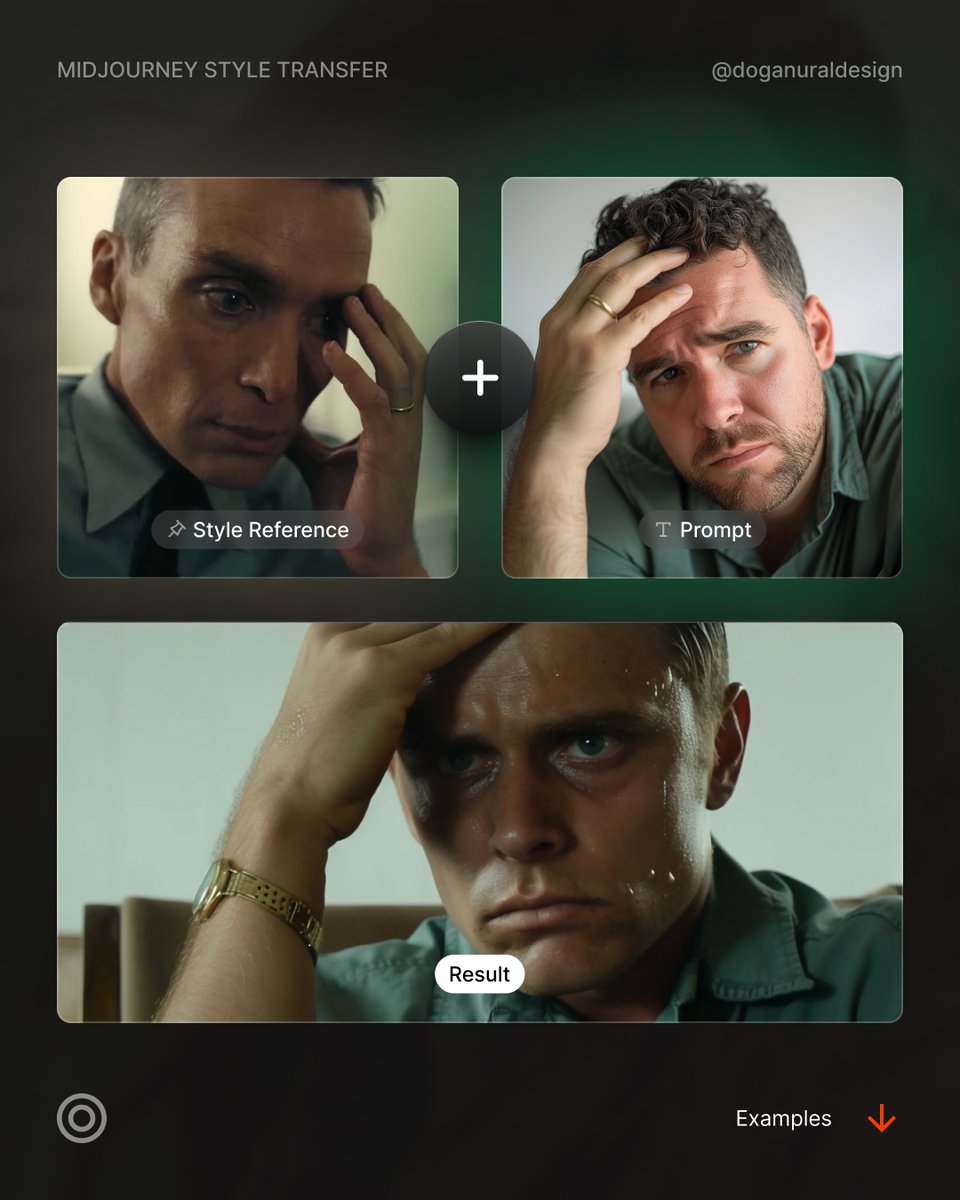
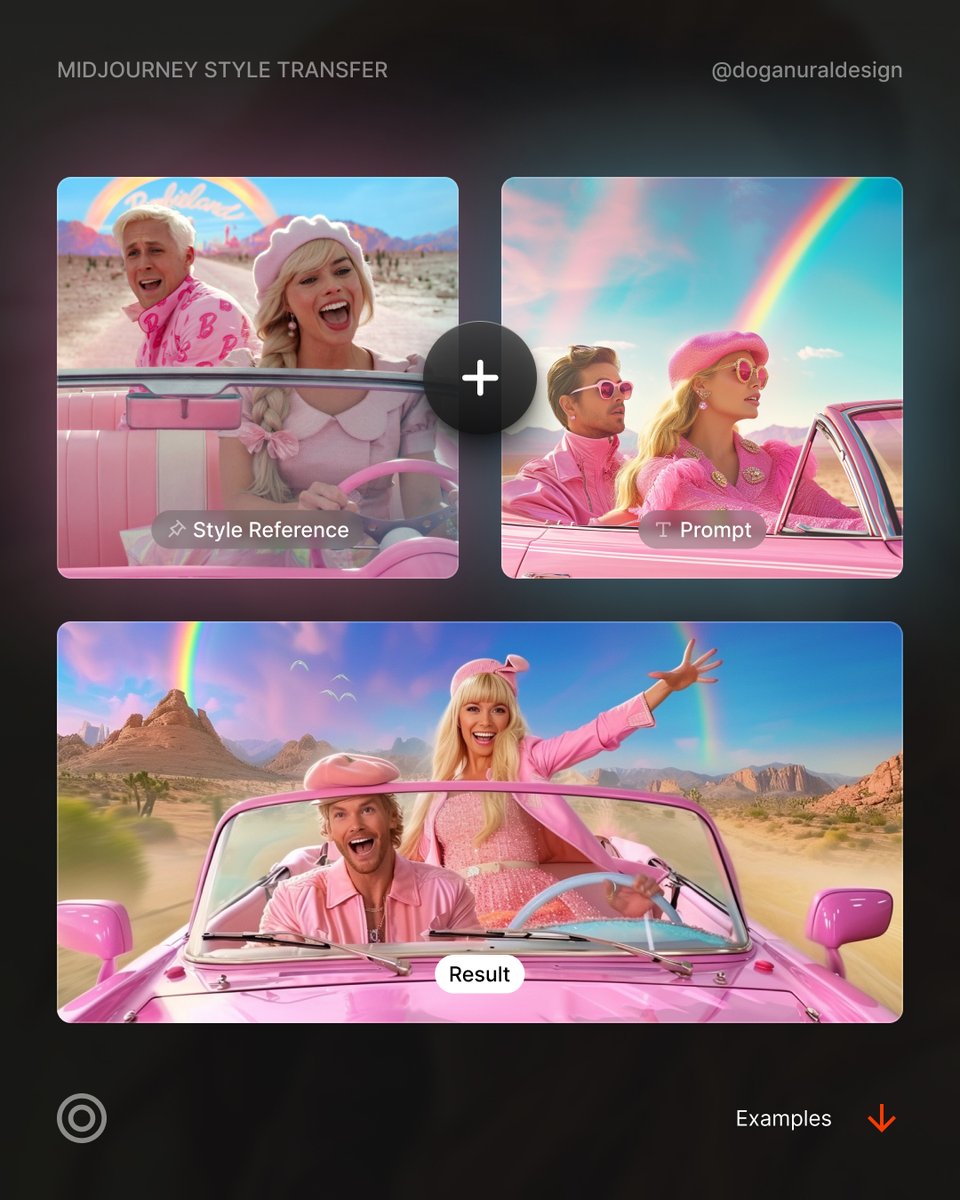
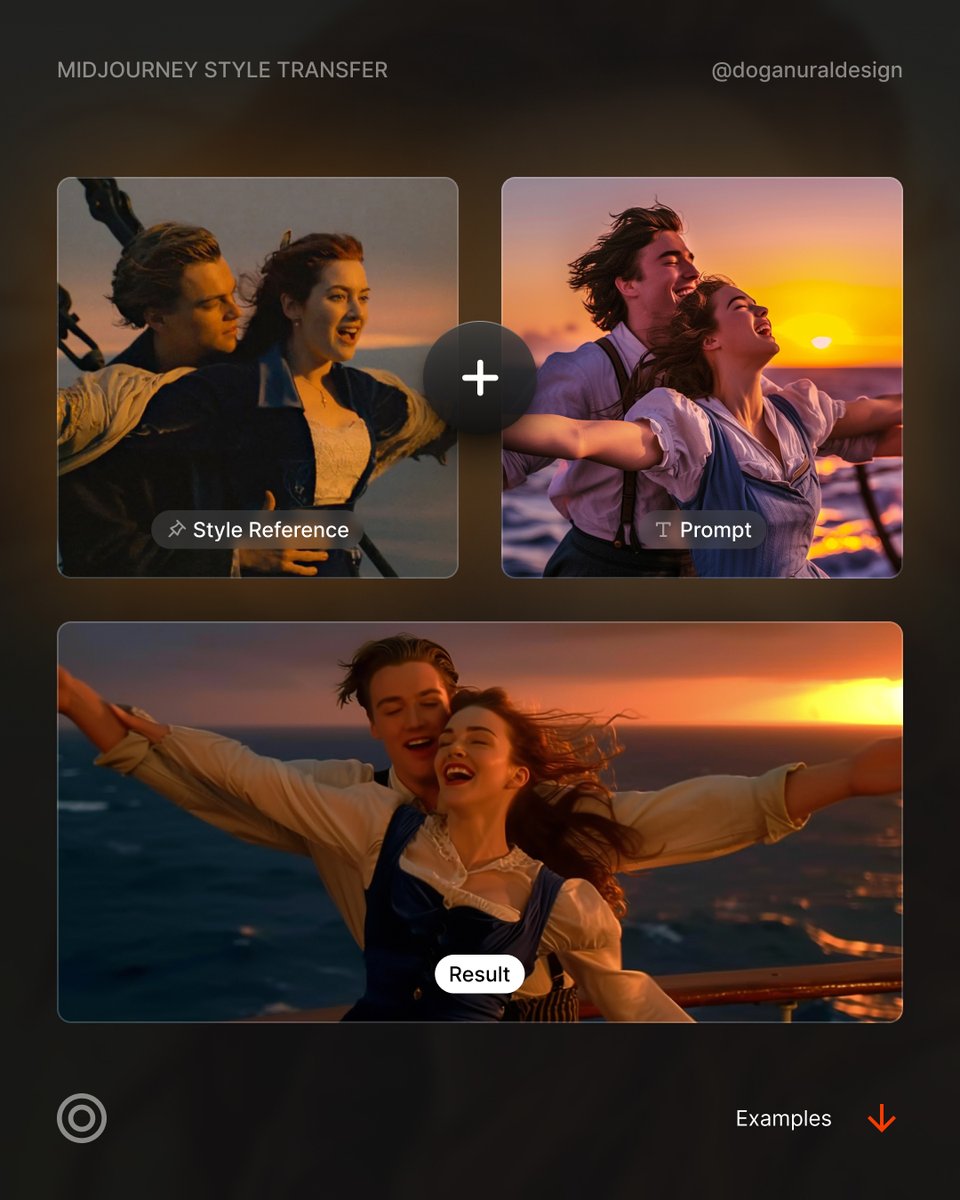
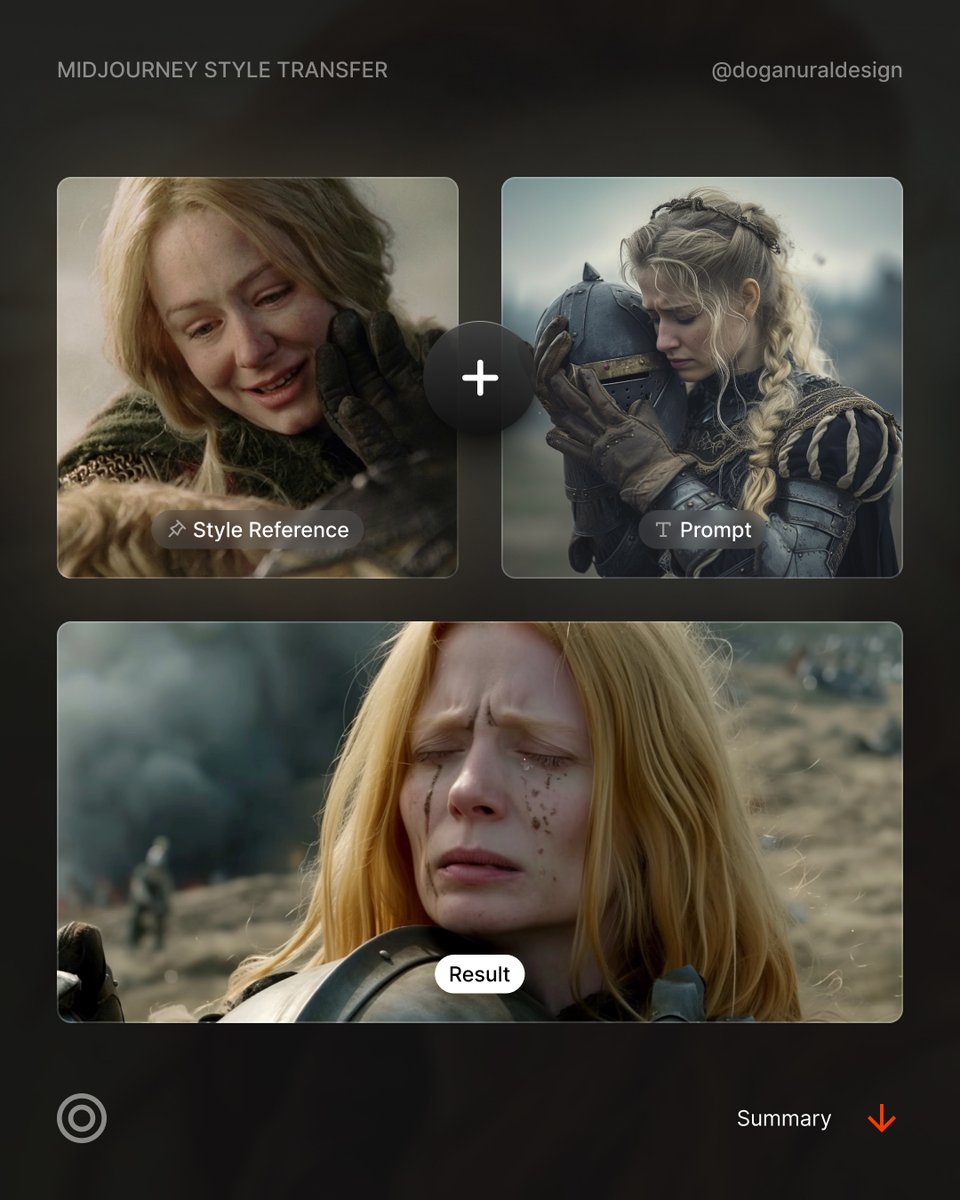
Now you can throw a bunch of images and train your own model with Midjourney.
Details ↓
Multiple Personalization Profiles
You can now have multiple profiles for personalizing your experience. No need to stick with just one!
Faster Setup
Setting up personalization is now 5x faster! You’ll get your model tailored to your style in no time.
Moodboards for Personalization
You can now personalize your models by uploading moodboards. Just upload images, and the model will use them for inspiration
Quick Convergence
Personalization profiles now converge more quickly. You’ll need just 40 ratings to get started, and the profile will be stable by 200 ratings.
Diverse Remixing
As you add more diverse images to your moodboards, the model will begin to remix them in more complex and creative ways.
Custom Profile Names & Defaults
You can name your profiles and even set one or more as the default for easier switching between styles.
Track All Images
You can now see all images created with a particular profile. Perfect for tracking progress and consistency.
Why This Is Important:
Whether you’re working on multiple projects or collaborating with a team, these features make it easier to manage and personalize your creative journey.
New Personalization Model
Introducing an enhanced personalization model with improved nuance, surprise, and accuracy. Now, your code changes as you rate. You can still use your old codes anytime.
Improved Details:
More accurate and detailed small image features (eyes, small faces, distant hands, etc.)
Faster generations
Approximately 25% faster for standard image jobs.
Better Coherent:
Enhancing arms, legs, hands, bodies, plants, animals, and more
--q 2 is back!
A new --q 2 mode which takes 25% longer to (sometimes) add more texture at the cost of reduced image coherence
Improved Quality:
Fewer pixel artifacts and enhanced textures, including skin.
New Upscale Models
Enhanced 2x upscalers with superior image and texture quality
Better Text Rendering
More accurate text when using "quotations" in prompts.
Prompt: Three women stand together laughing, with one woman slightly out of focus in the foreground. The sun is setting behind the women, creating a lens flare and a warm glow that highlights their hair and creates a bokeh effect in the background. The photography style is candid and captures a genuine moment of connection and happiness between friends. The warm light of golden hour lends a nostalgic and intimate feel to the image
Prompt: Photographic portrait of a real life dragon resting peacefully in a zoo, curled up next to its pet sheep. Cinematic movie still, high quality DSLR photo
I see many of you're excited for the new website, but you might not know how to use some hidden features.
From my past posts, I've identified key topics. I'll simplify them and show you through short videos.
Get ready; we have a lot to cover!
Please note that, Midjourney web is still in the alpha testing phase, so what I show here may change later on.
If you've generated 100+ images, you can try it out:
alpha (dot) midjourney (dot) com
What's inside?
01. How to use the hidden 'Describe'? 02. How to see the history of an image? 03. How to batch download images? 04. How to organize images? 05. How to change aspect ratio? 06. How to quickly access last used prompts? 07. How to use image prompts? 08. How to use blend? 09. How to hide/unhide images? 10. How to go way back in archive?
Key features:
→ End-to-end AI design for websites.
→ High-level understanding of visual styles, from minimalist to futuristic.
→ Mix and match iconic brand identities for unique experiences.