views
Mickmumpitz Profile picture
Mar 18 7 tweets 3 min read Read on X
I developed a workflow that allows you to render ANY 3D scene in ANY style with AI!

You can create different prompts for all the elements in your scene allowing for full flexibility.

Here is how it works 👇
First we need to render a mask pass. This allows us to assign an individual prompt to each color, giving full flexibility. I simply created this pass by assigning emission shaders to all the objects I wanted to create separate prompts for.
Next, I exported these two rendering passes: Depth and Outline. I can then use a Depth control net at full strength and a Canny control net at low strength to guide the generated image or sequence.
Here I've re-rendered a scene from my AI-generated Pixar movie. I'm impressed with how much it was able to enhance the scene and turn it into something that actually looks a bit like a Pixar movie (+ lots of AI weirdness...).
With ipAdapter, you can also add a color, beauty pass or a final rendering to the AI workflow. In this case, it becomes more of a filter.
But I prefer the prompt based workflow because it gives us complete flexibility. Should this kitchen be made of aluminum or wood? Maybe the scene should be set in a forest at night. Or maybe we want to create an anime instead!
For the in depth explanation and free workflow files, check out my YouTube video about this topic!

• • •

Missing some Tweet in this thread? You can try to force a refresh

 

Keep Current with Mickmumpitz

Mickmumpitz Profile picture

Stay in touch and get notified when new unrolls are available from this author!

Read all threads

This Thread may be Removed Anytime!

PDF

Twitter may remove this content at anytime! Save it as PDF for later use!

Try unrolling a thread yourself!

how to unroll video
  1. Follow @ThreadReaderApp to mention us!

  2. From a Twitter thread mention us with a keyword "unroll"
@threadreaderapp unroll

Practice here first or read more on our help page!

More from @mickmumpitz

Apr 2, 2023
Want to shoot a movie but don't have a studio?

Use AI to generate one!

Check out this AI-supercharged virtual production workflow. 👇

🧵 1/10
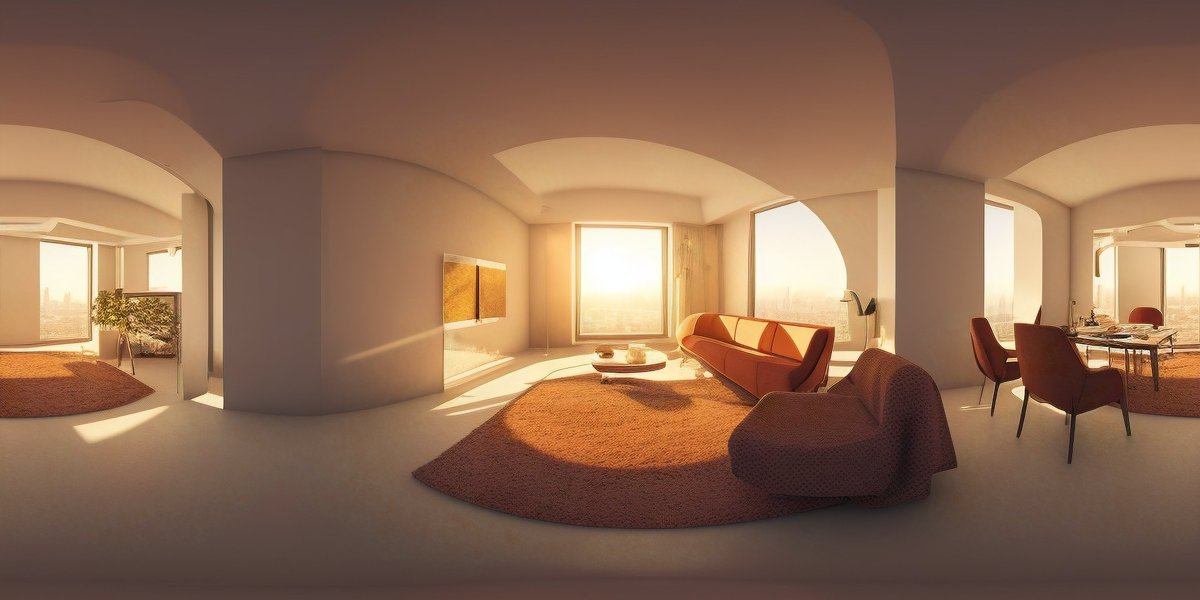
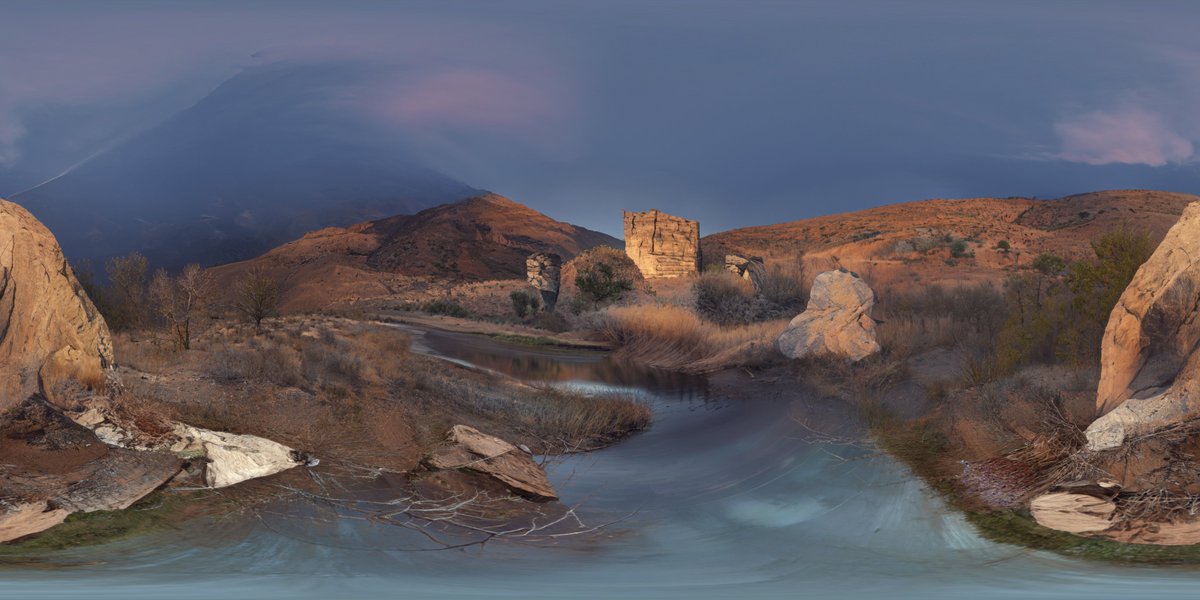
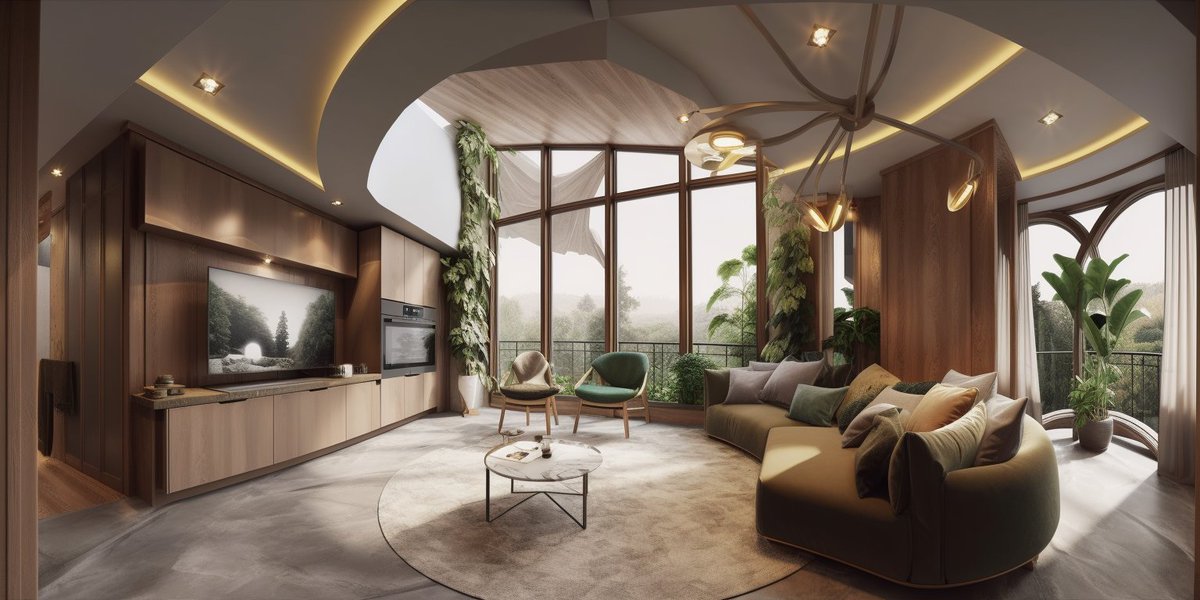
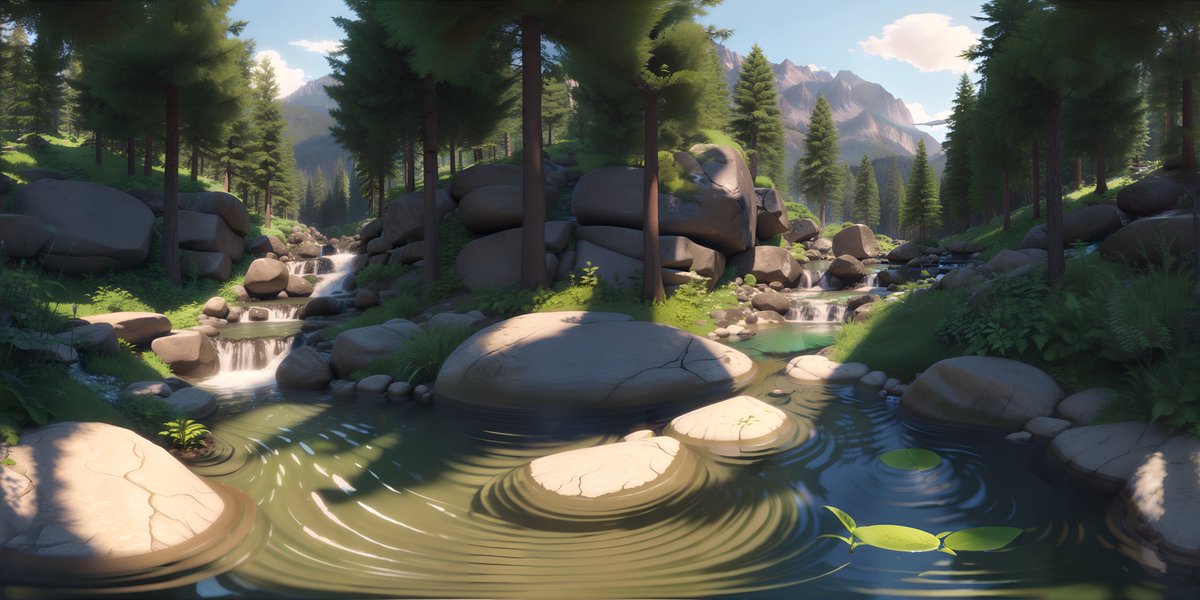
First, you need to generate a 360 degree image as a base for the 3D environment. You can use Skybox by @BlockadeLabs , @midjourney , ControlNet for Stable Diffusion, or @nvidia Canvas (...to name a few).

🧵 2/10 Stable DiffusionNVIDIA CANVASmidjourneyskybox
Use ControlNet for Stable Diffusion to create a depth map based on your 360-degree image. Import your image and set the aspect ratio to values that match 2:1, select "Depth" as the preprocessor and the appropriate depth model, and enable “tiling”!

🧵 3/10
Read 10 tweets
Feb 26, 2023
How to create cinematic 3D animations like this 👇 from your AI-generated characters!

🧵 1/6 🔊
While generating your images, think about framing, camera movement, composition, lighting, and possible focus shifts. How do you want your shot to unfold?

2/6
Create facial animation and voice over in D-ID.

3/6
Read 6 tweets

Did Thread Reader help you today?

Support us! We are indie developers!


This site is made by just two indie developers on a laptop doing marketing, support and development! Read more about the story.

Become a Premium Member ($3/month or $30/year) and get exclusive features!

Become Premium

Don't want to be a Premium member but still want to support us?

Make a small donation by buying us coffee ($5) or help with server cost ($10)

Donate via Paypal

Or Donate anonymously using crypto!

Ethereum

0xfe58350B80634f60Fa6Dc149a72b4DFbc17D341E copy

Bitcoin

3ATGMxNzCUFzxpMCHL5sWSt4DVtS8UqXpi copy

Thank you for your support!

Follow Us!

:(