Alvaro Cintas Profile picture
Jan 19 10 tweets 3 min read Read on X
Windsurf just announced Wave 2.

It takes AI coding to a whole new level with so many incredible features.

8 wild examples: Image
1. Web Search

The AI assistant (Cascade) can now search the web so you can pull in the latest API docs or the changelog of your favorite open source project.

You can also use @ URL to specify any website.
2. Automated Memories

Cascade automatically figures out patterns in how you want work to be done, and saves them to a bank of Memories that you can later inspect and edit.
3. Problems Tab

You can get Cascade to have the context of (and solve) your issues without a single copy-paste.
4. Docs search functionality. 

It can now search any docs online. Additionally some popular docs are already pre-indexed there that you can access with “@ docs”
5. Code Execution Improvements

When Cascade runs terminal commands as part of its execution, it is now able to do so utilizing the underlying IDE terminal shell.
6. Dev Container

Additionally, they have greatly improved the dev container extension.
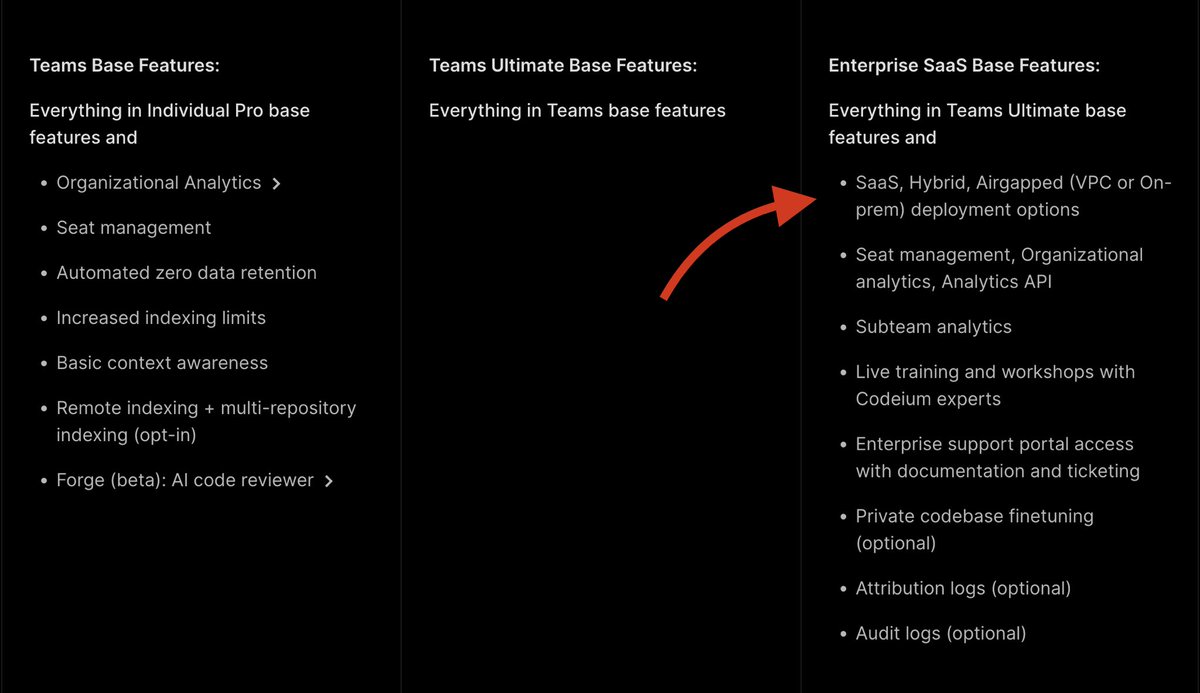
7. Enterprise Ready

 Available on Enterprise SaaS + Hybrid plans. Image
8. Explain Problem UI

Cascade can now explain and fix issues directly in the editor.
Happy to see the bookmarks 👀

It's humbling when AI tools I already recommend like Windsurf offer to sponsor my content.

If you enjoyed this post, you can support with a like/repost of the post below 👇

• • •

Missing some Tweet in this thread? You can try to force a refresh

 

Keep Current with Alvaro Cintas

Alvaro Cintas Profile picture

Stay in touch and get notified when new unrolls are available from this author!

Read all threads

This Thread may be Removed Anytime!

PDF

Twitter may remove this content at anytime! Save it as PDF for later use!

Try unrolling a thread yourself!

how to unroll video
  1. Follow @ThreadReaderApp to mention us!

  2. From a Twitter thread mention us with a keyword "unroll"
@threadreaderapp unroll

Practice here first or read more on our help page!

More from @dr_cintas

Jan 17
What a crazy week in AI 🤯

- Luma Ray2
- ChatGPT Tasks
- Runway Frames
- Sky-T1 matches o1
- MiniMax-O1 models
- Microsoft MatterGen
- MiniMax Text to Audio
- Mistral’s new Codestral
- Krea 3D Object Creation

Here’s everything you need to know:
1. Luma has released Ray2, a large-scale video generation model that produces highly realistic visuals with smooth, natural motion.

The model demonstrates a strong ability to comprehend text instructions and can also work with both image and video inputs.
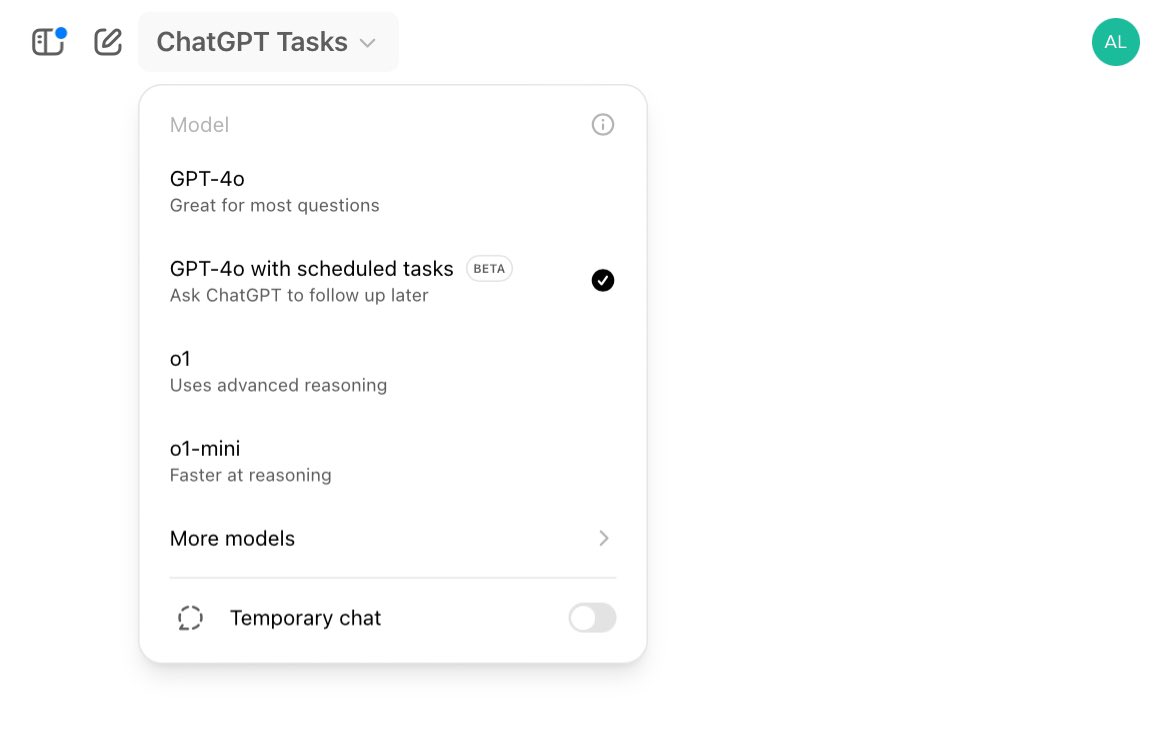
2. ChatGPT has rolled out Tasks, where you can ask ChatGPT to do things for you at a future time.

To access it, select the model “GPT-4o with scheduled Tasks” and ask ChatGPT for one-time reminders or recurring actions.
Read 12 tweets
Jan 15
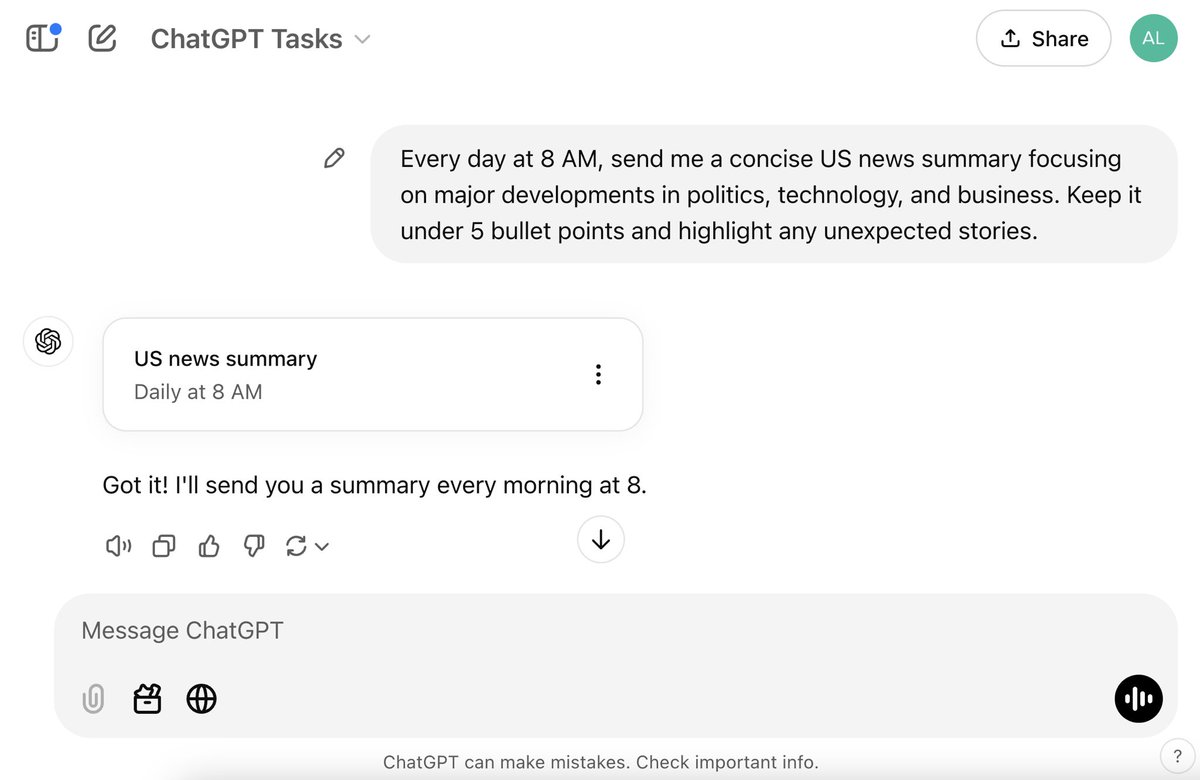
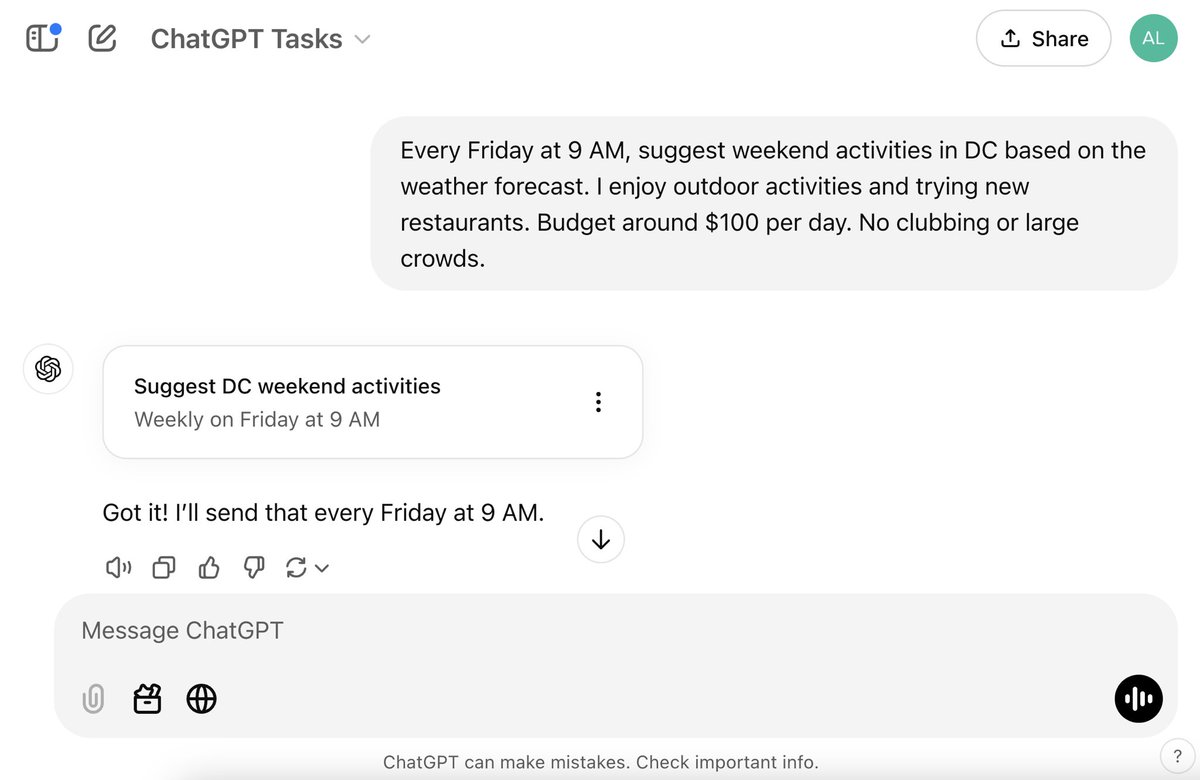
ChatGPT’s new Tasks feature has unlocked so many incredible use cases.

It allows you to set up recurring actions and tasks, essentially giving you an AI agent that works for you in the background.

10 powerful ideas: Image
1. Start your day with a curated global news summary at 8 AM. Image
2. Discover personalized weekend activities based on local weather and events every Friday. Image
Read 13 tweets
Jan 8
The world’s most influential tech event is taking place this week.

It’s insane what’s being showcased at CES 2025.

Here are 14 mind-blowing reveals:

1. XPeng Aero HT presents the Land Aircraft Carrier, a modular “flying car”
2. Portalgraph: A 3D projector that projects VR space into the real world
3. Honda: The first 0 Series EVs and introduced its new vehicle operating system for these models.
Read 15 tweets
Jan 6
You can now create realistic AI characters that narrate your script in seconds.

It’s completely free to even create a custom avatar of yourself.

Here’s how:
STEP 1.

Head over to:

In the main dashboard, you’ll see tons of AI avatars to choose from. humva.ai
STEP 2.

To create one with your own likeness, select “Avatar” in the left bar and choose “+ Create”
Read 6 tweets
Jan 4
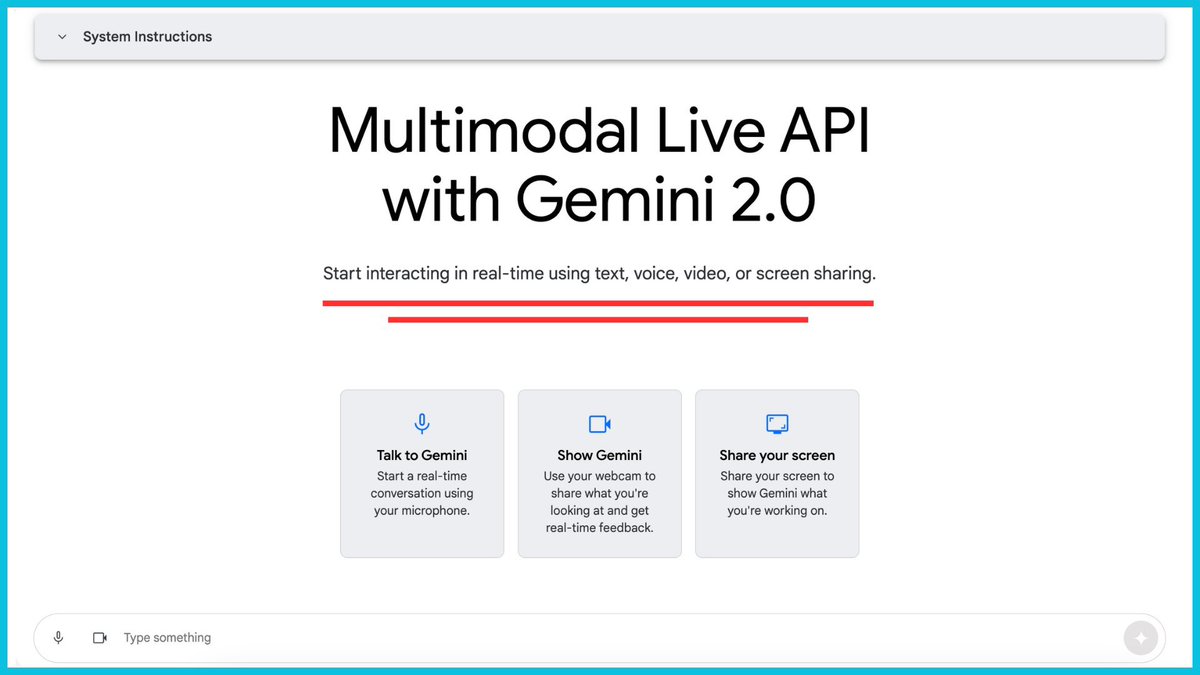
Gemini’s Stream Realtime has unlocked so many incredible use cases.

You now have an AI assistant that can see your screen and chat with you in real-time to learn, work, and research faster.

7 powerful ideas: Image
1. Research Assistant

- Highlight a dense paragraph from a white paper and ask for a non-technical summary.
- Hover over a tricky term, formula, diagram and ask for a simple explanation.
- Open multiple tabs on a research topic and ask to synthesize the key points side by side.
2. Learning New Software

- Help you navigate an unfamiliar menu.
- Ask how to locate or enable a hidden setting, e.g., "Draw" in Word.
- Hover over a complex toolbar icon and see how Gemini interprets its function in real time.
Read 10 tweets
Dec 15, 2024
Google raised the bar with Realtime AI.

It enables AI to see your screen and chat with you in real-time, and users are discovering incredible use cases.

10 wild examples: Image
1. Helping understand research papers
Read 12 tweets

Did Thread Reader help you today?

Support us! We are indie developers!


This site is made by just two indie developers on a laptop doing marketing, support and development! Read more about the story.

Become a Premium Member ($3/month or $30/year) and get exclusive features!

Become Premium

Don't want to be a Premium member but still want to support us?

Make a small donation by buying us coffee ($5) or help with server cost ($10)

Donate via Paypal

Or Donate anonymously using crypto!

Ethereum

0xfe58350B80634f60Fa6Dc149a72b4DFbc17D341E copy

Bitcoin

3ATGMxNzCUFzxpMCHL5sWSt4DVtS8UqXpi copy

Thank you for your support!

Follow Us!

:(