Amit Profile picture
Feb 24, 2025 13 tweets 4 min read Read on X
AI isn’t the future—it’s the present.

Don’t get left behind. Start with these 10 AI tools to stay ahead 👇 Image

1. Scribe @scribehow

Teach anyone how to do anything in seconds just by capturing your screen.

Perfect for creating SOPs, assisting customers, and training new hires.

Try Scribe: scribe.how/guwqu6
@ScribeHow 2. Otter AI

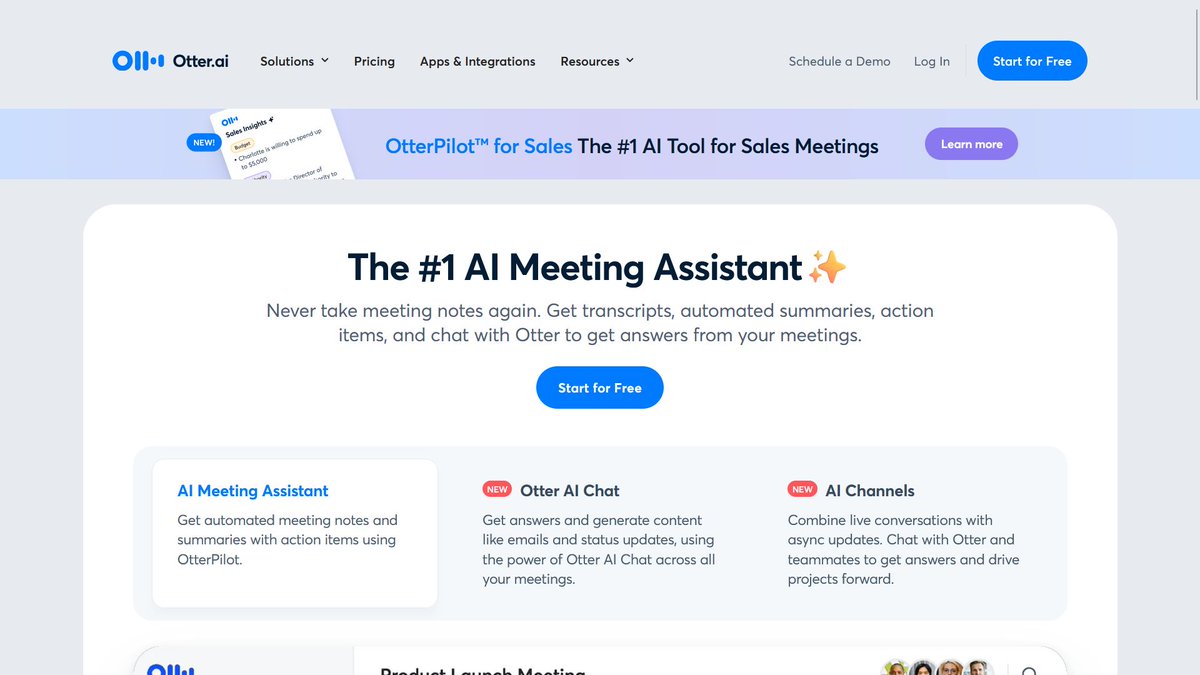
Otter AI writes down what’s said in meetings, shows who’s speaking, and creates summaries. It helps teams stay organized with automatic notes. Image
@ScribeHow 3. Scalenut

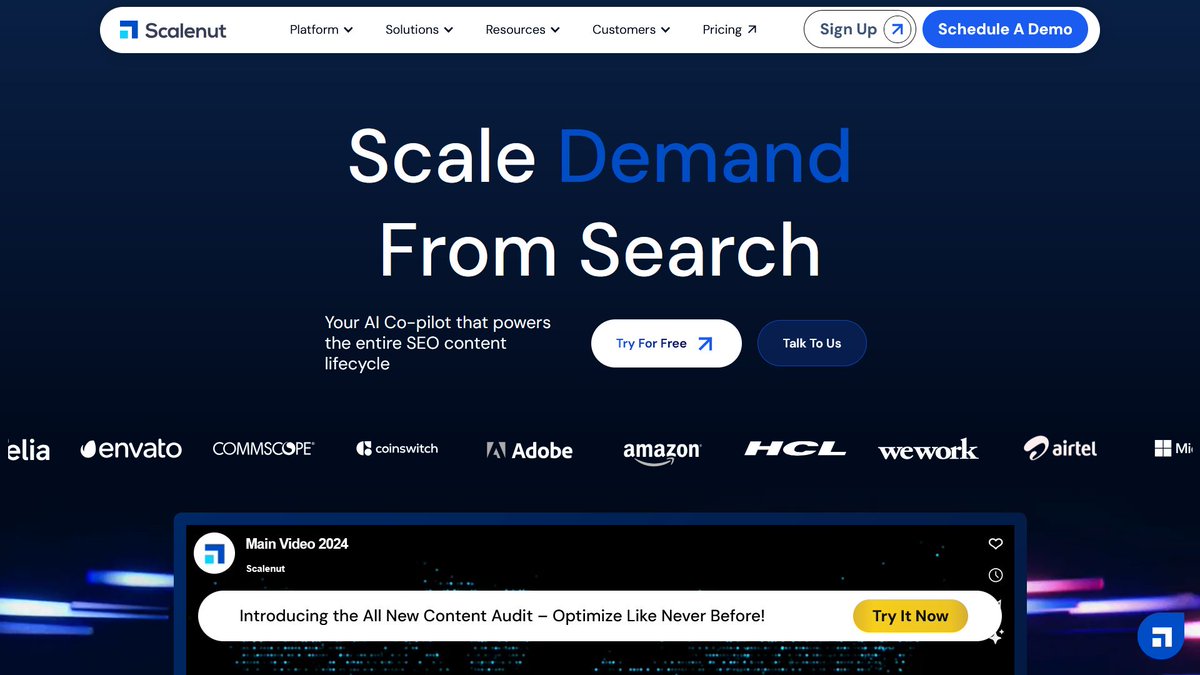
Scalenut helps you research, write, and improve content using AI. It makes creating SEO-friendly content easy for businesses and marketers. Image
@ScribeHow 4. ElevenLabs

Transform text into lifelike speech with AI-powered voice synthesis. Supports multiple languages and custom voice cloning for creators and businesses. Image
@ScribeHow 5. Descript

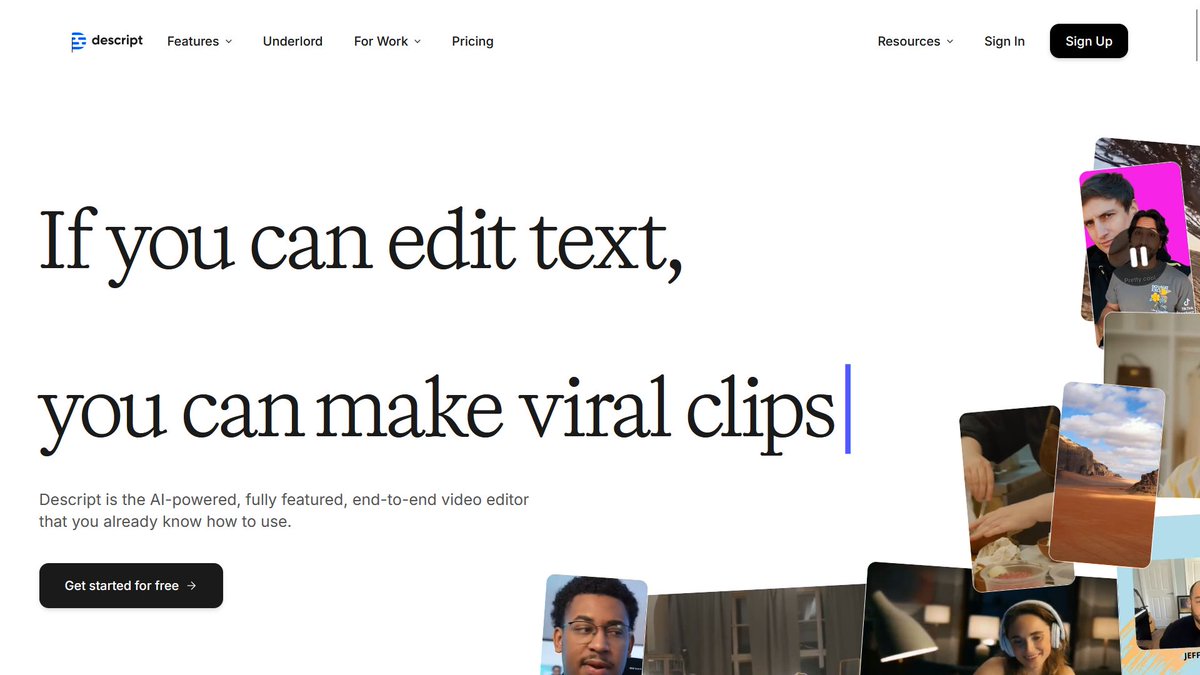
The ultimate all-in-one tool for editing audio and video. Transcribe, record your screen, and edit easily with drag-and-drop features. Image
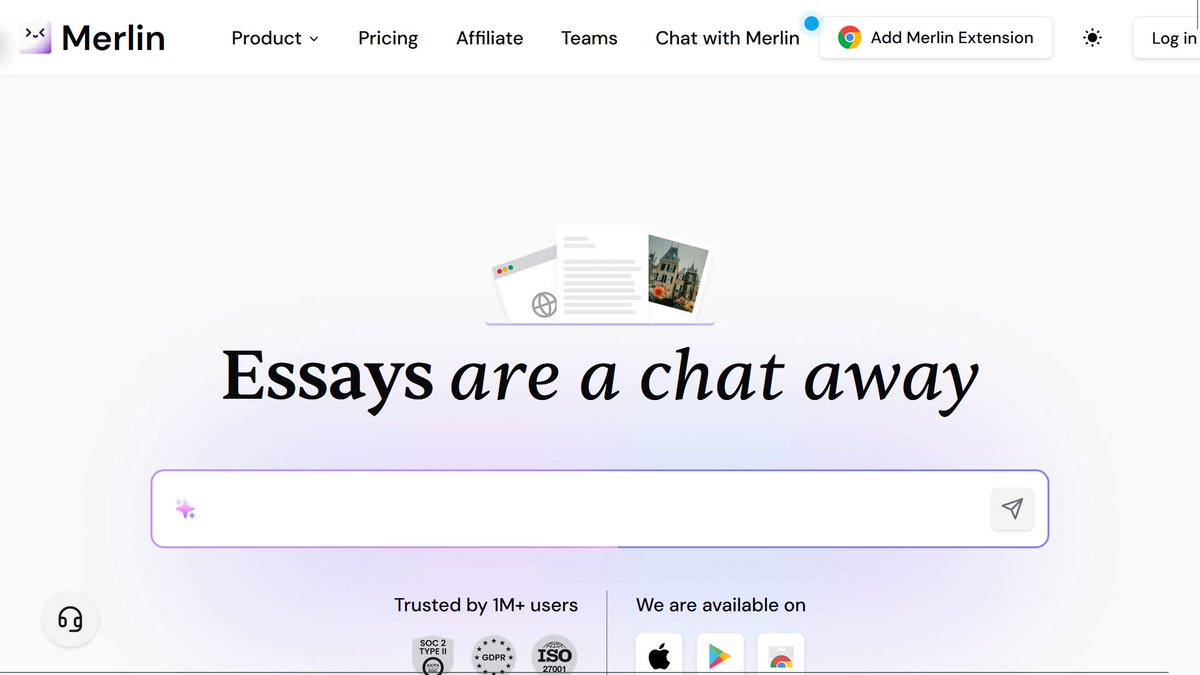
@ScribeHow 6. Merlin

Merlin is an AI assistant that helps you save time by summarizing web pages, writing responses, and automating tasks across different platforms. Image
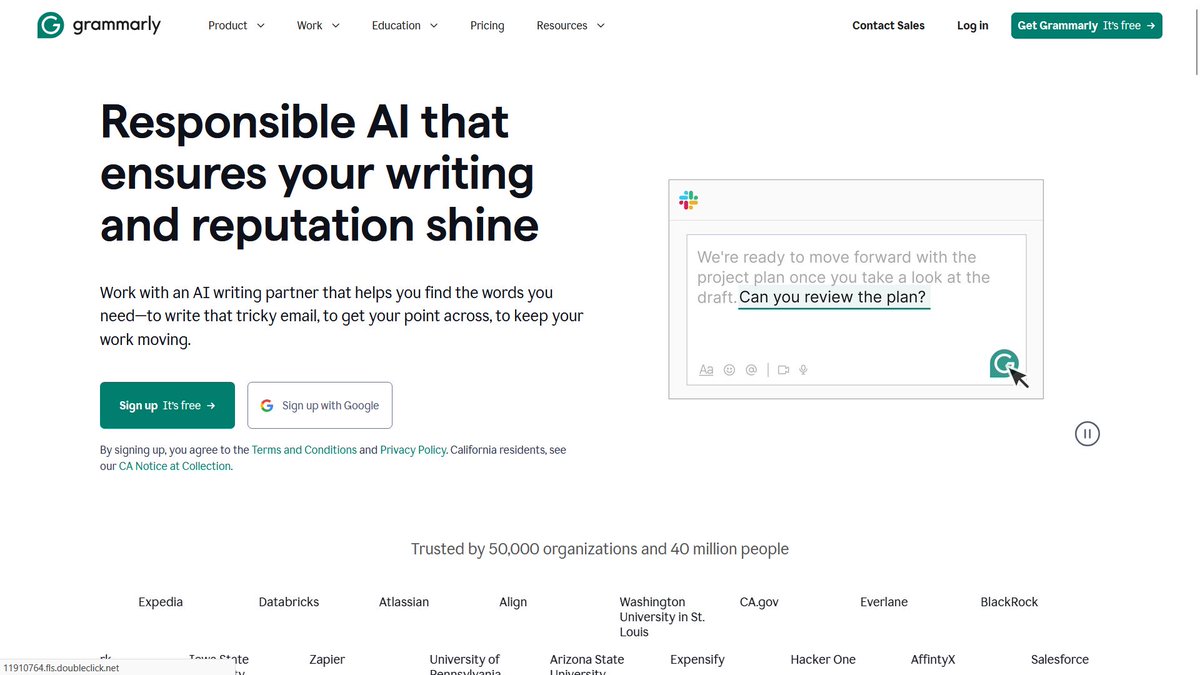
@ScribeHow 7. Grammarly

Grammarly helps you write better by fixing grammar, improving clarity, and adjusting tone for emails, documents, and social media. Image
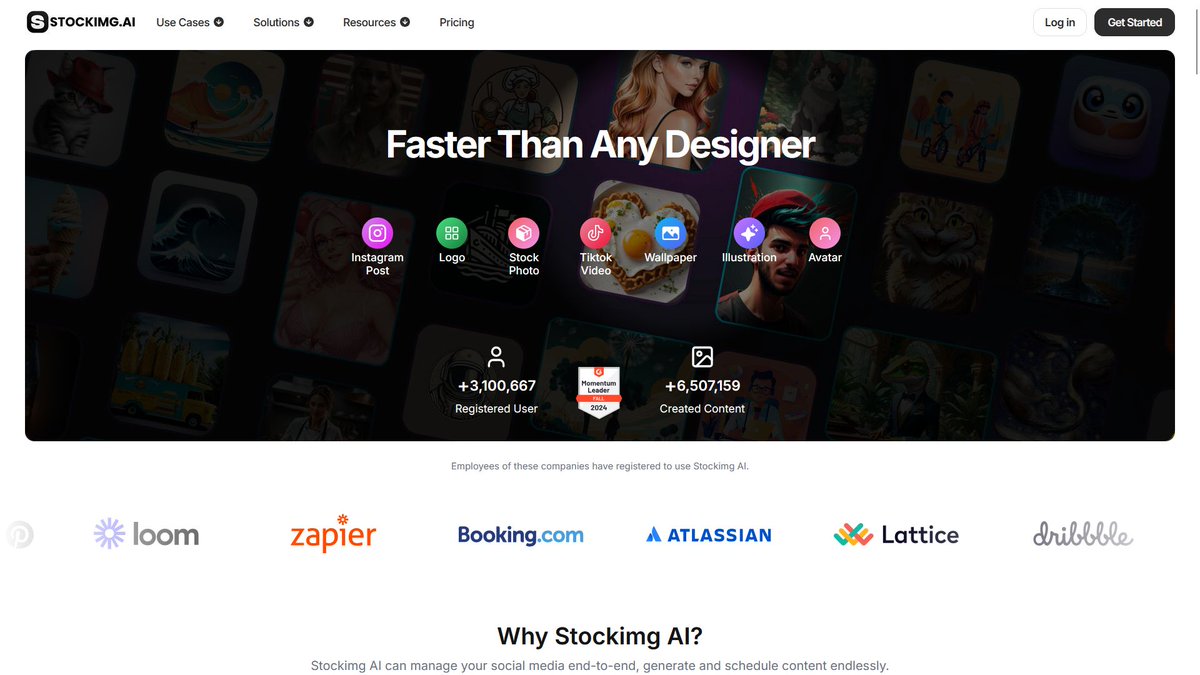
@ScribeHow 8. Stockimg AI

Generate high-quality images, logos, and book covers in seconds. A must-have tool for designers, marketers, and content creators. Image
@ScribeHow 9. Murf

Create studio-quality voiceovers with AI-generated, natural-sounding voices. Perfect for videos, podcasts, and presentations. Image
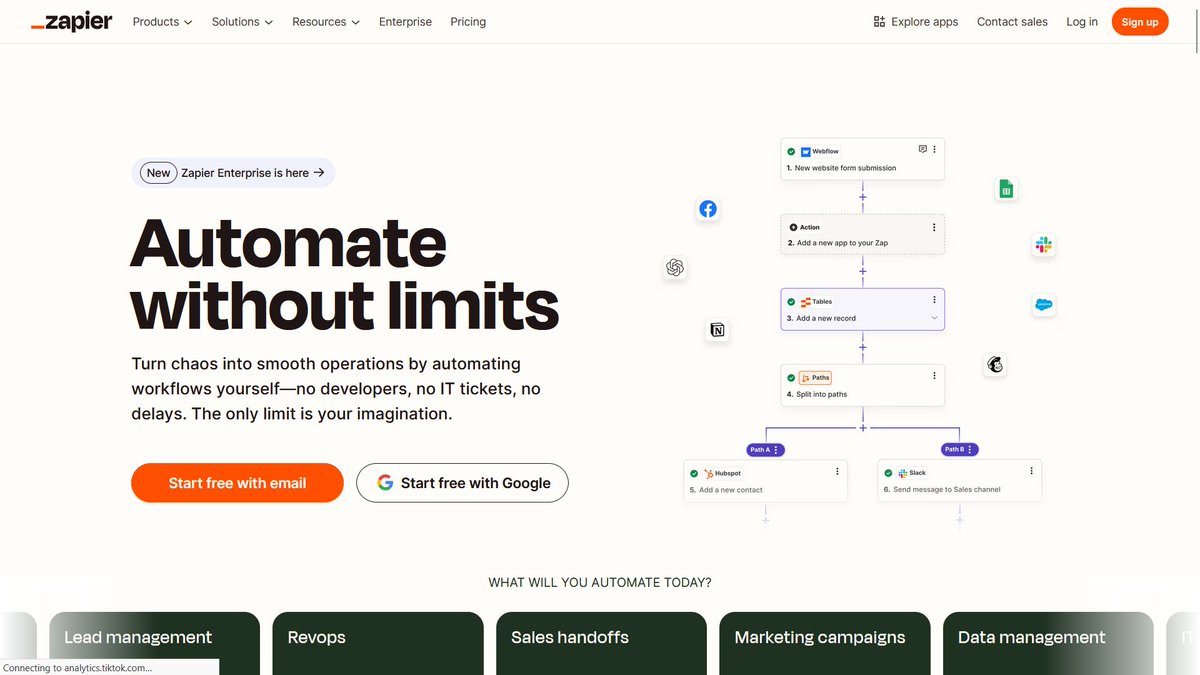
@ScribeHow 10. Zapier

Zapier connects apps and automates tasks without coding, helping businesses save time and simplify workflows. Image
@ScribeHow Join over 20,000 readers for the latest AI tools, insights, tutorials, and guides to supercharge your workflows.

Subscribe for free: joinaiinsights.com/subscribe
That’s a wrap.

If you found this thread helpful:

1. Follow me @HeyAmit_ for more insights.

2. Retweet the first tweet to share it with others.

• • •

Missing some Tweet in this thread? You can try to force a refresh

 

Keep Current with Amit

Amit Profile picture

Stay in touch and get notified when new unrolls are available from this author!

Read all threads

This Thread may be Removed Anytime!

PDF

Twitter may remove this content at anytime! Save it as PDF for later use!

Try unrolling a thread yourself!

how to unroll video
  1. Follow @ThreadReaderApp to mention us!

  2. From a Twitter thread mention us with a keyword "unroll"
@threadreaderapp unroll

Practice here first or read more on our help page!

More from @HeyAmit_

Feb 17
The Notes app on your iPhone is one of the most powerful tools available.

But 99% of people don’t know its true potential.

Here are 15 amazing features you must know:
1. Document Scanning

• Long-press on the Notes app until the submenu appears.
• Select "Scan Documents."
• Scan your document and tap save.
2. Password-Protect a Note

• Open your note, tap the "..." menu, and choose "Lock."

• Decide whether to use your iPhone’s code or create a custom one (note: forgotten manual codes can’t be recovered).

• Now, Face ID or a code is required to access this note.
Read 17 tweets
Feb 16
You can make $600 per day if you have:

1. A laptop
2. Wi-Fi
3. Time

Here are 12 websites that pay you daily:
1. Arise

Arise offers remote customer service opportunities, allowing individuals to work from home as independent contractors. Flexible scheduling available.

Earn $10–$20 per hour.
2. KellyConnect

KellyConnect provides remote customer service and tech support roles, perfect for those seeking flexible work-from-home opportunities.

Pay ranges from $15-$17 per hour with training included.
Read 15 tweets
Feb 13
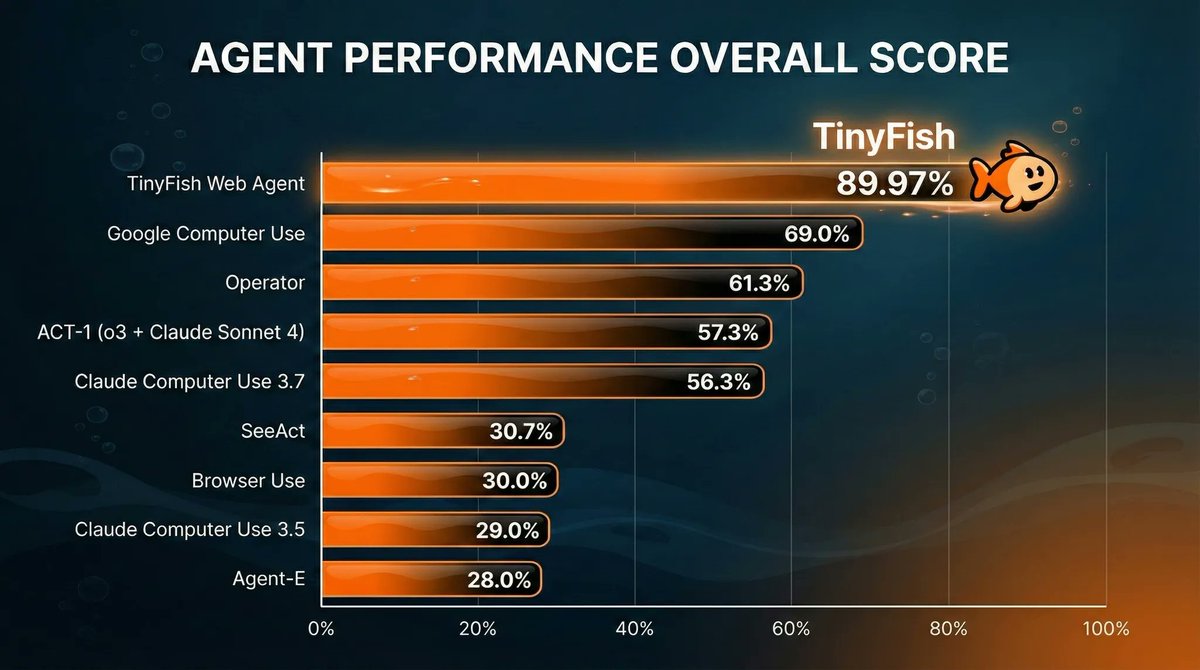
this is the first AI agent result that actually scared me.

90% accuracy navigating real websites.

TinyFish just beat Google, OpenAI, and Anthropic on the hardest web benchmark.

This isn’t a demo. It’s infrastructure.

Here’s the breakdown: 👇
Meet @Tiny_Fish Web Agents API.

Enterprise-grade web agent infrastructure now available to indie developers.

Think browser agents, but:

- Built for real production workflows
- Runs across many websites in parallel
- Returns clean, structured JSON every time

Try it here → tinyfish.ai
1. Most web agents fail in boring ways:

They misclick.
They lose context.
They take shortcuts.

And benchmarks usually let them get away with it.

Mind2Web doesn’t.

It watches the process, not just the outcome.

If the agent cheats, it fails.

TinyFish still hit 89.97%.
That’s the part that matters.Image
Read 10 tweets
Feb 9
Most AI image tools still require long prompts, multiple retries, and heavy editing.

Seedream 5.0 Preview, first on Dreamina, is changing that. It’s one of the first models that actually understands what you mean, not just what you type.

Spoiler: Seedance 2.0 is on the way. Stay tuned.

Stay till the end to grab my exclusive Seedream 5.0 Preview prompt pack 👇
1/ Seedream 5.0 Preview: Smarter & More Intelligent

What I love: Seedream 5.0 Preview is built for real-world production workflows.

- Turns complex information into clear visual diagrams and layouts
- Correctly understands spatial relationships, negations, metaphors, and multilingual prompts
- Even short prompts are expanded intelligently with meaningful visual details

Perfect for marketers, educators, AI creators, and teams building visual storytelling content fast.Image
2/ Editing Made Easy with Seedream 5.0 Preview

Tweaking AI images used to take forever — now it’s almost instant.

- Follows instructions — turns detailed text into precise visuals, avoiding mismatches.
- Feature transfer — copies colors, styles, camera angles, and reference details across scenes.
- One-click reuse — learns changes from example images and applies them instantly.

Perfect for e-commerce designers, ad teams, and content creators who want fast, precise edits.Image
Read 8 tweets
Jan 31
Don't copy and paste answers from ChatGPT.

ChatGPT writing is easily detectable.

Use these prompts instead and see the magic:
1. The Human Writing Expert

“Act as a professional editor and writer. Rewrite this text so it sounds naturally human, clear, and well-written. Fix grammar, flow, and structure while preserving my original voice and intent. Text: [paste text].”
2. The Clarity & Readability Editor

“Edit this text to improve clarity, logic, and readability. Remove unnecessary words, tighten sentences, and make the message easy to understand without changing its meaning. Text: [paste text].”
Read 9 tweets
Jan 30
You can make $600 per day if you have:

1. A laptop
2. Wi-Fi
3. Time

Here are 12 websites that pay you daily:
1. Arise

Arise offers remote customer service opportunities, allowing individuals to work from home as independent contractors. Flexible scheduling available.

Earn $10–$20 per hour.

🔗 bit.ly/heyamit_
2. KellyConnect

KellyConnect provides remote customer service and tech support roles, perfect for those seeking flexible work-from-home opportunities.

Pay ranges from $15-$17 per hour with training included.

🔗 bit.ly/heyamit_
Read 15 tweets

Did Thread Reader help you today?

Support us! We are indie developers!


This site is made by just two indie developers on a laptop doing marketing, support and development! Read more about the story.

Become a Premium Member ($3/month or $30/year) and get exclusive features!

Become Premium

Don't want to be a Premium member but still want to support us?

Make a small donation by buying us coffee ($5) or help with server cost ($10)

Donate via Paypal

Or Donate anonymously using crypto!

Ethereum

0xfe58350B80634f60Fa6Dc149a72b4DFbc17D341E copy

Bitcoin

3ATGMxNzCUFzxpMCHL5sWSt4DVtS8UqXpi copy

Thank you for your support!

Follow Us!

:(