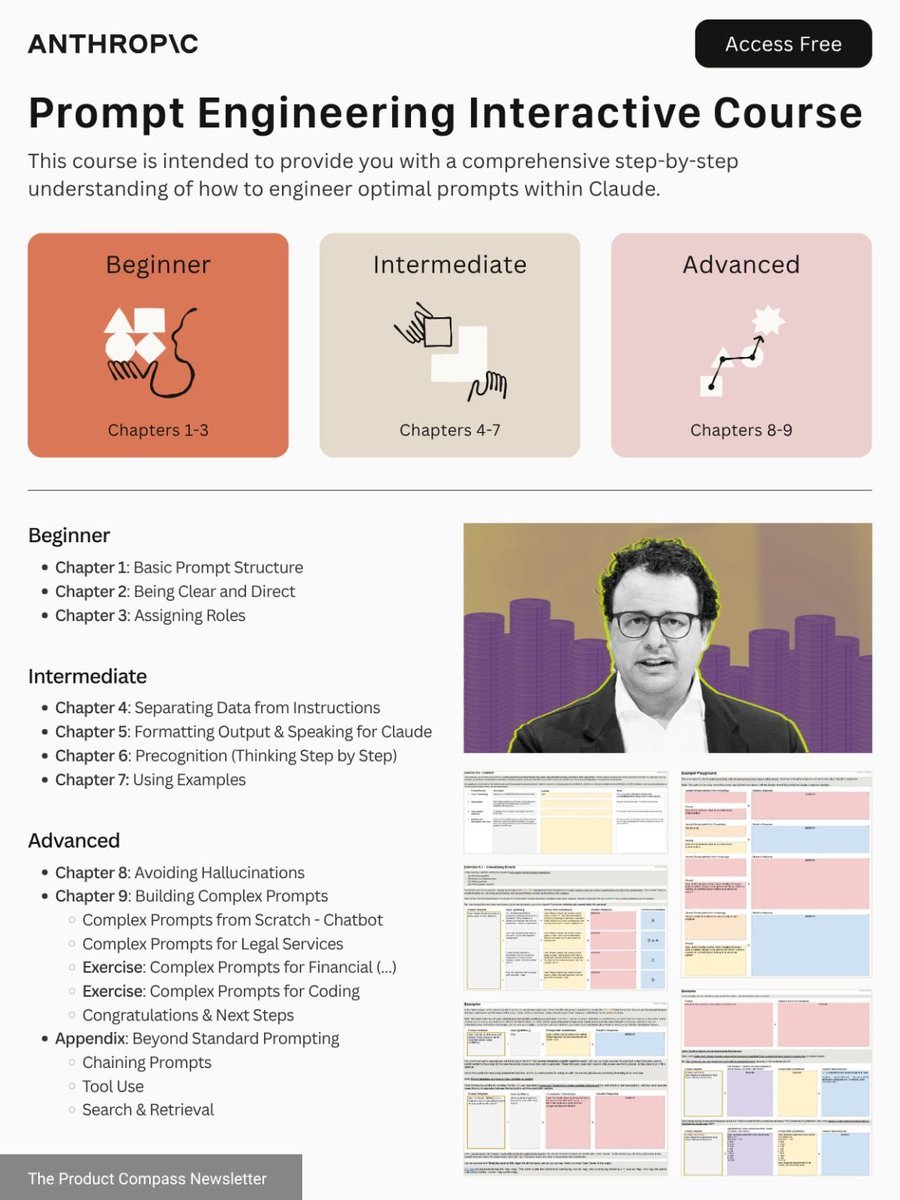
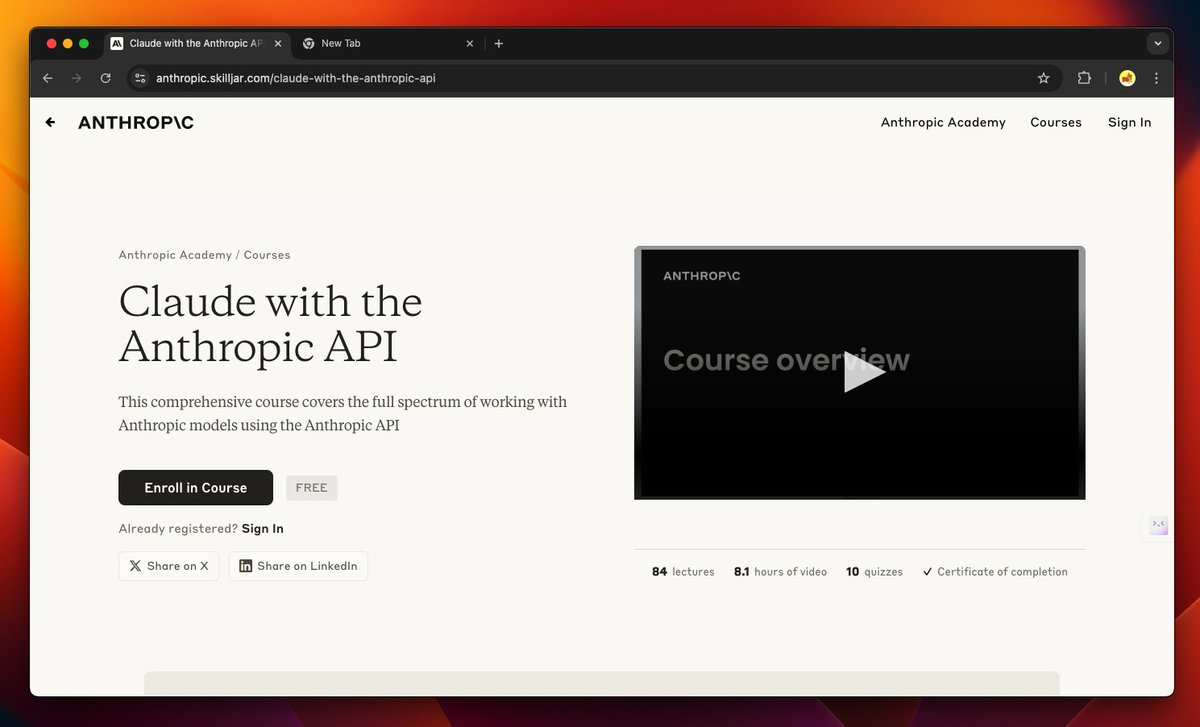
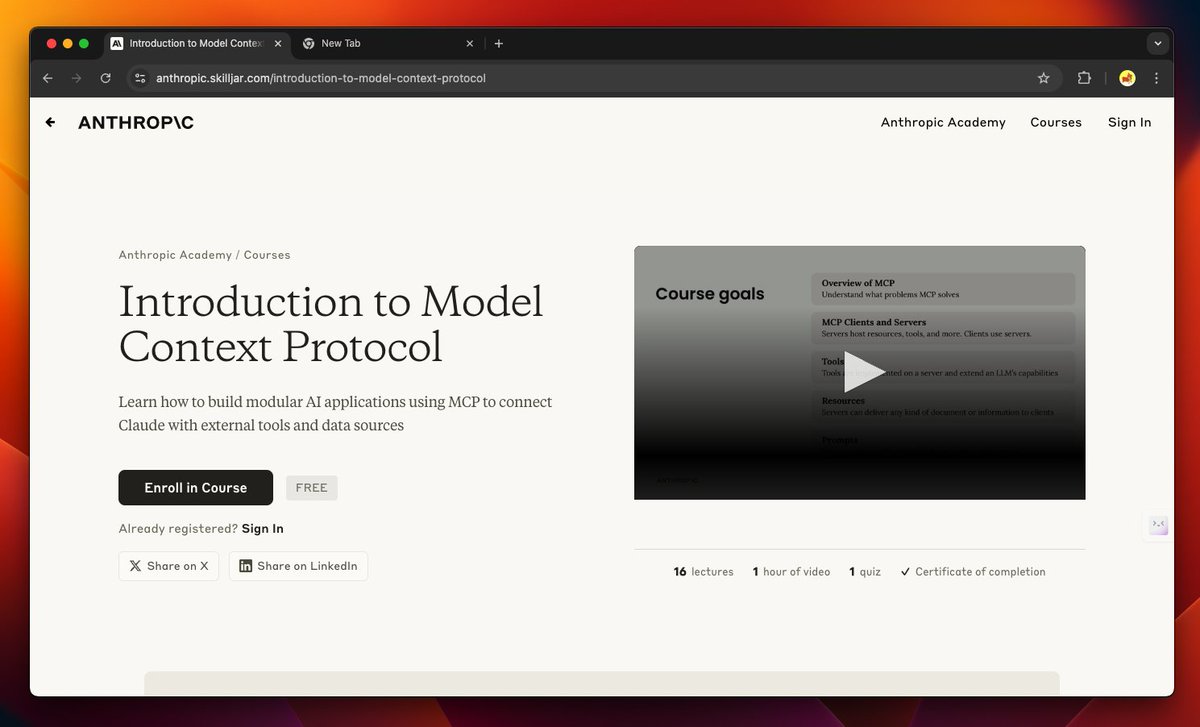
Stop paying for online courses.
Grok 3 can teach you any skill—for FREE.
Use these prompts to learn ANYTHING 10x faster: ↓
Grok 3 can teach you any skill—for FREE.
Use these prompts to learn ANYTHING 10x faster: ↓

1/ Learning Path Designer
“Create a comprehensive step-by-step learning path to master [insert skill], starting from beginner to expert level. Include key concepts, tools, sub-skills, timelines, and milestone checkpoints to track progress.”
“Create a comprehensive step-by-step learning path to master [insert skill], starting from beginner to expert level. Include key concepts, tools, sub-skills, timelines, and milestone checkpoints to track progress.”
2/ Concept Simplifier
“Explain [insert complex topic] in the simplest way possible, using everyday analogies, relatable examples, and visual metaphors so a complete beginner can understand it clearly.”
“Explain [insert complex topic] in the simplest way possible, using everyday analogies, relatable examples, and visual metaphors so a complete beginner can understand it clearly.”
3/ Practice & Drill Generator
“Give me 10 hands-on exercises or mini-challenges to build practical skills in [insert subject]. Begin with fundamentals and increase difficulty gradually. Include correct answers or solutions.”
“Give me 10 hands-on exercises or mini-challenges to build practical skills in [insert subject]. Begin with fundamentals and increase difficulty gradually. Include correct answers or solutions.”
4/ Knowledge Gap Detector
“Evaluate my understanding of [topic] based on my explanation. Identify key gaps, misconceptions, and missing knowledge, then suggest targeted resources or exercises to bridge them.”
“Evaluate my understanding of [topic] based on my explanation. Identify key gaps, misconceptions, and missing knowledge, then suggest targeted resources or exercises to bridge them.”
5/ Skill Fast-Track Framework
“Identify the 20% of concepts or techniques in [insert skill] that deliver 80% of practical results. Focus on core essentials and eliminate fluff to help me learn faster and more effectively.”
“Identify the 20% of concepts or techniques in [insert skill] that deliver 80% of practical results. Focus on core essentials and eliminate fluff to help me learn faster and more effectively.”
6/ Real-World Project Creator
“Design a practical project to apply my knowledge of [insert subject]. Break it into clear steps, suggest tools/resources I’ll need, and provide tips for overcoming common problems.”
“Design a practical project to apply my knowledge of [insert subject]. Break it into clear steps, suggest tools/resources I’ll need, and provide tips for overcoming common problems.”
7/ Memory & Retention Optimizer
“Help me retain what I learn about [Topic] more effectively. Suggest techniques like spaced repetition, visual memory hacks, mental models, and interactive recall exercises tailored to this subject.”
“Help me retain what I learn about [Topic] more effectively. Suggest techniques like spaced repetition, visual memory hacks, mental models, and interactive recall exercises tailored to this subject.”
8/ Microlearning Chunker
“Break down the subject of [Topic] into small, bite-sized learning modules I can learn in 10 minutes each. Each module should include one key concept, a practical example, and a quick exercise.”
“Break down the subject of [Topic] into small, bite-sized learning modules I can learn in 10 minutes each. Each module should include one key concept, a practical example, and a quick exercise.”
Stay ahead in the AI revolution with my newsletter! 🚀
Join 25,000 readers to get the latest AI insights, tools, tutorials, and guides.
Subscribe for free:
joinaiinsights.com/subscribe
Join 25,000 readers to get the latest AI insights, tools, tutorials, and guides.
Subscribe for free:
joinaiinsights.com/subscribe
That's a wrap!
If you found this helpful:
1. Repost to share it with others.
2. Bookmark this post and follow me @Rixhabh__ for more.
If you found this helpful:
1. Repost to share it with others.
2. Bookmark this post and follow me @Rixhabh__ for more.
https://twitter.com/1598298705610051591/status/1909133283436417443
• • •
Missing some Tweet in this thread? You can try to
force a refresh