I don't understand why so few people use AI tools.
Most people only know about ChatGPT.
Here are 12 hidden gems you need to know:↓
Most people only know about ChatGPT.
Here are 12 hidden gems you need to know:↓
1. Flot AI
Anywhere AI Assistant
⏬Download for Free →
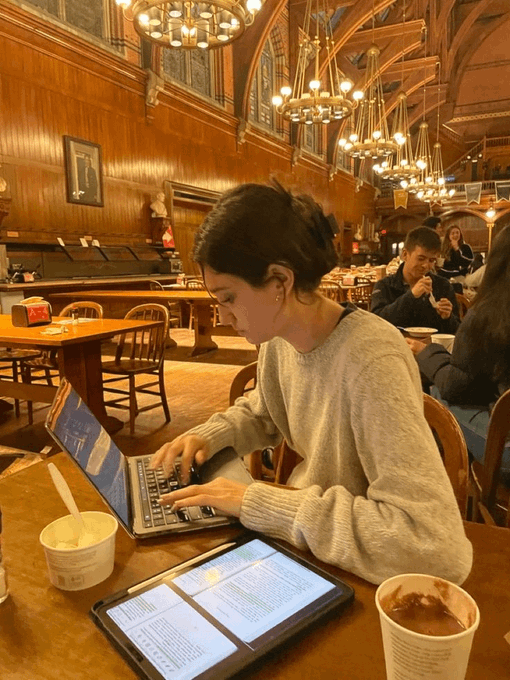
→ Flot is the all-in-one AI assistant that helps you write better, read faster, and remember information across any apps and websites.
→ Built-in the latest ChatGPT, Claude, Gemini, etc. Flot.ai
Anywhere AI Assistant
⏬Download for Free →
→ Flot is the all-in-one AI assistant that helps you write better, read faster, and remember information across any apps and websites.
→ Built-in the latest ChatGPT, Claude, Gemini, etc. Flot.ai
2. AiSOAP - #1 AI Medical Scribe with AI SOAP Notes
Try it free today! → 🔗
Trust me, it’s a game-changer.
→ AiSOAP records, transcribes, and generates customized SOAP notes, saving you 95% of your charting time. Sounds too good to be true? It’s not. Try.aisoap.com
Try it free today! → 🔗
Trust me, it’s a game-changer.
→ AiSOAP records, transcribes, and generates customized SOAP notes, saving you 95% of your charting time. Sounds too good to be true? It’s not. Try.aisoap.com
3. Qodo
The first AI Coding Assistant on the list that I created is Qodo because it is an emerging AI coding assistant and has powerful test case generation capabilities.
The first AI Coding Assistant on the list that I created is Qodo because it is an emerging AI coding assistant and has powerful test case generation capabilities.
Attention 🧵
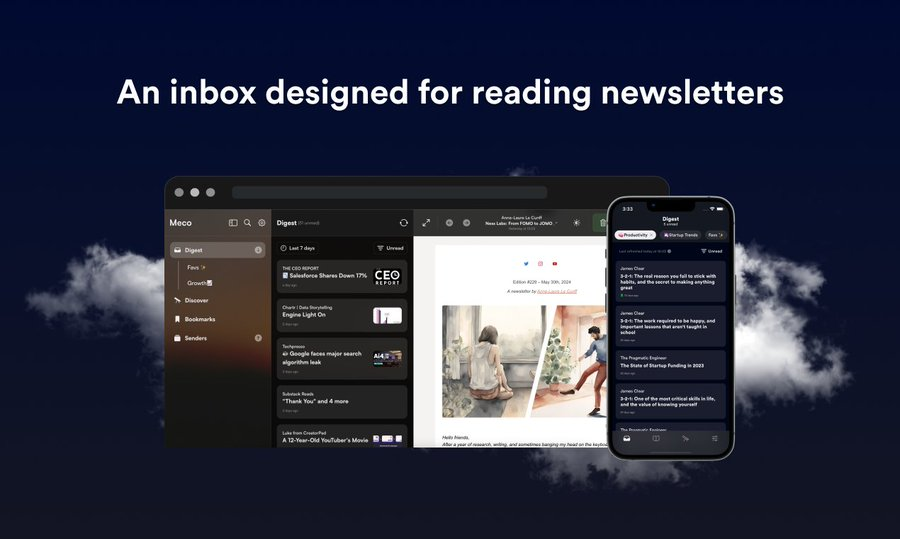
Tired of your inbox overflowing with newsletters?
Now you can read the best in news, business, tech, and more all in one clean app.
Free Sign-up. No clutter.
Check it out here: meco.app/get/6x7r
Tired of your inbox overflowing with newsletters?
Now you can read the best in news, business, tech, and more all in one clean app.
Free Sign-up. No clutter.
Check it out here: meco.app/get/6x7r
4. Notta Showcase
➽ Notta Showcase is an AI dubbing tool that translates videos into 15 languages, saving you time and money compared to traditional dubbing methods.
➽ Notta Showcase is an AI dubbing tool that translates videos into 15 languages, saving you time and money compared to traditional dubbing methods.
5. Kreado AI.
Create Stunning Videos in 1 Minute. Transform text, images, and more into professional videos with our AI video generator. Choose from 700+ AI avatars and 1,600 voices in 140 languages.
Create Stunning Videos in 1 Minute. Transform text, images, and more into professional videos with our AI video generator. Choose from 700+ AI avatars and 1,600 voices in 140 languages.
6. OpusClip
OpusClip turns long videos into short, shareable clips effortlessly. It uses AI to pick the best moments, resize for platforms like TikTok, and add captions and emojis for engagement.
OpusClip turns long videos into short, shareable clips effortlessly. It uses AI to pick the best moments, resize for platforms like TikTok, and add captions and emojis for engagement.
7. Momen
➔ Design responsive UIs
➔ Manage complex workflows
➔ Handle data flexibly
➔ Deploy instantly
Create secure, scalable apps faster with no code.
➔ Design responsive UIs
➔ Manage complex workflows
➔ Handle data flexibly
➔ Deploy instantly
Create secure, scalable apps faster with no code.
8. DomoAI
Domo AI quickly generates high-quality anime art and avatars for free. It offers features like video-to-video, picture-to-picture, and picture-to-video, with over 40 styles, including 3D animation and game style.
Domo AI quickly generates high-quality anime art and avatars for free. It offers features like video-to-video, picture-to-picture, and picture-to-video, with over 40 styles, including 3D animation and game style.
9. PhotoRoom:
Instantly remove unwanted objects and backgrounds from your photos for professional-quality images and enhanced product shots.
Instantly remove unwanted objects and backgrounds from your photos for professional-quality images and enhanced product shots.
11. ChatGPT on WhatsApp
Say hello to Miko—your personal assistant in WhatsApp!
From brainstorming ideas to translations, Miko makes it easy.
Say hello to Miko—your personal assistant in WhatsApp!
From brainstorming ideas to translations, Miko makes it easy.
12. Free Image to Video Generator
➽ Turn Static Image to Video Fast & Easy.
➽Powerful Free Photo Video Maker with AI-Tech.
➽ High-Quality and Smooth Motion Video Effect.
➽ Turn Static Image to Video Fast & Easy.
➽Powerful Free Photo Video Maker with AI-Tech.
➽ High-Quality and Smooth Motion Video Effect.
• • •
Missing some Tweet in this thread? You can try to
force a refresh