Perplexity is a GENIUS marketer.
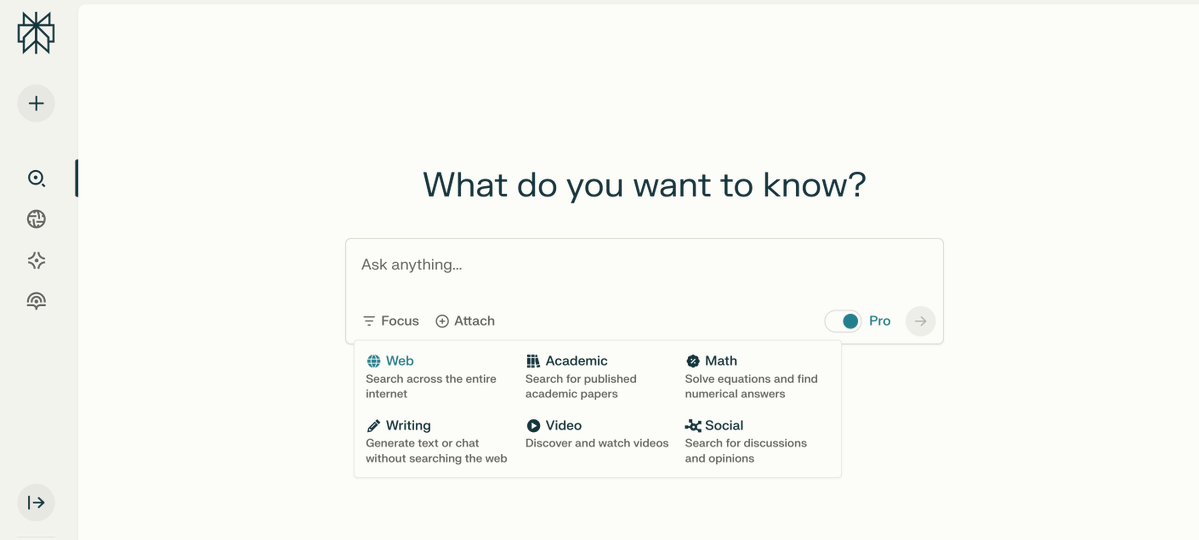
I turned it into my personal marketing assistant with these 10 powerful prompts to automate your tasks.
(10/10 would bookmark this):
I turned it into my personal marketing assistant with these 10 powerful prompts to automate your tasks.
(10/10 would bookmark this):
1/ Target Audience Profiler
Prompt:
"You are a marketing strategist. Create a detailed profile of my target audience for [product/service]. Include demographics, pain points, and buying motivations."
Prompt:
"You are a marketing strategist. Create a detailed profile of my target audience for [product/service]. Include demographics, pain points, and buying motivations."
2/ Marketing Channel Recommender
Prompt:
"Suggest the top 5 marketing channels to promote [product/service] to [target audience]. Include why each channel is effective."
Prompt:
"Suggest the top 5 marketing channels to promote [product/service] to [target audience]. Include why each channel is effective."
3/ Campaign Ideas Generator
Prompt:
"Brainstorm 5 unique and engaging marketing campaign ideas to promote [product/service]. Include themes, platforms, and potential audience reactions."
Prompt:
"Brainstorm 5 unique and engaging marketing campaign ideas to promote [product/service]. Include themes, platforms, and potential audience reactions."
4/ Social Media Post Planner
Prompt:
"Generate 7 social media post ideas for [platform] promoting [product/service]. Include hashtags, captions, and content types (e.g., image, video, carousel)."
Prompt:
"Generate 7 social media post ideas for [platform] promoting [product/service]. Include hashtags, captions, and content types (e.g., image, video, carousel)."
5/ Influencer Collaboration Finder
Prompt:
"Identify 10 influencers in the [niche] niche who align with my brand [product/service]. Provide engagement stats and potential collaboration ideas."
Prompt:
"Identify 10 influencers in the [niche] niche who align with my brand [product/service]. Provide engagement stats and potential collaboration ideas."
6/ Ad Copy Creator
Prompt:
"Write 3 versions of ad copy for [platform] promoting [product/service]. Tailor each version for different tones: persuasive, informative, and emotional."
Prompt:
"Write 3 versions of ad copy for [platform] promoting [product/service]. Tailor each version for different tones: persuasive, informative, and emotional."
7/ Competitor Marketing Analysis
Prompt:
"Analyze the marketing strategies of [competitor]. Provide insights into their campaigns, messaging, and platforms. Suggest ways to differentiate my brand."
Prompt:
"Analyze the marketing strategies of [competitor]. Provide insights into their campaigns, messaging, and platforms. Suggest ways to differentiate my brand."
8/ Email Marketing Content Creator
Prompt:
"Draft a 5-part email sequence for [product/service]. Include an introduction, value proposition, product benefits, and a strong call-to-action in each email."
Prompt:
"Draft a 5-part email sequence for [product/service]. Include an introduction, value proposition, product benefits, and a strong call-to-action in each email."
9/ Video Content Planner
Prompt:
"Suggest 5 video ideas to promote [product/service] on [platform]. Include video titles, content structure, and target audience."
Prompt:
"Suggest 5 video ideas to promote [product/service] on [platform]. Include video titles, content structure, and target audience."
10/ Marketing Metrics Tracker
Prompt:
"List the top 5 metrics to track for [marketing campaign type] and explain how to measure them. Provide tools to automate this process."
Prompt:
"List the top 5 metrics to track for [marketing campaign type] and explain how to measure them. Provide tools to automate this process."
I hope you've found this thread helpful.
Follow me @heygurisingh for more.
Like/Repost the quote below if you can:
Follow me @heygurisingh for more.
Like/Repost the quote below if you can:
https://twitter.com/1662123349148073984/status/1950036056893710339
• • •
Missing some Tweet in this thread? You can try to
force a refresh