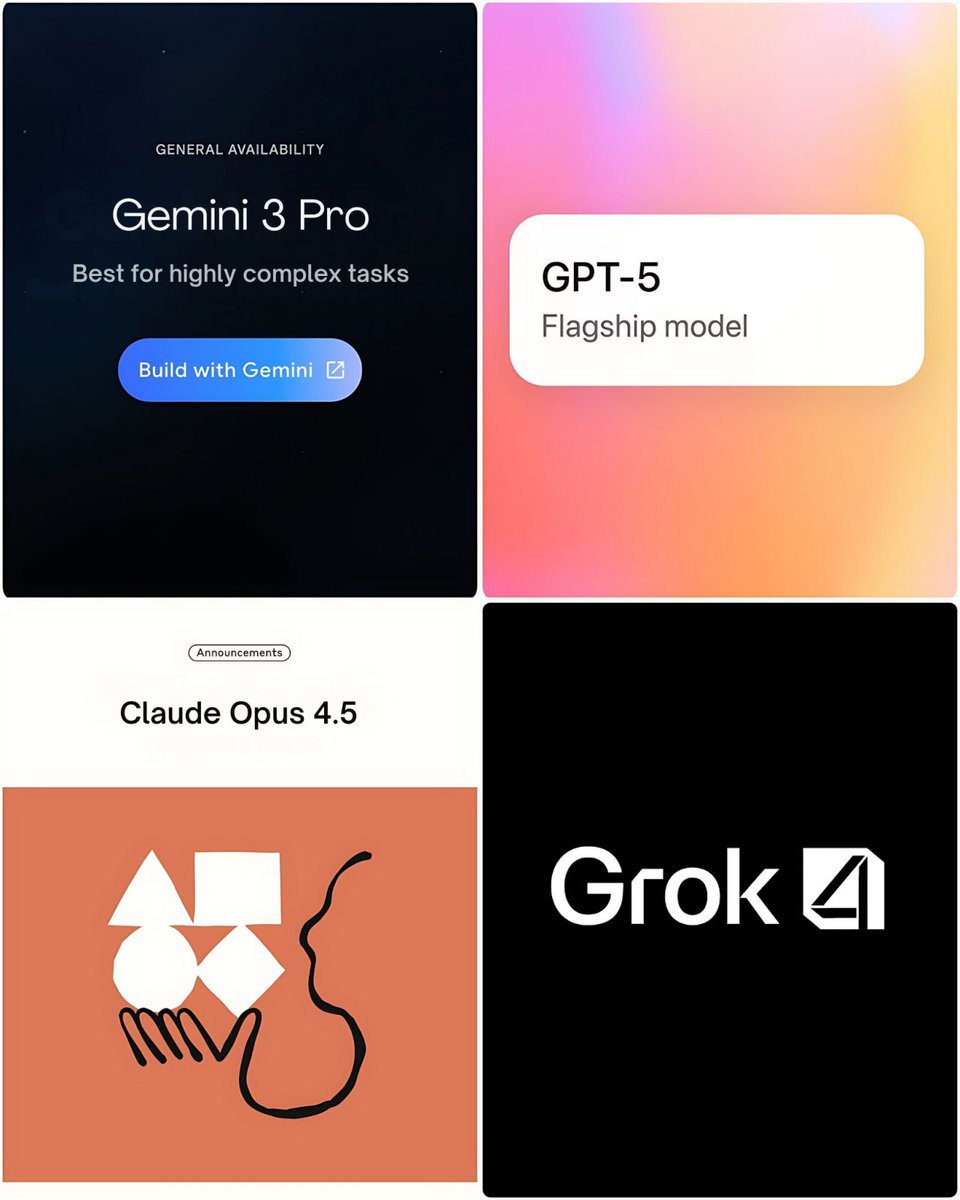
AI CAN NOW GENERATE DESIGN SYSTEMS THAT LOOK… SURPRISINGLY CLOSE TO BIG-BRAND STANDARDS.
Using Claude Opus 4.6, you can draft:
• full brand guidelines
• visual identity rules
• 40+ marketing assets
All in a single workflow.
Here are 9 prompts I use 👇
Using Claude Opus 4.6, you can draft:
• full brand guidelines
• visual identity rules
• 40+ marketing assets
All in a single workflow.
Here are 9 prompts I use 👇
PROMPT 1: The Design System Architect
Act as Apple Principal Designer. Build a complete design system for [BRAND]. Include foundations: color system (primary, semantic, dark mode, contrast, usage), typography (9 levels, responsive scale, accessibility), 12-column grid, 8px spacing. Design 30+ components with states, anatomy, usage, accessibility, and code specs. Add patterns, design tokens JSON, principles, do’s/don’ts, and dev guide. Publish-ready.
Act as Apple Principal Designer. Build a complete design system for [BRAND]. Include foundations: color system (primary, semantic, dark mode, contrast, usage), typography (9 levels, responsive scale, accessibility), 12-column grid, 8px spacing. Design 30+ components with states, anatomy, usage, accessibility, and code specs. Add patterns, design tokens JSON, principles, do’s/don’ts, and dev guide. Publish-ready.
PROMPT 2: The Brand Identity Creator
Act as Creative Director at Pentagram. Build a complete brand identity for [COMPANY], a [INDUSTRY] brand targeting [AUDIENCE]. Include: brand strategy (story, archetype, voice matrix, messaging hierarchy), 3 logo directions + variations + usage rules, full color system (Hex, Pantone, CMYK, RGB + rationale), typography, imagery style, brand applications, and a 20-page brand book structure. Explain strategy behind every decision.
Act as Creative Director at Pentagram. Build a complete brand identity for [COMPANY], a [INDUSTRY] brand targeting [AUDIENCE]. Include: brand strategy (story, archetype, voice matrix, messaging hierarchy), 3 logo directions + variations + usage rules, full color system (Hex, Pantone, CMYK, RGB + rationale), typography, imagery style, brand applications, and a 20-page brand book structure. Explain strategy behind every decision.
PROMPT 3: The UI/UX Pattern Master
Act as a Senior Apple UI Designer. Design a full UI for [APP TYPE] based on [PERSONA], goals, and pain points. Follow Apple HIG. Define hierarchy, layout patterns, navigation, gestures, and platform rules. Detail 8 core screens with wireframes, components, interactions, empty/error/loading states. Specify buttons, forms, cards, data viz, accessibility (WCAG, VoiceOver, Dynamic Type), micro-interactions, and responsive behavior. Include Designer’s Notes.
Act as a Senior Apple UI Designer. Design a full UI for [APP TYPE] based on [PERSONA], goals, and pain points. Follow Apple HIG. Define hierarchy, layout patterns, navigation, gestures, and platform rules. Detail 8 core screens with wireframes, components, interactions, empty/error/loading states. Specify buttons, forms, cards, data viz, accessibility (WCAG, VoiceOver, Dynamic Type), micro-interactions, and responsive behavior. Include Designer’s Notes.
PROMPT 4: The Marketing Asset Factory
Act as Creative Director at a top agency. Build a full campaign asset library for [PRODUCT]. Include: Google Ads, Meta/TikTok ads, email sequences (welcome, promo, nurture, re-engagement), landing page copy, social posts, sales enablement materials, and content marketing outlines. Provide exact copy, visual direction, CTA, and A/B tests for each. Maintain consistent messaging, tone, and hierarchy across all assets.
Act as Creative Director at a top agency. Build a full campaign asset library for [PRODUCT]. Include: Google Ads, Meta/TikTok ads, email sequences (welcome, promo, nurture, re-engagement), landing page copy, social posts, sales enablement materials, and content marketing outlines. Provide exact copy, visual direction, CTA, and A/B tests for each. Maintain consistent messaging, tone, and hierarchy across all assets.
PROMPT 5: The Figma Auto-Layout Expert
Act as a Figma Design Ops Specialist. Convert [DESIGN DESCRIPTION] into Figma-ready specs. Define frame structure, grids, constraints, and responsive rules. Detail auto-layout (direction, padding, spacing, alignment, resizing). Build component architecture with variants and properties. Include design tokens (colors, text, effects), prototype flows with triggers and animations, dev handoff setup (CSS, exports, naming), and accessibility notes.
Act as a Figma Design Ops Specialist. Convert [DESIGN DESCRIPTION] into Figma-ready specs. Define frame structure, grids, constraints, and responsive rules. Detail auto-layout (direction, padding, spacing, alignment, resizing). Build component architecture with variants and properties. Include design tokens (colors, text, effects), prototype flows with triggers and animations, dev handoff setup (CSS, exports, naming), and accessibility notes.
PROMPT 6: The Design Critique Partner
Act as an Apple Design Director. Critique [DESIGN]. Evaluate via Nielsen’s 10 heuristics (score 1–5 with examples), visual hierarchy, typography, color, usability, and strategic alignment. Identify cognitive load, accessibility (WCAG), interaction clarity, and differentiation. Provide prioritized fixes (Critical, Important, Polish). Propose 2 alternative redesign directions described clearly. Tone: constructive, actionable, educational.
Act as an Apple Design Director. Critique [DESIGN]. Evaluate via Nielsen’s 10 heuristics (score 1–5 with examples), visual hierarchy, typography, color, usability, and strategic alignment. Identify cognitive load, accessibility (WCAG), interaction clarity, and differentiation. Provide prioritized fixes (Critical, Important, Polish). Propose 2 alternative redesign directions described clearly. Tone: constructive, actionable, educational.
PROMPT 7: The Design Trend Synthesizer
Act as a frog Design Researcher. Analyze 2026 trends for [INDUSTRY]. Deliver: 5 macro trends (definition, visuals, origin, adoption phase, 3 brand examples, risks/opportunities), competitor 2×2 map with white space insights, user expectation shifts, platform evolution (iOS, Material, Web), strategic recommendations, 6-month roadmap, and detailed mood board specs with palette + typography guidance. Be specific and cite real brands.
Act as a frog Design Researcher. Analyze 2026 trends for [INDUSTRY]. Deliver: 5 macro trends (definition, visuals, origin, adoption phase, 3 brand examples, risks/opportunities), competitor 2×2 map with white space insights, user expectation shifts, platform evolution (iOS, Material, Web), strategic recommendations, 6-month roadmap, and detailed mood board specs with palette + typography guidance. Be specific and cite real brands.
PROMPT 8: The Accessibility Auditor
Act as Apple Accessibility Specialist. Audit [DESIGN] against WCAG 2.2 AA. Check perceivable (alt text, captions, color contrast, text resize), operable (keyboard, focus, navigation, motion), understandable (language, errors, help), robust (markup, ARIA), mobile (orientation, input, reach), and cognitive accessibility (reading level, consistency, flashing, time limits). Deliver pass/fail checklist, violations, remediation steps, and accessibility.
Act as Apple Accessibility Specialist. Audit [DESIGN] against WCAG 2.2 AA. Check perceivable (alt text, captions, color contrast, text resize), operable (keyboard, focus, navigation, motion), understandable (language, errors, help), robust (markup, ARIA), mobile (orientation, input, reach), and cognitive accessibility (reading level, consistency, flashing, time limits). Deliver pass/fail checklist, violations, remediation steps, and accessibility.
PROMPT 9: The Design-to-Code Translator
Act as a Vercel Design Engineer. Convert [DESIGN] into production-ready frontend code using [TECH STACK]. Deliver component hierarchy, props, state, data flow, copy-paste code, responsive layout, ARIA/accessibility, error/loading states, animations, styling (CSS/Tailwind with design tokens, dark mode, breakpoints, states), asset optimization, performance tips, testing strategy, and documentation.
Act as a Vercel Design Engineer. Convert [DESIGN] into production-ready frontend code using [TECH STACK]. Deliver component hierarchy, props, state, data flow, copy-paste code, responsive layout, ARIA/accessibility, error/loading states, animations, styling (CSS/Tailwind with design tokens, dark mode, breakpoints, states), asset optimization, performance tips, testing strategy, and documentation.
I share underrated AI tools & deals like this regularly.
Follow me @namd1nh
Repost the thread to help others build smarter.
Follow me @namd1nh
Repost the thread to help others build smarter.
https://x.com/namd1nh/status/2028412261724049837?s=20
• • •
Missing some Tweet in this thread? You can try to
force a refresh