interior designers are cooked
AI now can design your home, generate a 3D world with real dimensions.. and let you walk inside it
here's how to do on OpenArt:
AI now can design your home, generate a 3D world with real dimensions.. and let you walk inside it
here's how to do on OpenArt:
this is super useful for interior design
you just need to upload a room image,the OpenArt World turns it into a 3D space and you can edit it with text prompts
you need 2 AI tools to do this, check tutorial below
you just need to upload a room image,the OpenArt World turns it into a 3D space and you can edit it with text prompts
you need 2 AI tools to do this, check tutorial below
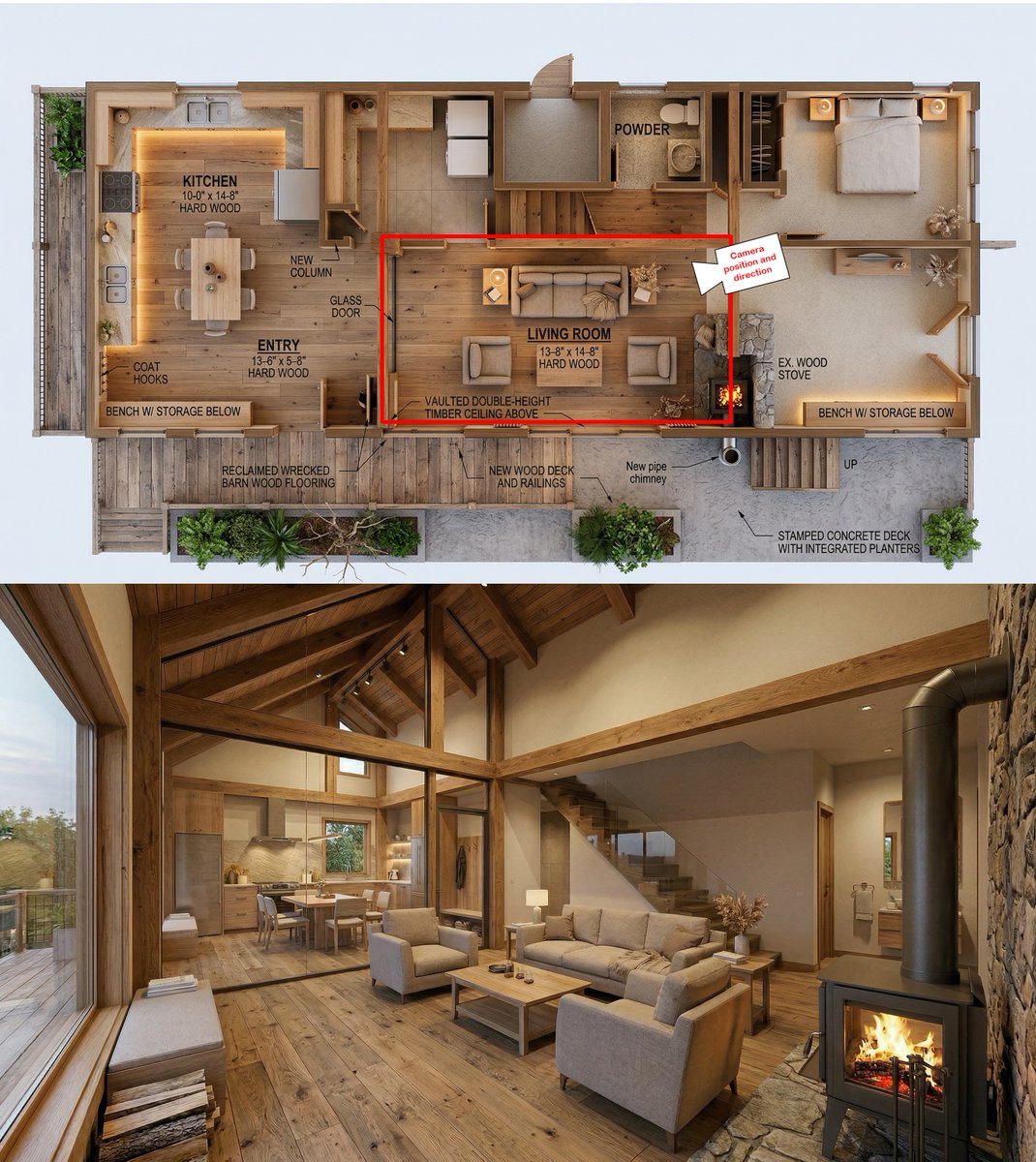
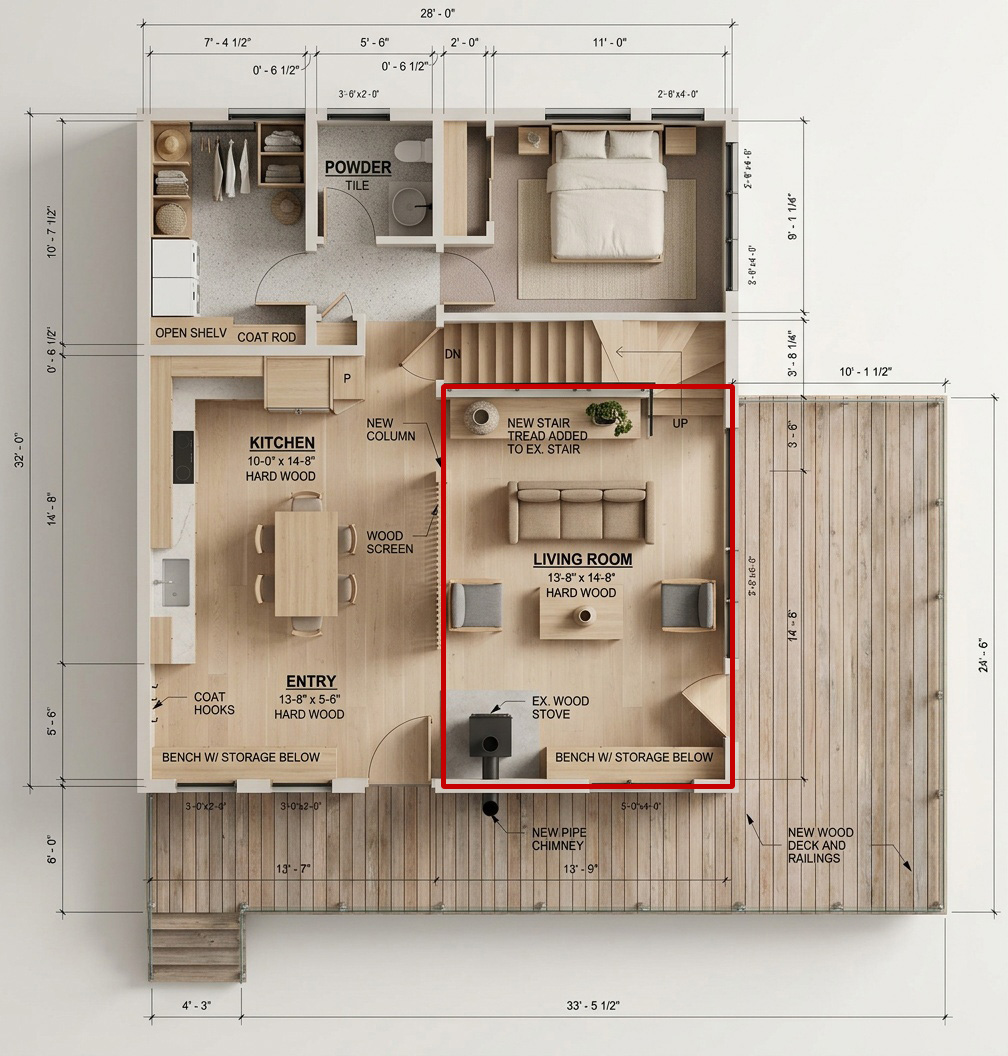
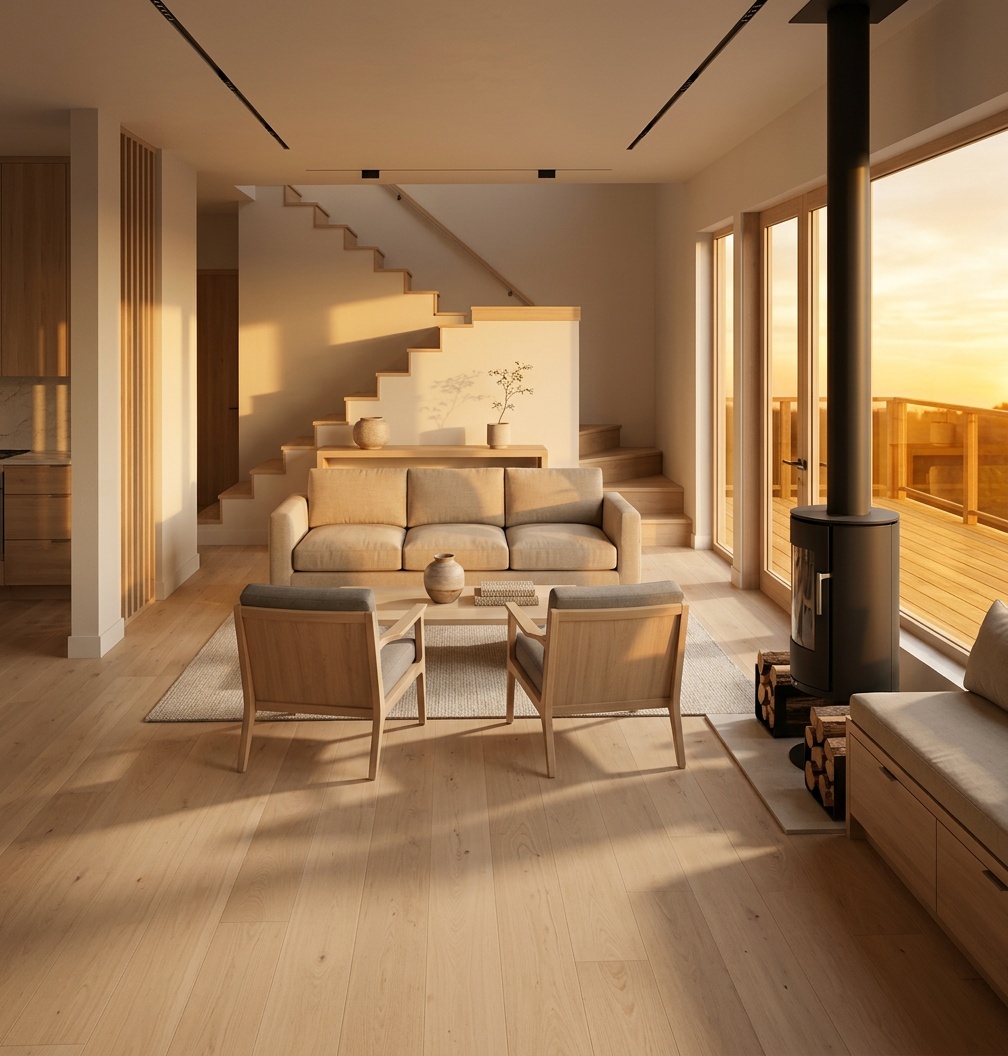
step 1: turn draft design into 4K 3D rendering
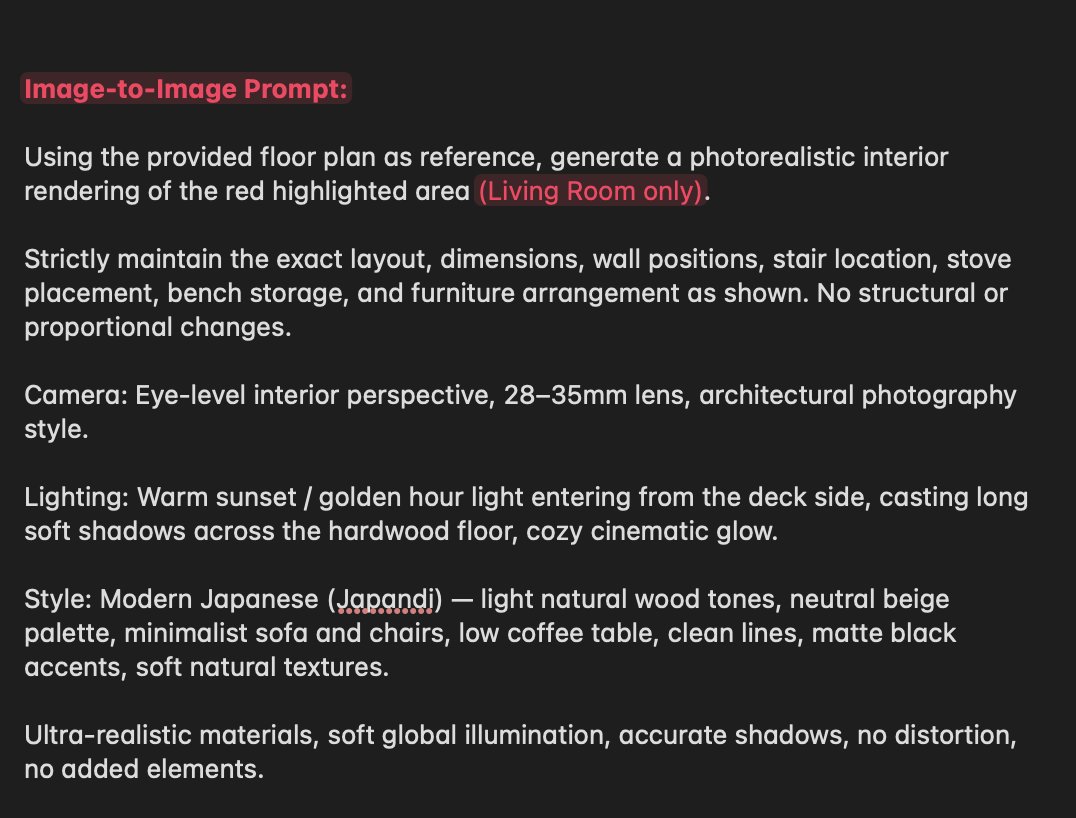
go to openart.ai -> select Image -> upload sketch image -> Choose Nano Banana 2 -> use the prompt below
Transform this architectural interior sketch into a fully photorealistic cinematic render.
STRICTLY preserve the exact camera angle, perspective, composition, scale, object placement, and spatial layout from the original sketch — no changes in framing, no repositioning, no added or removed elements.
Scene: warm modern cabin interior with exposed timber beams, high vaulted ceiling, large glass windows on the left, open living room connected to dining and kitchen.
Materials: natural oak wood flooring (wide planks, slightly worn), solid timber beams with realistic grain, linen fabric sofas, soft cushions, stone wall behind a modern black steel wood-burning stove, glass stair railing, matte concrete and plaster walls.
Lighting: soft warm golden hour light entering from the left windows, global illumination, realistic bounce lighting, soft shadows, ambient occlusion, subtle volumetric light.
Atmosphere: cozy, cinematic, Scandinavian cabin aesthetic, warm color grading, natural tones, slightly desaturated highlights, filmic contrast.
Details: ultra-detailed textures (wood grain, fabric weave, stone roughness), realistic reflections on glass, physically accurate materials, depth of field very subtle, no distortion.
Furniture: exactly match positions from sketch — sofa set, coffee table, dining table, kitchen layout, staircase, fireplace — but rendered in realistic modern style.
Style: photorealistic interior photography, 35mm lens, eye-level perspective, HDR, Unreal Engine / V-Ray quality, 8K detail.
Remove all sketch lines, annotations, dimensions, and text completely.
Do not change geometry. Do not reinterpret layout. Only enhance into realism.
go to openart.ai -> select Image -> upload sketch image -> Choose Nano Banana 2 -> use the prompt below
Transform this architectural interior sketch into a fully photorealistic cinematic render.
STRICTLY preserve the exact camera angle, perspective, composition, scale, object placement, and spatial layout from the original sketch — no changes in framing, no repositioning, no added or removed elements.
Scene: warm modern cabin interior with exposed timber beams, high vaulted ceiling, large glass windows on the left, open living room connected to dining and kitchen.
Materials: natural oak wood flooring (wide planks, slightly worn), solid timber beams with realistic grain, linen fabric sofas, soft cushions, stone wall behind a modern black steel wood-burning stove, glass stair railing, matte concrete and plaster walls.
Lighting: soft warm golden hour light entering from the left windows, global illumination, realistic bounce lighting, soft shadows, ambient occlusion, subtle volumetric light.
Atmosphere: cozy, cinematic, Scandinavian cabin aesthetic, warm color grading, natural tones, slightly desaturated highlights, filmic contrast.
Details: ultra-detailed textures (wood grain, fabric weave, stone roughness), realistic reflections on glass, physically accurate materials, depth of field very subtle, no distortion.
Furniture: exactly match positions from sketch — sofa set, coffee table, dining table, kitchen layout, staircase, fireplace — but rendered in realistic modern style.
Style: photorealistic interior photography, 35mm lens, eye-level perspective, HDR, Unreal Engine / V-Ray quality, 8K detail.
Remove all sketch lines, annotations, dimensions, and text completely.
Do not change geometry. Do not reinterpret layout. Only enhance into realism.
step 2: turn it into 3D space
click the World button -> Create 3D World -> upload the room render -> Create World
you can also upload multiple image from different angles to make it more accurate
click the World button -> Create 3D World -> upload the room render -> Create World
you can also upload multiple image from different angles to make it more accurate
Image to 3D world example
Image to 3D world example
Image to 3D world example
if you found this inspiring,
follow @EHuanglu to survive AI
and like & repost to let more people know
follow @EHuanglu to survive AI
and like & repost to let more people know
https://x.com/EHuanglu/status/2034997538898501687?s=20
• • •
Missing some Tweet in this thread? You can try to
force a refresh