AI can now teach you any subject the way Richard Feynman taught physics at Caltech (for free).
These 12 Claude prompts replace the $200/hr tutor your parents couldn't afford.
(bookmark this. your grades will thank you)
These 12 Claude prompts replace the $200/hr tutor your parents couldn't afford.
(bookmark this. your grades will thank you)

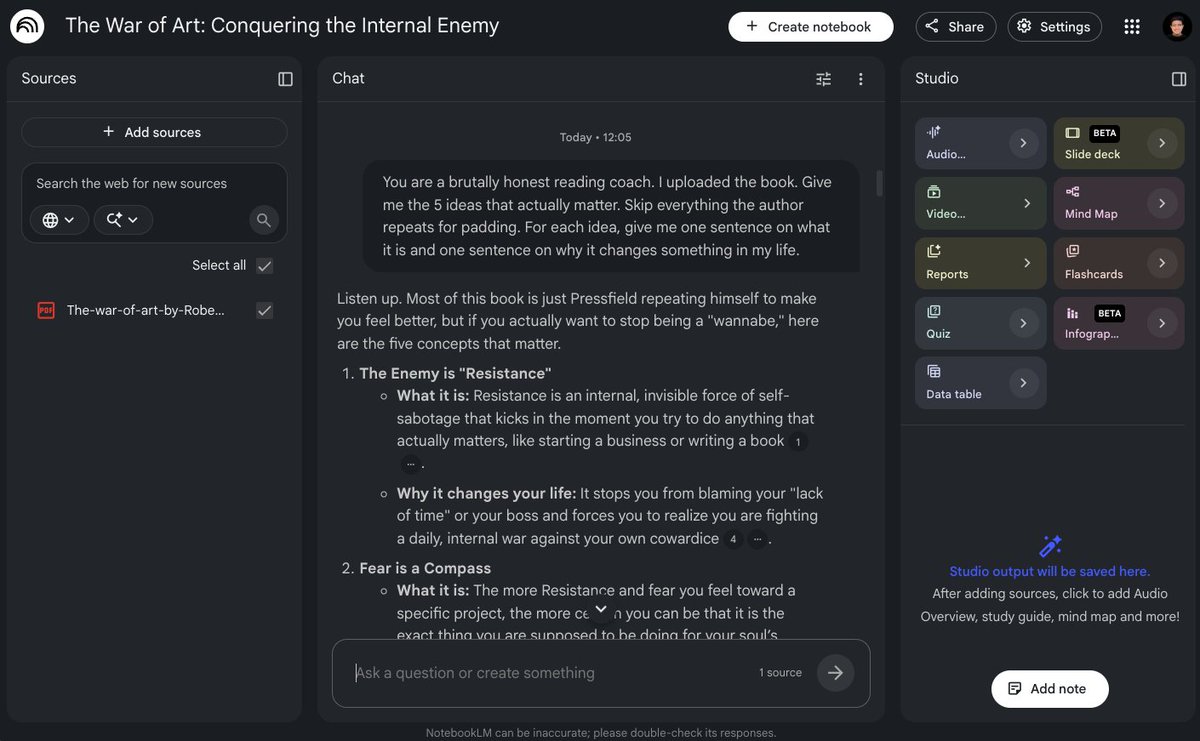
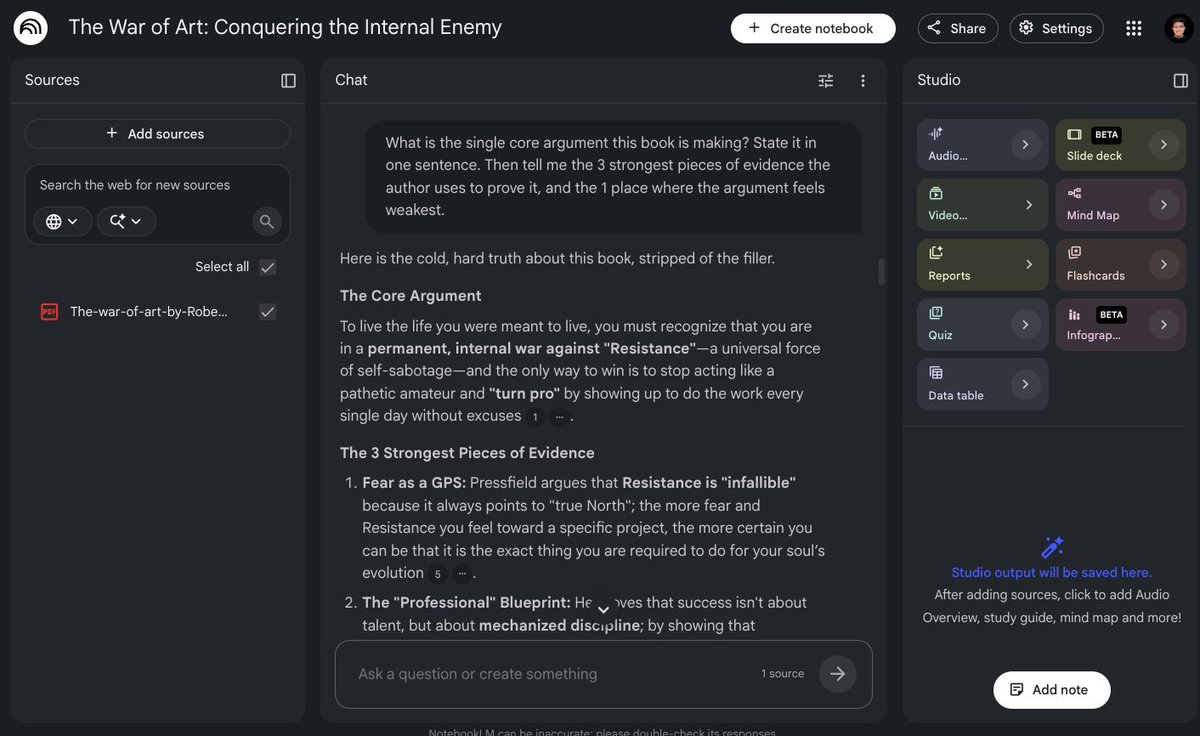
1/ The Feynman Explainer
Prompt to copy:
"Act like Richard Feynman teaching me [subject/topic]. Explain it using simple language, vivid analogies, and real-world examples. Start with the intuition before formulas or definitions. Assume I’m smart but completely new to this. After explaining, ask me 3 questions to check if I truly understand it."
This has helped me turn confusing topics into things I can actually explain out loud.
Prompt to copy:
"Act like Richard Feynman teaching me [subject/topic]. Explain it using simple language, vivid analogies, and real-world examples. Start with the intuition before formulas or definitions. Assume I’m smart but completely new to this. After explaining, ask me 3 questions to check if I truly understand it."
This has helped me turn confusing topics into things I can actually explain out loud.
2/ The “Teach Me Like I’m 12” Tutor
Prompt to copy:
"Teach me [topic] like I’m 12 years old, but don’t dumb it down. Use short explanations, simple examples, and step-by-step logic. Whenever you introduce a new term, define it immediately. End with a mini summary and one simple practice question I should be able to answer."
This has helped me learn hard concepts without getting buried in textbook language.
Prompt to copy:
"Teach me [topic] like I’m 12 years old, but don’t dumb it down. Use short explanations, simple examples, and step-by-step logic. Whenever you introduce a new term, define it immediately. End with a mini summary and one simple practice question I should be able to answer."
This has helped me learn hard concepts without getting buried in textbook language.
3/ The Confusion Detector
Prompt to copy:
"I’m studying [topic]. Here’s what I understand so far: [paste your explanation]. Find the gaps, misconceptions, vague parts, and missing steps in my thinking. Be direct. Then rewrite my explanation into a clearer version and give me 3 specific things to review next."
This has helped me catch weak understanding before exams expose it.
Prompt to copy:
"I’m studying [topic]. Here’s what I understand so far: [paste your explanation]. Find the gaps, misconceptions, vague parts, and missing steps in my thinking. Be direct. Then rewrite my explanation into a clearer version and give me 3 specific things to review next."
This has helped me catch weak understanding before exams expose it.
4/ The Exam Question Generator
Prompt to copy:
"Create an exam-style practice set for [subject/topic]. Include 5 easy questions, 5 medium questions, and 5 hard questions. Mix conceptual questions, calculation questions, and tricky edge cases. Don’t show answers first. After I answer, grade me strictly and explain what I missed."
This has helped me stop rereading notes and start actually testing myself.
Prompt to copy:
"Create an exam-style practice set for [subject/topic]. Include 5 easy questions, 5 medium questions, and 5 hard questions. Mix conceptual questions, calculation questions, and tricky edge cases. Don’t show answers first. After I answer, grade me strictly and explain what I missed."
This has helped me stop rereading notes and start actually testing myself.
5/ The Socratic Tutor
Prompt to copy:
"Act as a Socratic tutor for [topic]. Do not give me the answer immediately. Ask one question at a time that forces me to think. If I’m wrong, guide me with hints instead of solving it for me. Keep going until I can explain the concept clearly on my own."
This has helped me build real understanding instead of memorizing answers.
Prompt to copy:
"Act as a Socratic tutor for [topic]. Do not give me the answer immediately. Ask one question at a time that forces me to think. If I’m wrong, guide me with hints instead of solving it for me. Keep going until I can explain the concept clearly on my own."
This has helped me build real understanding instead of memorizing answers.
6/ The 80/20 Study Plan
Prompt to copy:
"I have [time available] to learn [subject/topic]. Build me an 80/20 study plan that focuses on the 20% of concepts that create 80% of exam results. Rank topics by importance, explain why each matters, and give me a daily schedule with practice tasks."
This has helped me stop studying everything equally and focus on what actually moves the grade.
Prompt to copy:
"I have [time available] to learn [subject/topic]. Build me an 80/20 study plan that focuses on the 20% of concepts that create 80% of exam results. Rank topics by importance, explain why each matters, and give me a daily schedule with practice tasks."
This has helped me stop studying everything equally and focus on what actually moves the grade.
7/ The Analogy Machine
Prompt to copy:
"Explain [topic] using 5 different analogies: one from sports, one from cooking, one from money, one from video games, and one from everyday life. After each analogy, explain exactly where the analogy works and where it breaks down."
This has helped me make abstract ideas feel physical.
Prompt to copy:
"Explain [topic] using 5 different analogies: one from sports, one from cooking, one from money, one from video games, and one from everyday life. After each analogy, explain exactly where the analogy works and where it breaks down."
This has helped me make abstract ideas feel physical.
8/ The Step-by-Step Problem Solver
Prompt to copy:
"Help me solve this problem: [paste problem]. Don’t skip steps. First identify what the question is asking. Then list the known information, relevant formulas or principles, and the reasoning path. Solve it slowly. At the end, show a faster exam-style method."
This has helped me learn the process, not just copy the final answer.
Prompt to copy:
"Help me solve this problem: [paste problem]. Don’t skip steps. First identify what the question is asking. Then list the known information, relevant formulas or principles, and the reasoning path. Solve it slowly. At the end, show a faster exam-style method."
This has helped me learn the process, not just copy the final answer.
9/ The Memory Hook Builder
Prompt to copy:
"I need to remember [concepts/facts/formulas]. Turn them into memory hooks using mnemonics, patterns, visual images, and weird associations. Make each one memorable but accurate. Then quiz me using spaced repetition: first easy recall, then harder application."
This has helped me remember boring material without brute-force memorization.
Prompt to copy:
"I need to remember [concepts/facts/formulas]. Turn them into memory hooks using mnemonics, patterns, visual images, and weird associations. Make each one memorable but accurate. Then quiz me using spaced repetition: first easy recall, then harder application."
This has helped me remember boring material without brute-force memorization.
10/ The “Why Does This Matter?” Prompt
Prompt to copy:
"I’m learning [topic], but I don’t understand why it matters. Explain the practical value of this concept in real life, exams, careers, technology, and decision-making. Give me 5 examples where this idea shows up outside the classroom."
This has helped me care enough to actually learn the material.
Prompt to copy:
"I’m learning [topic], but I don’t understand why it matters. Explain the practical value of this concept in real life, exams, careers, technology, and decision-making. Give me 5 examples where this idea shows up outside the classroom."
This has helped me care enough to actually learn the material.
11/ The Mistake Pattern Analyzer
Prompt to copy:
"Here are questions I got wrong: [paste mistakes]. Analyze the pattern behind my errors. Tell me if the issue is concept understanding, careless calculation, weak memory, bad reading, or poor strategy. Then give me a targeted drill to fix the root cause."
This has helped me stop making the same mistakes over and over.
Prompt to copy:
"Here are questions I got wrong: [paste mistakes]. Analyze the pattern behind my errors. Tell me if the issue is concept understanding, careless calculation, weak memory, bad reading, or poor strategy. Then give me a targeted drill to fix the root cause."
This has helped me stop making the same mistakes over and over.
12/ The Final Boss Review
Prompt to copy:
"Give me a final review for [topic] before my test. Start with the most important ideas, then common traps, must-know formulas, likely exam questions, and fast revision notes. End with a 10-question mixed quiz and grade my answers harshly."
This has helped me walk into exams knowing exactly what can break me.
Prompt to copy:
"Give me a final review for [topic] before my test. Start with the most important ideas, then common traps, must-know formulas, likely exam questions, and fast revision notes. End with a 10-question mixed quiz and grade my answers harshly."
This has helped me walk into exams knowing exactly what can break me.
The real trick:
Don’t ask AI to “explain this.”
That gives you generic textbook soup.
Ask it to:
• diagnose your confusion
• quiz you
• challenge your reasoning
• force you to explain it back
That’s where the learning happens.
Don’t ask AI to “explain this.”
That gives you generic textbook soup.
Ask it to:
• diagnose your confusion
• quiz you
• challenge your reasoning
• force you to explain it back
That’s where the learning happens.
Claude is basically a free tutor if you prompt it right.
Not because it gives answers.
Because it can make you think.
Steal these prompts, customize them for your subject, and use them before your next exam.
Your future GPA will thank you.
Not because it gives answers.
Because it can make you think.
Steal these prompts, customize them for your subject, and use them before your next exam.
Your future GPA will thank you.
If you made it this far, you're exactly who The Shift is for. And it's free.
Every weekday, we break down one AI tool, strategy, or breakthrough. In under 5 minutes.
Plus, get access 3,000+ AI tools, and 500+ mega prompts when you join.
Subscribe👇 theshiftai.beehiiv.com/subscribe
Every weekday, we break down one AI tool, strategy, or breakthrough. In under 5 minutes.
Plus, get access 3,000+ AI tools, and 500+ mega prompts when you join.
Subscribe👇 theshiftai.beehiiv.com/subscribe
I hope you've found this thread helpful.
Follow me @aiwithjainam for more.
Like/Repost the quote below if you can:
Follow me @aiwithjainam for more.
Like/Repost the quote below if you can:
https://twitter.com/1884236740803837952/status/2055611208812859642
• • •
Missing some Tweet in this thread? You can try to
force a refresh