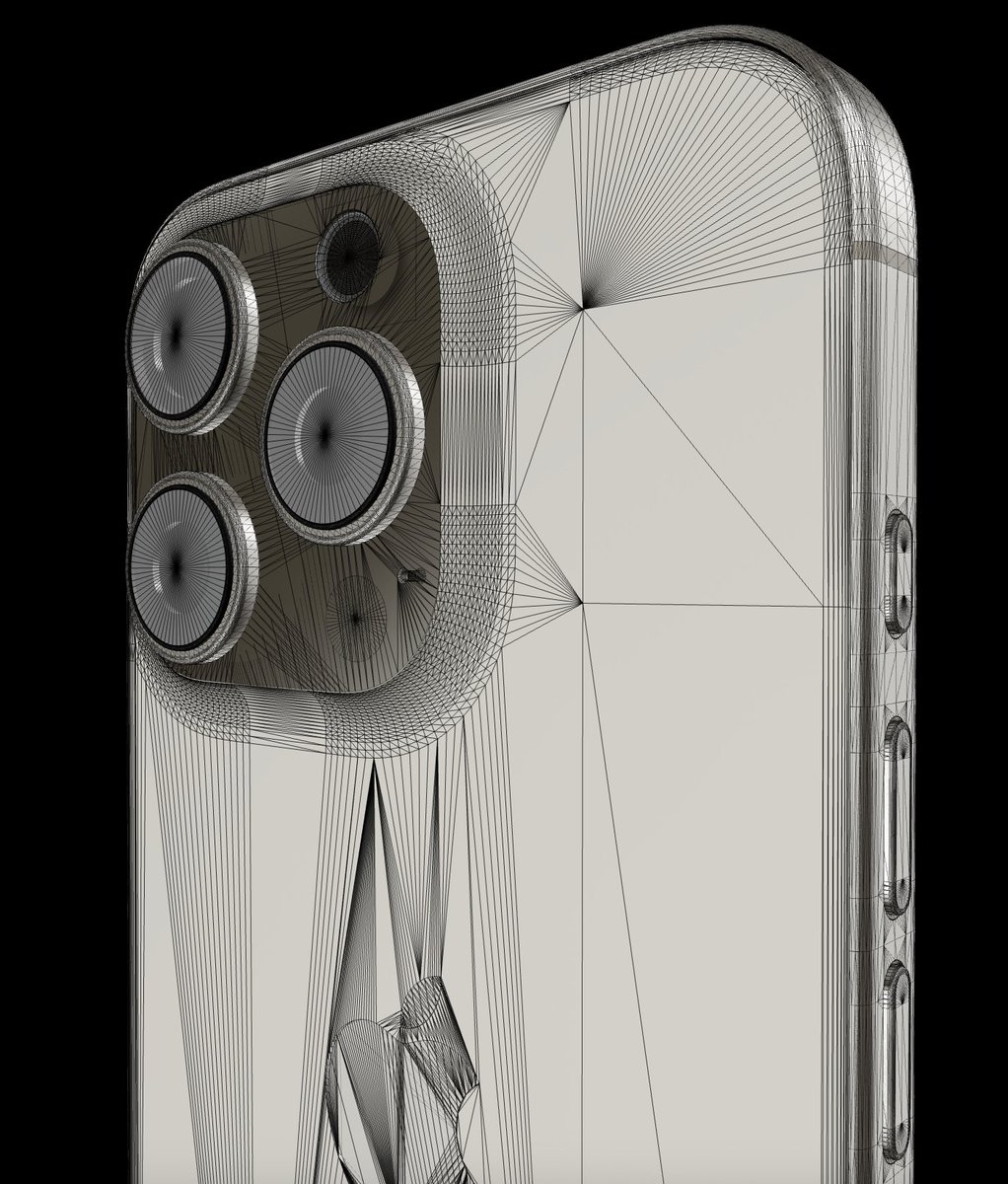
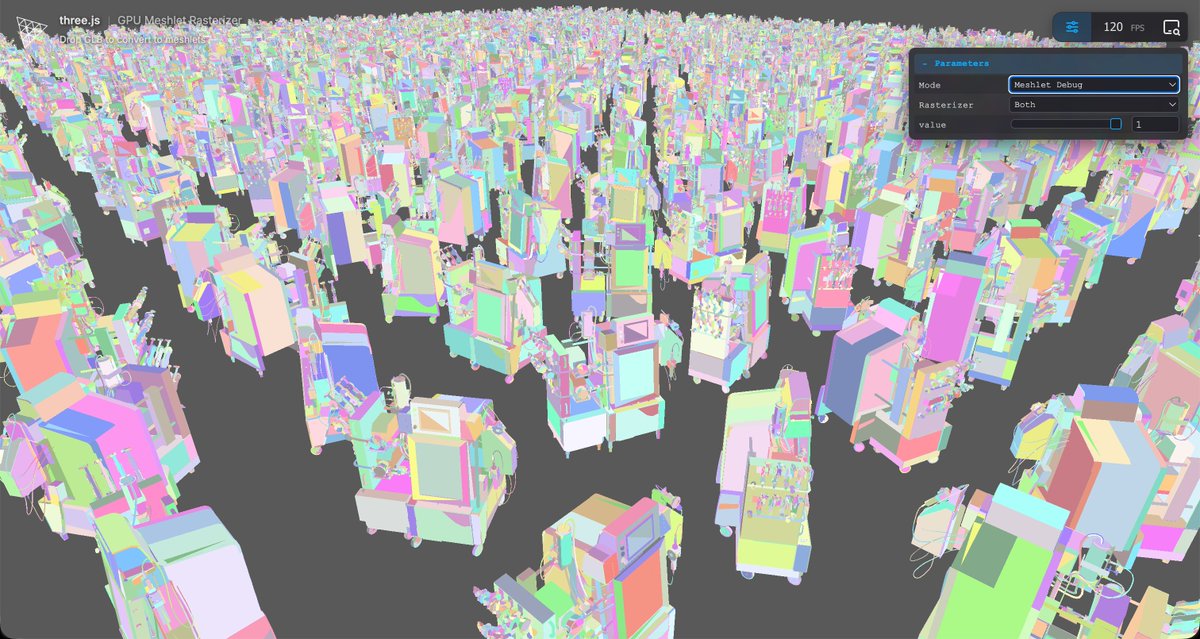
Casually rendering ~a hundred million triangles, in the browser.
All thanks to @sea3dformat's cool Nanite-style renderer for @threejs.
I've added GLB-to-meshlet and PBR rendering to it, very exciting to see where this is going!
All thanks to @sea3dformat's cool Nanite-style renderer for @threejs.
I've added GLB-to-meshlet and PBR rendering to it, very exciting to see where this is going!
@sea3dformat @threejs You can try it out here, and drop GLBs to see them processed + rendered: .…ee-meshlets-z23hmxbz1jwlff.needle.run
@sea3dformat @threejs Meshlets are basically chunks of meshes, that get rendered with a mix of rasterization and compute.
So despite tons of stuff being on screen, actual rendering is more like "the pixels you see"
So despite tons of stuff being on screen, actual rendering is more like "the pixels you see"
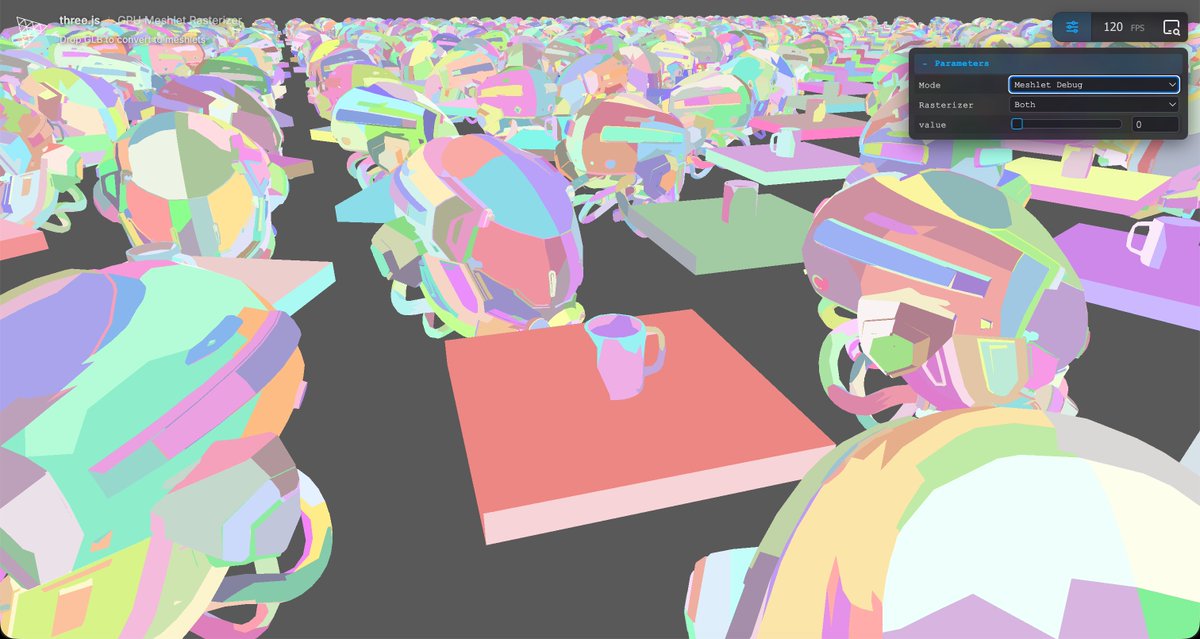
@sea3dformat @threejs Everything is pretty custom at the moment – a custom shader that is able to render the meshlet instances with their original data / texture / UVs etc – but the overall direction feels good

@sea3dformat @threejs Meshlets are generated via @zeuxcg MeshOptimizer, not sure if I'm doing everything right there but I get small compressed meshlets and can render them.
Hacked browser-based meshlet generation into meshopt, too, so that you can drop your own GLBs to pulverize them!
Hacked browser-based meshlet generation into meshopt, too, so that you can drop your own GLBs to pulverize them!
• • •
Missing some Tweet in this thread? You can try to
force a refresh