
Stop copy-pasting between Claude and your other apps. It is k!lling your productivity.
You can now link Claude directly to your workspace using Connectors to automate the busywork.
Here are 7 essential connections
(and the exact prompts to use for each) 🧵👇
You can now link Claude directly to your workspace using Connectors to automate the busywork.
Here are 7 essential connections
(and the exact prompts to use for each) 🧵👇
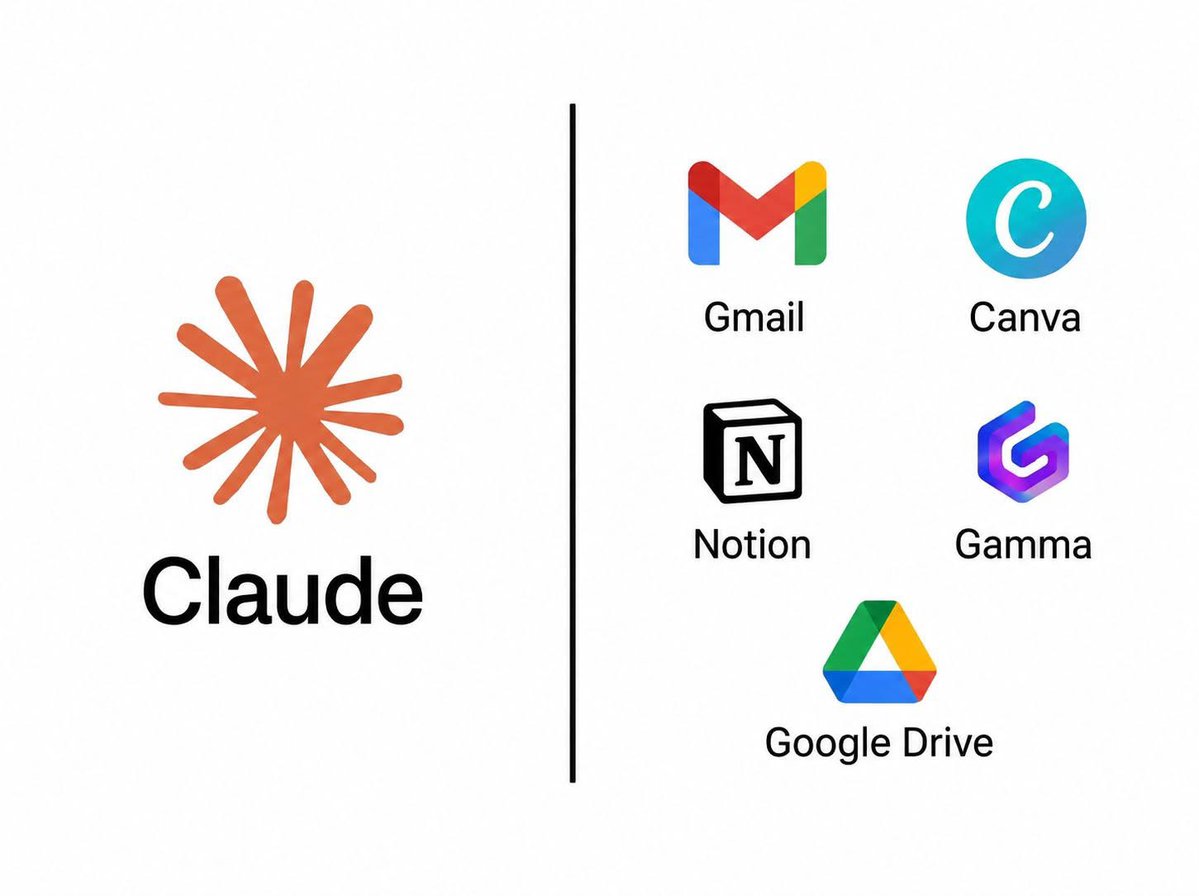
1. Gmail
Clear your inbox without reading every single email.
➔ The Prompt: "Summarize my unread emails from this week & flag the 3 I absolutely must reply to today."
Clear your inbox without reading every single email.
➔ The Prompt: "Summarize my unread emails from this week & flag the 3 I absolutely must reply to today."
2. Google Calendar
Find time & brutally cut useless meetings.
➔ The Prompt: "Find 30 free minutes with Sarah next week. Then, list all upcoming meetings I should cancel."
Find time & brutally cut useless meetings.
➔ The Prompt: "Find 30 free minutes with Sarah next week. Then, list all upcoming meetings I should cancel."
4. Google Drive
Locate any document in seconds, without opening new tabs.
➔ The Prompt: "Find the latest version of the pitch deck in my Drive. Summarize the key slides."
Locate any document in seconds, without opening new tabs.
➔ The Prompt: "Find the latest version of the pitch deck in my Drive. Summarize the key slides."
5. Granola
Turn messy meeting notes into instant action.
➔ The Prompt: "From yesterday's call, list every decision made & every next step assigned to me."
Turn messy meeting notes into instant action.
➔ The Prompt: "From yesterday's call, list every decision made & every next step assigned to me."
6. Canva
Go from raw idea to a polished visual in minutes.
➔ The Prompt: "Turn this post into a 5-slide LinkedIn carousel. Use my exact brand colors."
Go from raw idea to a polished visual in minutes.
➔ The Prompt: "Turn this post into a 5-slide LinkedIn carousel. Use my exact brand colors."
7. Gamma
Turn a prompt straight into a full presentation deck.
➔ The Prompt: "Turn my Q3 report into a 10-slide presentation. Handle the entire structure & design."
Turn a prompt straight into a full presentation deck.
➔ The Prompt: "Turn my Q3 report into a 10-slide presentation. Handle the entire structure & design."
• • •
Missing some Tweet in this thread? You can try to
force a refresh






