Oh goodness, didn't we just pass Cinco De Jason Explains Why He Keeps Saying 600dpi TIFF for scans? Well, guess it's time for a refresh.
So, if you buy your scanner at a store that also sells Xboxes and cell phones, AND you're unsure what your settings are (versus spending thousands on a scanner), you probably bought one with a scanning element that maxes out at 600dpi. It may SAY 1200/2400 but it's not doing that 
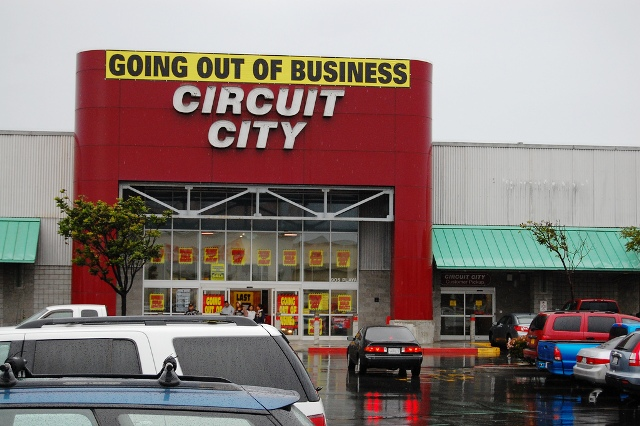
What it's doing is slamming over the same area a few times and interpolating. The results are OK, and there is a difference between 600 and 1200, but it's a lot of time taken to get a tiny little difference out of the commercial element.
Again, if you bought a drum scanner ($1500 used if you're lucky, probably a lot more than that) then there's no WAY you're coming on twitter or discord for hints. You're blasting away at 6000 DPI for that one unique thing or collection you have it for.
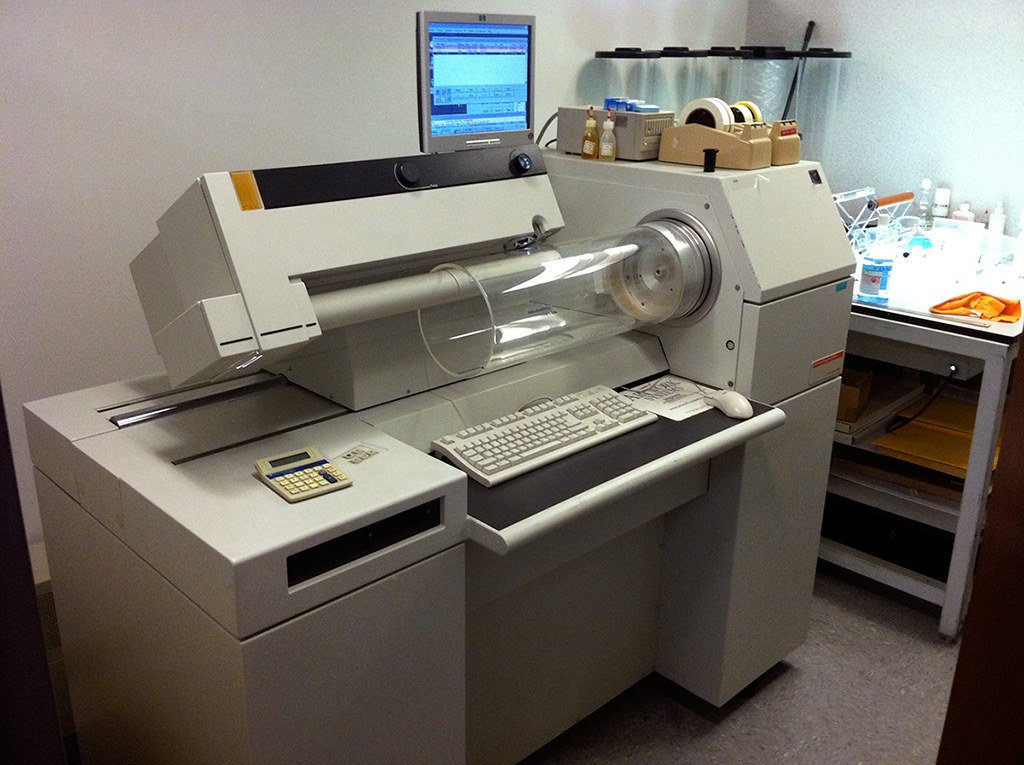
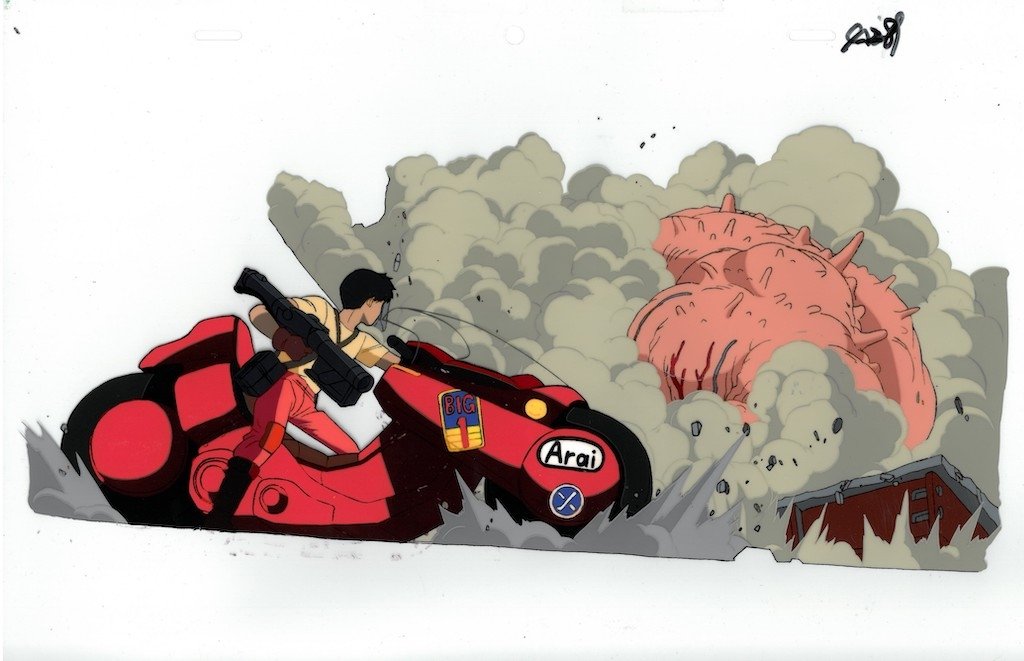
By the way, Drum scanners interpolate as well - they'll claim 10,000 or 11,000dpi but it's probably 6,000dpi. Also you're probably putting in a one of a kind Akira animation cell you paid a grand for, so of course you want it max resolution you think you can get.
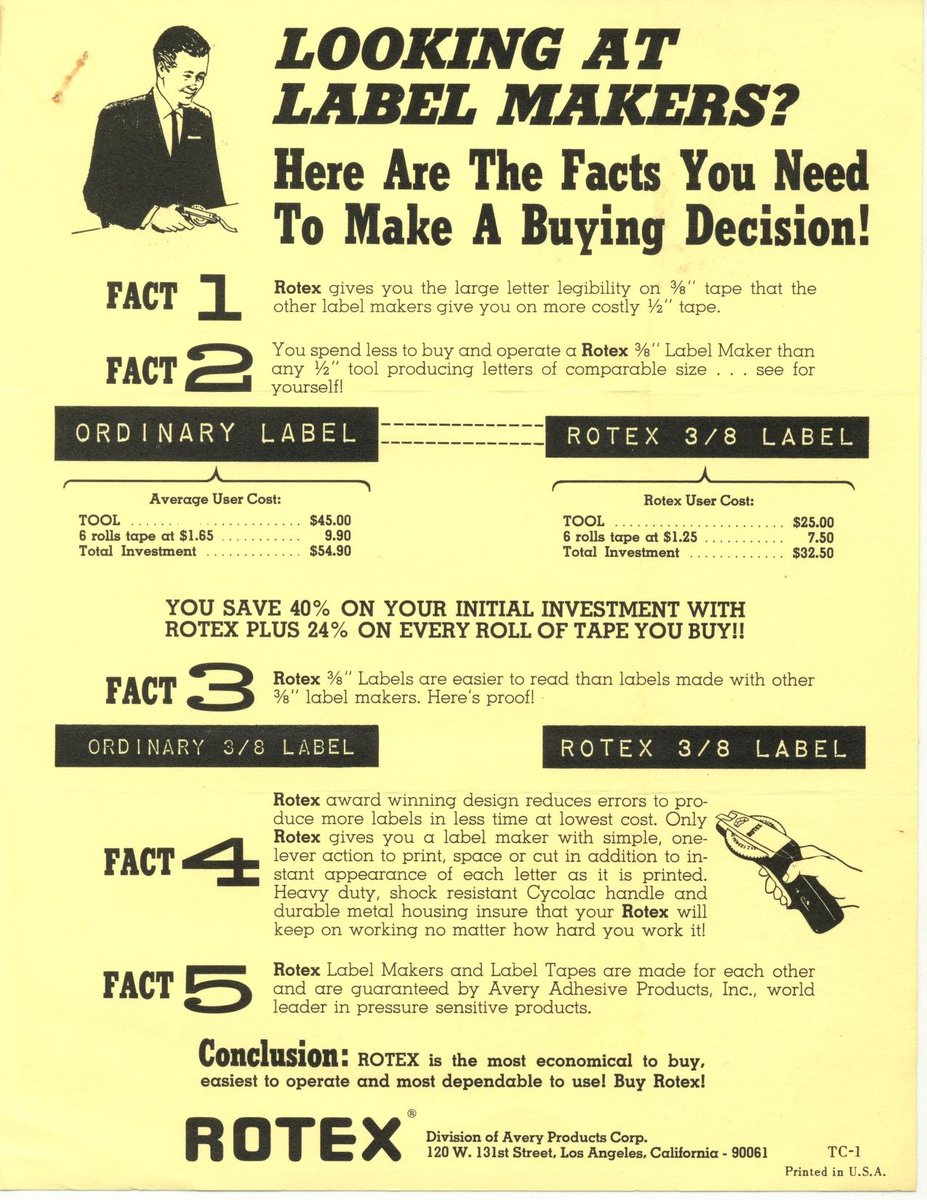
Generally, when people are scanning something, they're scanning something flat. A postcard, a photo, a flyer, some old flat thing they found. 600dpi gives you a lot of resolution bang for your buck.


Now comes the point where finger-waggers come in, and the best part is they're two groups diametrically opposed: 600dpi is way too much overkill, 600dpi is a pathetic glance at a unique masterpiece. I have no time for the "too much" crowd, so take a nap, kids.
But as for "not enough", again, if you're dealing with a scanner that takes forever to do pages, and does fake DPI like I mentioned, then it's a huge time sink for little benefit. If someone has bought a nice scanner (over $1,000 in general) and it does the big-res scans, great.
Also, as you've no doubt found out if you wade in any direction, scanner folk have VERY STRONG OPINIONS in VERY STRONG DIRECTIONS about the hallowed skill of scanning. My god, it's tiring. I have found, through hundreds of people I've consulted, that saying 600dpi TIFF works.
Oh, the TIFF thing? Let's go there. I always suggest TIFF to people, even though the standard is as old as dirt and there's "better" ones, because it is very hard to get TIFF to do any lossy compression. With PNG and JPG, people's scanner software will helpfully add it.
TIFF, also, will compress like mad, and so a 600dpi TIFF, while itself incredibly large compared to that lossy-compressed PNG you might be told to do, will, without me being over your shoulder, produce something that is going to work absolutely everywhere.
This leaks over into customer service - yes, if you're doing hundreds or thousands of pages of scan, you should definitely check all your work, come up with a process that works well and hits the sweet spot of speed and size and usefulness. But I deal with single-item folks.
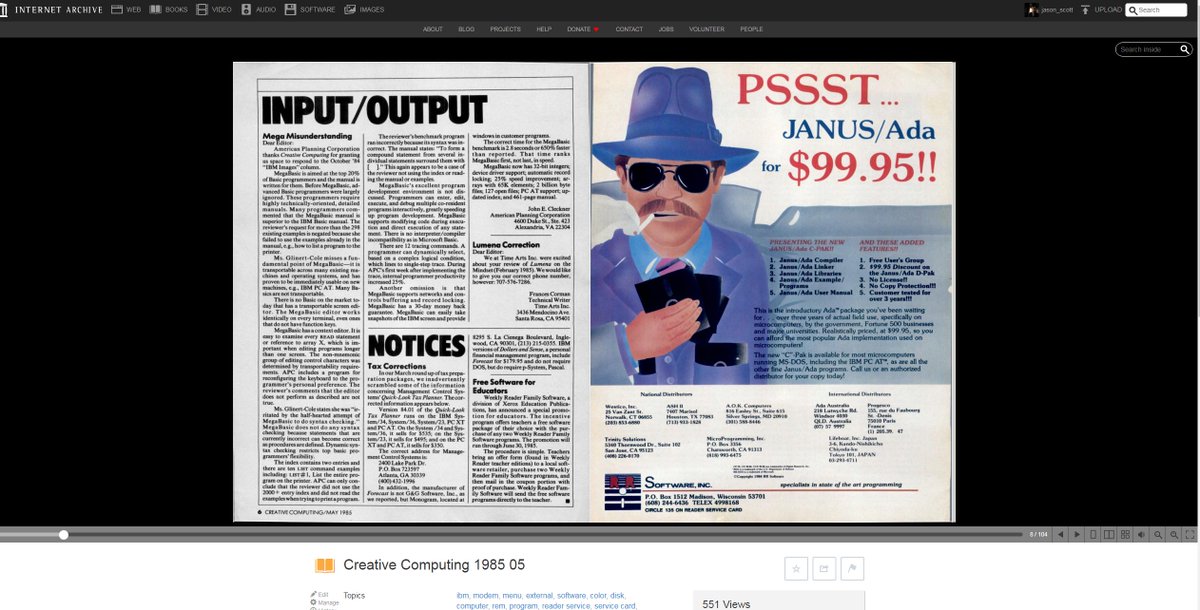
So, I maintain. 600dpi TIFF scan, with sequential filenames for each page, (0001.tiff, 0002.tiff, etc.), compressed into a .ZIP file, which you rename to .CBZ, upload to Internet Archive, and a few minutes/hours later, a readable document for all!
See you all next Cinco De Jason
See you all next Cinco De Jason
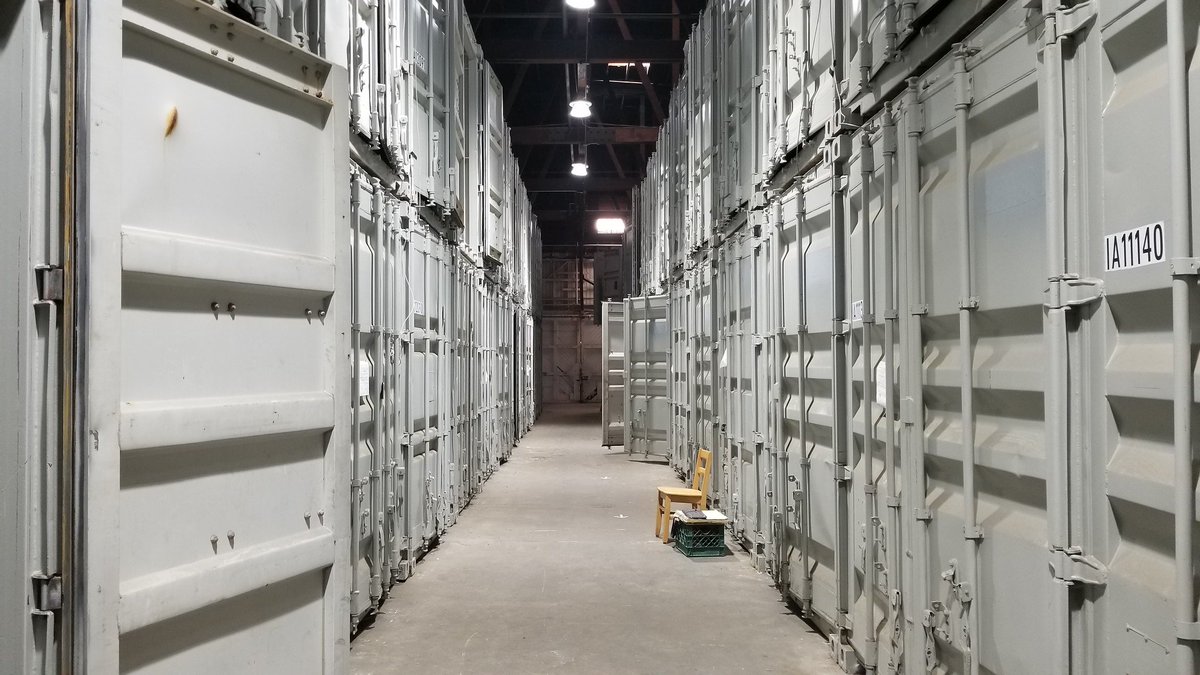
Oh, one last thing before I forget. I scan non-destructively and I store away the things we scan into huge boxes inside huger boxes inside a metal box inside a warehouse. If it turns out that out of the tens of thousands of items scanned, one needs to be revisited, we do it.
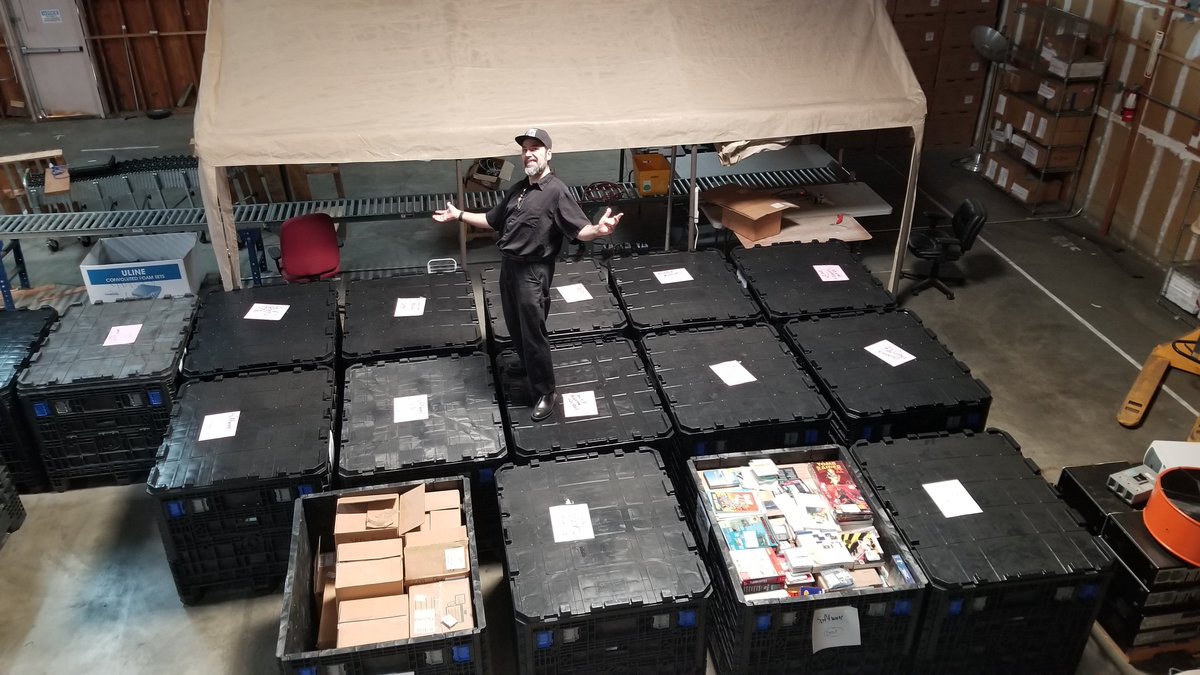
.....this doesn't happen enough to be fretting that things are being scanned as they are. If someone wants to create a world-class unique laser-focused ulti-scan of something, they're going to want the originals anyway.