
Another day in the quarantine time, all the family member gather to (re)create a video with old Macintosh machines. @twentyonepilots' asked us to create lyric video for their single “Level of Concern” 
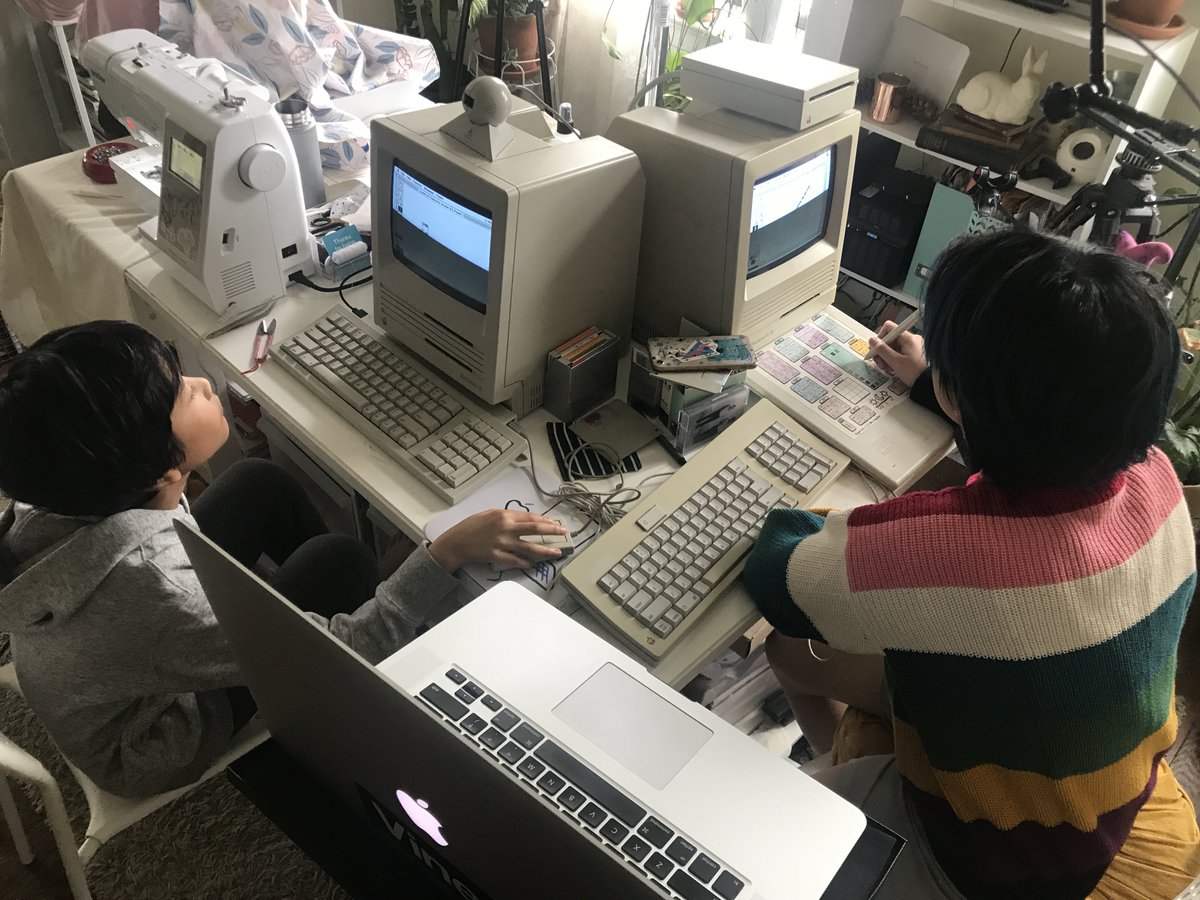
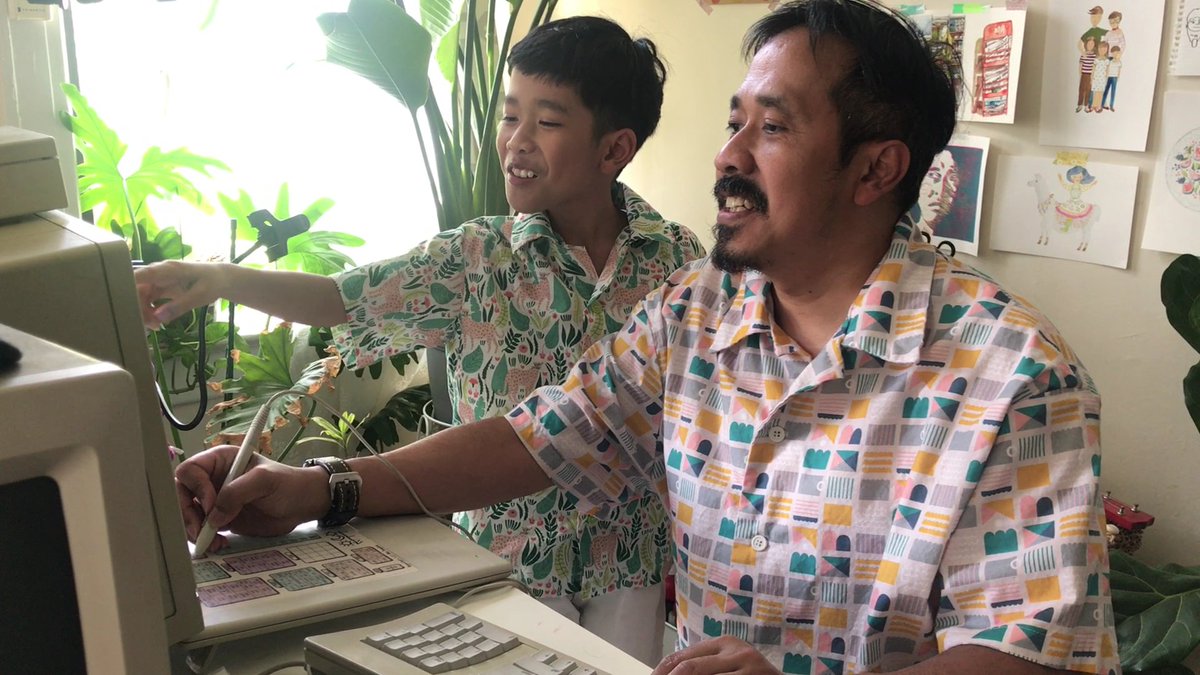
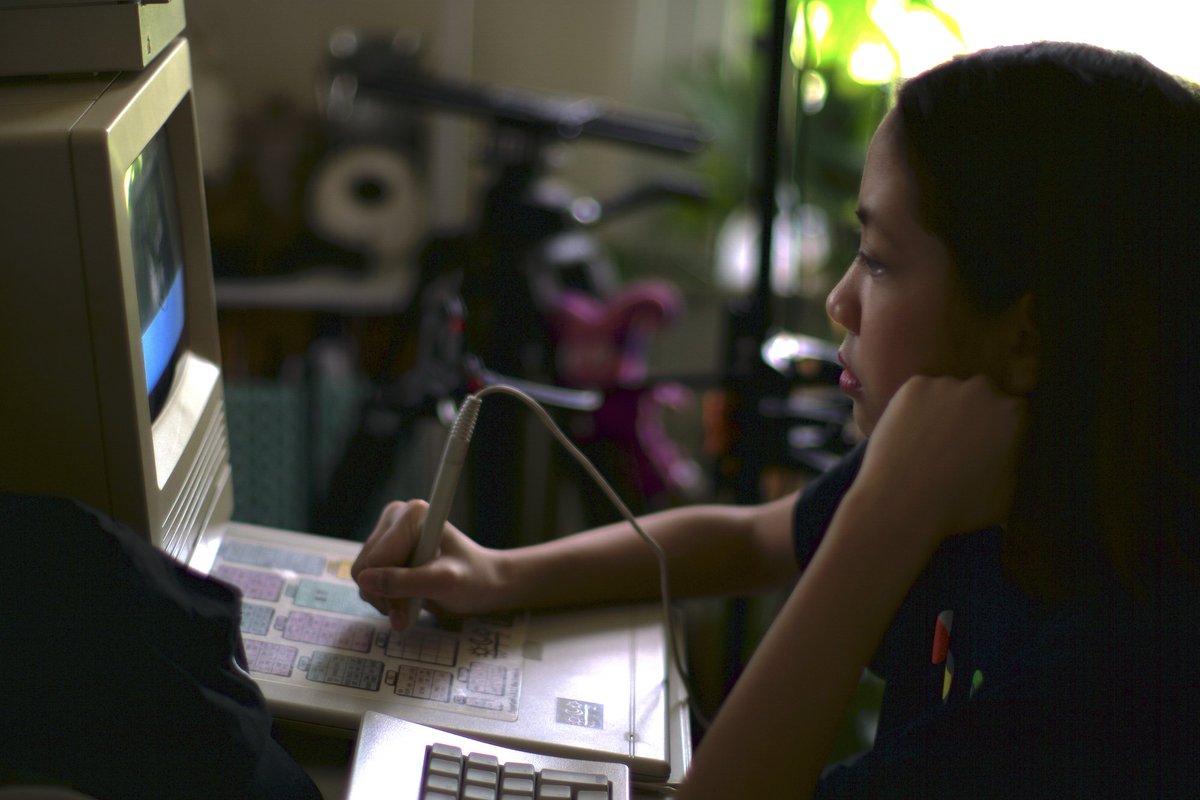
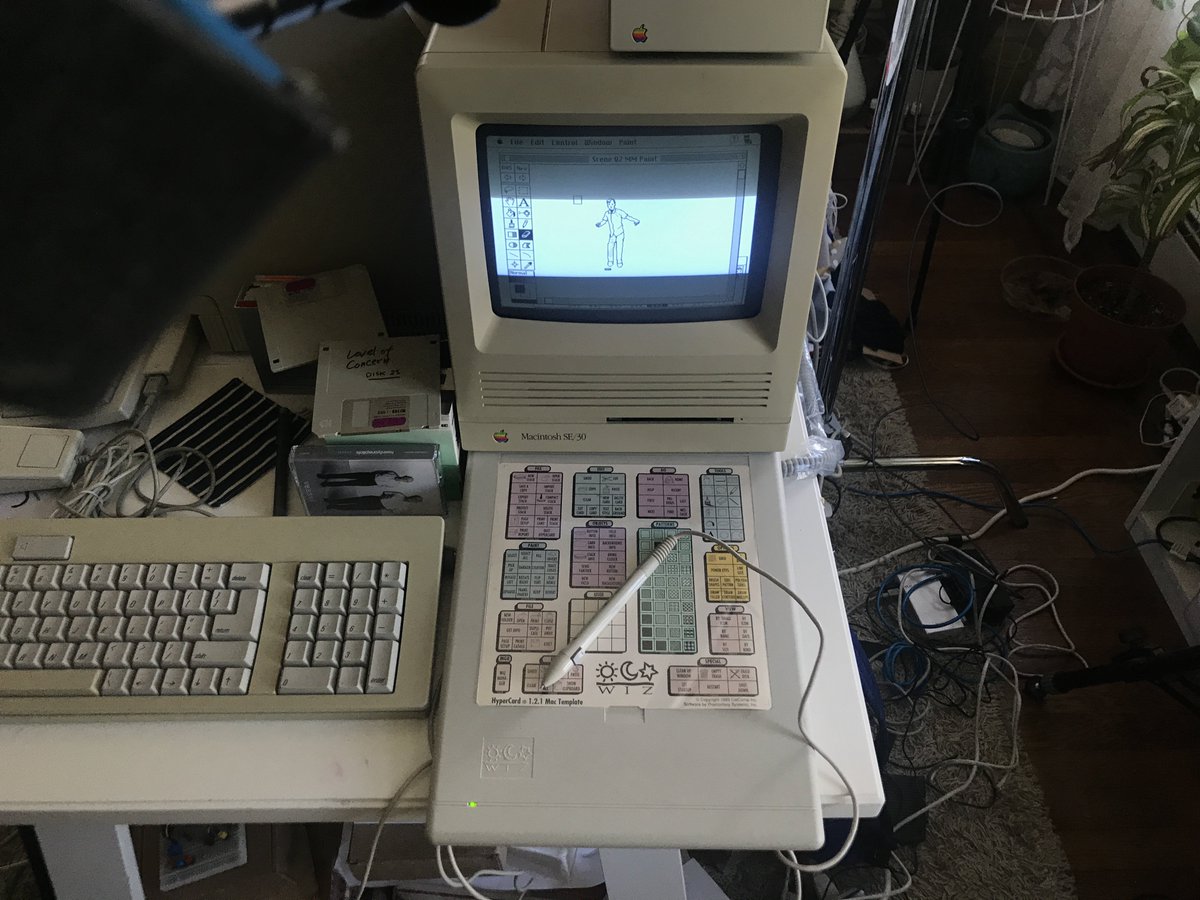
The setup is similar to what we did for “This is America” video back in 2018 with additional machine Macintosh SE/30. Creating animation with these machines is my ultimate childhood dream in 80s. Using MacPaint & MacroMind Director software plus Calcomp Wiz drawing tablet.
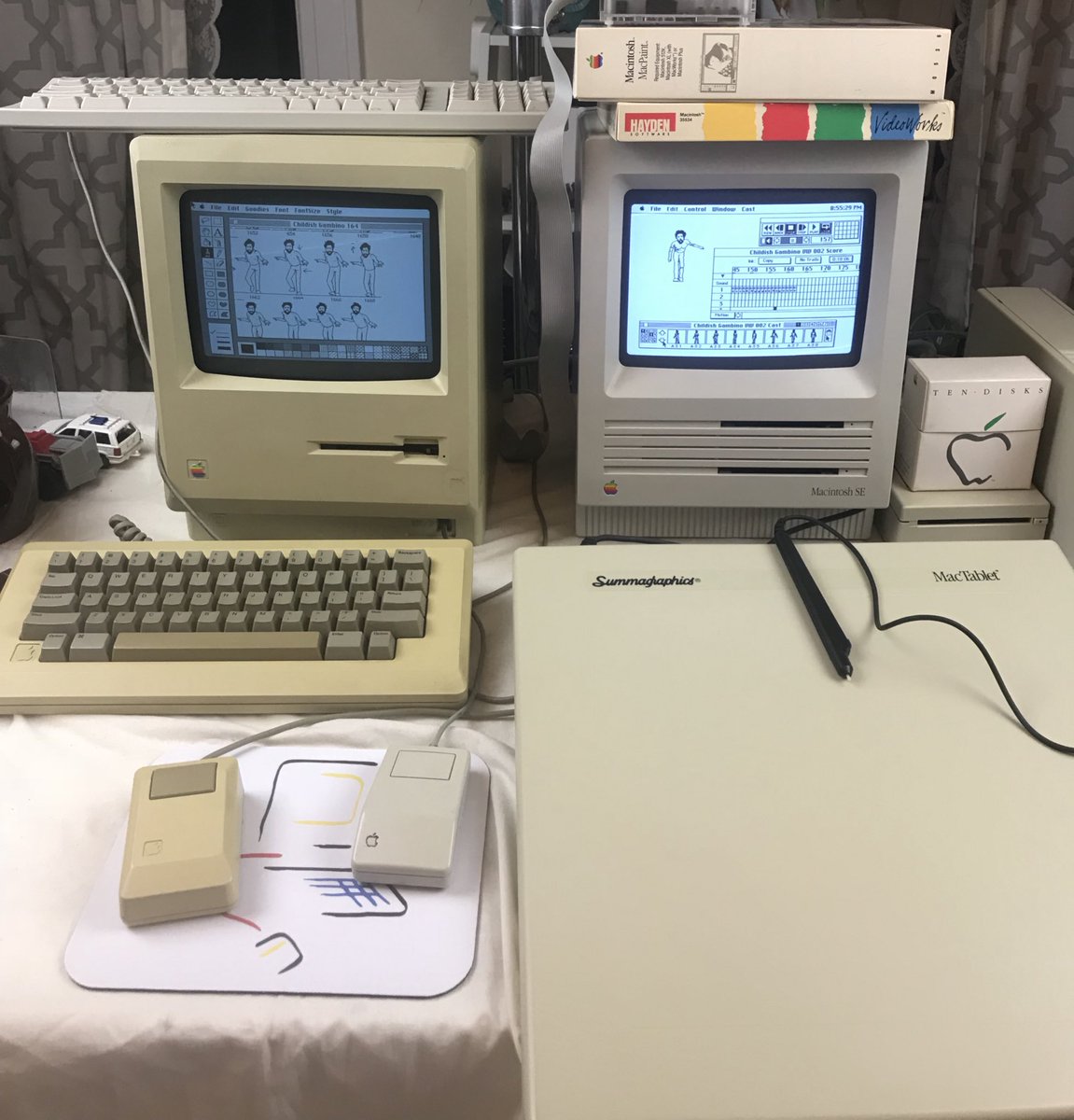
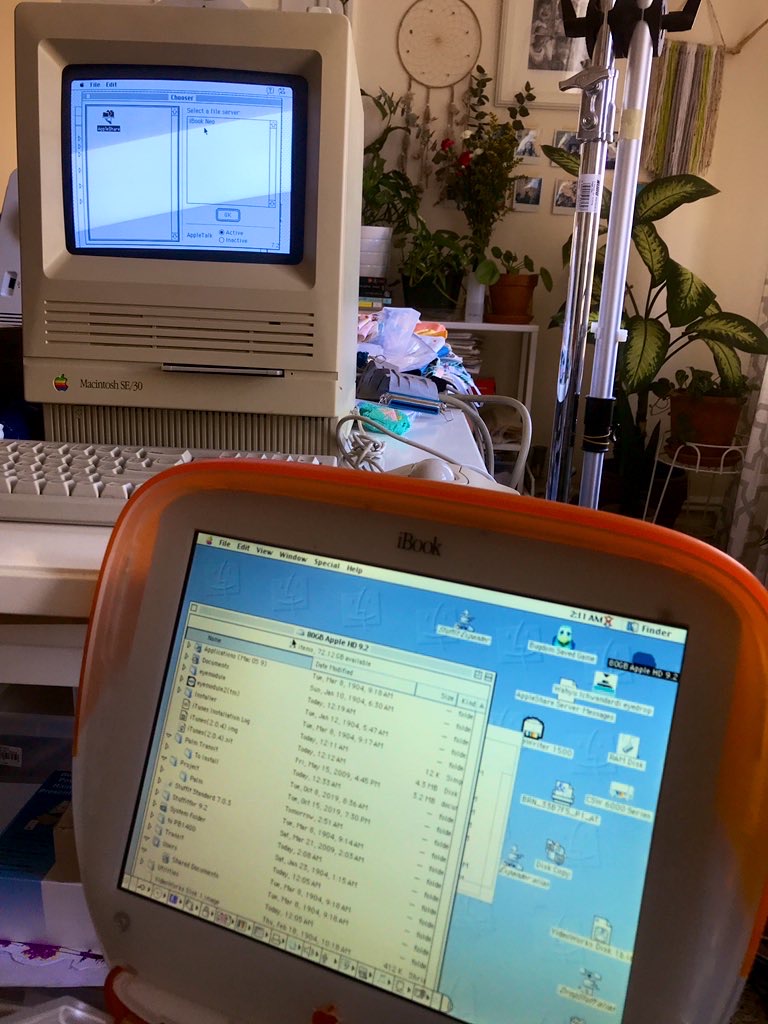
We used 1999 iBook as the bridge between modern & old ecosystem.
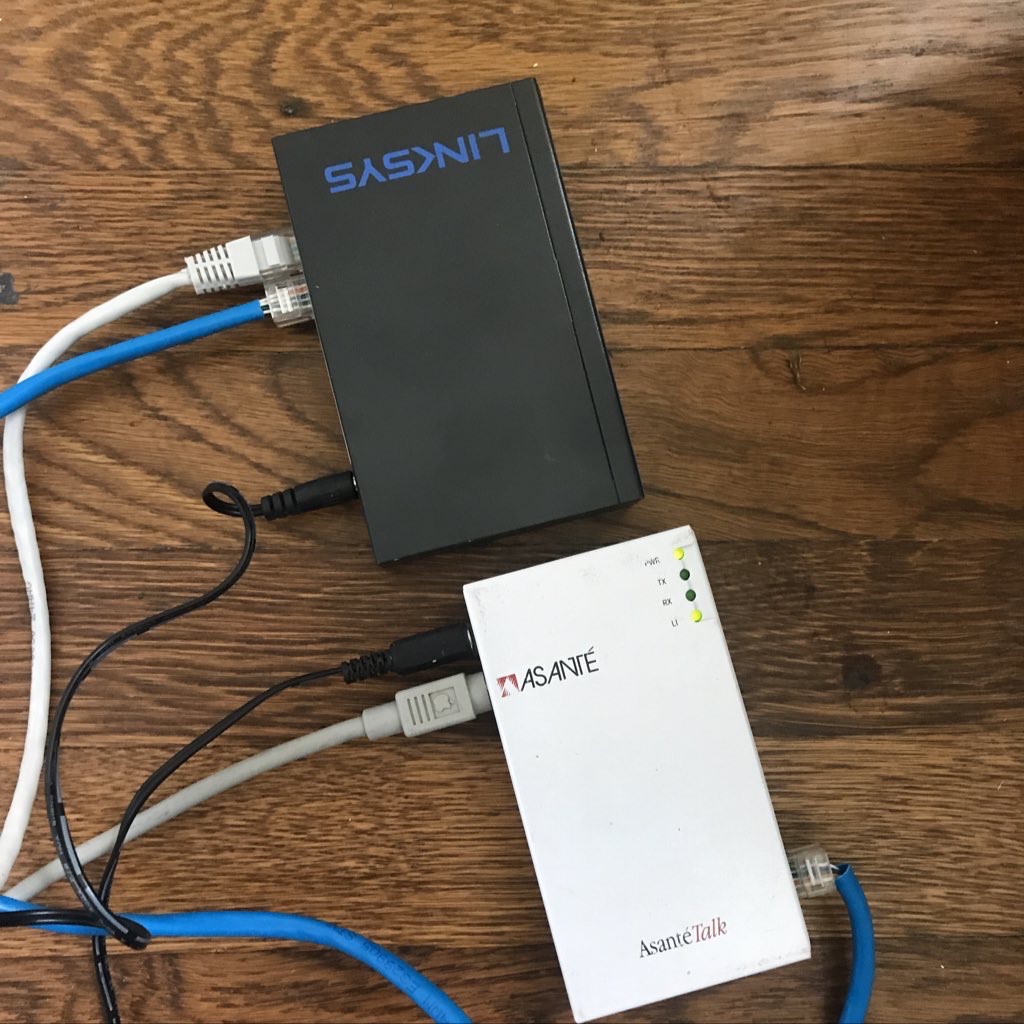
Modern MacOS <--> USB flashdrive <--> iBook MacOS <--> old AppleTalk network <--> old Macintosh.
Modern MacOS <--> USB flashdrive <--> iBook MacOS <--> old AppleTalk network <--> old Macintosh.
Using iPhone to record the time-lapse of the process, also for the final shoot once the animation is ready.
Kids' favorite is Rosie
They even asked me to create a special cut for Rosie when she squintted because of the bright light.
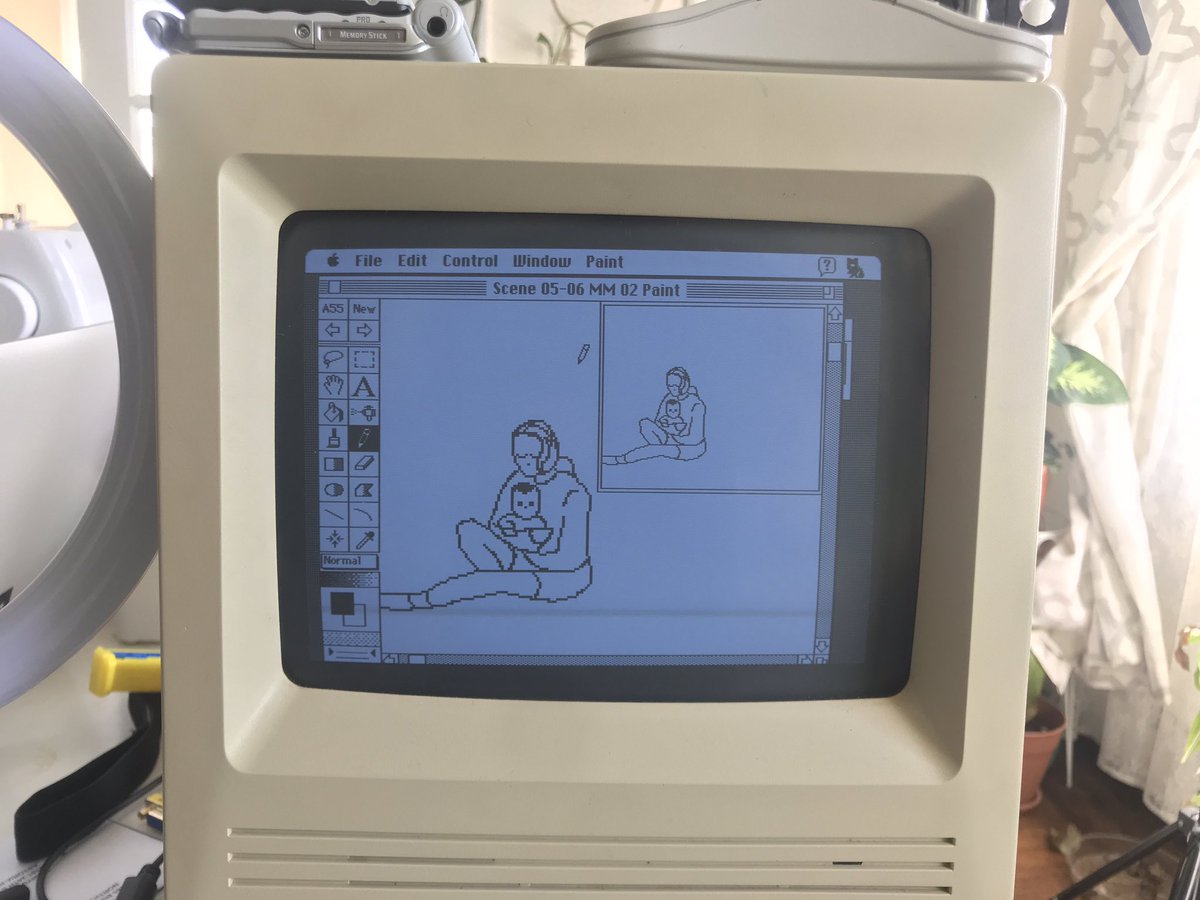
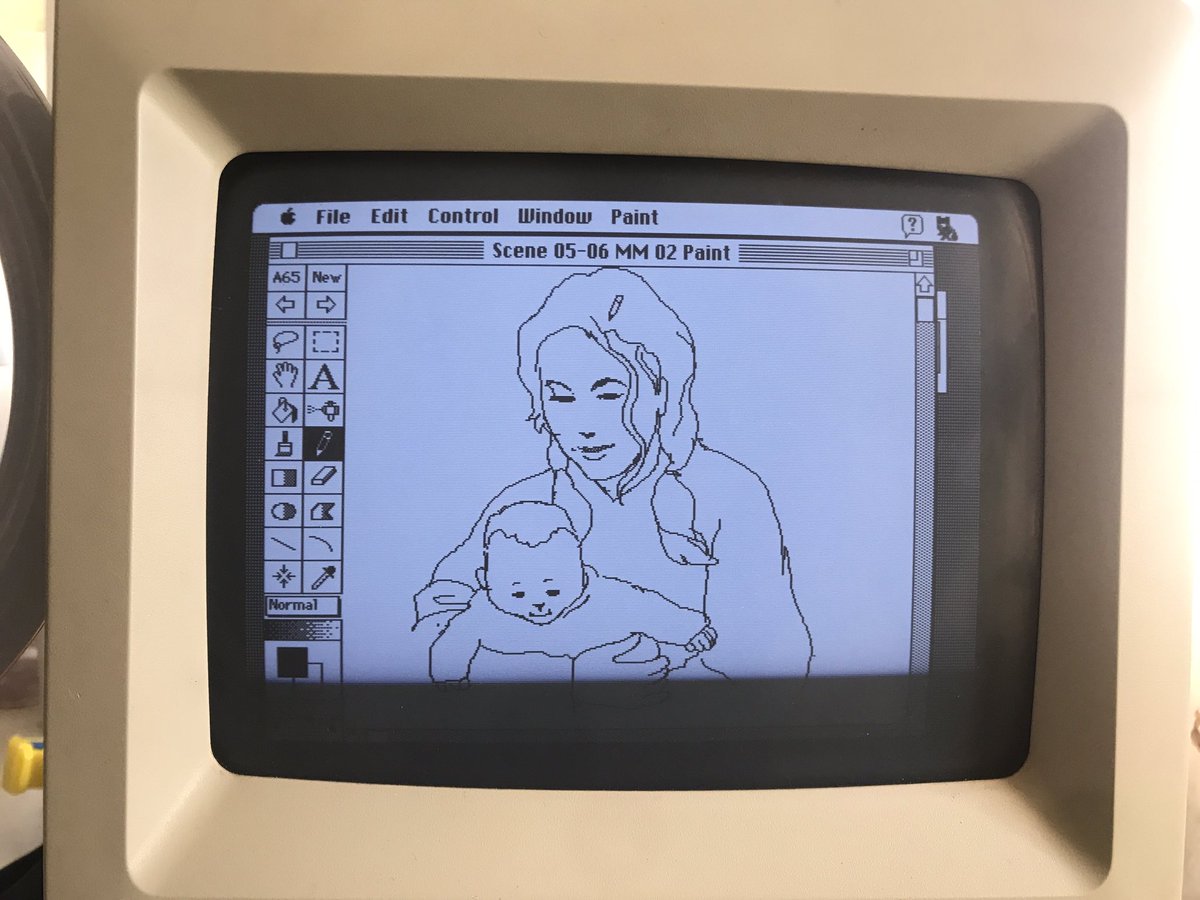
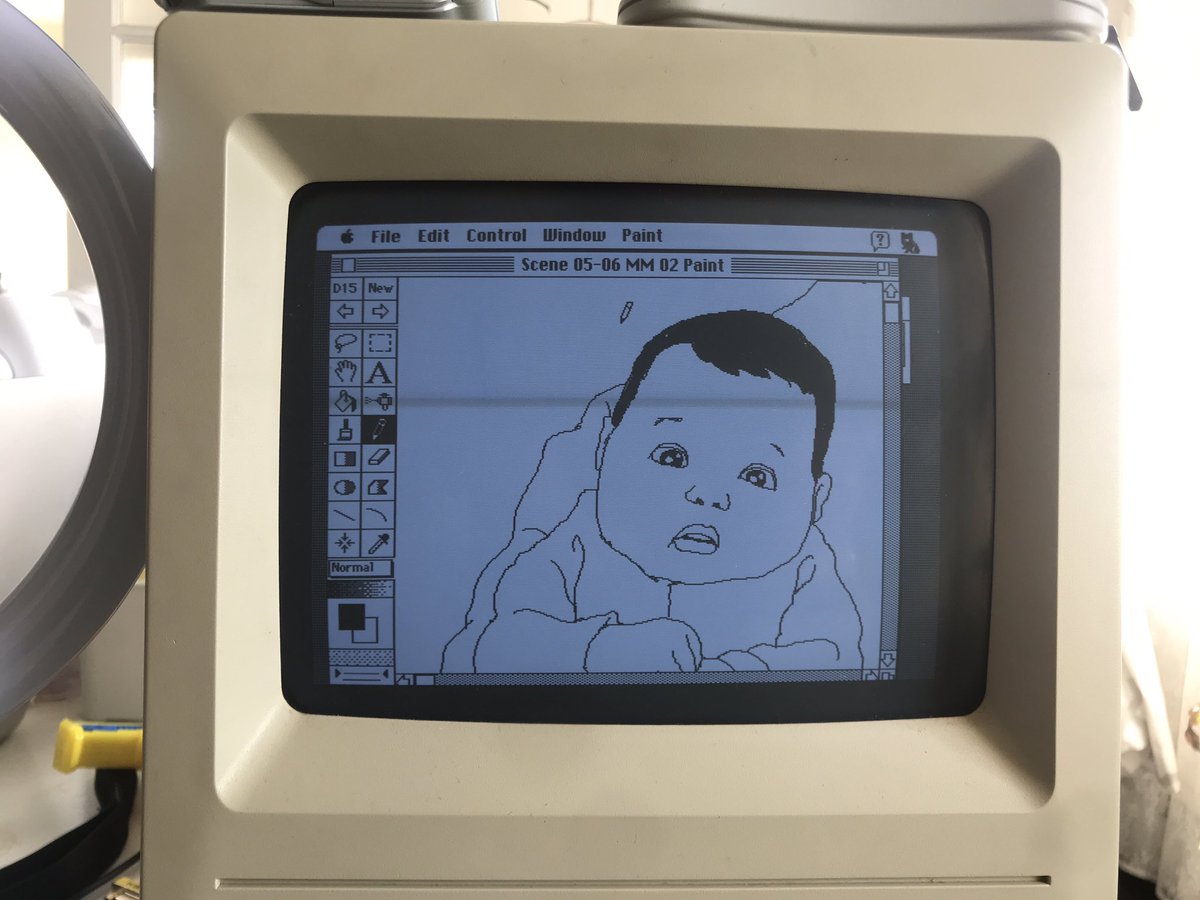
Baby Rosie in GIF
While our previous “This is America” video was done in 3 months, this video has to be done in less than 2 weeks. So my brother in Toronto & Jakarta joined to give their hand. Using modern computer & software, then convert their animation files for Macintosh’s old system.
The files PNG files then converted to PICT format, an old popular format back in 80s but no longer recognized by most modern graphic software. All the image size are also no bigger than 512 x 342 pixels - the size of the Macintosh SE screen.
We let the kids do whatever they want. Here's our daughter draw the anime version of @tylerrjoseph
"Hope he likes it" :D

The most fun experience working with old tech: not enough memory or crash because of incompatible driver. The maximum file size for the MacroMind software is 1.6MB 😆
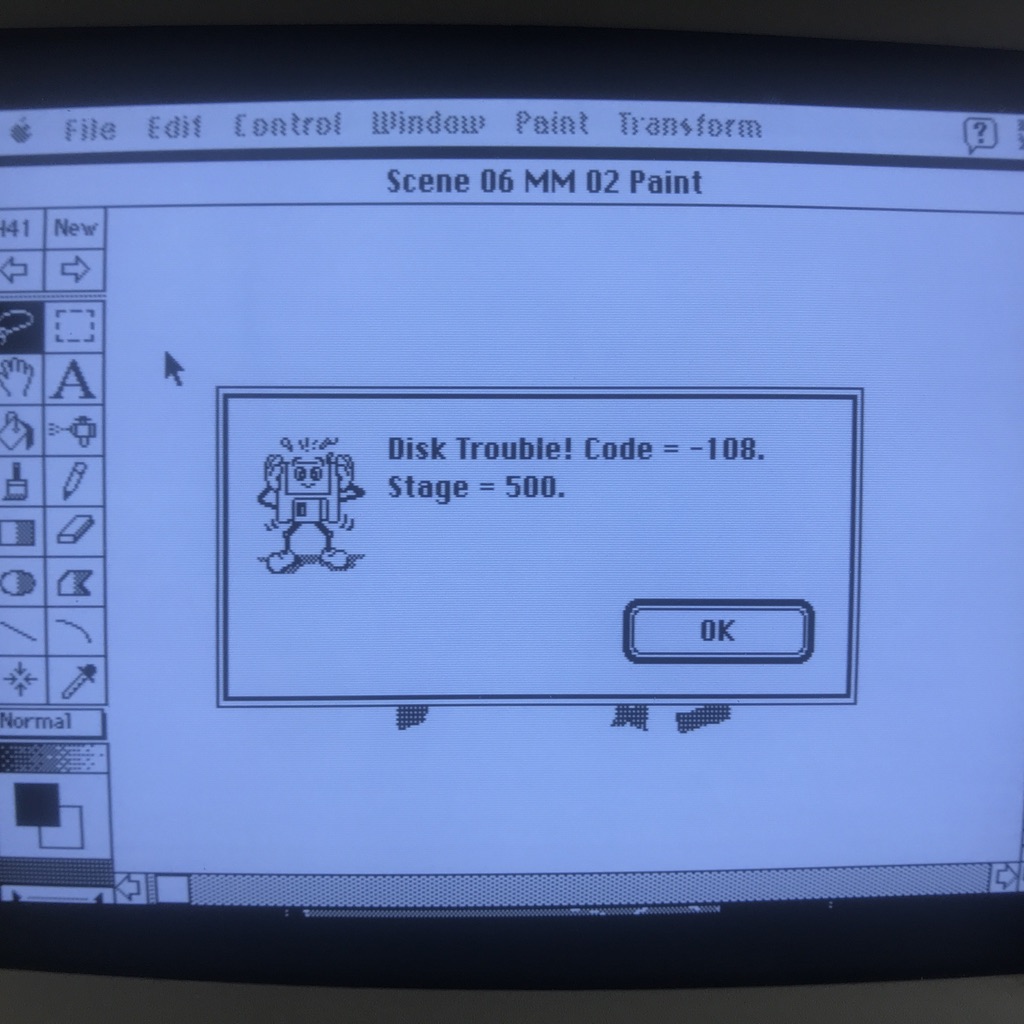
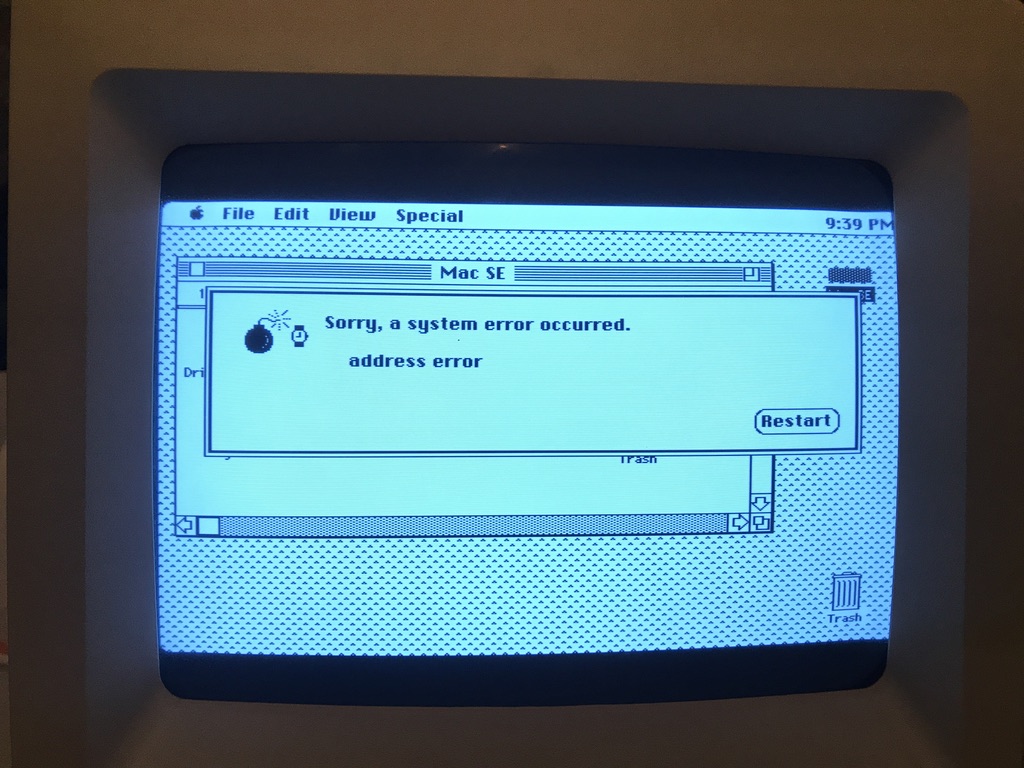
Scrubbing the animation with track ball to see how smooth the animation goes. Though sometimes the computer got hiccups due to its old performance.
Adjustung the files from modern software (from Toronto & Jakarta). Modern software tends to create 'anti-alias' grayscale to make the outline smoother. That doesn't work in 1-bit environment. So we have to remove some unneeded pixels & add some pixel to create fill area.
The other challenge is how to sync the speed of the song with lyrics in the Macintosh SE. Obviously, the whole song won't be 100% synced. We need to create few cuts and adjust in post.
The final video posted on @twentyonepilots' YouTube
Final video: Level of Concern lyric video (part 1)
Final video: Level of Concern lyric video (part 2)