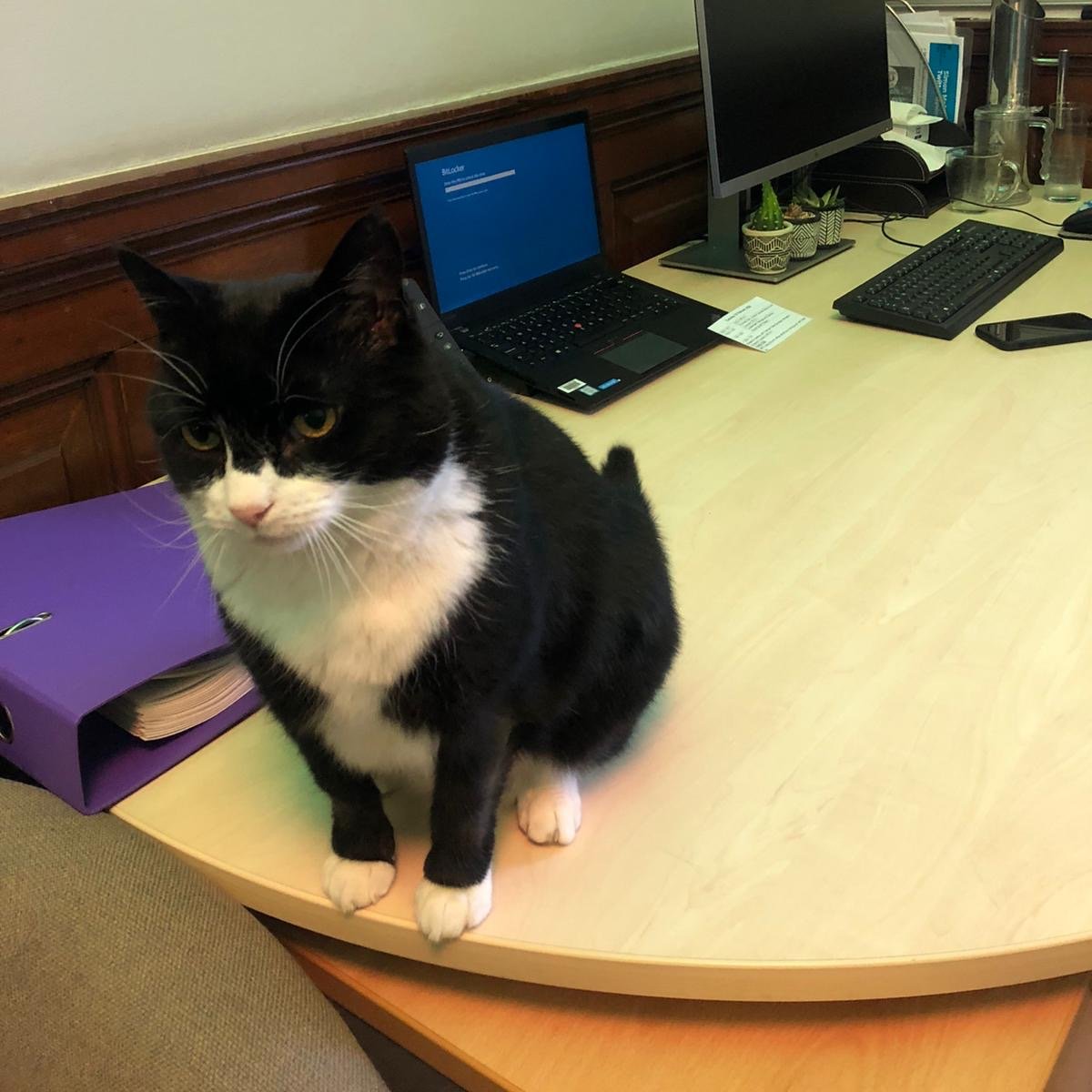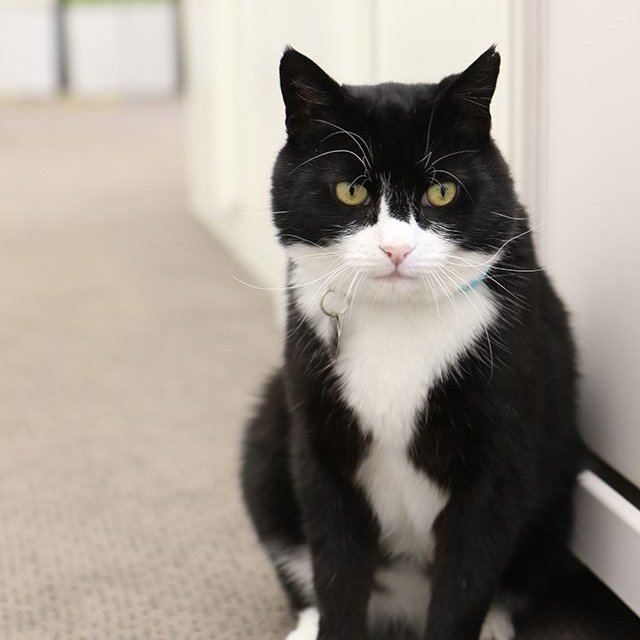
“We need a cat!” Simon said, staring at a hole in his carpet. Normally he made decisions about foreign policy but the Foreign Office mice could no longer be ignored. Kay, his assistant, looked doubtful: “We’ve never had a pet here. Who would look after him when we went home?” 
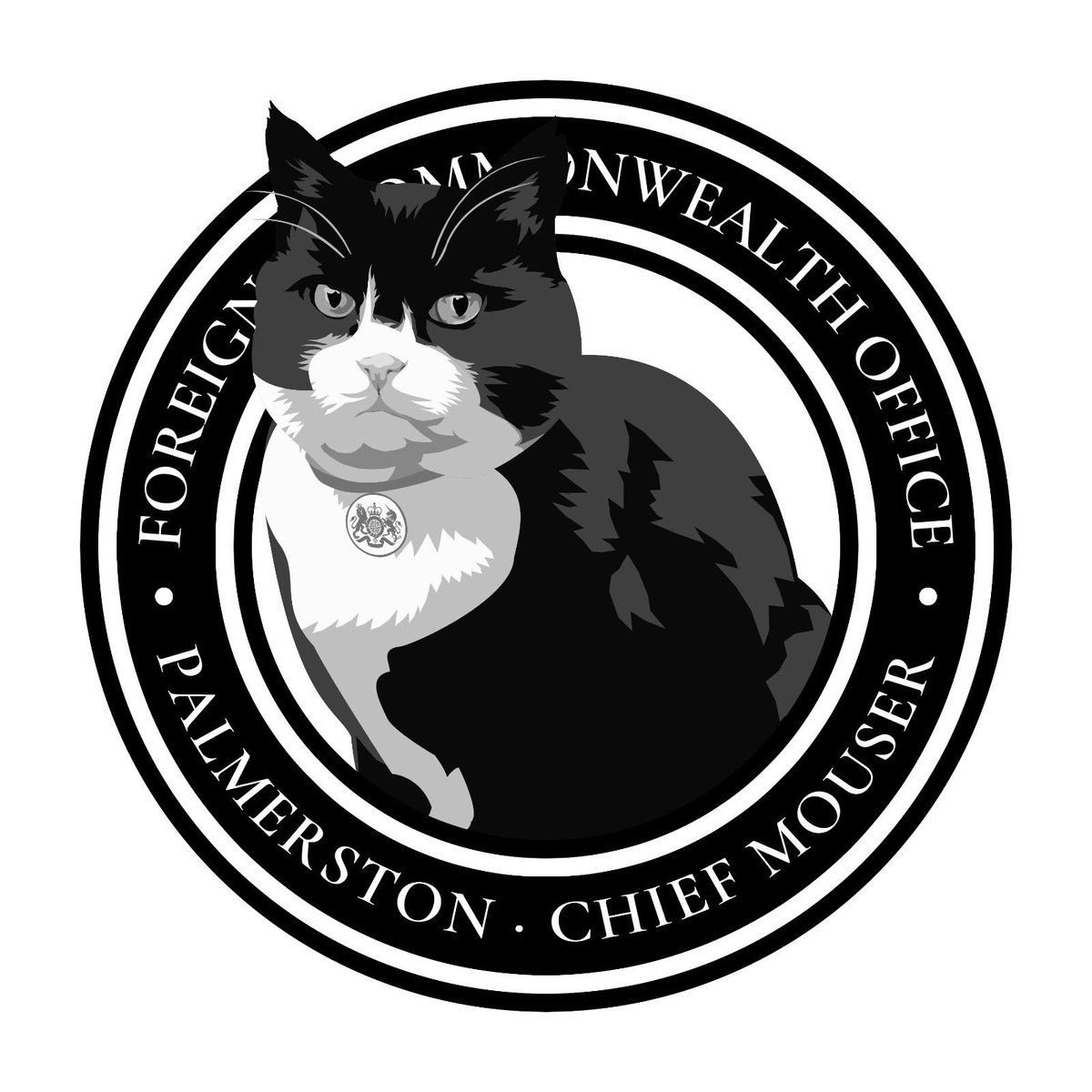
“Cats are independent,” Simon replied. “As long as a guard fed him, he’d be happy. We’ll call him Palmerston, after the longest-serving Foreign Secretary.” Kay had never recruited a mouser before. Although she didn’t know where to start, she couldn’t resist a challenge.
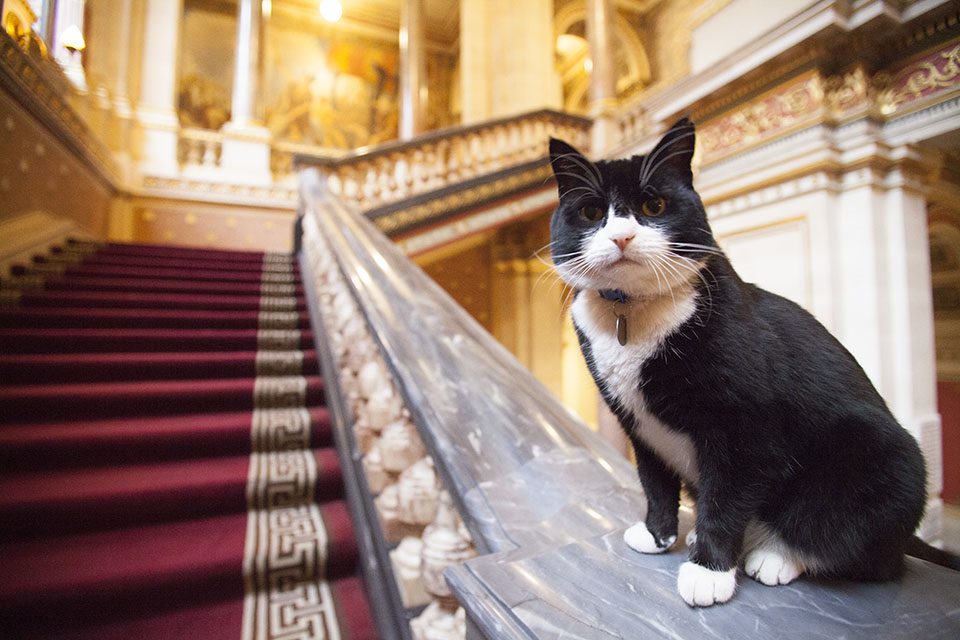
Kay didn’t know how to find a cat who would share his home with 2,000 people. “Try Battersea,” suggested Brian, the guard. “These days they are as well known for cats as dogs.” Kay liked the idea; next morning she called @Battersea_. She embellished her boss’ requirements…
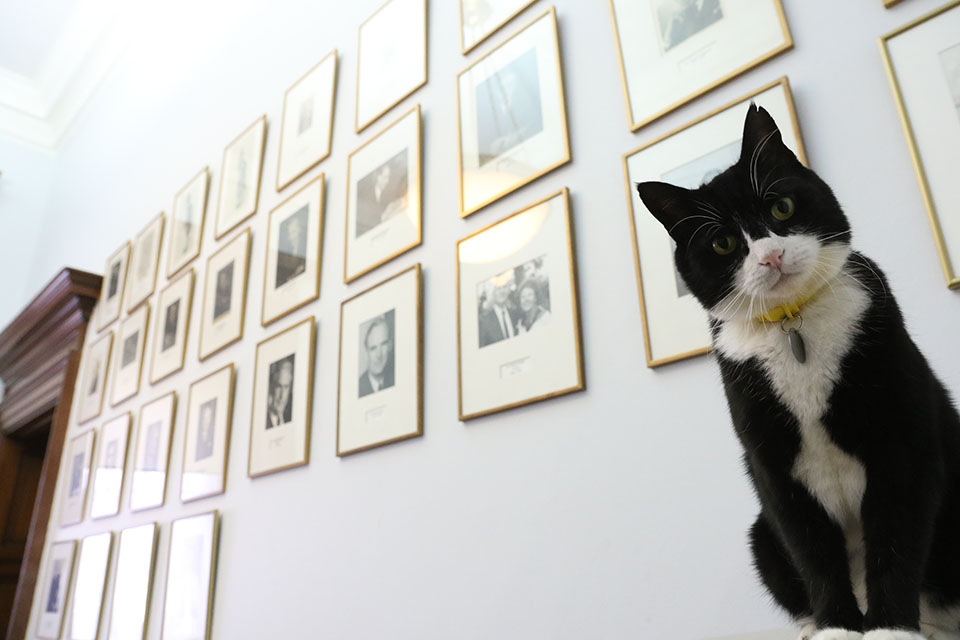
“Oh, you’re looking for the perfect cat,” laughed Fabi at the other end of the phone. “A diplomatic cat. A diplo-mog!” Kay liked the sound of that. But not everyone was as happy. Ms Nero on the 2nd floor presented an impressive list of problems with having an office cat.
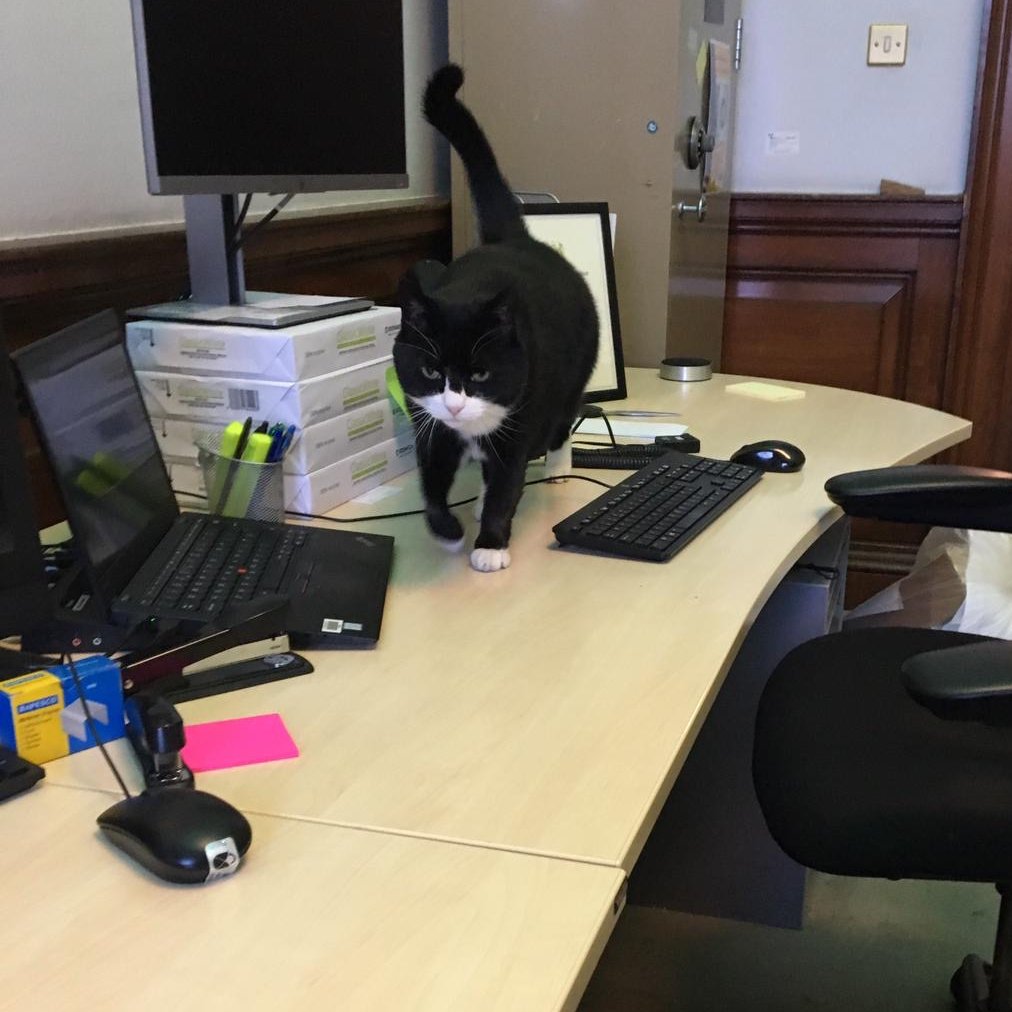
“Some people are afraid of the idea of Palmerston,” Kay confessed. “Who’s Palmerston?” asked Fabi. And Kay revealed they’d already named the undiscovered cat. “What a strange name,” said Fabi. “But suddenly I see him: a black and white cat.”

While Fabi hunted for Palmerston, Kay dealt with all the objections Ms Nero had raised: insurance, cleaning, feeding. “All we need now,” she told Simon, “is the cat.” Right on cue, Fabi phoned to say she’d found the nicest possible cat. “Wonderful!” said Kay. “When can he start?”
On Palmerston’s 1st day, photographers stood by the FCO’s brass sign. As the Battersea van turned into the street, flash bulbs popped as if the Prime Minister had appeared. Kay was amazed to find out Palmerston was already famous, @DiploMog had over 1,000 Twitter followers.
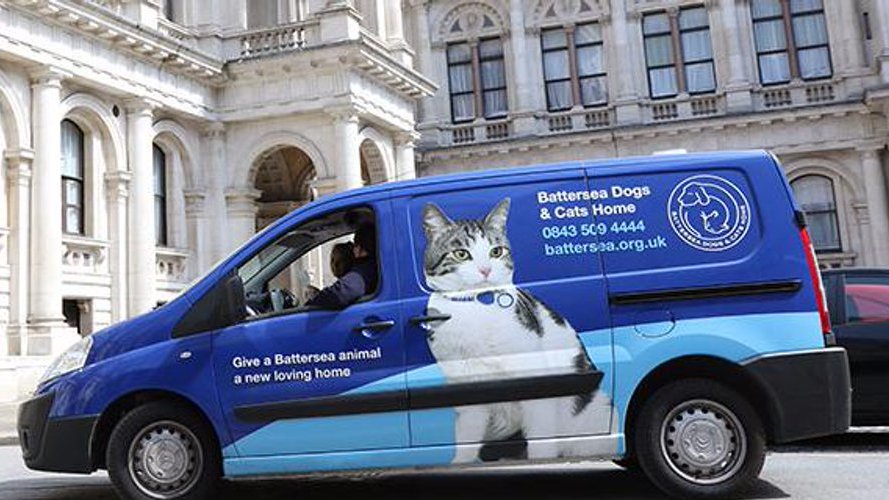
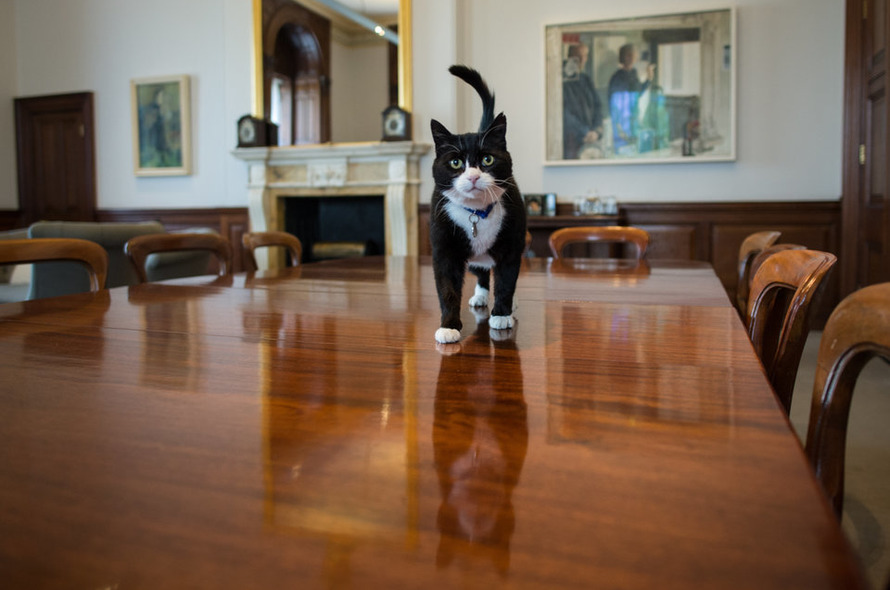
Fabi jumped out and hugged Kay like a long lost friend. “He’s the coolest cat we’ve ever had.” Fabi opened the van doors to reveal a travelling case containing a large black-&-white cat, cleaning his paws. “Welcome to your new home!” said Kay, carrying him into the office.
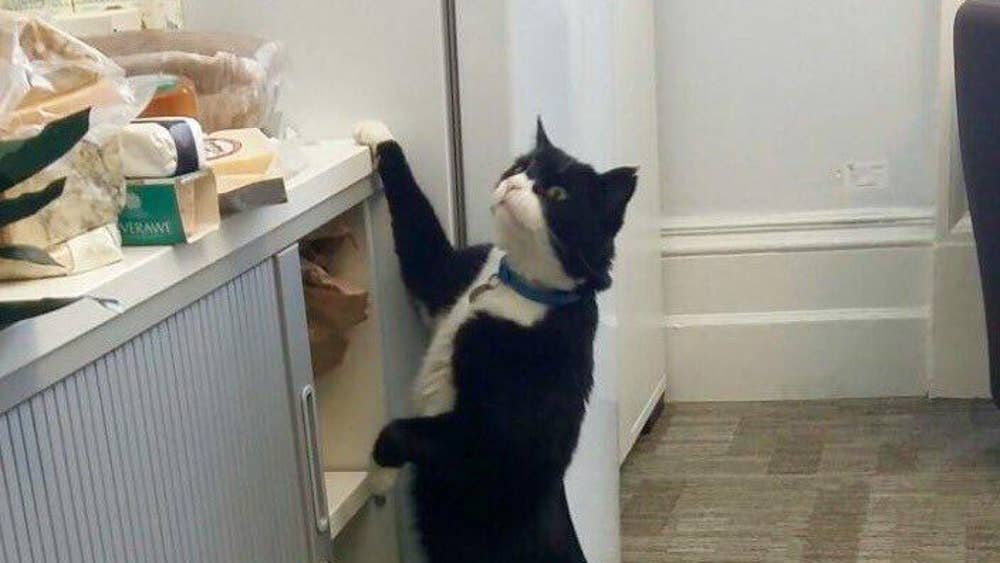
Everyone suddenly found an excuse to visit Kay without admitting the real reason: Palmerston quickly became @foreignoffice’s most famous employee. He accepted attention without complaint but Kay made sure he had a private zone where he could retreat when life got too noisy.

The building was huge with doors too big to nudge open; not one had a cat flap! But Palmerston had only to wait a few seconds by a door for it to open. He explored the whole office, trying to find Brian who had given him a tasty treat on his 1st day. He never forgot a friend.
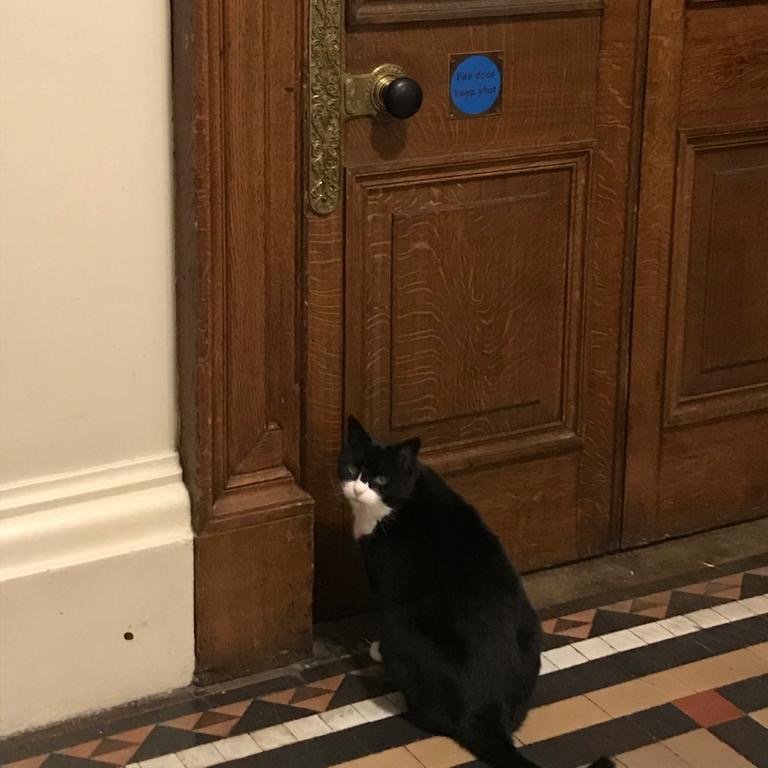
Brian’s office in the basement became Palmerston’s second favourite place (after Kay’s office). And Brian solved all of Ms Nero’s objections: he volunteered to look after Palmerston at nights, weekends and holidays. Brian and Kay were Palmerston’s favourite humans.

Kay wasn’t sure if official visitors would like Palmerston; she kept him out of sight when ambassadors came to see Simon. But one day she noticed the Japanese looking sad & asked if he was OK. “I told my children I would get a photo of Palmerston; they will be disappointed.”
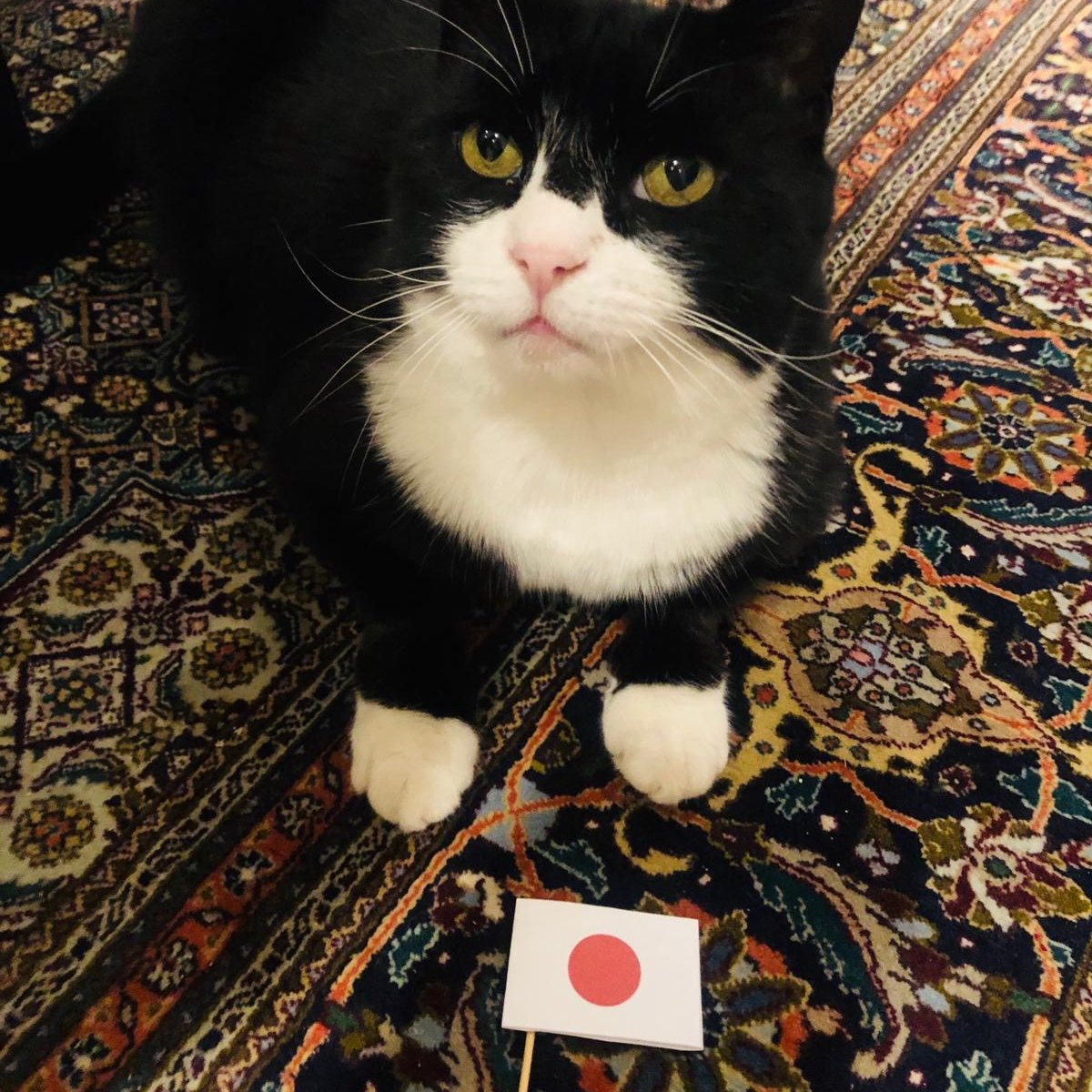
Next day Kay sent the ambassador a “signed” photo of Palmerston. She hoped his children wouldn’t detect a forgery. And she decided not to worry so much about trying to hide Palmerston from visitors. He enjoyed the new policy & all the treats people now brought him.
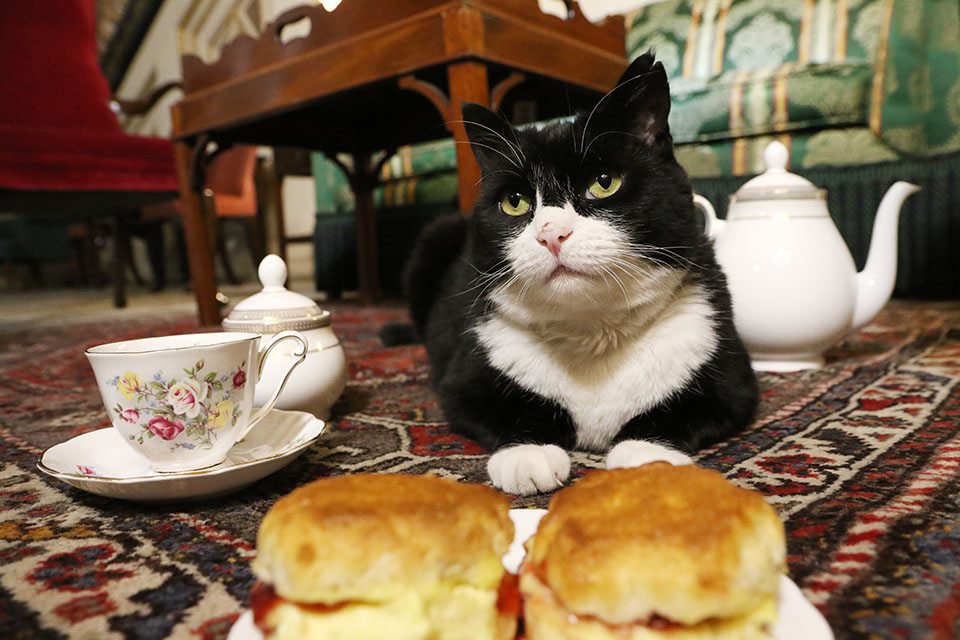
A few weeks later Kay answered a call to a loud voice, “Ms Nero here; I need Simon’s office. The Australian Foreign Minister is coming for trade talks next week & Simon must meet her. I must inspect his office today.” Kay did not relish meeting Palmerston’s biggest critic...
To be continued...