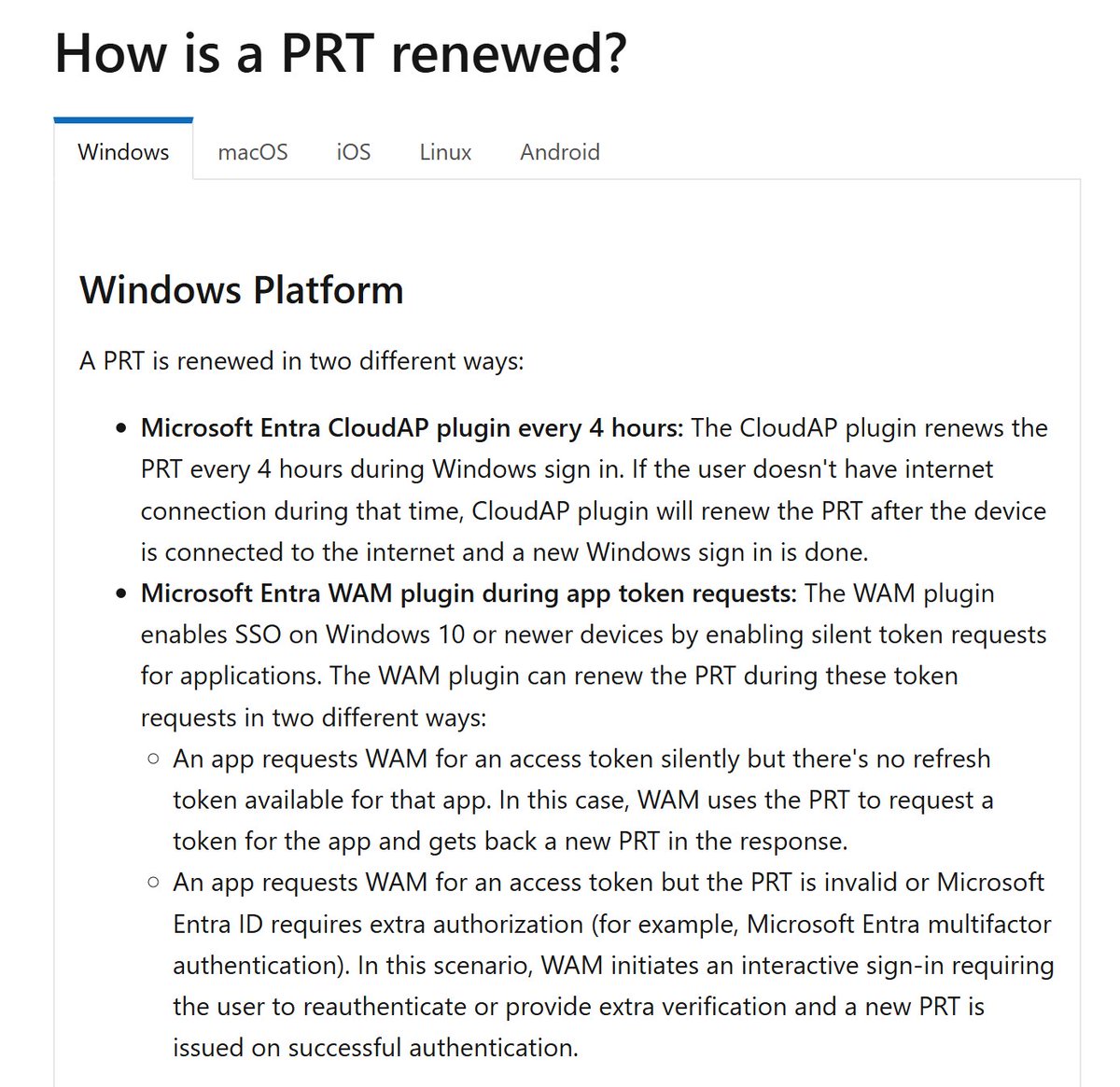
DMARC: Domain-based Message Authentication, Reporting and Conformance
Phew, that's a mouthful. Let's simplify this a bit.
DMARC lets you tell other mail servers what to do about email sent from your domains - apply policy and report
If you haven't done SPF/DKIM, do that first:
Phew, that's a mouthful. Let's simplify this a bit.
DMARC lets you tell other mail servers what to do about email sent from your domains - apply policy and report
If you haven't done SPF/DKIM, do that first:
https://twitter.com/NathanMcNulty/status/1439301306292731906
If you're using O365 and don't have DMARC reports going somewhere useful, you can now set this up for free:
microsoft.com/security/blog/…
Now, I'm not a big fan of how they handle DNS... but it's free? I've always used @dmarcian and really prefer the way they do it.
But let's test!
microsoft.com/security/blog/…
Now, I'm not a big fan of how they handle DNS... but it's free? I've always used @dmarcian and really prefer the way they do it.
But let's test!
@dmarcian Cool, well, let's sign up:
use.valimail.com/Brand-Reputati…
Once you submit the form, you'll get a confirmation email with a link to activate your account
Following the link will take you to a page to set up your password. Heads up though, the password requirements are terrible... 😫
use.valimail.com/Brand-Reputati…
Once you submit the form, you'll get a confirmation email with a link to activate your account
Following the link will take you to a page to set up your password. Heads up though, the password requirements are terrible... 😫


@dmarcian Whoops, not sure if this error is because I struggled with the password, adblock, or something else.
If you get this error, just go to app.valimail.com and it should start you off with this really nice wizard.
They did a really nice job of making this look easy :p
If you get this error, just go to app.valimail.com and it should start you off with this really nice wizard.
They did a really nice job of making this look easy :p

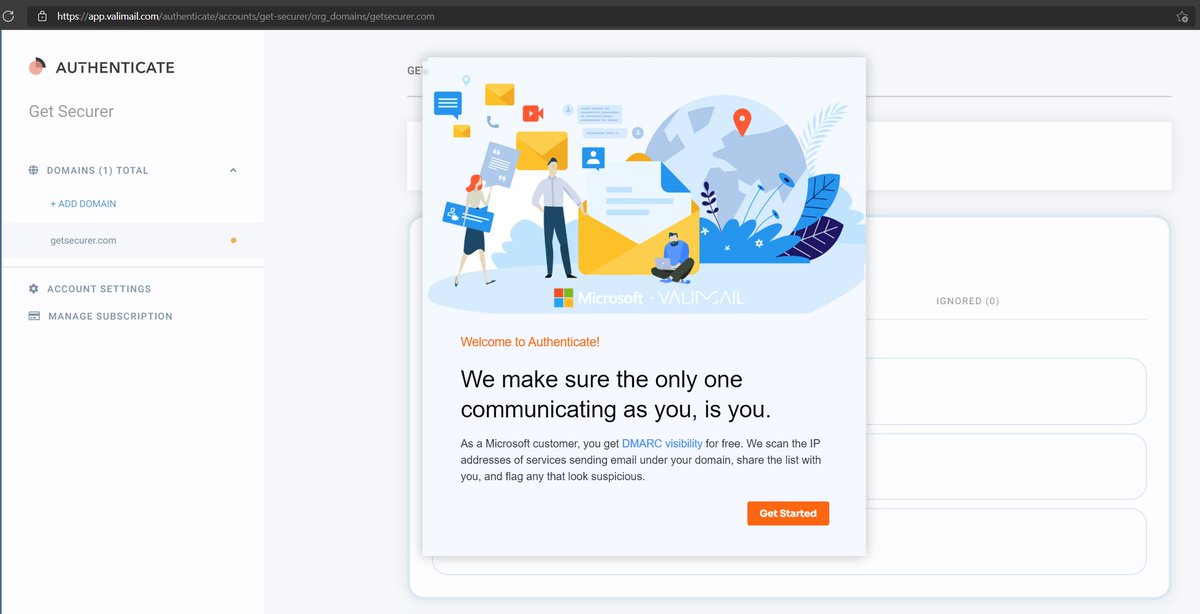
@dmarcian So there is a guided walkthrough of the options they want us to configure
I think this is really nice and helpful for those who are stuck as email / DNS admins and don't want to know how this stuff works 🤭
We already did SPF/DKIM, but I guess I'll try this... for science :)
I think this is really nice and helpful for those who are stuck as email / DNS admins and don't want to know how this stuff works 🤭
We already did SPF/DKIM, but I guess I'll try this... for science :)
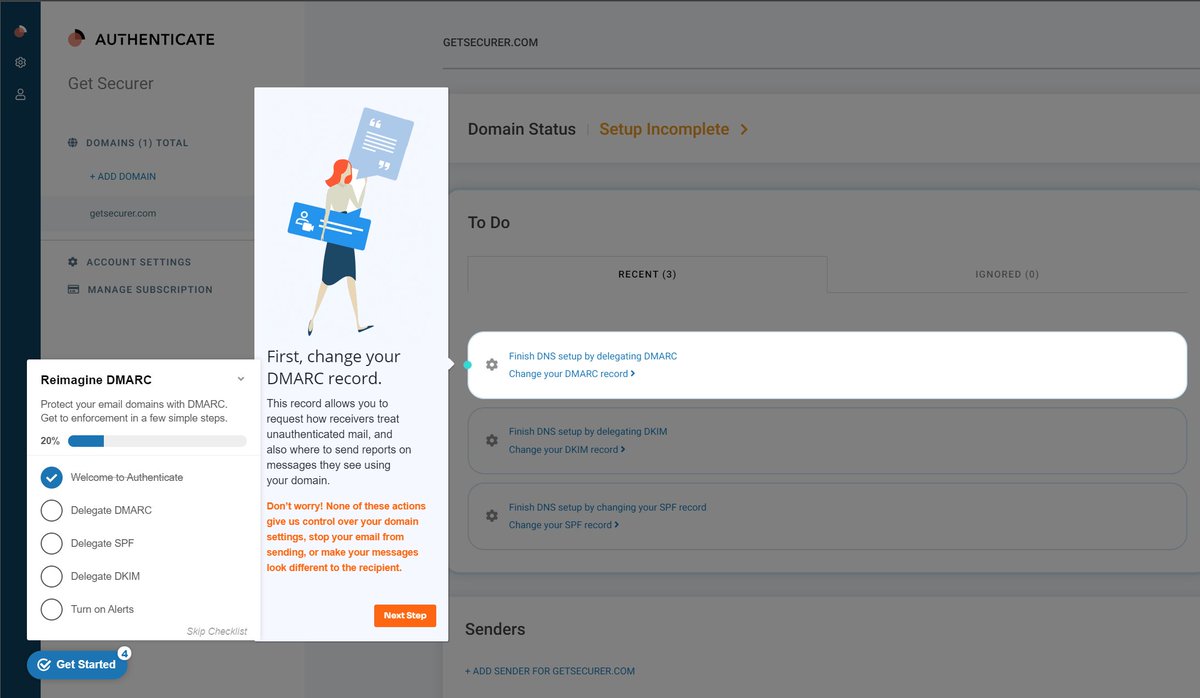
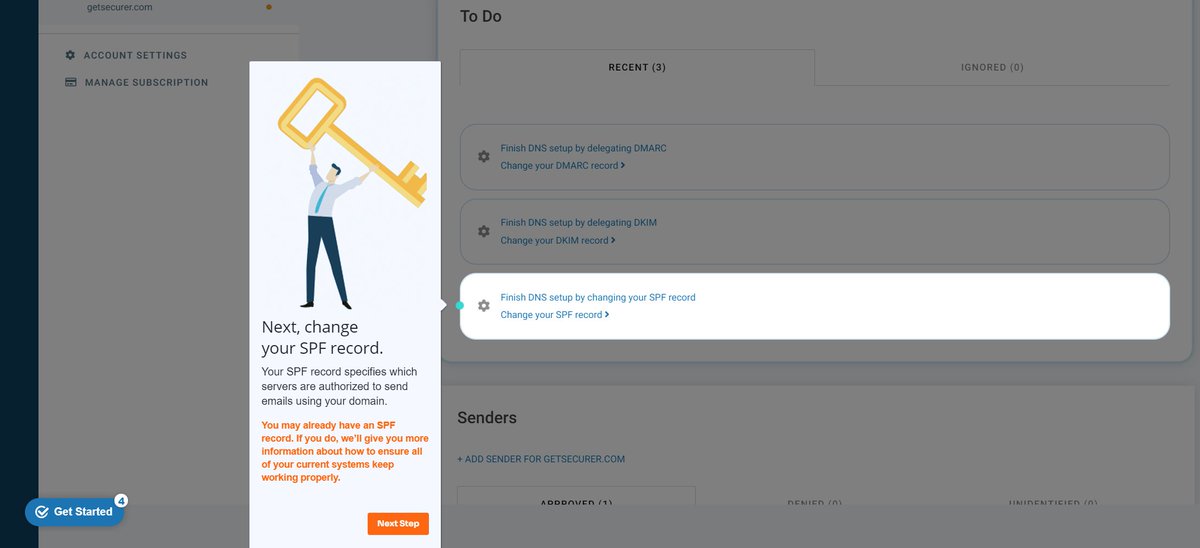
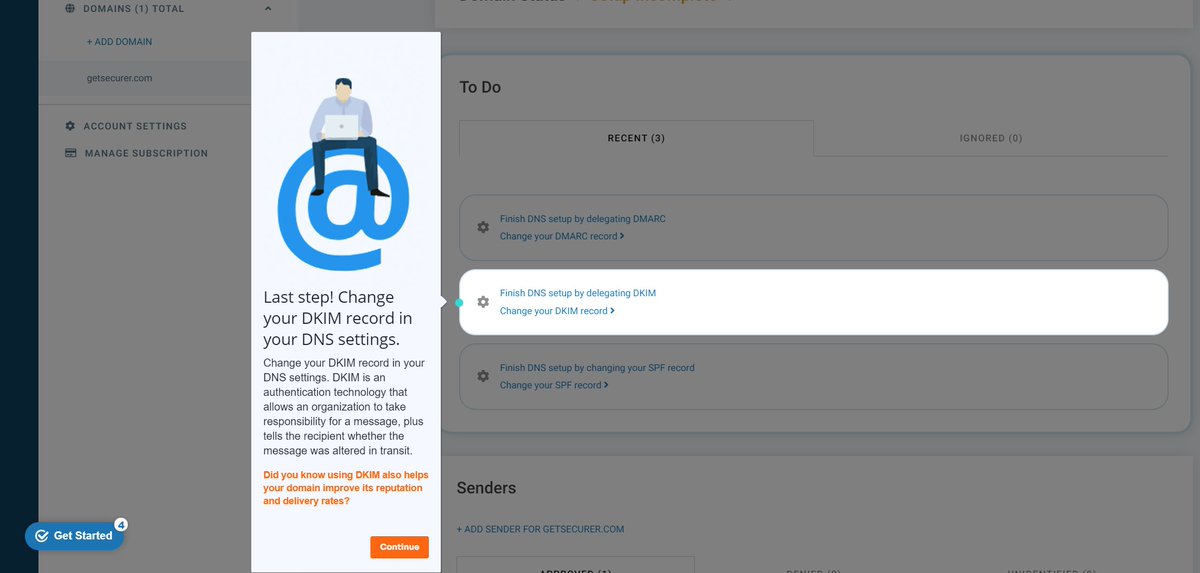
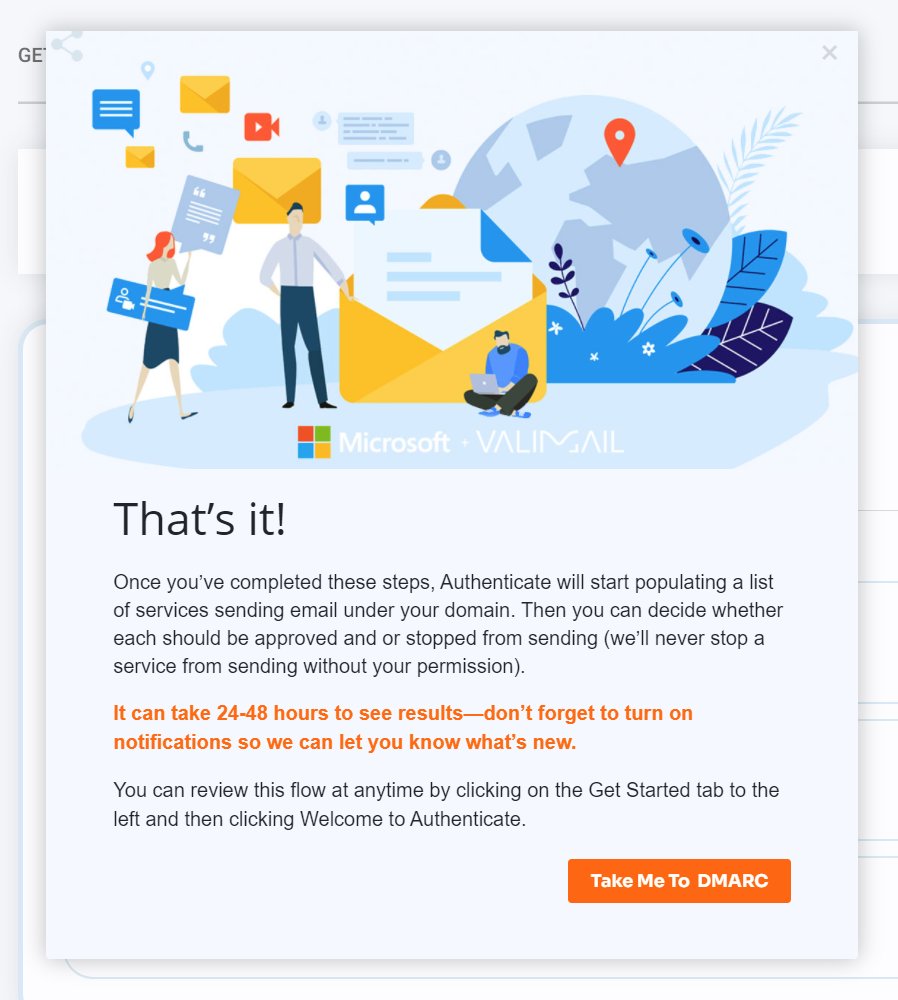
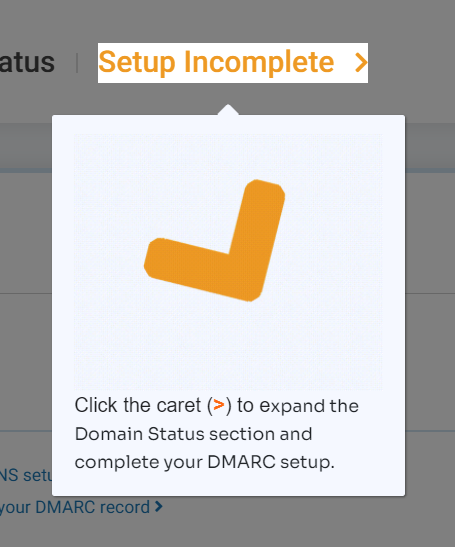
@dmarcian So click on the spinning caret (lol), and we'll be taken to the setup for DMARC
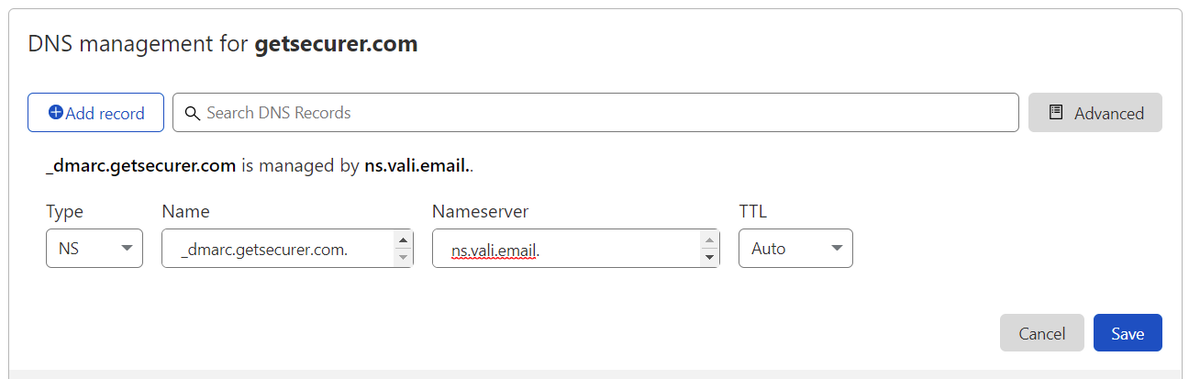
Here's what I don't like - a NS record 🤮
dmarcian just gives you an email address to put in your dmarc record. Valimail is trying to make life easier, so I get it.
So I reluctantly add to DNS :p
Here's what I don't like - a NS record 🤮
dmarcian just gives you an email address to put in your dmarc record. Valimail is trying to make life easier, so I get it.
So I reluctantly add to DNS :p

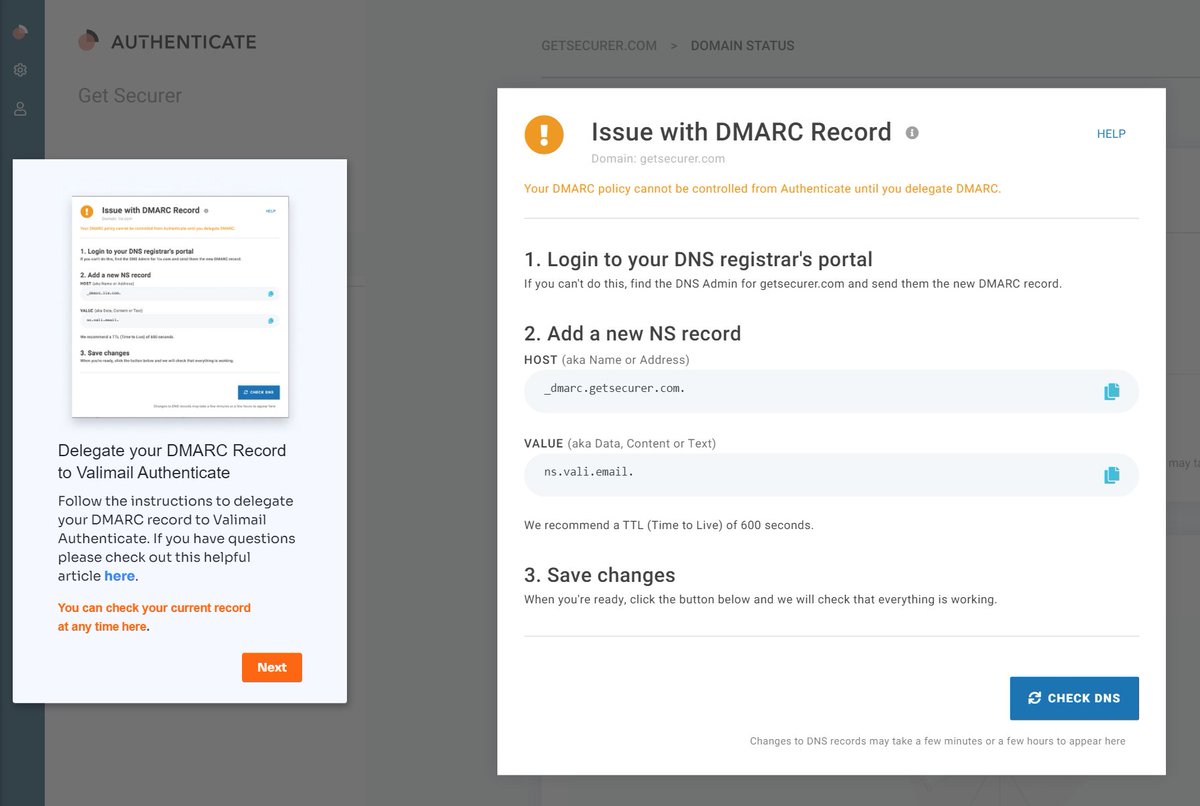
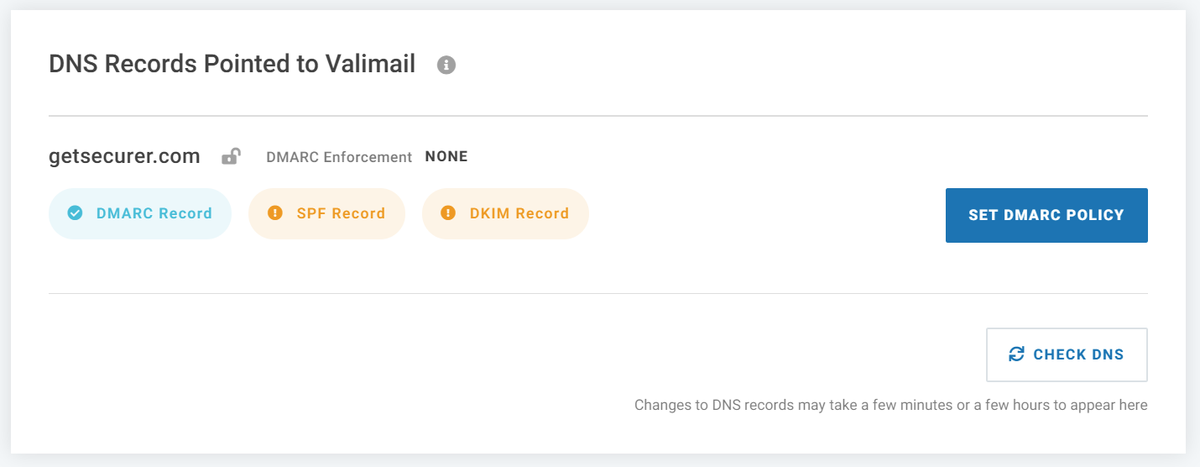
@dmarcian We should now be able to hit verify DNS, and it will now show a checkmark next to DMARC record
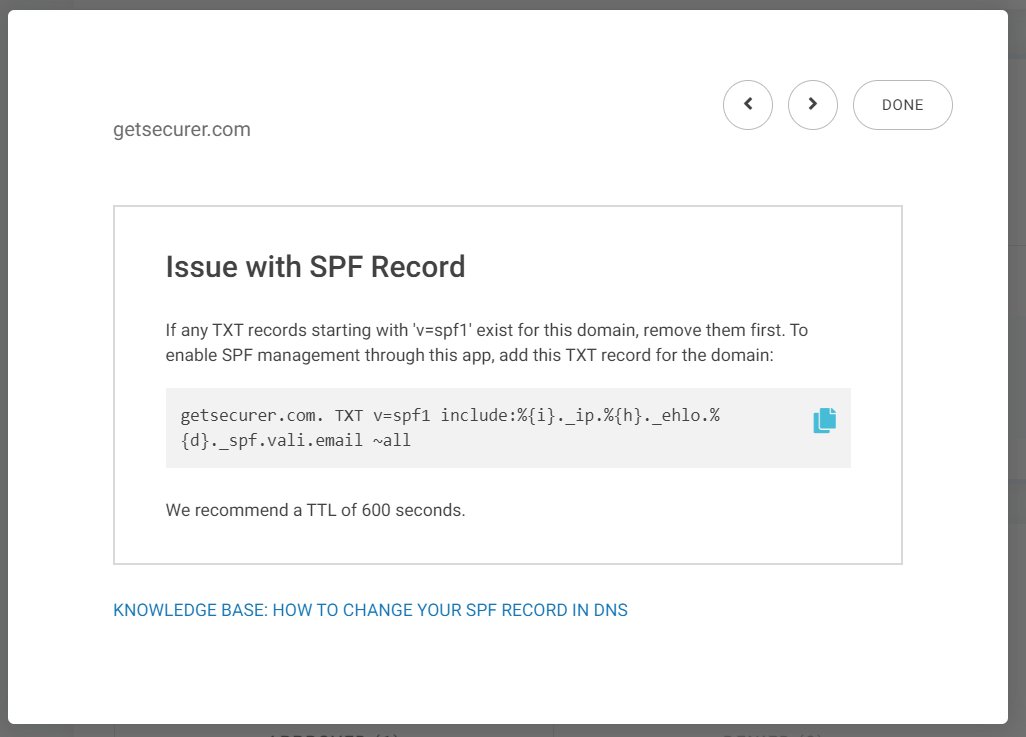
Next, I click on SPF
Not too happy with a ~ (soft fail), but I guess if you are trying to clean it up, you probably aren't wanting to start at - (hard fail)
Same process as before
Next, I click on SPF
Not too happy with a ~ (soft fail), but I guess if you are trying to clean it up, you probably aren't wanting to start at - (hard fail)
Same process as before
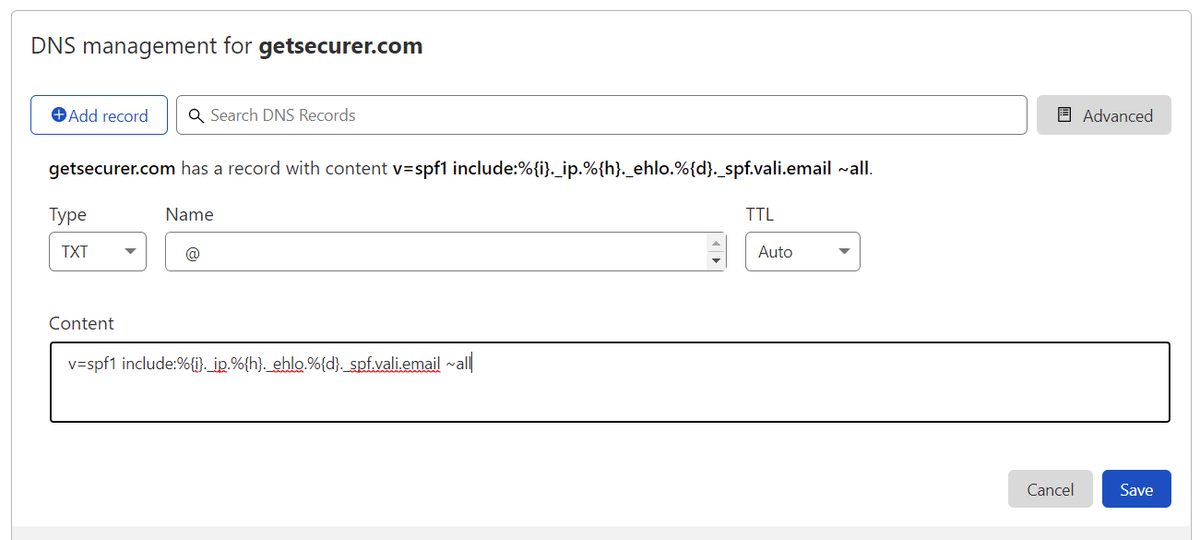
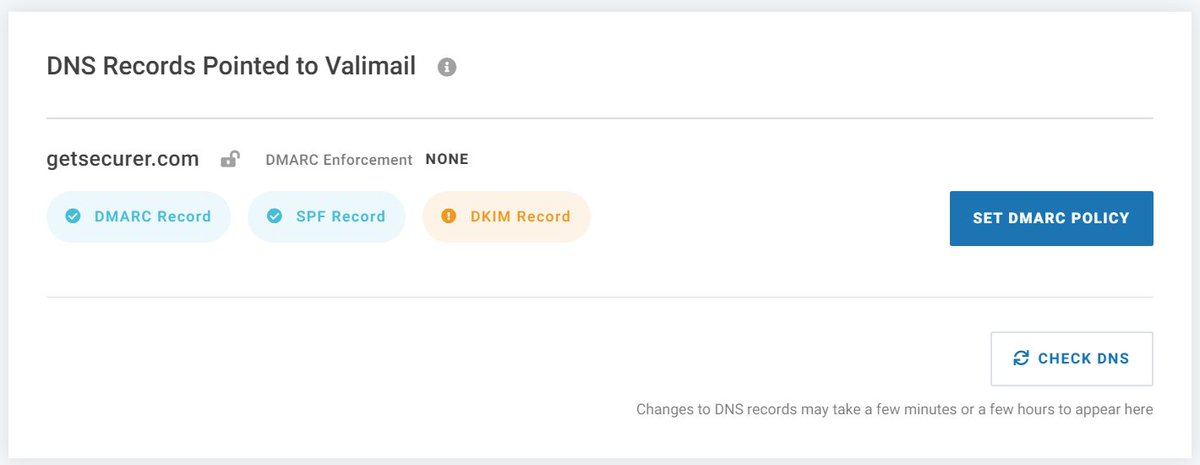
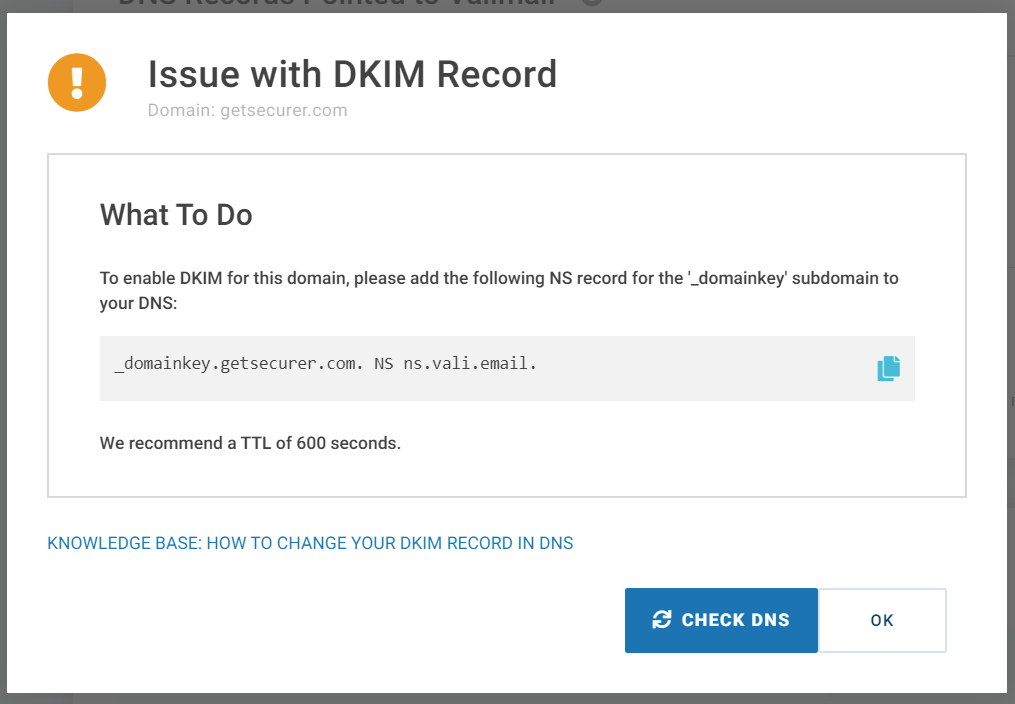
@dmarcian OK, so I guess we're delegating DKIM to them via NS record too
Uggh, I'm not sure I want to do this with one of my dev domains much less a prod one :-/
But I'm going to finish it and see if I have other options once I play around in here a while
Same process as DMARC/SPF
Uggh, I'm not sure I want to do this with one of my dev domains much less a prod one :-/
But I'm going to finish it and see if I have other options once I play around in here a while
Same process as DMARC/SPF
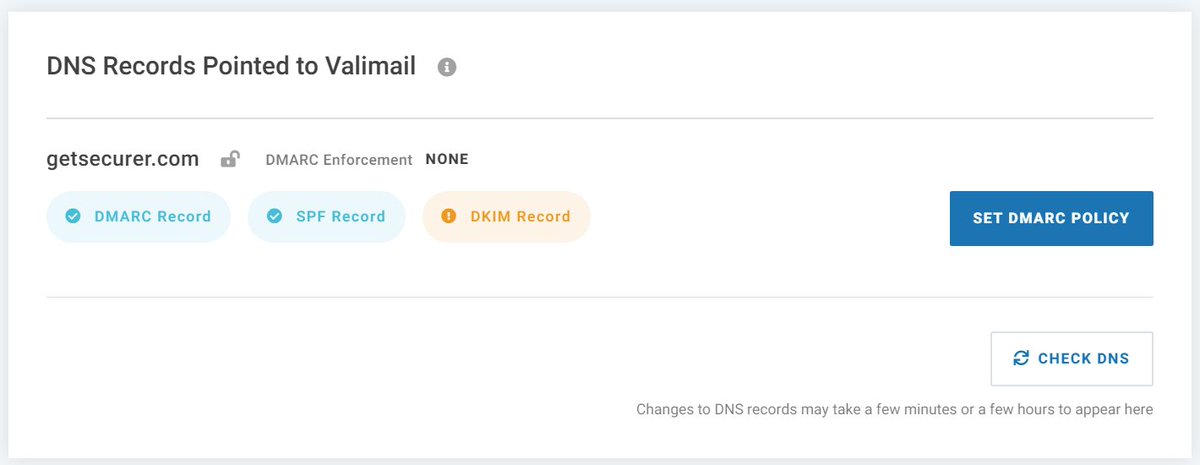
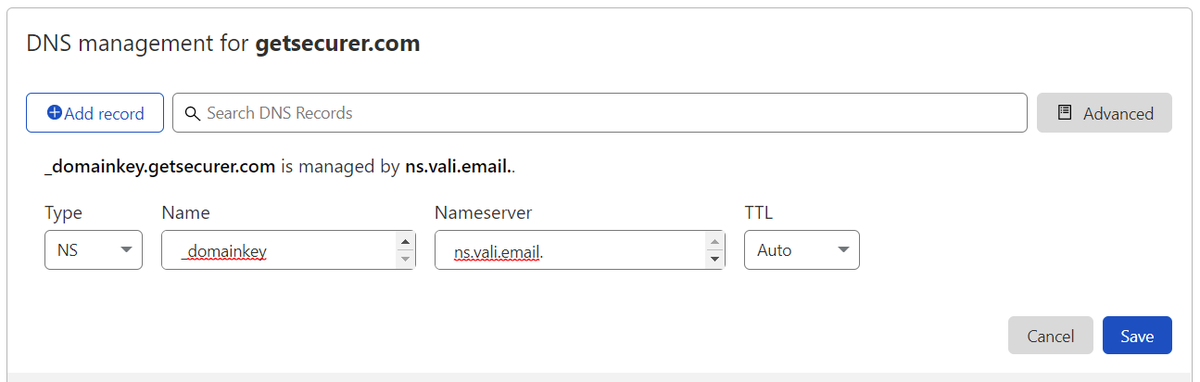
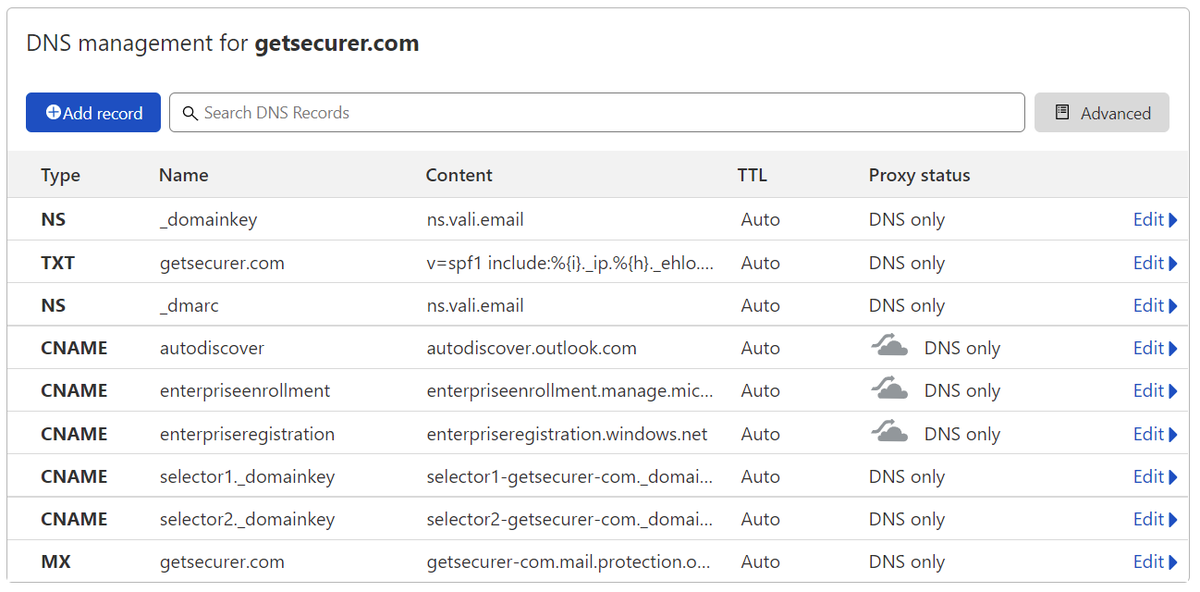
@dmarcian If you've been following along, your DNS will probably look something like the image below
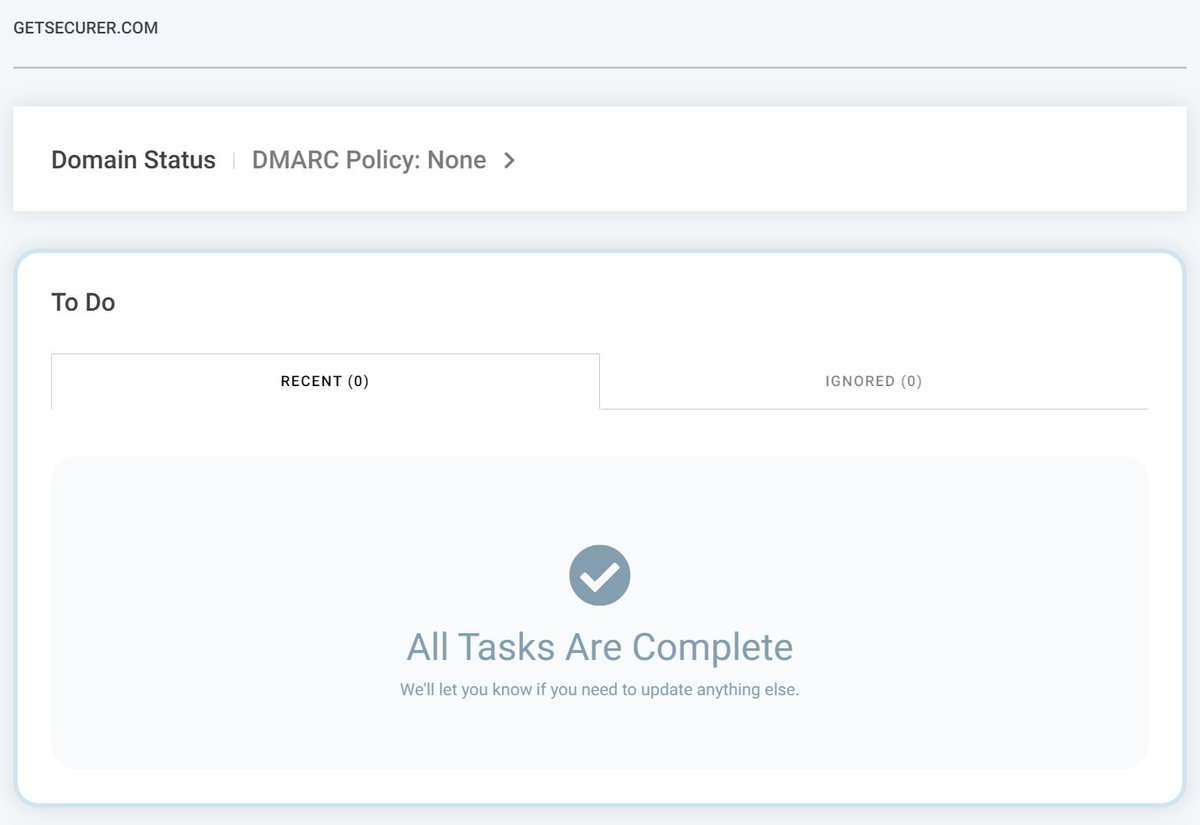
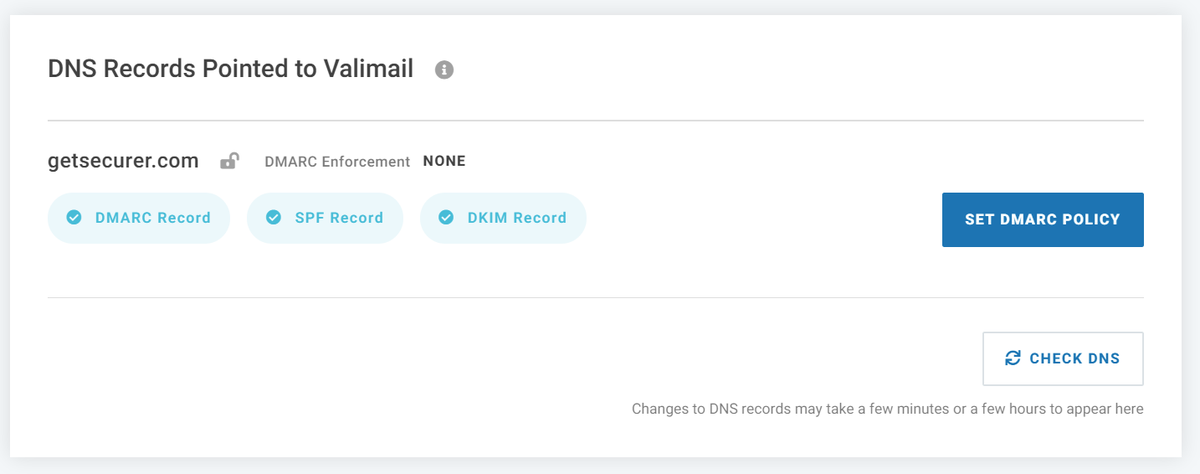
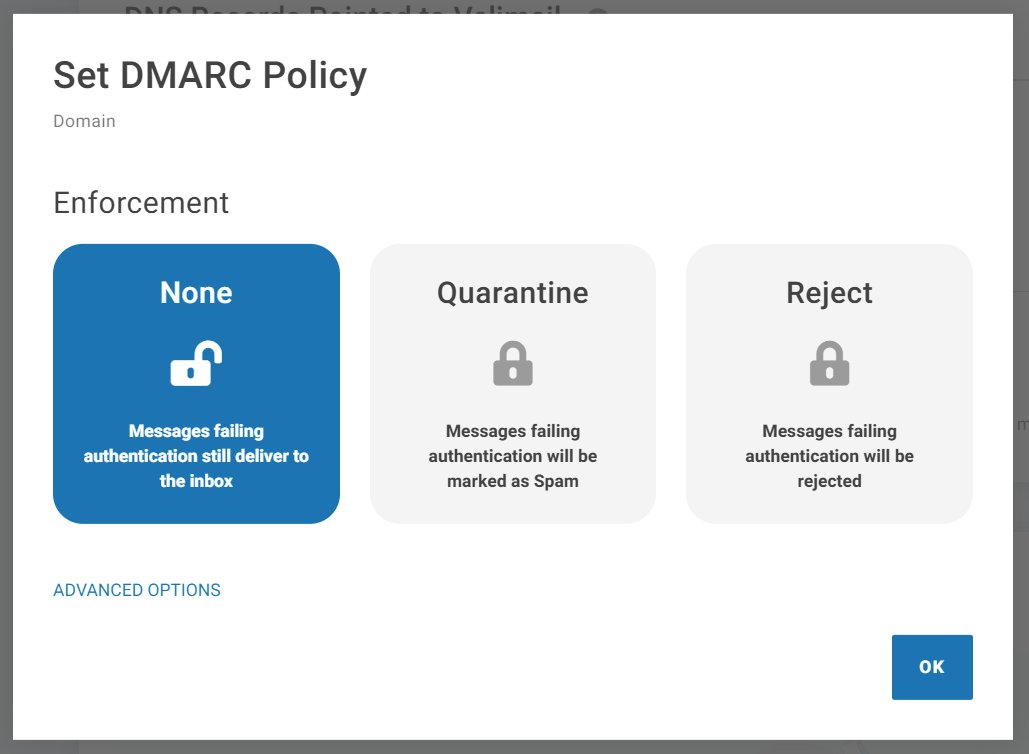
At this point, it looks like the default policy is None. You can click the SET DMARC POLICY button to view and make changes.
Now to generate a lot of email now to populate the dashboard
At this point, it looks like the default policy is None. You can click the SET DMARC POLICY button to view and make changes.
Now to generate a lot of email now to populate the dashboard
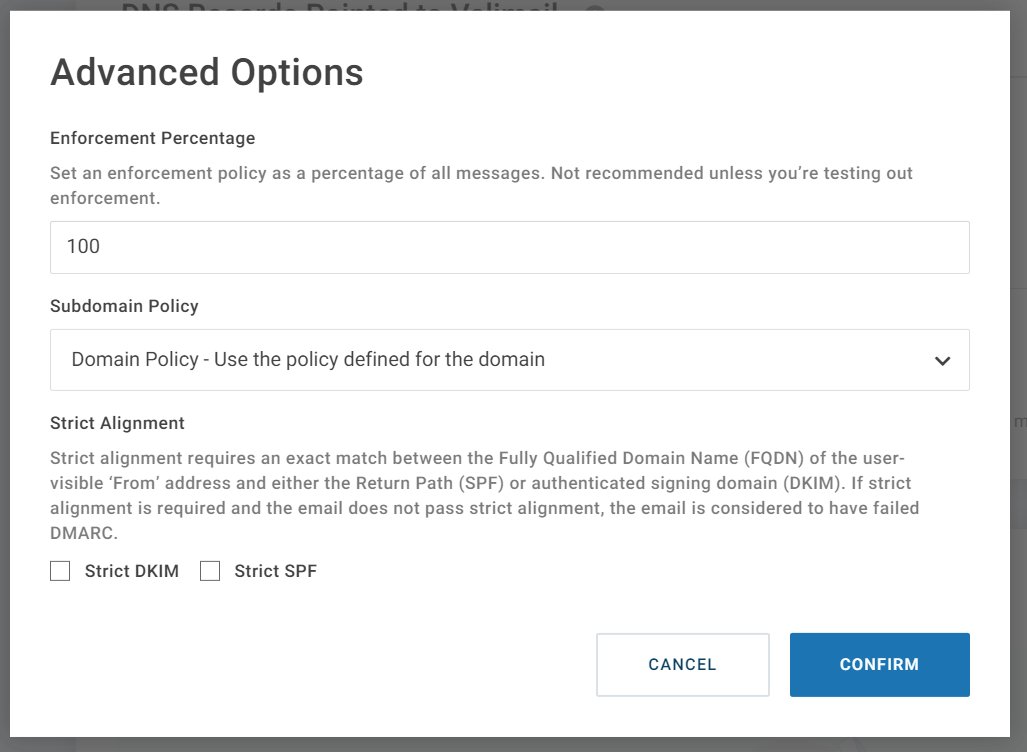
OK, so I'm pausing here, and let's recap
DMARC lets us tell email servers to send reports to Valimail when they receive emails from my domains
Valimail uses this to show who is sending email as my domains (like asset inventory) so I can clean up my SPF and add DKIM where needed
DMARC lets us tell email servers to send reports to Valimail when they receive emails from my domains
Valimail uses this to show who is sending email as my domains (like asset inventory) so I can clean up my SPF and add DKIM where needed
The goal is to get SPF to -all (hard fail) and DMARC to a policy of reject
We don't want a reject policy telling everyone to throw away email from Marketing's awesome SaaS service though
DMARC prevents spoofing of your domain, which helps you AND everyone else you send email to
We don't want a reject policy telling everyone to throw away email from Marketing's awesome SaaS service though
DMARC prevents spoofing of your domain, which helps you AND everyone else you send email to
• • •
Missing some Tweet in this thread? You can try to
force a refresh