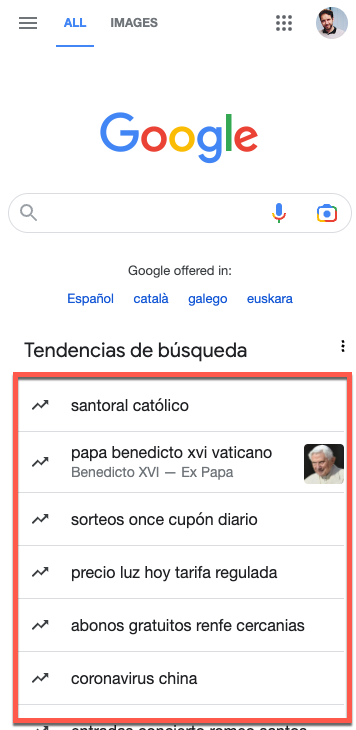
I'm sure that at some point you have asked yourself: How can I know if my content appears in Google Discover with a large photo? You can. Let's go🧵👇
As you know, Google Discover can display your content with a big, beautiful image or a sad and small photo on the side. In Google's words, the difference from one to the other is at least a +3% increase in CTR. And we know what that means :) 
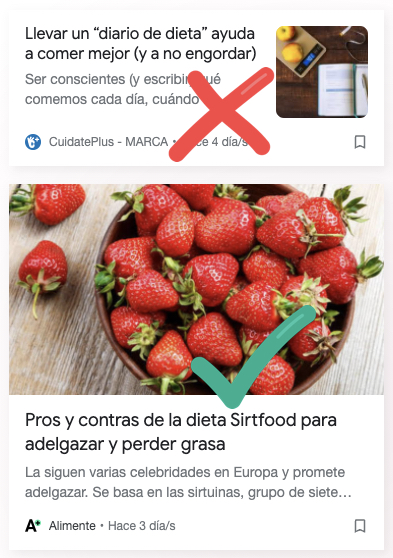
All day long preparing your article to succeed in Google Discover: Good headline, good analysis of entities, a fabulous image. But wait, are you sure Google will show that image the way you want it to?
Save this link: google.com/search?q=query…
1. Open your browser
2. IMPORTANT: Activate smartphone view first
3. Paste the URL I've given you above and WAIT
Before you press Enter, you have to customise the URL parameters
2. IMPORTANT: Activate smartphone view first
3. Paste the URL I've given you above and WAIT
Before you press Enter, you have to customise the URL parameters
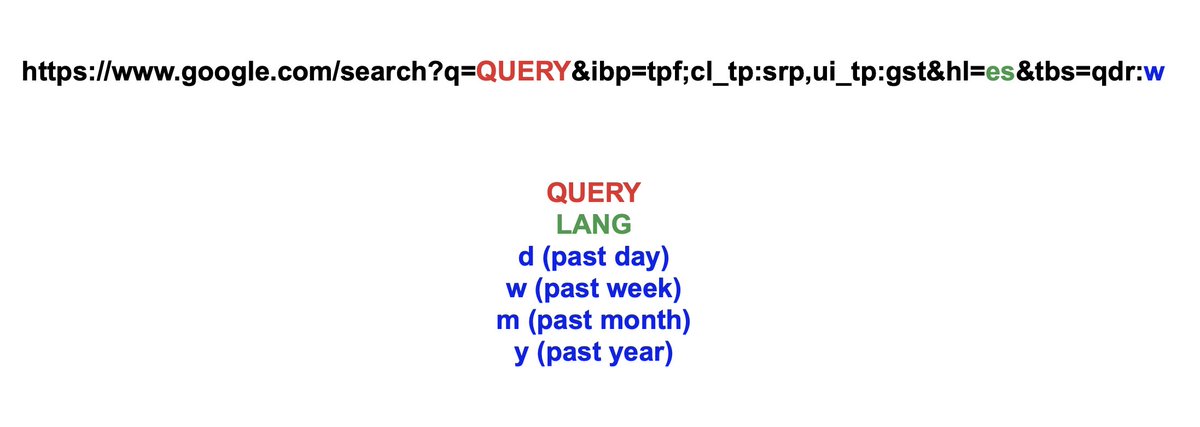
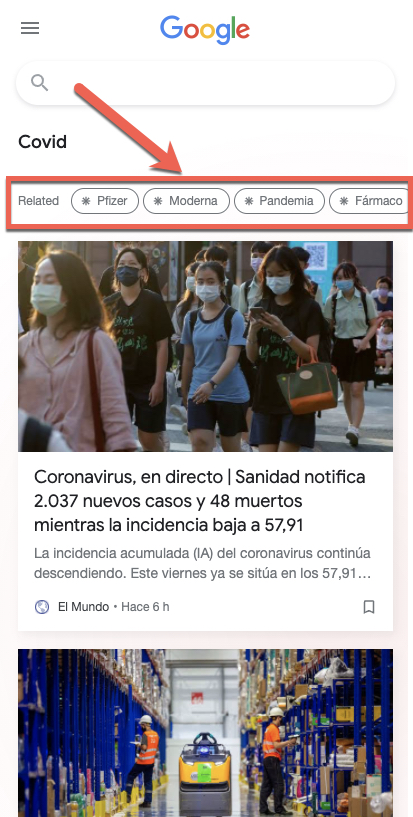
You can now search for articles with Google Discover view by keyword. For some searches, you will even see "Related Entities" to help you improve your content or get new ideas. google.es/search?q=Covid…
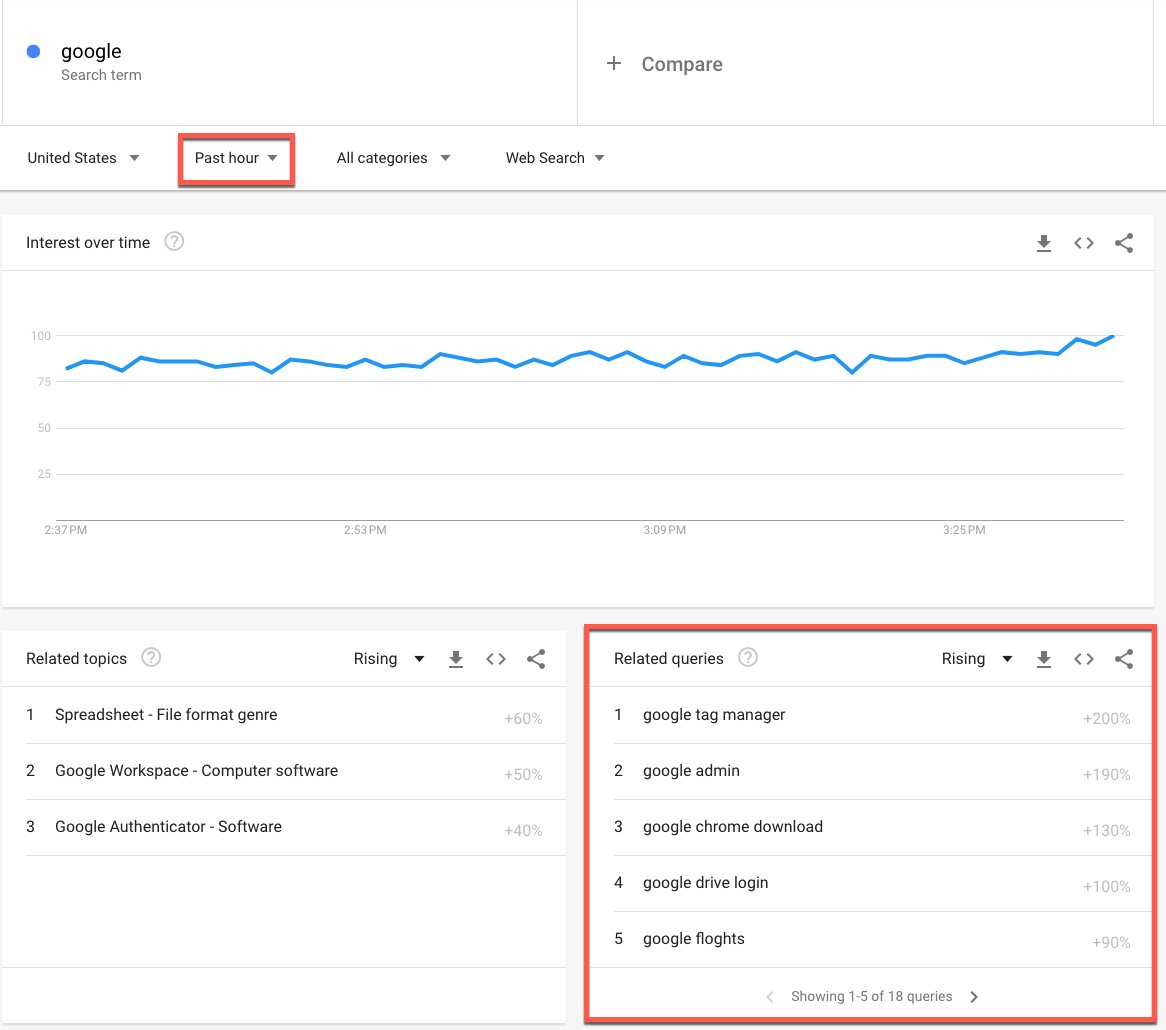
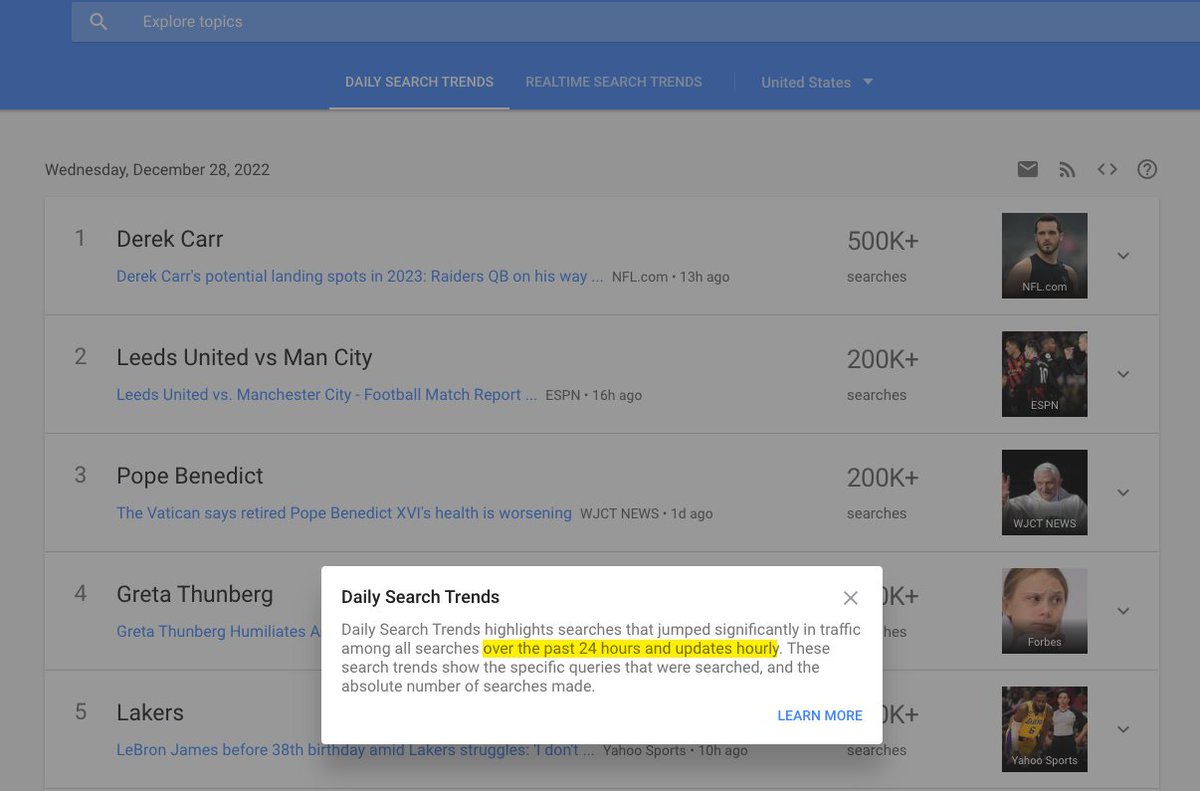
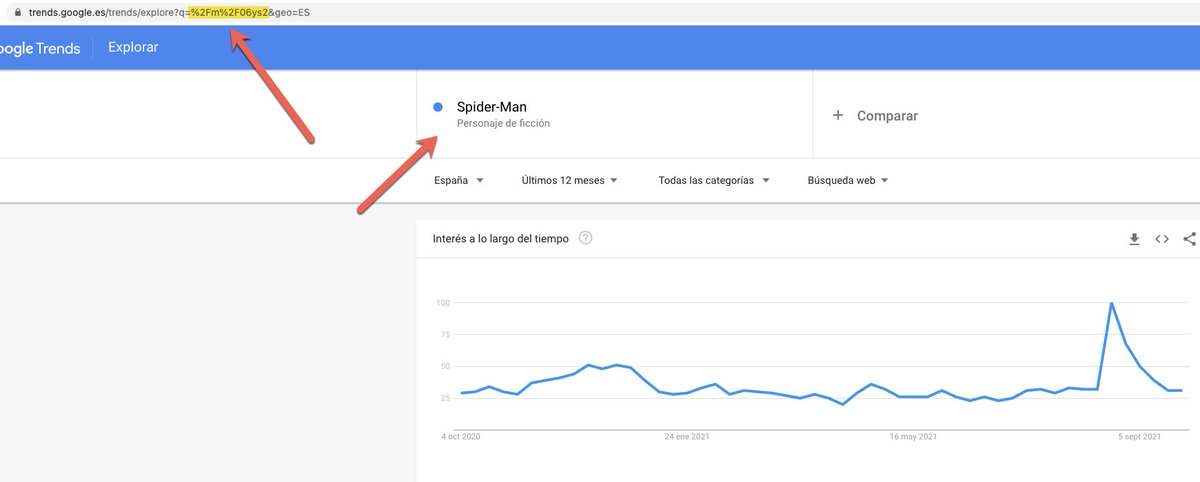
You can also leave the q= parameter empty and do an topic analysis of a specific entity with the kgmid= command. E.g. to see what articles appear for the entity "Economy" in the last 24h. you can use Google Trends to find the Entity ID. (If you don't know how to do it, ask me)

Example of query with entity: google.com/search?q=&ibp=…
Now that you know how to use it, let's do a couple of use cases. For example, to understand why some content is displayed with a large or small photo in Google Discover. Let's see...
This page does not have an AMP version, therefore Google Discover will take the large image into account, among other things if <meta name="robots" content="max-image-preview:large"> is detailed in the WEB version. This article does not detail it, so it appears with a small one.
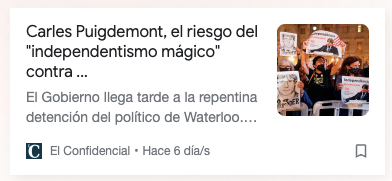

Next. An AMP version. In this case Google Discover will generally select the image from the structured data "Article.image". But they are linking to a path that does not define an image.


Other applications:
Have you spotted a Topic that is quite relevant for discover and want to see what other topics have been made about it recently? You just need to search for the entity in Google Trends and put it in the parameter kgmid=
google.com/search?q=&ibp=…
Have you spotted a Topic that is quite relevant for discover and want to see what other topics have been made about it recently? You just need to search for the entity in Google Trends and put it in the parameter kgmid=
google.com/search?q=&ibp=…
Considerations:
1. it is not a perfect tool. Just play with it
2. You can't use "site:" commands so you will have to search for your news by title or entity. (at least I didn't succeed)
3. It doesn't show all the pages exist for that search, so you'll have to try different comb
1. it is not a perfect tool. Just play with it
2. You can't use "site:" commands so you will have to search for your news by title or entity. (at least I didn't succeed)
3. It doesn't show all the pages exist for that search, so you'll have to try different comb
• • •
Missing some Tweet in this thread? You can try to
force a refresh