

I've been using @SimpleBtcWallet for a couple of weeks now
+ full mobile #lightning node and #bitcoin wallet
+ coin control
+ pay to lightning address
+ connect your own electrum node
+ hardware wallet support
Here is how to set it up fully non-custodially.
🧵1/8
+ full mobile #lightning node and #bitcoin wallet
+ coin control
+ pay to lightning address
+ connect your own electrum node
+ hardware wallet support
Here is how to set it up fully non-custodially.
🧵1/8

2/8 Download from F-Droid:
f-droid.org/en/packages/co…
or from GitHub:
github.com/btcontract/wal…
or the Google Play Store:
play.google.com/store/apps/det…
f-droid.org/en/packages/co…
or from GitHub:
github.com/btcontract/wal…
or the Google Play Store:
play.google.com/store/apps/det…
3/8 Create a new wallet. Make sure to write down your wallet recovery phrase (so you can recover the wallet if you lose your phone). Once the wallet is created click "receive" to get on-chain #bitcoin to your wallet from your original wallet.

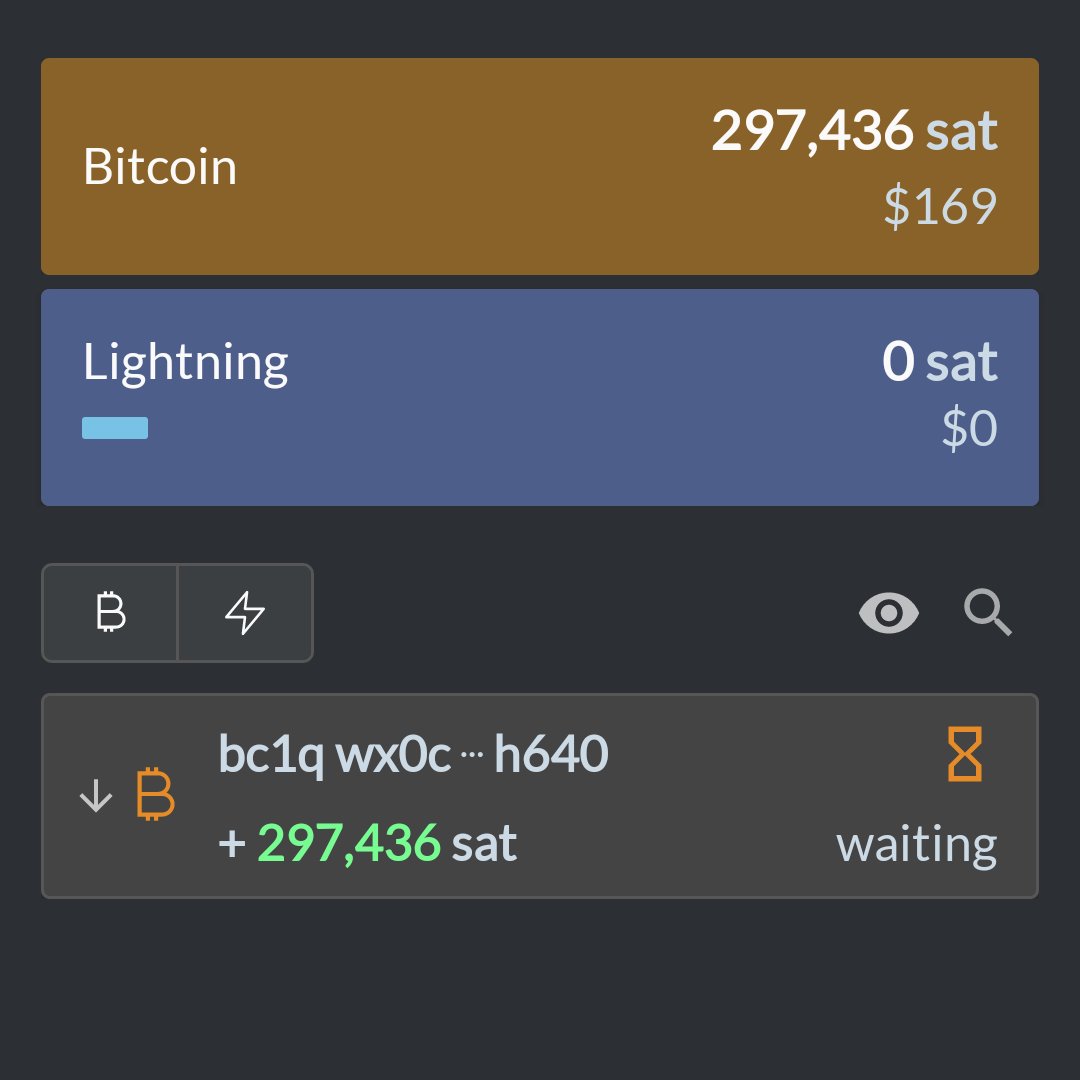
4/8 As soon as the wallet sees the on-chain transaction (can still be unconfirmed), you can open your non-custodial channel to the zero fee routing node by clicking "lightning" and "scan node QR"
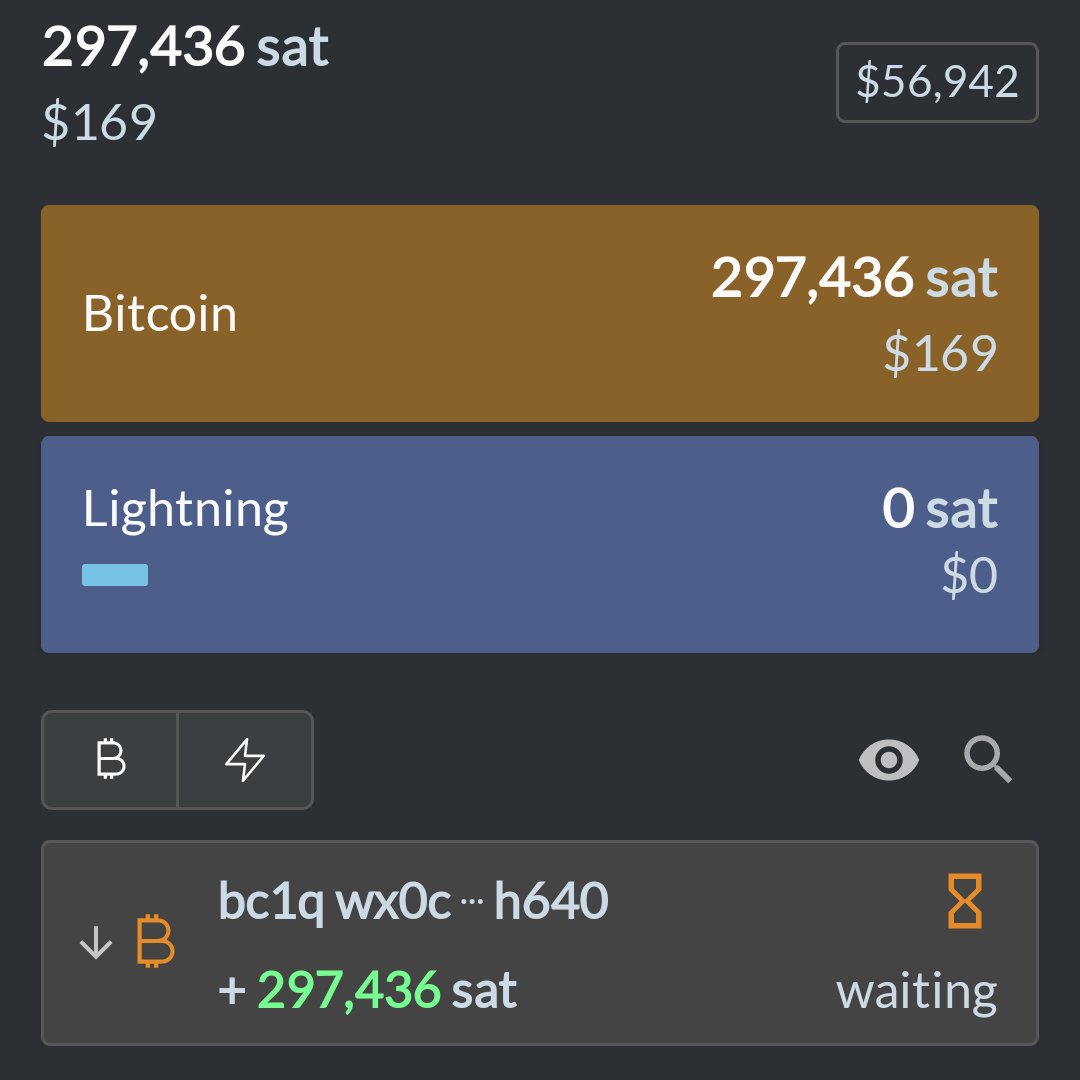
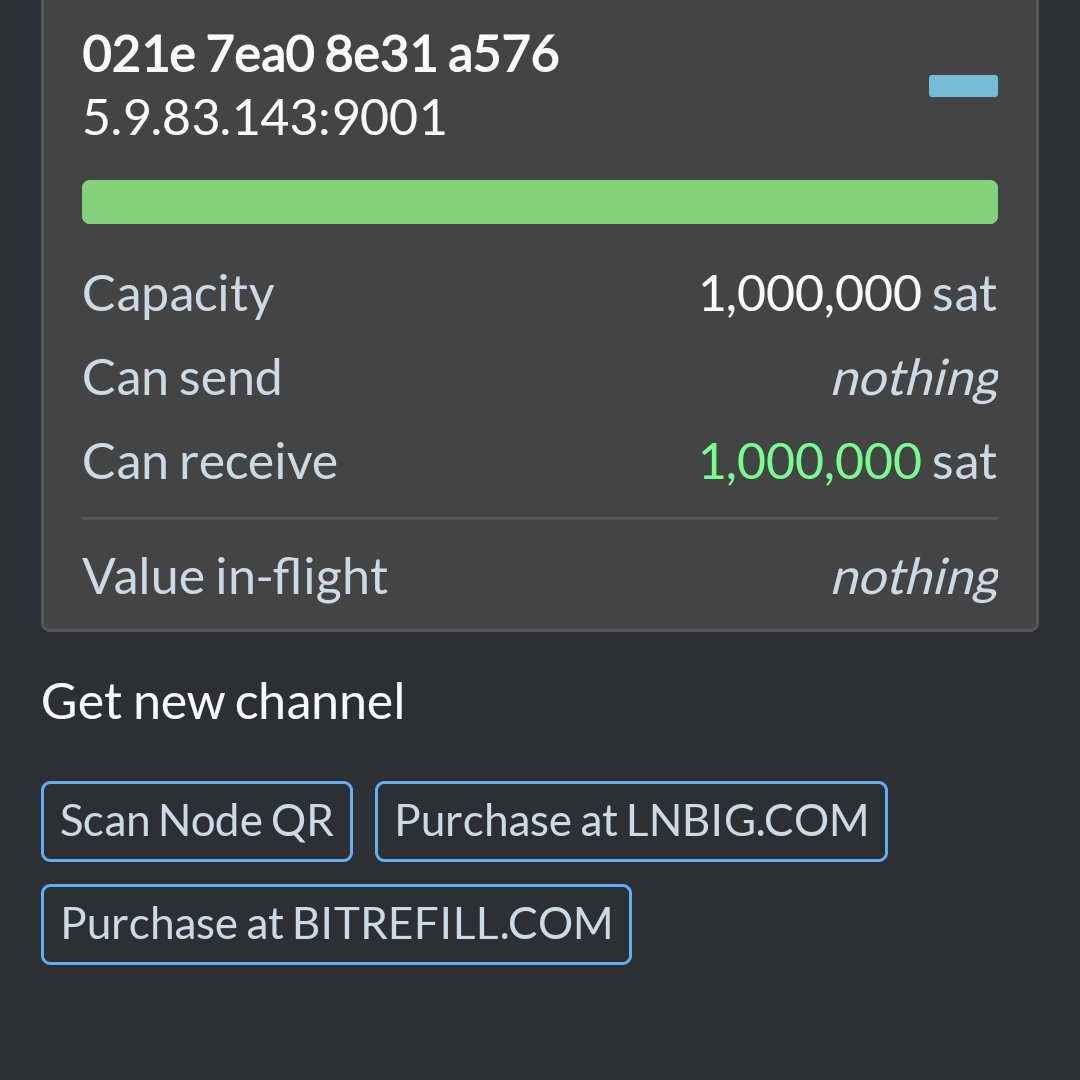
5/8 Make sure to scan this QR code to connect to the zero fee routing node:

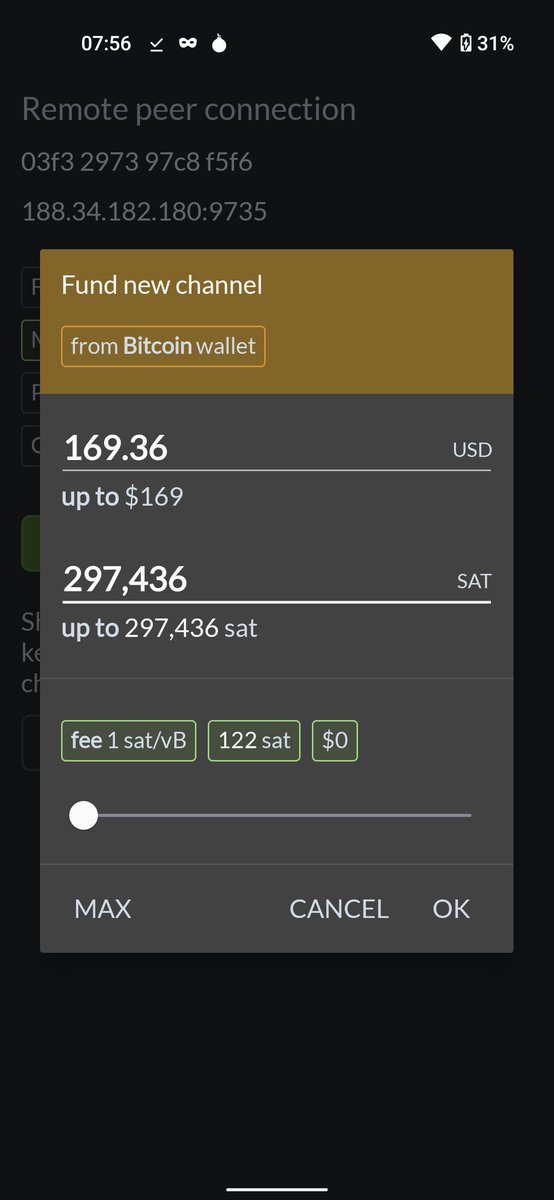
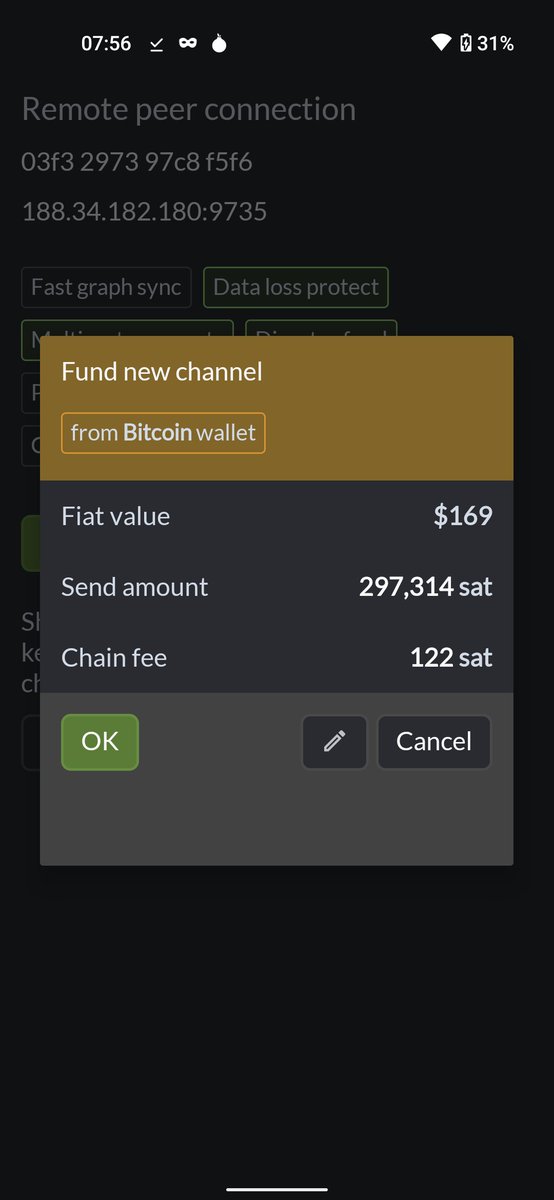
6/8 Next you can set the size of the channel. The wallet allows you to use up all your on chain funds by clicking "max". Make sure to set 1 sat/vB fees first. Confirm in the next screen. The transaction will show up in the wallet right away.
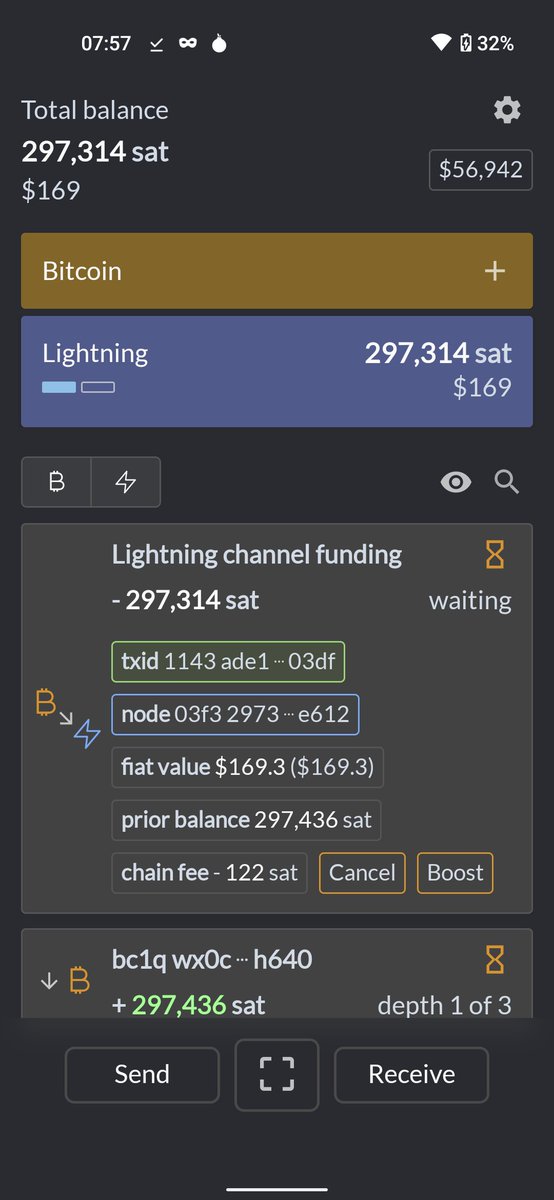
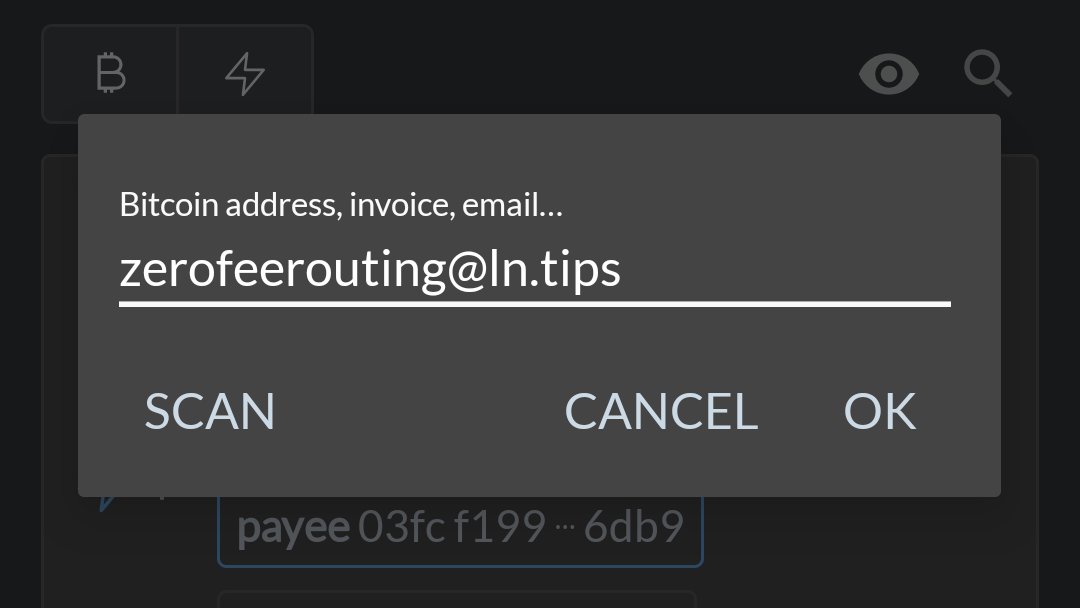
7/8 once the opening transaction has thre confirmations, you can use the channel. For example for tipping me via @LightningTipB0t using my address zerofeerouting@ln.tips
And since you're using my node to send the lightning transaction to the tipbot, it's completely free.
And since you're using my node to send the lightning transaction to the tipbot, it's completely free.
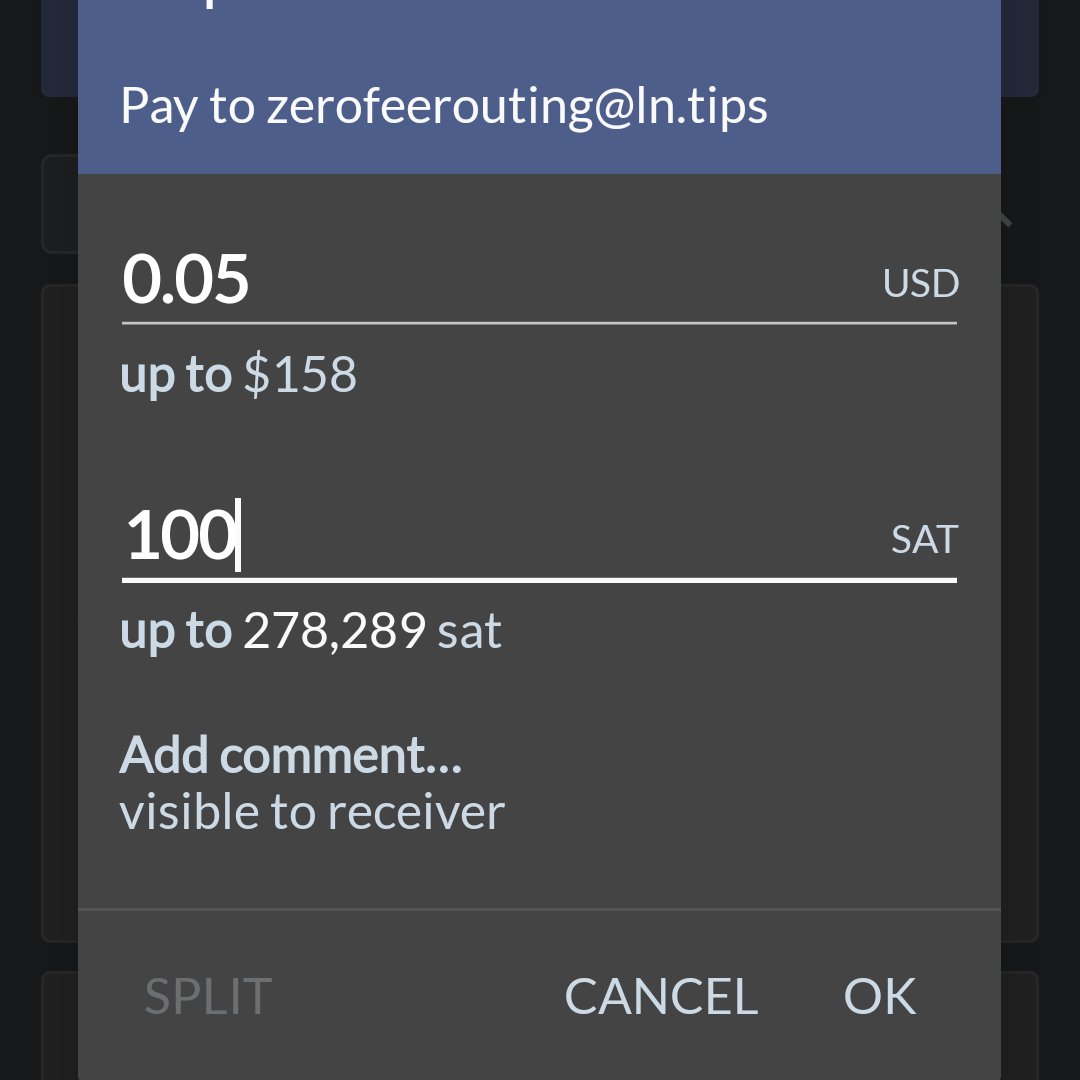
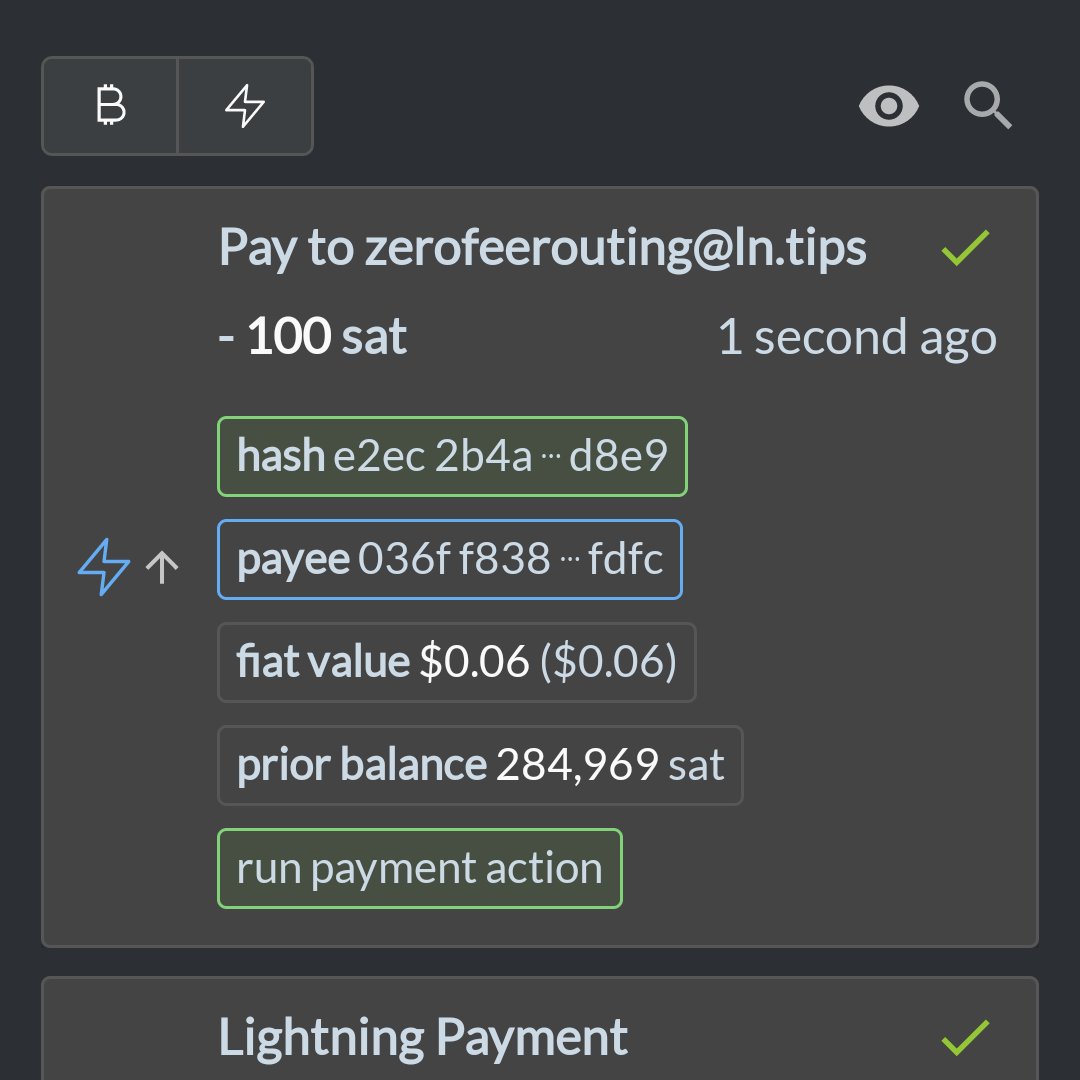
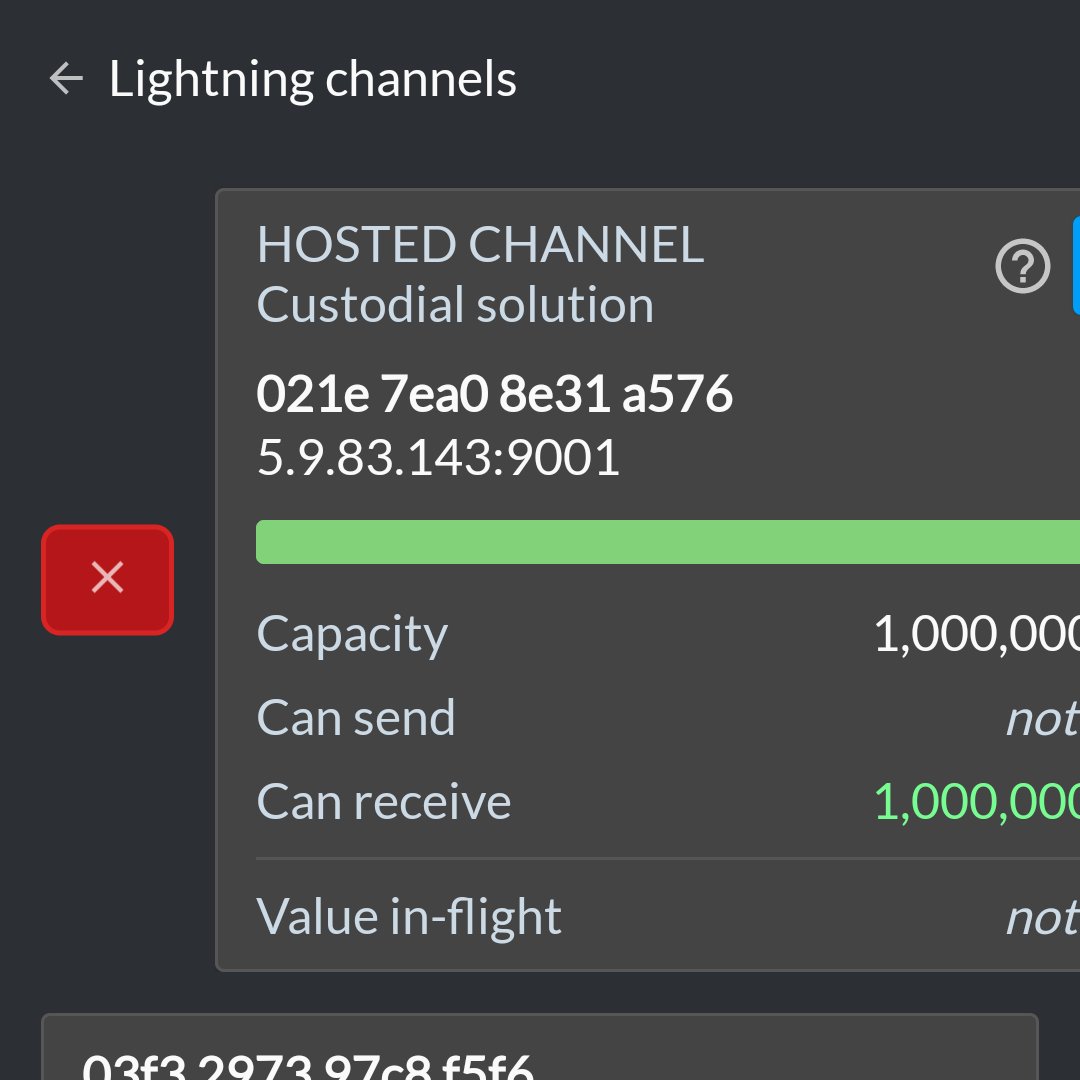
8/8 If you don't want to run the risk of accidentally receiving a lightning payment via the hosted channel that comes with the wallet, you can safely remove it by clicking lightning, swiping the channel to the right and clicking the "x".
Addendum: I just learned from @leffw_ it even allows you to split lightning invoices with your friends. Sleek!
https://twitter.com/leffw_/status/1466737447669219330?s=20
• • •
Missing some Tweet in this thread? You can try to
force a refresh




