TradingView Profile picture
Jan 27 12 tweets 3 min read
10 Indicators & Strategies coded by traders from around the world.

Open source & free to use on any of your charts! 👇👇👇
Volume-based Support & Resistance Zones

Coded by tommyf1001

tradingview.com/script/S2ClgBm…
The Diluted Earnings Per Share Indicator

Coded by AstrideUnicorn

tradingview.com/script/ToaTQAb…
The Auto-Stepping Ladder Trade

Coded by RedKTrader

tradingview.com/script/jja8TYj…
Probability Cones (Statistical distributions on your chart)

Coded by joebaus

tradingview.com/script/Cp49eQt…
Realtime Five Dimensional Profile (Volume, price, time, activity, and age)

Coded by Lucf

tradingview.com/script/tNG177S…
The All-Time High and Low Widget

Coded by Quantnomad

tradingview.com/script/1UW4IRT…
Harmonic Pattern Custom Range Interactive

Coded by RozaniGhani-RG

tradingview.com/script/0x1Dgqj…
The Klinger Volume Oscilator

Coded by ClassicScott

tradingview.com/script/41E5Ocg…
The ATR Supertrend

Coded by HeWhoMustNotBeNamed

tradingview.com/script/8EZaD3C…
Automatic Head & Shoulders

Coded by fikira

tradingview.com/script/VAkdJwD…
We hope you enjoy this thread!

And remember to favorite, follow, and thank the coders who share their work with everyone ❤️ ❤️

• • •

Missing some Tweet in this thread? You can try to force a refresh

 

Keep Current with TradingView

TradingView Profile picture

Stay in touch and get notified when new unrolls are available from this author!

Read all threads

This Thread may be Removed Anytime!

PDF

Twitter may remove this content at anytime! Save it as PDF for later use!

Try unrolling a thread yourself!

how to unroll video
  1. Follow @ThreadReaderApp to mention us!

  2. From a Twitter thread mention us with a keyword "unroll"
@threadreaderapp unroll

Practice here first or read more on our help page!

More from @tradingview

Jan 21
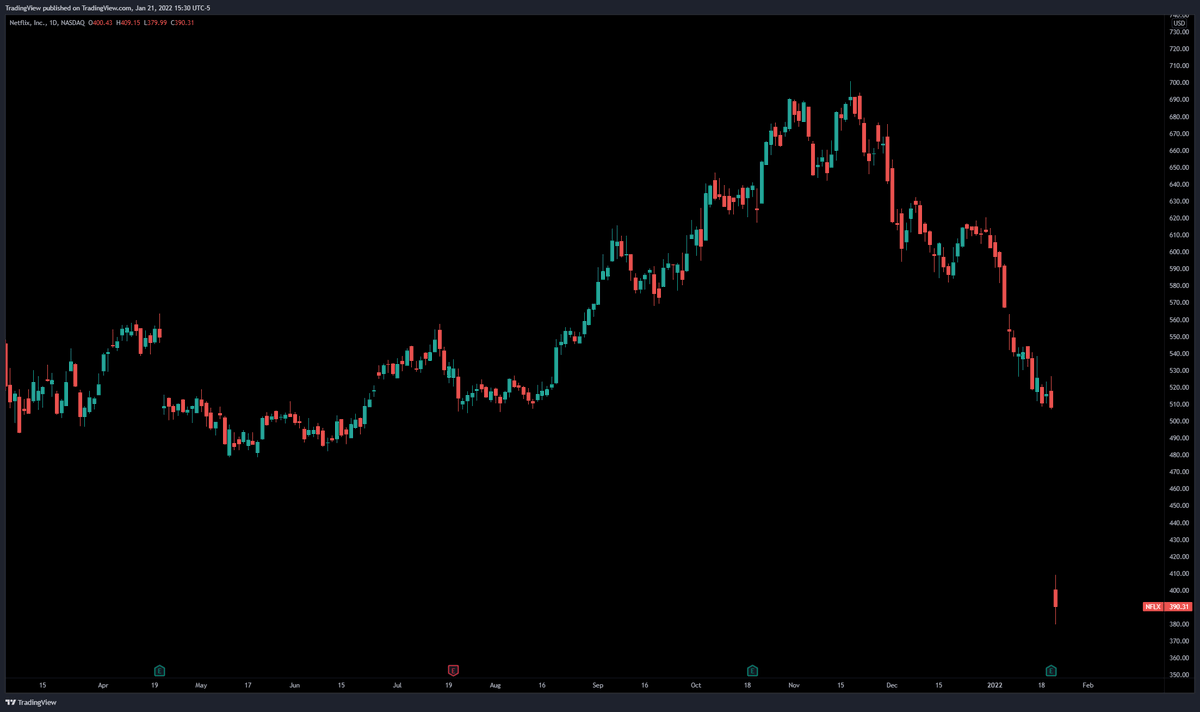
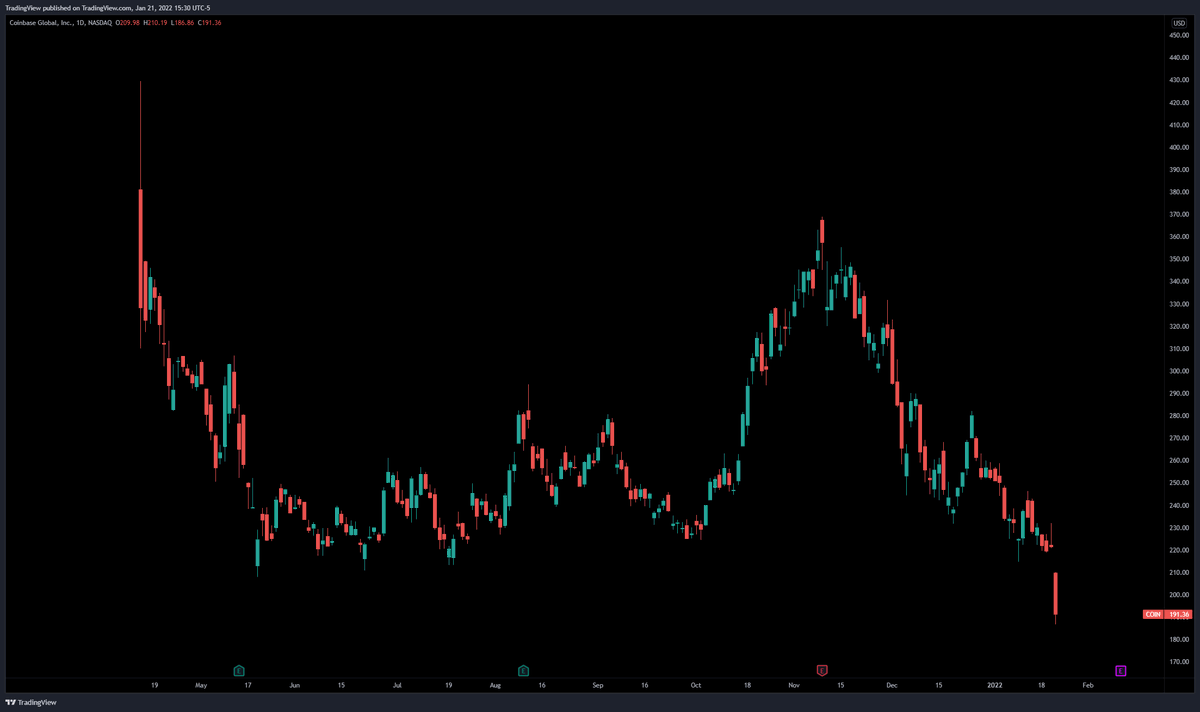
The stock market selloff in 10 charts 👇
$NFLX
$COIN
Read 13 tweets
Oct 5, 2021
10 free and open source scripts to improve your trading, charting, and research.

The scripts in this thread were coded by investors and traders from around the world. 🧵 👇
Peak Activity Levels

"The Peak Activity Levels indicator displays support and resistance levels from prices accompanied by significant volume."

Coded by @LuxAlgo:

tradingview.com/script/qAkfJgF…
@LuxAlgo Automate Your Trading - 3Commas Inspiration

"This strategy is meant for those that have begun to delve into the world of algorithmic trading providing a template with stops, limit orders, and even trailing stops."

Coded by Bjorgum tradingview.com/script/MvlwAzS…
Read 13 tweets
Aug 23, 2021
Our new Heatmap tool works for stocks and crypto.

In this thread we will show you how it works. 🔥 🗺

𝓟.𝓢.

Our Heatmaps are free. Our goal is to give everyone the best visualization tools to make better decisions.
Let's start with crypto!

We've made four Heatmaps for the world of crypto:

1. All cryptocurrencies
2. All cryptos excluding Bitcoin
3. All cryptos priced in Bitcoin
4. DeFi

Get started here: tradingview.com/heatmap/crypto/
Now let's talk about some tips to mastering the crypto Heatmap.

Click the Performance tab at the top of the Heatmap to sort it by daily, weekly or monthly performance.

Know your timeframe. This will help you study the Heatmap in more detail depending on your goals and strategy.
Read 9 tweets
Aug 22, 2021
Custom coded Scripts to improve your research, charting, and trading process.

A thread🧵

The scripts below were coded by investors and traders from around the world. 👇👇
Monthly Returns

This script will show a table with your monthly or yearly performance.

Coded by QuantNomad: tradingview.com/script/kzp8e4X…
Portfolio Backtester Engine

This tool will allow you to backtest strategies across multiple securities at once.

Coded by PaulsePerformance: tradingview.com/script/fhTLDun…
Read 8 tweets
Jul 30, 2021
💥 New Feature 💥

Our team developed a new tool called Advanced Watchlist.

In this thread we'll walk you through what it is and how to use it. ⬇️
STEP 1 -

Click the three dots at the top right of your Watchlist. Then select Advanced View.

Now you can view more stats and facts about the individual Watchlists that you create.

You can also make them public for the entire Internet or private for yourself or a select group.
STEP 2 -

The Advanced Watchlist is broken down into three areas of research.

The first is your symbol distribution by asset class and sector.

The second is advanced sorting for your Watchlist by market cap, fundamentals, and more.

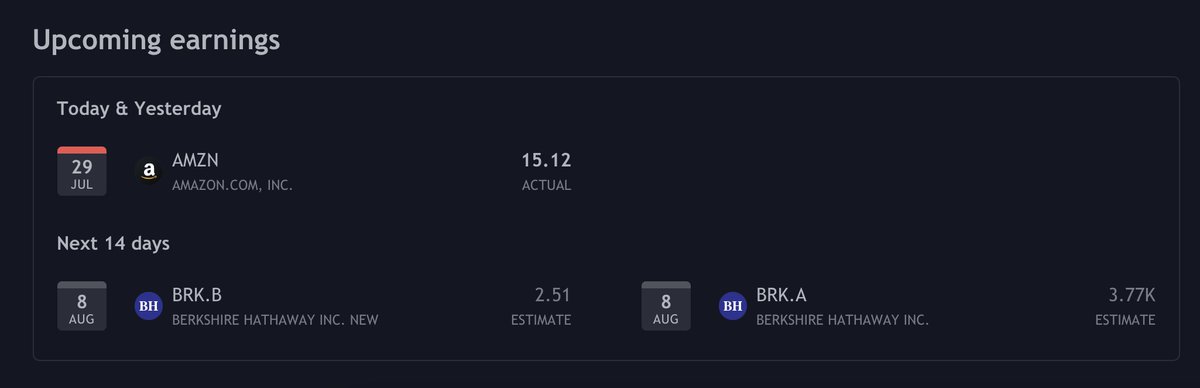
The third shows upcoming earnings.
Read 5 tweets
Jun 21, 2021
Learn something new this week!

Here's a thread of published posts from traders & investors around the world.

👇👇👇
1. Here's why coders create open source scripts, indicators and strategies for everyone

Written by LucF: tradingview.com/chart/GOLD/lct…
2. A deep dive into trend lines and a few ways traders use them.

Written by VaidoVeek: tradingview.com/chart/BTCUSD/s…
Read 12 tweets

Did Thread Reader help you today?

Support us! We are indie developers!


This site is made by just two indie developers on a laptop doing marketing, support and development! Read more about the story.

Become a Premium Member ($3/month or $30/year) and get exclusive features!

Become Premium

Too expensive? Make a small donation by buying us coffee ($5) or help with server cost ($10)

Donate via Paypal

Or Donate anonymously using crypto!

Ethereum

0xfe58350B80634f60Fa6Dc149a72b4DFbc17D341E copy

Bitcoin

3ATGMxNzCUFzxpMCHL5sWSt4DVtS8UqXpi copy

Thank you for your support!

Follow Us on Twitter!

:(