Here's what's new in Android 13 Beta 1 (thread)
Android’s USB debugging icon has been updated for the new release. Android 13 = Android T = Android Tiramisu. 

“Do Not Disturb” is back. Google experimented with rebranding it as “Priority mode”, but it looks like they’ve dropped those plans (for now).


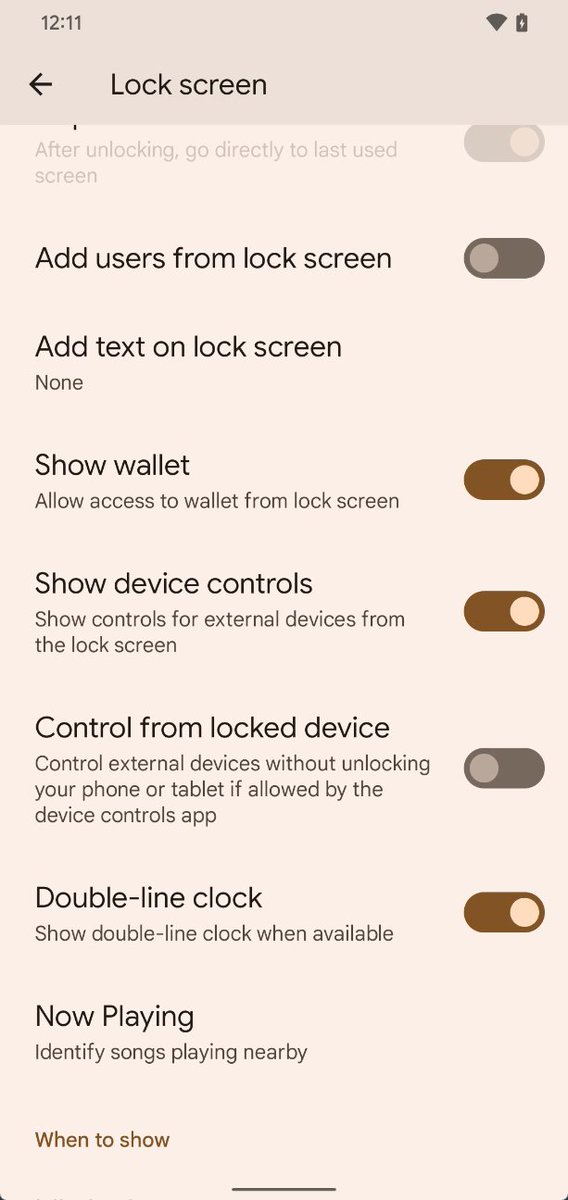
Sweet! Android 13 now has a toggle to let you control your smart home devices (from the Device Controls area) without needing to unlock your phone. This still requires support from the app provided the controls, though.
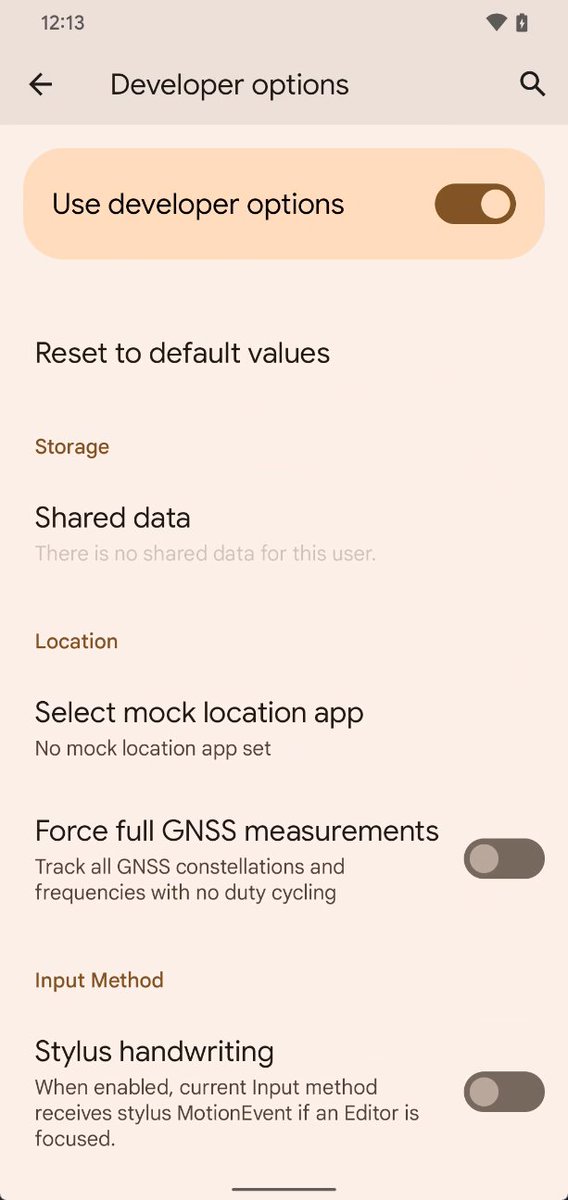
There's a new “Stylus handwriting” developer option which passes stylus MotionEvents to the current keyboard app.
The media player now has a squiggly progress bar.
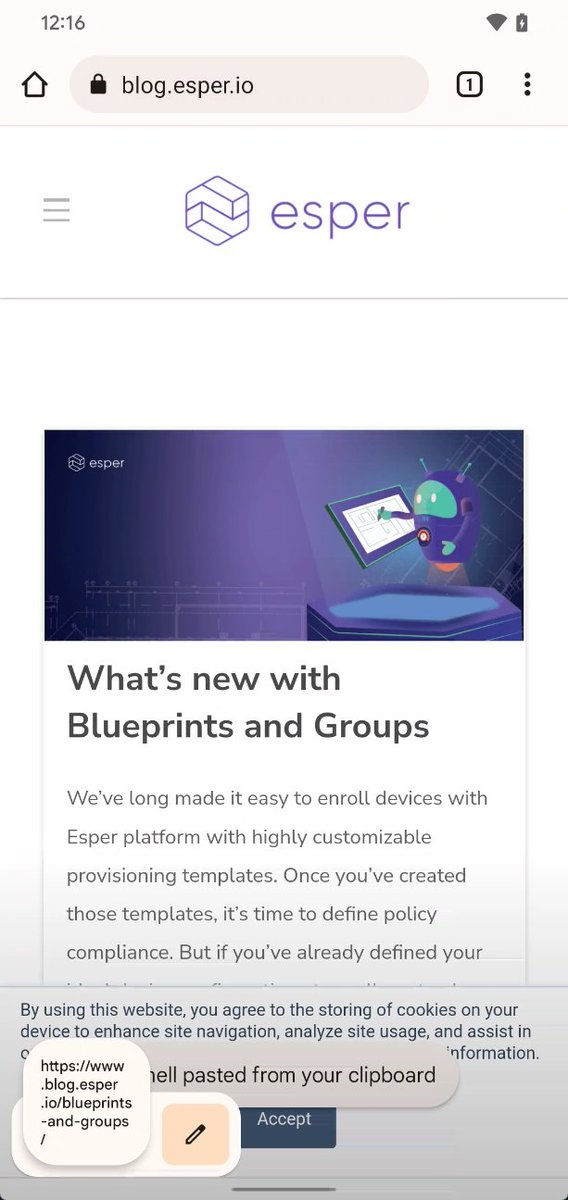
Android 13's clipboard editor overlay is here! blog.esper.io/android-13-dee…
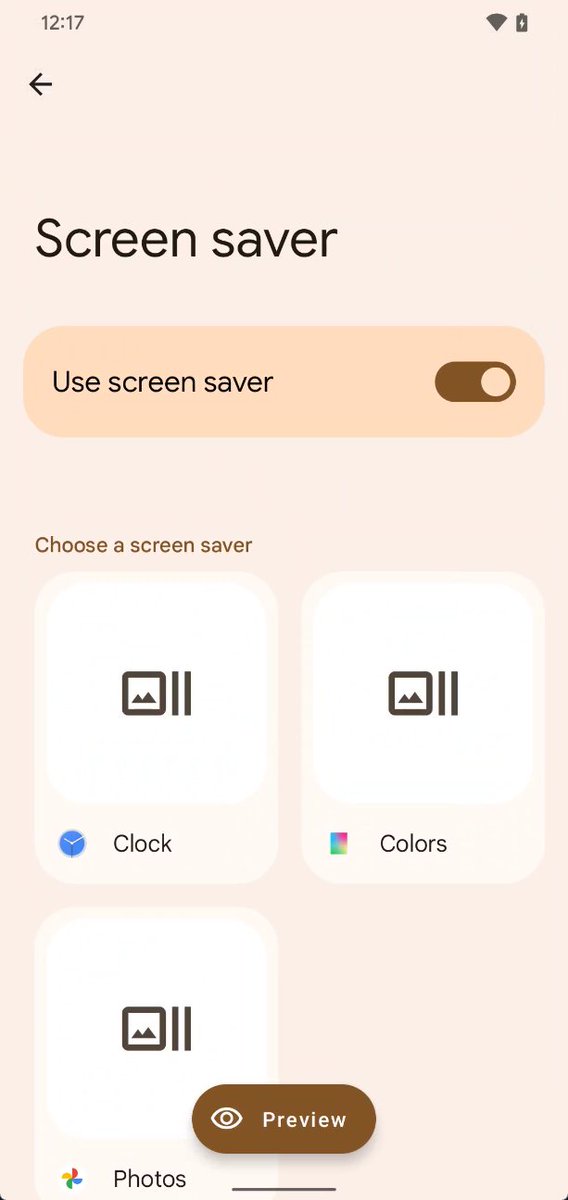
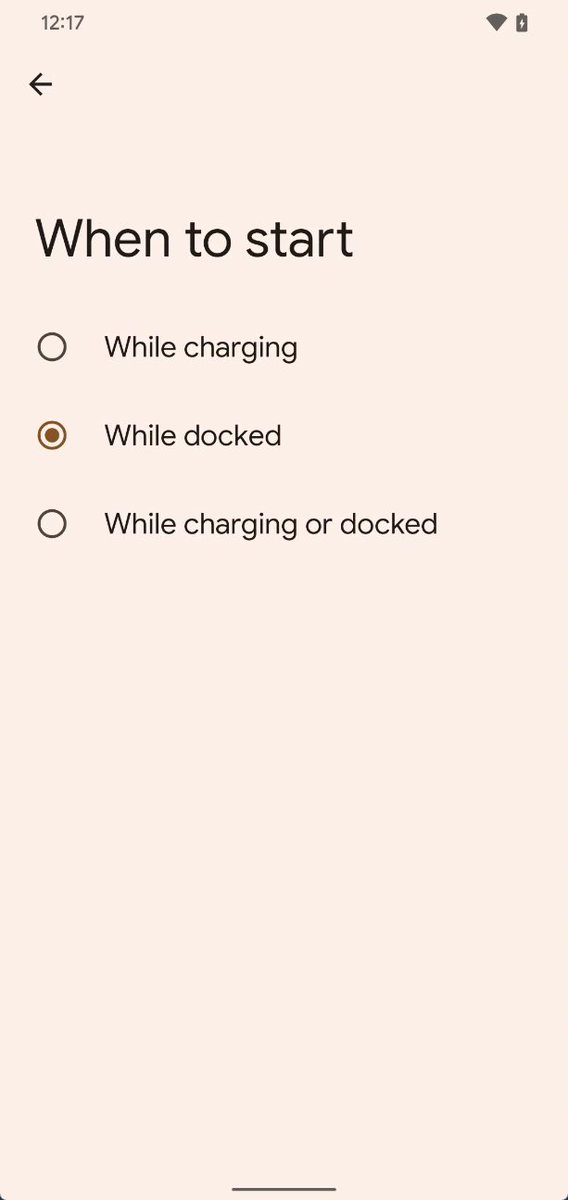
There’s now a toggle in Screen Saver settings to turn it off. The “Never” option from “when to start” has been removed because it’d be redundant.
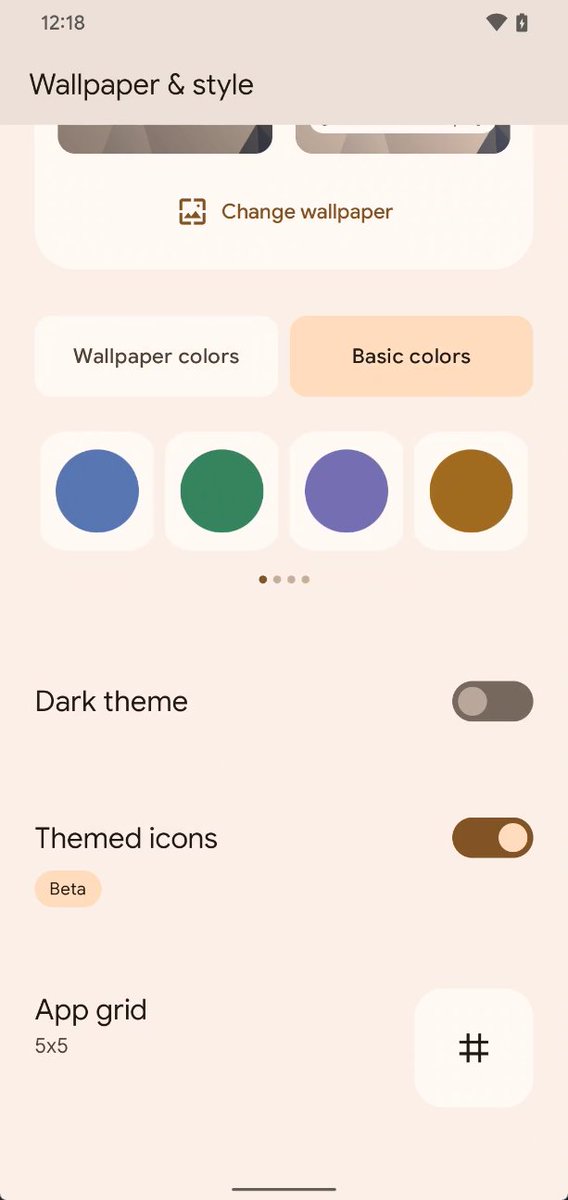
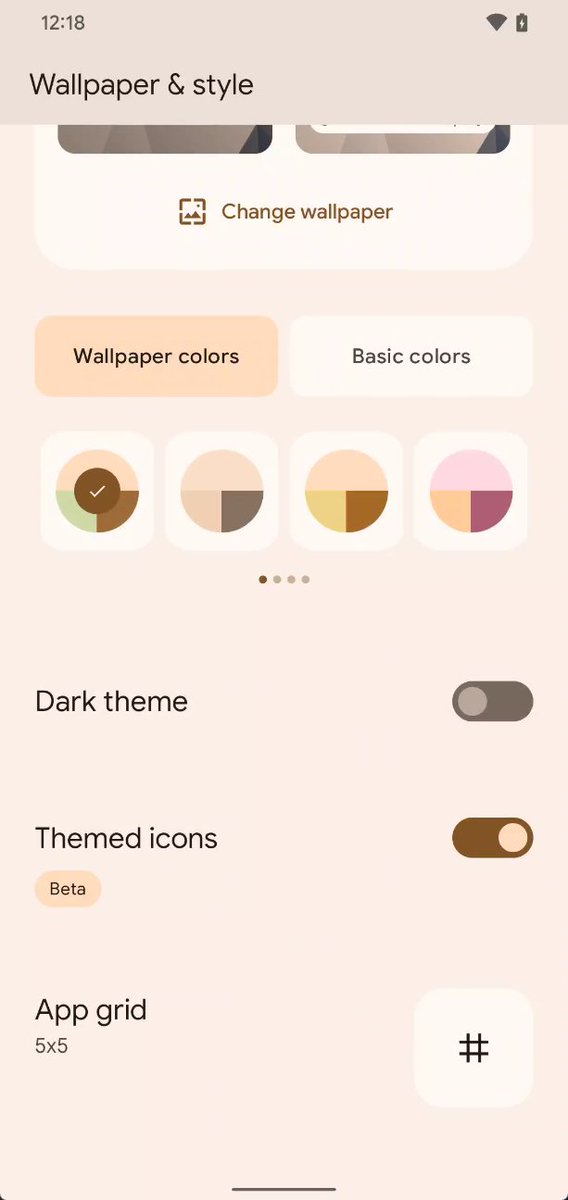
There are now FAR more color/theme options in the Pixel's Wallpaper & Style app. There's up to 16 options for wallpaper colors and 16 for basic colors.
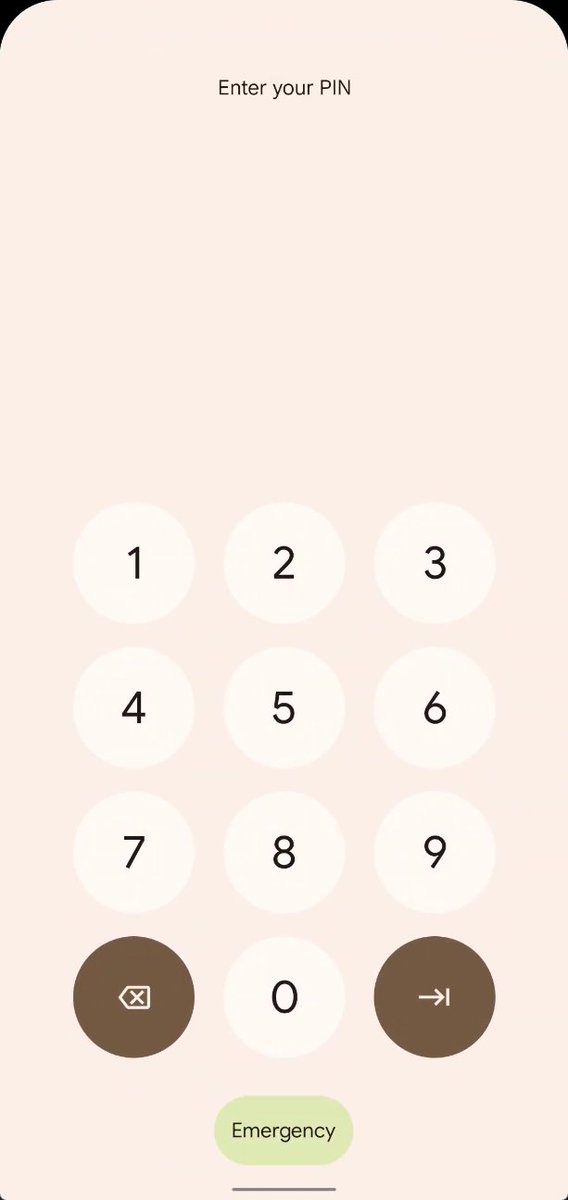
Emergency call --> Emergency
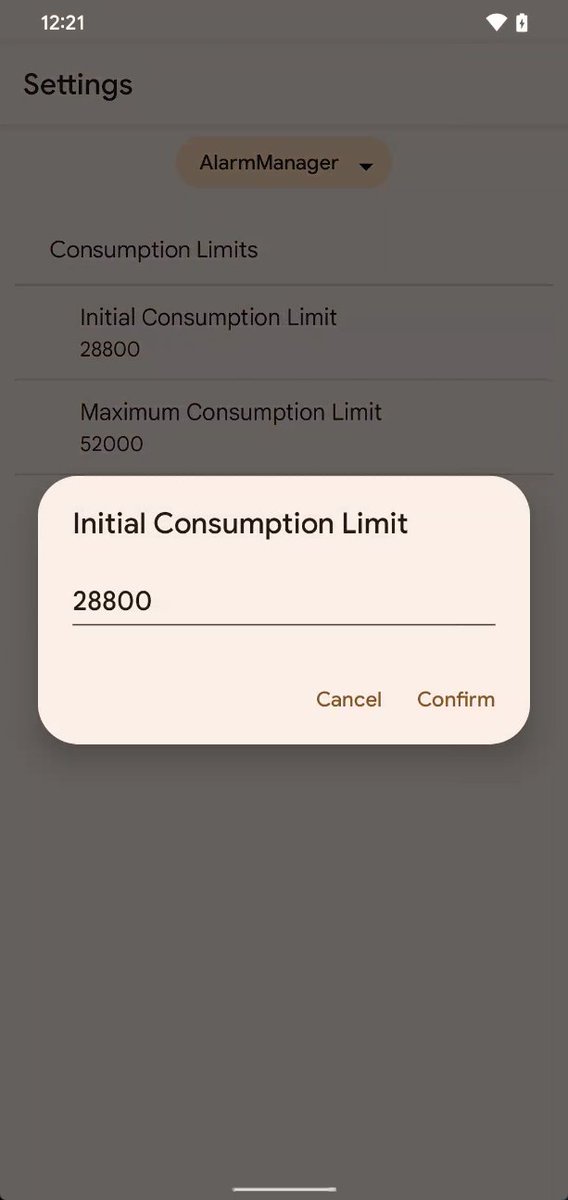
You can now edit the TARE (The Android Resource Economy) parameters directly without the command line.
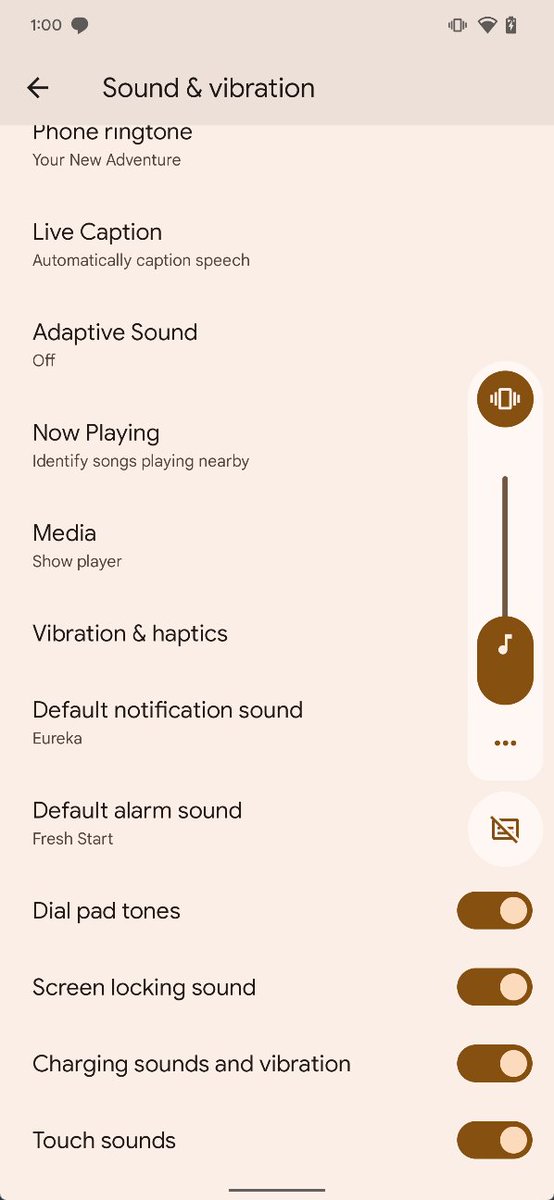
When you turn on silent mode, you can now adjust the “touch feedback” level in Settings > Sound & vibration > Vibration & haptics. However, enabling silent mode still disables all haptics 😥

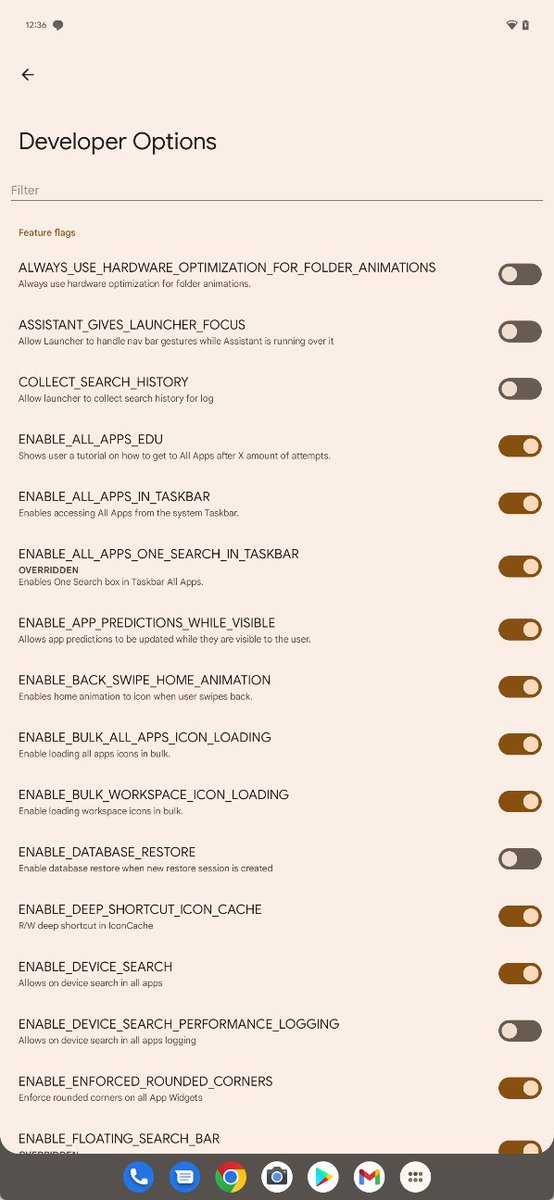
Seems Google is testing bringing the search bar to the taskbar's app drawer. This is gated behind the "ENABLE_ALL_APPS_ONE_SEARCH_IN_TASKBAR". It doesn't work for me, though.
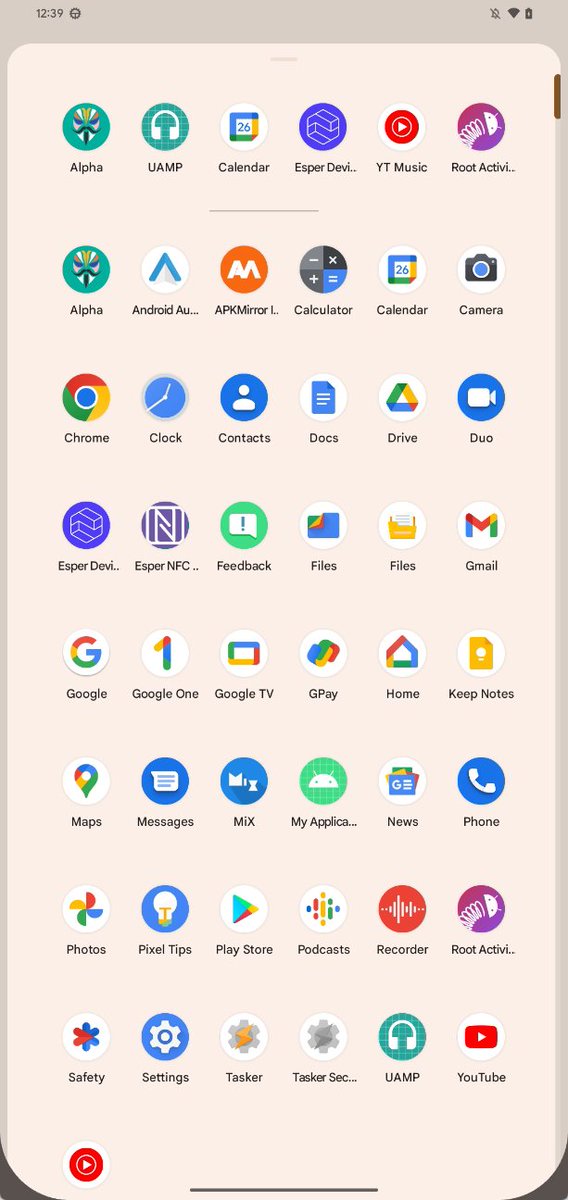
The taskbar's app drawer now shows the app predictions row.
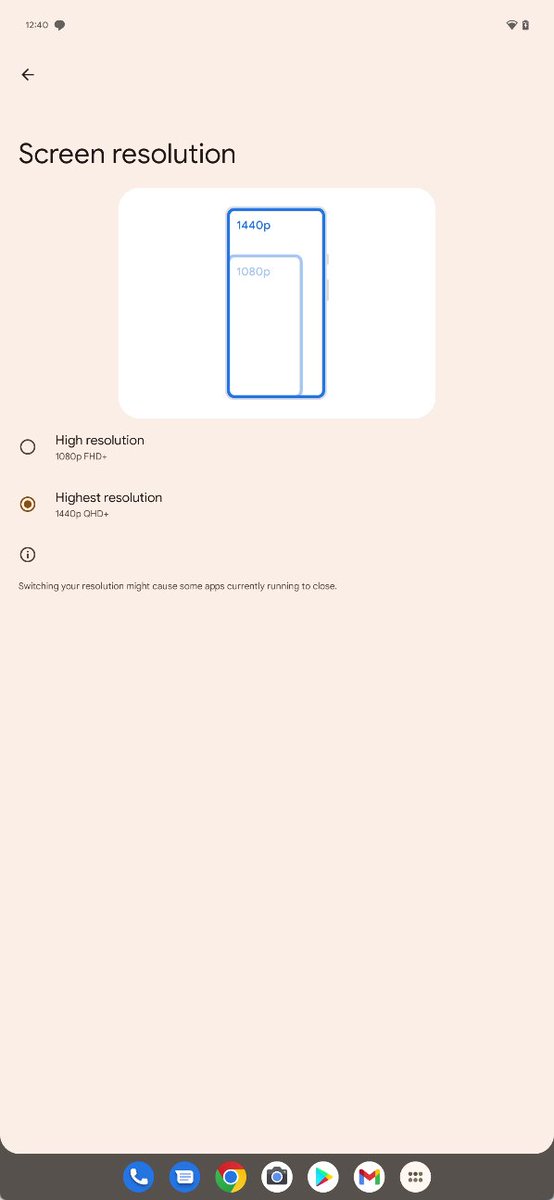
There's a hidden settings page for changing the screen resolution between FHD and QHD👀
This should appear as Settings > Display > Screen resolution but it isn't showing up yet.
This should appear as Settings > Display > Screen resolution but it isn't showing up yet.
I was wrong about one thing: enabling silent mode no longer disables all haptics such as navigation haptics! It was just so faint on my Pixel 4 I didn't notice, but I definitely noticed on my Pixel 6 Pro.
https://twitter.com/MishaalRahman/status/1519004647037489152
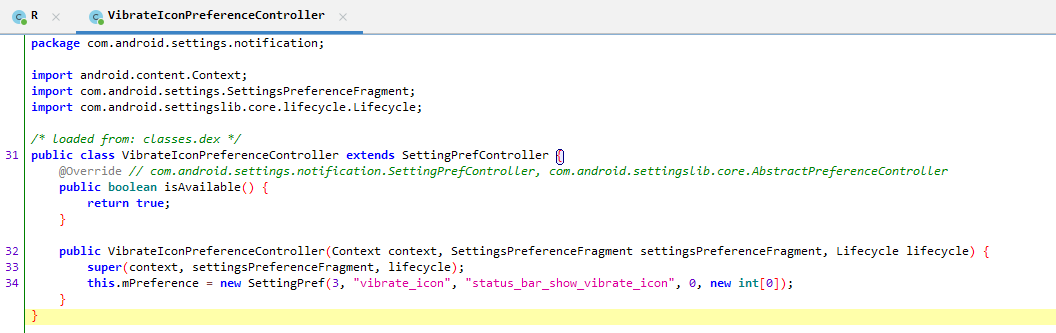
Android 13 prepares to add a settings toggle to enable showing the vibrate icon in the status bar when vibrate mode is enabled.
The toggle hasn't been hooked up to settings yet, but it can be enabled via
'settings put secure status_bar_show_vibrate_icon 1'
The toggle hasn't been hooked up to settings yet, but it can be enabled via
'settings put secure status_bar_show_vibrate_icon 1'

Some code hinting at the 2022 Nest Hub.


The new telephony data stack seems to be enabled by default. Still not sure what it improves, though.


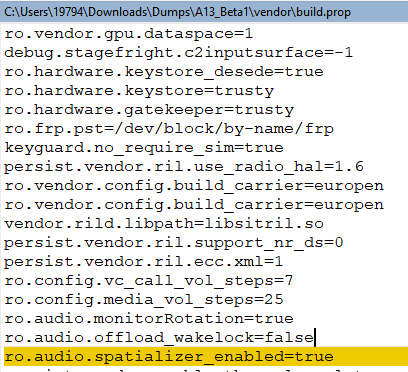
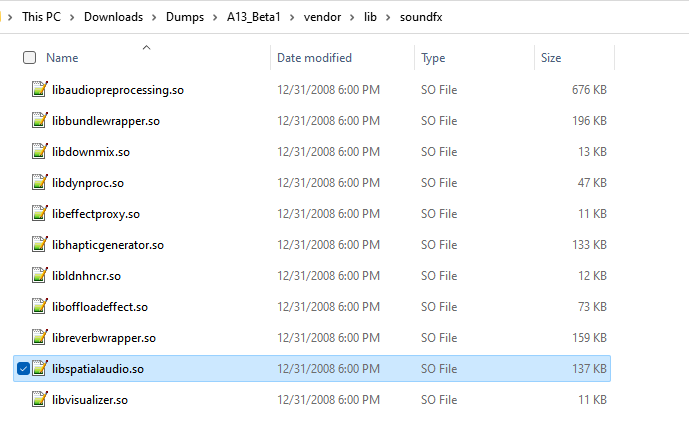
Spatial audio support is coming to the Pixel 6. Beta 1 ships with a spatializer effect.

libspatialaudio.so in /vendor/lib/soundfx
Android 13's hidden clipboard auto clear service seems to be enabled by default in Beta 1.
blog.esper.io/android-13-dee…
Thus, clipboard items older than 1 hour will be cleared. Gboard did this already, but now Android itself handles this (so users of all keyboards benefit).
blog.esper.io/android-13-dee…
Thus, clipboard items older than 1 hour will be cleared. Gboard did this already, but now Android itself handles this (so users of all keyboards benefit).
The old Google App search bar is back in Beta 1, but the newer, unified search bar can be re-enabled. Once enabled, there's a nice transition as the background of the search bar fades from white to match the theme color.
If you want to enable this new search bar experience (called "one search"), run this command in ADB:
cmd device_config put launcher enable_one_search true
Then force close the Pixel Launcher for it to take effect:
am force-stop com.google.android.apps.nexuslauncher
cmd device_config put launcher enable_one_search true
Then force close the Pixel Launcher for it to take effect:
am force-stop com.google.android.apps.nexuslauncher
Did a bit of testing with these new themes, and it seems that options 1-4 of "wallpaper colors" cycle through TONAL_SPOT, SPRITZ, VIBRANT, and EXPRESSIVE as the mThemeStyle scheme.
https://twitter.com/MishaalRahman/status/1519003288091385856
Meanwhile, the single tone "basic colors" all use mThemeStyle TONAL_SPOT, while the next two pages of dual tone colors use mThemeStyle RAINBOW. The last four dual tone colors use FRUIT_SALAD.
If you want to see what theme style is being followed as well as the hex values of all the colors that are generated, run this:
dumpsys activity service com.android.systemui/.SystemUIService | grep -A 16 "mSystemColors"
dumpsys activity service com.android.systemui/.SystemUIService | grep -A 16 "mSystemColors"
This post was accidentally sent outside of the thread, so here it is again:
https://twitter.com/MishaalRahman/status/1519003916524040193
Pixel still uses EXT4 as of Beta 1.
The next Pixel will likely launch using EROFS, though.
https://twitter.com/MishaalRahman/status/1509985809973362690
The next Pixel will likely launch using EROFS, though.
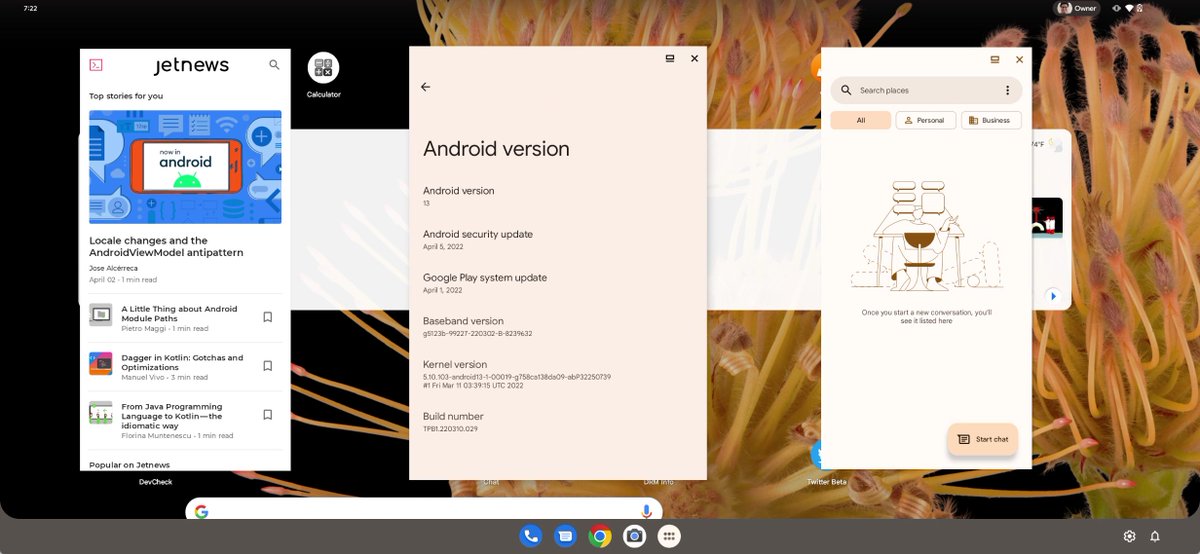
The custom interface for desktops is now forced into landscape mode, which makes sense.
blog.esper.io/android-13-dee…
blog.esper.io/android-13-dee…
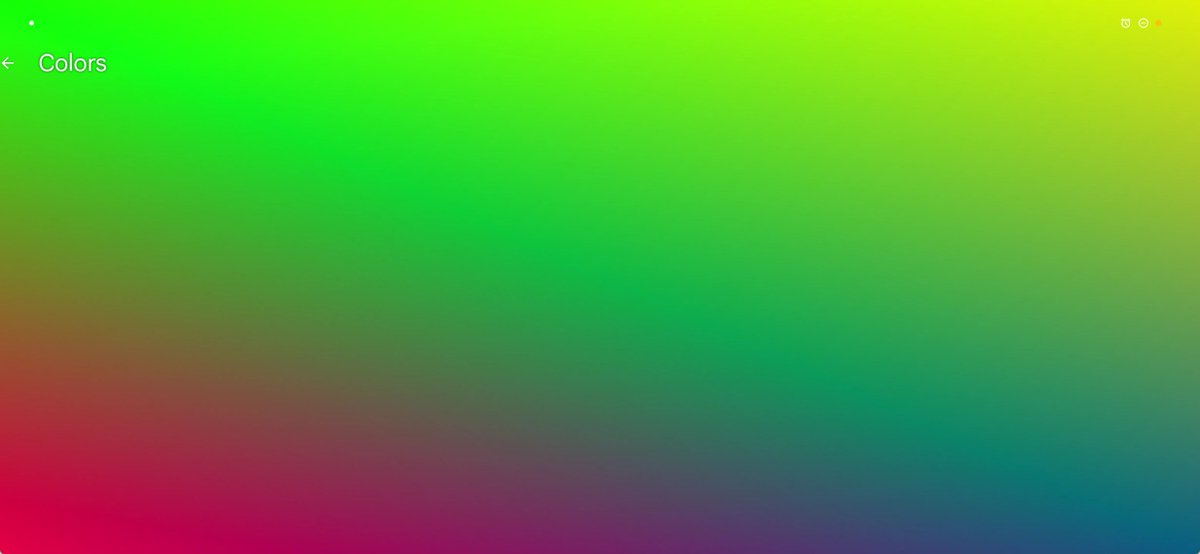
Screen saver complications now show icons for when an alarm is set and Do Not Disturb mode is on. Indicators for when cam/mic are toggled can also be shown, as can dots representing notifications. It also shows the name of the current screen saver, at least when previewing it.

• • •
Missing some Tweet in this thread? You can try to
force a refresh