Two tools to detect if a text has been generated by ChatGPT (and why you should use them *very* cautiously):
1. GPTZero created by Edward Tian 
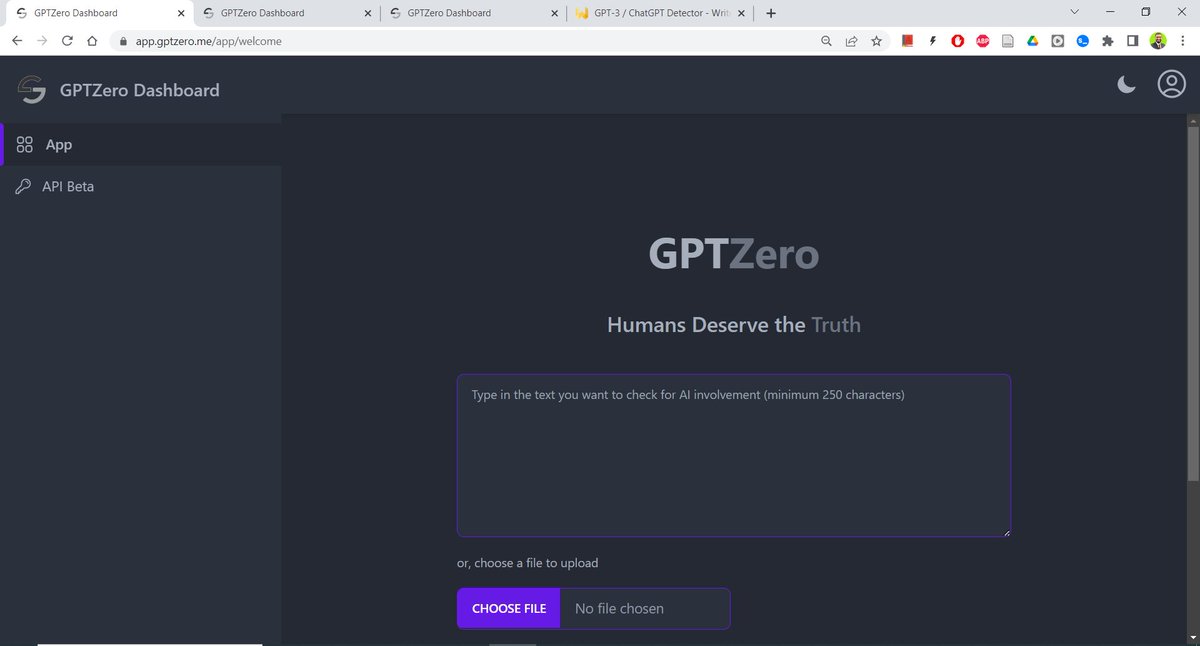
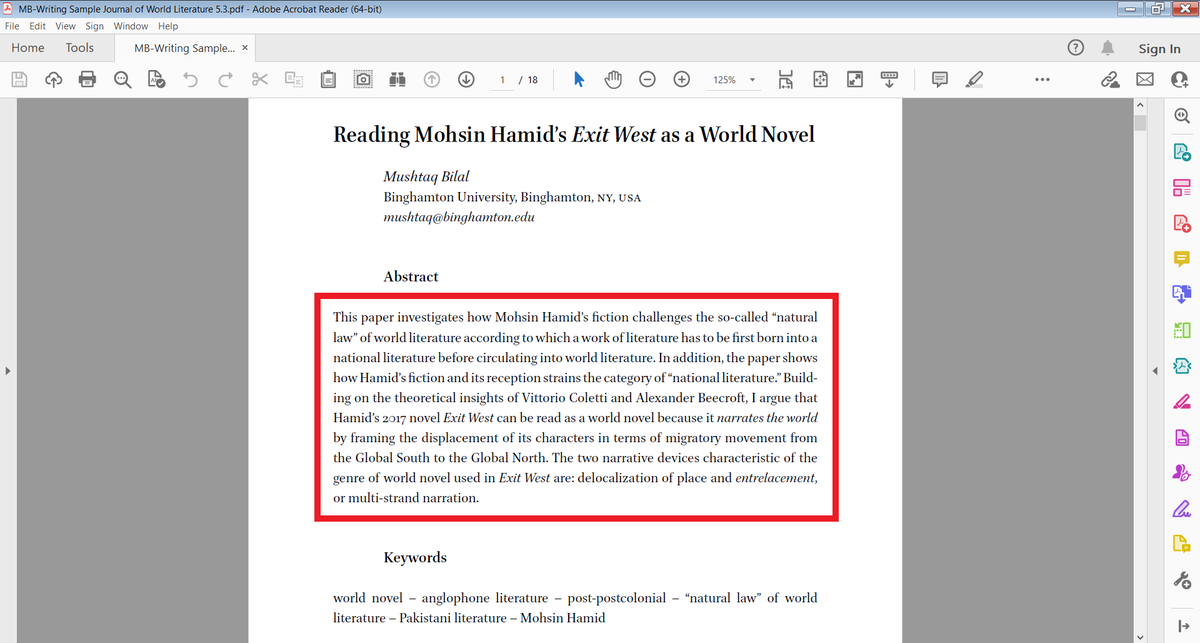
I took an abstract of one of my papers and ran it through GPTZero.
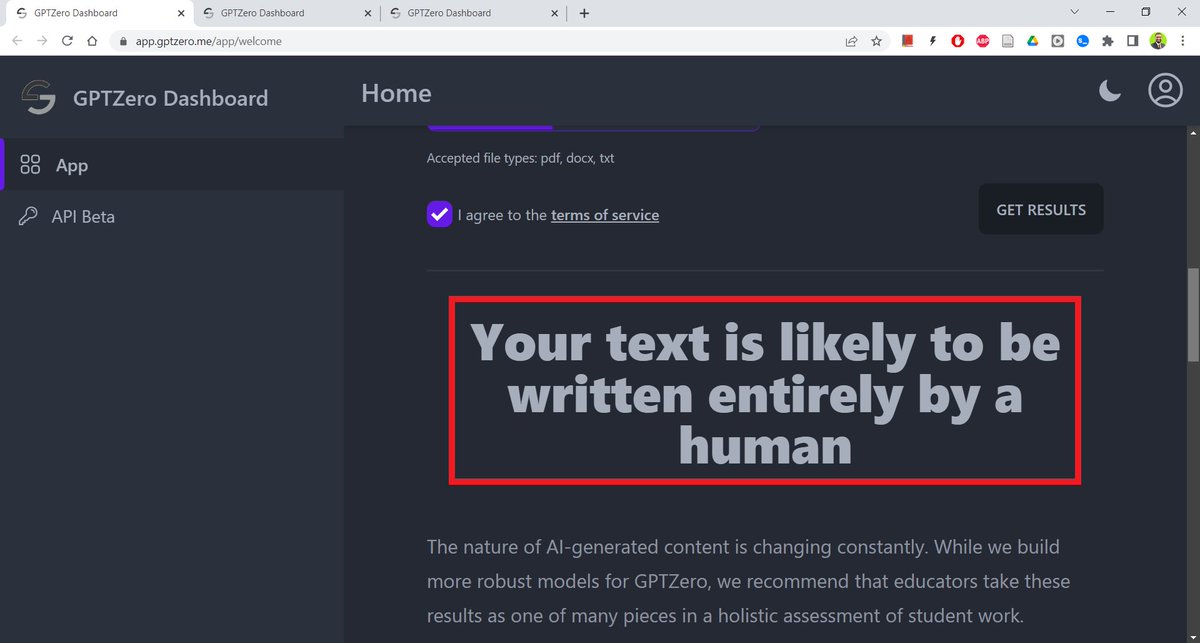
GPTZero said the text was "likely to be written entirely by a human."
This is correct and useful information.
This is correct and useful information.
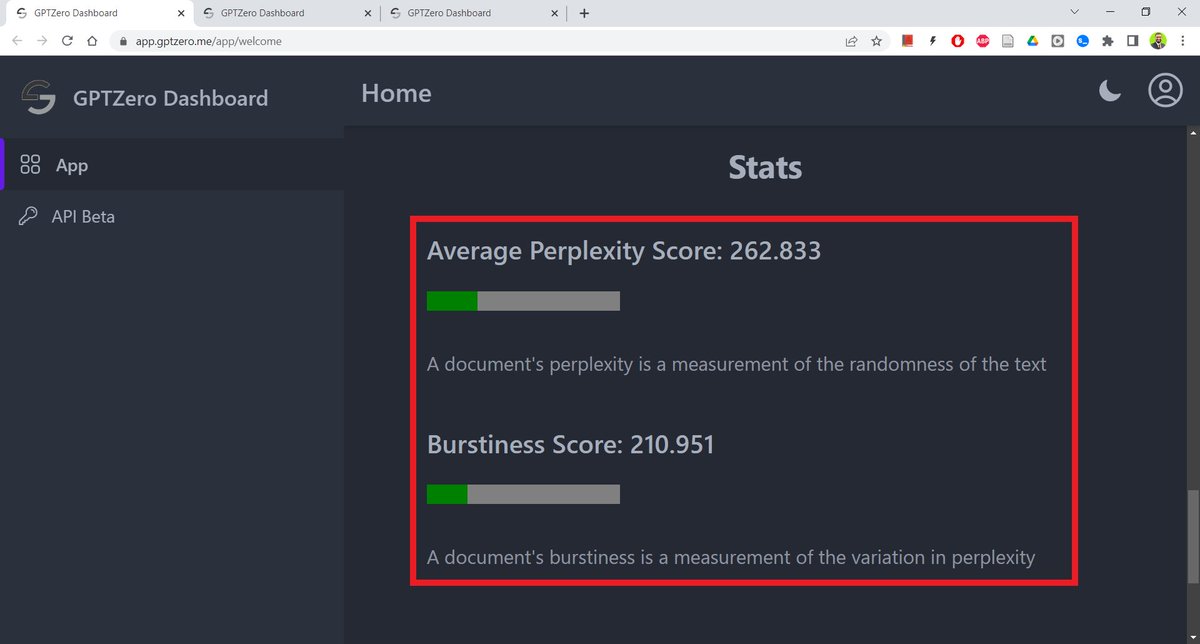
GPTZero also gives scores for "Perplexity" and "Burstiness" of a text.
Perplexity measures the randomness in a text, and burstiness the variation in perplexity.
Understandably, both perplexity and burstiness scores are quit high for my abstract.
Perplexity measures the randomness in a text, and burstiness the variation in perplexity.
Understandably, both perplexity and burstiness scores are quit high for my abstract.
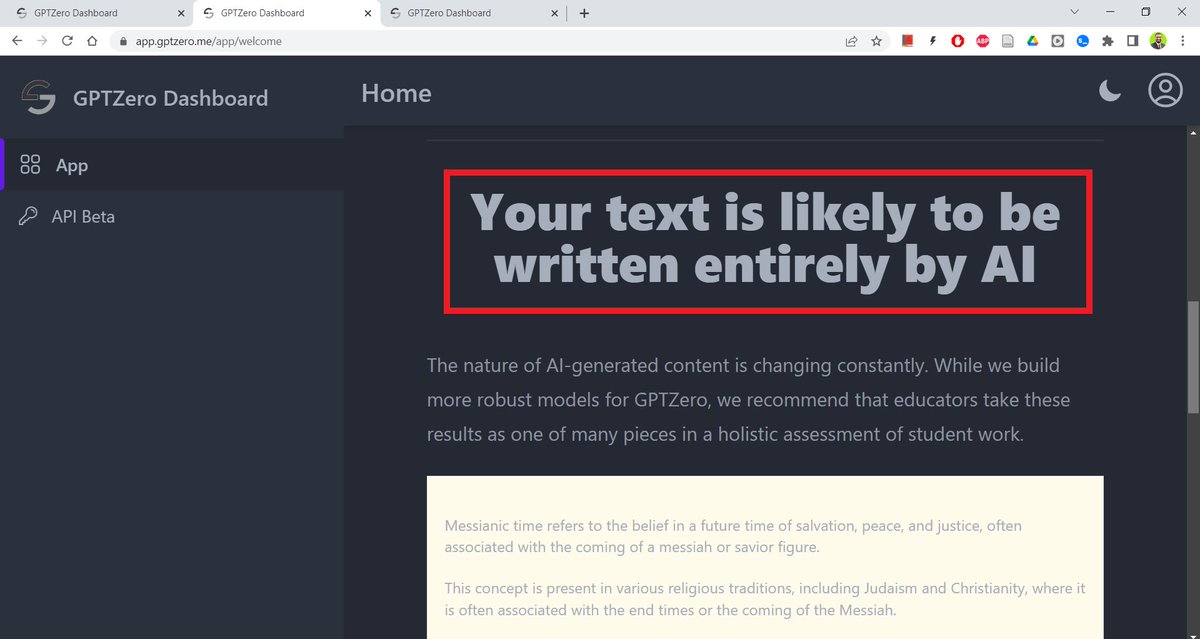
Next I asked a ChatGPT to generate a short text.

GPTZero said the text was likely to be written entirely by AI, which is correct.
The perplexity and burstiness scores are quite low for a text generated by ChatGPT.

But both of these are zero-sum examples:
What if I use ChatGPT smartly not to generate text but to *edit* it.
Example: I gave a talk and transcribed it.
What if I use ChatGPT smartly not to generate text but to *edit* it.
Example: I gave a talk and transcribed it.
I ran the transcription through ChatGPT to remove redundant words and sentences.
This is how the transcription looked after getting edited by ChatGPT.
This is how the transcription looked after getting edited by ChatGPT.
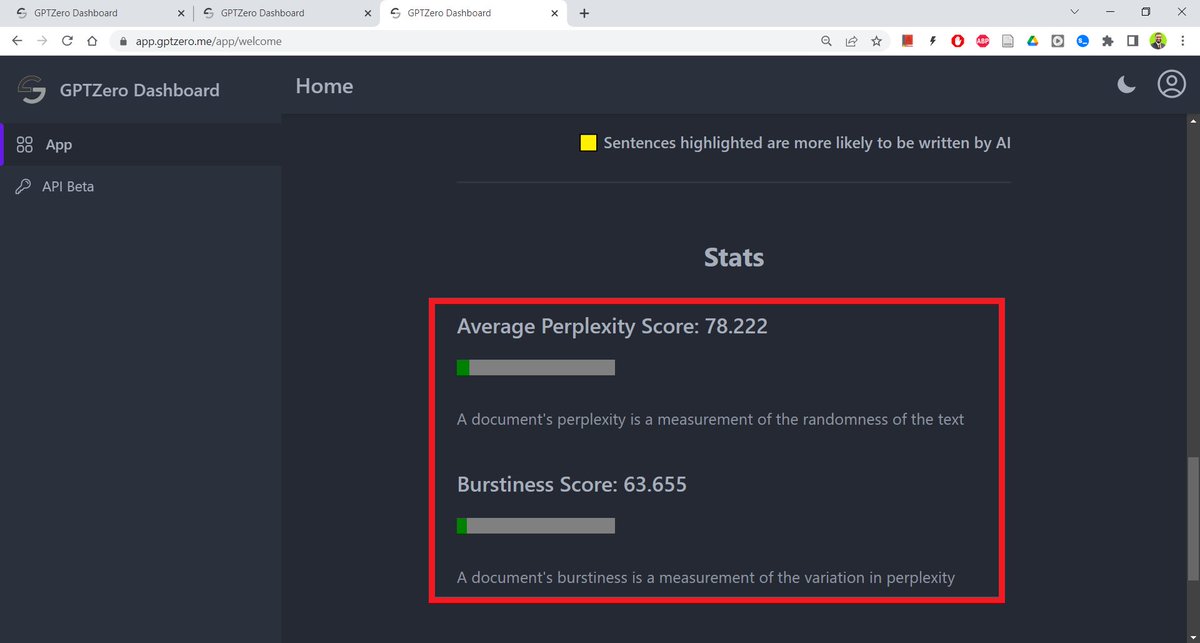
I took the first three paragraphs and ran them through GPTZero.

GPTZero said the text was most likely written by a human but there were some sentences with low perplexity.
It highlighted the sentence with low perplexity.
It highlighted the sentence with low perplexity.

The score for perplexity of this text is 78.222 and burstiness 63.655.
I'm not sure if these are "good" scores because GPTZero doesn't give any thresholds.
I'm not sure if these are "good" scores because GPTZero doesn't give any thresholds.
2. GPT Detector developed by the wonderful folks at Writefull.
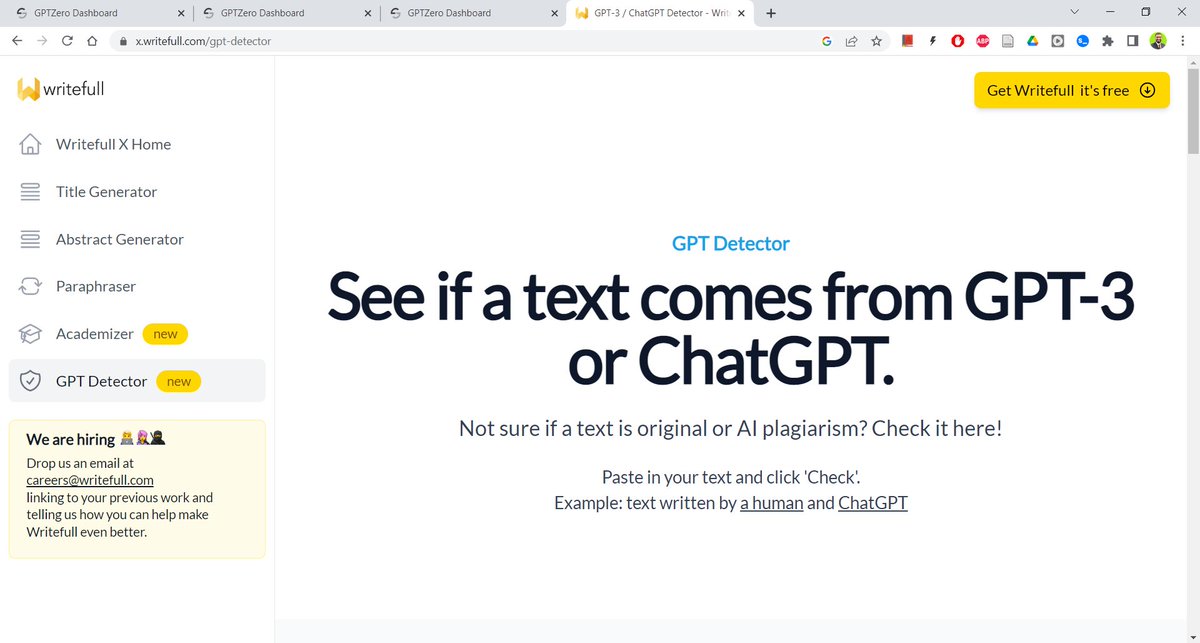
I ran the same abstract through GPT Detector.
It said 1% of the text was likely to have been generated by ChatGPT.
This is useful although (ideally) it should've been 0%.
It said 1% of the text was likely to have been generated by ChatGPT.
This is useful although (ideally) it should've been 0%.

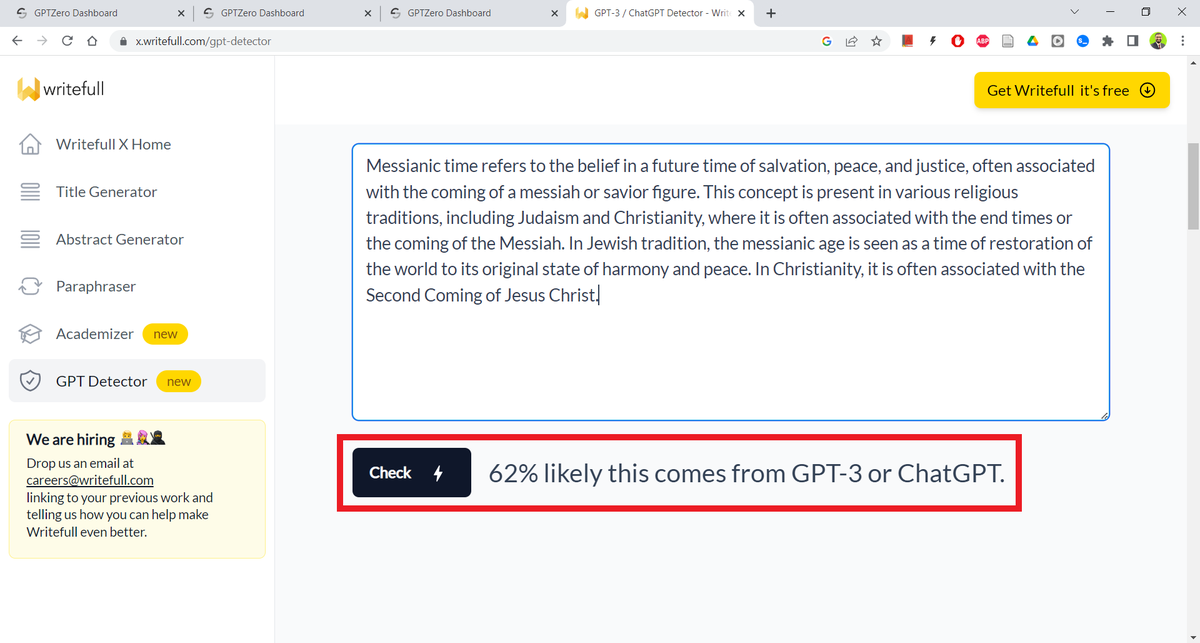
Next I ran a text generated by ChatGPT through the GPT Detector.
It said 62% of the text was likely to have been generated by ChatGPT.
This should've been 100%.
It said 62% of the text was likely to have been generated by ChatGPT.
This should've been 100%.
For the paragraphs edited by ChatGPT, GPT Detector said 3% of the text had come from ChatGPT.

So, what are the implications of using ChatGPT and GPT detectors for teachers and students?
Here are my recommendations:
Here are my recommendations:
For students:
Do NOT use ChatGPT to *write* assignments, papers, or exams.
ChatGPT is not created for academic purposes.
Do the hard work, learn how to write, and (most importantly) don't be a dumbass.
Use it smartly 👇
Do NOT use ChatGPT to *write* assignments, papers, or exams.
ChatGPT is not created for academic purposes.
Do the hard work, learn how to write, and (most importantly) don't be a dumbass.
Use it smartly 👇
https://twitter.com/MushtaqBilalPhD/status/1622120418646675456
For teachers:
GPT detectors are useful but not reliable enough for you to base students' grades on perplexity and burstiness scores.
Don't forget to use your own judgement.
It's quite easy to game GPT detectors.
GPT detectors are useful but not reliable enough for you to base students' grades on perplexity and burstiness scores.
Don't forget to use your own judgement.
It's quite easy to game GPT detectors.
For academia in general:
Advanced writing skills should only be taught to those who *want* to learn them.
Don't make them compulsory.
A vast majority of students will never need to write essays and book reports in their lives.
Advanced writing skills should only be taught to those who *want* to learn them.
Don't make them compulsory.
A vast majority of students will never need to write essays and book reports in their lives.
Because writing is compulsory, students resent it and that's they reason many try to cheat.
Don't police students.
Ask students what they want to do.
Then help them with it. That's it.
Don't police students.
Ask students what they want to do.
Then help them with it. That's it.
Found this thread useful?
1. Scroll to the top and press the "Like" button on the first tweet.
2. Follow me @MushtaqBilalPhD for regular threads like this.
3. See my pinned tweet to learn more about AI-powered academic writing.
1. Scroll to the top and press the "Like" button on the first tweet.
2. Follow me @MushtaqBilalPhD for regular threads like this.
3. See my pinned tweet to learn more about AI-powered academic writing.
• • •
Missing some Tweet in this thread? You can try to
force a refresh