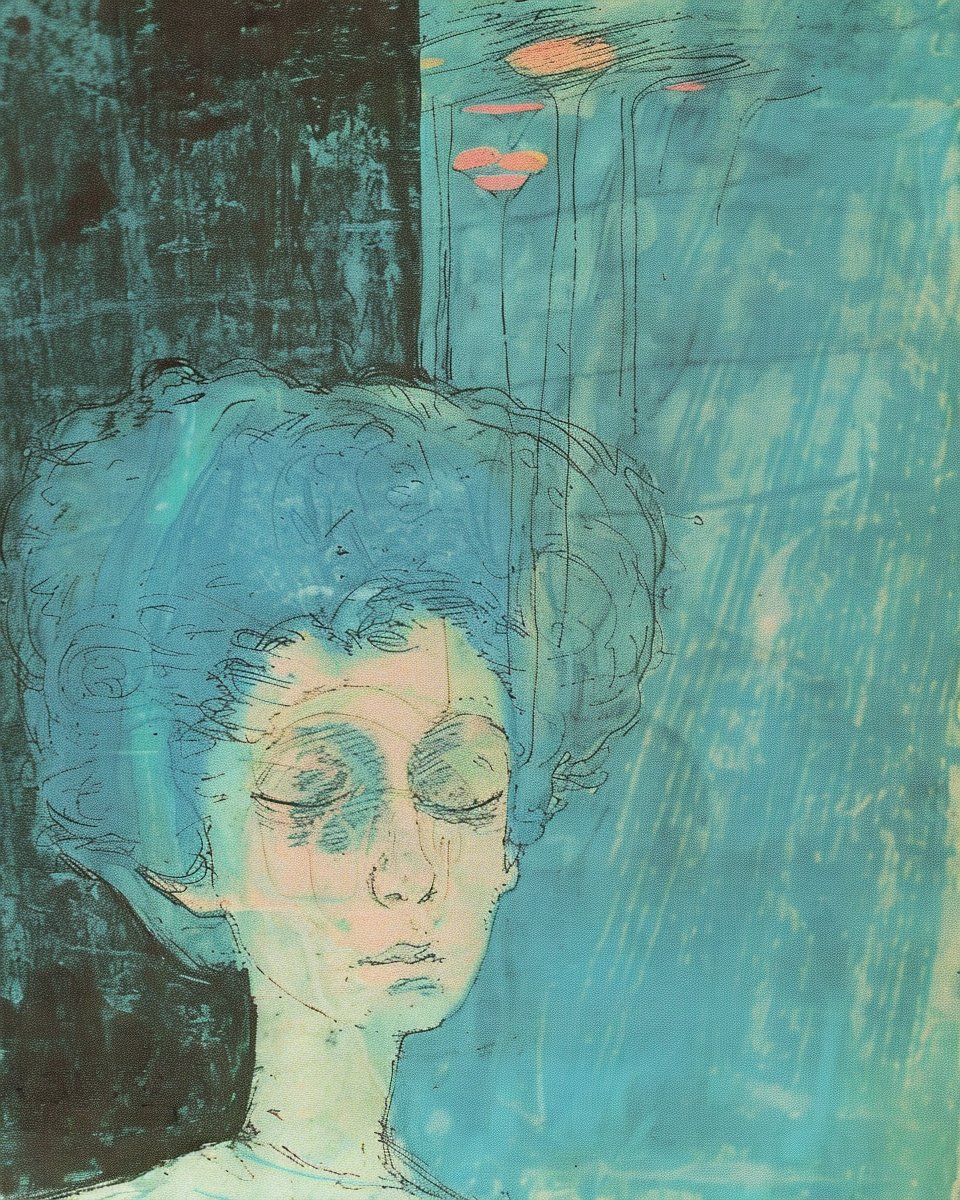
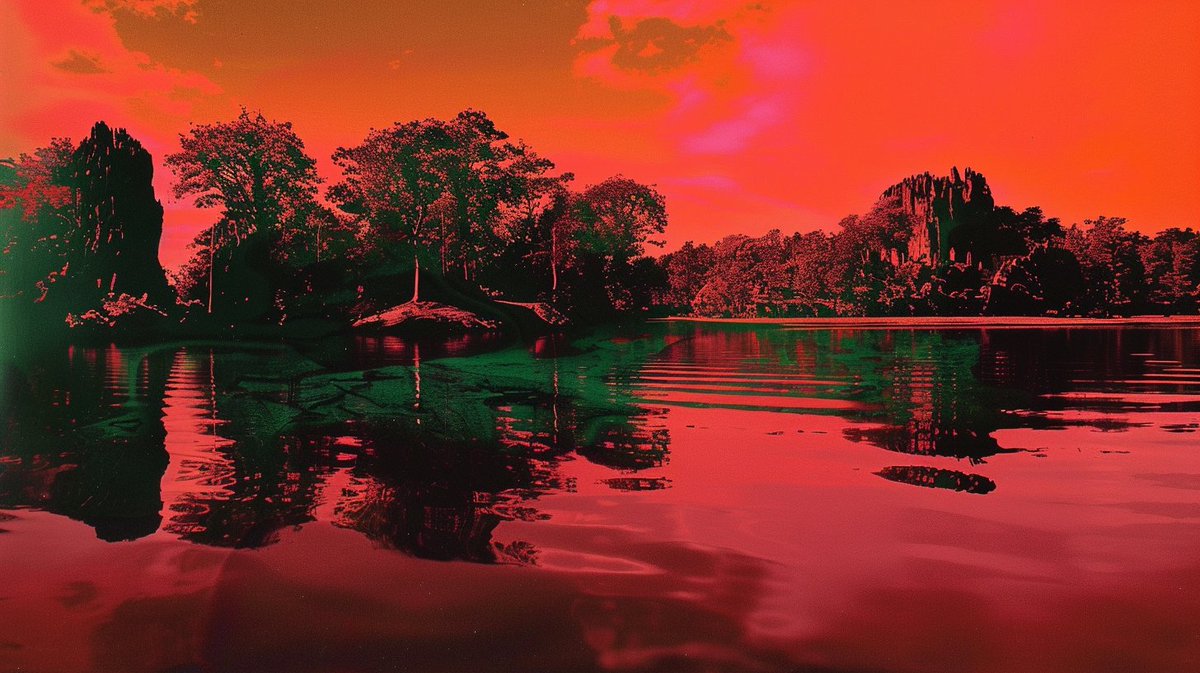
🌱 --seeds in Midjourney
What they are, why they're useful, where to find them, & when/how to use them 👇
🧵 Thread w/ examples & prompts in ALTs
What they are, why they're useful, where to find them, & when/how to use them 👇
🧵 Thread w/ examples & prompts in ALTs

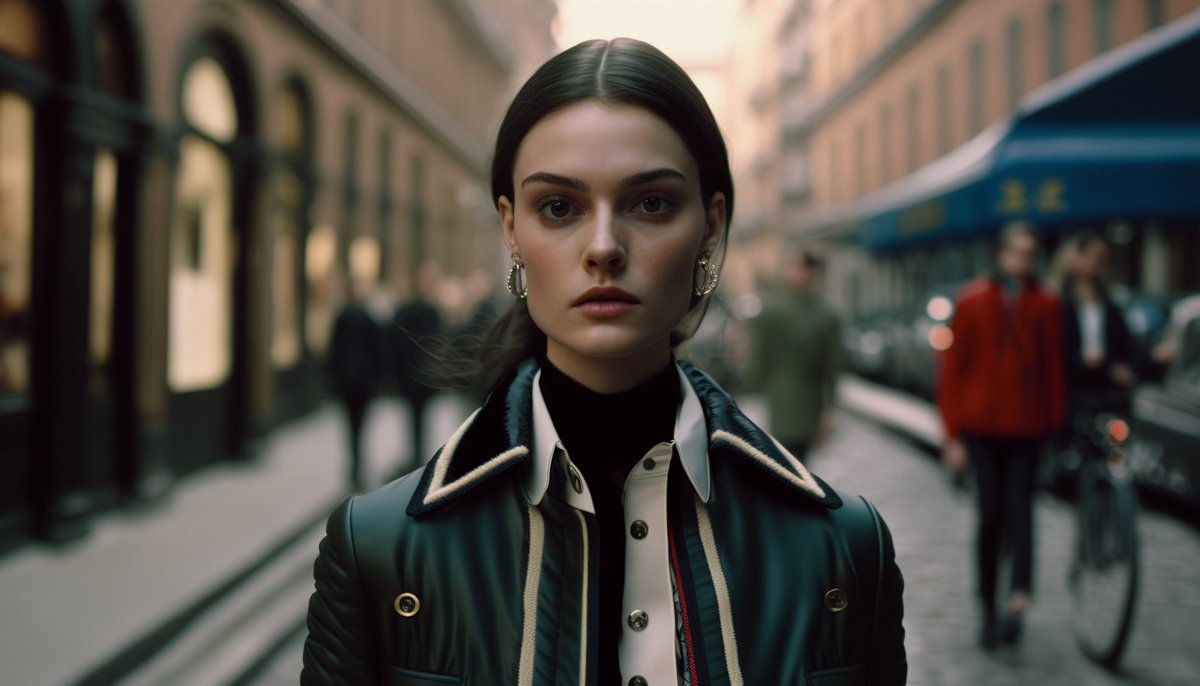
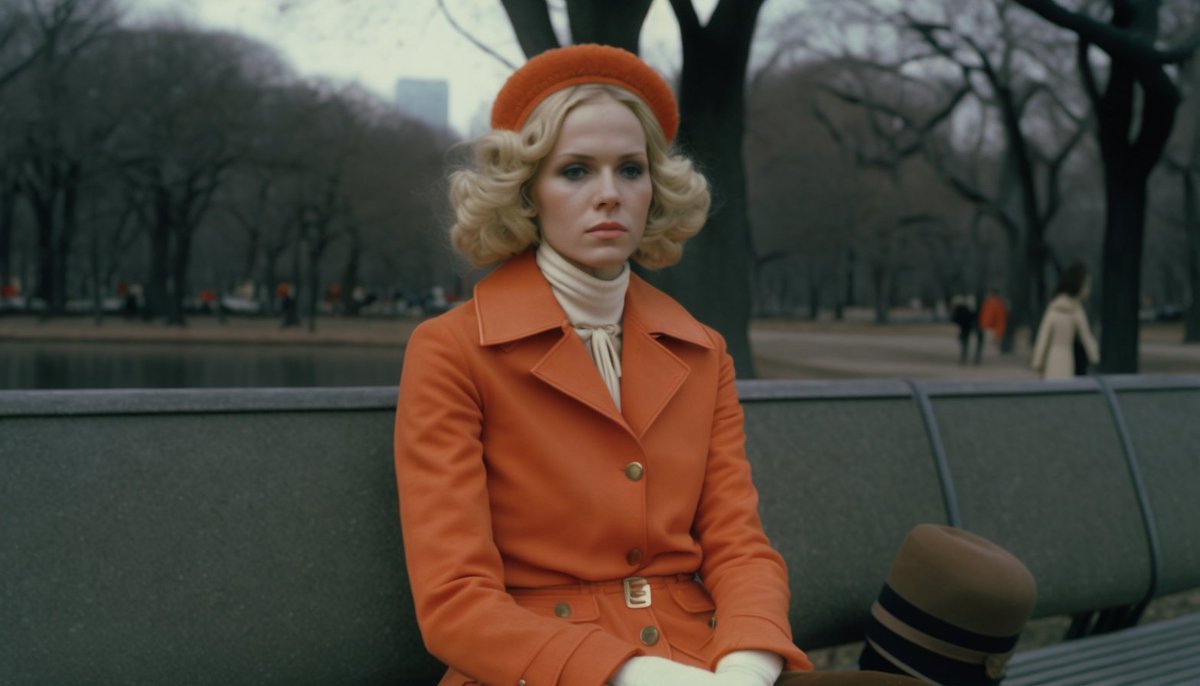
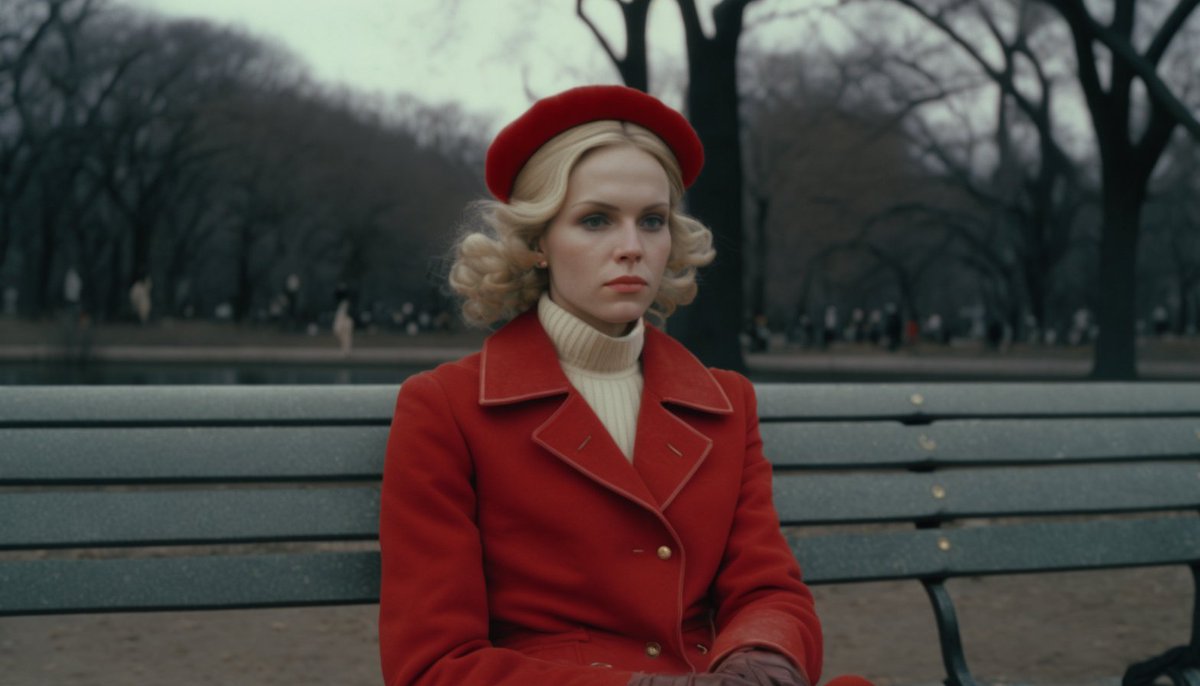
What is a --seed?
"MJ uses a seed # to create a field of visual noise, like television static, as a starting point to generate the initial image grids. Seed #'s are generated randomly for each image but can be specified by adding the --seed parameter at the end of your prompt."
"MJ uses a seed # to create a field of visual noise, like television static, as a starting point to generate the initial image grids. Seed #'s are generated randomly for each image but can be specified by adding the --seed parameter at the end of your prompt."
Why are --seeds useful in MJ?
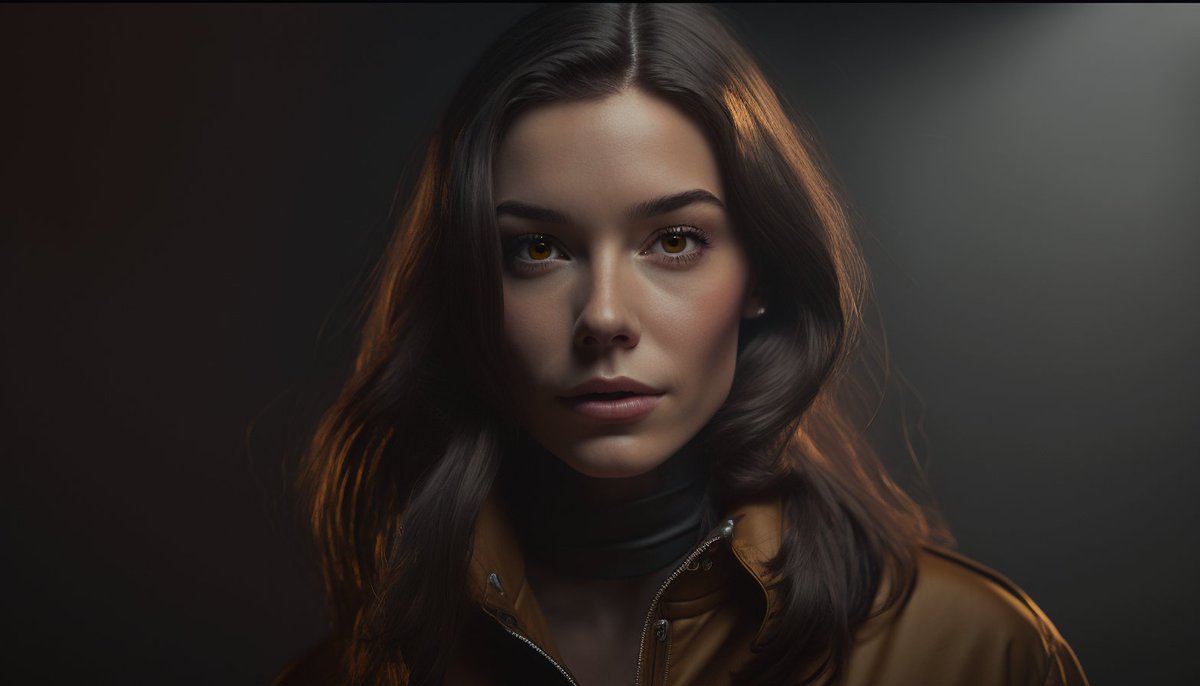
Using the same prompt + seed in MJ v4 (the current default) will produce identical images.
This is VERY useful when building a prompt, b/c it lets you visualize the impact of any addition/change you make (like here, with lighting)
Prompts in ALTs
Using the same prompt + seed in MJ v4 (the current default) will produce identical images.
This is VERY useful when building a prompt, b/c it lets you visualize the impact of any addition/change you make (like here, with lighting)
Prompts in ALTs
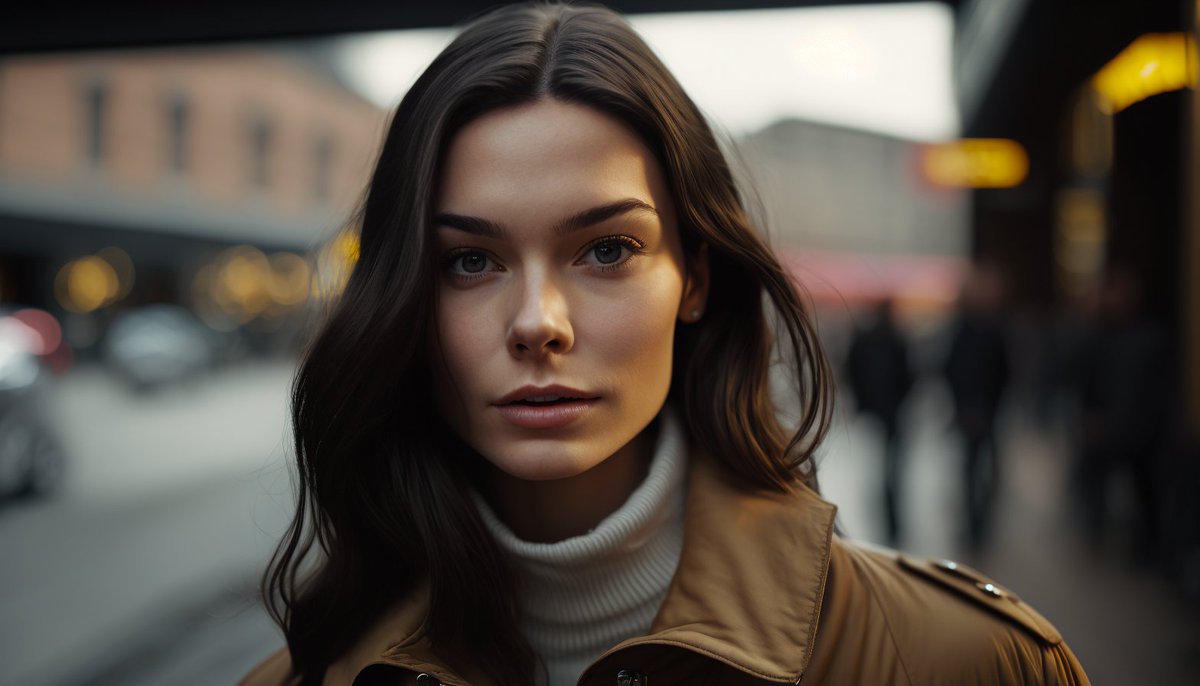
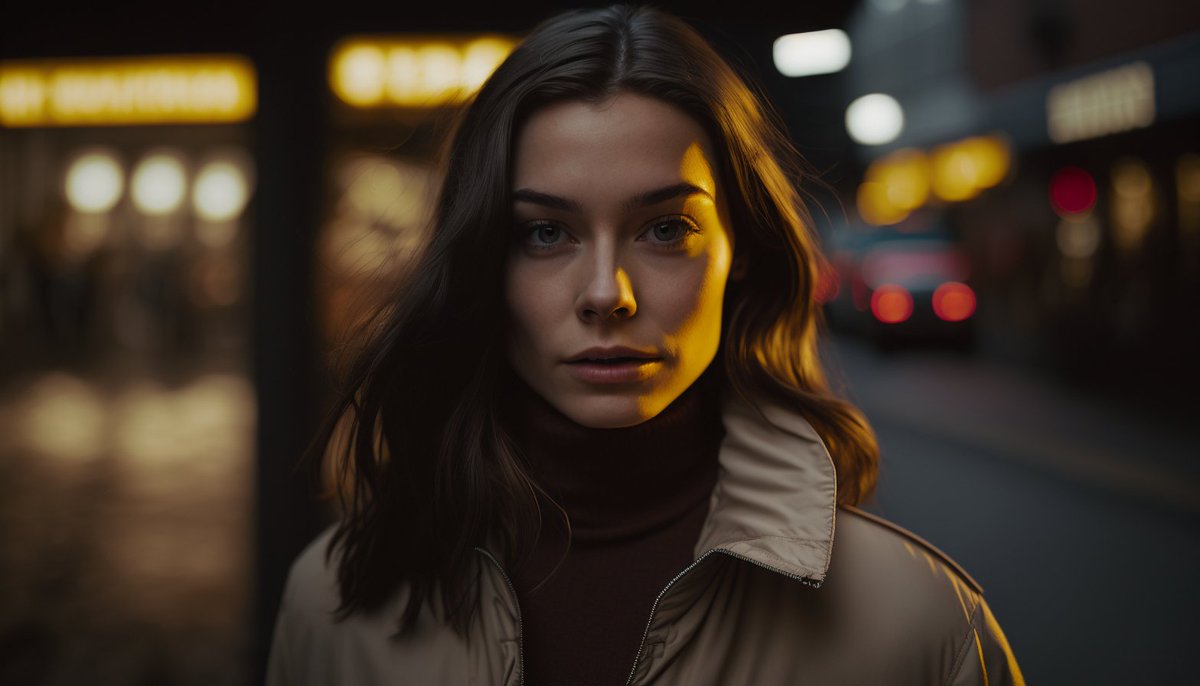

Where can I find an images --seed in Midjourney?
You can:
-React w/ an ✉️ envelope emoji to any job in Discord
-From MJ dashboard click image > ... > copy > seed
-Or specify yourself by adding --seed 12345 (or any # you'd like) at the end of your prompt.
You can:
-React w/ an ✉️ envelope emoji to any job in Discord
-From MJ dashboard click image > ... > copy > seed
-Or specify yourself by adding --seed 12345 (or any # you'd like) at the end of your prompt.
Important note on --seed #'s in Midjourney
The --seed values only influence the initial image grid. This means if you upscale and image, the upscaled image will have a different seed than the initial image grid. The same goes for variations. I tend to use the initial seed.
The --seed values only influence the initial image grid. This means if you upscale and image, the upscaled image will have a different seed than the initial image grid. The same goes for variations. I tend to use the initial seed.
When/how to use --seed # in Midjourney (1/3)
1) Creating a consistent character
1) Creating a consistent character
https://twitter.com/nickfloats/status/1627157305040027648
When/how to use --seed # in Midjourney (2/3)
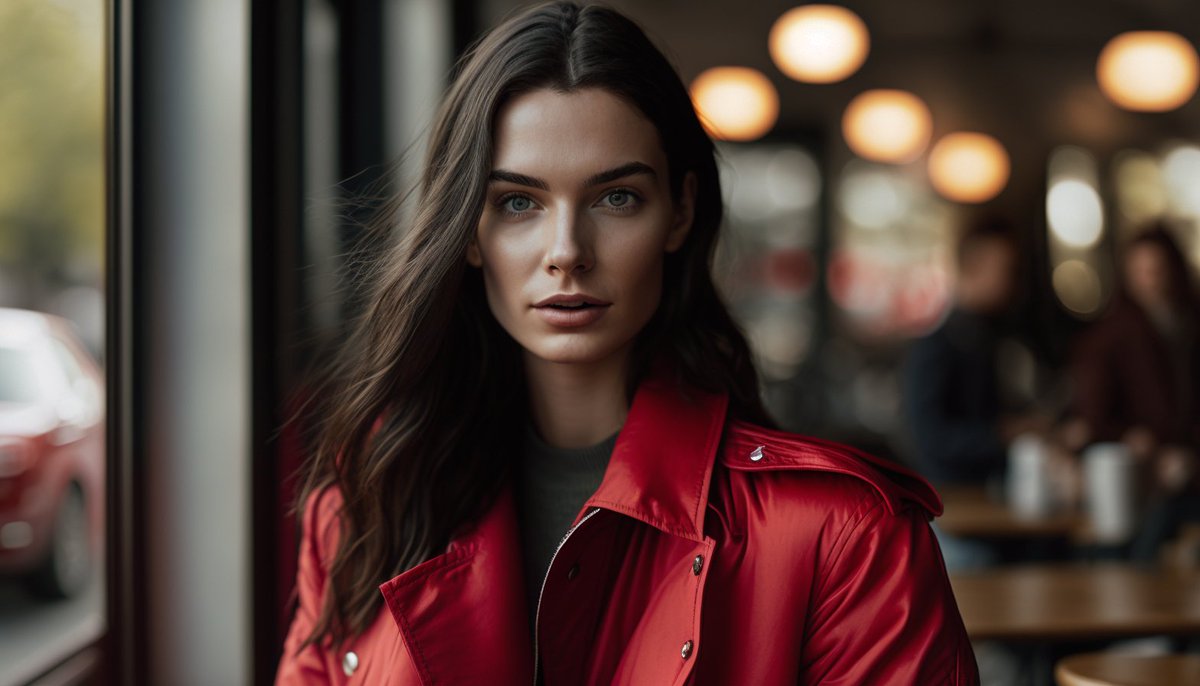
2) Use --seeds to visualize the impact of changes to variables in your prompt. In these images, I used the same prompt + seed, but I changed the "LOCATION" in each.
Prompts in ALTs
2) Use --seeds to visualize the impact of changes to variables in your prompt. In these images, I used the same prompt + seed, but I changed the "LOCATION" in each.
Prompts in ALTs
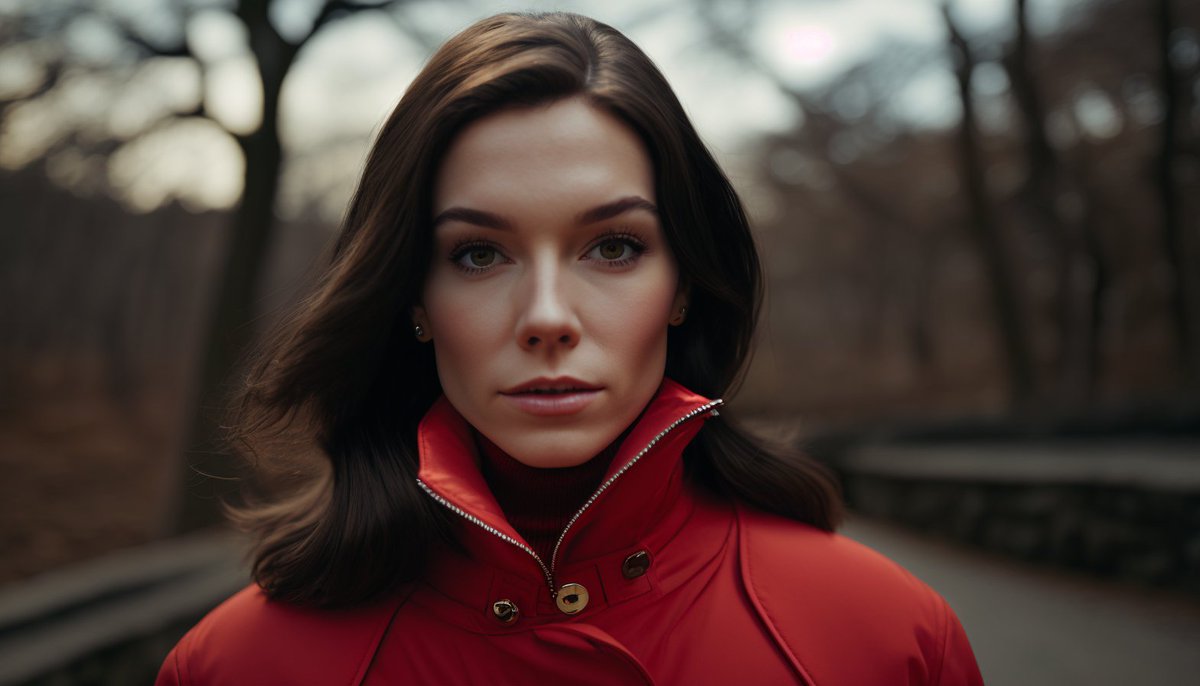
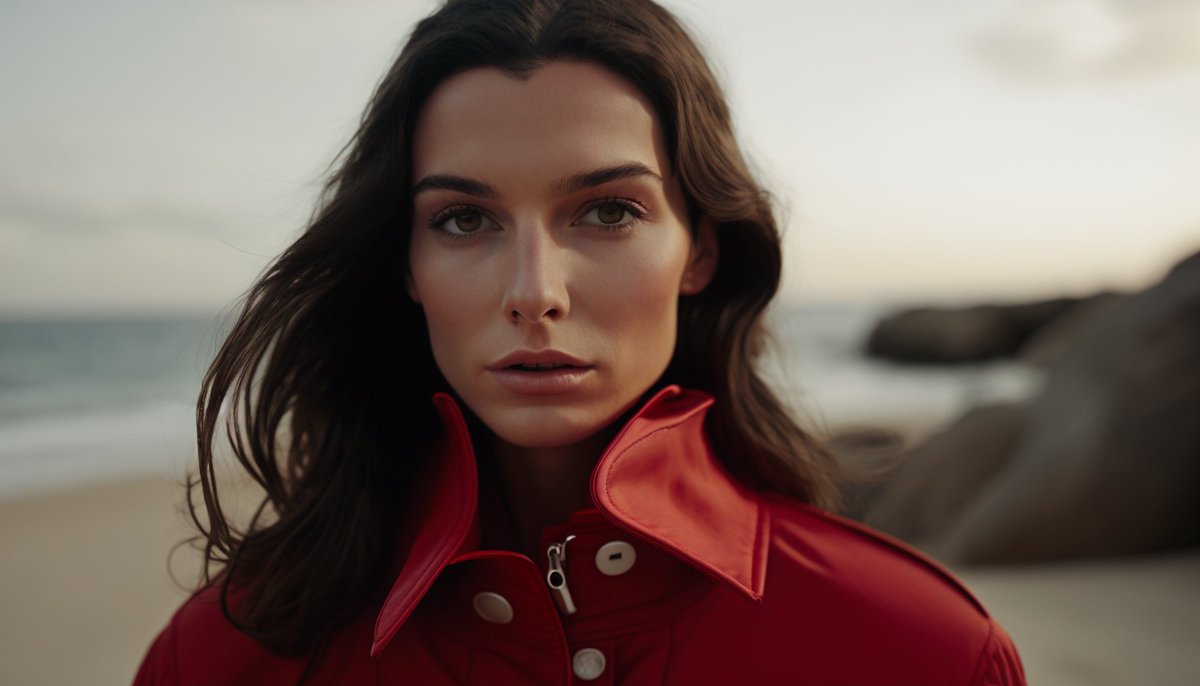
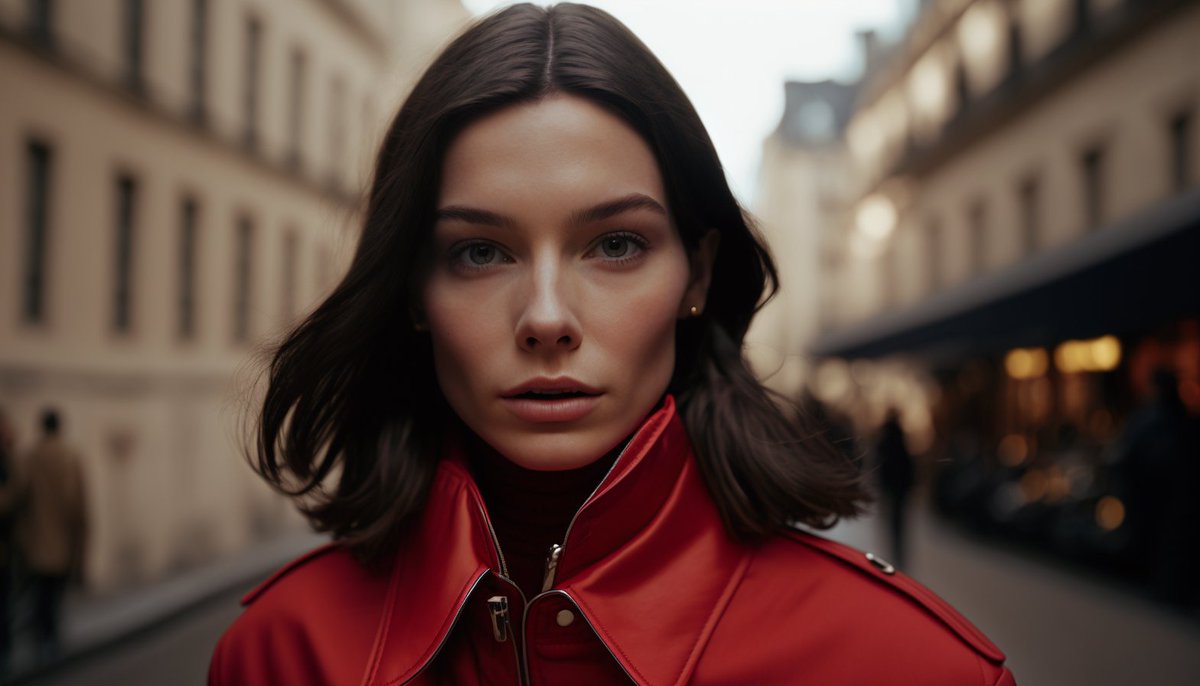
When/how to use --seed # in Midjourney (2.5/3)
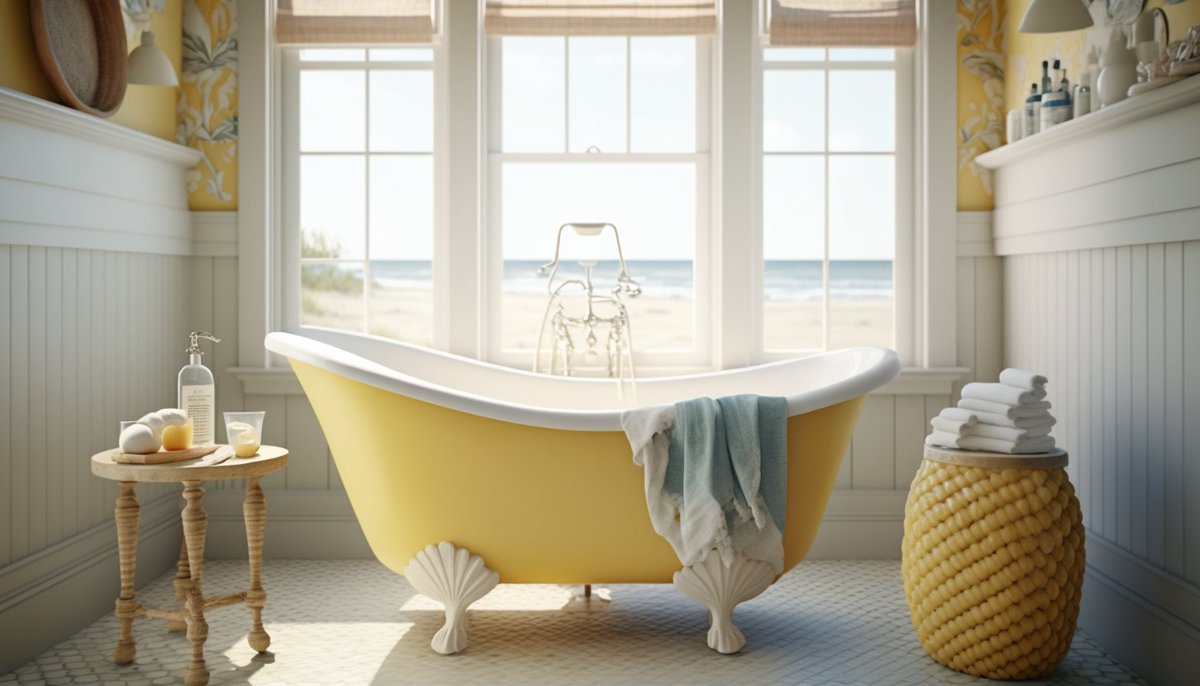
2.5) Use --seeds to visualize the impact of changes to variables in your prompt. In these images, I used the same prompt + seed, but I changed the "COLOR" in each.
Prompts in ALTs
2.5) Use --seeds to visualize the impact of changes to variables in your prompt. In these images, I used the same prompt + seed, but I changed the "COLOR" in each.
Prompts in ALTs



When/how to use --seed # in Midjourney (3/3)
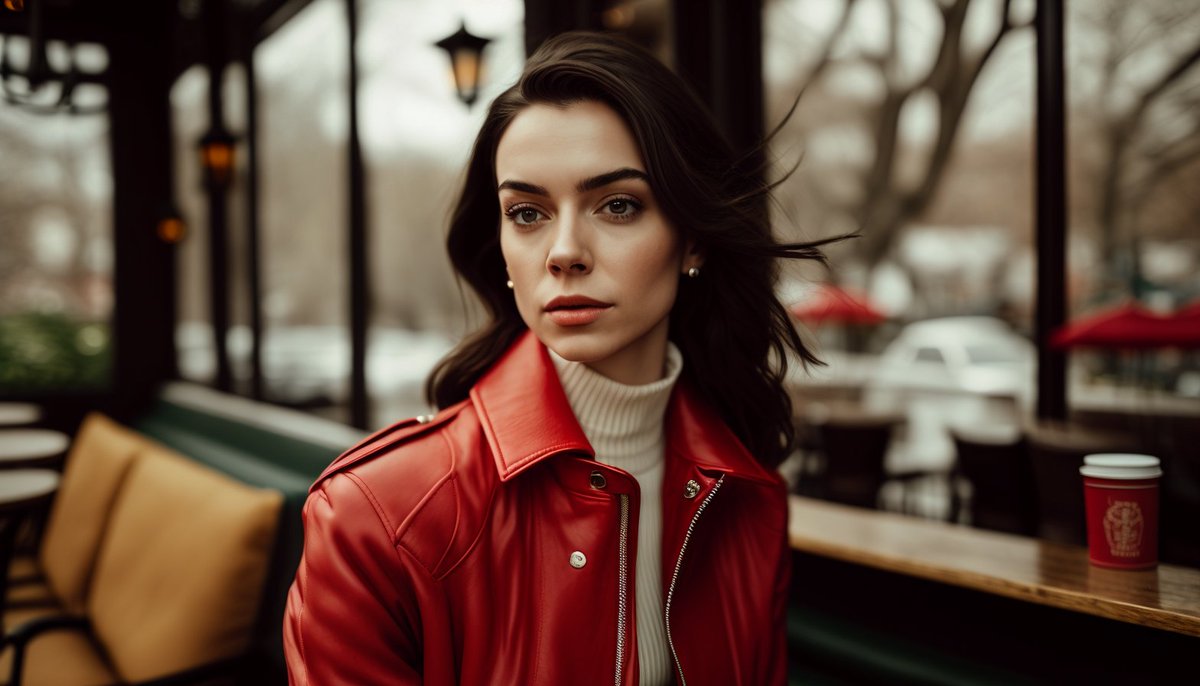
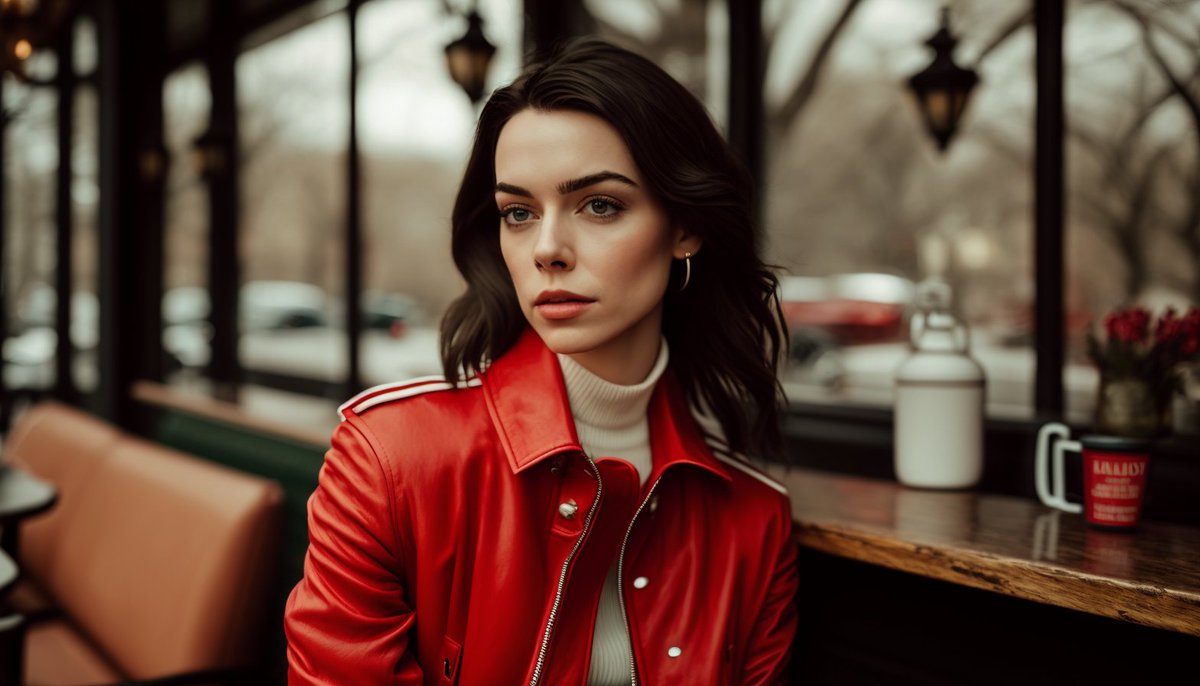
3) Use --seeds to test the impact of syntax (i.e. the order of words) on your image generations. In these images, I used the same prompt + seed, but I moved the "Medium-full centered shot" variable to different areas.
Prompts in ALTs
3) Use --seeds to test the impact of syntax (i.e. the order of words) on your image generations. In these images, I used the same prompt + seed, but I moved the "Medium-full centered shot" variable to different areas.
Prompts in ALTs
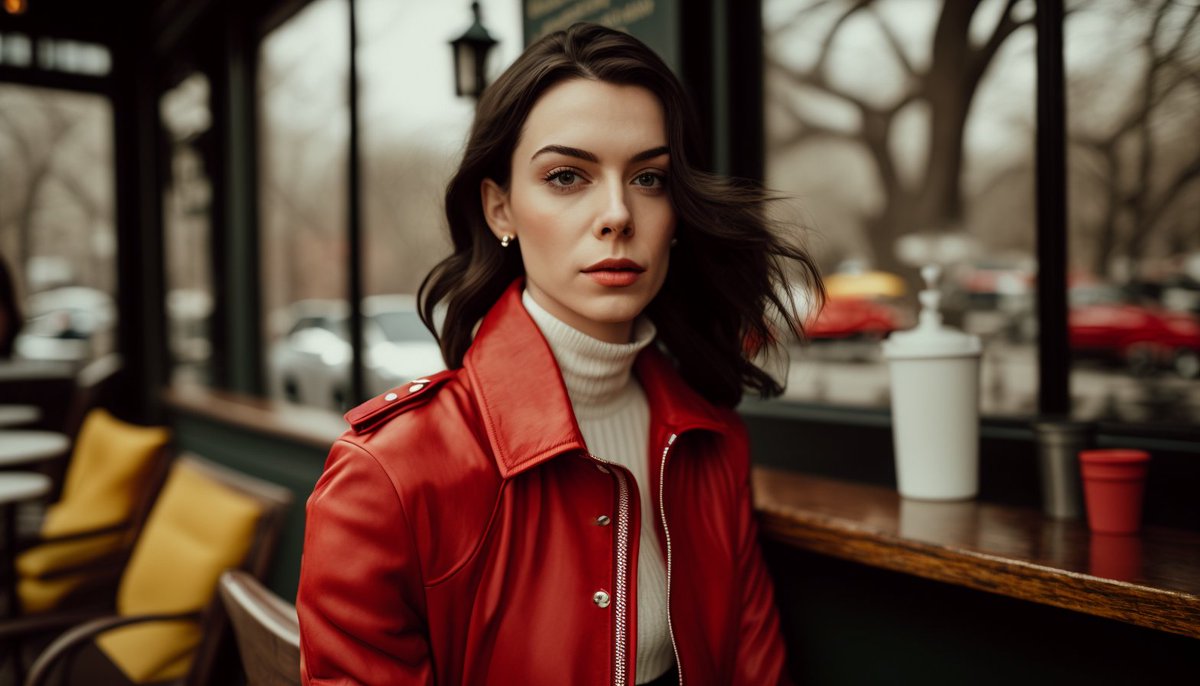
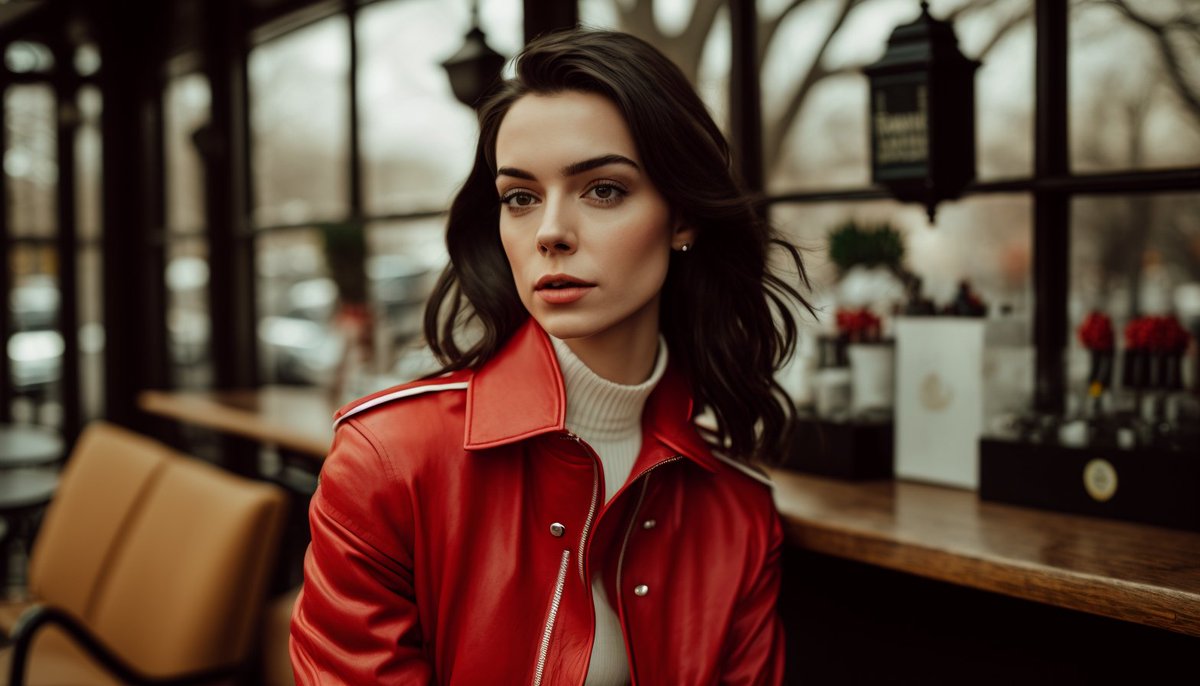
This is just the tip of the iceberg. I'm working on a Youtube series that goes deep into my Additive Prompting Framework, including how to use seeds to your advantage (Link in bio)
Follow me @nickfloats for more.
Like/Retweet the first tweet below if you found this helpful:
Follow me @nickfloats for more.
Like/Retweet the first tweet below if you found this helpful:
https://twitter.com/nickfloats/status/1632865293667295232
• • •
Missing some Tweet in this thread? You can try to
force a refresh