Anthony Hobday Profile picture
Apr 17 16 tweets 7 min read Twitter logo Read on Twitter
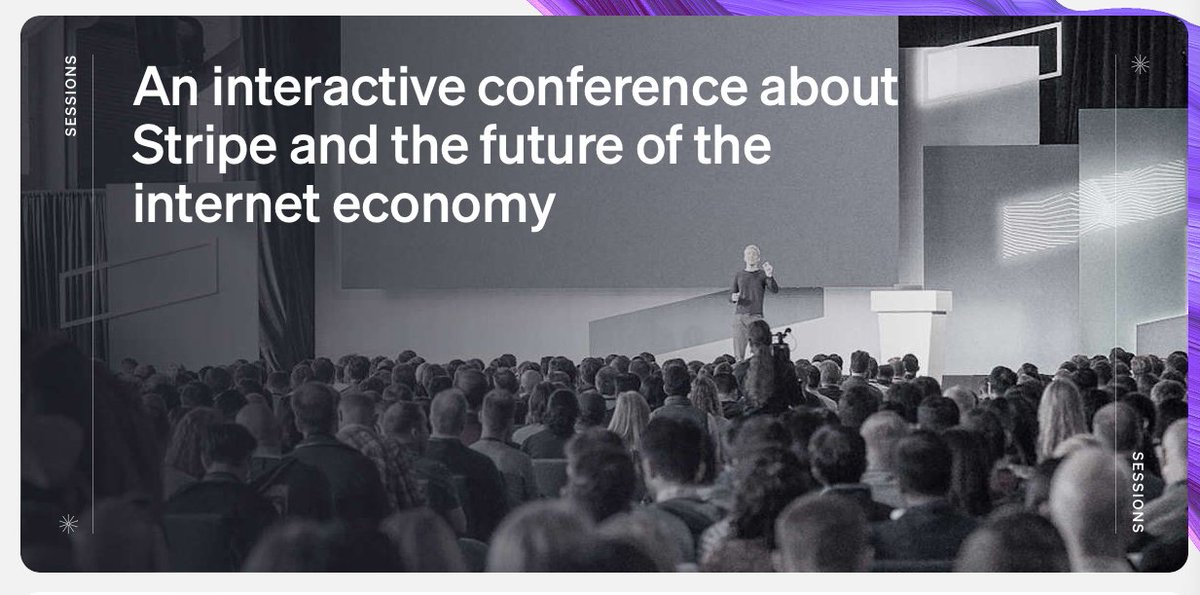
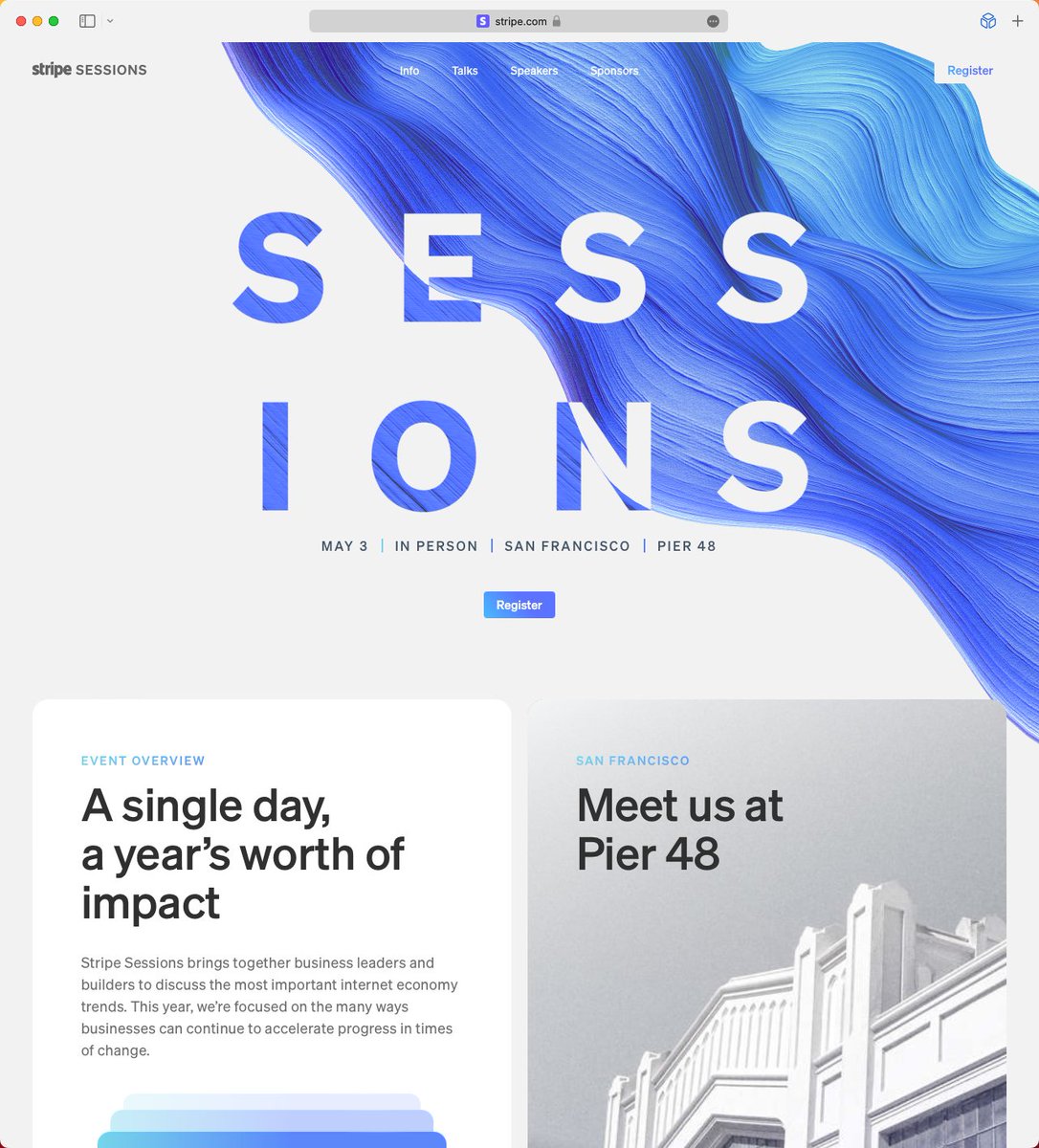
The @stripe sessions website goes hard. It demonstrates the lengths Stripe is willing to go to when it comes to web design. Here are the details that catch my eye.

I'll get the small details out of the way first, before I spend far too long on colour, which is the star here. Image
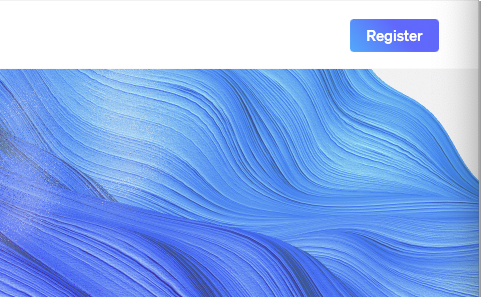
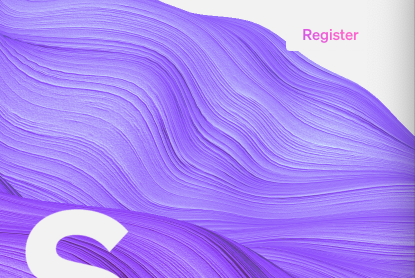
1) The swirly thing that's impossible to miss is animated. The Stripe logo and "Register" button on the right hand side have "hidden" rectangles behind them in case the swirly-thing comes into contact. This helps readability, but doesn't affect the design otherwise. Image
2) The Register button goes from gradient text on a white background to white text on a gradient background when you scroll and the navigation bar becomes solid. Simple, but I love it. ImageImage
3) There's a subtle noise effect used throughout. You can see it in the swirl, some photos, and the "Sessions" text as it disappears. ImageImageImage
4) The "Sessions text" is white when it's over the swirl, and is swirly when it's over white. This echos the button I mentioned before. Image
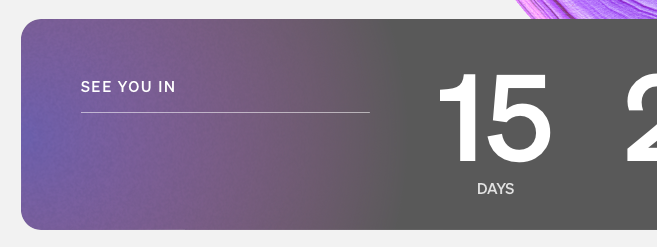
5) This container fill is reducing towards the left as the countdown lowers. Basically no-one will see this change, but they still took the time to code the fill reducing. Image
6) The title flexes and disappears in one way as you scroll down, and it flexes in another way as you scroll past the top point of the website. A subtle hint that you've reached the top.
OK, on to colour, which is the start of the show. You might have noticed that the swirl colour shifts over time. But you might not have noticed that this colour is the ONLY colour used throughout the site (with one small exception. See if you can spot it).
7) That means that every colour used on the website, e.g. these stacked containers and the gradient on the left of the countdown container, shift along with the swirl. Image

8) Everything else on this website is black and white, so that the single, shifting colour gradient can be the star of the website. So that it can make everything feel coherent.

I love that they leaned into this idea so much. It's simple, and effective. ImageImageImageImage
9) Notice that these three dividers are each a different colour. They represent the shifting gradient as a group, not individually. Lovely attention to detail. Image

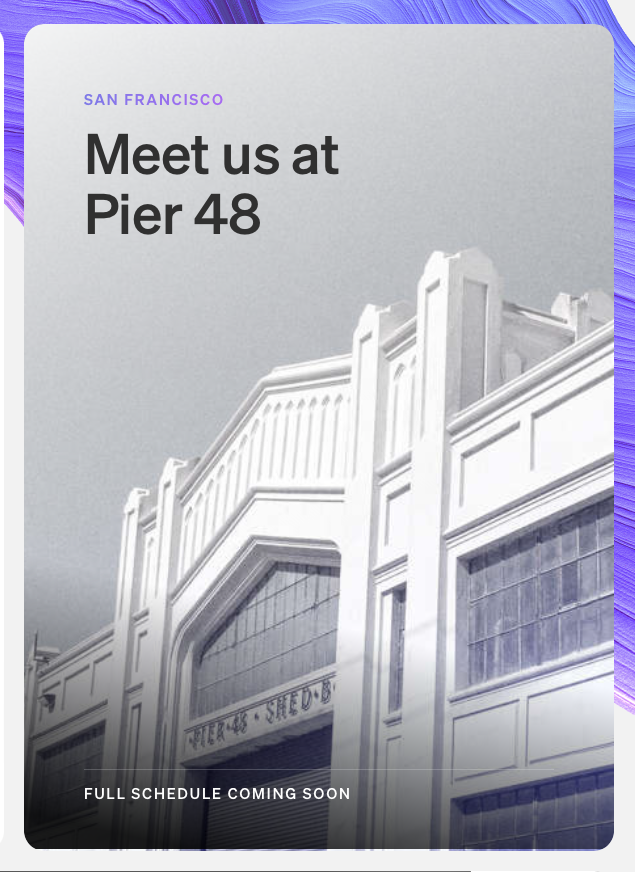
10) Colour is even used to liven up these black and white photographs again. But only the one that's currently fully displayed, so that it's highlighted more than the other photos peaking out from the rest of the series. Image
I don't normally do this, but here's what I think could be improved.

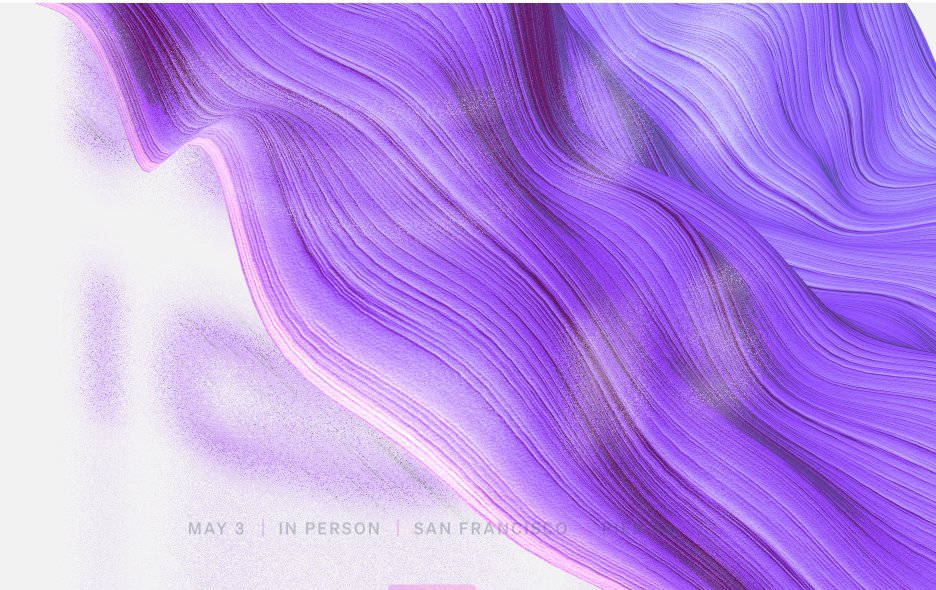
1) The small time/location text doesn't reverse to have better contrast against the swirl. They do this elsewhere, so you'd think they could do it here. And it feels more important with smaller text. Image
2) This gradient to grey transition doesn't look good. I think any gradient mixed with grey will probably feel dull. Image
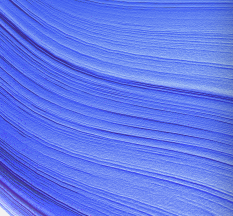
3) As far as I can tell the blue in the bottom right of this image is the only colour on the website that doesn't change with the swirl. I assume there's a technical reason they couldn't do it, but they added dynamic colour to the speaker photos below, so it stood out. Image

4) Compared to the rest of the website, this sponsor section is oddly uninteresting. A colour stripe is added when you hover over one of the sponsor containers, but it feels like less thought went into this section than the rest of the website. Image
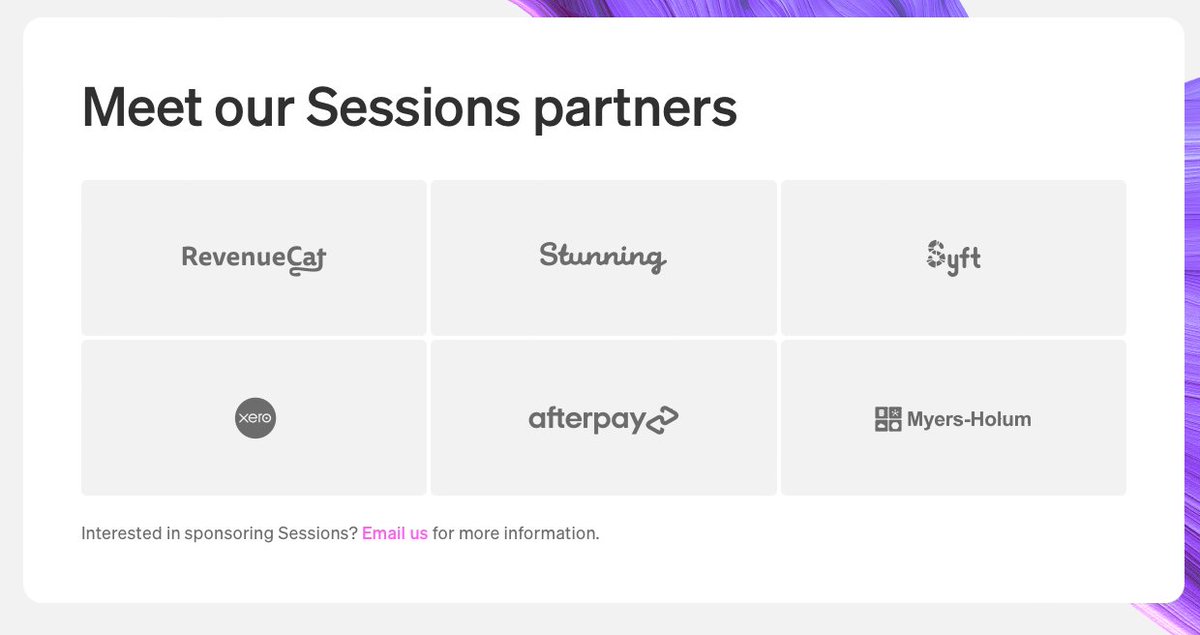
• • •

Missing some Tweet in this thread? You can try to force a refresh

 

Keep Current with Anthony Hobday

Anthony Hobday Profile picture

Stay in touch and get notified when new unrolls are available from this author!

Read all threads

This Thread may be Removed Anytime!

PDF

Twitter may remove this content at anytime! Save it as PDF for later use!

Try unrolling a thread yourself!

how to unroll video
  1. Follow @ThreadReaderApp to mention us!

  2. From a Twitter thread mention us with a keyword "unroll"
@threadreaderapp unroll

Practice here first or read more on our help page!

More from @hobdaydesign

Apr 16
Here's what I like about the @joinwarp website.

1) Generally the website is simple, with good attention to detail. It doesn't try to do anything fancy, nor should it. But there are a few subtle expressive touches I'll call out.

This is my kind of design. Image
2) You might have noticed in the previous tweet that the product screenshot is angled towards the top of the screen in the first view, then as you scroll down it straightens out. The angled screenshot acts as almost a literal visual "ramp" to the next section of the website.
3) The dividers on the page fade away towards the left and right edges. Most people probably won't notice this, but it's an easy way to soften the dividers and add some visual interest. Image
Read 8 tweets
Mar 29
I haven't really talked about it from this angle, but I think another sort-of requirement for world-class quality is either a small audience, or a narrow use case. The more people you need to support, the more features they needed added, the worse the quality gets.
A narrow use case might be a simple note taking app that comes bundled with an operating system. So it's not that a large audience guarantees bloated software. It just means there's more pressure to add features, unless the use case is clearly narrow.
Then again, "note taking app bundled with an OS" is an unfair example because it doesn't need ot be commercially successful. I wonder what the smallest software with the biggest audience is?
Read 4 tweets
Mar 23
I'm interested in the "mechanics" and thought behind screen-change animations. Here's the WhatsApp iOS app. It makes me think lots of things, so here's a thread.
1) By default I assume that the best approach to animation/navigation quality is "object constancy", where objects feel like they exist as physical objects in the sense that they can't just disappear. They go somewhere to "hide", and may be brought out again later.
2) But In this case elements (e.g. the camera icon) fade out as the transition is happening. They're magical objects that can appear or disappear, in place, at will.

In practice this feels good/smooth. It's not bad. But it doesn't make much logical sense to me in isolation.
Read 7 tweets
Mar 21
This article, from @GK3, is solid gold. It dives into the mechanics of software quality at scale, and why it's hard.

It's an optimistic article, and offers approaches you can use to improve quality at a big company.

gk3fyi.substack.com/p/the-cost-of-…
I take a more pessimistic view than George. I believe quality is IMPOSSIBLE at scale.

Partly because I think humans cannot act in perfect harmony past a certain number of relationships. We will always be the flaw.

And partly because I want someone to prove me wrong.
At this point I've seen a lot of evidence that I'm right. So many smart product people have said that quality doesn't scale.

I collect the evidence in this article: anthonyhobday.com/blog/20220920.…
Read 7 tweets
Mar 18
In visual design there's a vague concept of "visual interestingness". In this example there's an application interface and it's split into a menu and a main section by a grey divider. This is simple and it works. But I'd argue it's not visually interesting. Image
Now let's switch from the divider to a background colour fill for the menu section. There's a noticeable benefit in that you've added depth: the main section feels closer because it's lighter, and therefore more important. Image
But this change also makes the interface as a whole more visually interesting. The added depth, and more obvious difference between the two sections, gives our eyes something to play with. We might enjoy this more, to look at.

In that sense it might also feel more "designed".
Read 6 tweets
Mar 6
Sometimes you might design an "abstract" representation of an interface, and you don't want to use real text. One approach is to use solid blocks that look like text.

Here I've got a block the same width, height, and colour as the text above it.

The problem is it's too dark. Image
To show you how much darker it is, I've overlaid it with a white layer set to 50% opacity and a background blur value of 20.

This is the equivalent of a "squint test", but this way you don't have to squint.

You can see the block is much darker. Image
Here I've lowered the opacity of the solid block until it roughly matches the visual weight of the text.

The solid block here is 25% opacity. Image
Read 5 tweets

Did Thread Reader help you today?

Support us! We are indie developers!


This site is made by just two indie developers on a laptop doing marketing, support and development! Read more about the story.

Become a Premium Member ($3/month or $30/year) and get exclusive features!

Become Premium

Don't want to be a Premium member but still want to support us?

Make a small donation by buying us coffee ($5) or help with server cost ($10)

Donate via Paypal

Or Donate anonymously using crypto!

Ethereum

0xfe58350B80634f60Fa6Dc149a72b4DFbc17D341E copy

Bitcoin

3ATGMxNzCUFzxpMCHL5sWSt4DVtS8UqXpi copy

Thank you for your support!

Follow Us on Twitter!

:(