Will 3.6-6.16 硅谷 Profile picture
Jun 28 9 tweets 2 min read Twitter logo Read on Twitter
ChatGPT将真正替代专家...

你只需一次提示,就能得到所有的答案。

发现这个超级插件组合:
这次,我们要混合使用3个插件:
-AI Agents
-Your AI Concil
-Web Requests

我们将让它们一起工作,以节省大量时间。
步骤1

-转到ChatGPT+

-点击插件然后点击插件商店

-在搜索栏中输入: AI Agents
Your AI Concil
Web Requests

-安装所有的插件。
步骤2

-编写你的提示

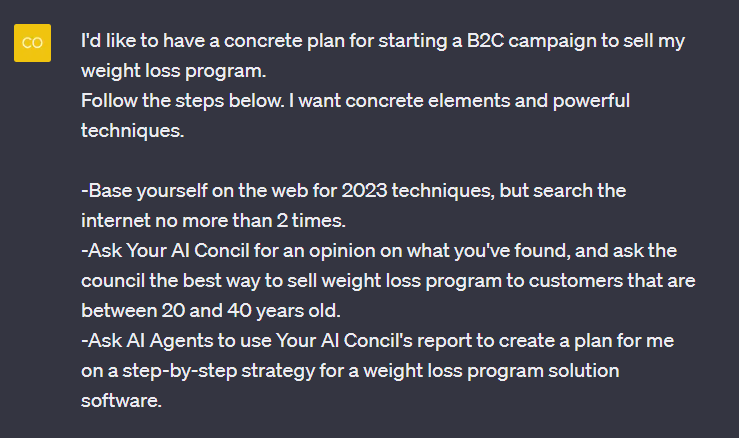
在ALT中的提示:
举一个减肥计划的例子:
步骤3

-在每个阶段写下"继续",直到你满意为止
这是另一个关于客户服务的例子:
示例:

客户服务解决方案

减肥计划 https://t.co/pHltJyLdL7chat.openai.com/share/23bb319e…
chat.openai.com/share/6cec47f6…
原作者:@FCamiade
以上就是全部, 如果你喜欢这个主题,那么请:

1.关注我(@Financeyf5)以获取更多内容。
2.点赞并转发下面的第一条推文:

• • •

Missing some Tweet in this thread? You can try to force a refresh

 

Keep Current with Will 3.6-6.16 硅谷

Will 3.6-6.16 硅谷 Profile picture

Stay in touch and get notified when new unrolls are available from this author!

Read all threads

This Thread may be Removed Anytime!

PDF

Twitter may remove this content at anytime! Save it as PDF for later use!

Try unrolling a thread yourself!

how to unroll video
  1. Follow @ThreadReaderApp to mention us!

  2. From a Twitter thread mention us with a keyword "unroll"
@threadreaderapp unroll

Practice here first or read more on our help page!

More from @FinanceYF5

Jun 29
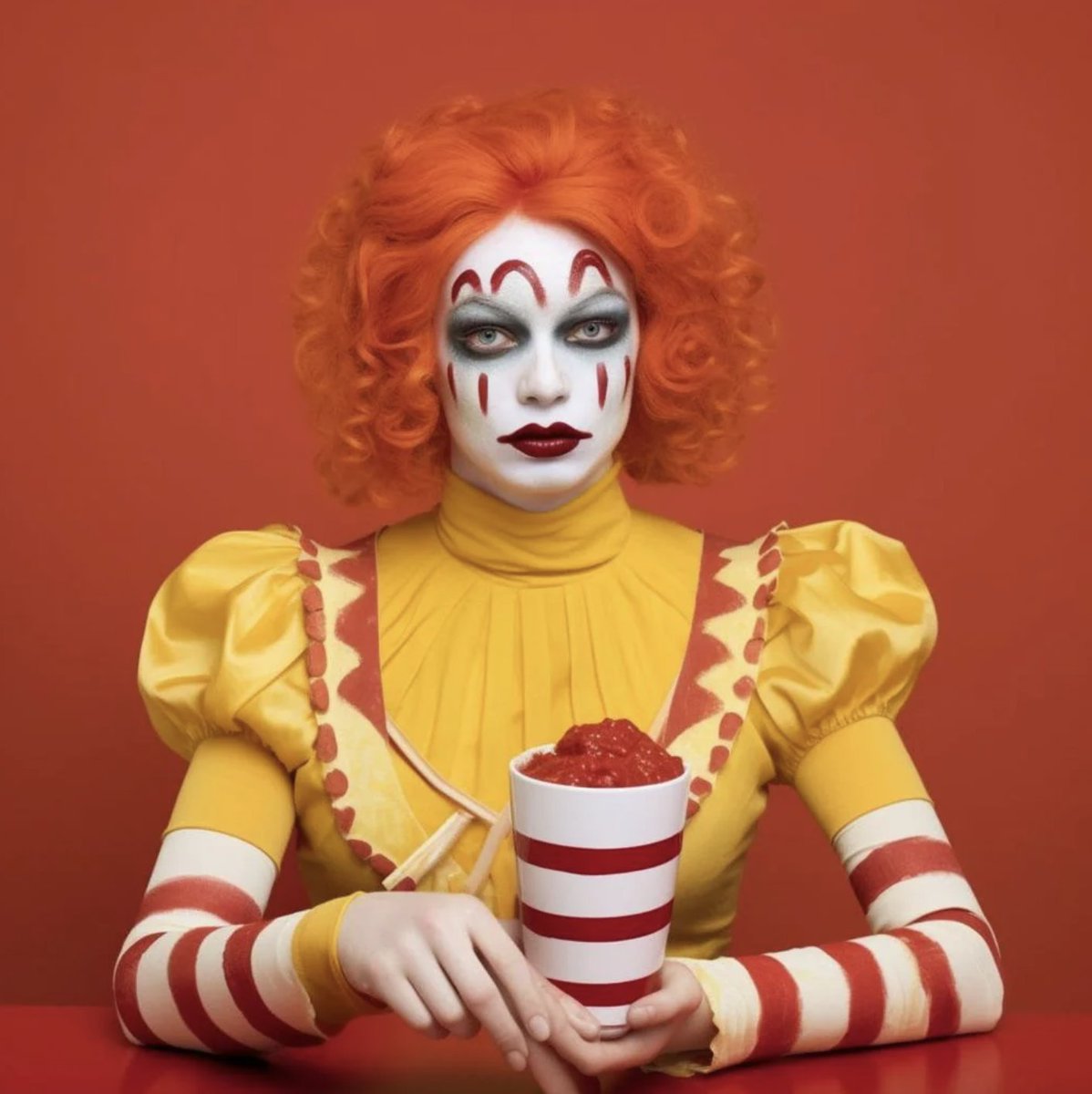
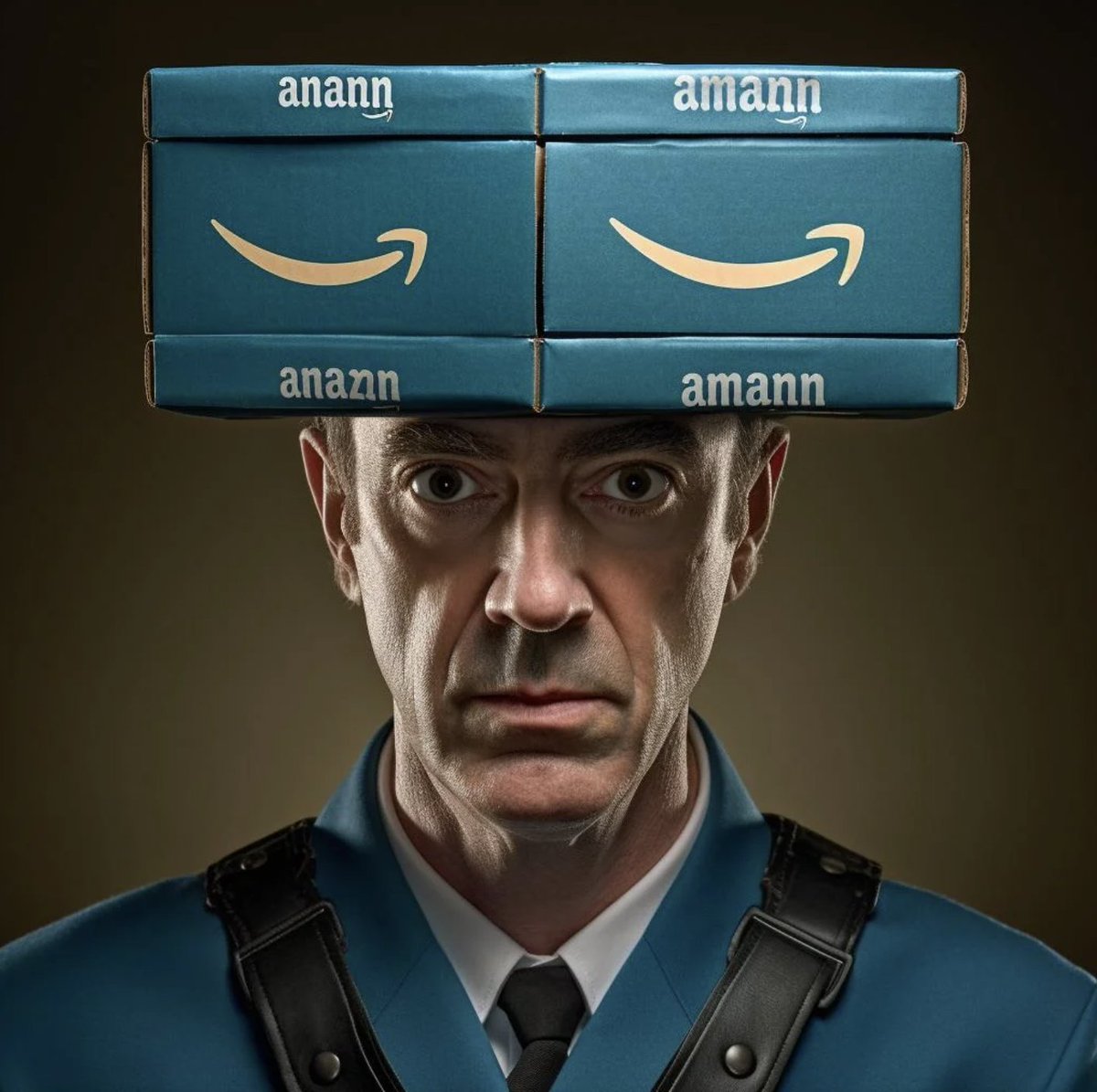
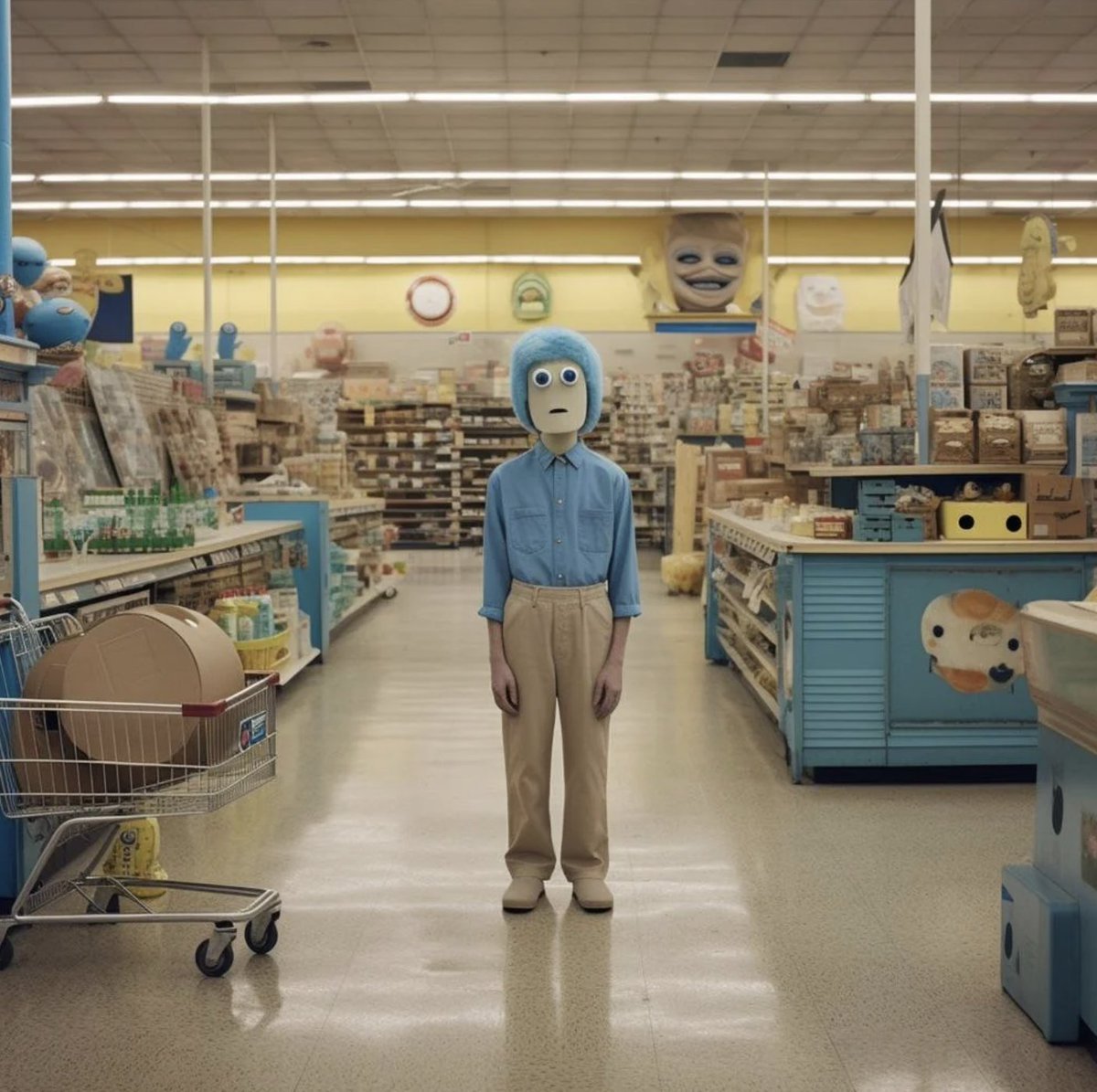
AI 如何将大品牌拟人化

使用 Midjourney 生成的图像:

1 麦当劳
2 亚马逊
3 沃尔玛
Read 16 tweets
Jun 29
ChatGPT可以创建一个完整的计划。

一个提示可以取代几个小时的市场分析。

这个插件可以在2分钟内(对任何主题)为你制定一个计划。
在简单的类别中,这是一个好的选择!

你只需一个提示(是的,再次)就可以创建一个计划。

而且你将有一个很好的思维导图,你可以个性化定制。
[样本在最后]
步骤1

访问ChatGPT+

点击插件,然后点击插件商店

在搜索栏中输入"Whimsical"

安装它。
Read 9 tweets
Jun 29
DragGAN正式发布,其令人震惊的"拖拽你的图像"功能达到了图像操作的新高度。

使用DragGAN,你不仅仅是编辑图像,你是在"拖拽"它们以匹配你的创意视觉。

以下是10个示例用例:
1/ 时尚风格

不喜欢姿势或风格?只需拖拽它!在我看来,这是最具影响力的使用场景🔥
2/ 面部操控

改变面部表情或完全改变面部 🤯
Read 12 tweets
Jun 28
这个视频是由ChatGPT创建的。

只需要一个简短的提示,剩下的都是由AI完成的。

这对你的视频内容策略是一个游戏规则改变者。

我将在3个简单的步骤中向你展示如何做到:
1/ 安装Visla插件

→ 前往ChatGPT插件商店(你需要ChatGPT Plus才能使用)
→ 安装"Visla"插件
2/ 提示

→ 输入初始提示:"创建关于x的视频"
→ 回答问题以进行具体化
专业提示:使用"链接阅读器"插件来总结Twitter线索或网页并将内容输入到Visla视频中
Read 6 tweets
Jun 28
自动Agent已经推出了2个半月。

OpenAI联创@karpathy 提到现在是研究自动Agent的最好契机:当新的Agents论文出来的时候,我们都非常感兴趣

6月27日,OpenAI应用研究主管@lilianweng撰写了一篇万字长文,提到Agent = LLM(大型语言模型)+ 记忆 + 规划技能 + 工具使用

让我一起看看她说了什么

🧵👇
@agishaun @lilianweng Shaun's takeaway 1

-阅读全文30分钟以上,但根据对主题的经验,可能会有所不同。如果你每天都在构建LLM,这是必读的。

-它包含很多链接到论文,至少读一下论文的摘要,如果你不想深入研究的话。
@agishaun @lilianweng 组件1 - 规划

规划 = 任务分解 + 自我反思

任务分解技术
-思维链条
-思维树 https://t.co/1PFcptHj9D https://t.co/geh1vCj1Gearxiv.org/abs/2201.11903
arxiv.org/abs/2305.10601
Read 18 tweets
Jun 27
Midjourney 5.2是AI图像的新时代。

仅仅96小时,人们已经在推动边界。

以下是我们到目前为止所知道的:
(视频由: @nelsonporto111 制作)
2/ 最显著的新功能:“放大”。

还记得你第一次看到Adobe Photoshop的生成填充吗?

现在,Midjourney也有了GenFill。
3/ 你可以用"缩小"做什么?

拿这张大象作为例子,
Read 12 tweets

Did Thread Reader help you today?

Support us! We are indie developers!


This site is made by just two indie developers on a laptop doing marketing, support and development! Read more about the story.

Become a Premium Member ($3/month or $30/year) and get exclusive features!

Become Premium

Don't want to be a Premium member but still want to support us?

Make a small donation by buying us coffee ($5) or help with server cost ($10)

Donate via Paypal

Or Donate anonymously using crypto!

Ethereum

0xfe58350B80634f60Fa6Dc149a72b4DFbc17D341E copy

Bitcoin

3ATGMxNzCUFzxpMCHL5sWSt4DVtS8UqXpi copy

Thank you for your support!

Follow Us on Twitter!

:(