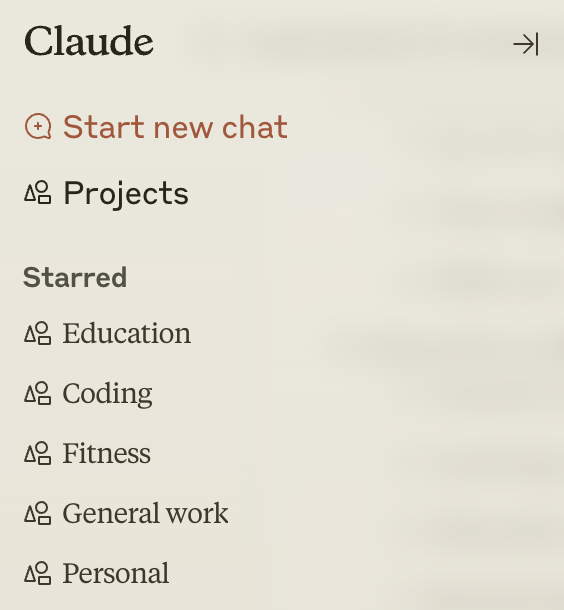
Not enough people are getting creative with Projects.
I've set up a few that I use all the time, each with its own custom instructions. This lets me organize my chats and easily switch Claude's response persona.
Here's what I have in the custom instructions for each one:
I've set up a few that I use all the time, each with its own custom instructions. This lets me organize my chats and easily switch Claude's response persona.
Here's what I have in the custom instructions for each one:
Before I start, here's how you can add custom instructions to a project.
Once you save the instructions, they are applied to all the chats in that specific project.
Once you save the instructions, they are applied to all the chats in that specific project.
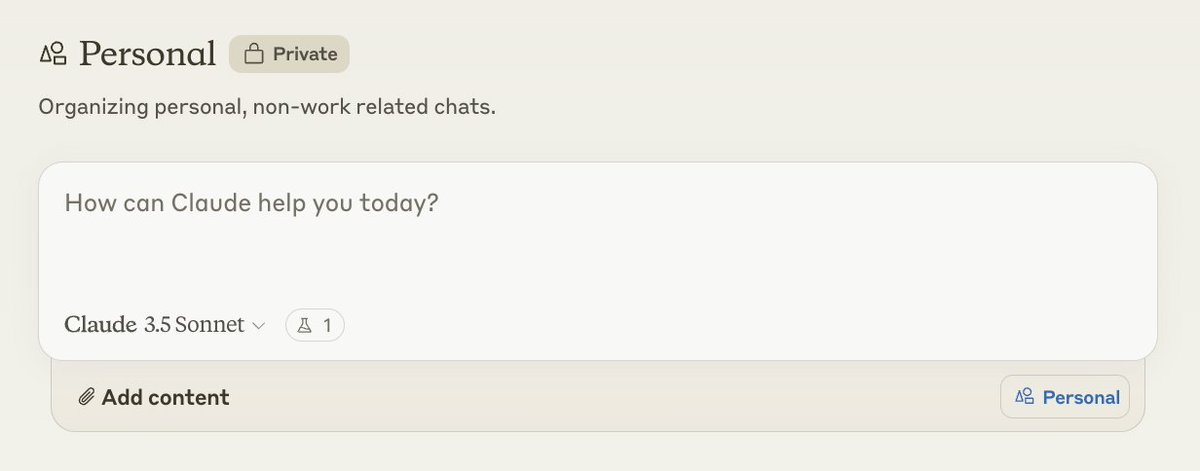
Personal
Instructions include a little bit about me (who am I, where I live, etc) and my personality type, my general preferences on things, overall personal goals and beliefs.
This is where all my random off-the-cuff chats go.
Instructions include a little bit about me (who am I, where I live, etc) and my personality type, my general preferences on things, overall personal goals and beliefs.
This is where all my random off-the-cuff chats go.
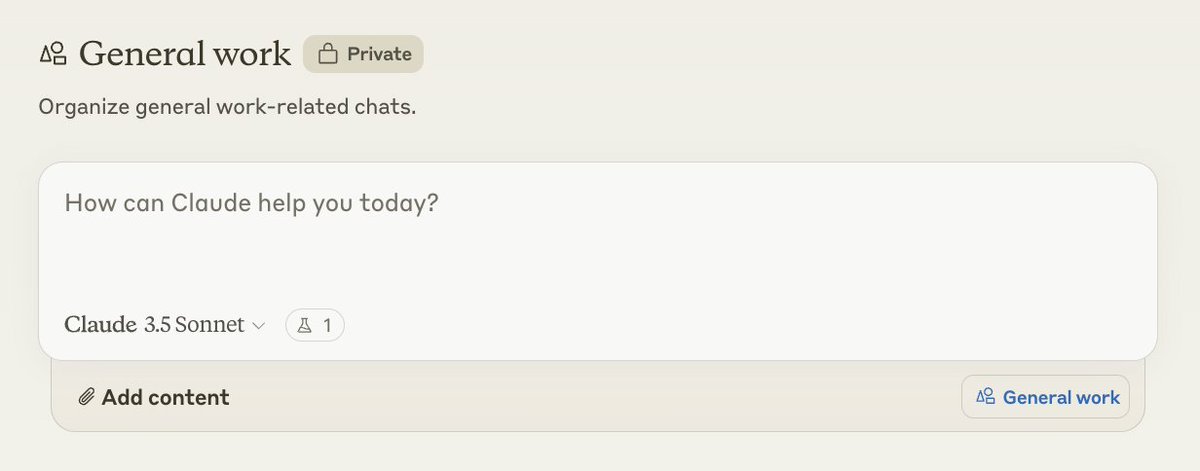
General work
Instructions include my role at Anthropic, what I do day to day and what I'm working on, the style of my writing and communication (with some examples).
I use this one a lot for things like emails, slack messages, and docs writing.
Instructions include my role at Anthropic, what I do day to day and what I'm working on, the style of my writing and communication (with some examples).
I use this one a lot for things like emails, slack messages, and docs writing.
Fitness
Instructions include physical stats about myself like height and weight. Also includes things like nutrition and activity preferences, and health history.
In this project, Claude is basically like my gp, personal trainer, and nutritionist all-in-one.
Instructions include physical stats about myself like height and weight. Also includes things like nutrition and activity preferences, and health history.
In this project, Claude is basically like my gp, personal trainer, and nutritionist all-in-one.

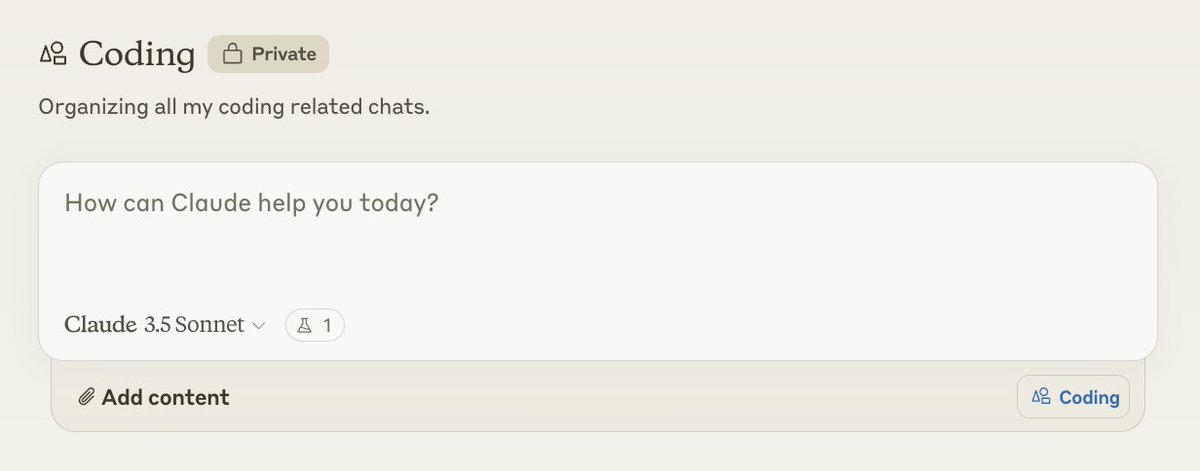
Coding
Instructions include all my coding preferences:
- I want Claude to return full code files (no "# rest of the code")
- Comments but only for complicated stuff
- Language preferences (I mainly use python nowadays)
Instructions include all my coding preferences:
- I want Claude to return full code files (no "# rest of the code")
- Comments but only for complicated stuff
- Language preferences (I mainly use python nowadays)
Education
Instructions include my learning style (I prefer diagrams and analogies), what level of explanation I want Claude to respond with (e.g. ELI5), and my preference for Claude to ask me questions to identify what I don't know about a topic.
Instructions include my learning style (I prefer diagrams and analogies), what level of explanation I want Claude to respond with (e.g. ELI5), and my preference for Claude to ask me questions to identify what I don't know about a topic.

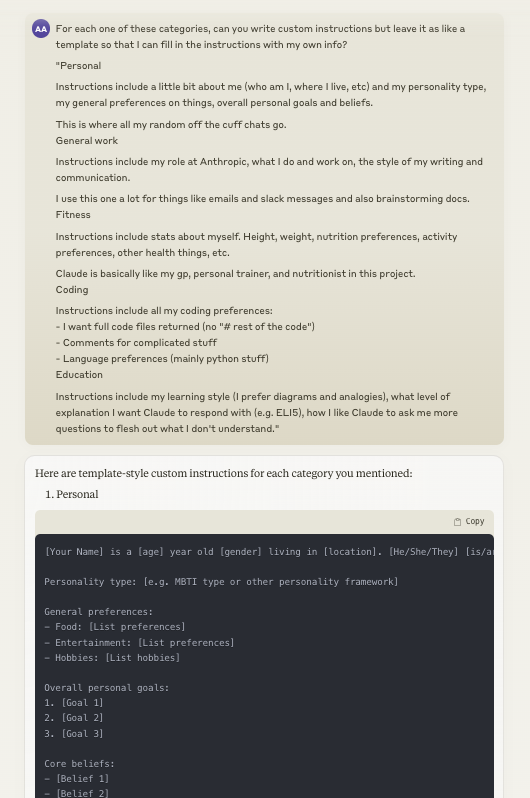
If you want to quickly set this up, I would just copy the text in this thread, send it to Claude, and ask it to write the custom instructions for each one of these but leave blank spaces for you to fill in your own info.
Let me know what other types of projects y'all have made - I'm trying to source some more cool ideas.
• • •
Missing some Tweet in this thread? You can try to
force a refresh